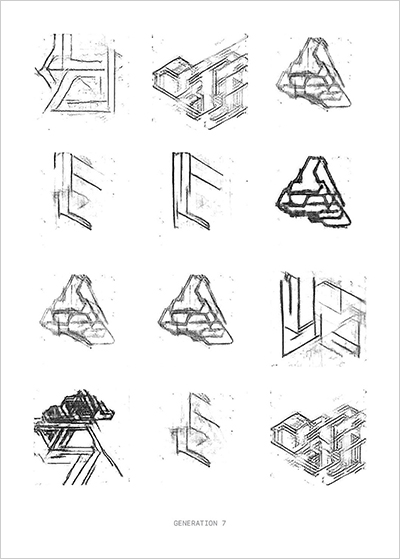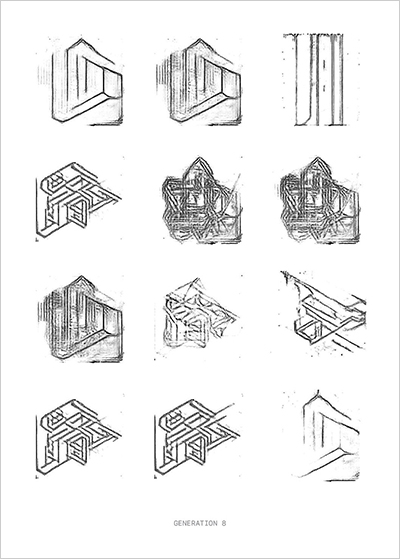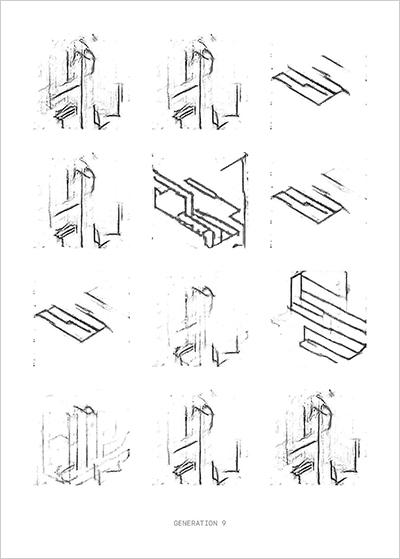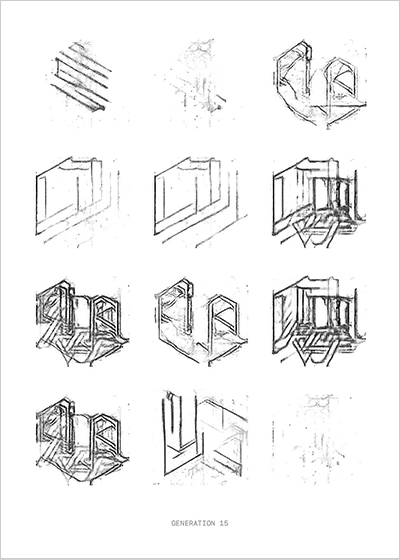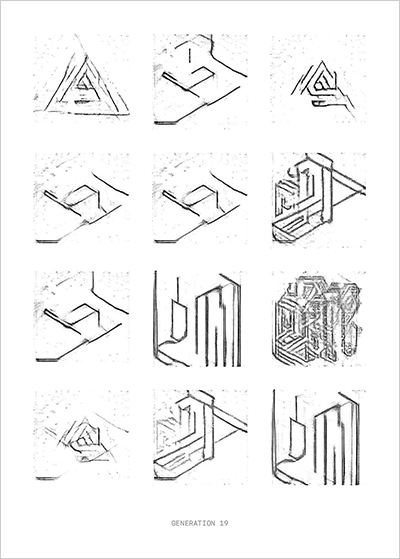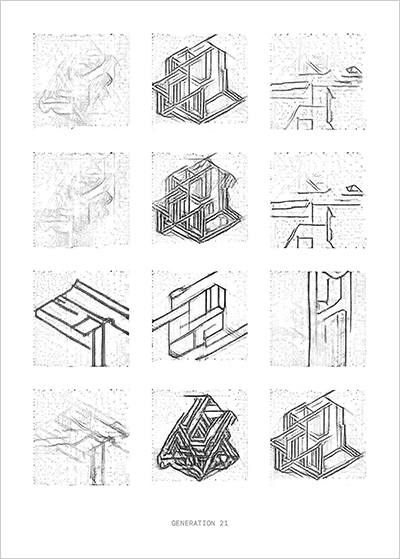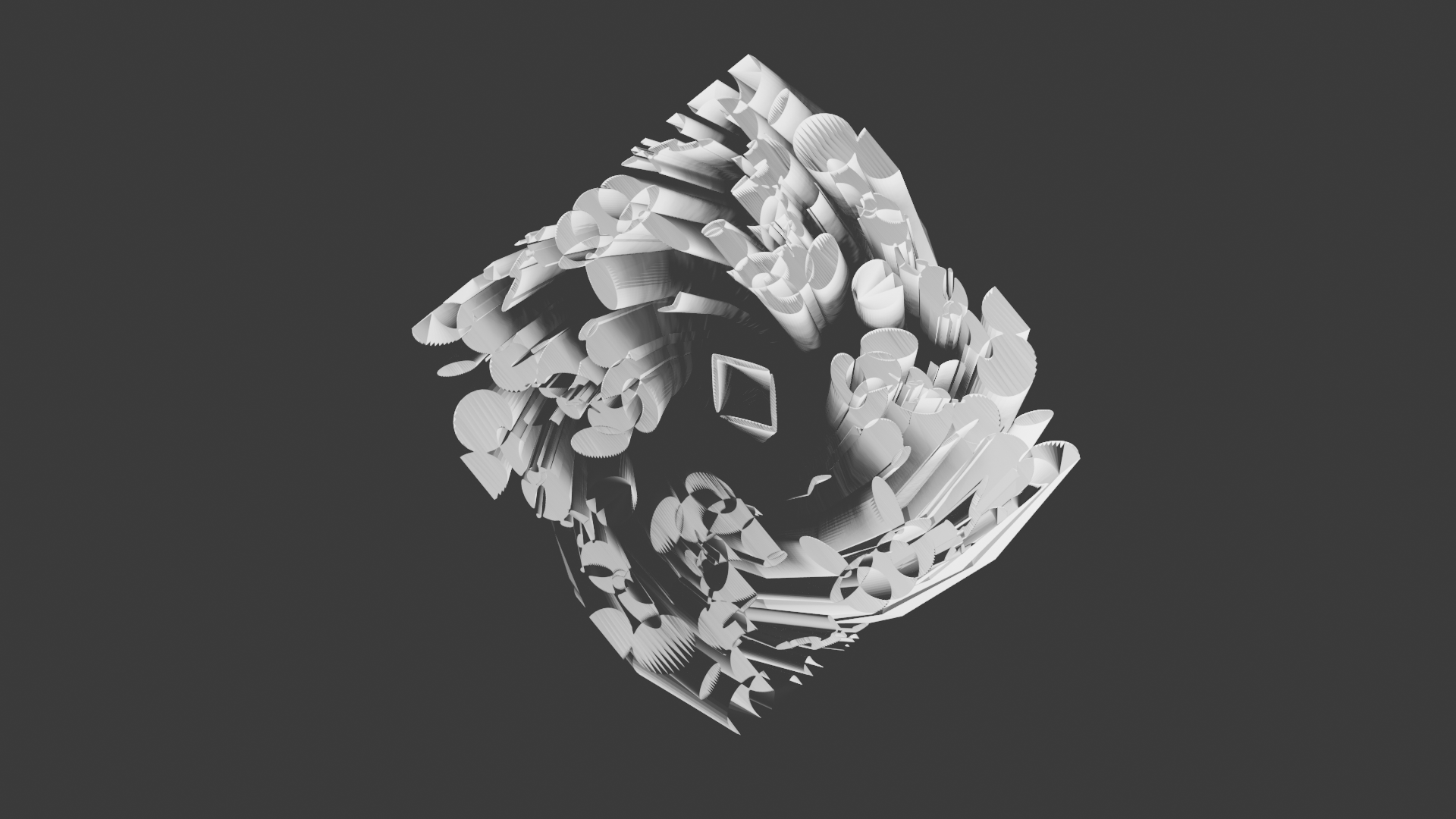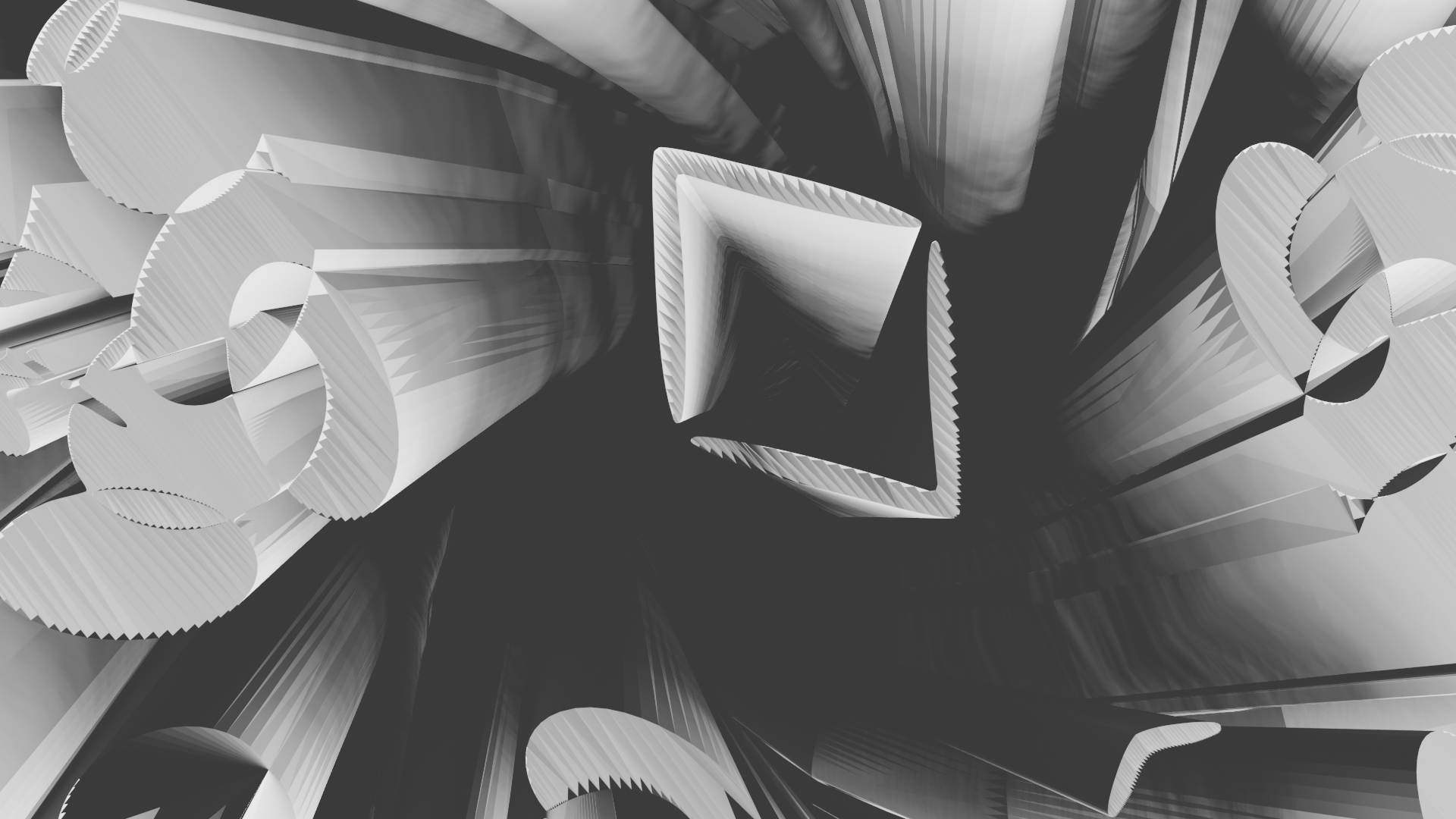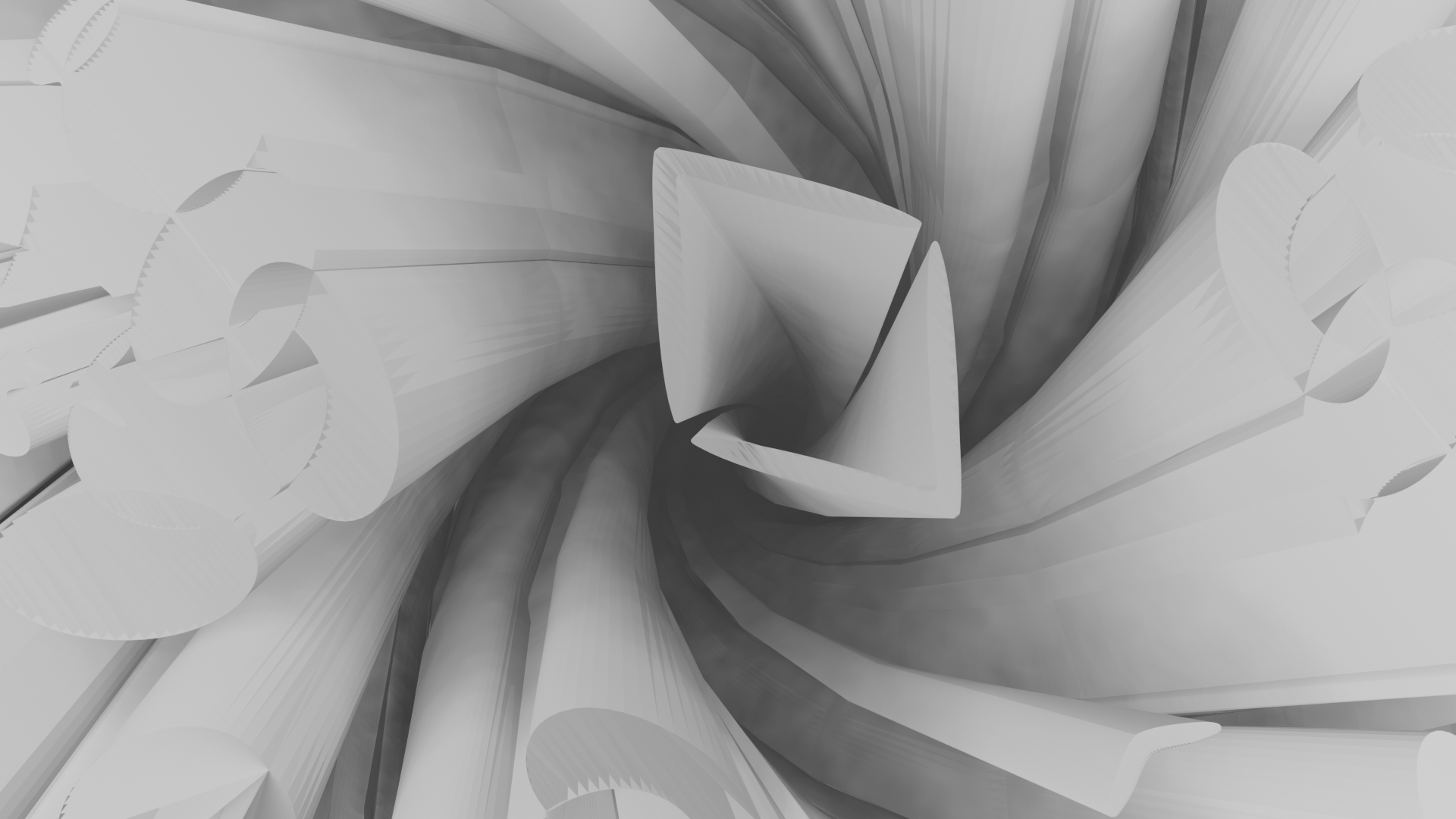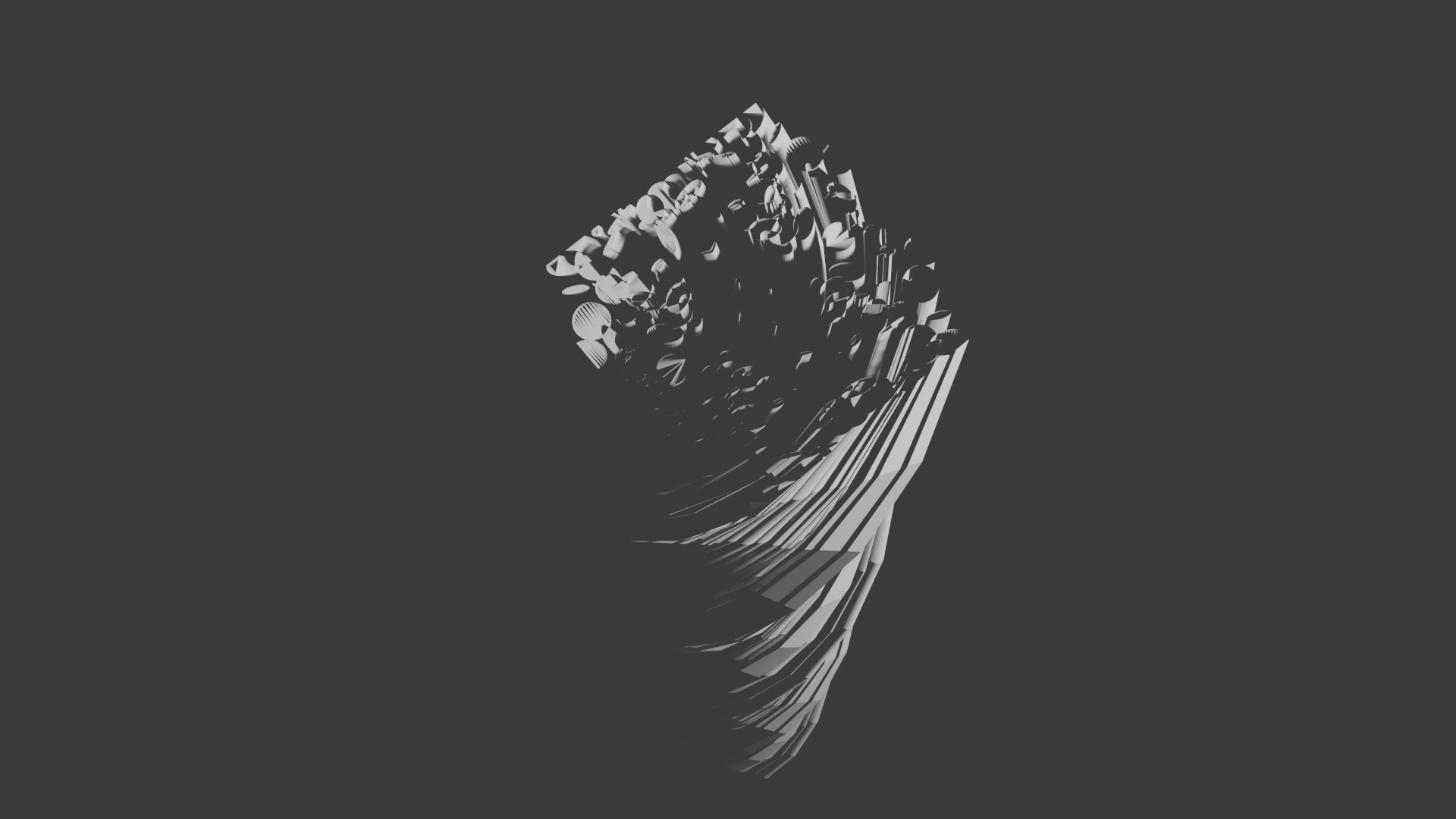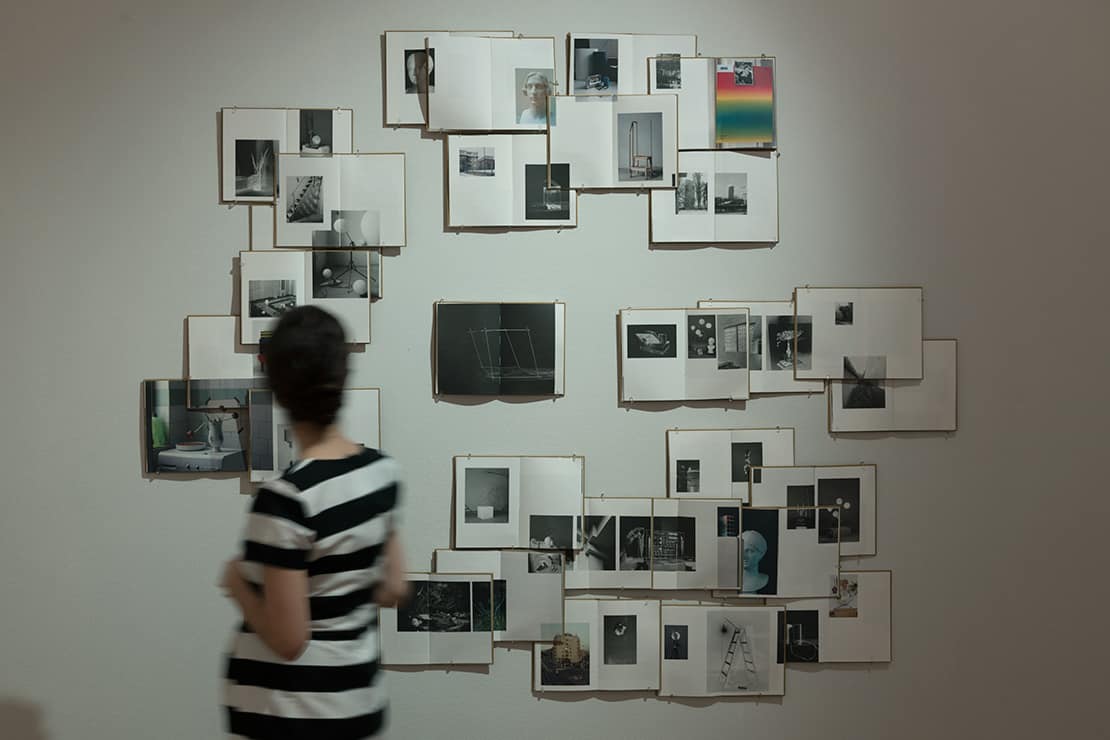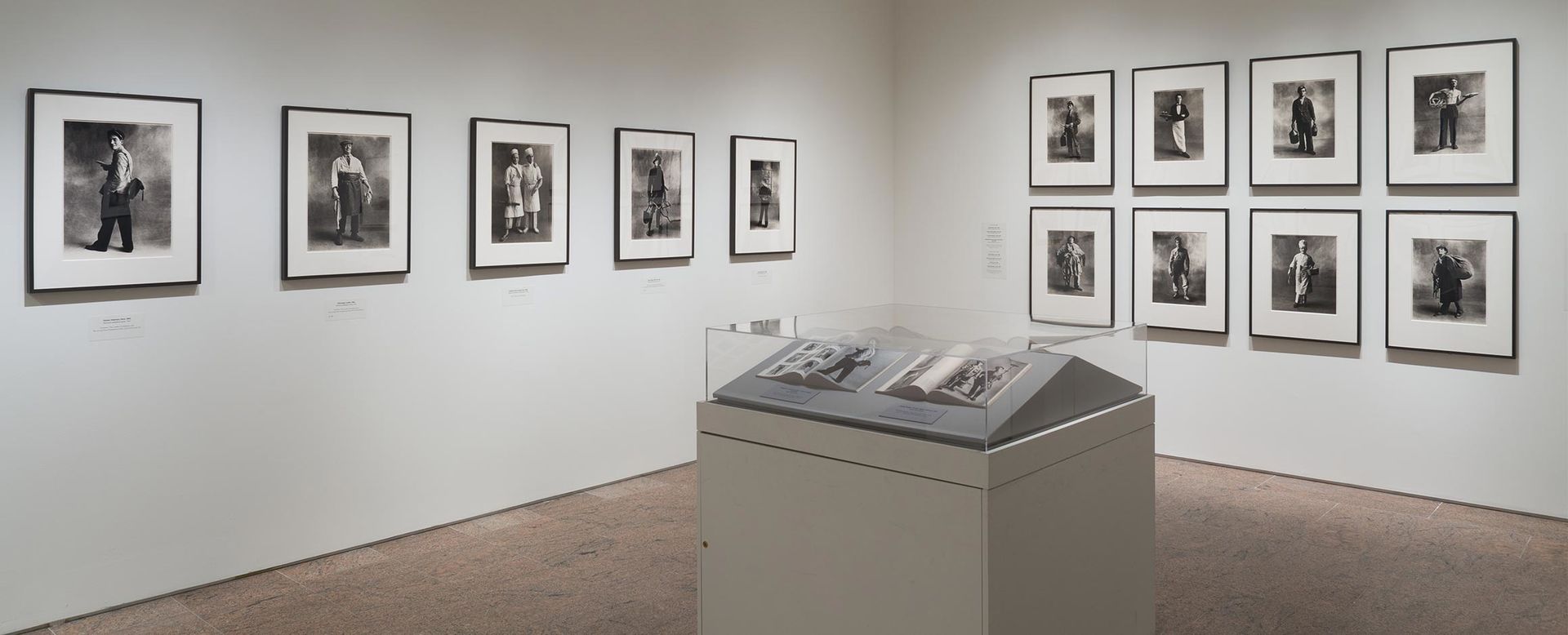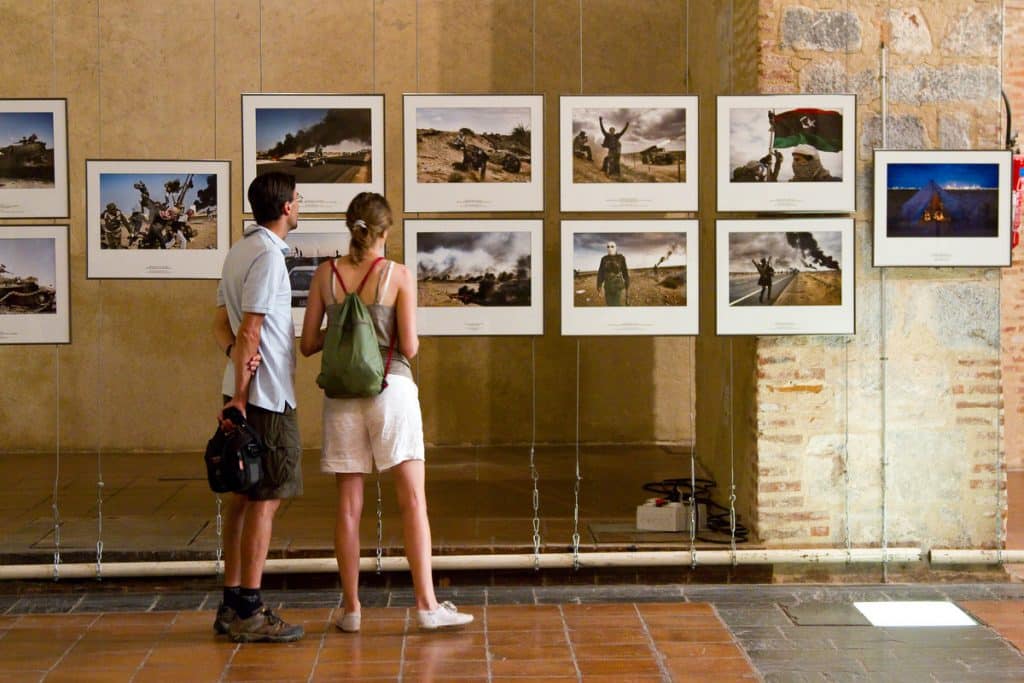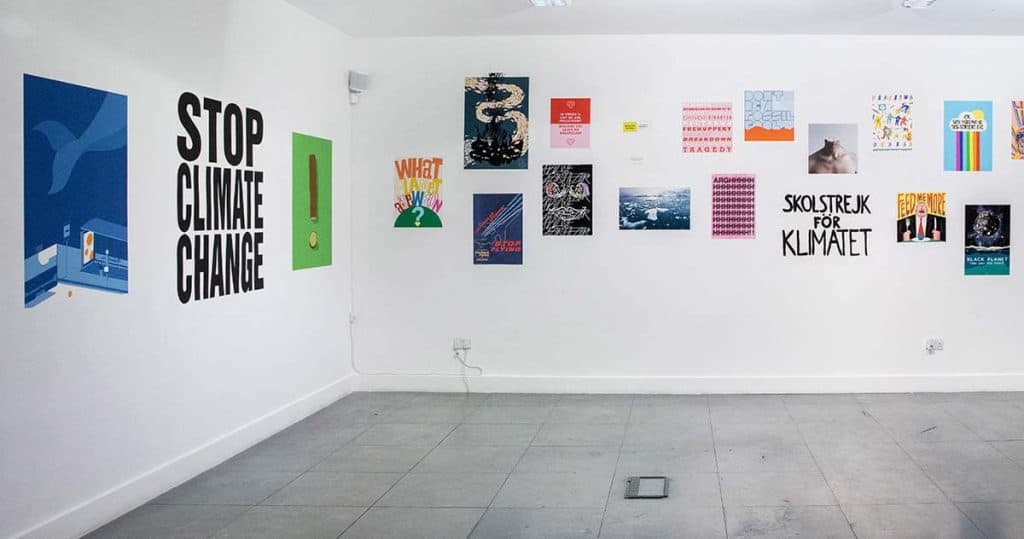

Semester One
Semester Two
Creative Technologist/ Designer/ Student.


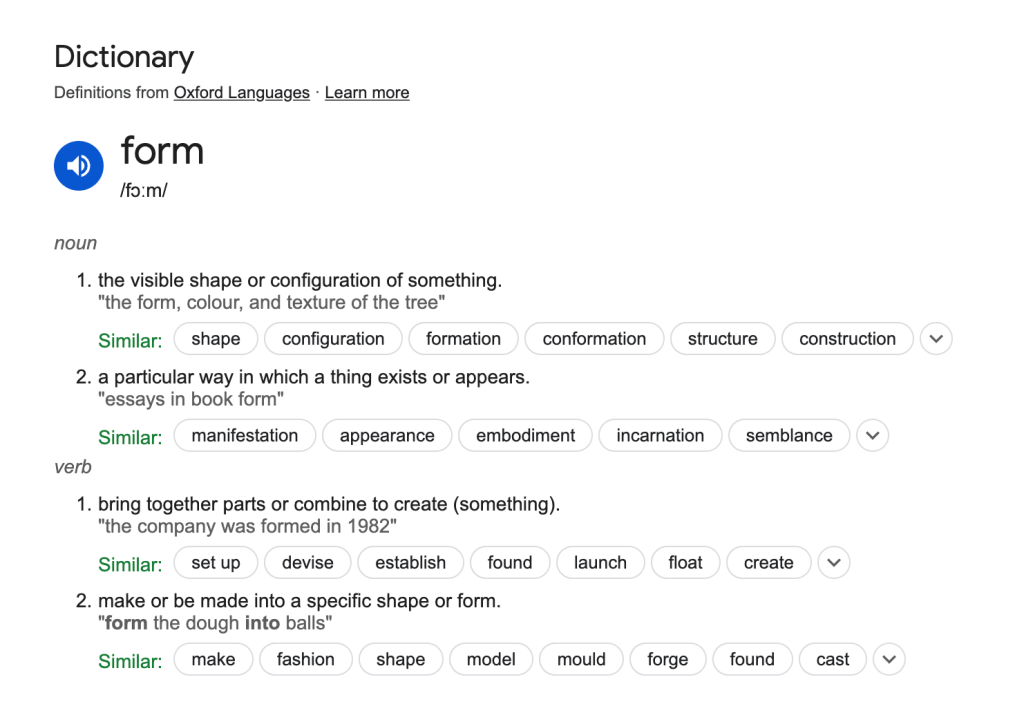
Form


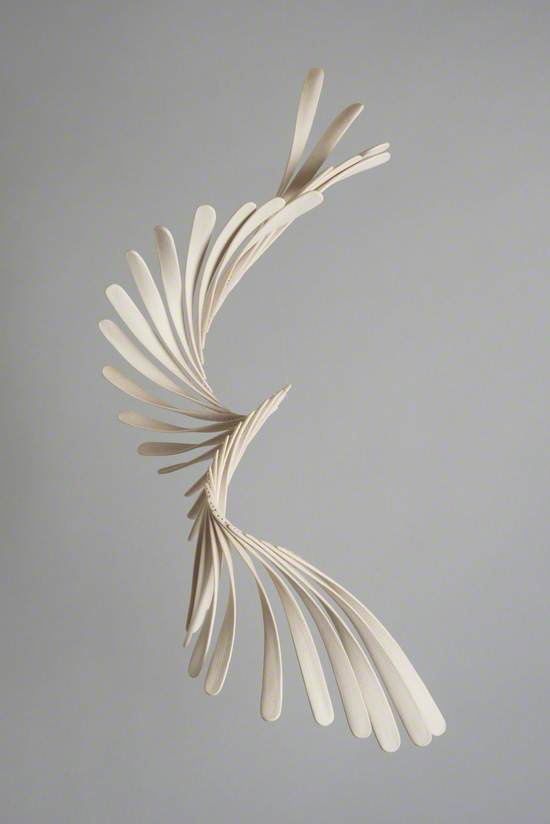
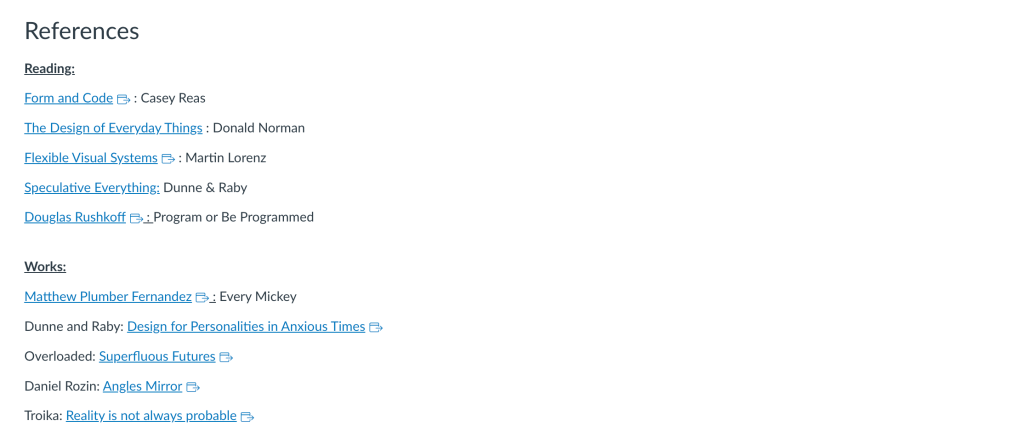
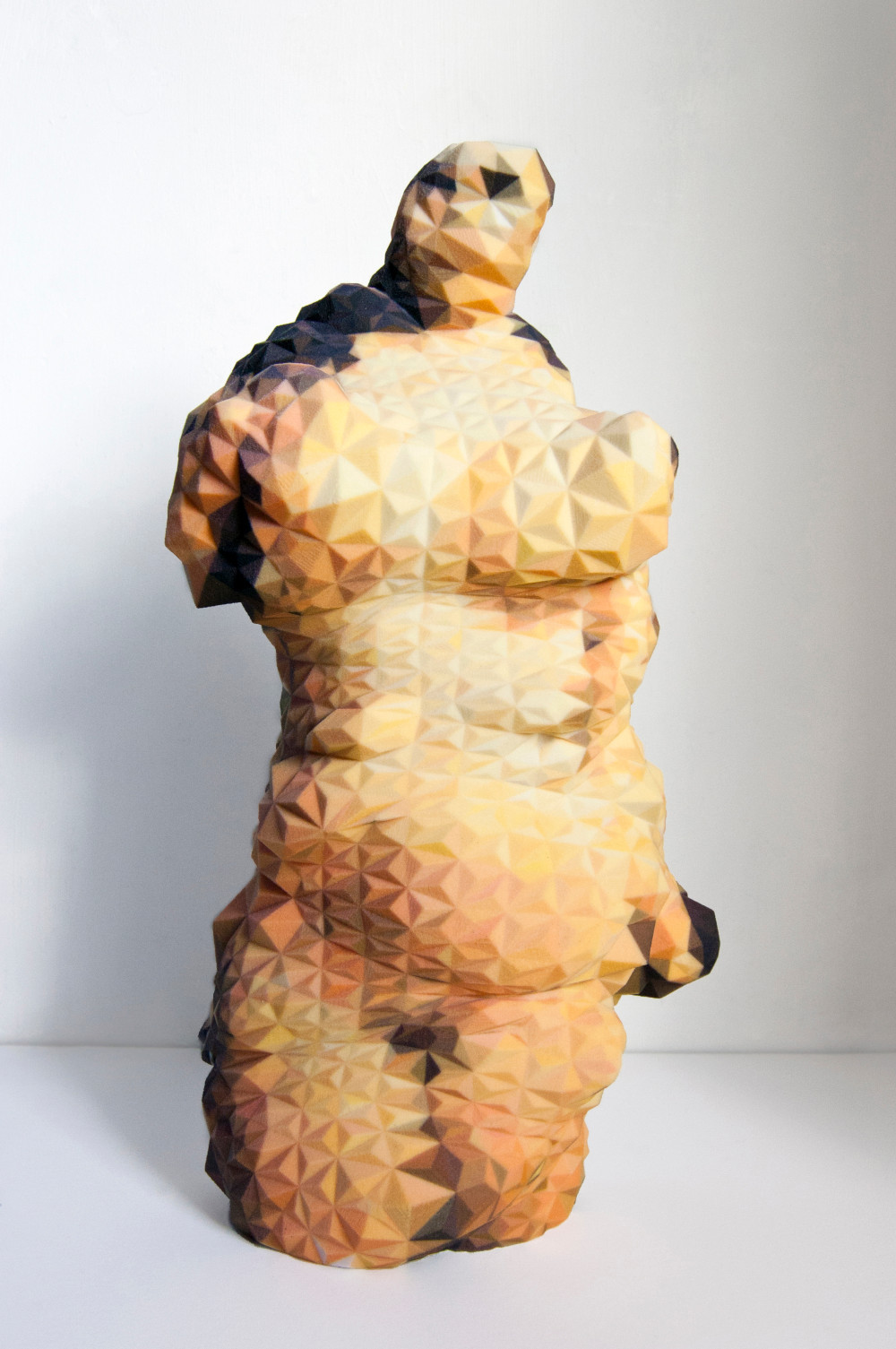
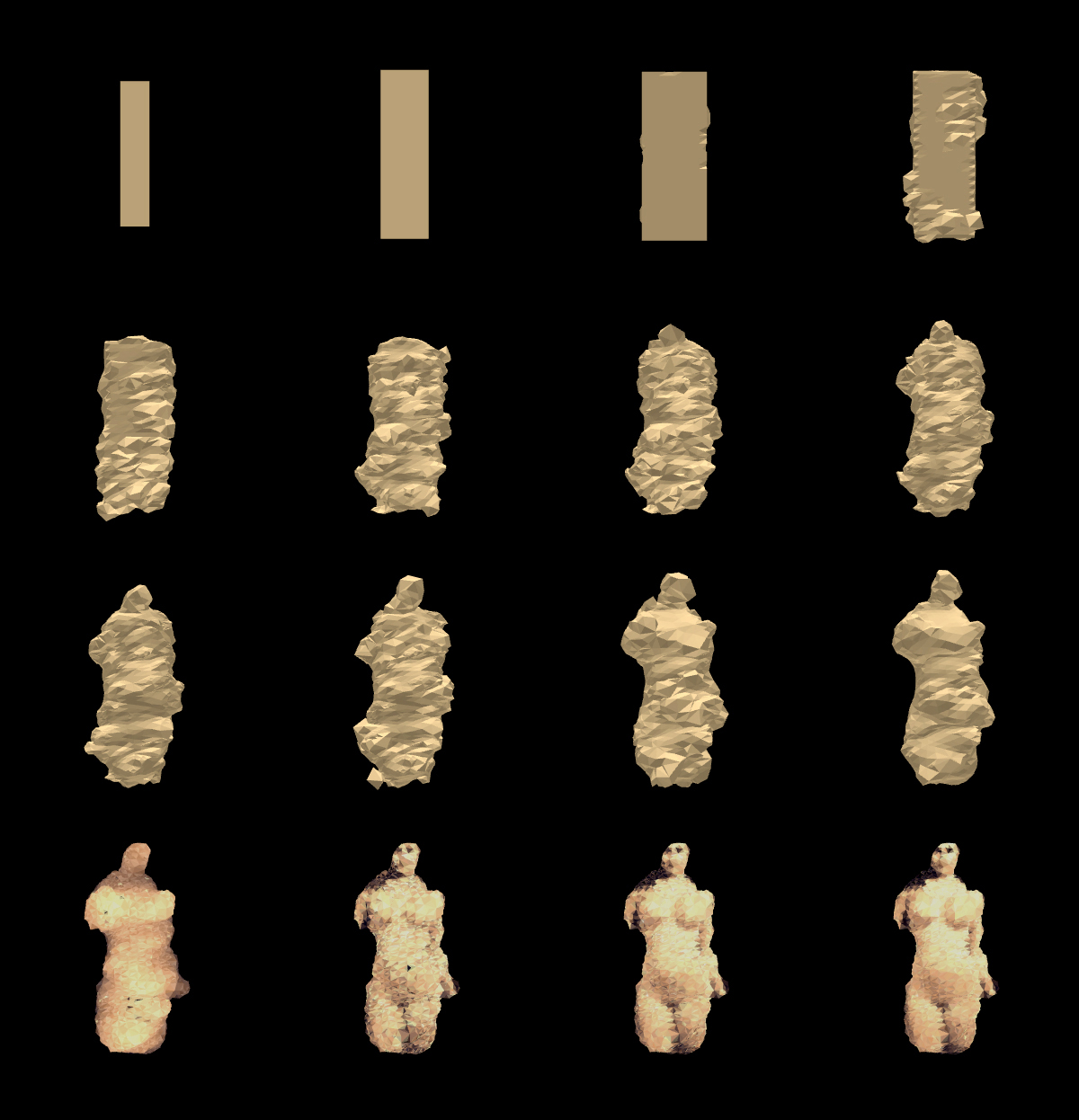
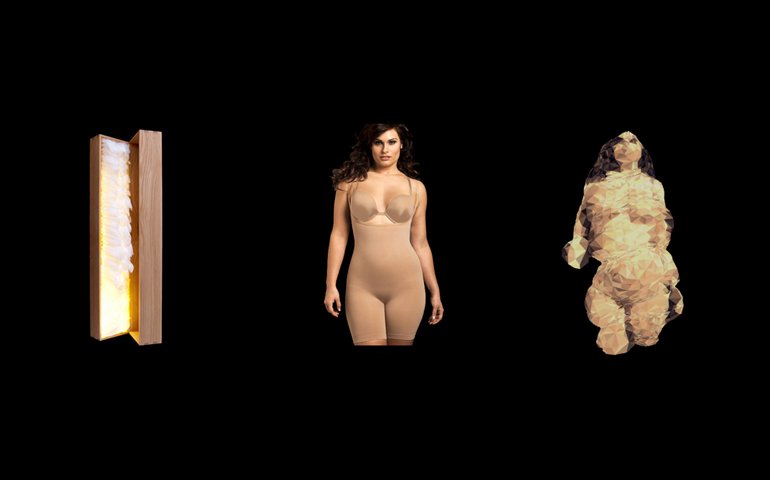
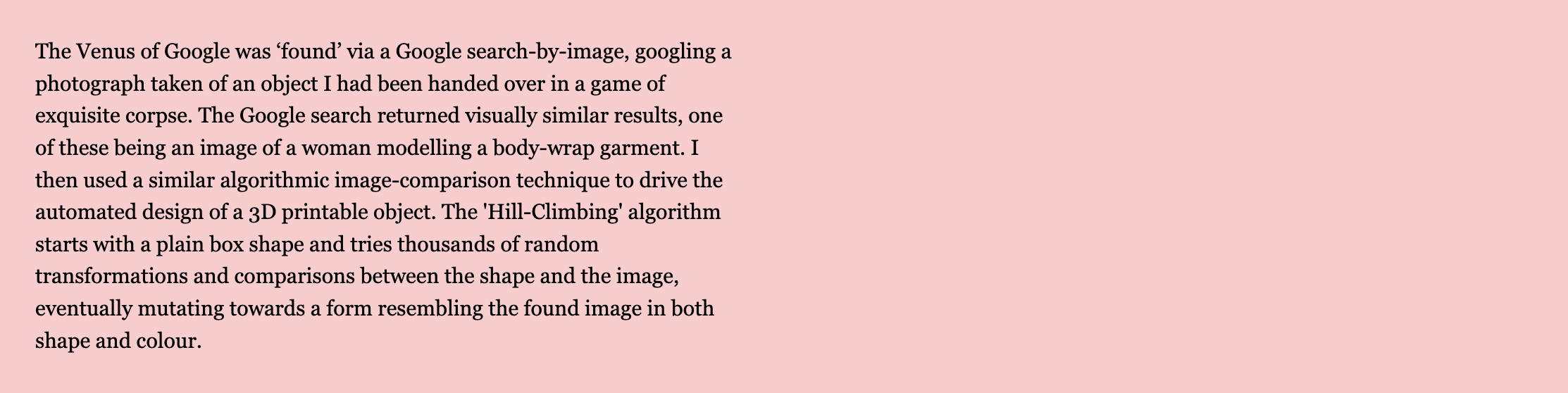
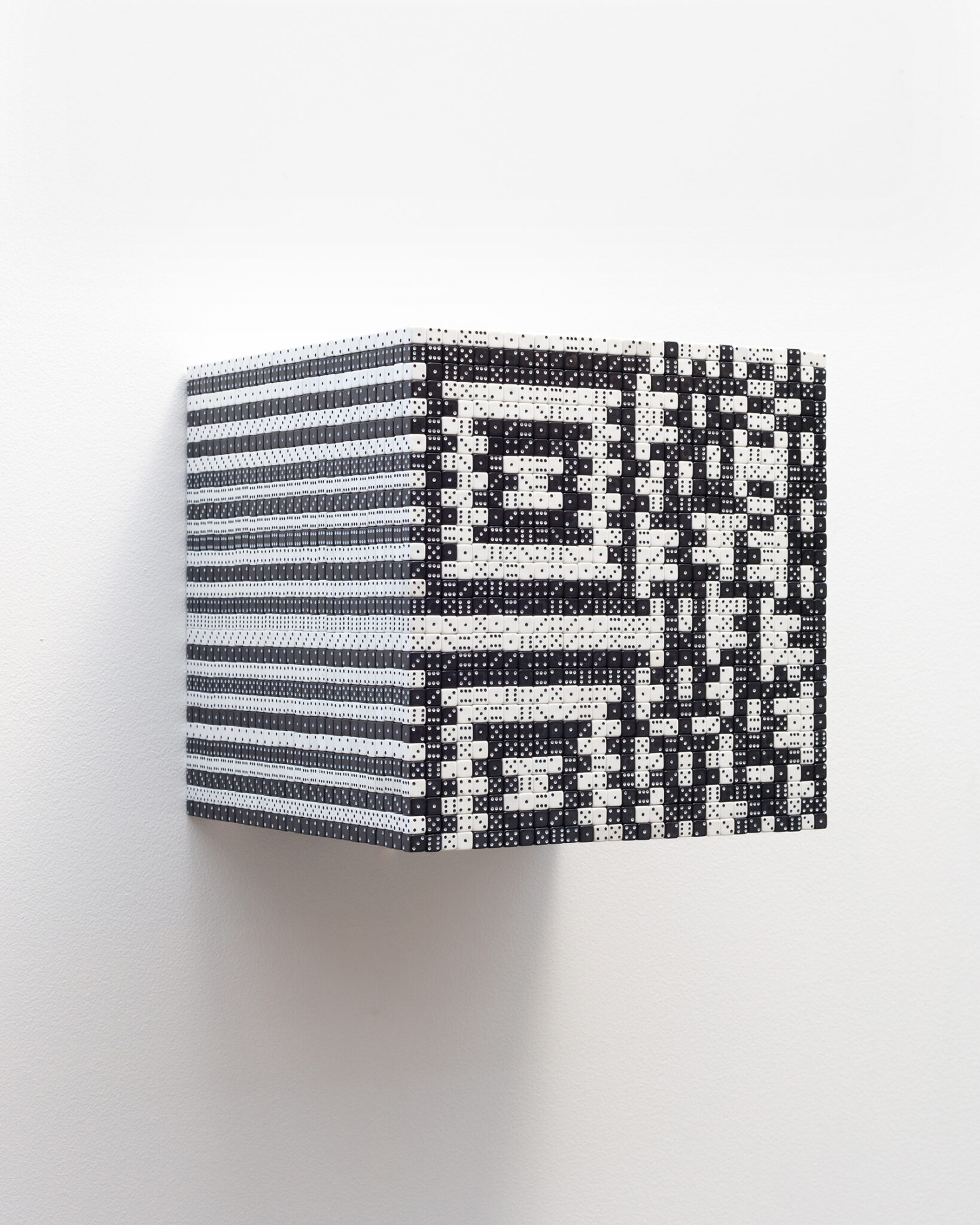
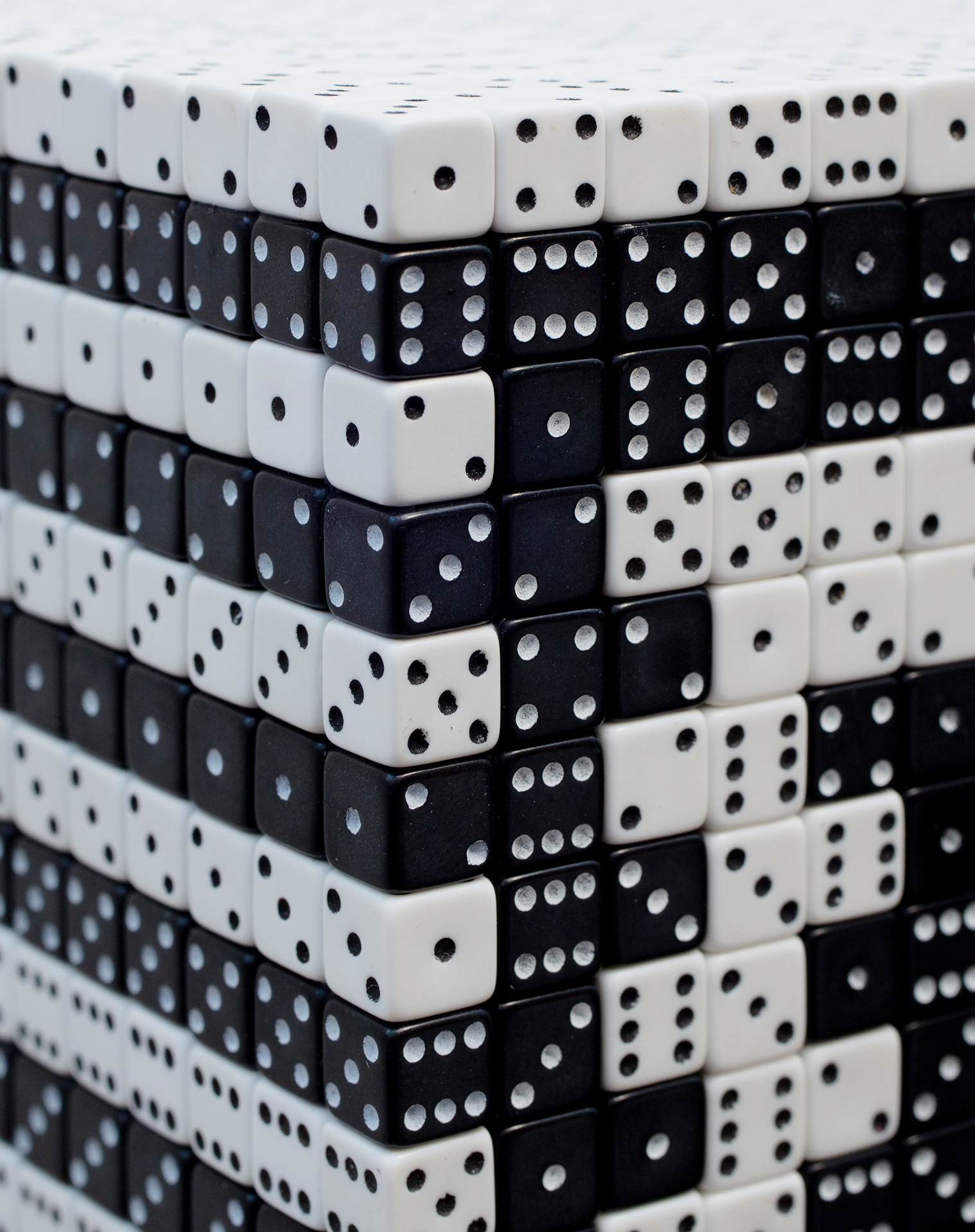
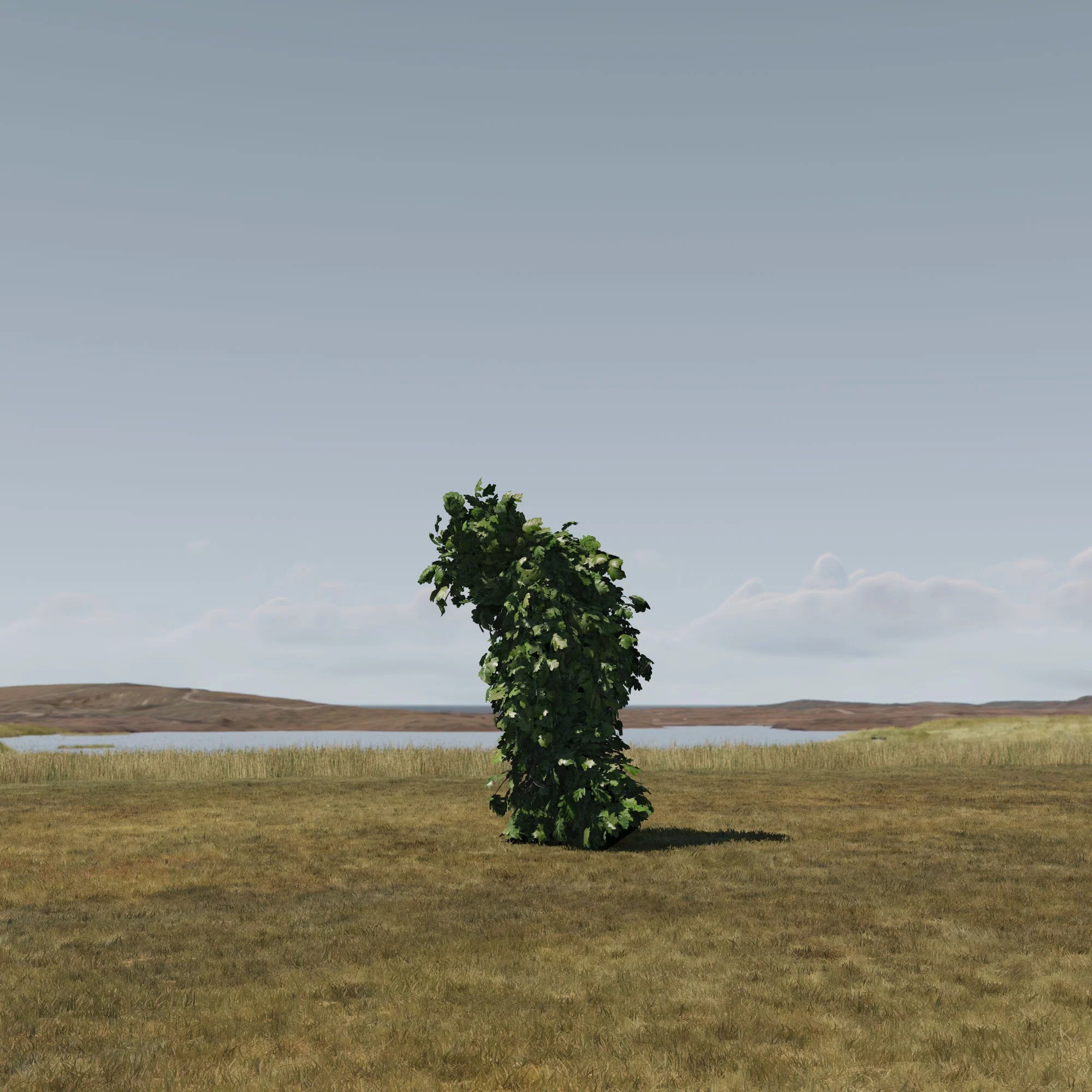
Venus of Google –
Matthew Plummer-Fernández


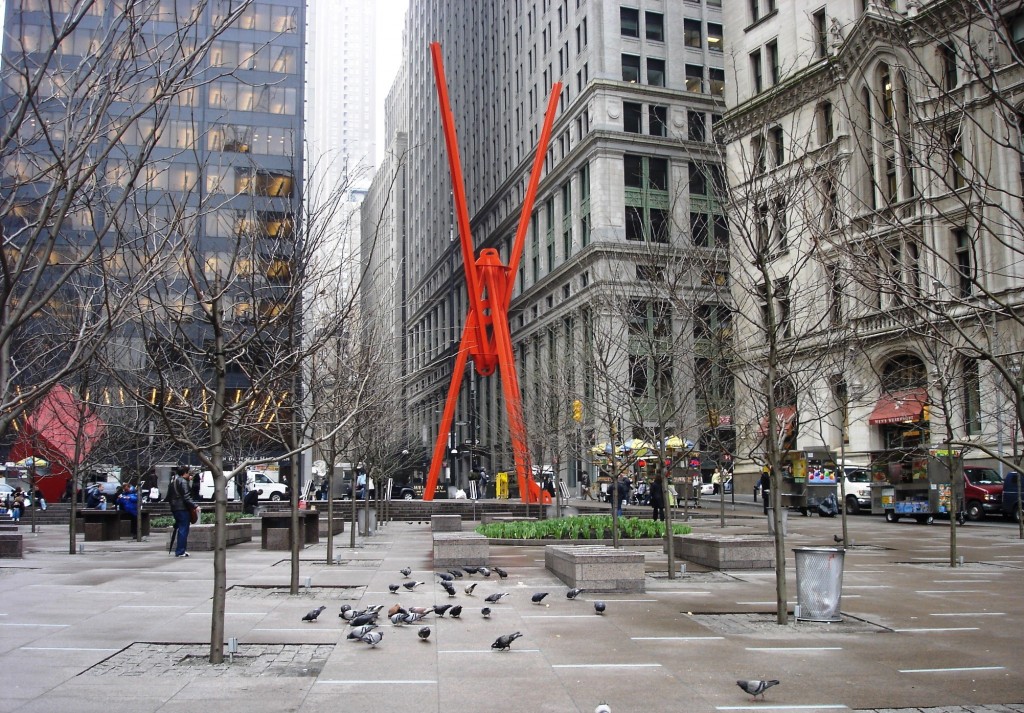
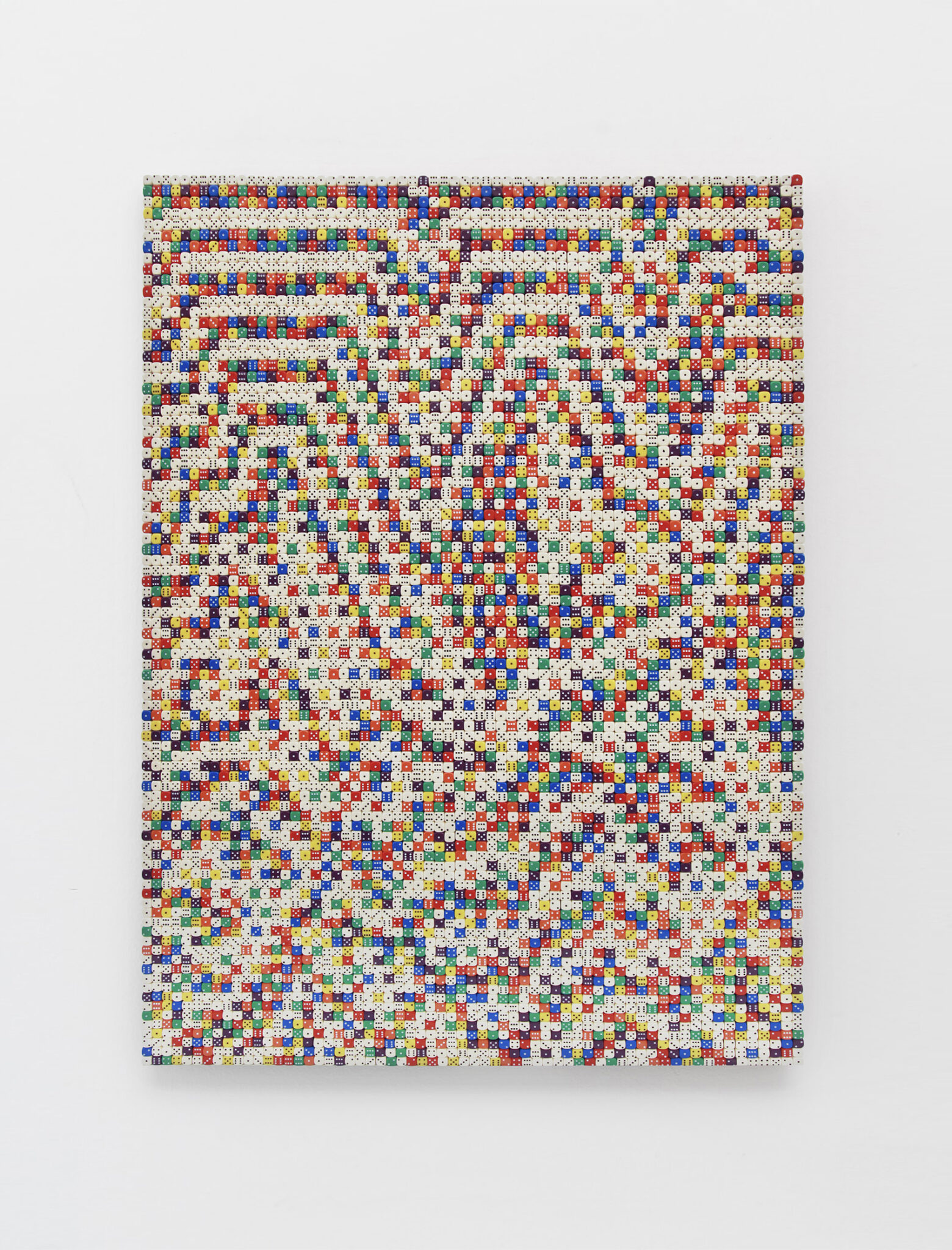
Reality is not always probable –
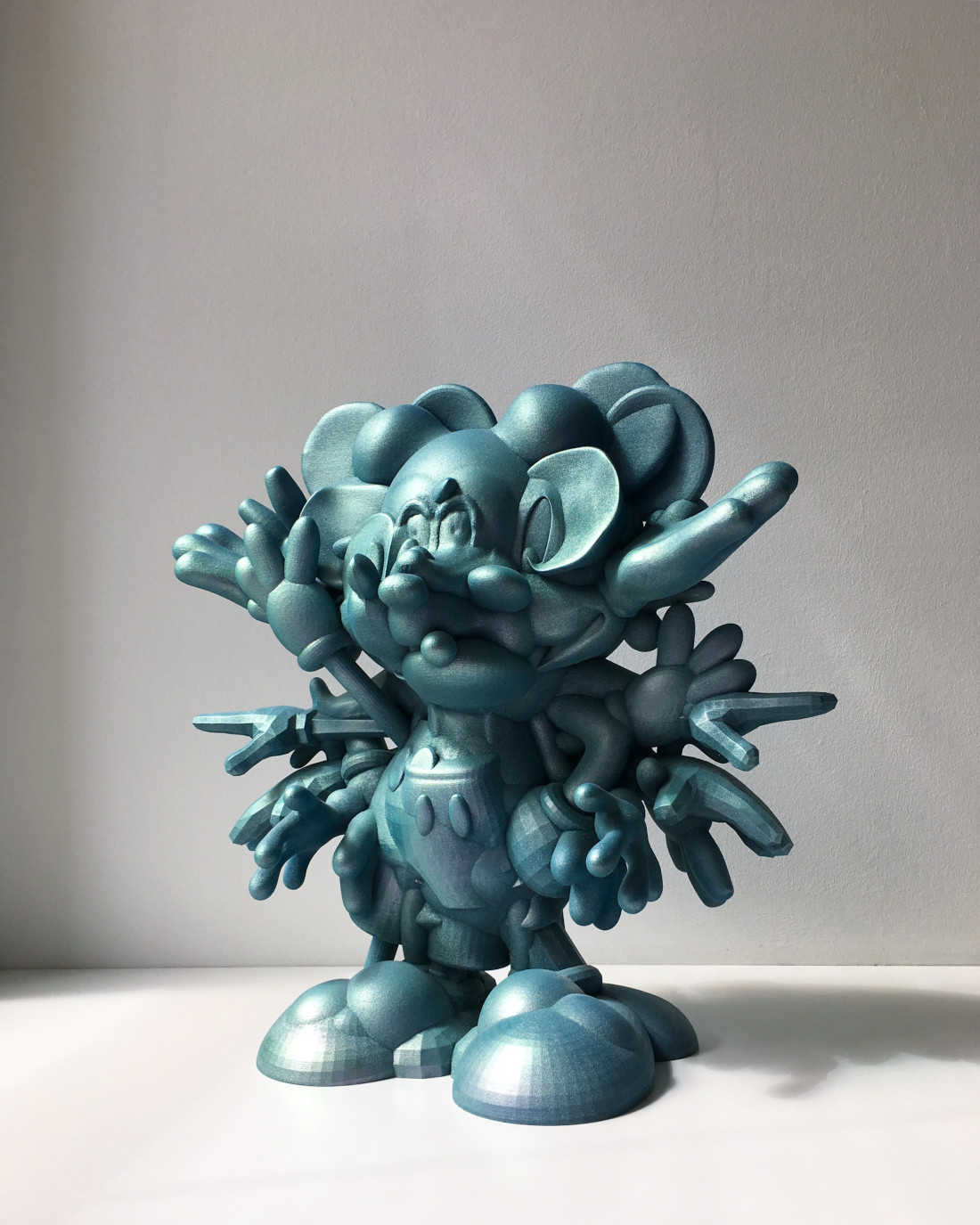
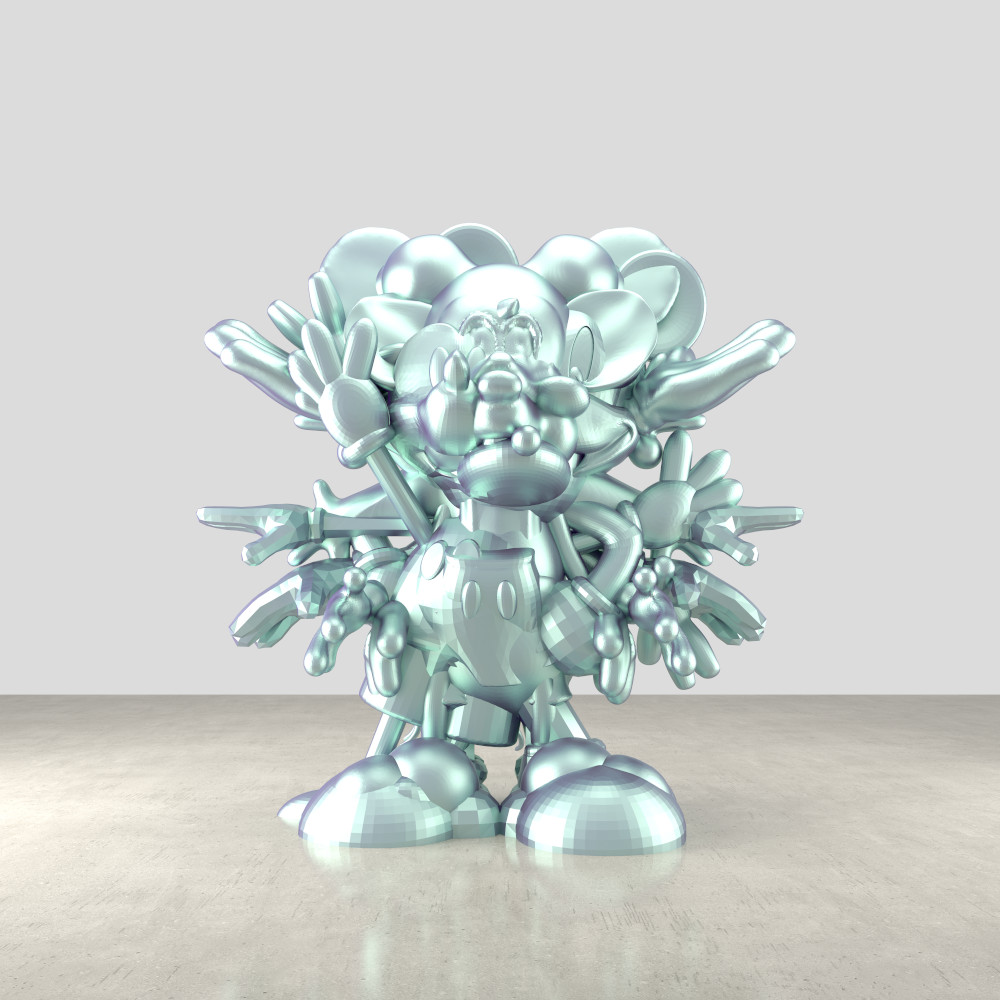
Troika


In Search of an Impossible Object, 2018
Anthony Dunne & Fiona Raby


Conversation with dad :
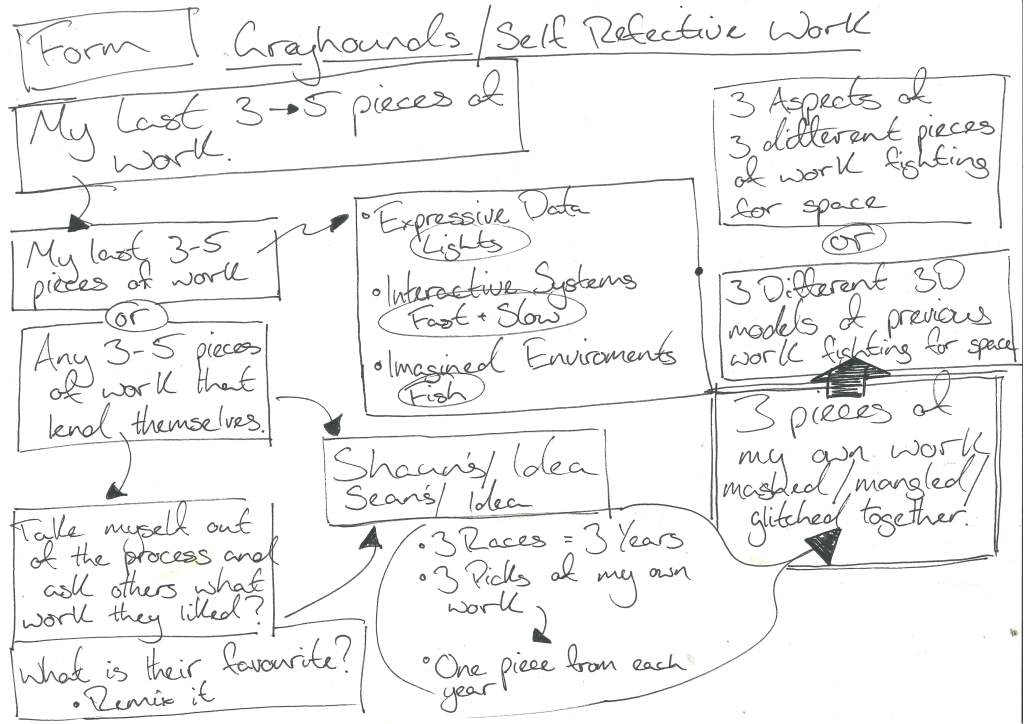
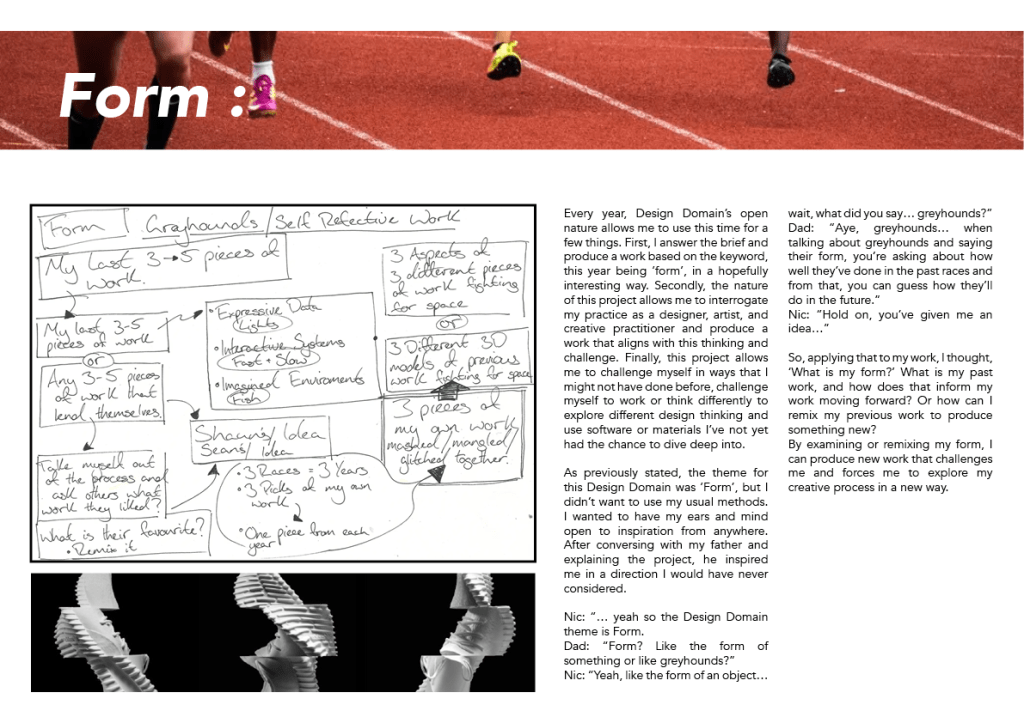
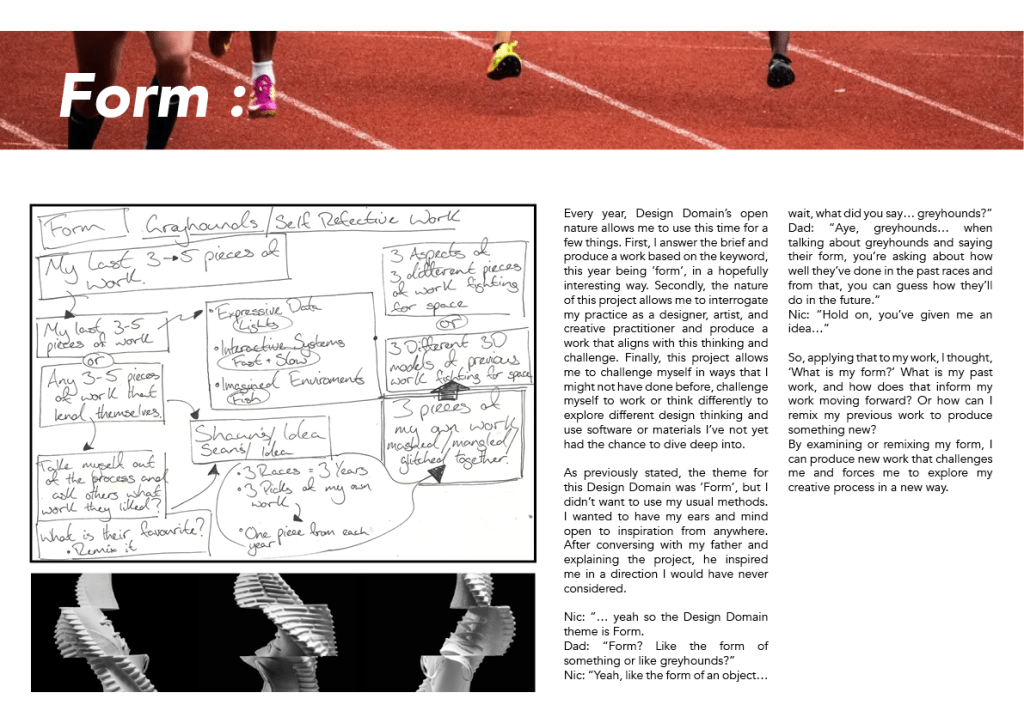
When discussing my project with my dad he had mentioned that in greyhound racing that when talking about a dogs form youre talking about how good the dog has been, its most recent 3-5 races to make an educated guess on how well the dog will preform.

Applying this to the project I was considering how I could apply this to my own practice and looking at my past 3-5 pieces of work and judging how the next piece of work would be.
My thoughts just now :
Wed 27th Nov 12:04
So before I started this project I was very sure and excited about the inital idea of giving form to intangible things or senses that we can see but not interact with but just now for some reason the idea isn’t exciting to me.
Usually in my projects they seem to be clean and clear and deliverable products that answer the questions of the brief in a very illteral manner but thinking back to Design Domain in second year I used that as an opportunity to challenge my personal process and discover more about myself thought it and with the vauge stucture of this project I think it is a good time to try and challenge myself and do something I wouldn’t normally do and not just try to solve a problem and answer a brief and be more artistic.
I might be naive, but I think the take on form in the context of greyhounds and they’re ‘form’ (meaning previous results) is something that might not be done by many other people and the idea of what that means to myself as a creative practitioner and that idea does excite me.
You’re not here to make happy shit.
Paul McGuire -2024
Chat with Sean :
In the studio I was suring my usual wander when struggling for ideas and not sure where to go and was explaining my struggles to Sean in year two and he had a number of great ideas one of being that I should view my years at GSA as my races, years one, two and currently three and pick work from one of those years to mangle together.
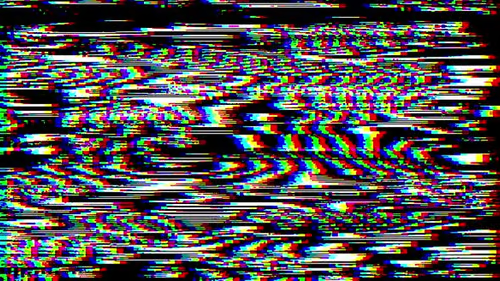
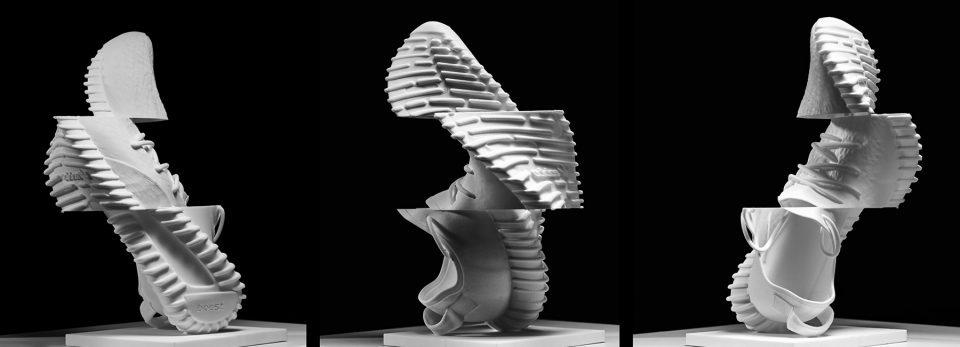
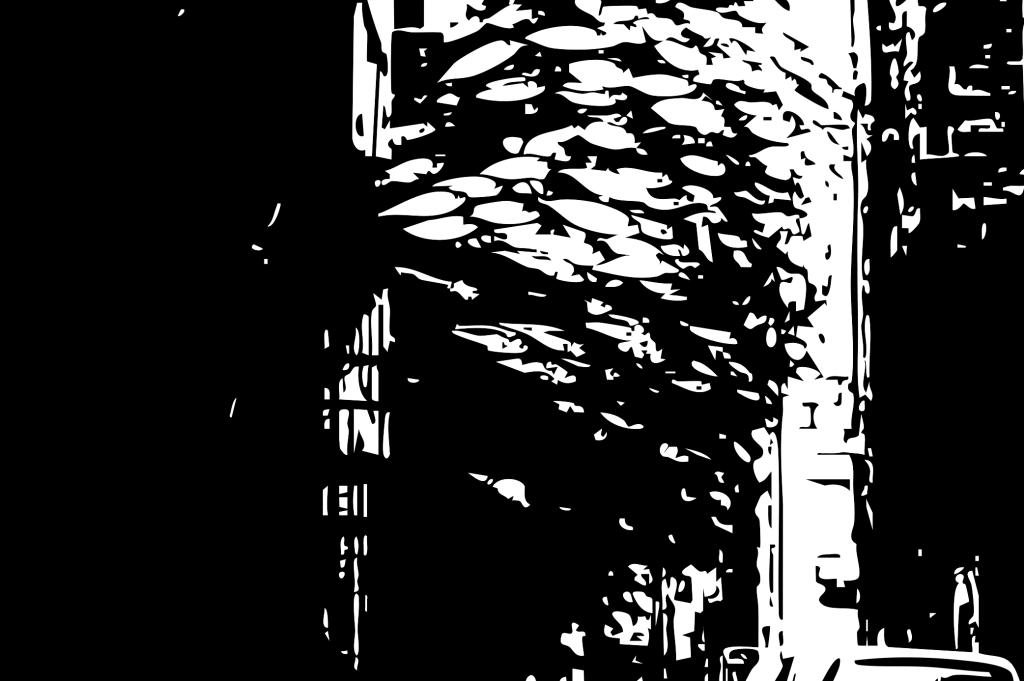
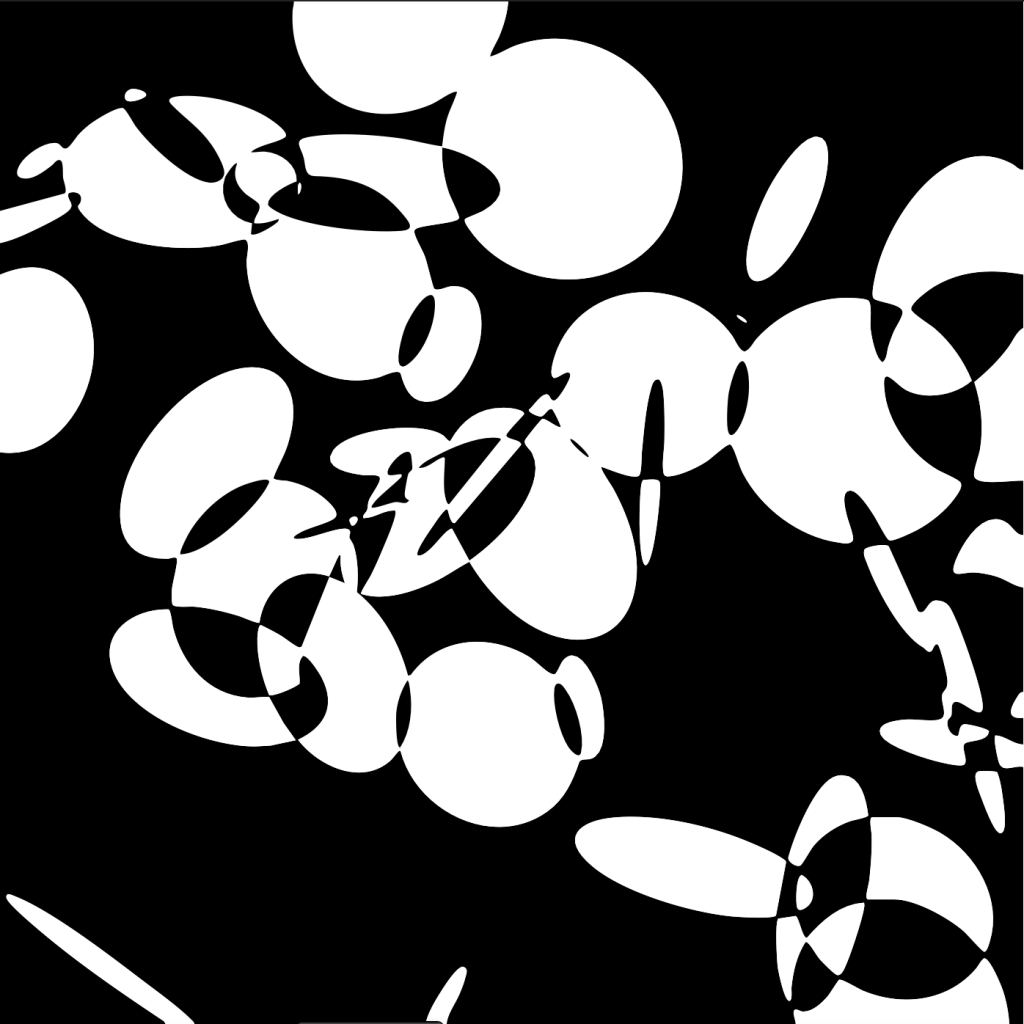
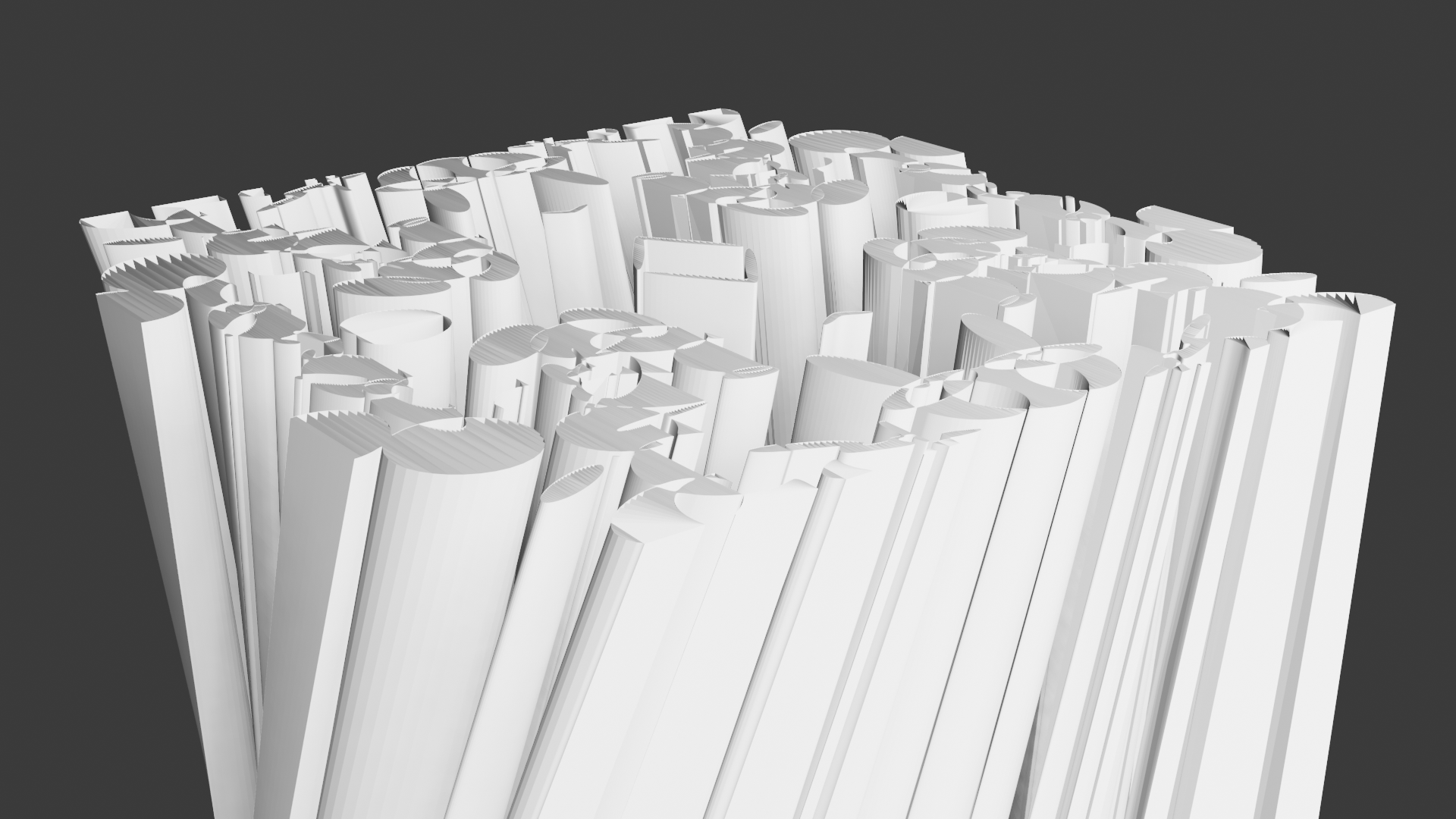
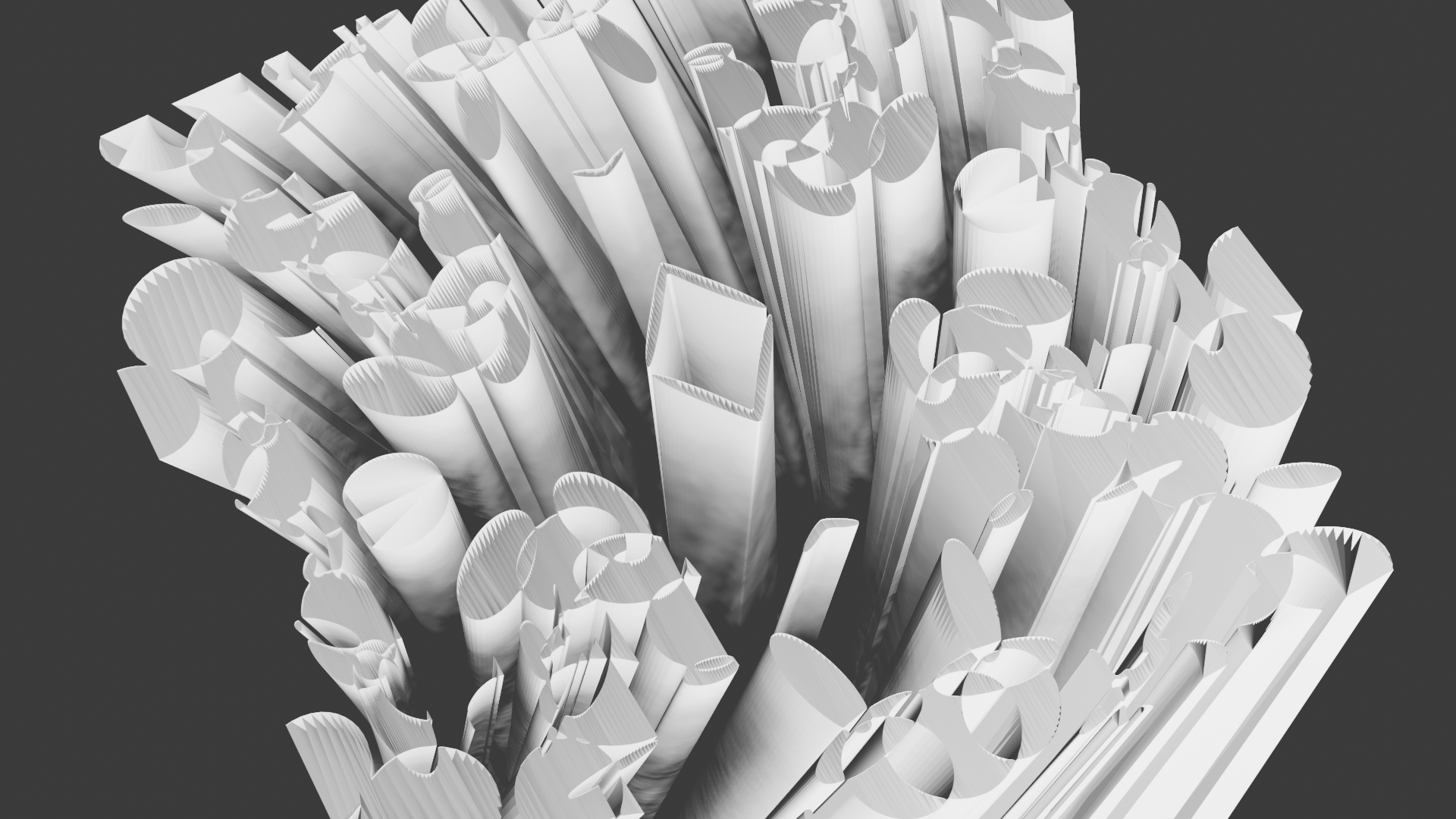
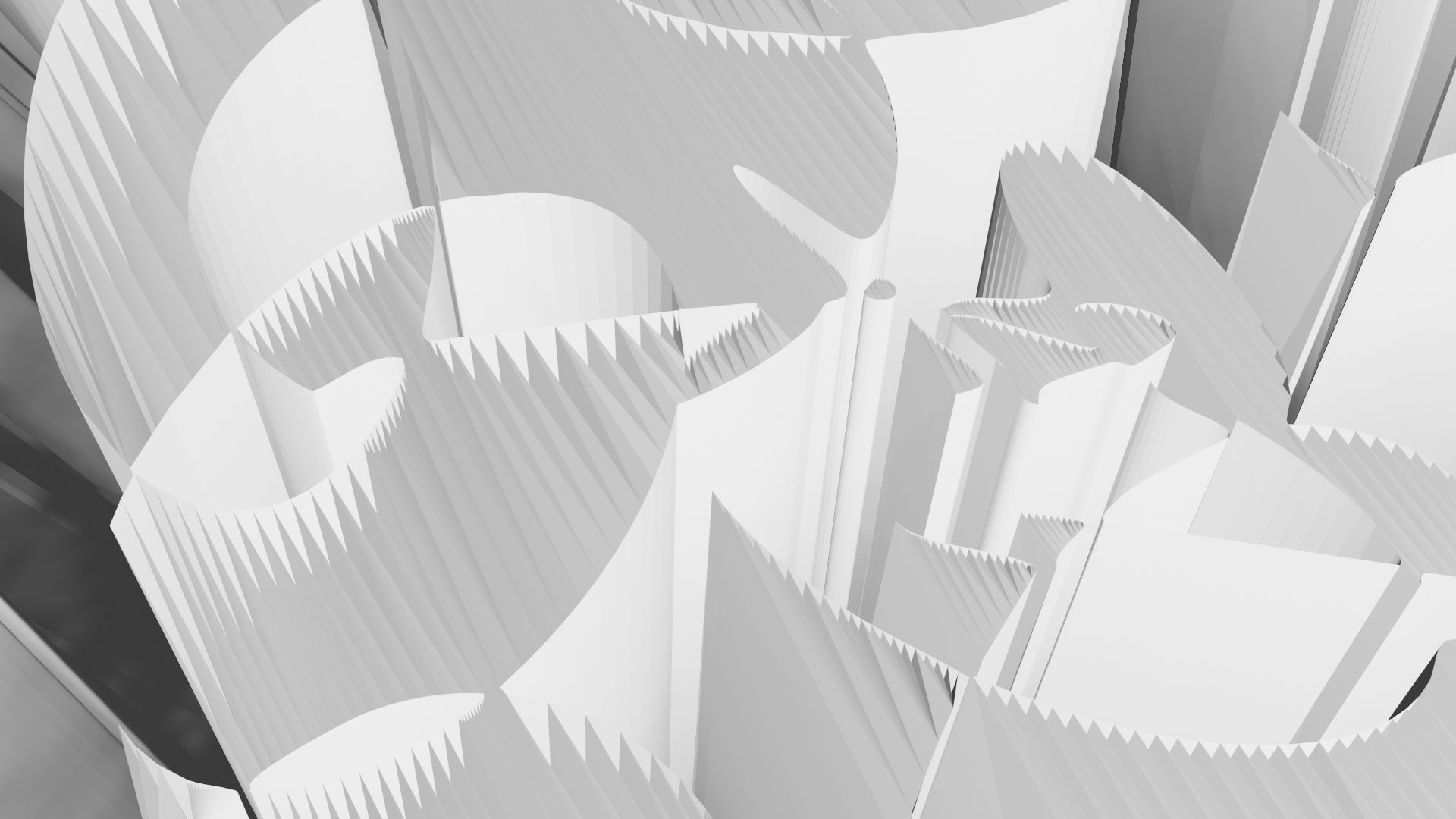
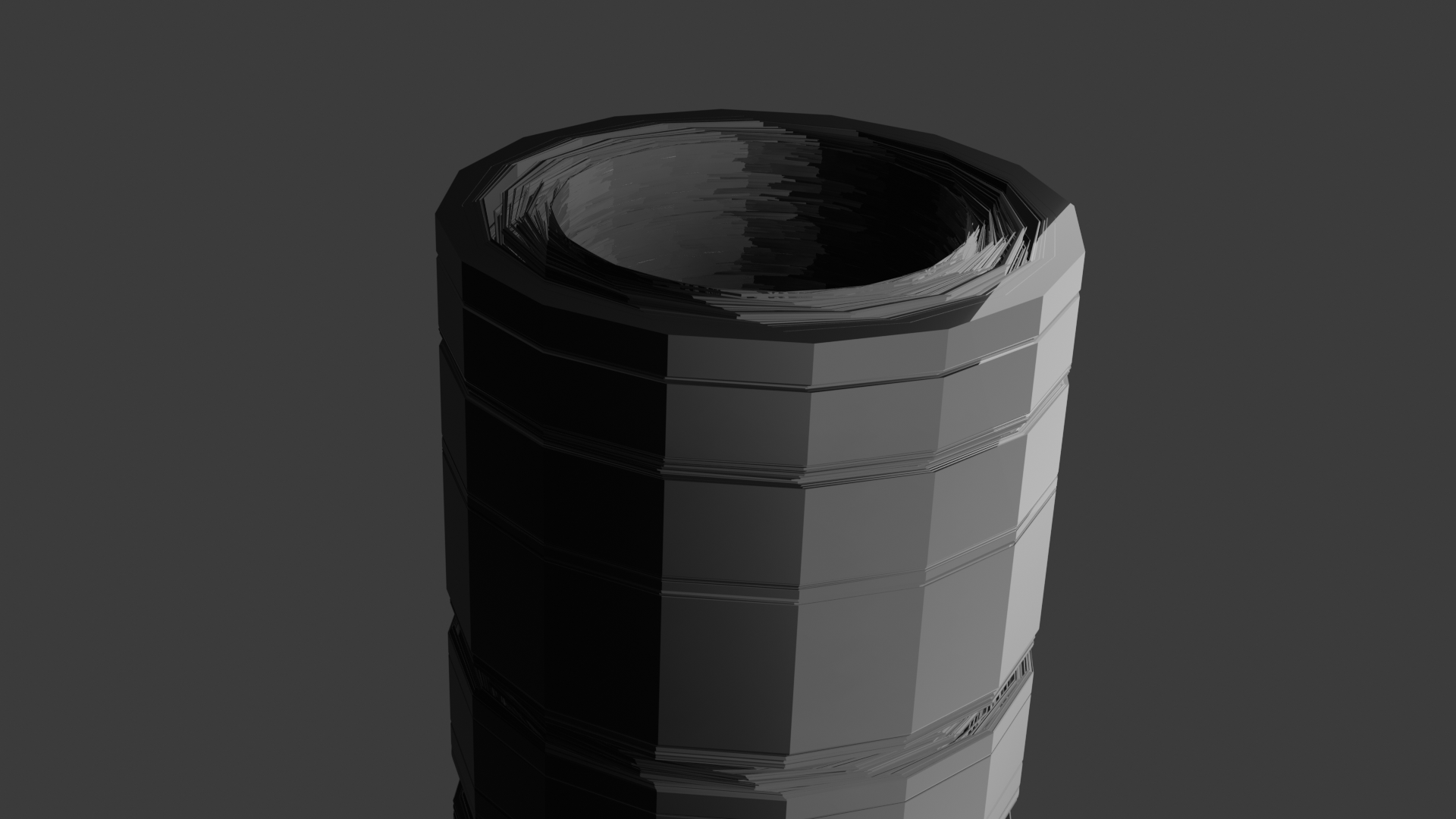
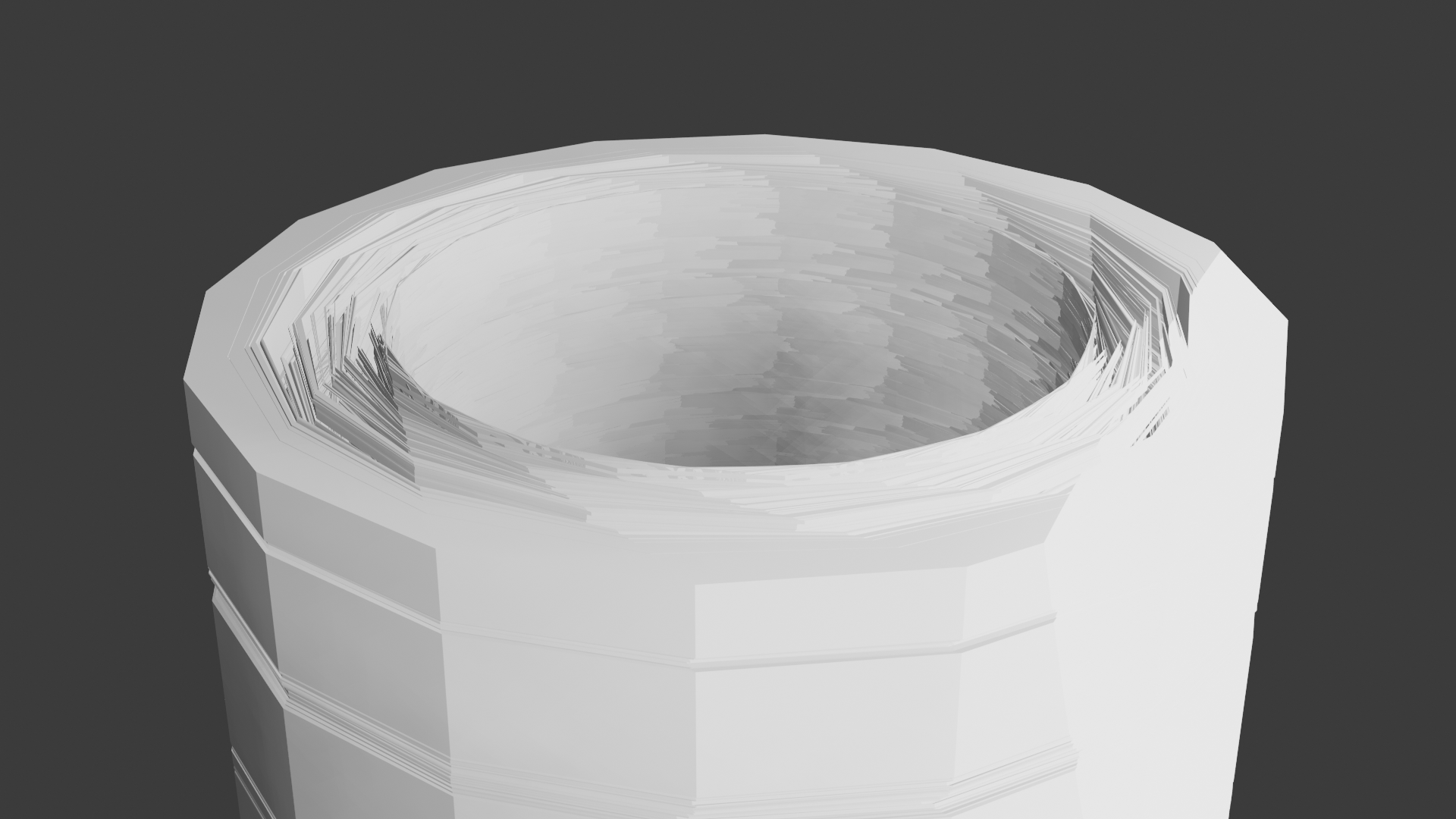
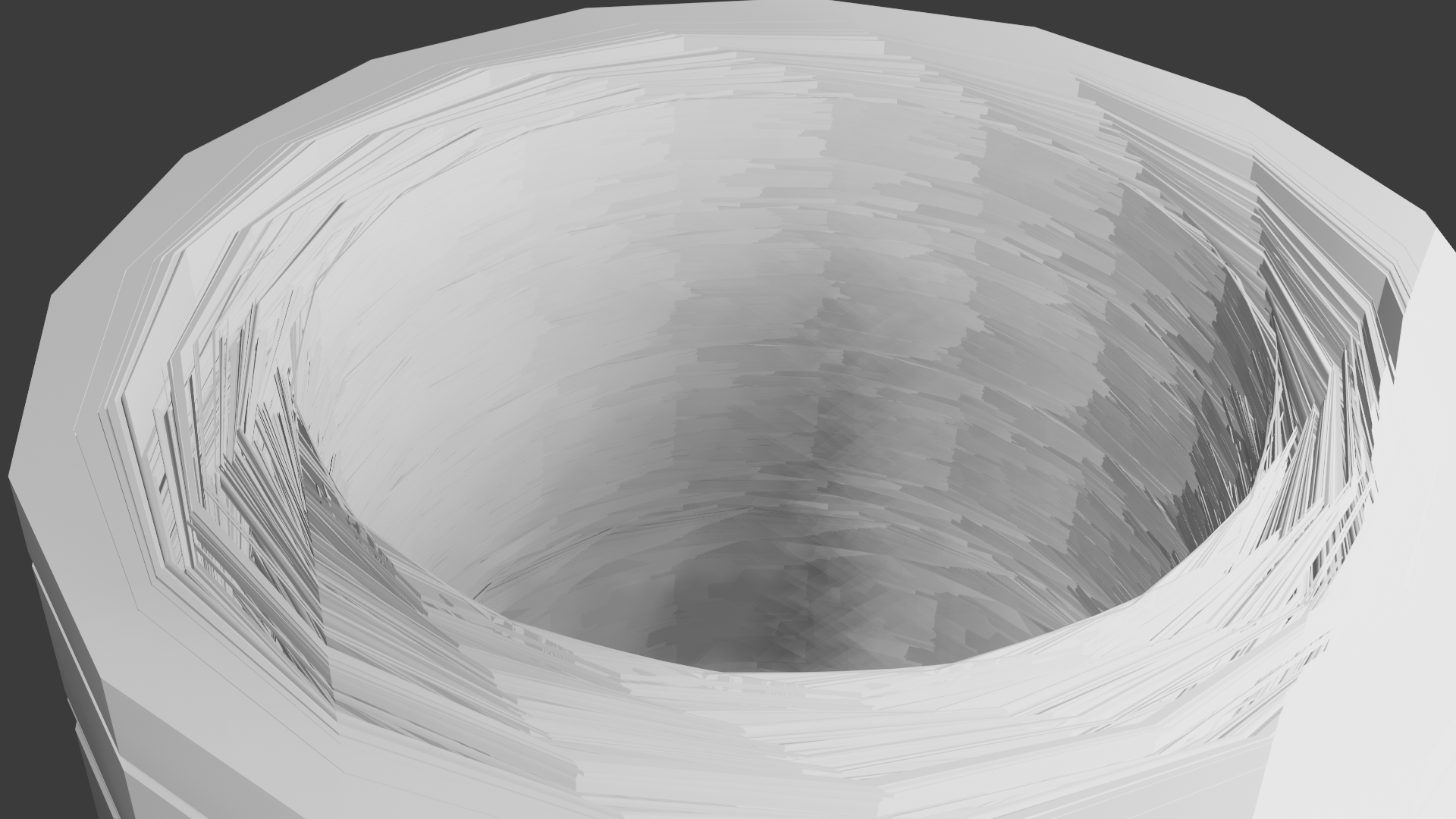
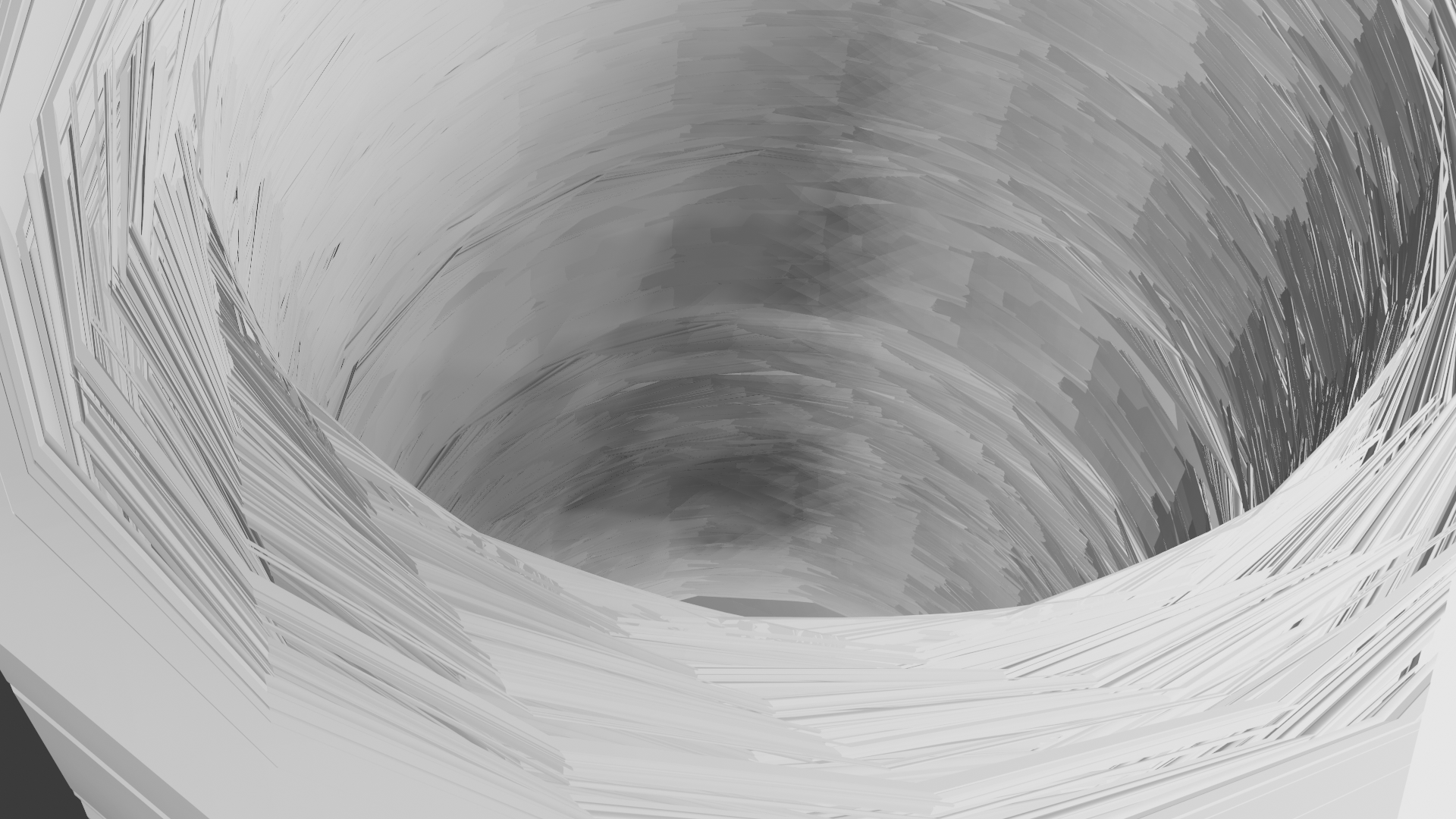
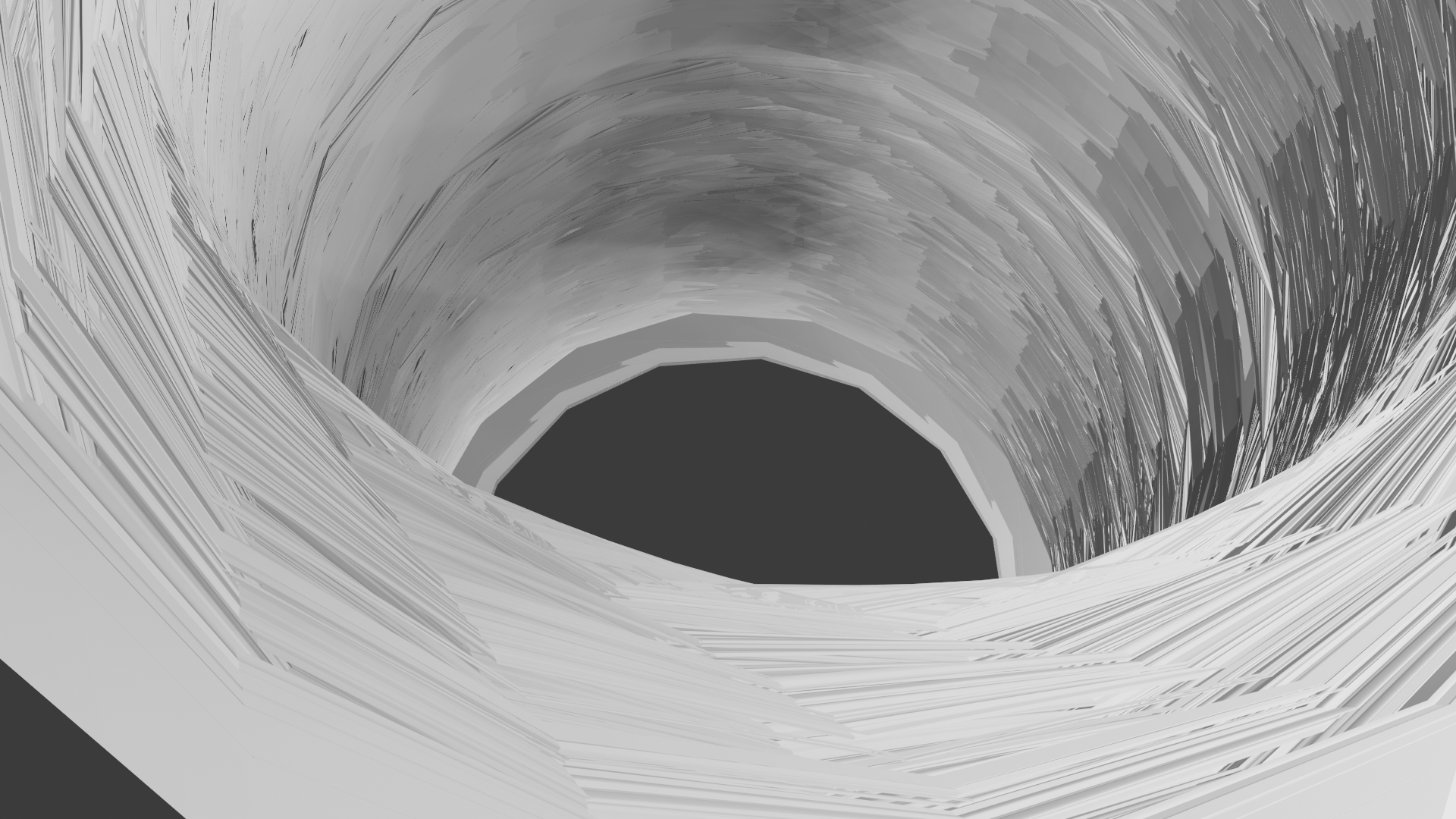
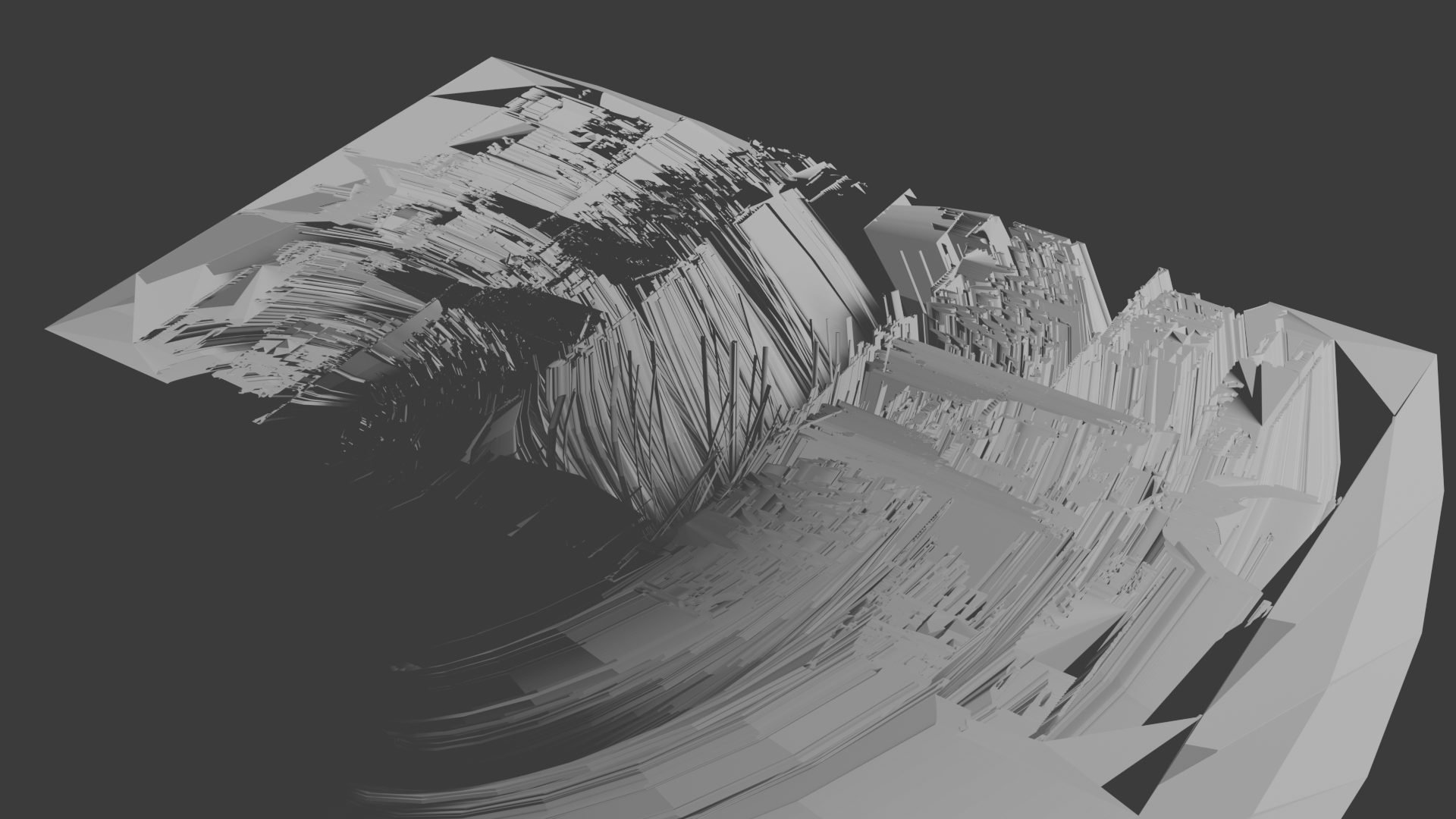
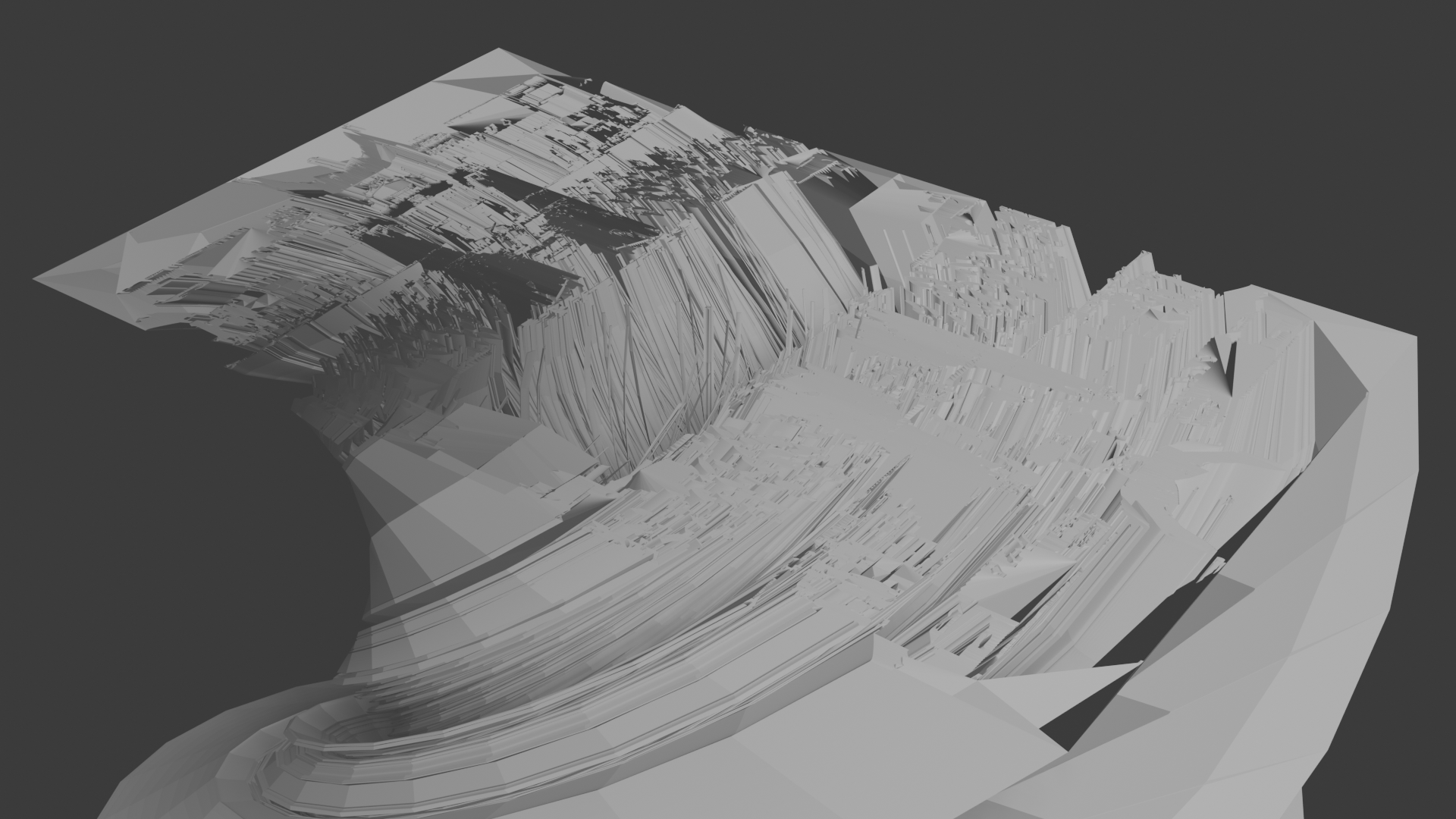
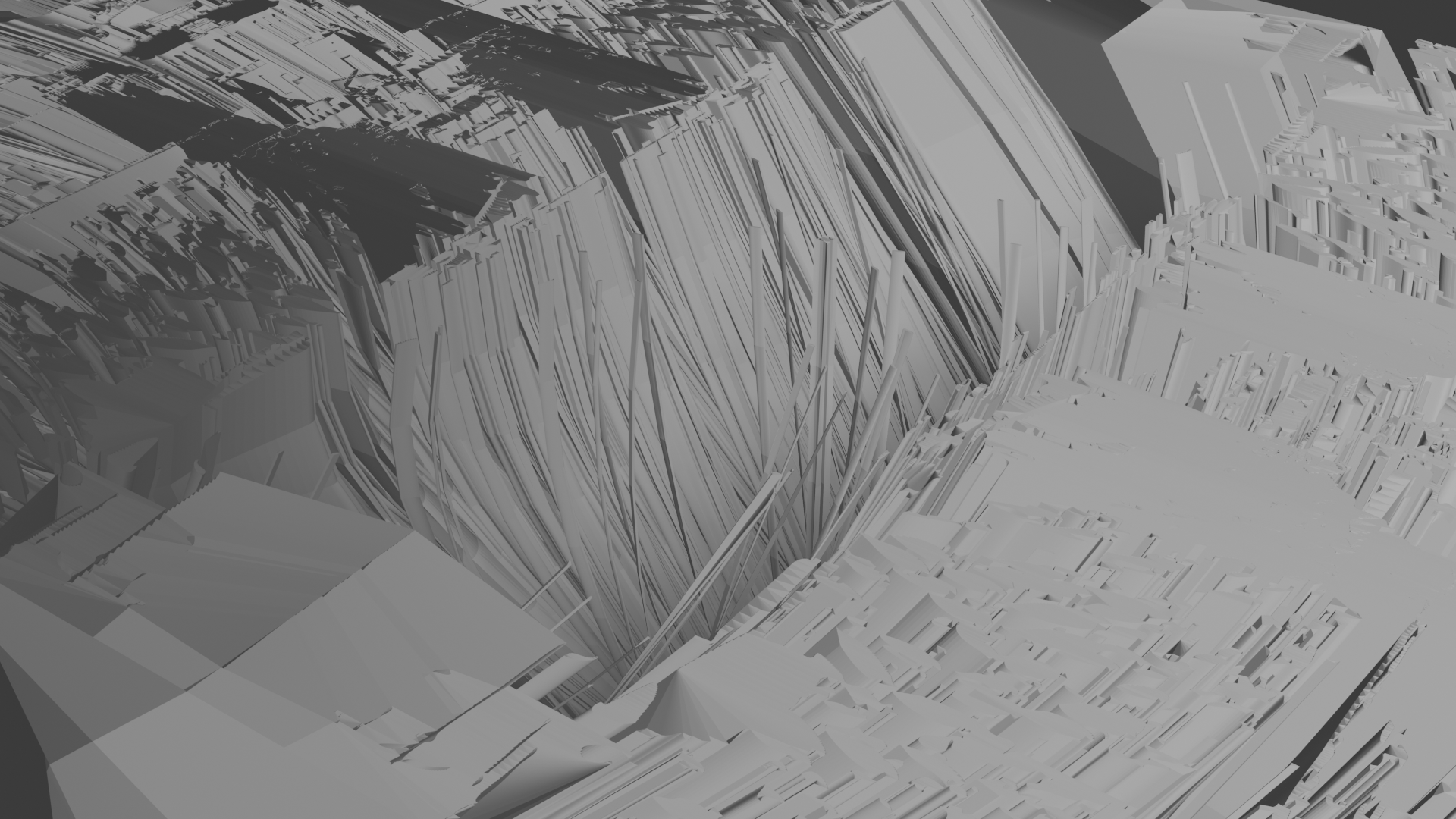
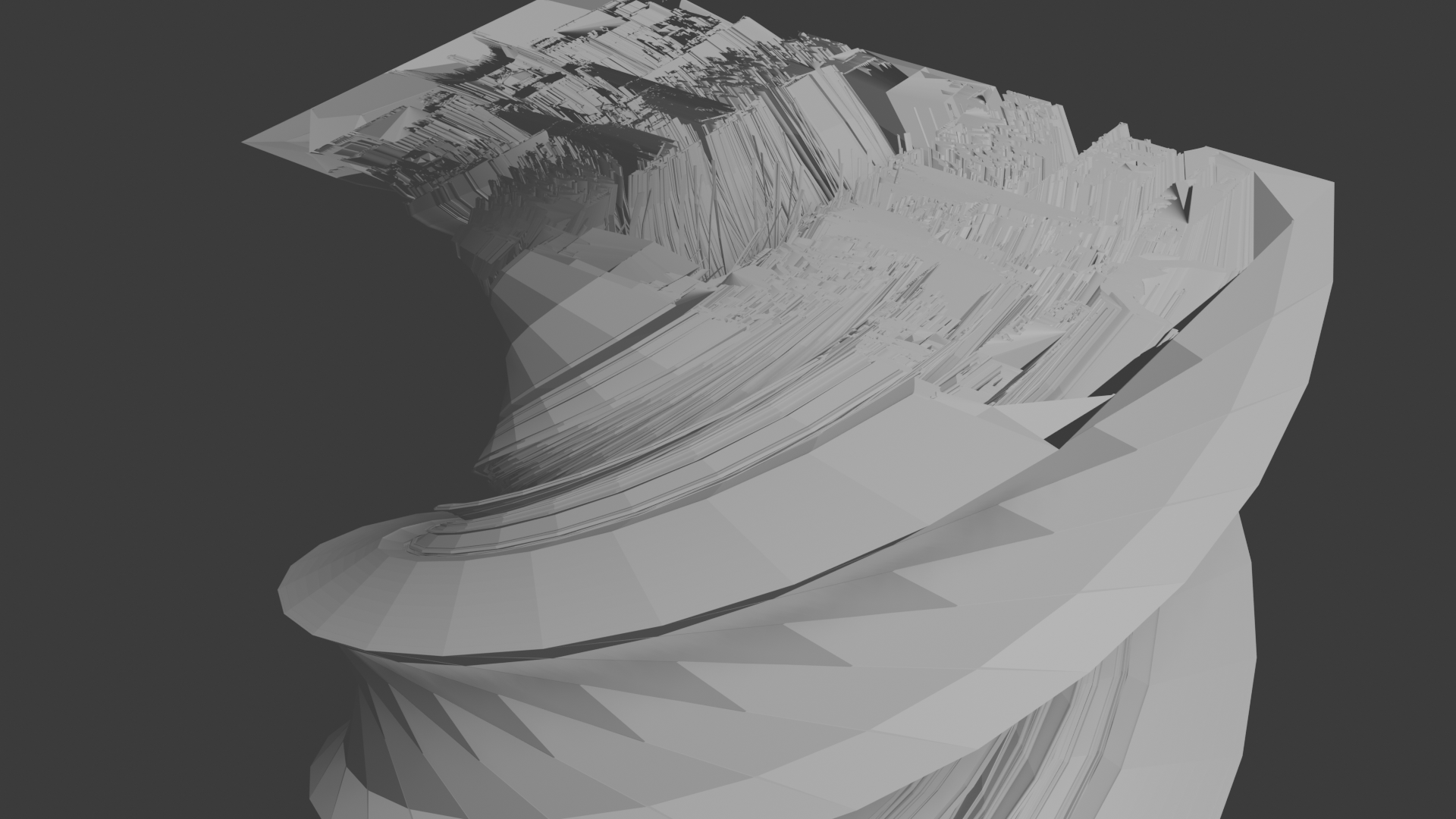
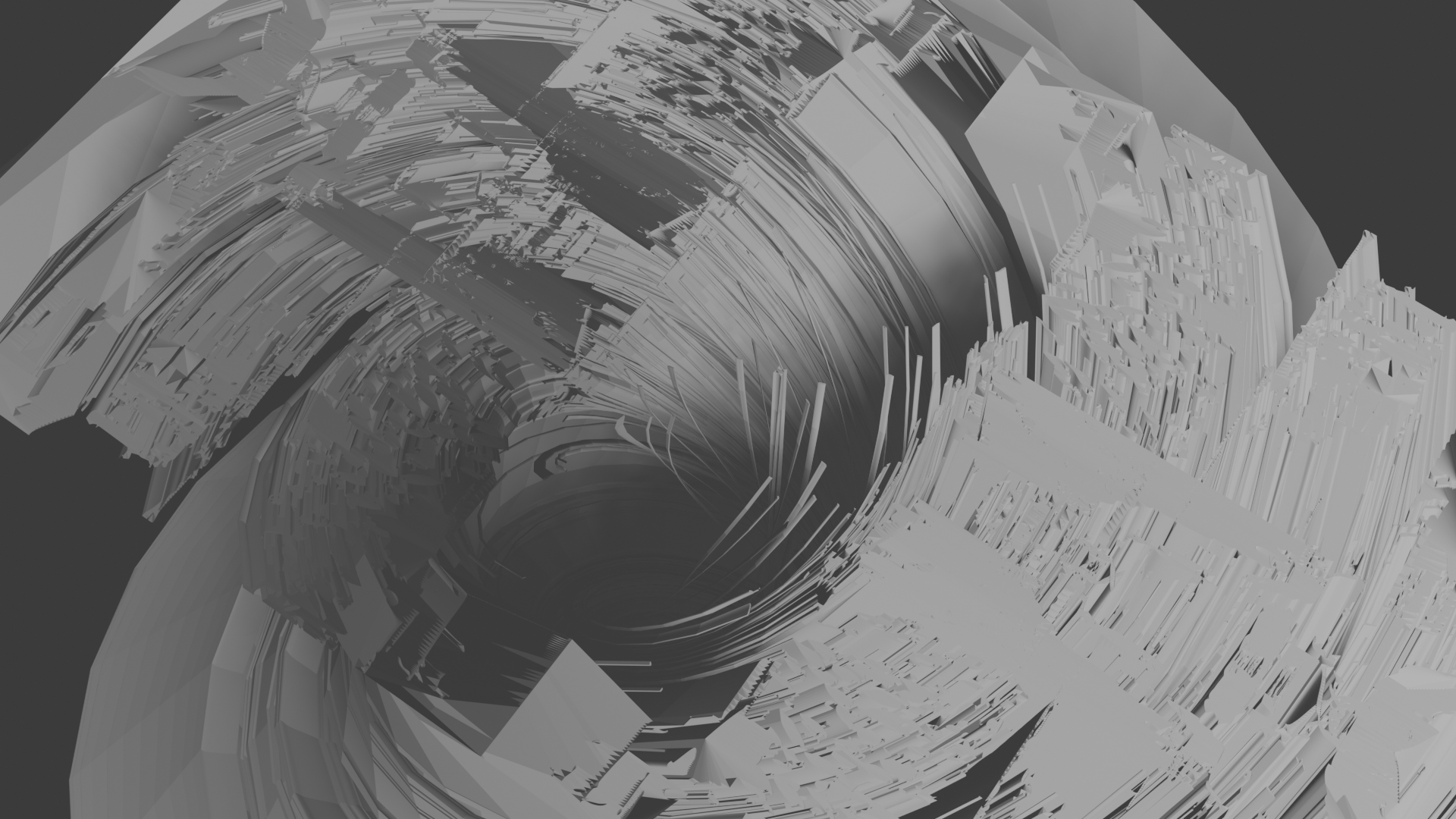
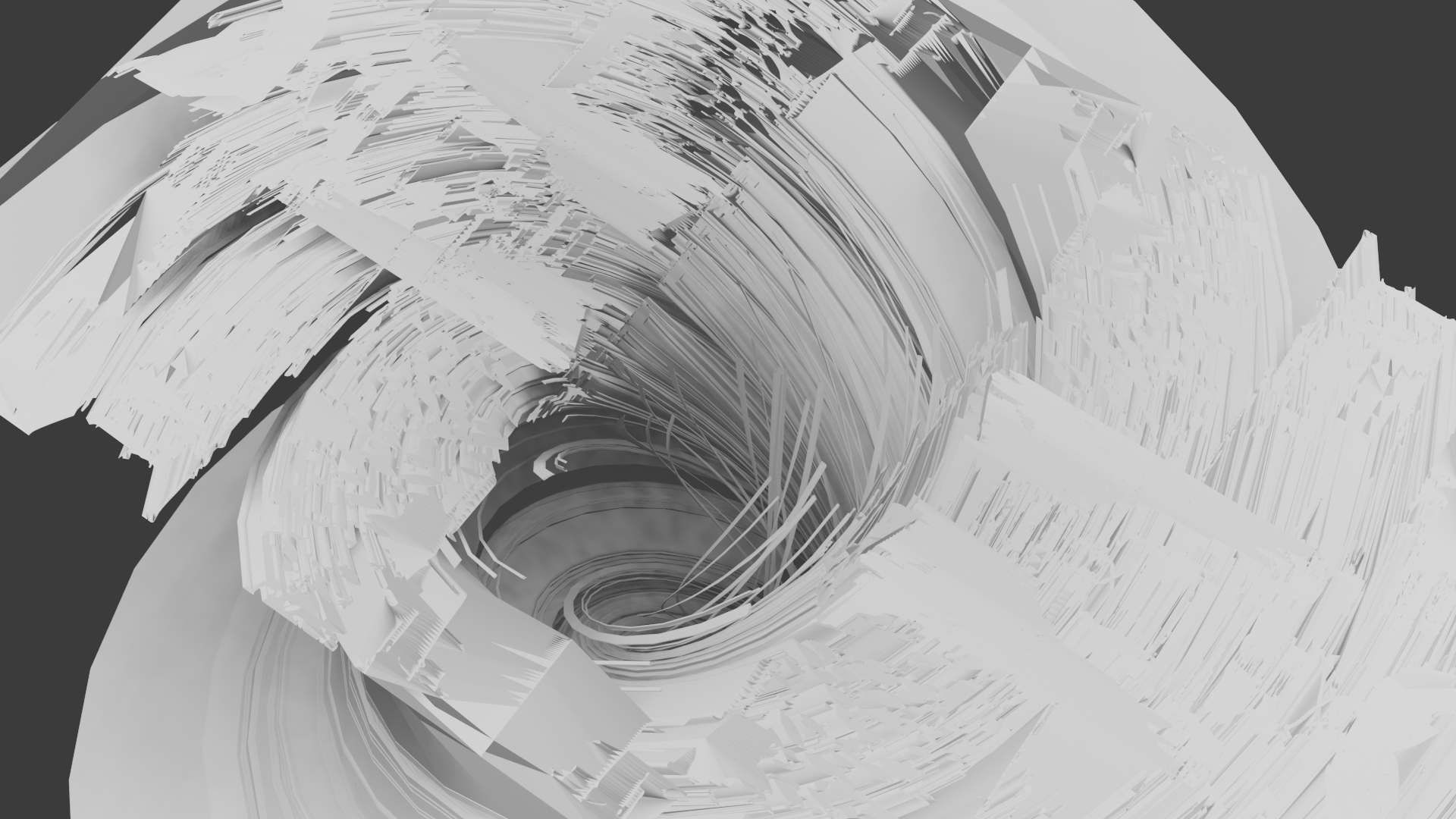
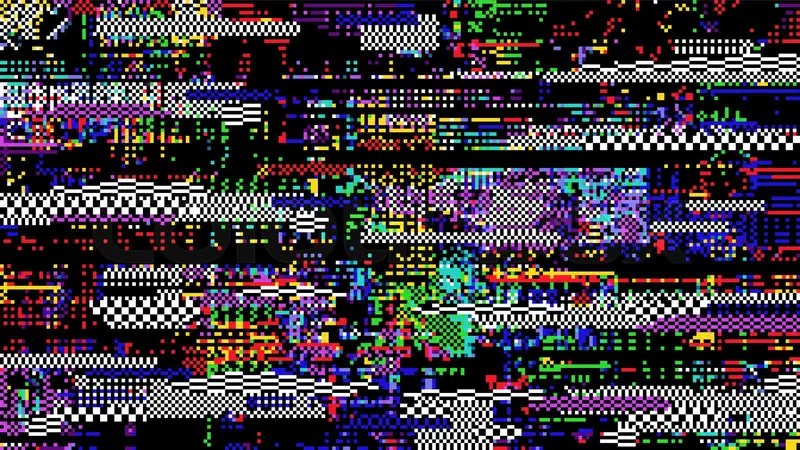
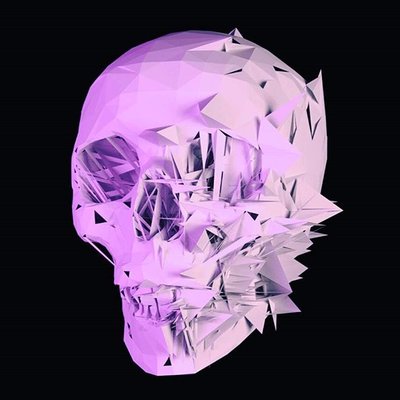
When I say mangle together in my head I have a clear idea of what I mean, I dont intent to have a messy organic mangled mess but one more like a glitch or Z fighting in a digitial space; a rough, textured, dry mess of my prvious work or aspects of my previous work.
Thinking it out :

Z fighting Visuals :


Glitch Aesthetics :


Glitch 3D Models :


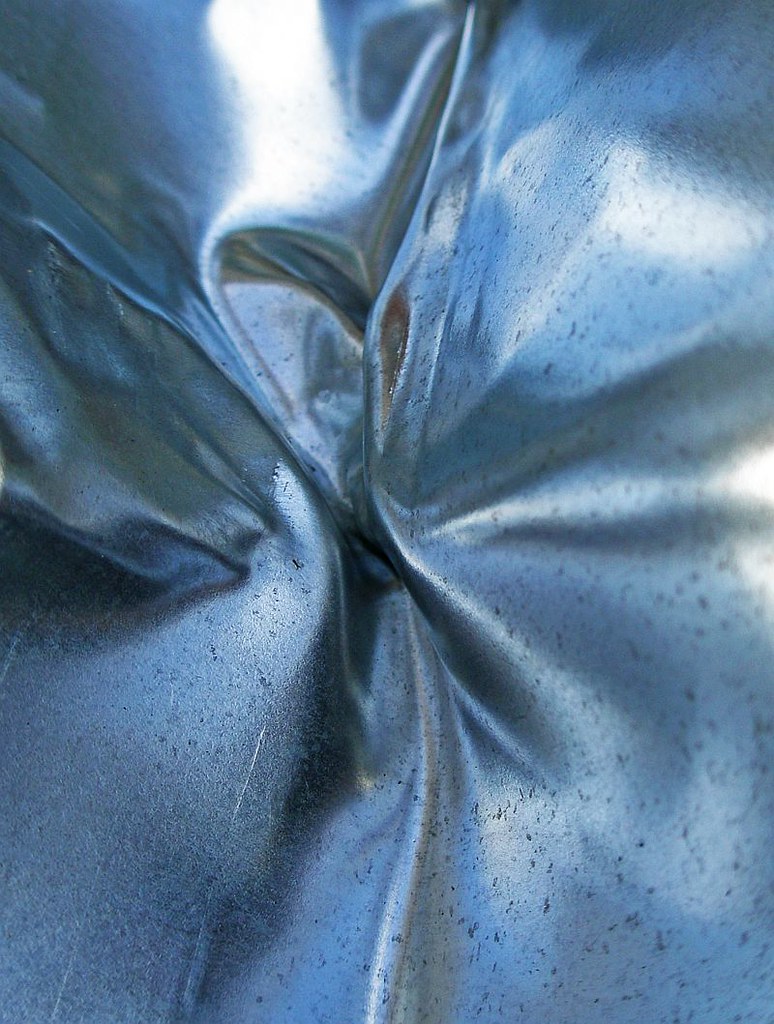
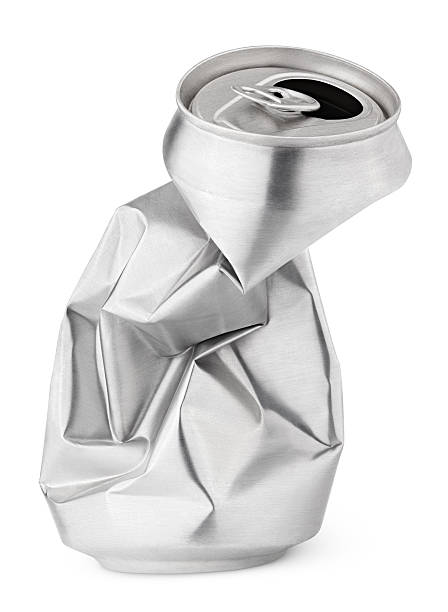
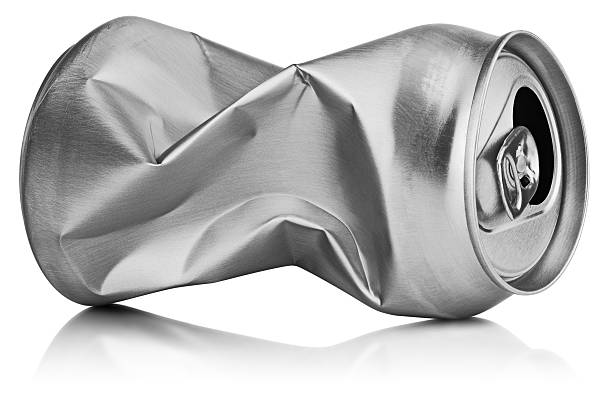
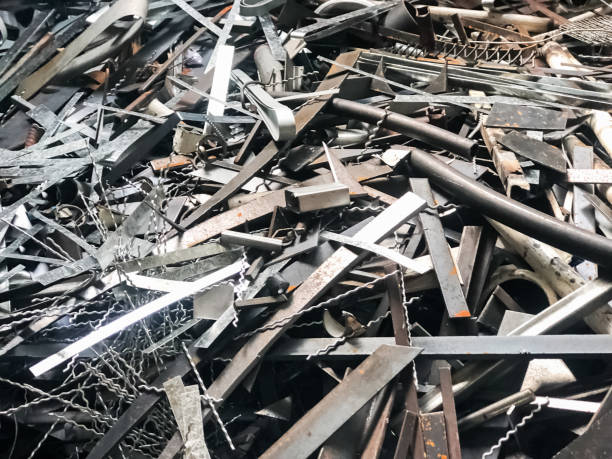
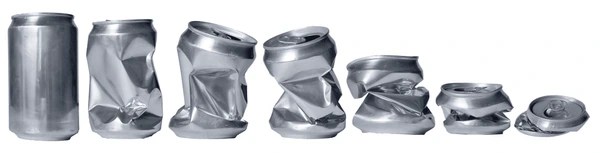
Metal Crushed Texture :


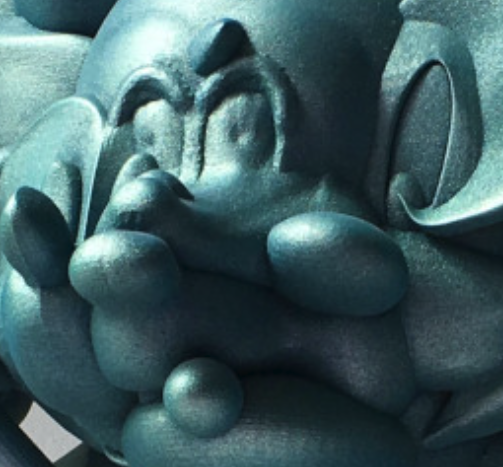
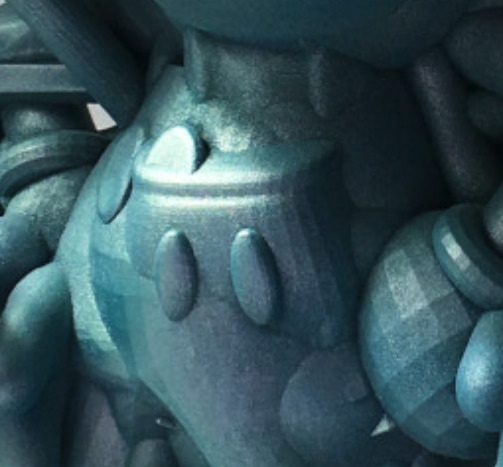
Taking a closer look at the mouse :


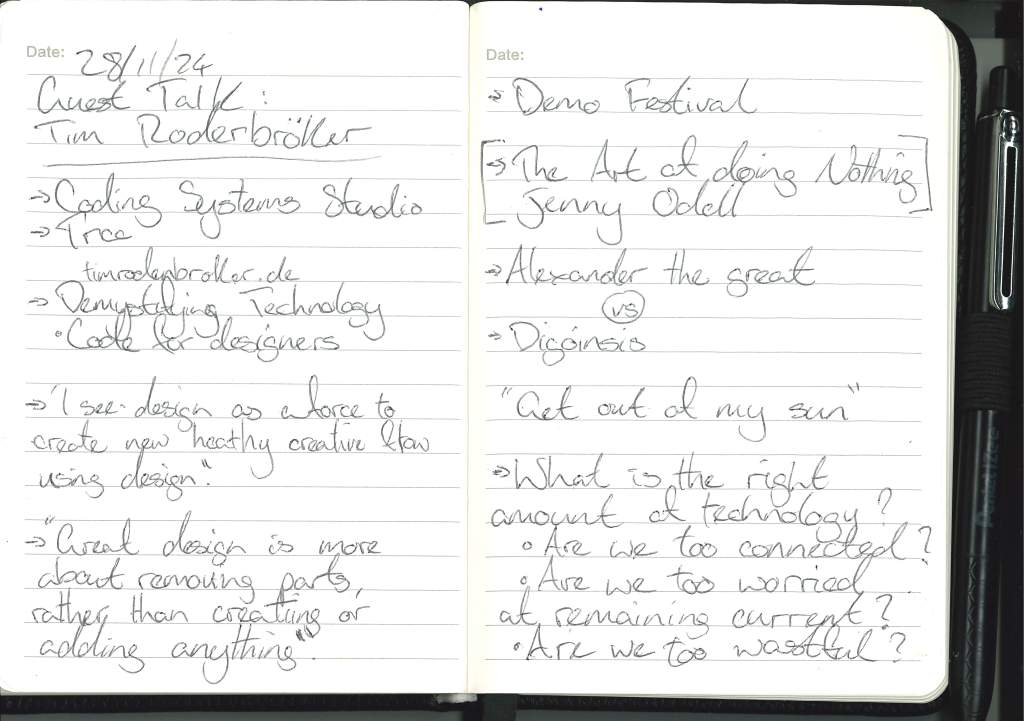
Guest Talk – Tim Rodenbroeker :


Tim’s website:
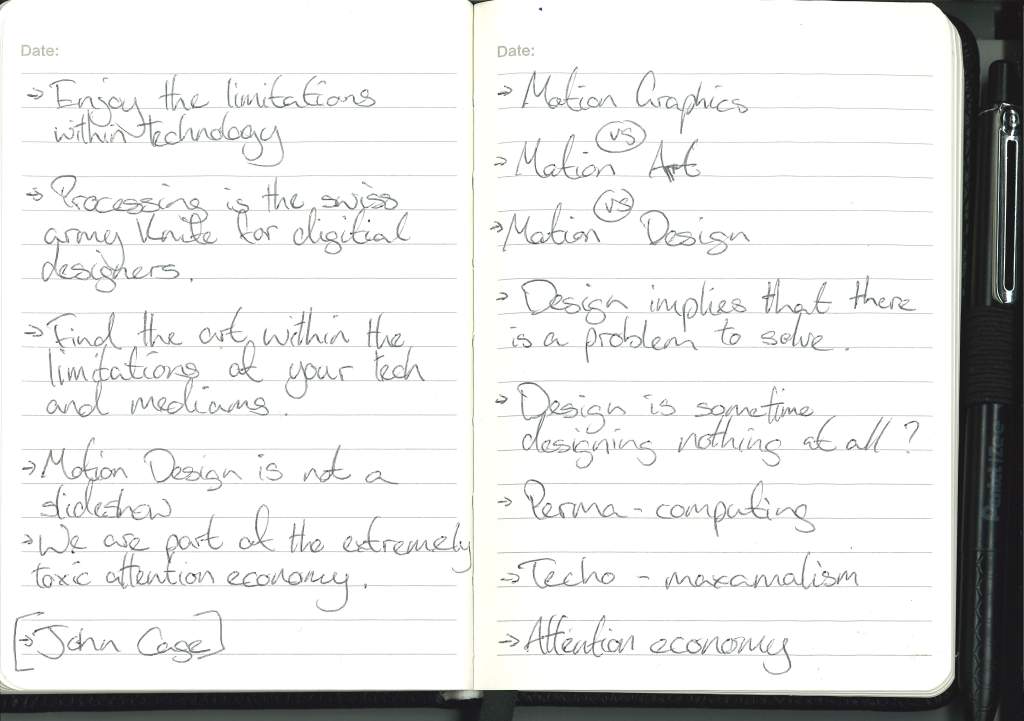
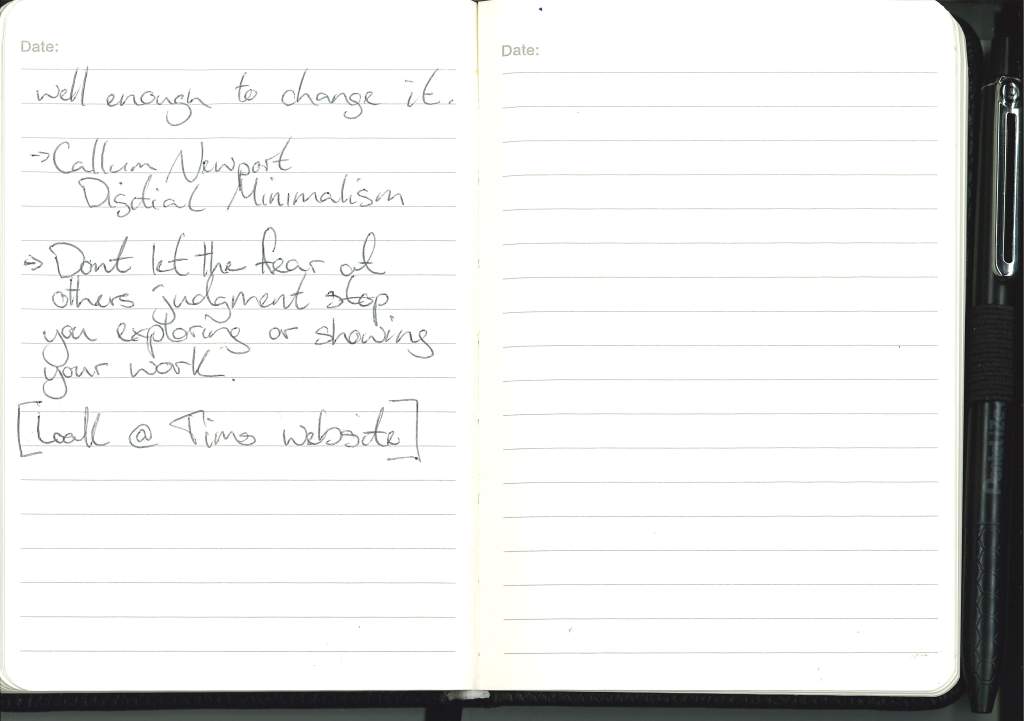
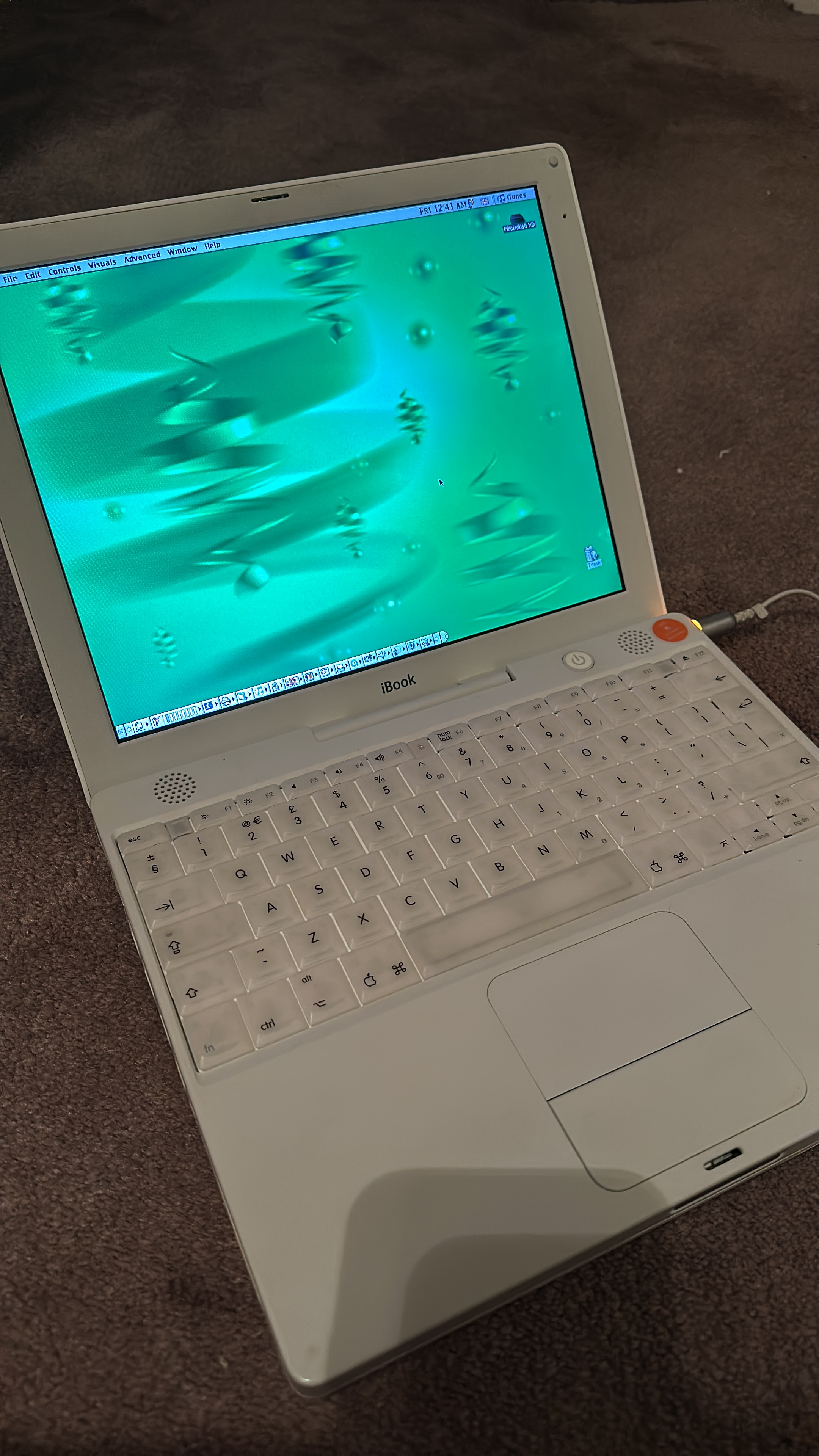
One idea I had during Tim’s talk was to try and do what he did with limiting his technology and do a version of that with an old mac book I have at home and exploring the visuals that can be achieved with it. It is a little bit literal to just do the same thing Tim did but I still think it would be a fun experiment and could yeild fun results considering my interpertation of form, the visual identity I’ve identified and now the limitations of technology and how I can create within it.
Another take away from Tim’s talk was the idea I was touching upon earlier, that being the idea that for this project is not just a brief to answer and an oppertunity to learn and delve deeper.
Studying at GSA is the oppertunity to challenge preconceptions and learn about things deeper and educate myself before I go out into the world of business and dont have much time to do that.
Its not just to get you ready for the job market.
“Being an outsider is not good way to make change.”
Great design is more about removing parts, rather than creating or adding anything.
Tim Rodenbroeker – 2024
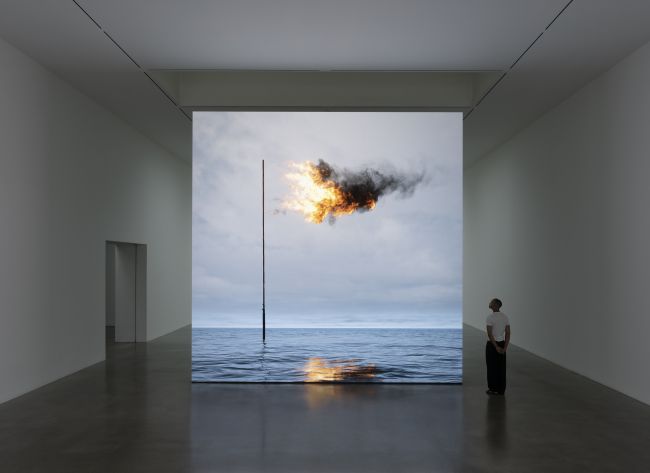
John Gerrard :


Tutorial with Paul and Cat :
Possible outcome is to take photos of previous work and use that as different outcome, maybe making them phycial.
I think the idea of this but it might be too similiar to Elias’ work by making photography a 3D element but it could be one step in the process or one possible outcome.
Another option is taking the same piece of work and remixing it in 3 different way and presenting those ways in a clear consise thoughtful way.
I do like the idea of doing 3 different methods as an exploration but I would like to keep the idea of my work being the form. The idea that it is 3 different pieces of work done 3 different ways feels more in line with my interporation of form.
Digitial Decimation.


The workings of the computer, a certain style that can only be achieved through the use of technology.
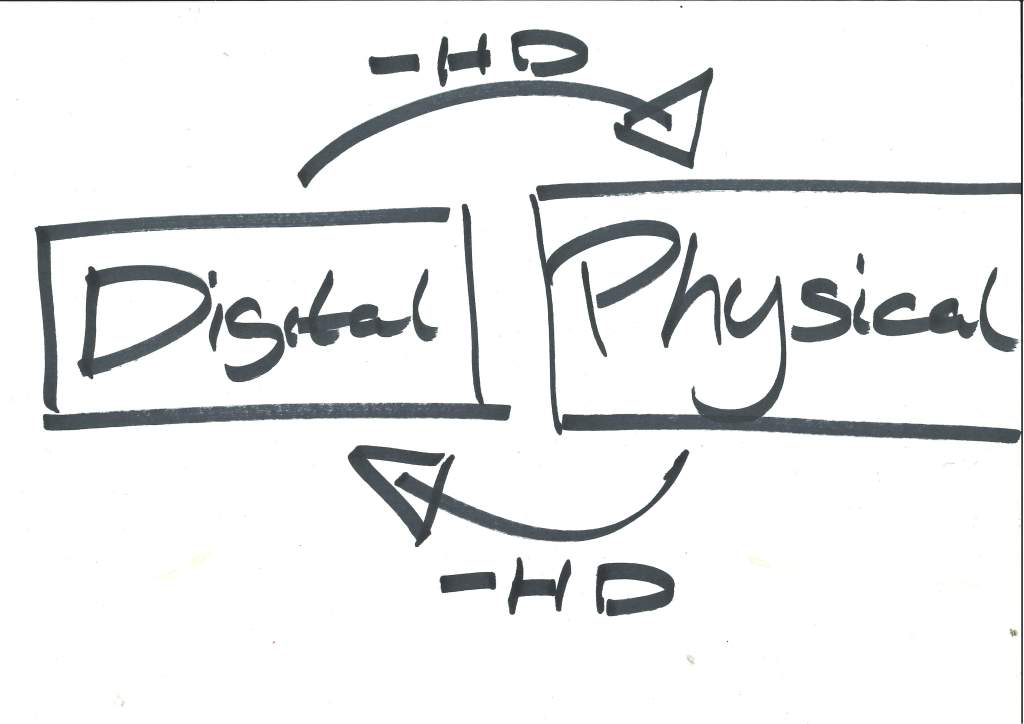
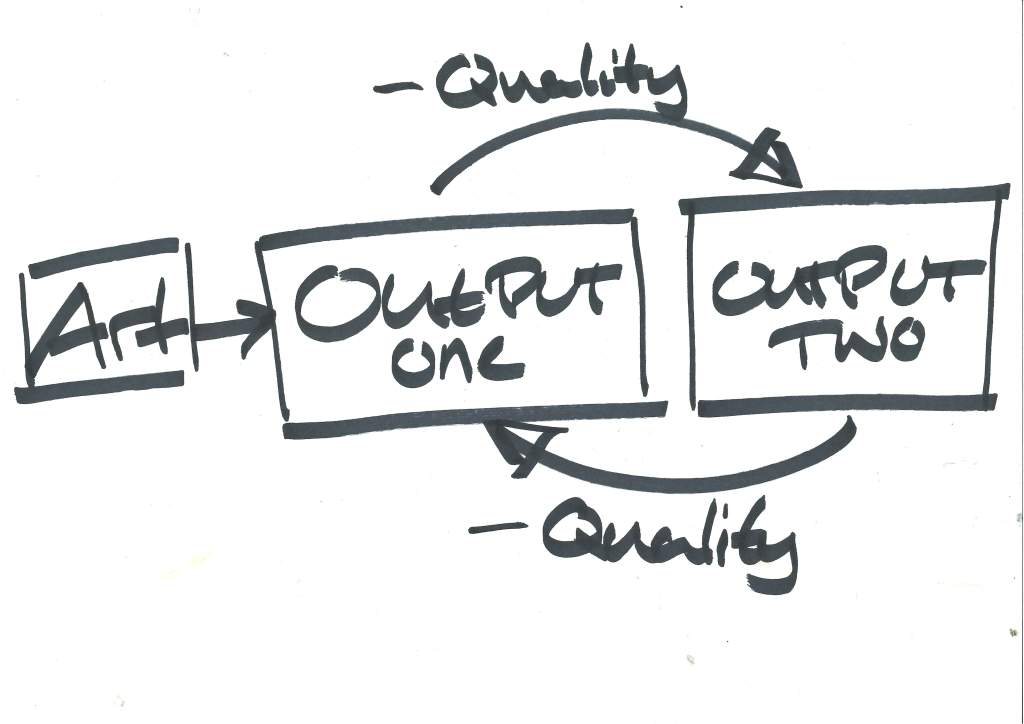
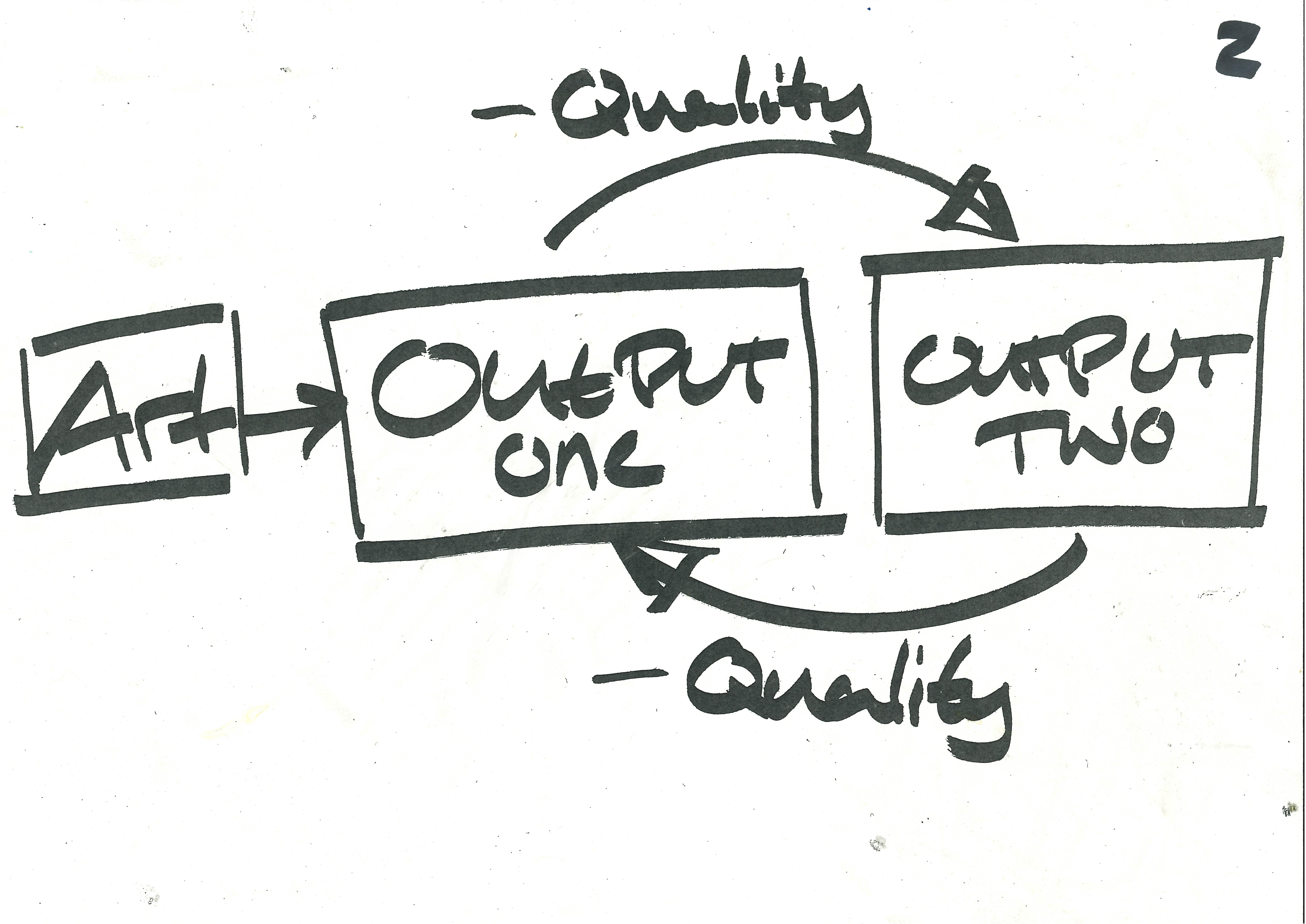
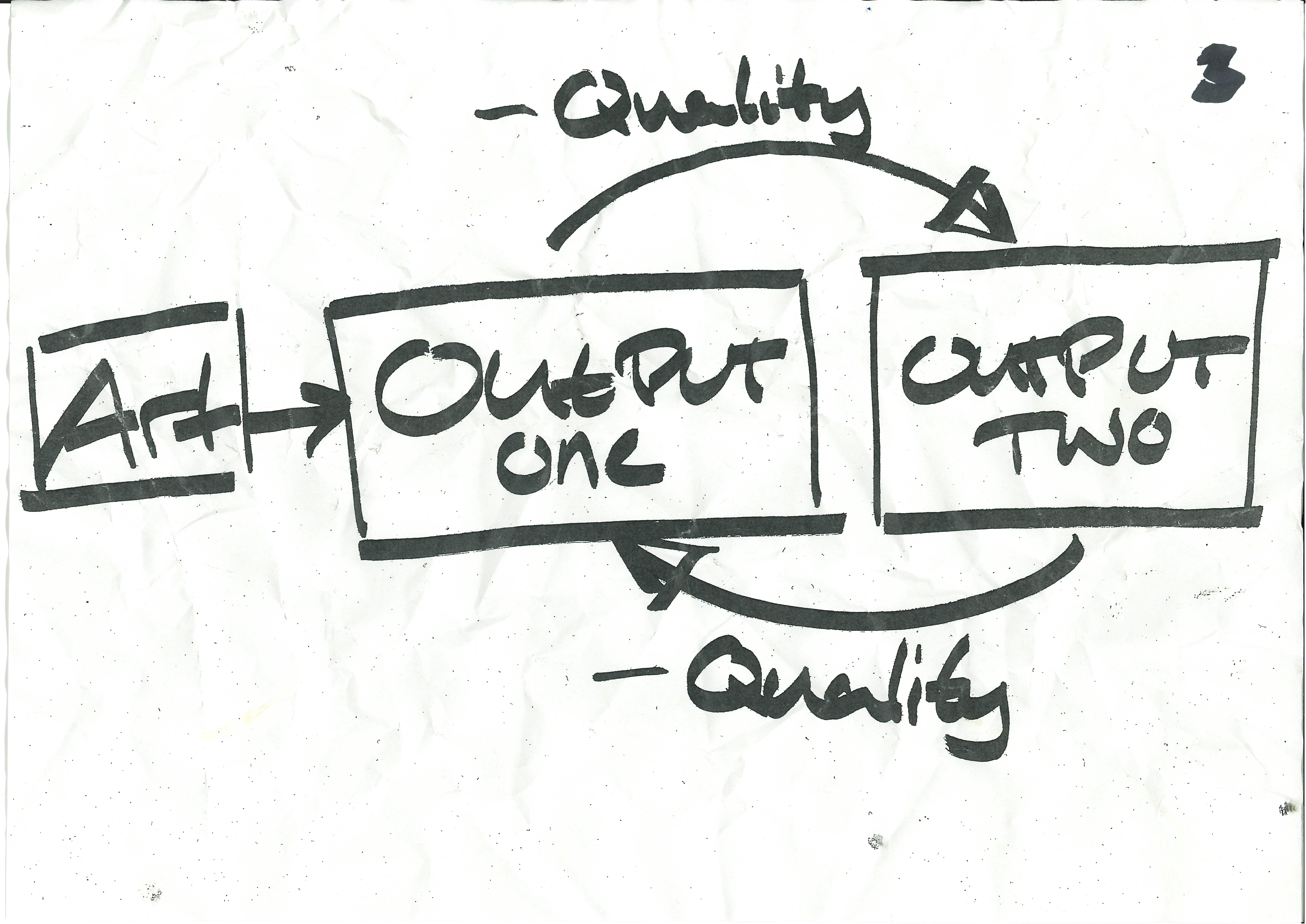
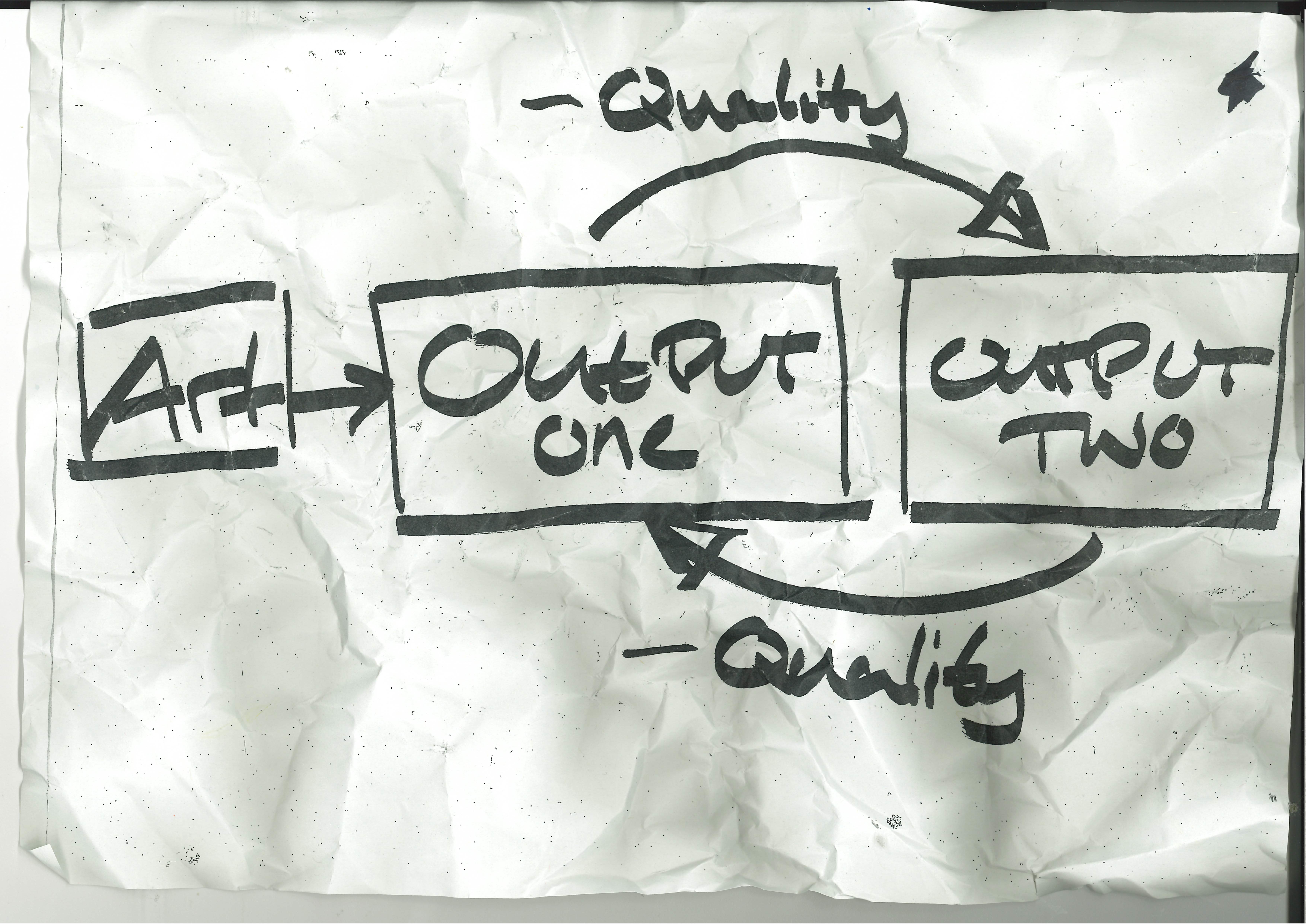
I think a good way of describing the process is as an almost feedback loop on my work, a process that goes from digital to physical and back again to abstract the work from what it originally was.
Glitching with a purpose.
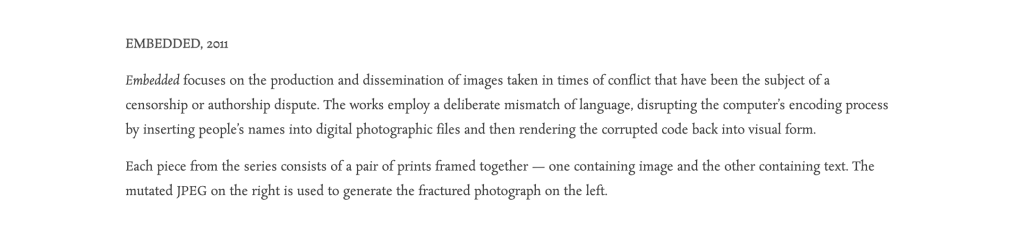
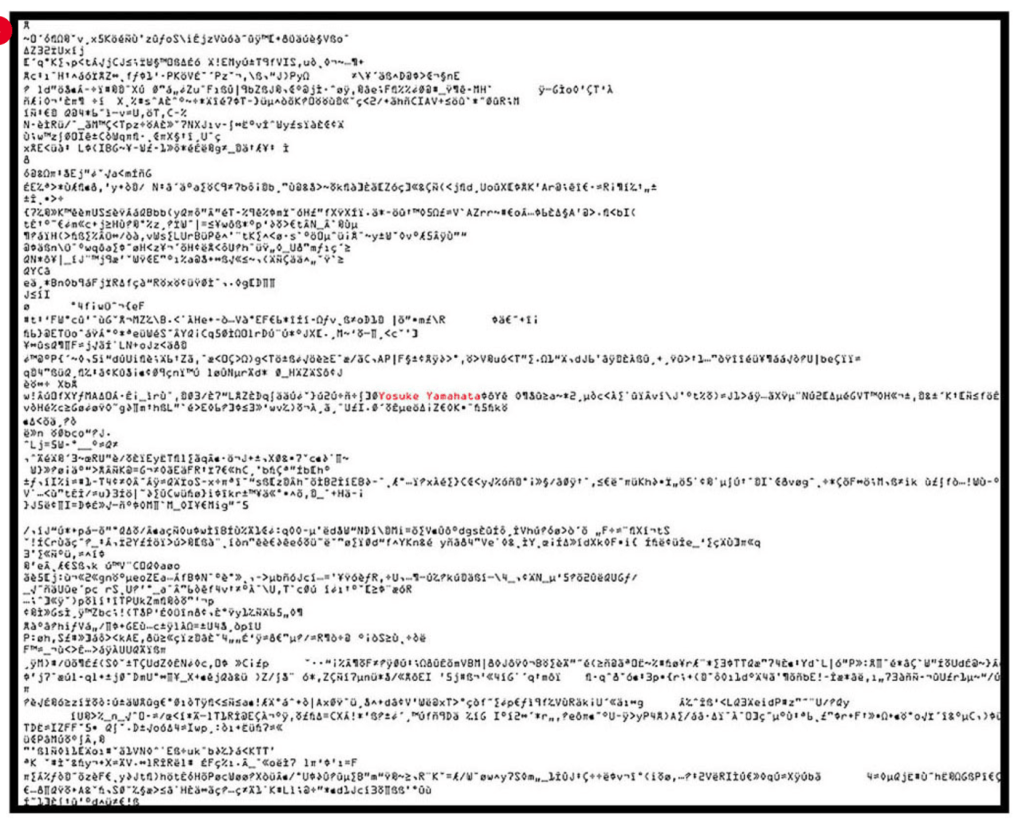
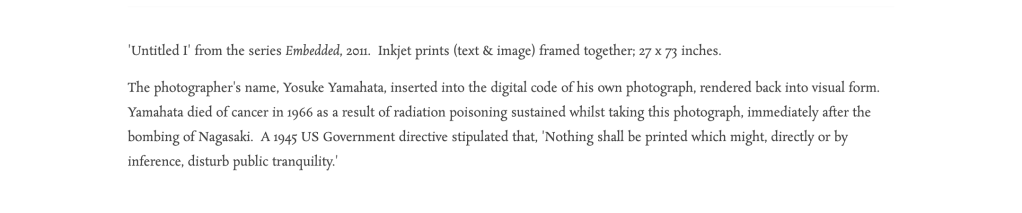
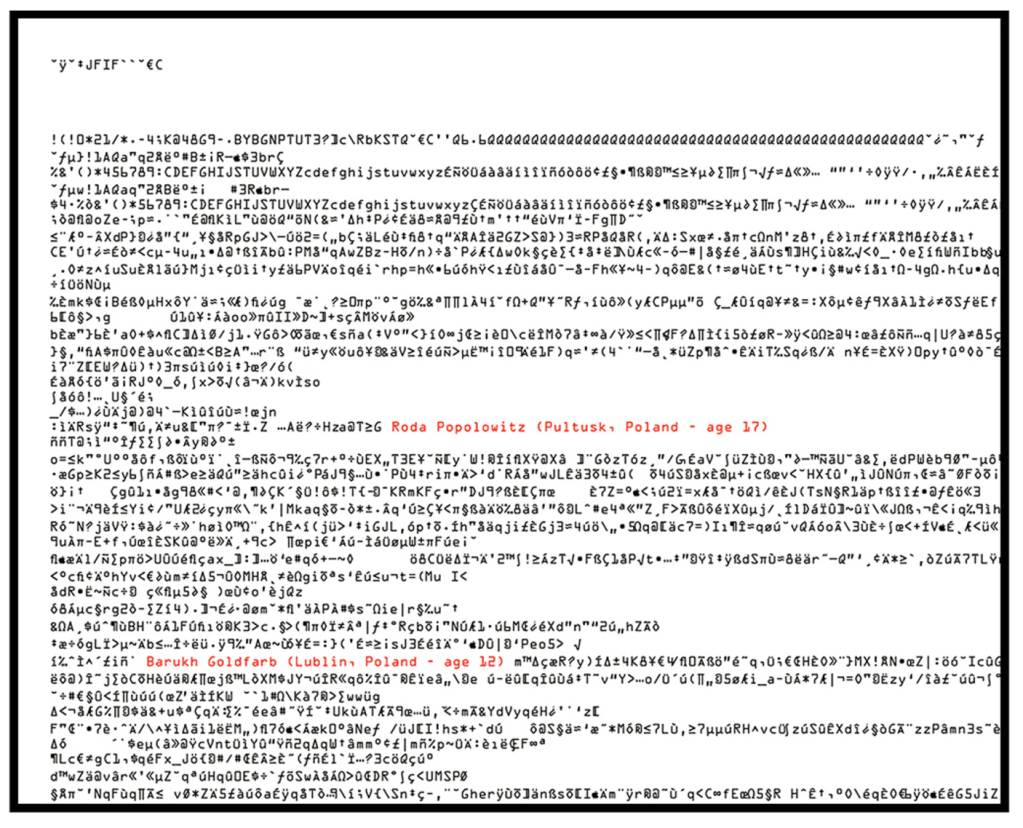
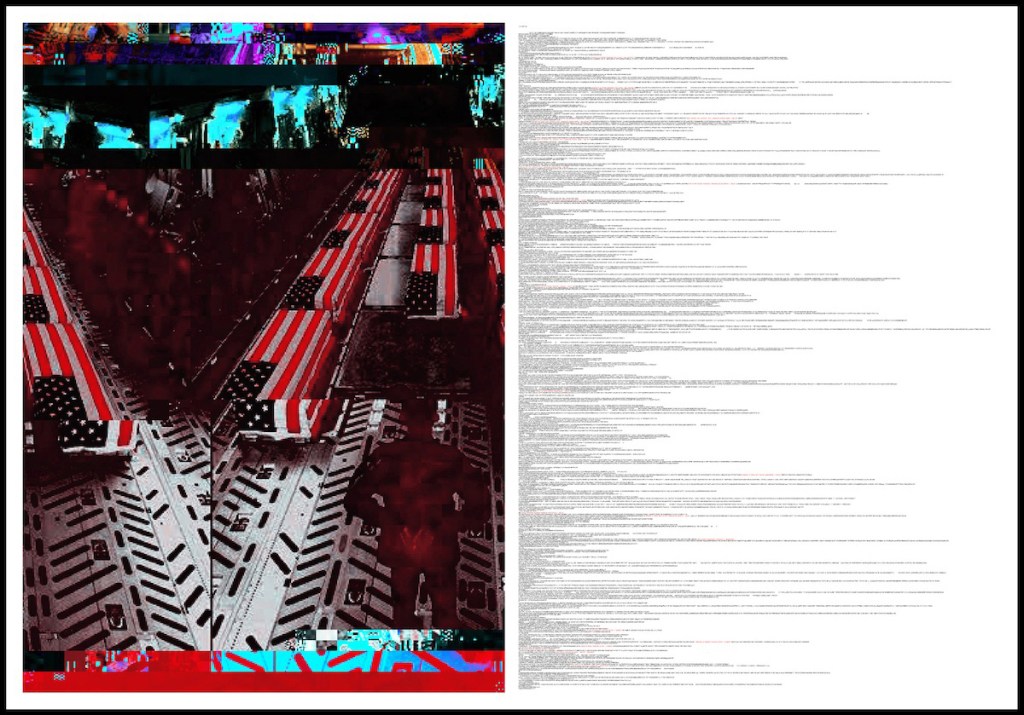
David Burkin :


https://www.davidbirkin.net/embedded
Nikita Diakur :
Don’t spell it out / Don’t be so literal.
Simplicity at it’s core:
There is beauty and in the simple and power in it.
Putting it to the test :


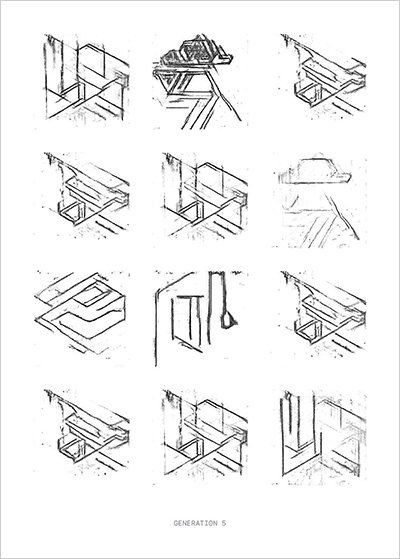
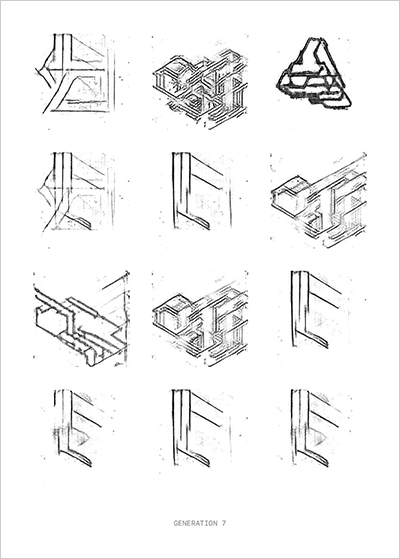
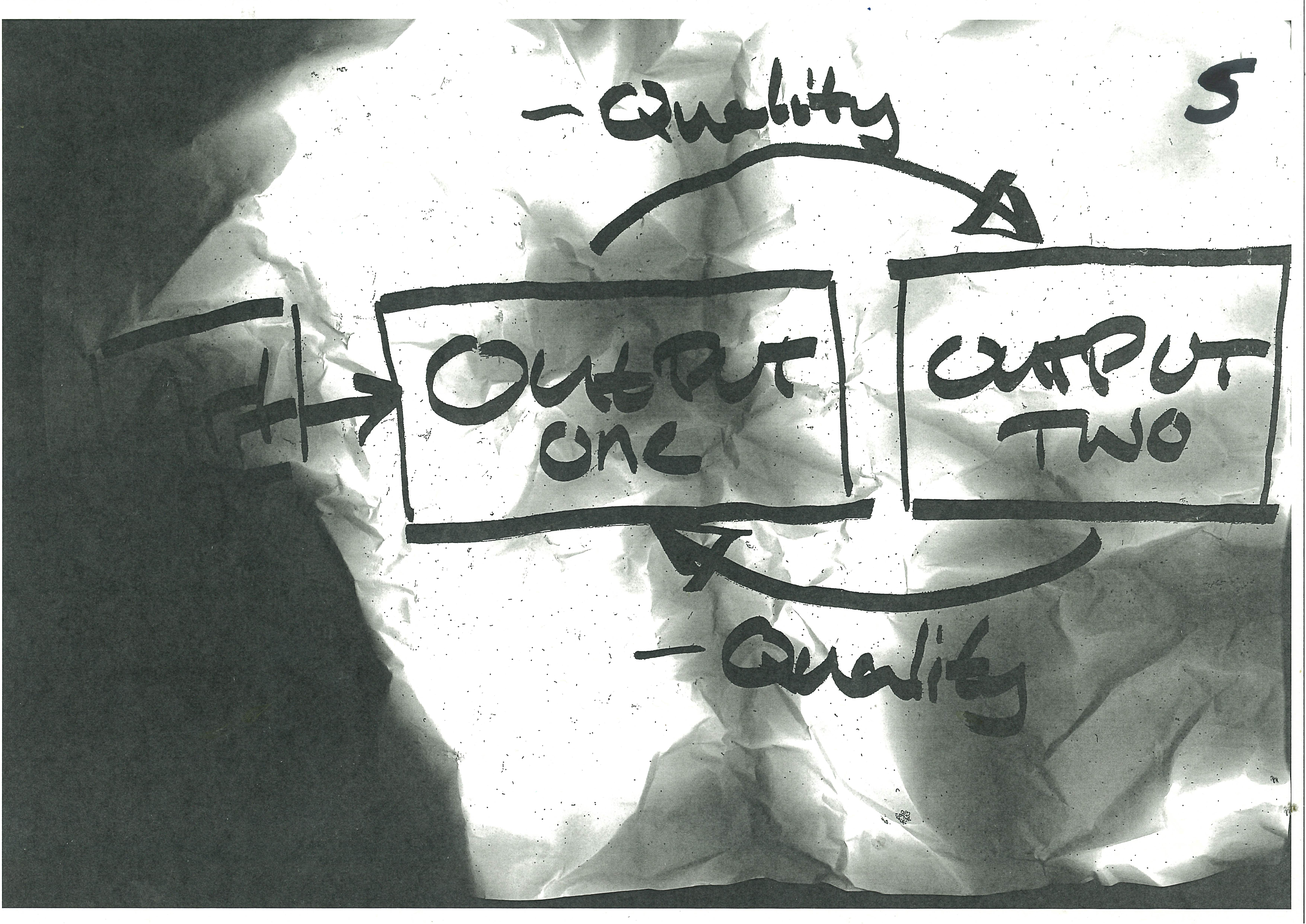
I was wondering about how I would put my idea of decimation into practice and when I crumpled a misprint of my had drawn example for the process, I then realised that I had an example in my hands and decided to scan and damage each itteration and repeat the process.
Late Night Stress Ideas :

During the wee hours of the morning I was struggling to sleep and stressing myself out that tommorrow was Monday and that I had no clear direction for my Design Domian project and just vauge ideas. But at that moment I was struck with a panic induced idea of what to do and how to display it.
As the key themes of my project are :
My own work :
My interpertation of form refers to the context of greyhounds and races and how previous work is refered to as their form, so applying that to myself I’m looking at previous work I’ve done and remixing it in some way.
Challenging my usual practice :
As like Design Domain in year two I used it as an opportunity to challenge any preconceived notions I had or challenge my creative process and force myself to do/ think about it in a different way. So for this Design Domain I indentified that for most briefs I have a literal, product like outcome and wanted to produce work that is more unconventional for myself, something more sculptural.
Challenge my need for the bells and whistles:
After the talk with Tim Rodenbroeker and his message about doing more with less and recognising that I might go a bit too ‘more’ with it rather than less, I thought it would be a good opportunity to challenge that about myself.
How to display the work :
This might need to be taken into Design Domain part two but an idea I had for displaying the work is repurposing old tech into an out reaching sculpture.
Three pieces of work, all with the same treatment, all displayed on a different piece of technology.
The form of my work, transformed into different digitial forms and displayed in three different forms of technology.
Have I said form enough ?
Idea : Booklet
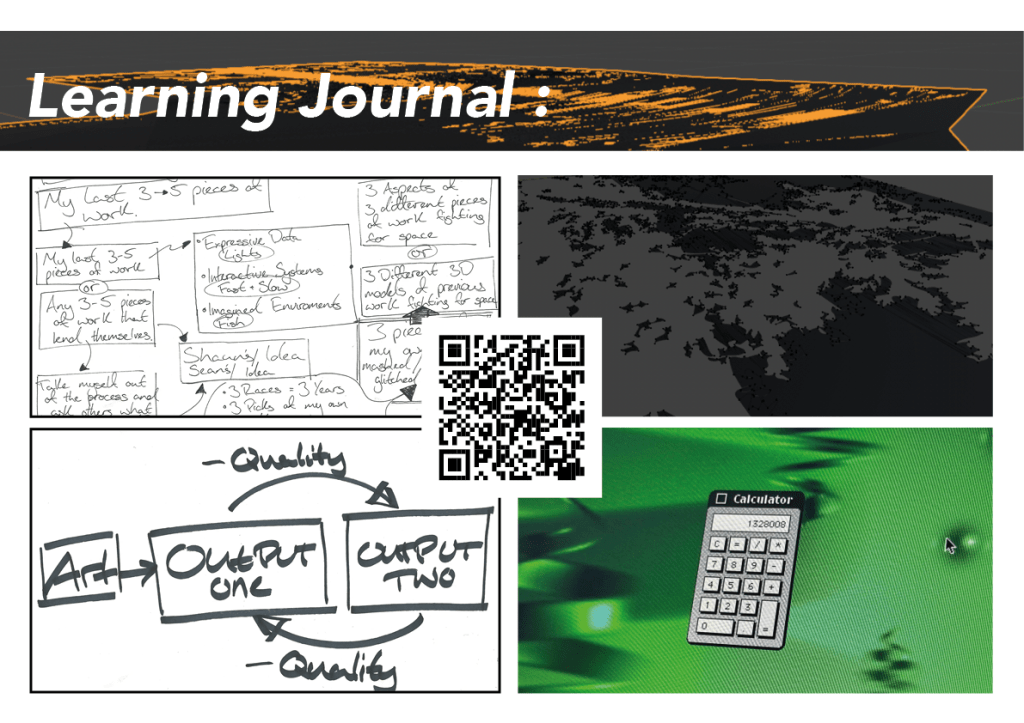
For my design domain proposal I should make a booklet/zine about my proposal in InDesign and give it some time and effort for people to flick through properly.
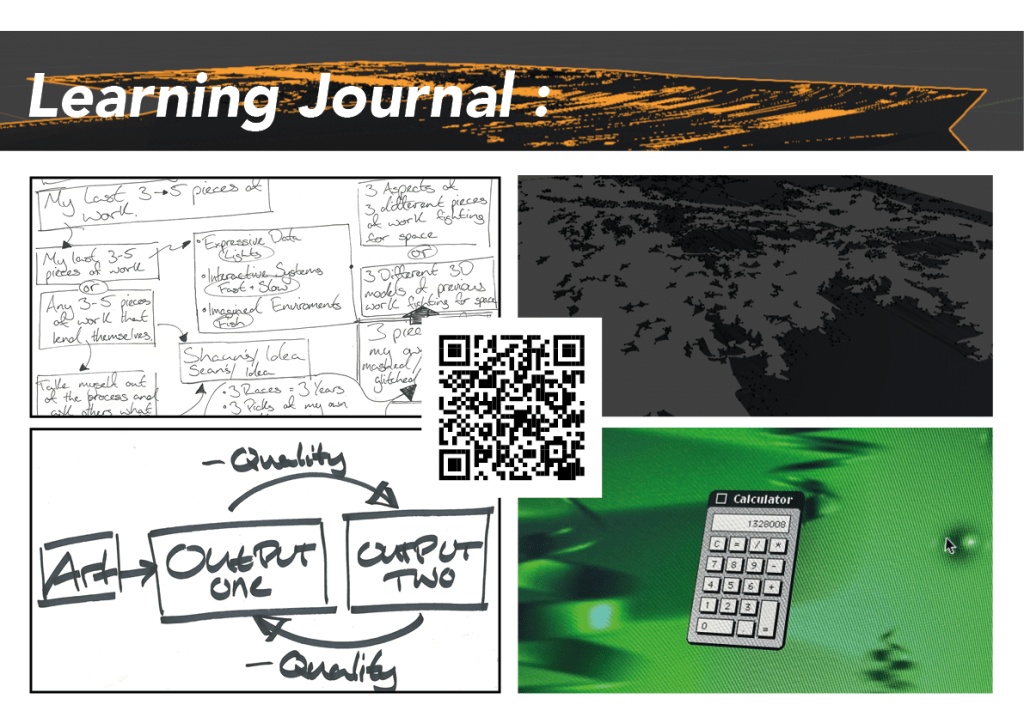
I’ll use the QR code feature in InDesign to conect the booklet to my learning journal and I have even have the work published digitially so that people can view it on their devices.
My form I want to remix:
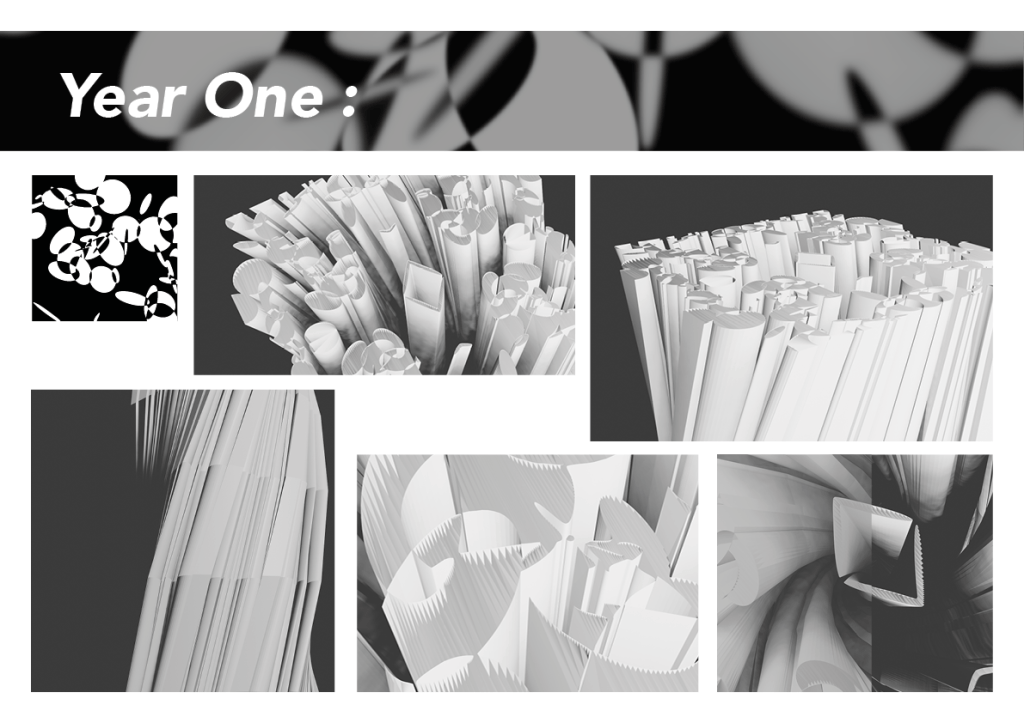
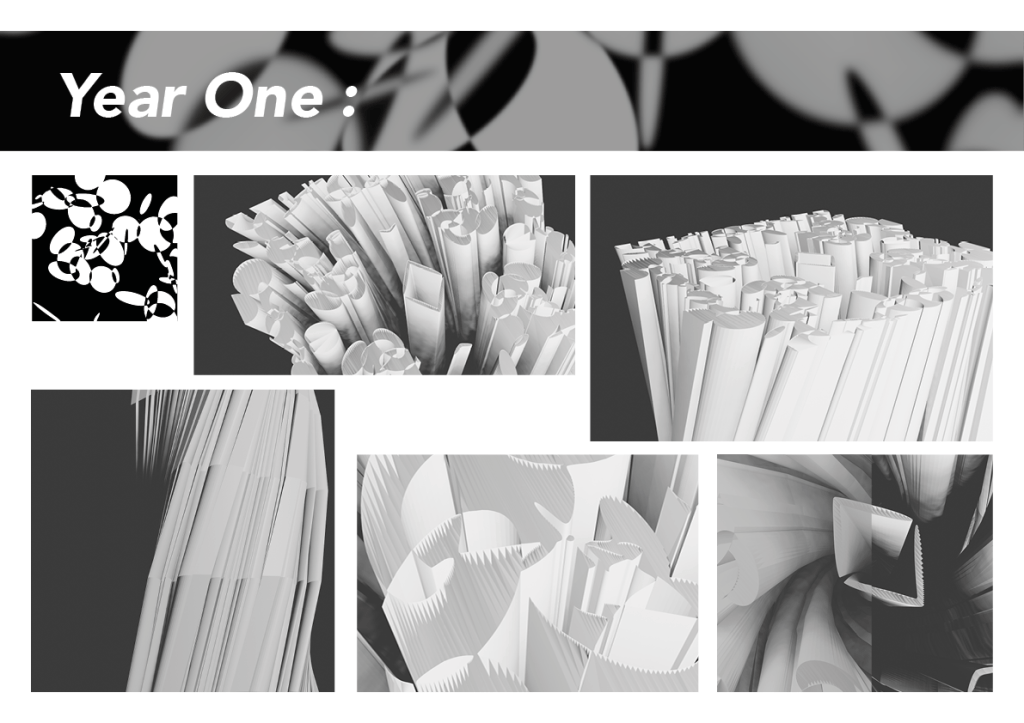
Year One :
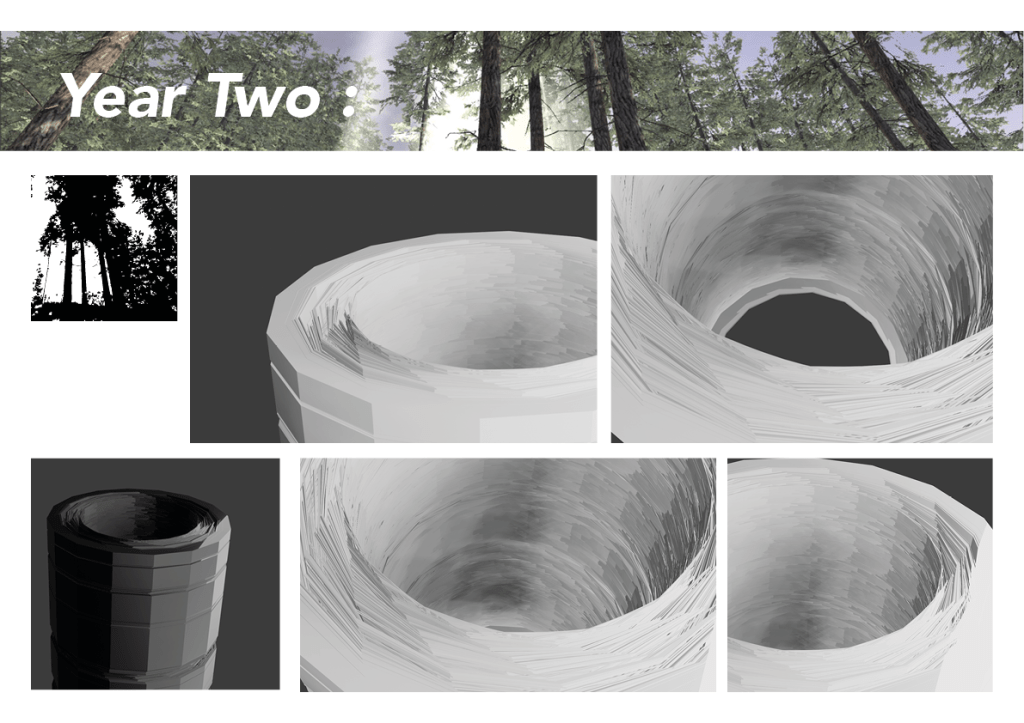
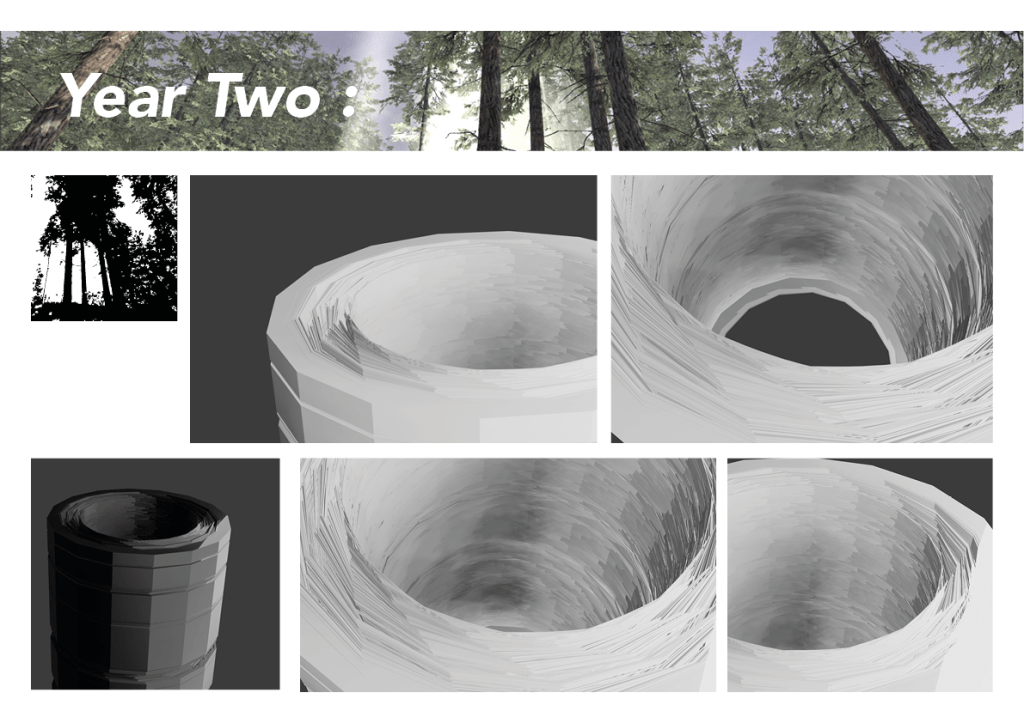
Year Two :
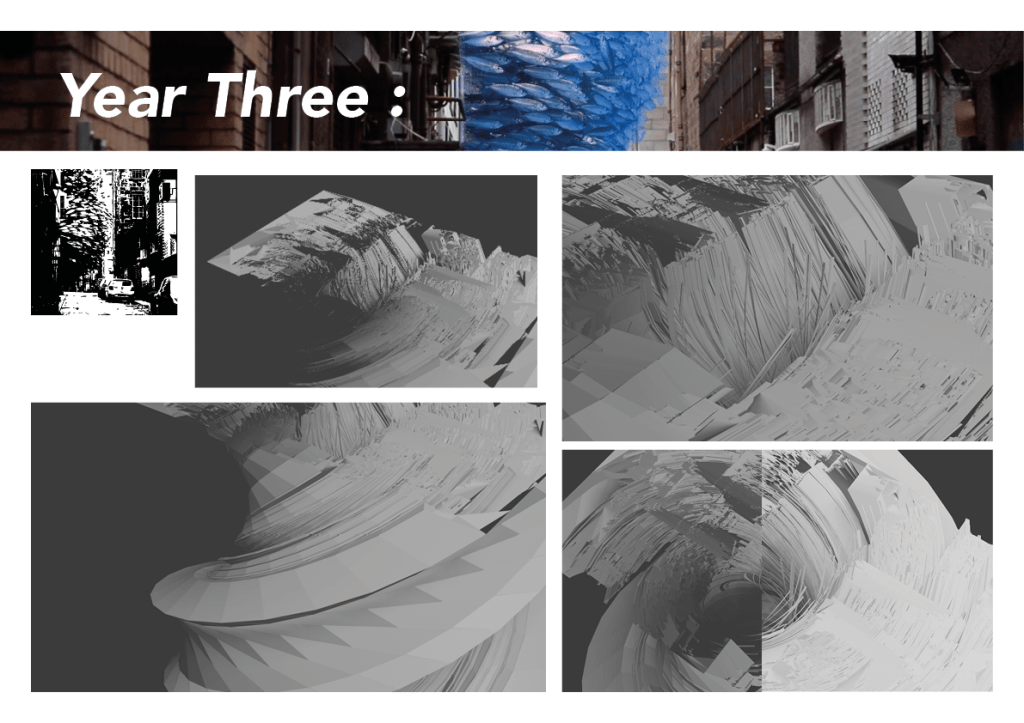
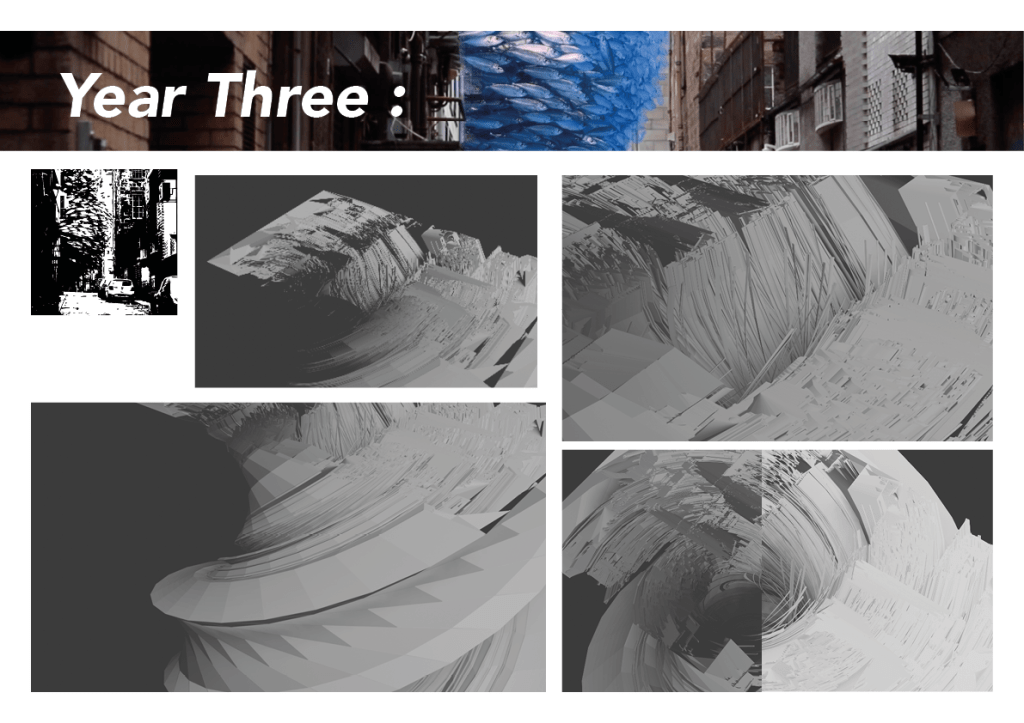
Year Three :
How to produce the work :

I was mentally hitting a bit of a wall for some reason and wasnt sure where to go or how to actully start taking the work as I didn’t want to be too similar to what Elias was talking about but after a chat with Gillian I understand that we can start in the same place or start with similiar workflows but differing greatly at some point so produce very different outcomes.
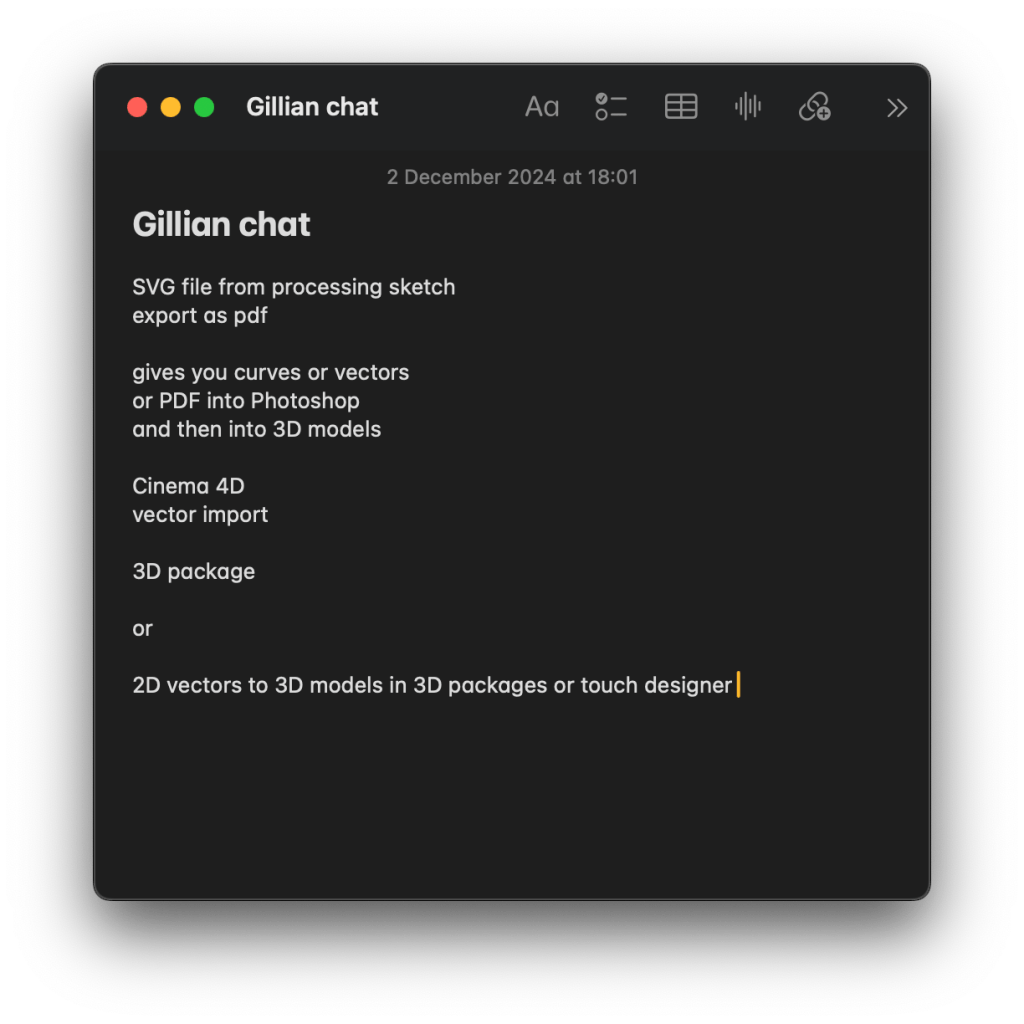
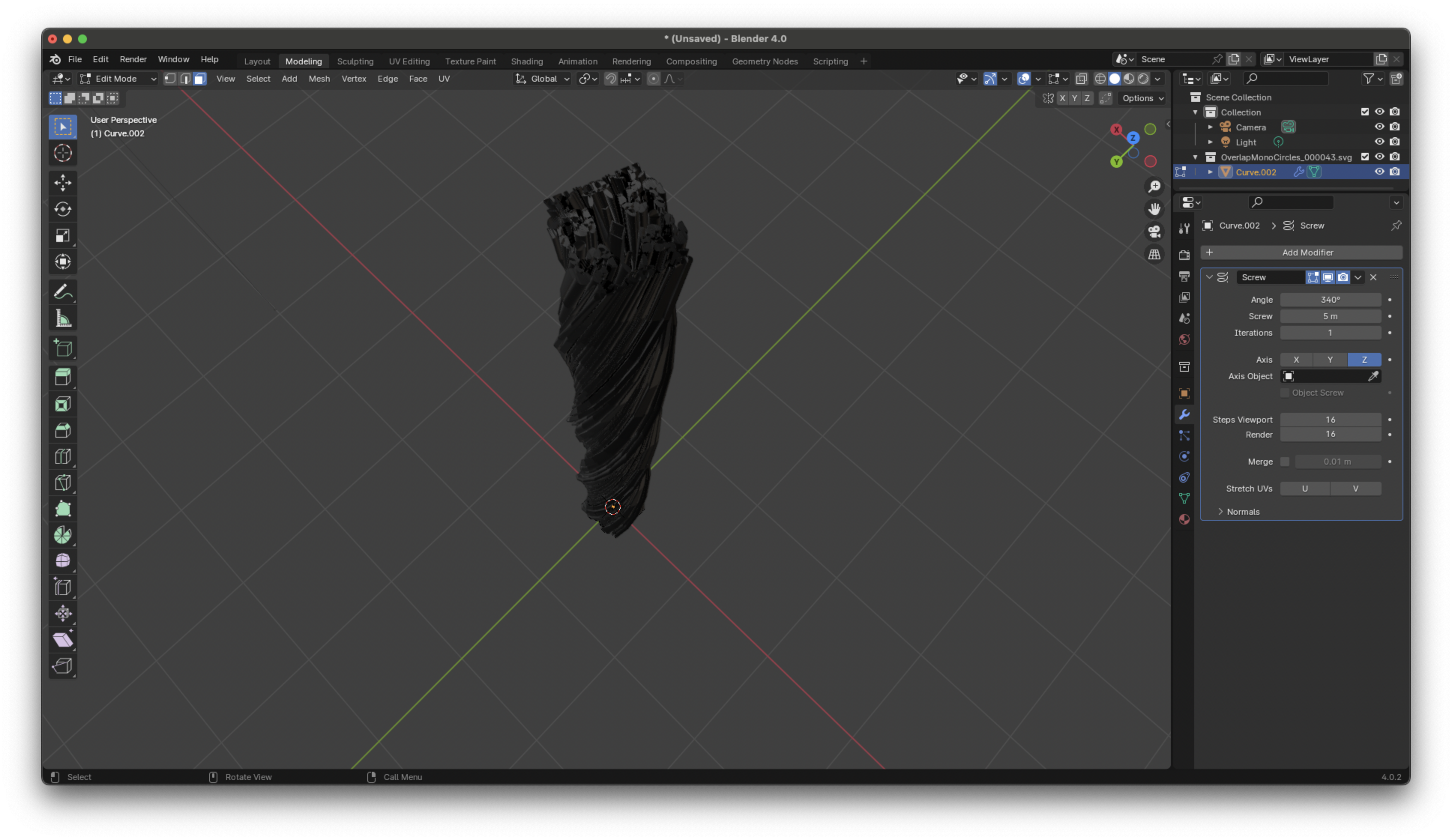
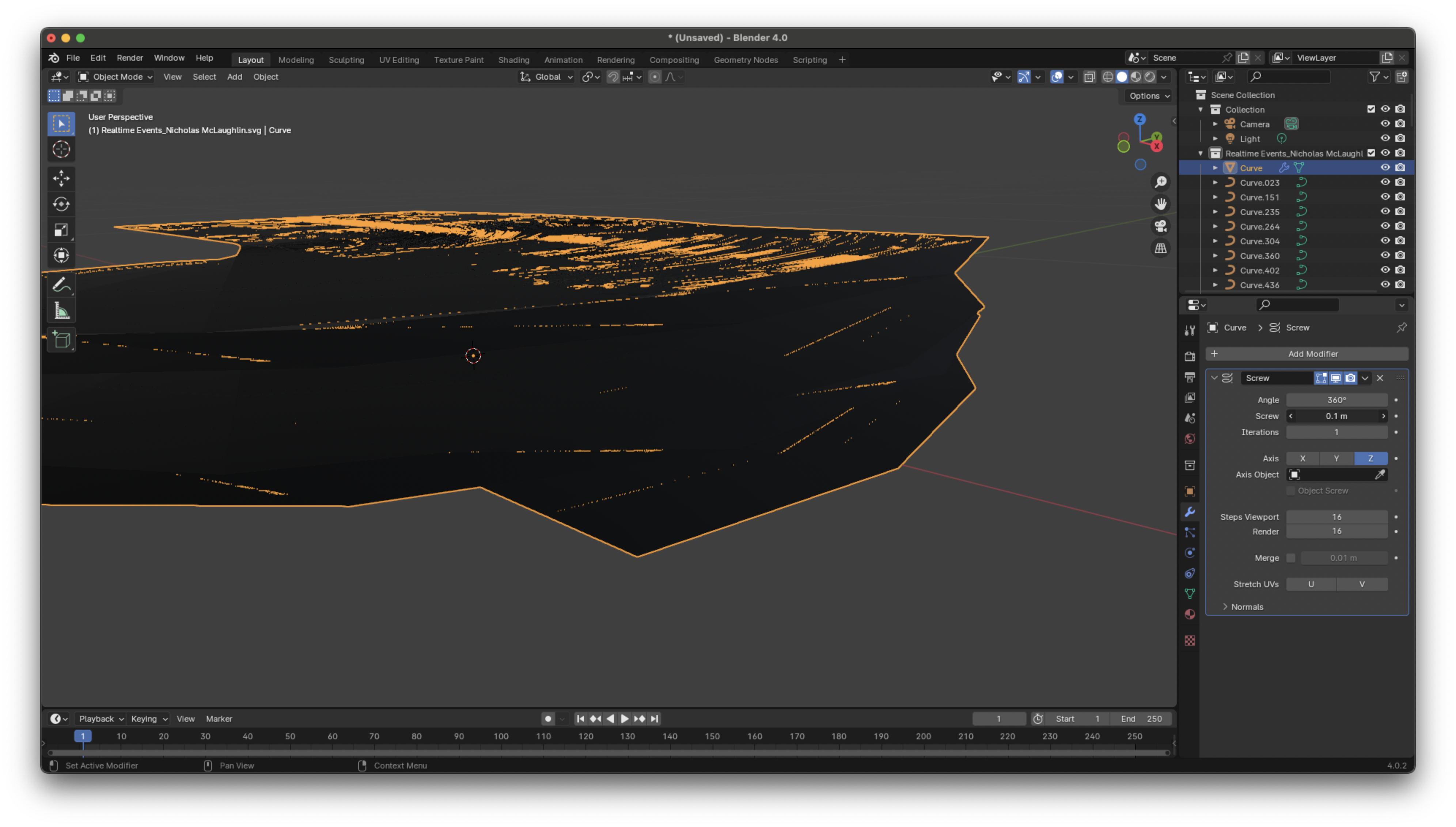
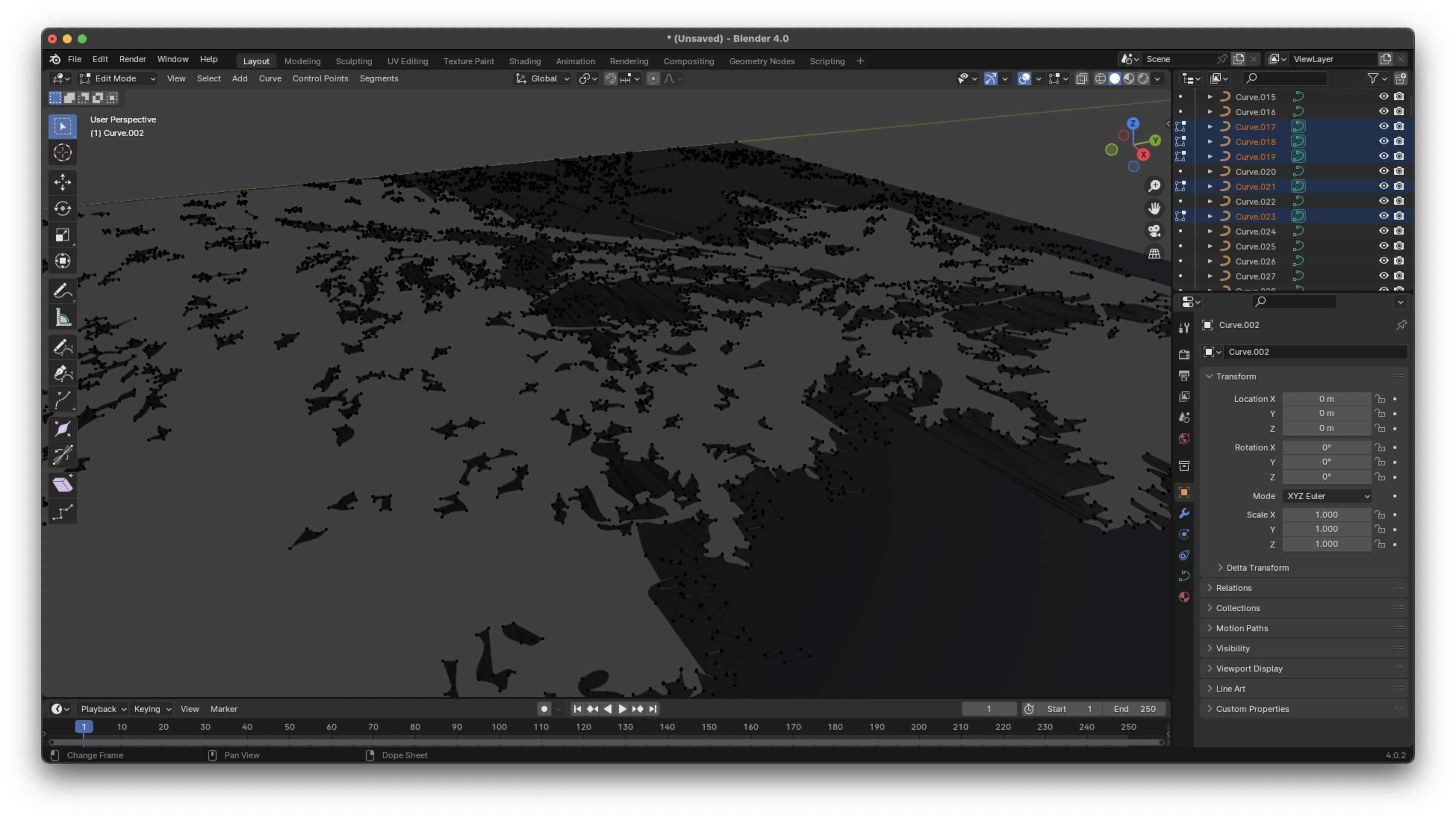
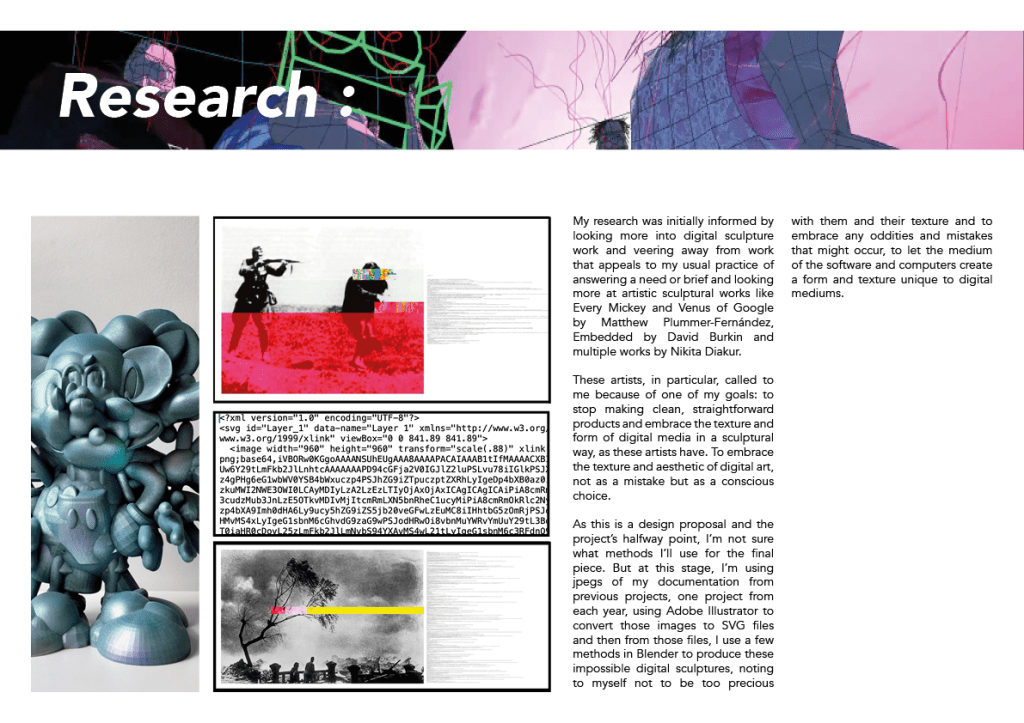
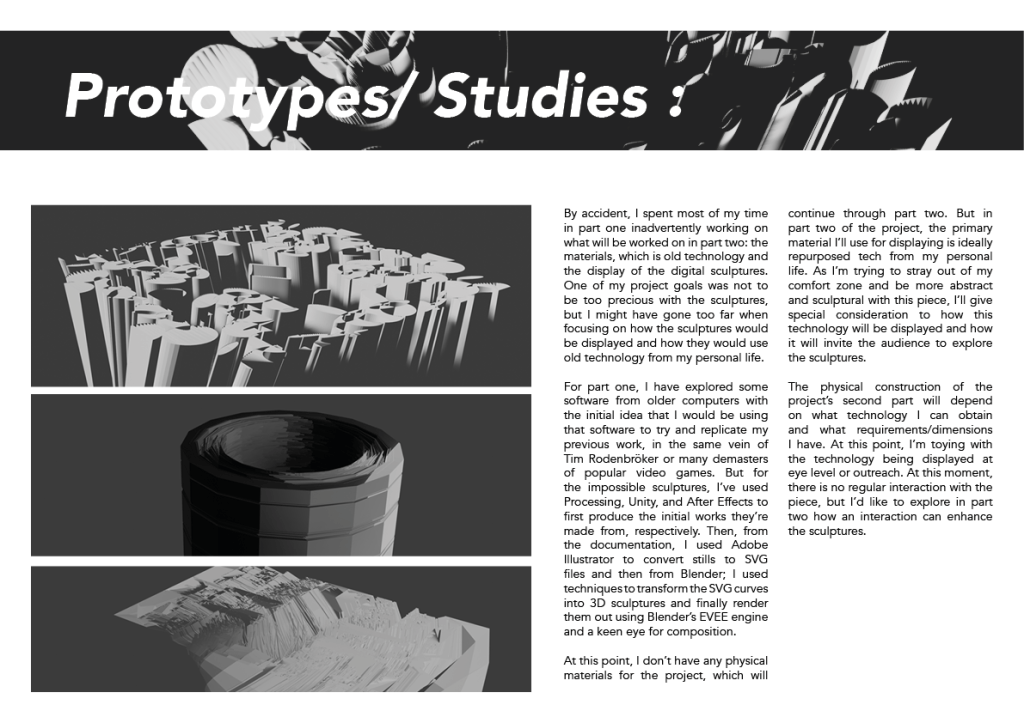
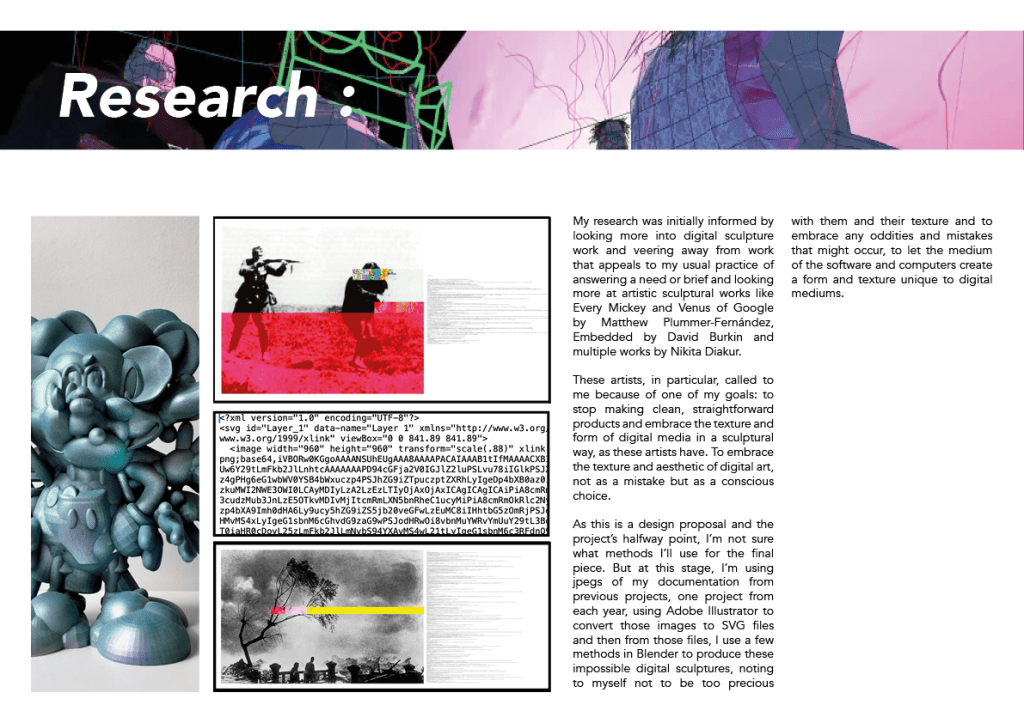
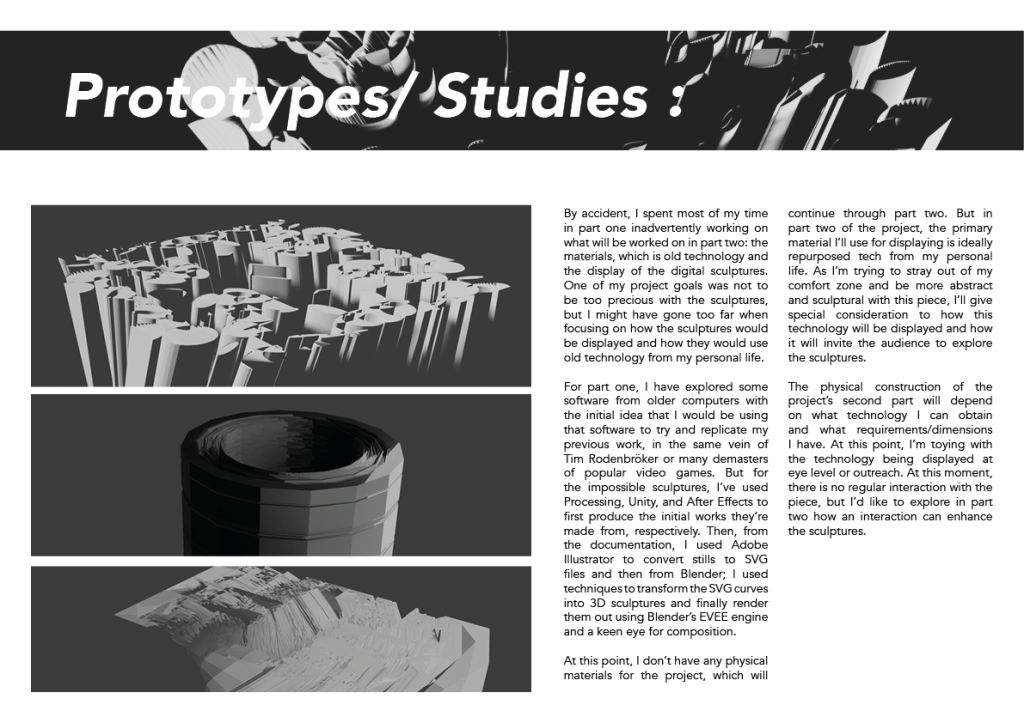
Idea : Taking processing sketches and exporting them to SVG files and then using those SVG files in 3D packages to create digitial sculptures with them. Making a note not to be too precious with these sculptures and that the digitial texture produced is what I’m looking for.
Idea : Similiar to the previous idea its taking SVG files from processing but instead of the sketches themselves I want to import documentation images of previous projects and then export them and create 3D sculptures.
Idea : Documentation of previous projects ran through a processing sketch that warps it or glitches it with a purpose. In the same vain as David Burkin and creating a new piece of work from the documentation.
Idea : A mix of both ideas above.
All 3 ideas can all be taken further into the displaying idea I’ve had for Design Domain Part Two.
Still messing around with old computers :


Music with it ? :
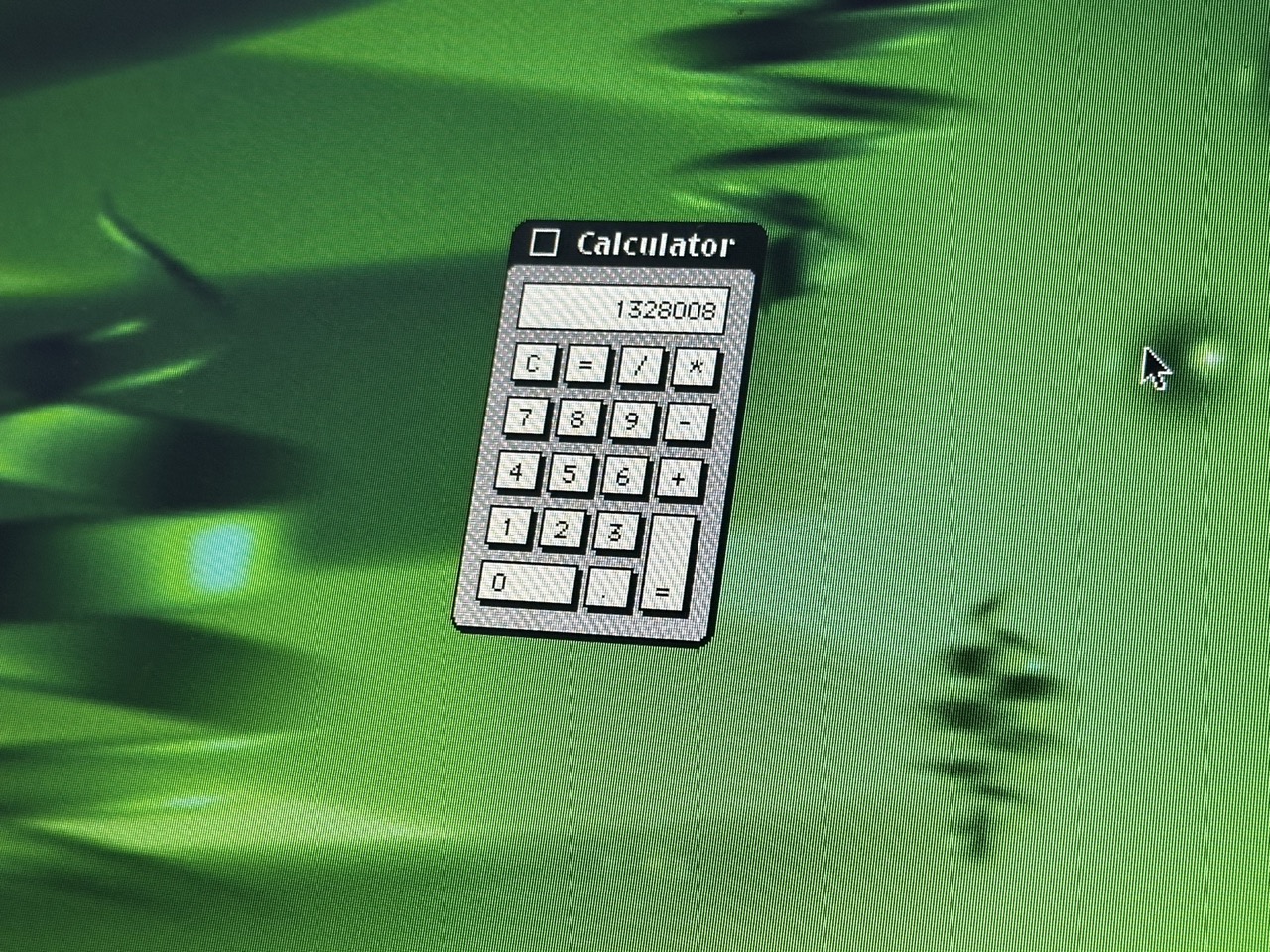
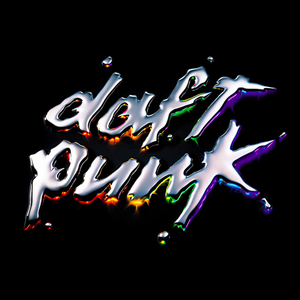
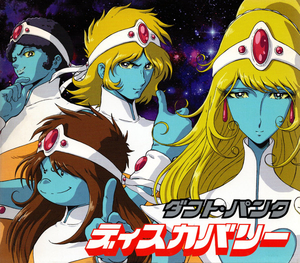
This computer was released on 2001 and on that same year Daft Punk released there follow up album, using technology and an artistic vision to drive the album, similiar to our modern practice as creative technologists. It might be a nice idea to tie them together, inviting people in to come closer to this odd technological sculpture.
And personally one of my favourite albums, cover to cover.


If I go with this idea I think it would be very fun and think the overall visuals of the piece should change as this a fun album and the visuals are quite joyful and as this is a self reflective piece, I’m not the most quiet and downtrotten of people and the visuals should probably follow that.
Personal Thoughts :
10:06 pm Tuesday 3rd of December 2024
The past couple of days I’ve been feeling quite dejected about my possible outcome for this project and had no clear plans or ideas but as I listen to the Daft Punk album I’m considering using for this project and looking back at what I’ve put on this learning journal there seems to be two conflicting thoughts and two conflicting styles.
Which I feel like mirror myself.
Both rooted in a love and respect for technology, art and design.
I think this is what Paul is talking about when he says art school is about self-discovery and ‘looking into the void’. When I look into the void, I see two parts of myself: the fun artist and the serious designer.
I think the difficult part is picking one of them or even harder, trying to have them both coexist in the same place.
Also its funny that the album is called Discovery as I’m having a journey of self discovery working on a project about my own work.
“…like trying to wrestle with the dichotomy of a designer who wants to make impactful work, an artist who wants to make joyful work and attempting to do both without sacrificing anything from either side.”
Lexie Mackie 2024
Creating Artifacts :


After a lot of behind-the-scenes work, the three digital sculptures were produced in a matter of hours with the help from Mikhail and from Lexie or showing me how to actually use blender but by either plan or complete accident I stuck by my idea that I had formed along the way that the sculptures are not the main focus and the process is as well as the personal challenges.
Year One:


Year Two :


Year Three :


Design Domain Design Proposal :


Self Evaluation:
Part Two :
Working title :
Return to Form
In part two my aim is to develop and build apon the work done with 3D digitial sculpture and the idea of old tech and ‘glitching with a purpose’ using old devices and displays to display the 3D sculptures or even using some of the time in part two to explore blender more and re-explore the sculptures of part one.
Another idea for part two was to also explore the digitial to physical workflow and applying the same theory and practice of part one to part two… if the 3D print is to fail then we let it fail and explore the textures and shapes of that ‘failed’ print.


Data Visceralisation
We are not just visualising the data we are giving people the opportunity to use other senses to experience the data, we are giving the opportunity to connect with the data on an emotional level.
My aim is to make one person connect with another person they have and will never meet through data. I think this is an important thought to have throughout this project. In its simpliest form it is about helping people connect.
The Data :

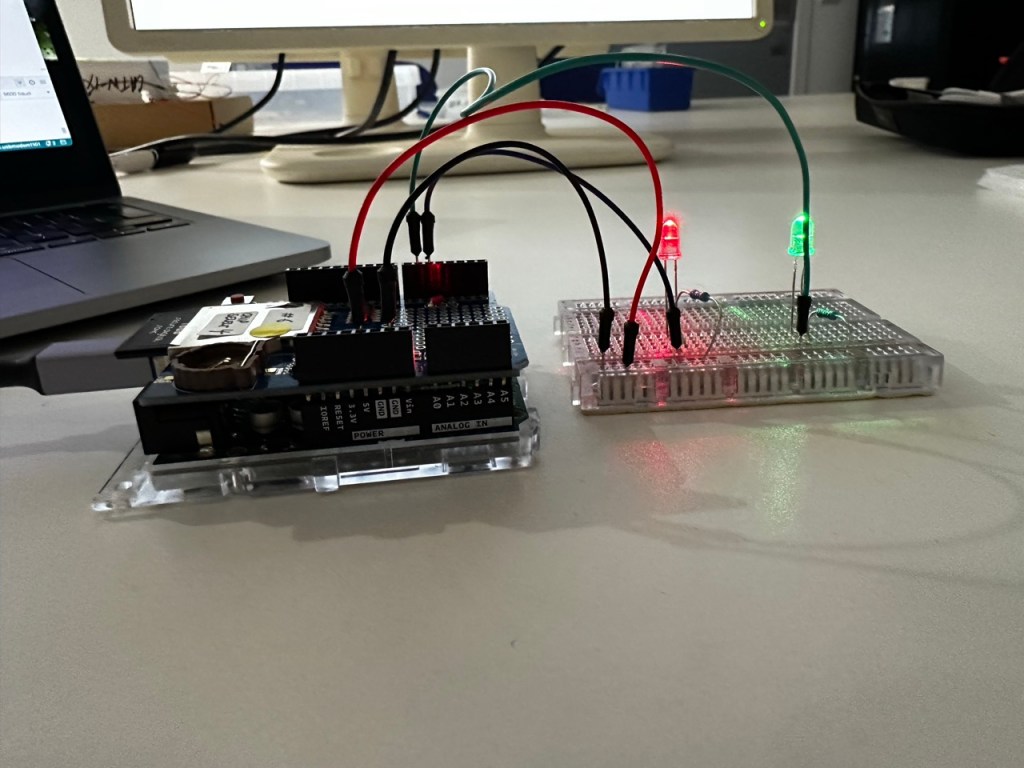
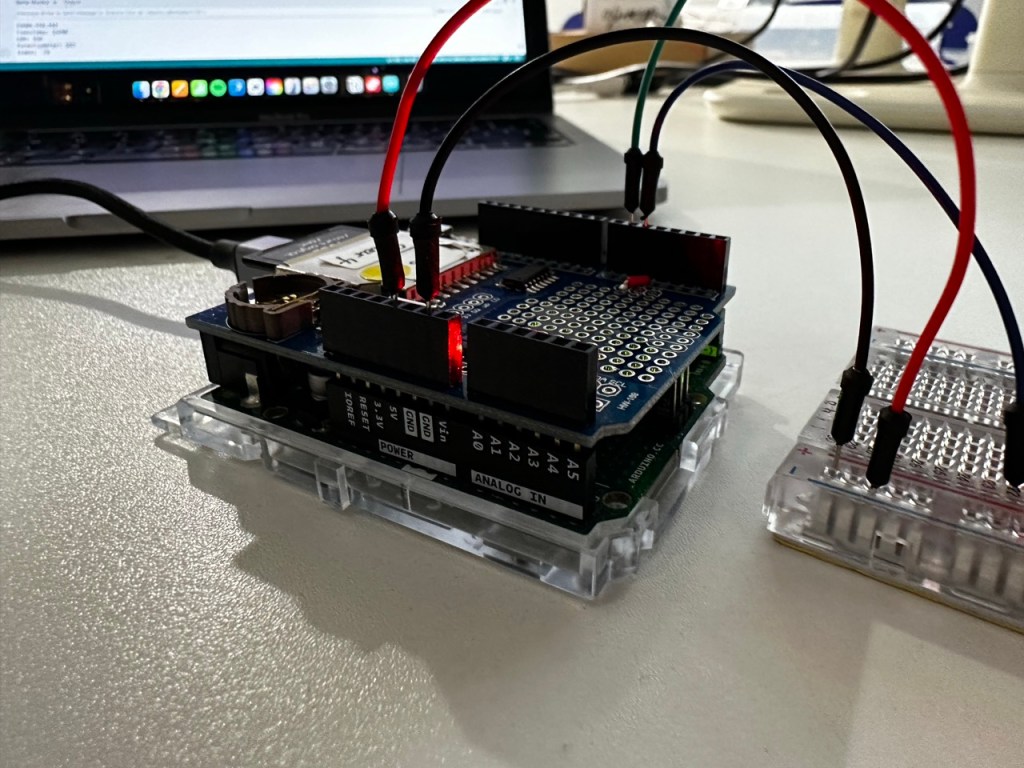
For this project we will be using data given to us from LABDA and focusing on one entry to drive the arduino.
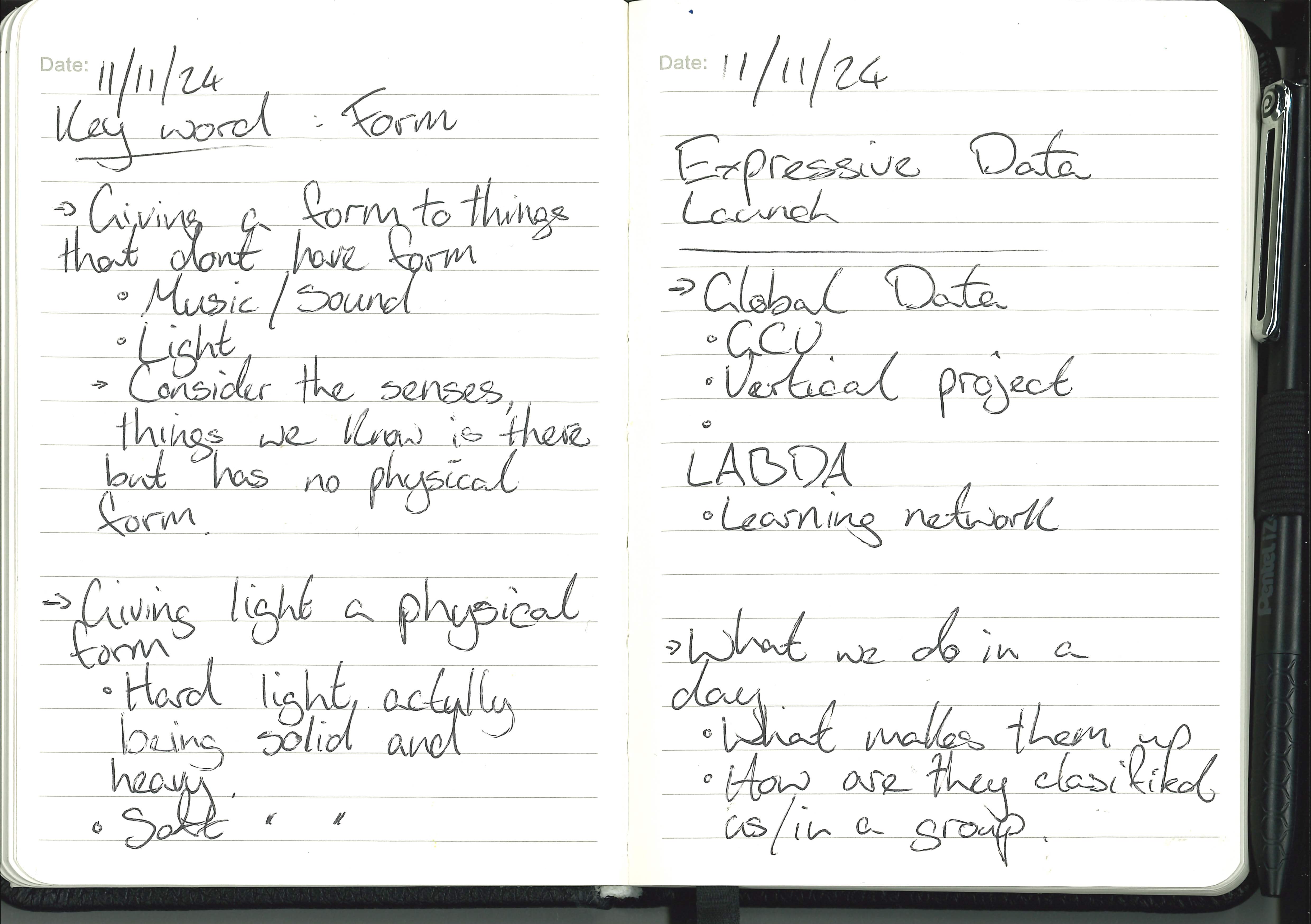
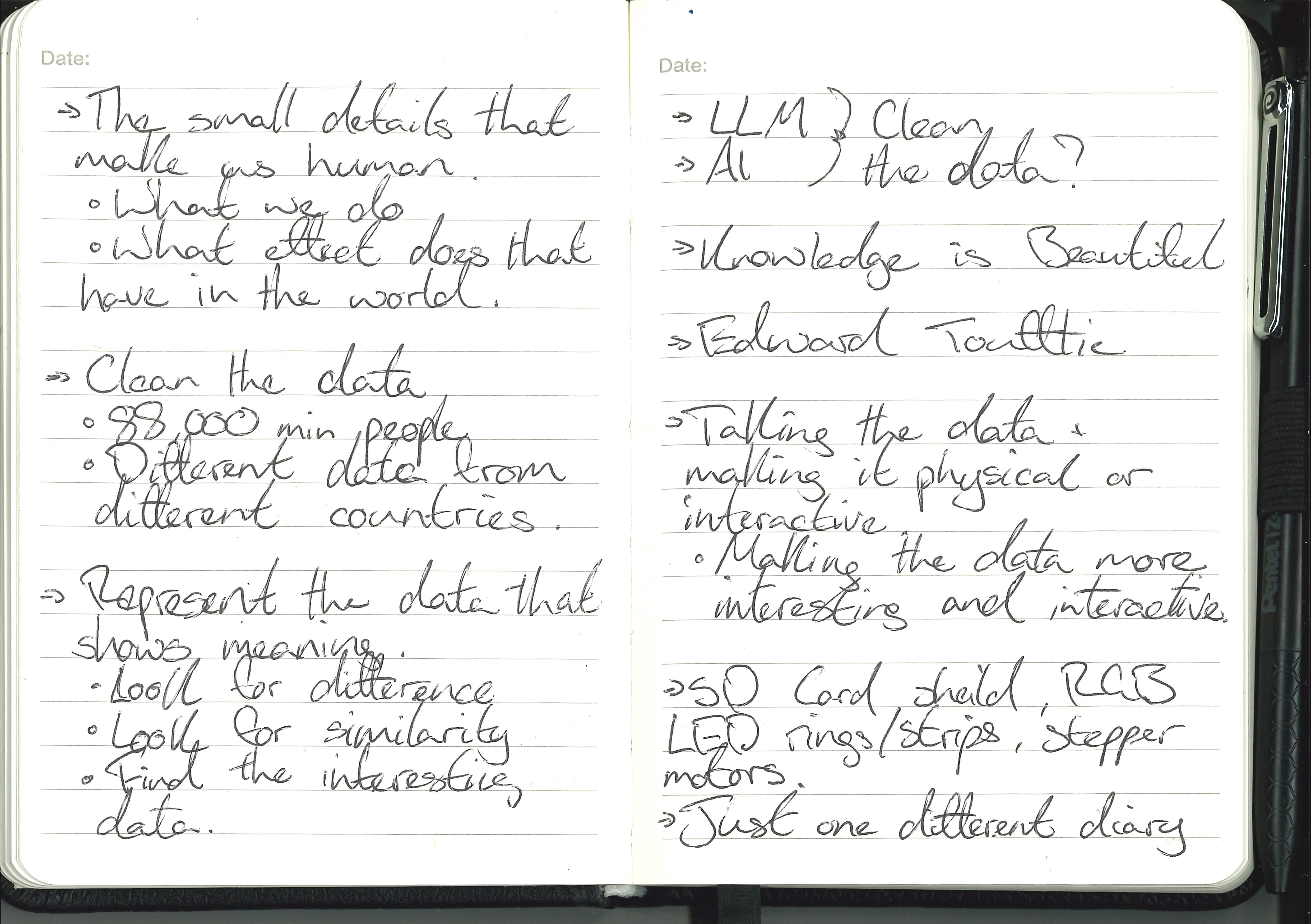
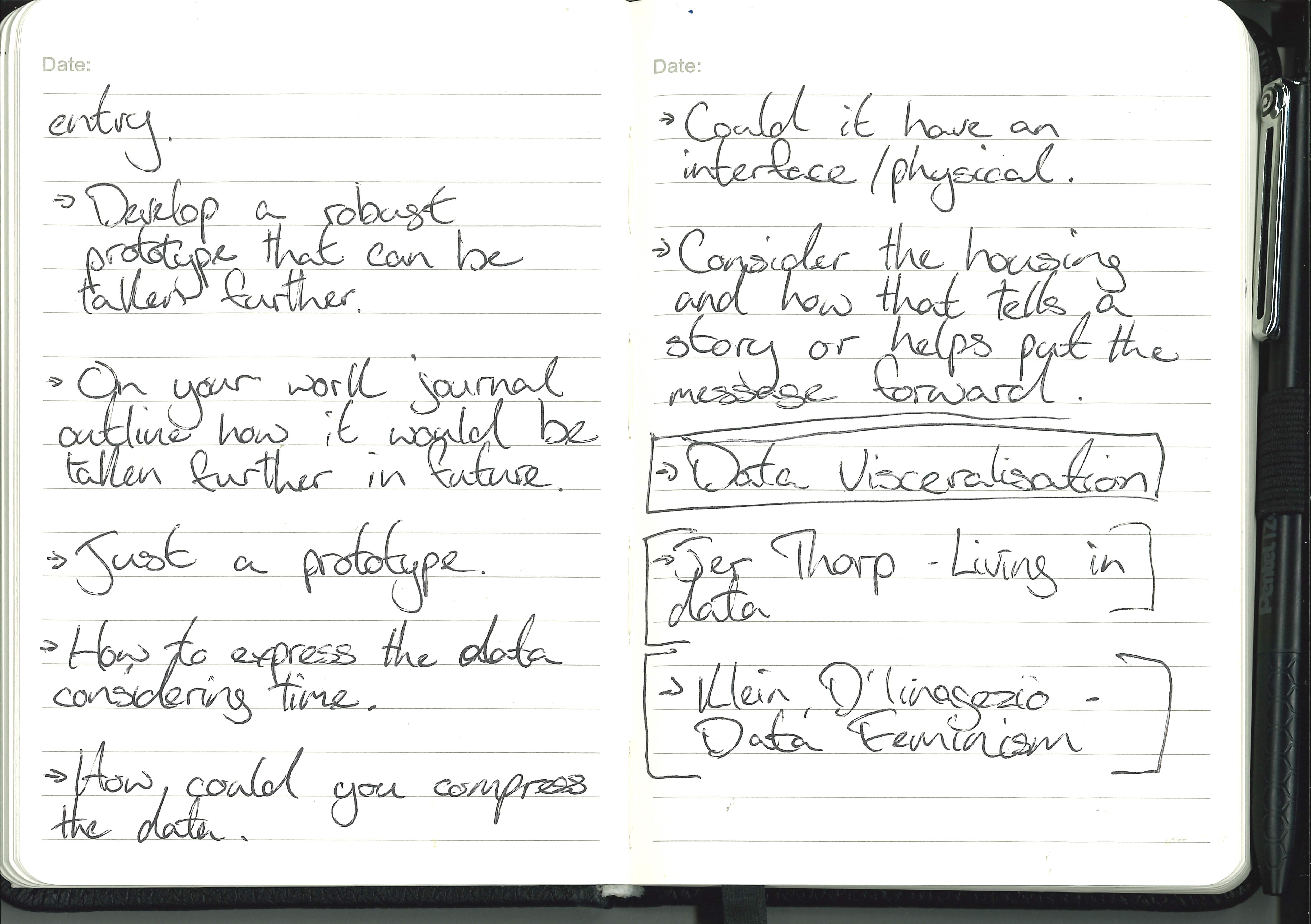
Launch Notes :


Workshops :


Through the workshops I loved that is such joy and power in the simpliest of things. Simple movements and lights can draw people in or excite people, so by elevating these very simple movements and lights driven by data then I think/hope that they will still draw people in and excite them.
Inspiration :


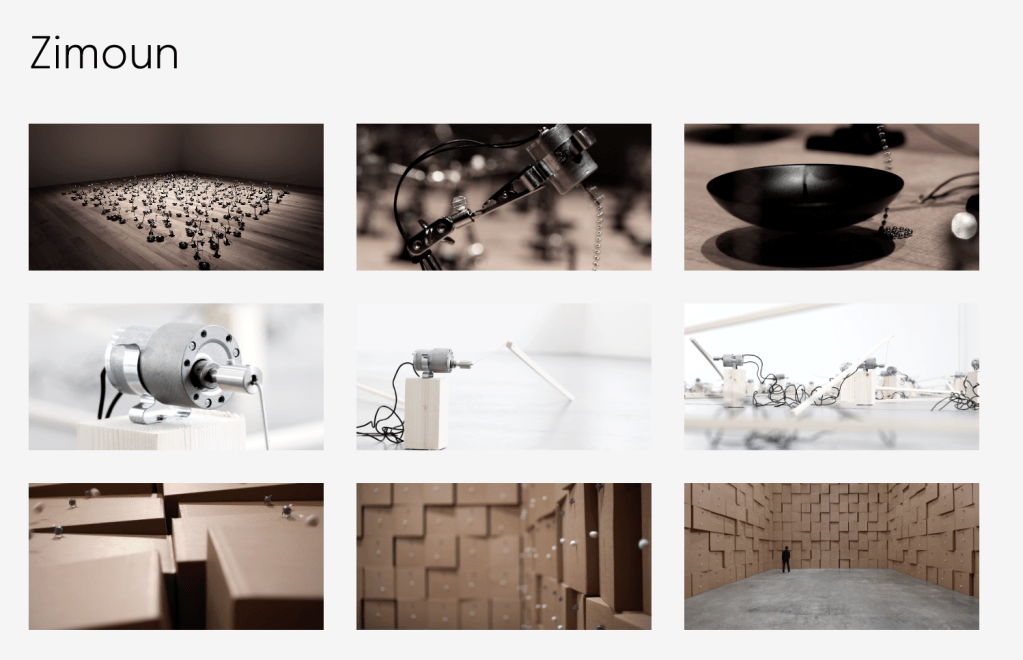
One thing that first came to mind when during the second half of the launch was the work of Zimoun that I looked into last year for my spacial audio and how they use multiple small very simple parts in a large scale to create an all encompassing experience.
I’d like to use this method with my data visualisation. One small simple sculptural piece that could be taken further into a huge represenation of the data.
Initial sketches :


Building on the idea :


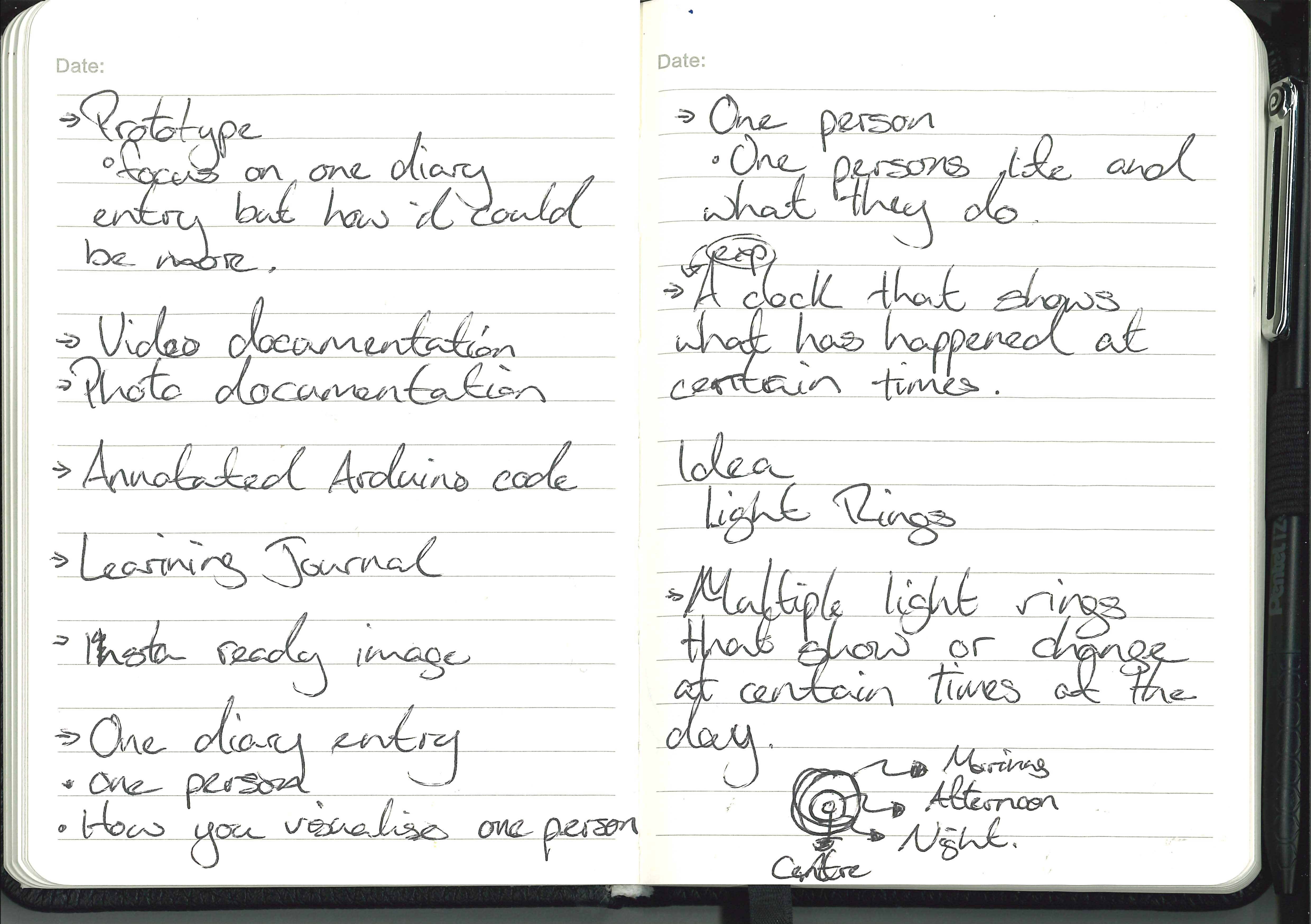
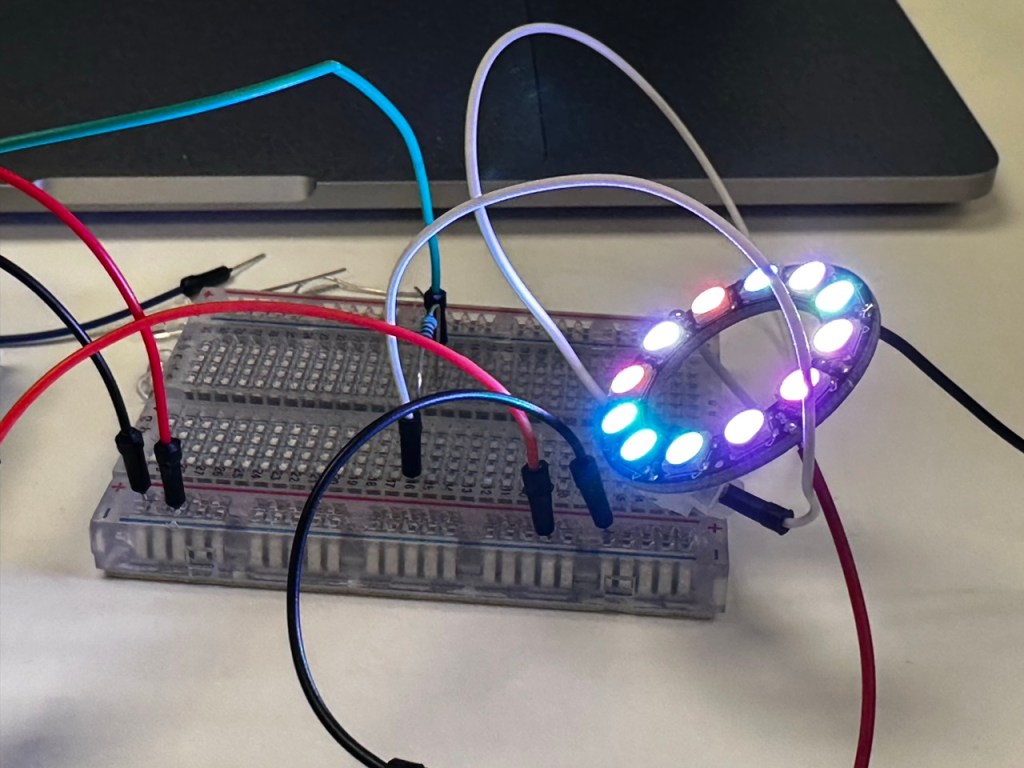
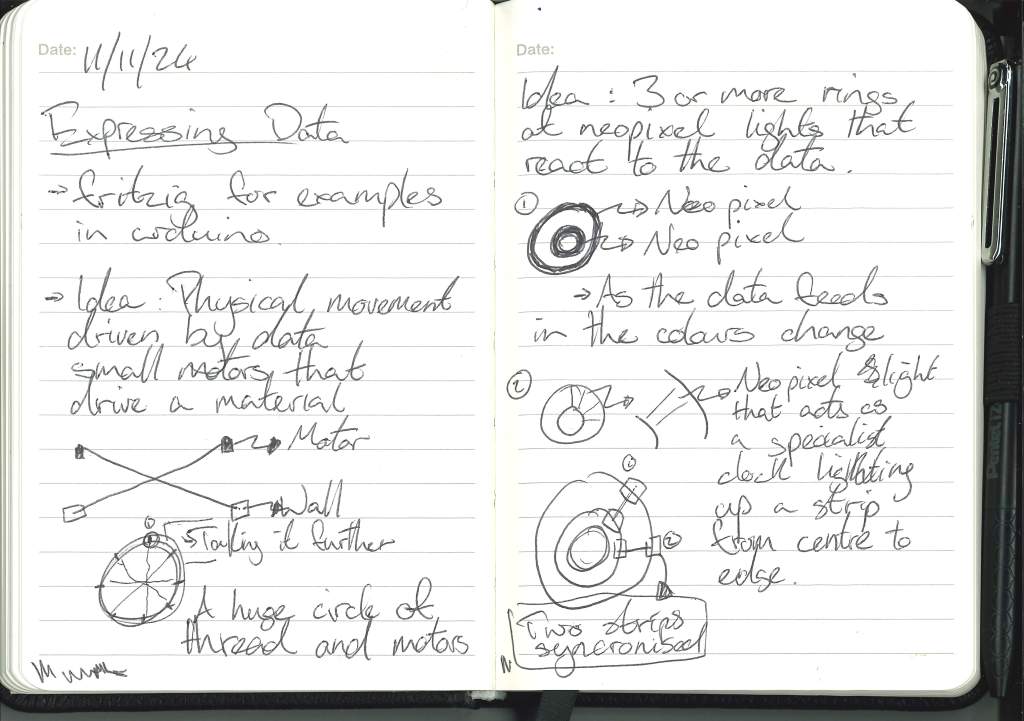
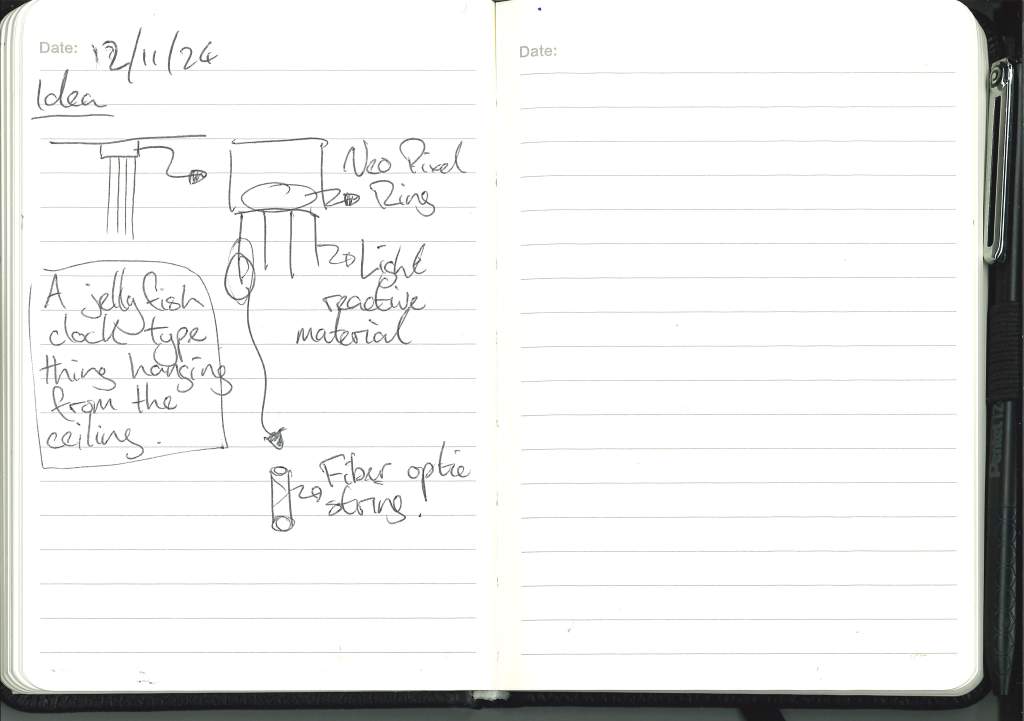
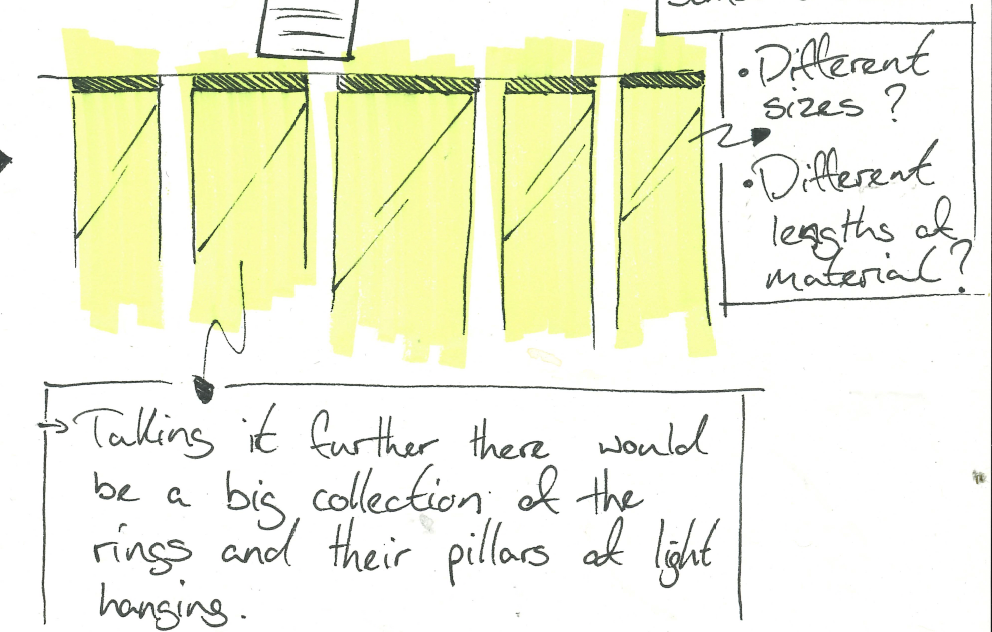
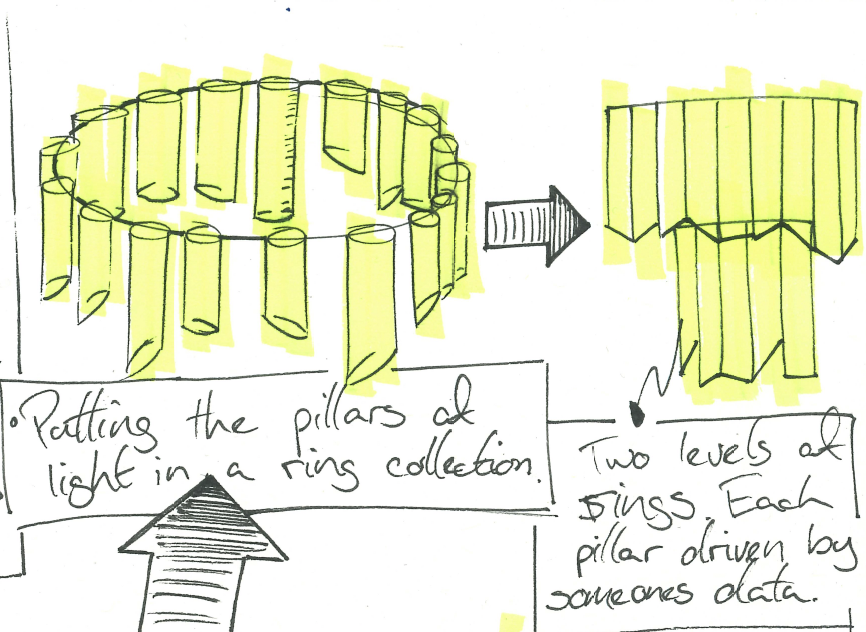
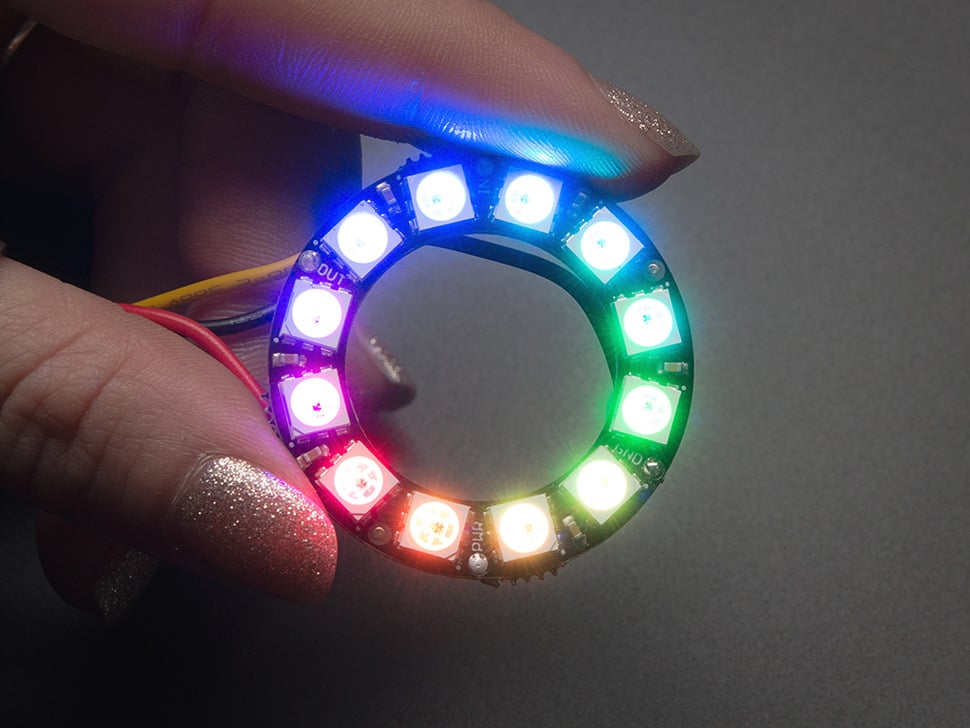
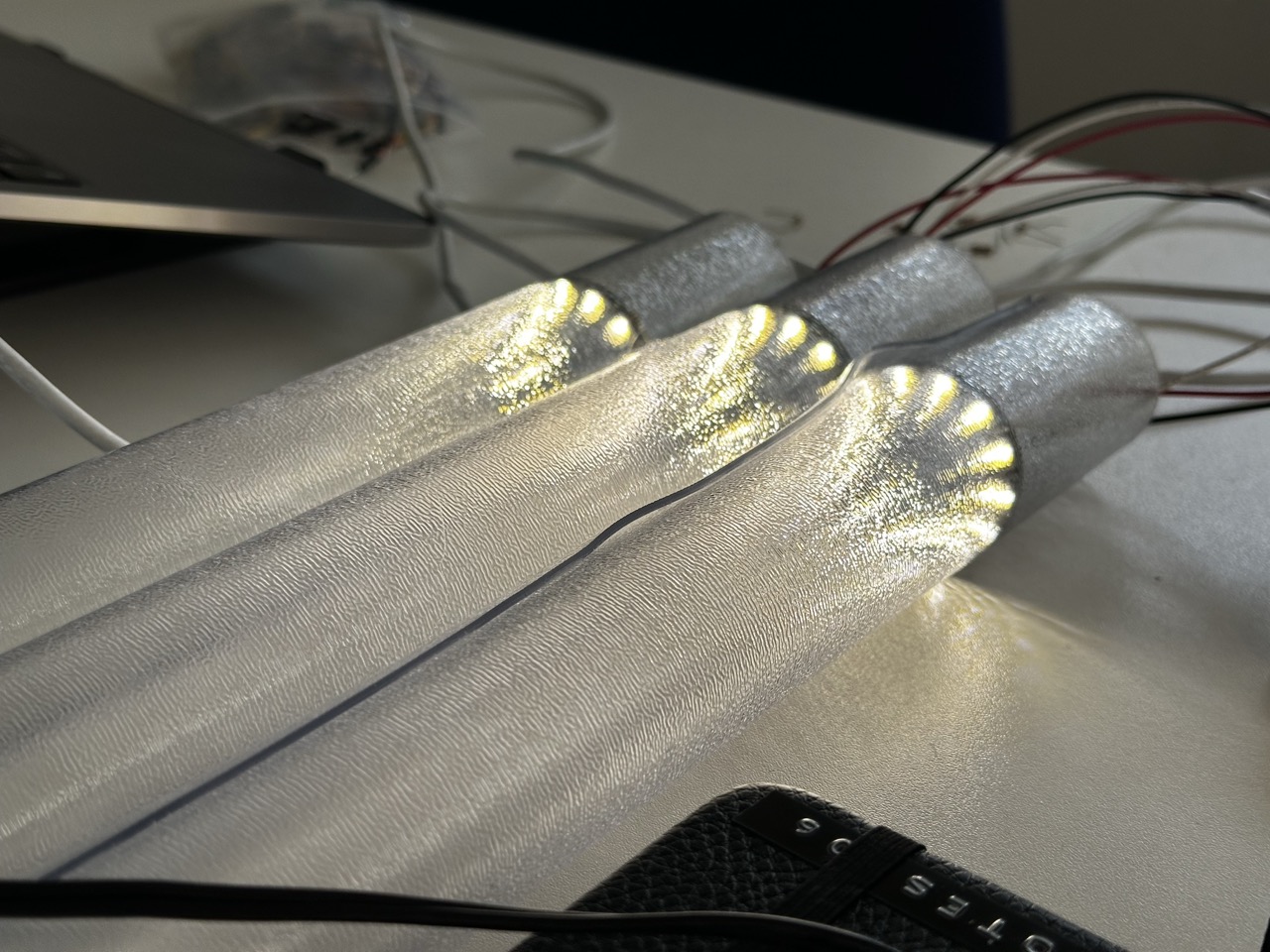
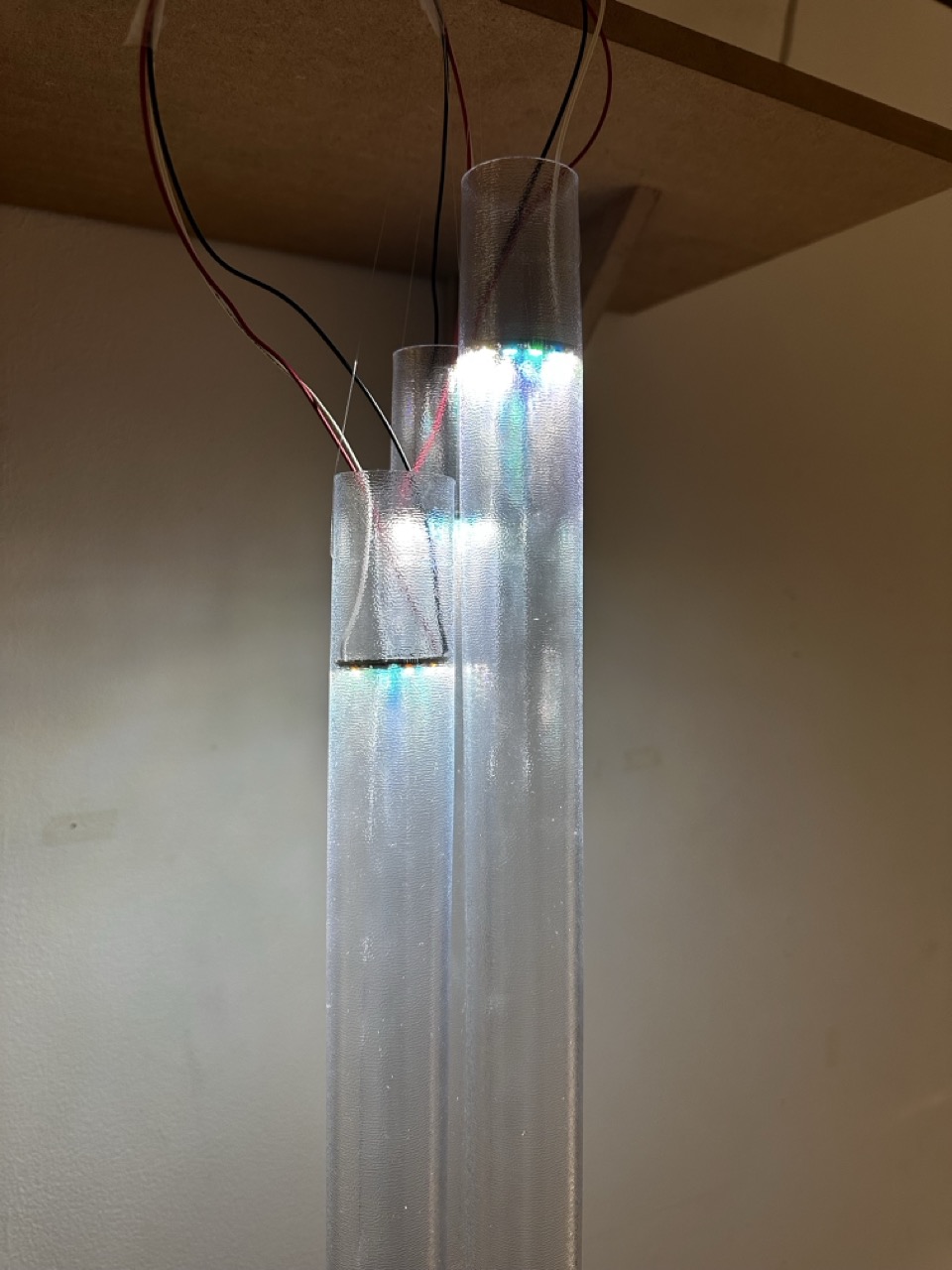
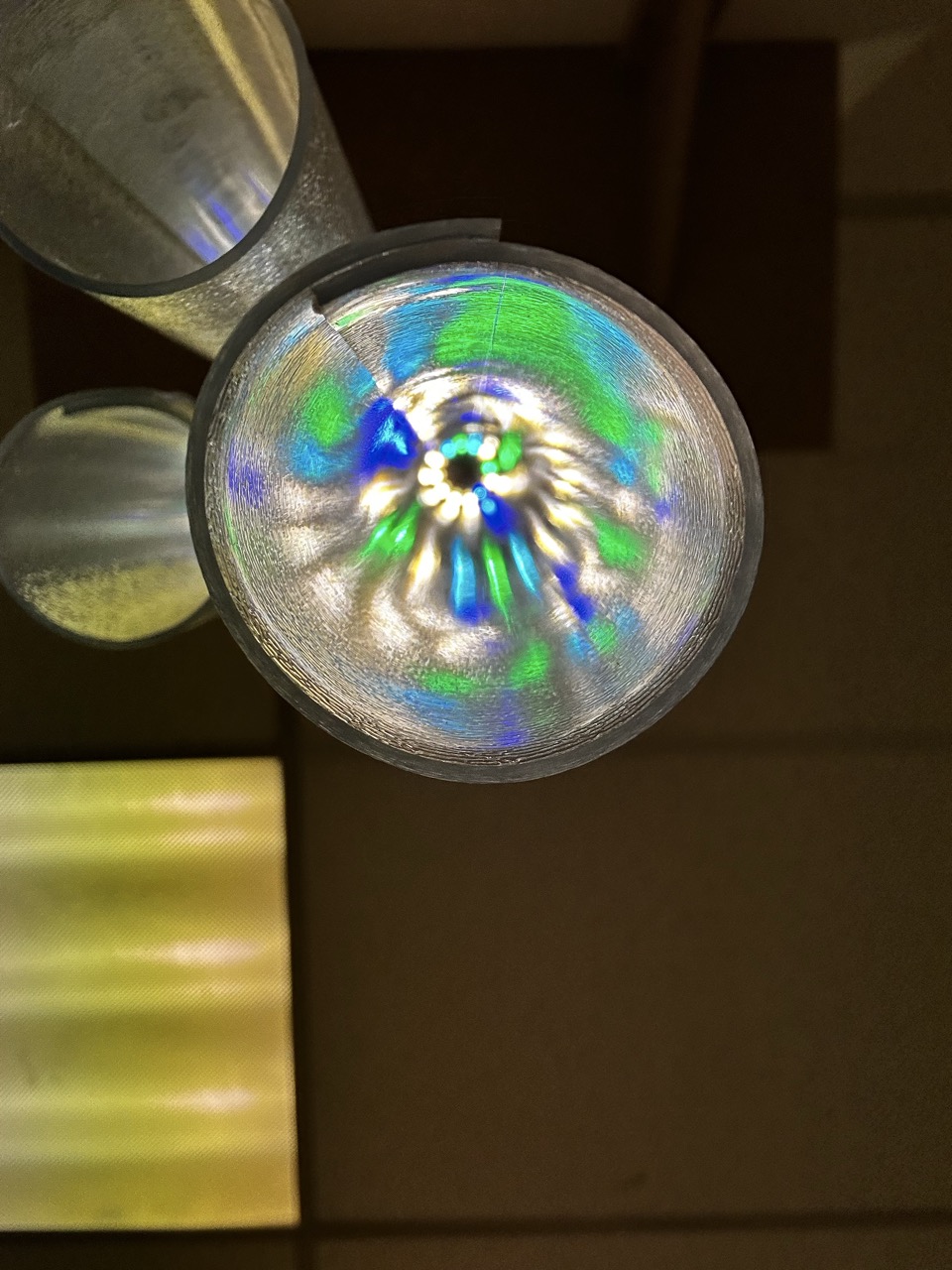
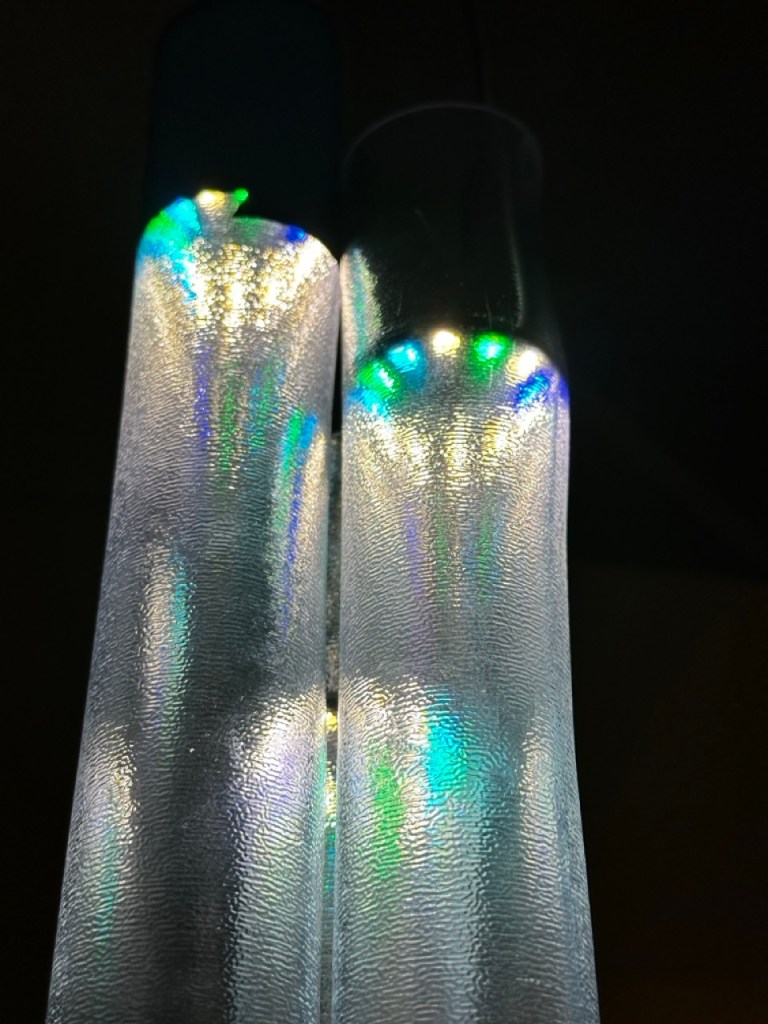
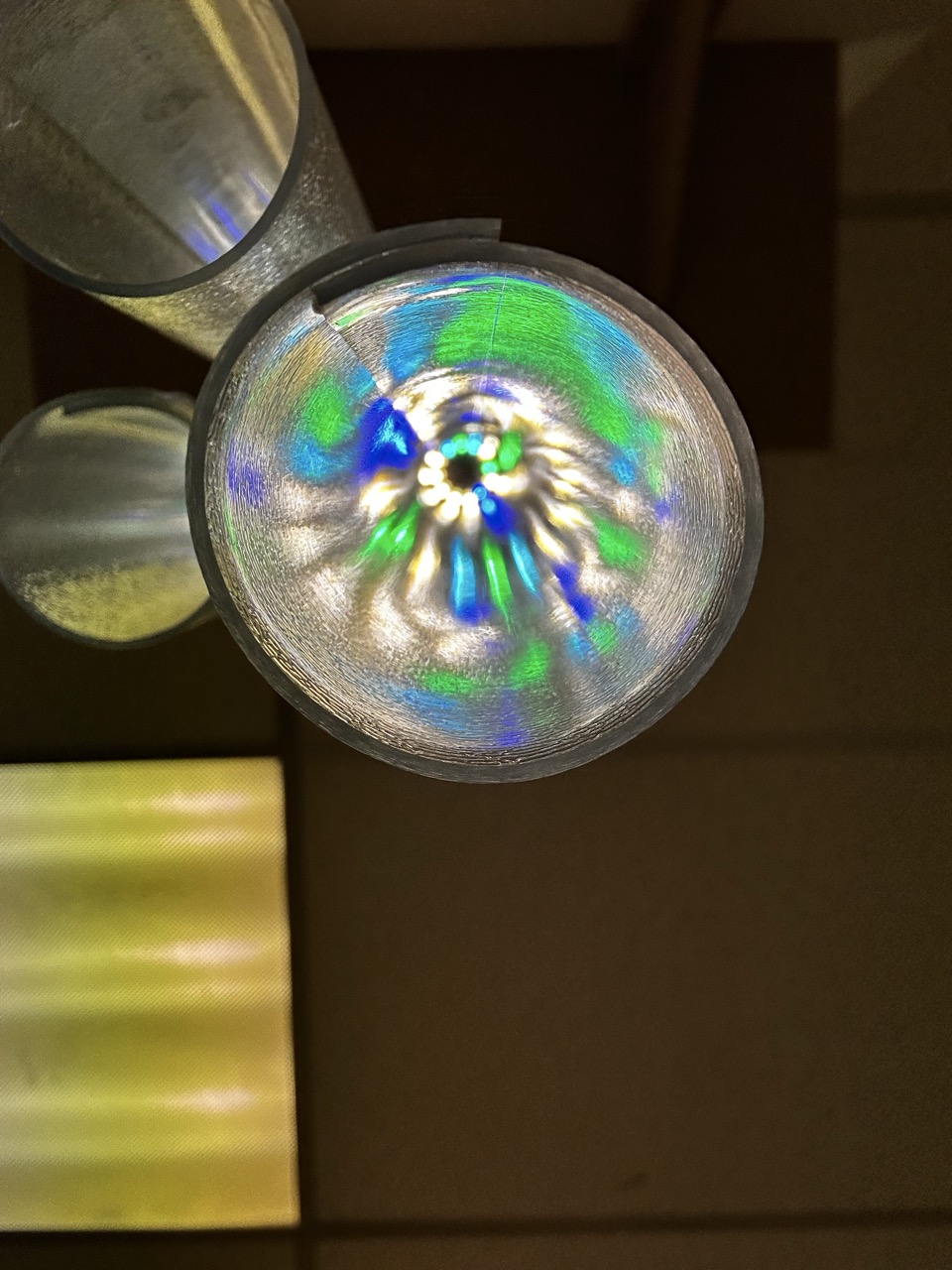
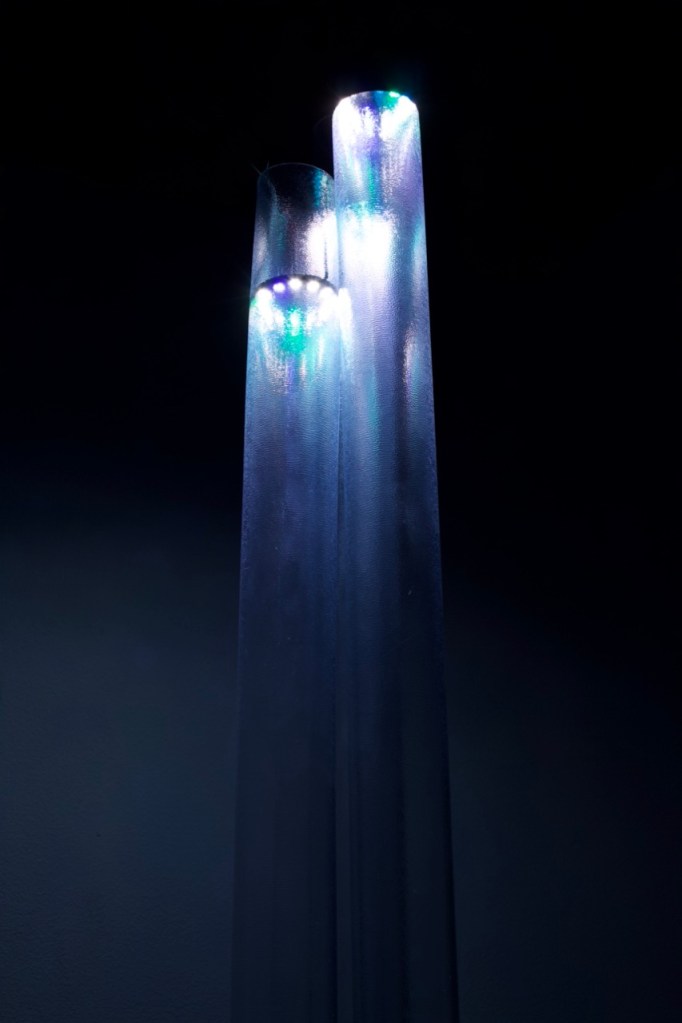
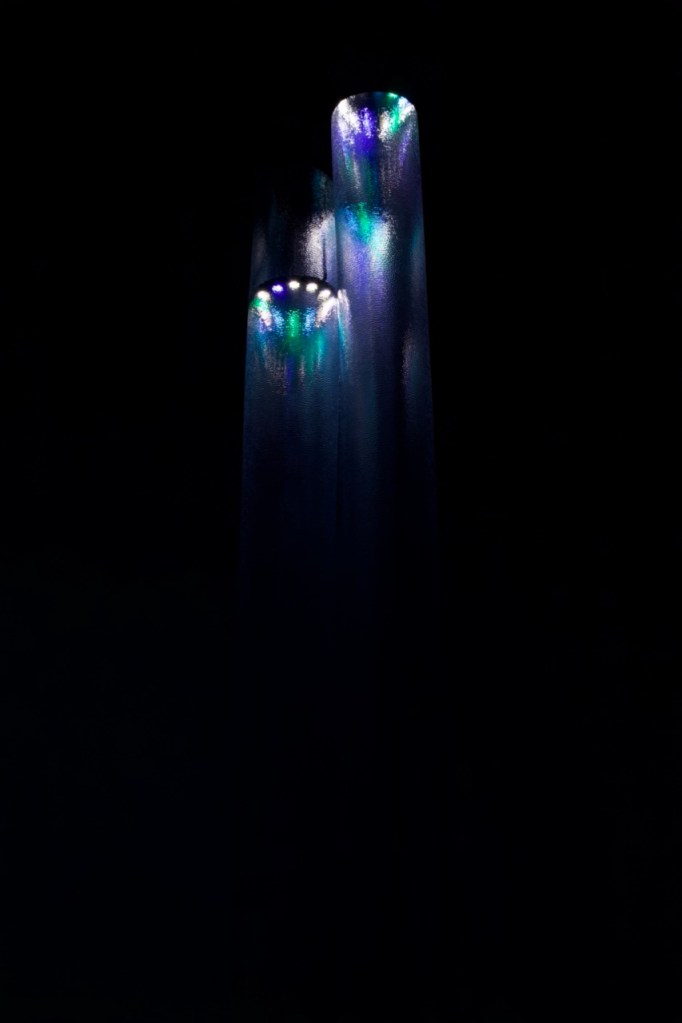
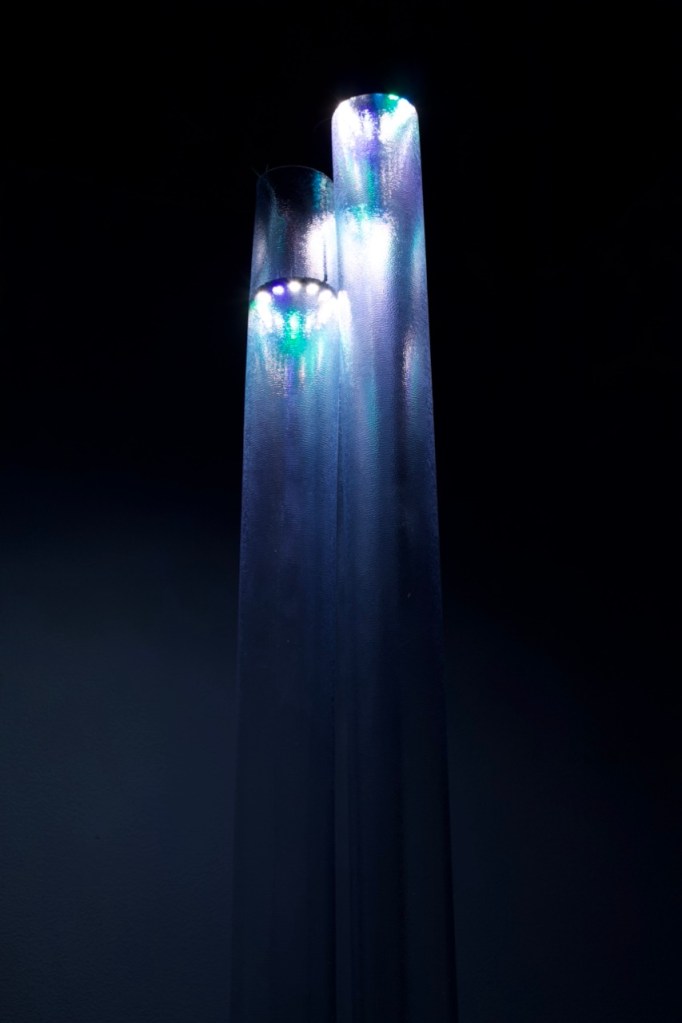
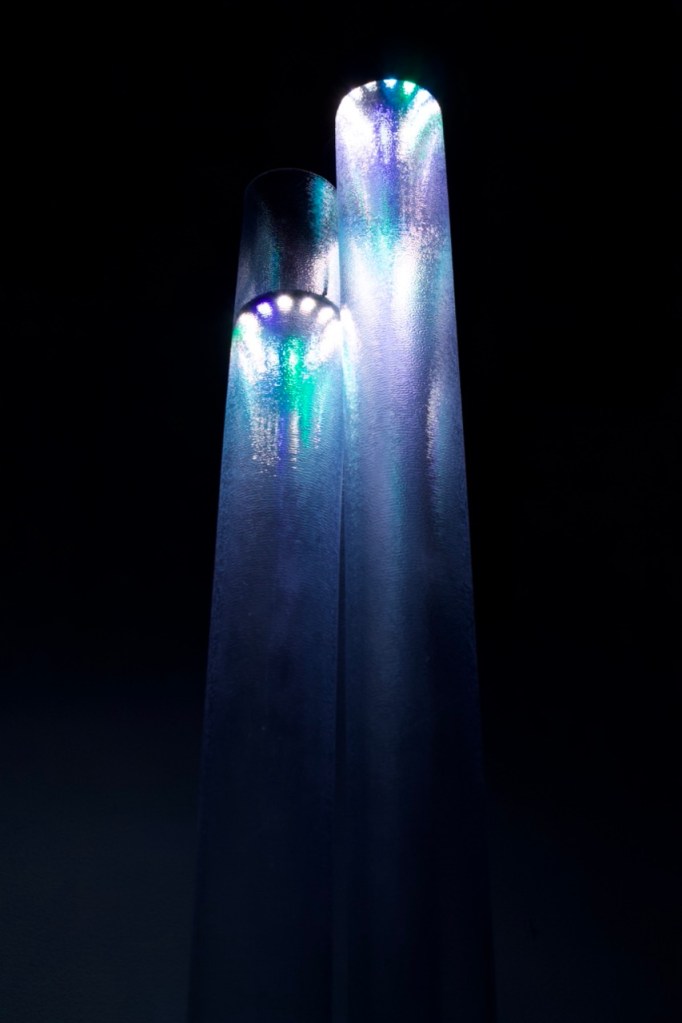
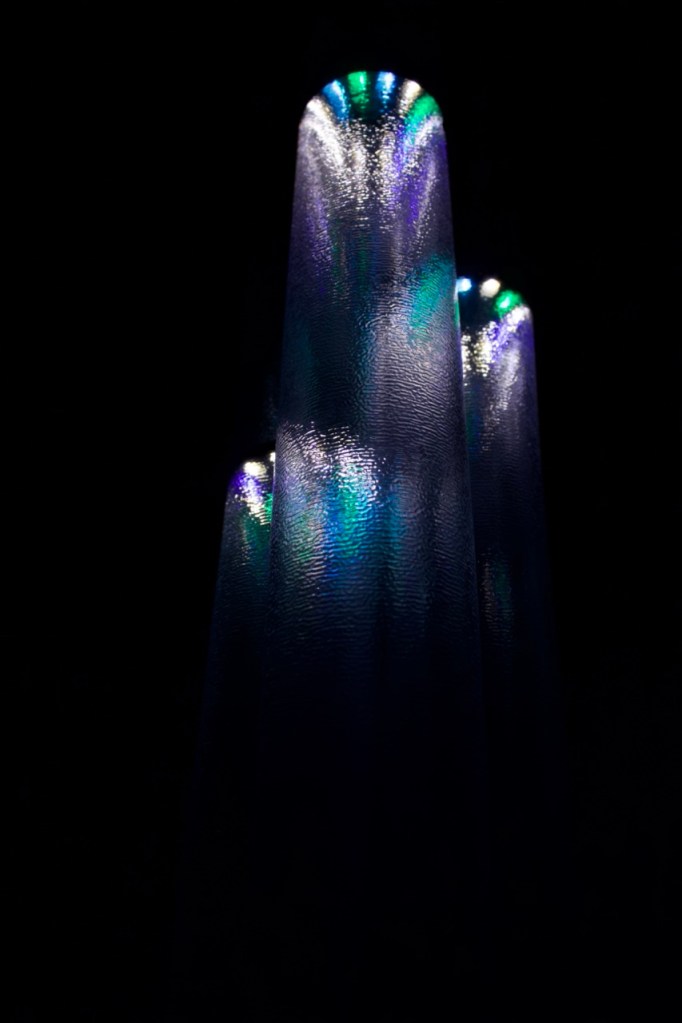
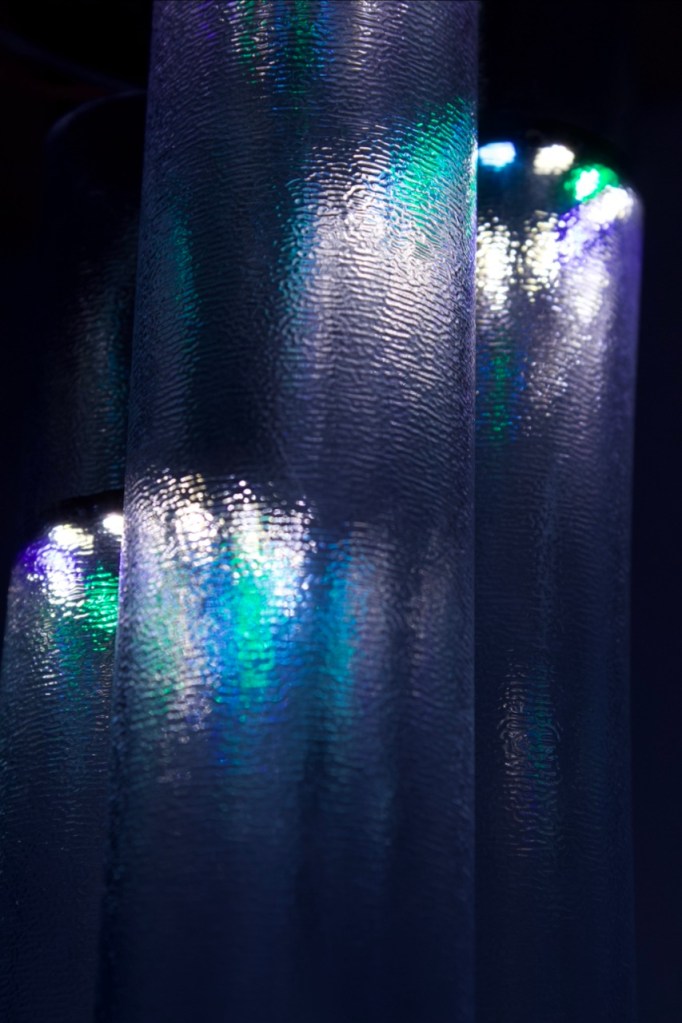
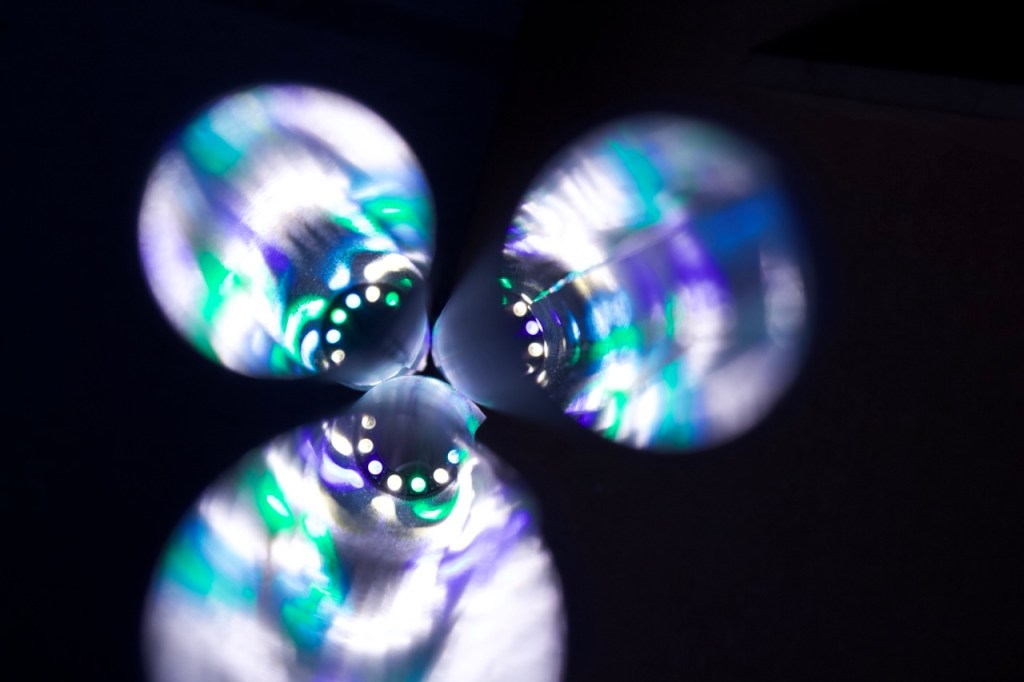
Taking the idea of the ring light idea further, I envisioned the singular pillar of light being part of a bigger chandelier or hanging pillars of light, each illuminated with a neo pixel ring that is driven by the data of one persons life in a day.
If they do something at 6am then at the corrisponding light on the ring with shine down through the pillar.
The 12 lights of the neo pixel are corresponding to the hours on a clock face AM and PM respectively.
Components :


https://www.adafruit.com/product/1643
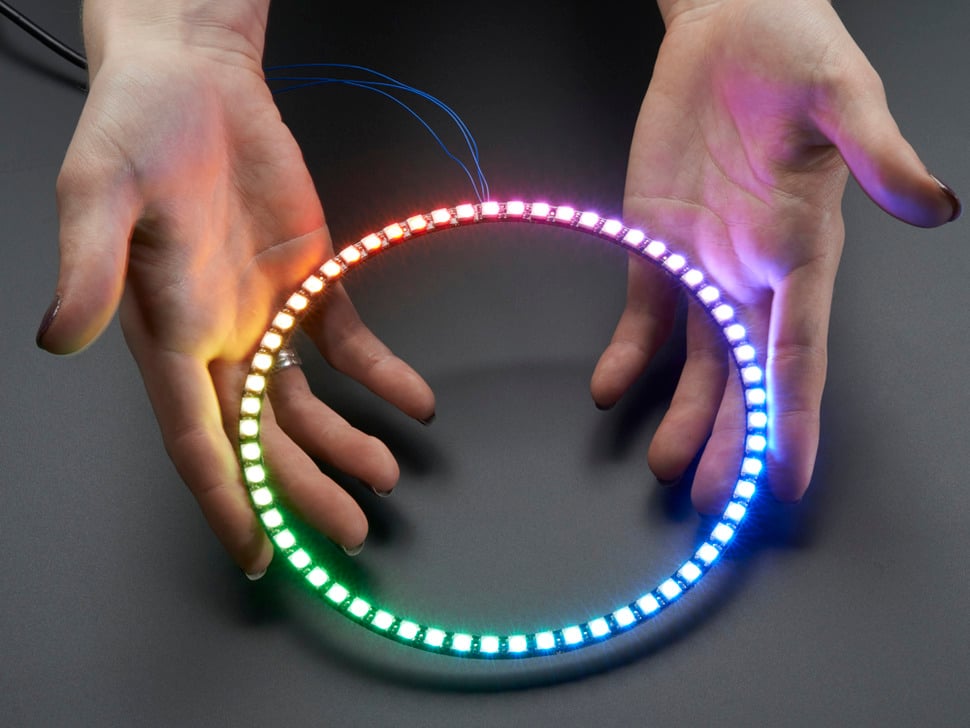
https://www.adafruit.com/product/1586
https://www.adafruit.com/product/1768
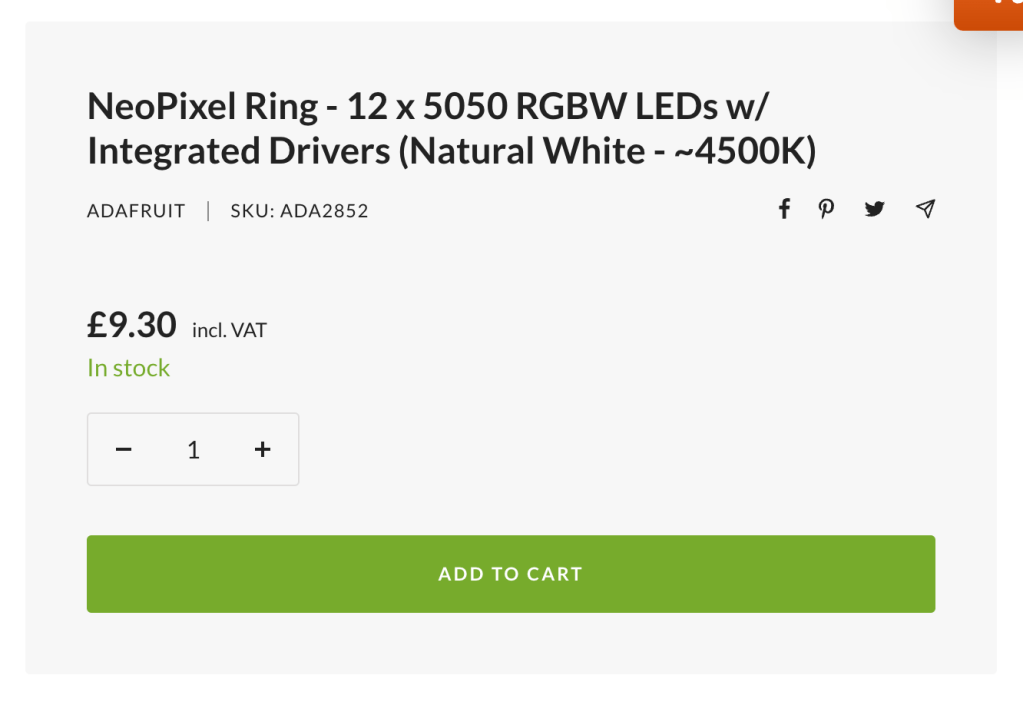
I think for what I’m trying to do the smaller rings would be ideal and would mean that when put into the chandelier I could do multiple rings without taking up too much space.
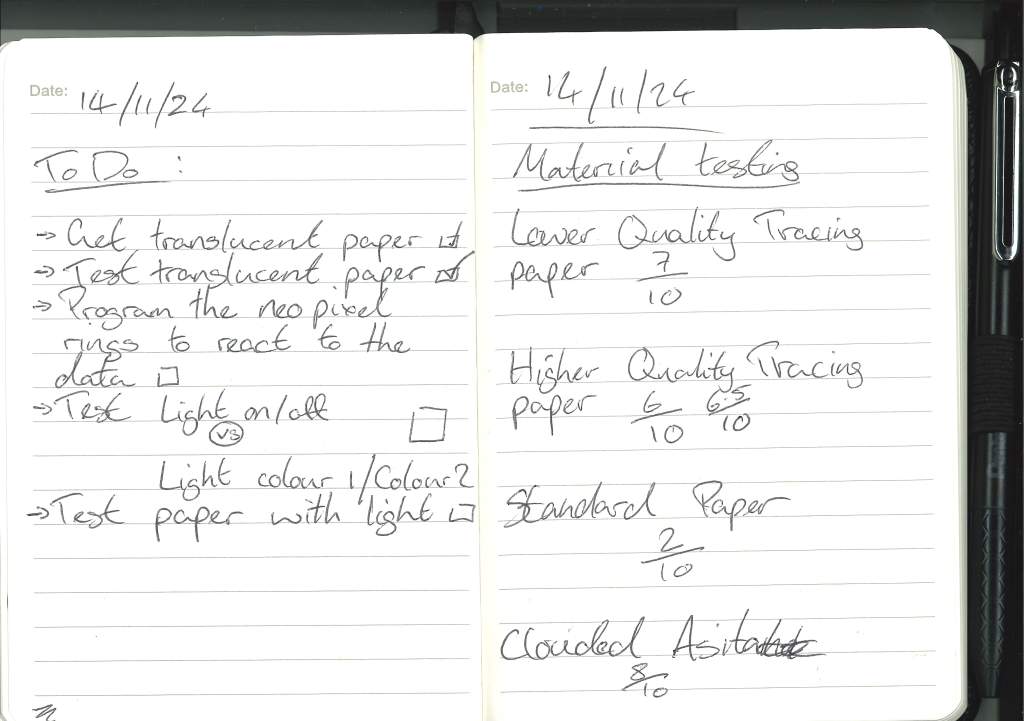
I still need a translucent material:
Chat with Cat:
When discussing my idea with her Cat came up with a great idea of taking it even further.
Usmans research is taking data from people around the world so why doesnt each country have its own chandelier displaying its own data. Each country hanging next to each other showing the relationship of its own information pillars as well its relationship to eachother.
Testing the materials :


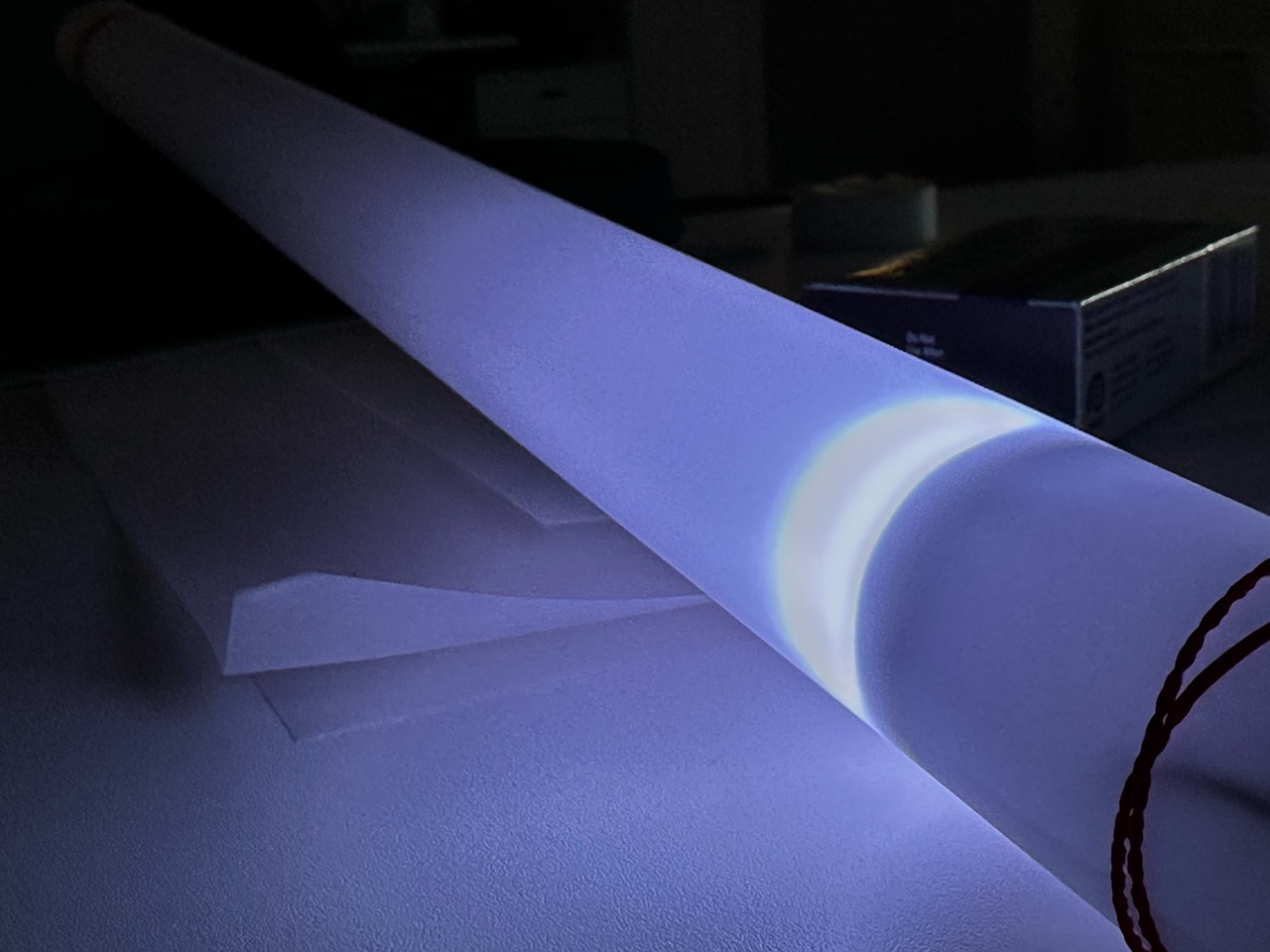
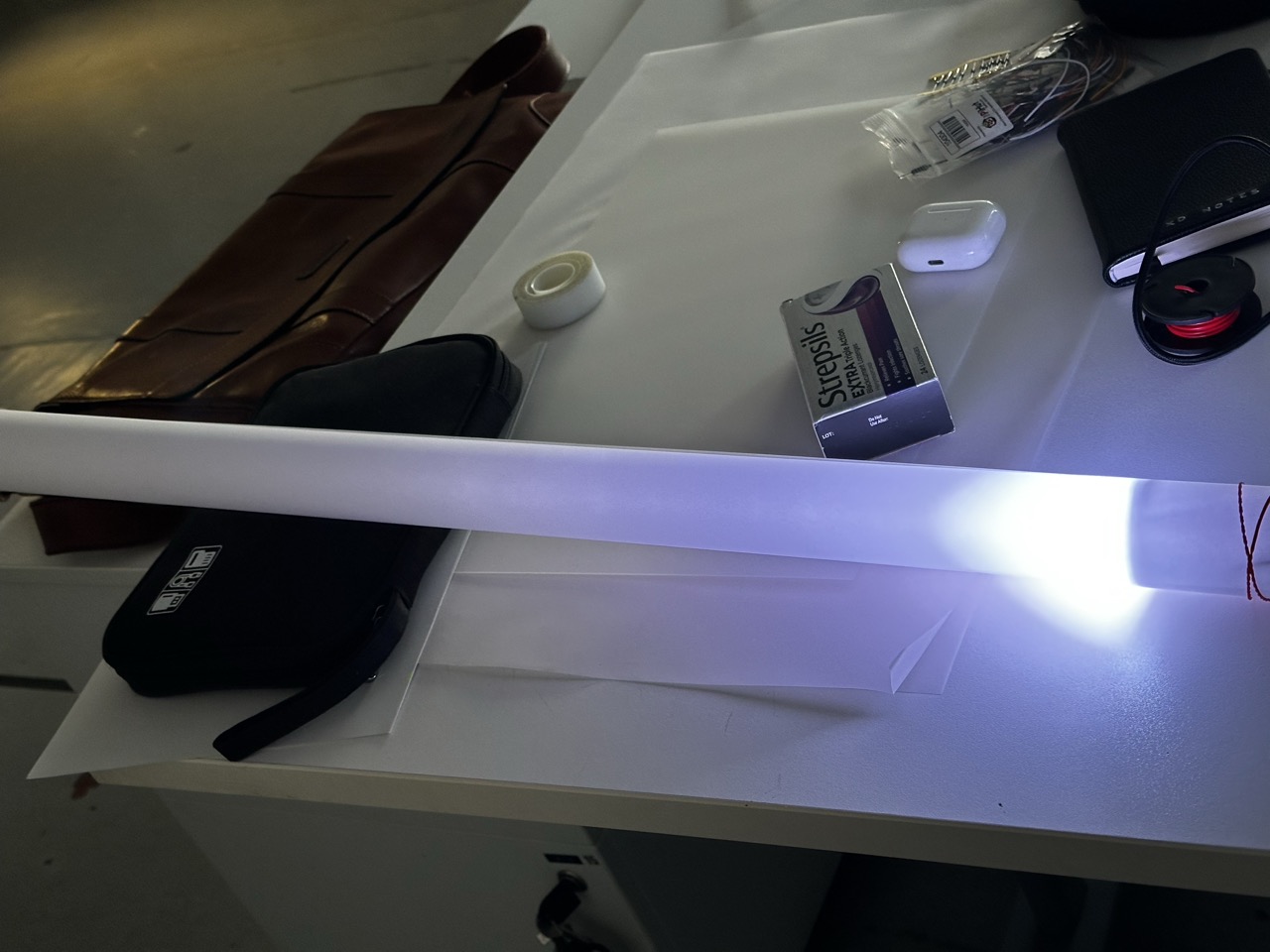
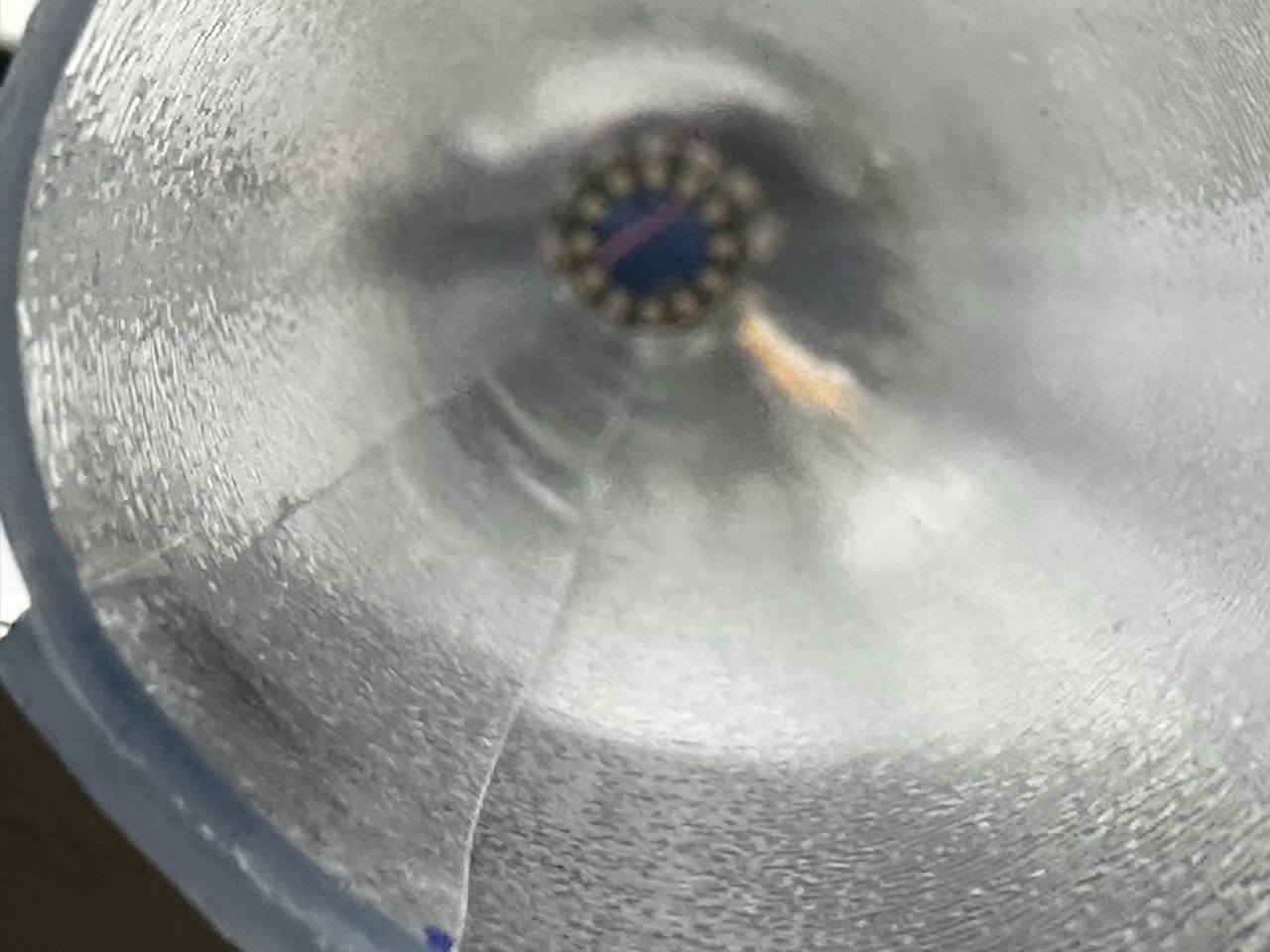
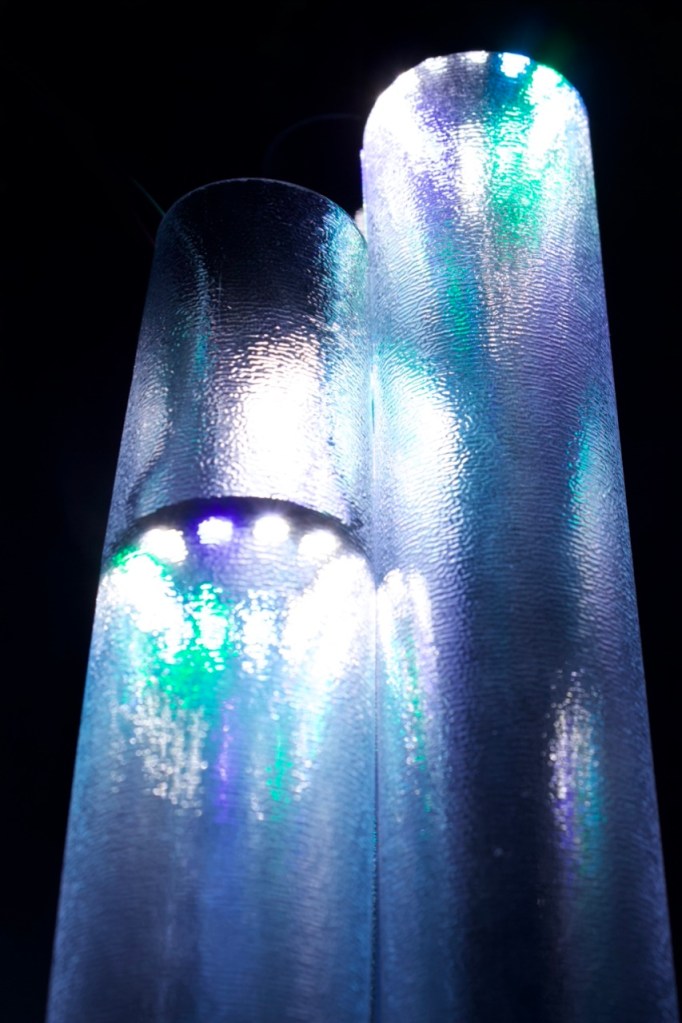
After getting multiple samples of material I simply tested them out with elastic bands and the neo pixel to see how far the light would travel down it, the main effect people light enough and far enough down the tube.
I will say that all i could think at this point was the neo-pixel lightsabers that you can buy.
After testing it was obvious that the acetate was the best as it doesnt weigh much, its robust enough but carries the light further down the tube along with a cool white effect to the light.
At this point it was just using the “diary” sample csv file on the Arduino code so I’m confident that with all off the lights on the light will travel further.
On the topic of how to display the infromation through the neo pixel I still have to test two different ideas I’ve had :
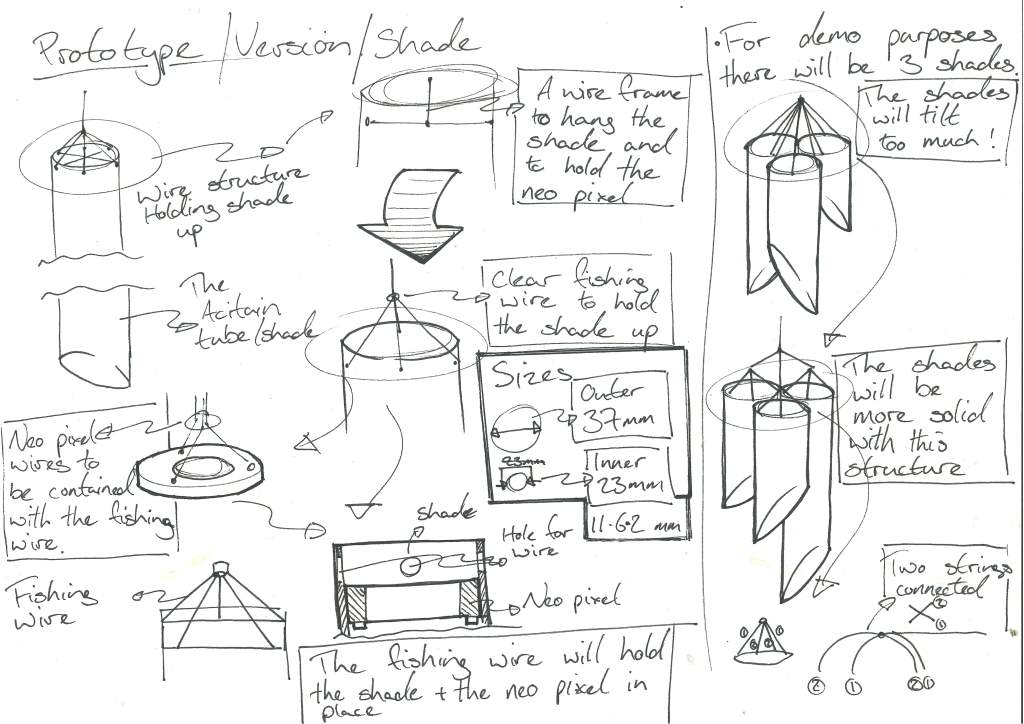
Designing the prototype :


Ordering more components :


In future projects I’ll plan out all the components I need for the project and order them in one as ive spent like £9 on delivery from PiHut.
The CSV file :
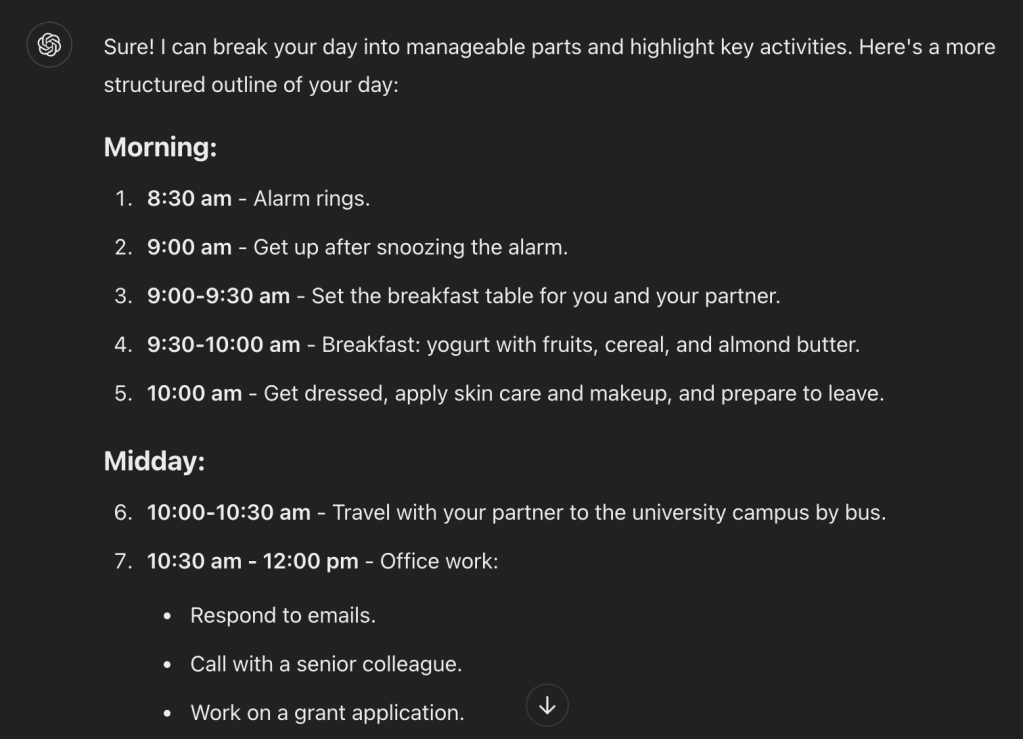
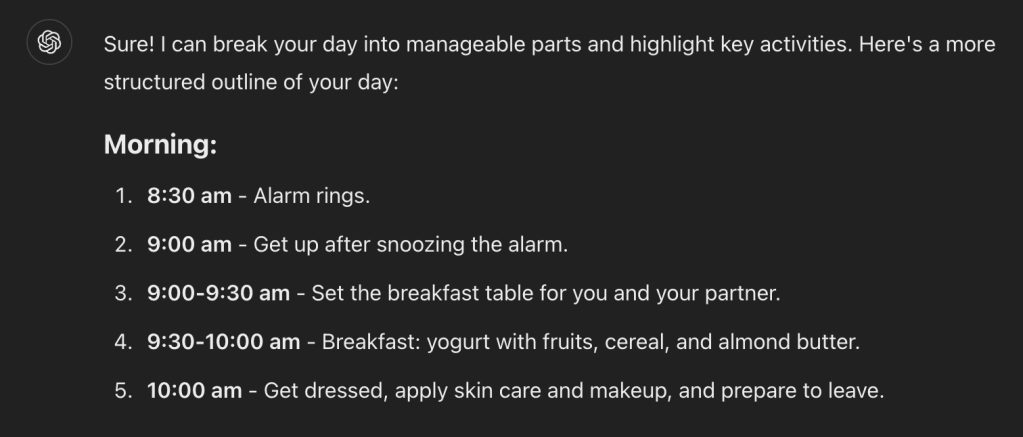
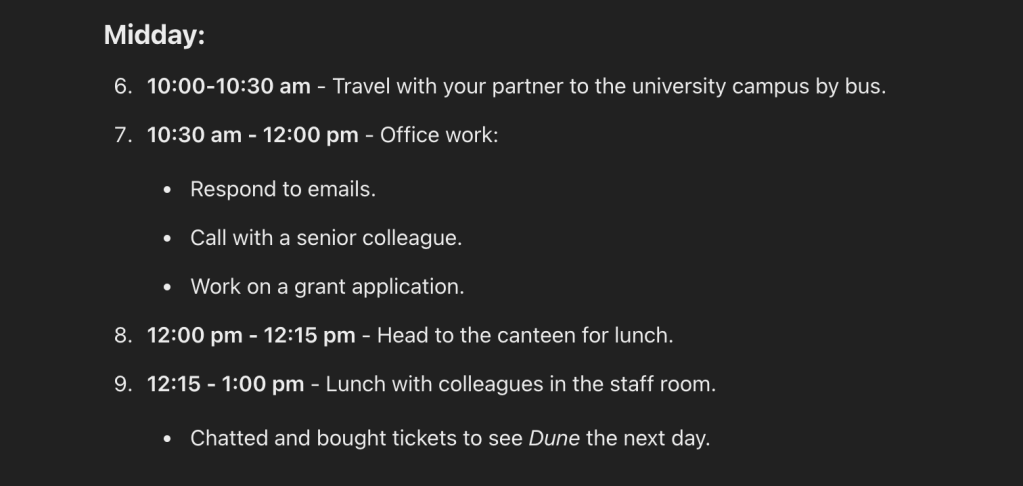
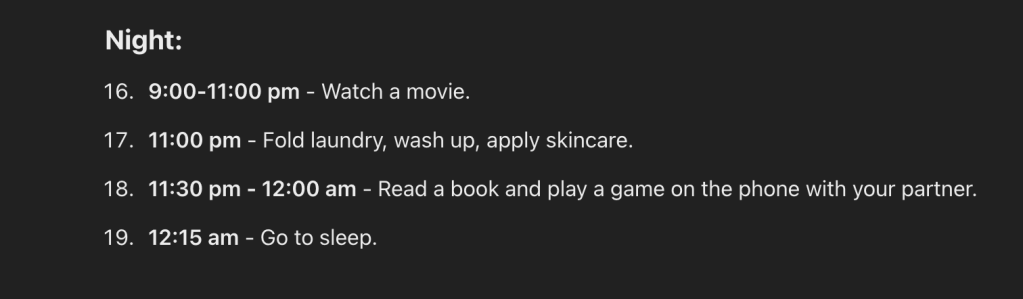
On Thursday, my alarm rang at 8:30 am, but I snoozed until around 9 am. Then I got up and set the breakfast table for me and my partner, and had yogurt with fruits, cereal and almond butter for breakfast. I got dressed, put on some skin care and make up and was ready to leave by 10 am. I took a bus with my partner to the university campus and got to my office at 10:30 am. Between 10:30 am and 12 pm, I replied to some emails, had a call with a senior colleague, and worked on a grant application. At 12:15 pm I headed to the canteen to get lunch, and ate with colleagues in the staff room. We then chatted and bought tickets to see a movie (Dune) the next day. From 2 to 3 pm I attended a seminar, then I worked on the grant application again until 5:30 pm. I took the bus back home and cooked dinner with my partner. During dinner, I video called my family in my home country. After dinner, I planned an upcoming vacation and then watched a movie until 11 pm. After the movie, I folded some laundry, washed myself, put on some skincare and went to bed. Between 11:30 pm and 12 am, I read a book and played a game on the phone with my partner. I fell sleep at 12:15 am.
After a quick investigation of the data entries, I was mainly looking at the ones written in english, I found one that had multiple time stamps over 24 hours that would show the full potential of my design concept.


As the data that I needed was in a freeform casual format I used ChatGPT to break it into manageable pieces that I needed for my CSV file.
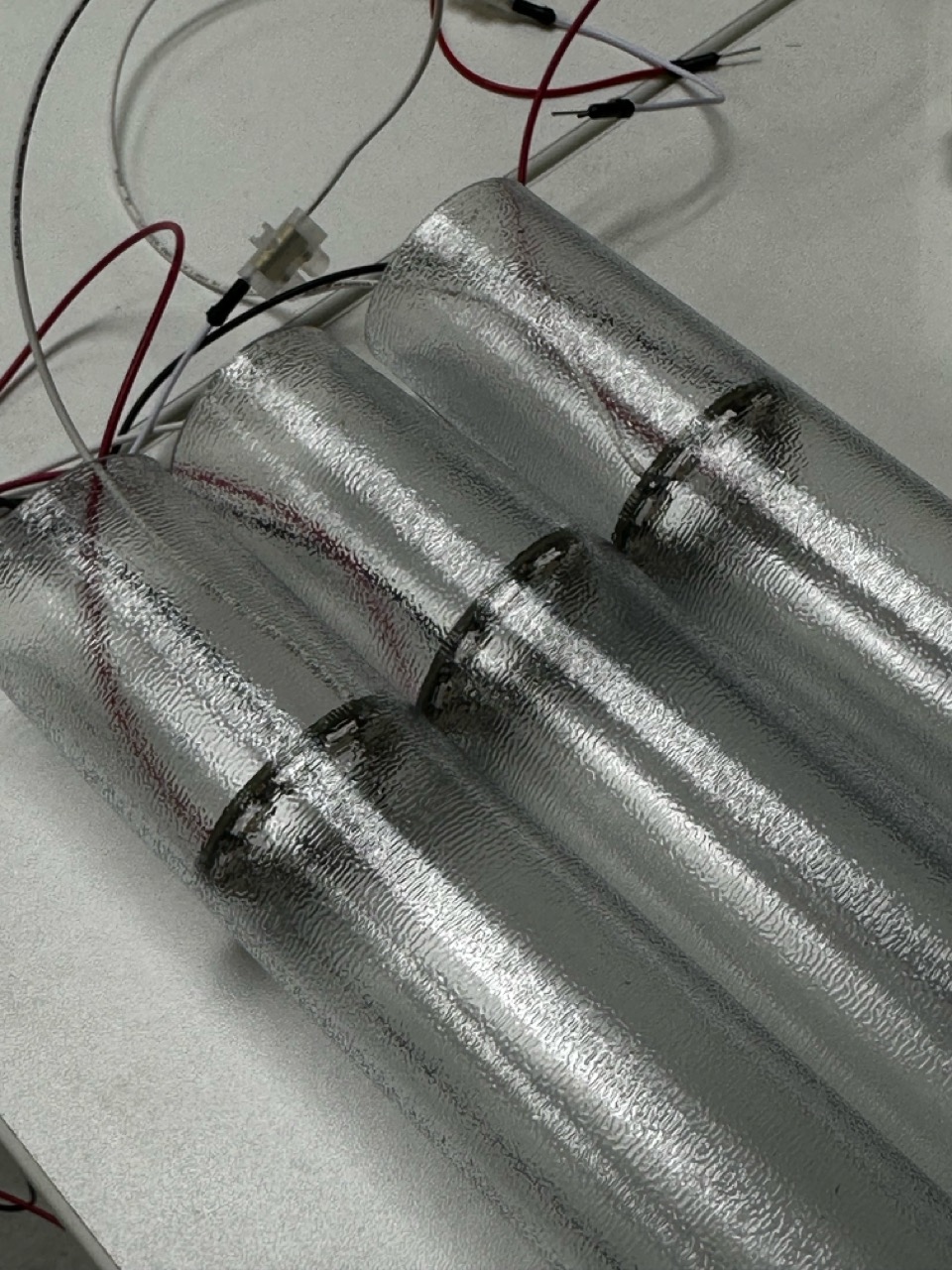
Buidling the tubes :
As I work over the weekend I was a bit limited with my choices on where to go and personally knew that I would need to get the material quickly so that I had enough time to build my prototype.
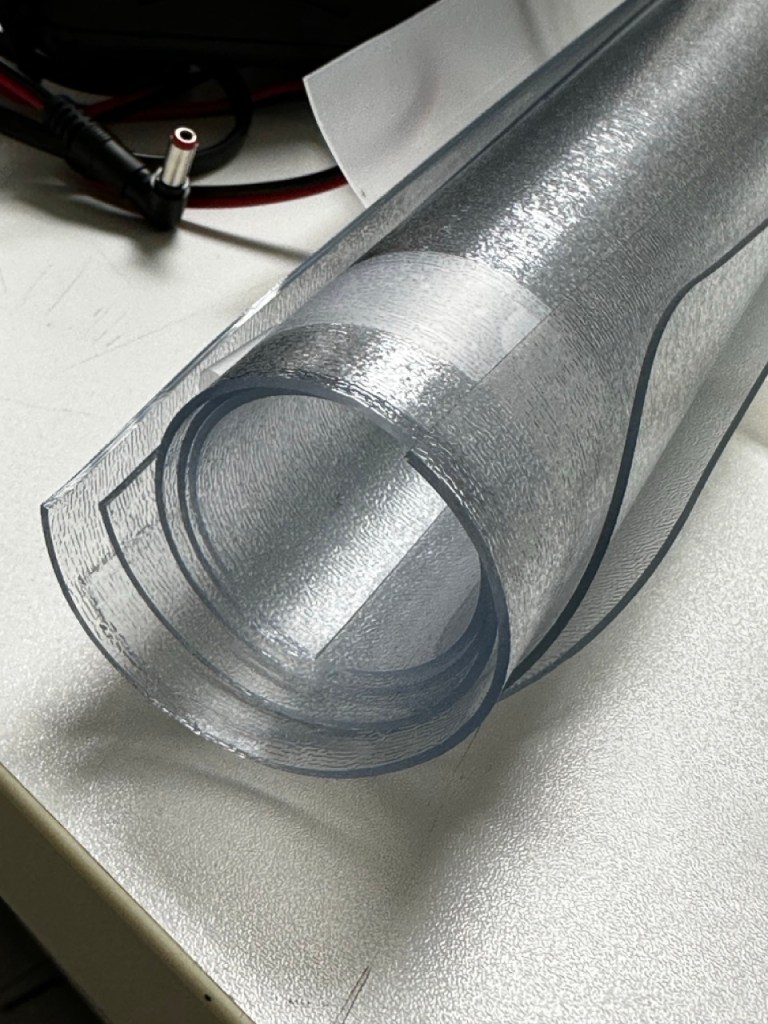
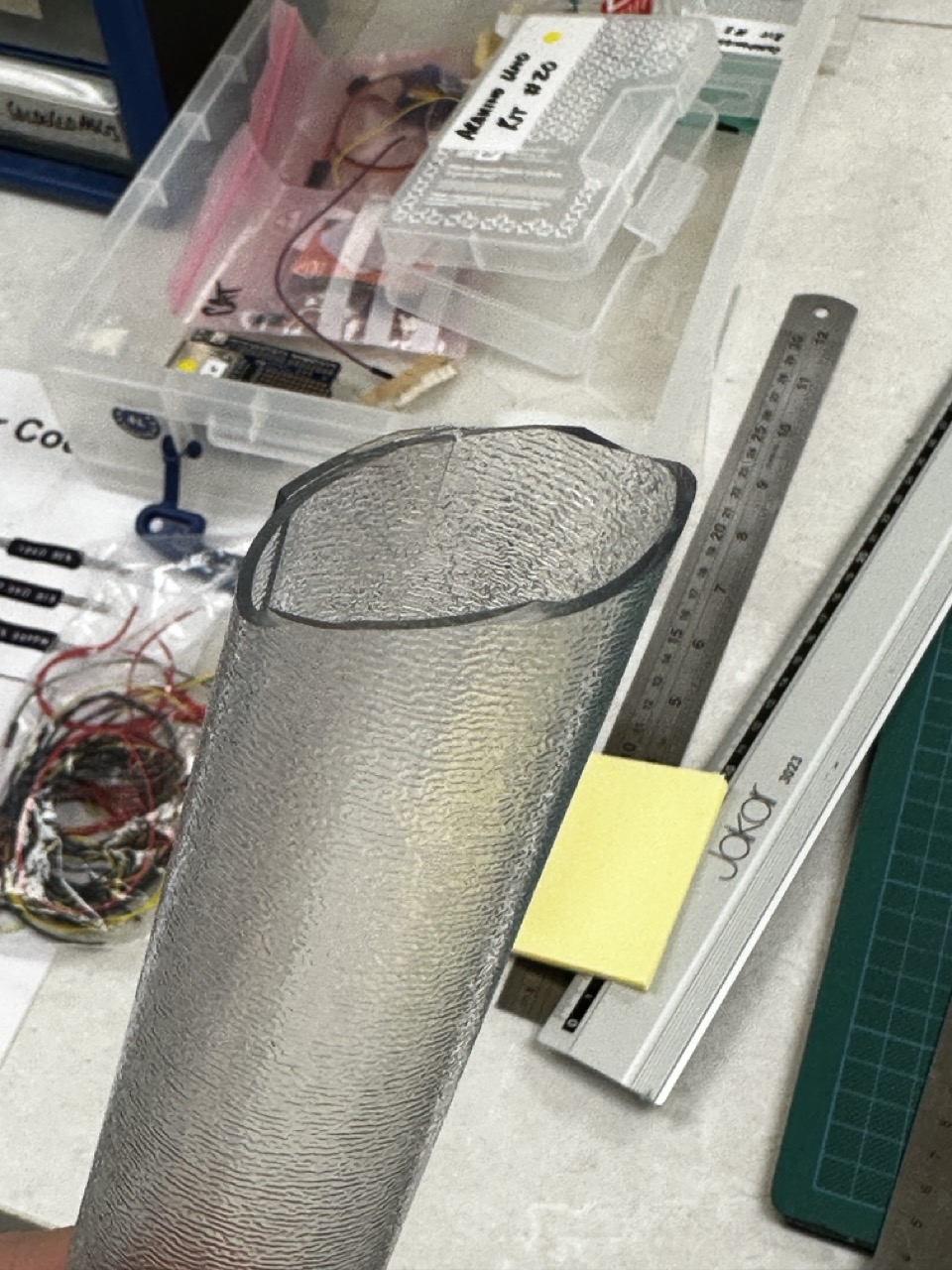
I, at the moment, work in Dunelm in Clydebank and work the weekend but during my shift I found a rubbery malleable material thats used for floor protection in the home that seemed ideal.
And a full stand of Gorilla glue in the store I also had my bonding agent.


It also helps that I get 15% off.
With the measurements I did during the concept design of the project I had a general idea of the sizes and and structure I needed.
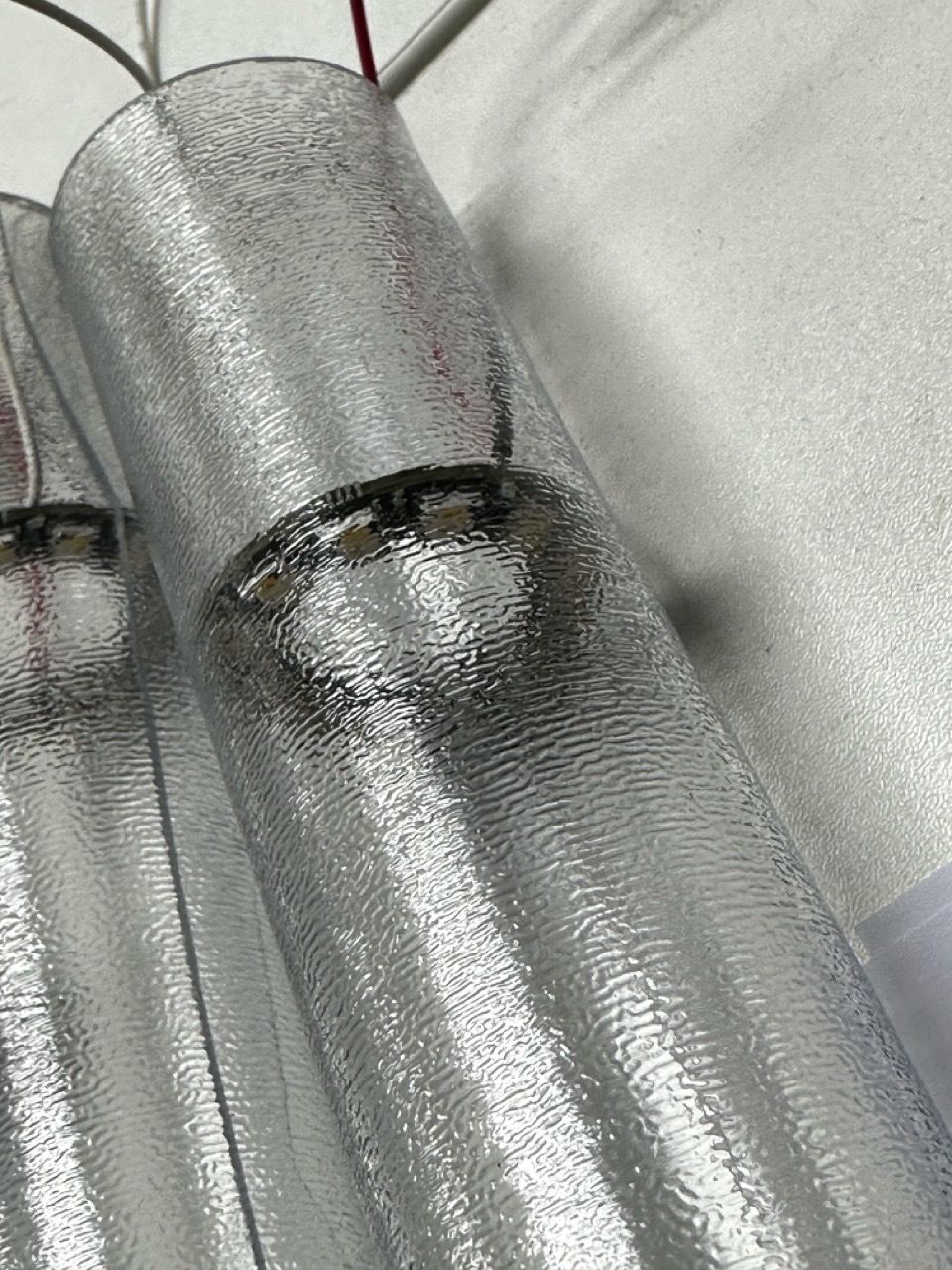
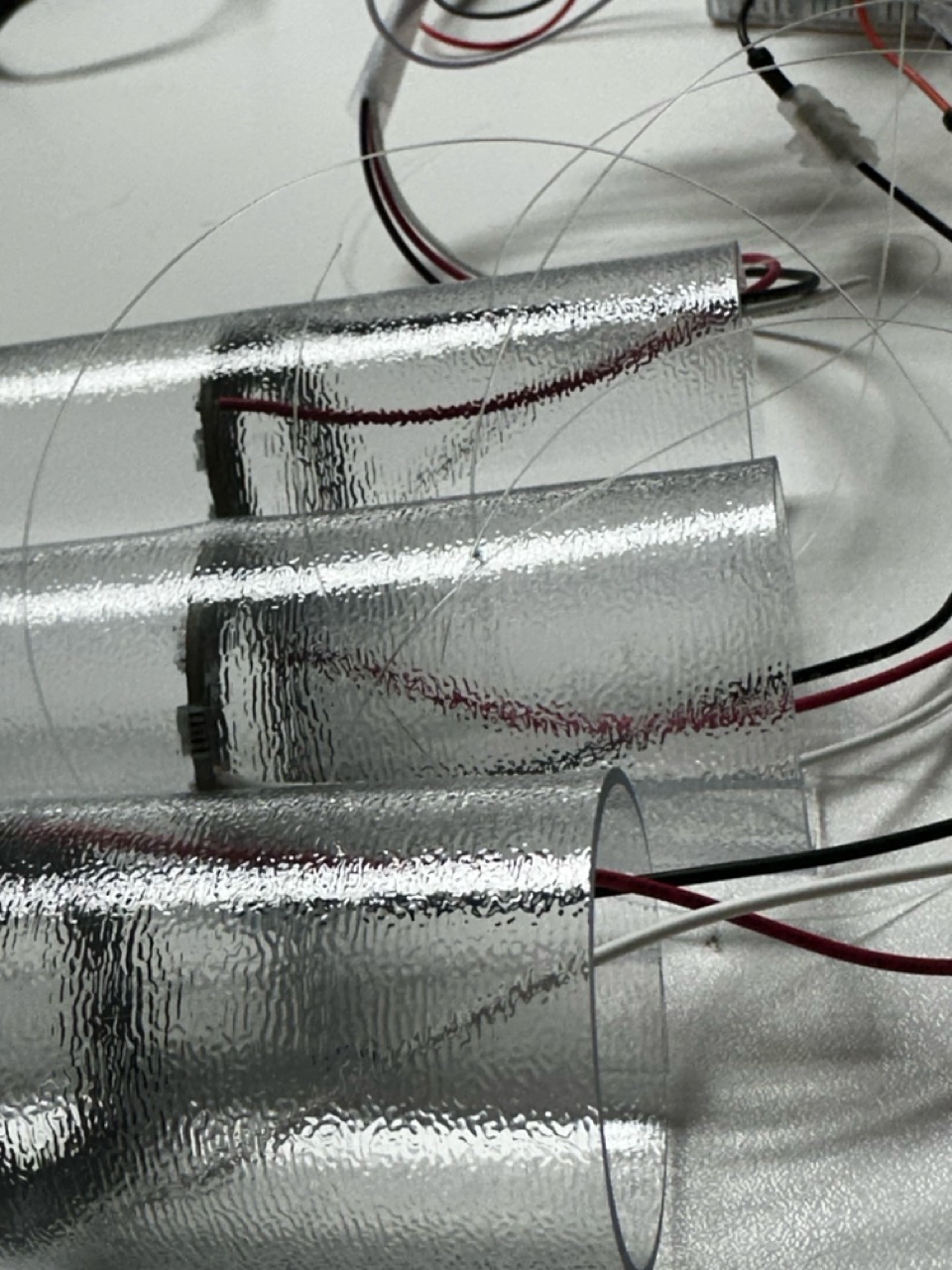
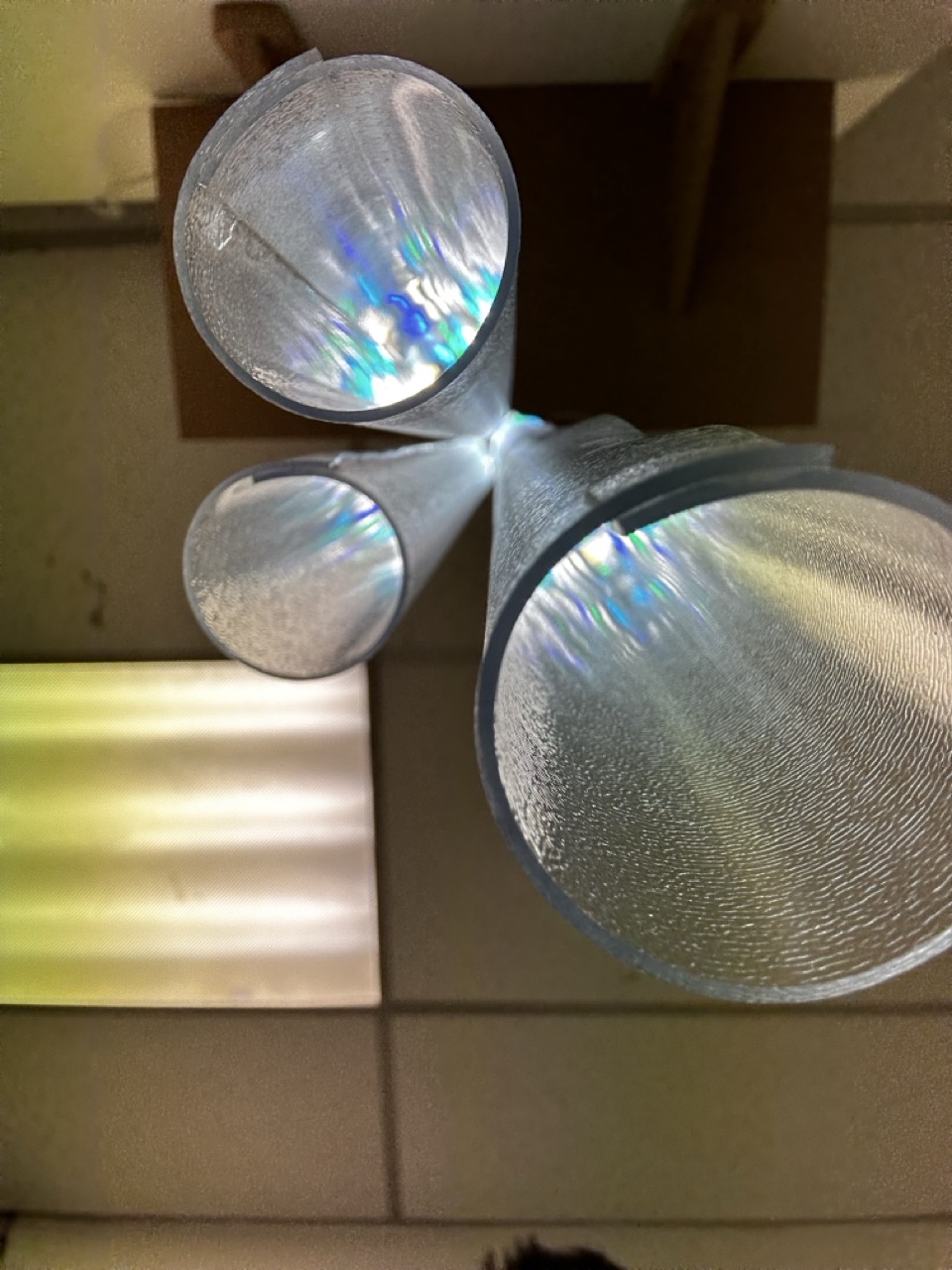
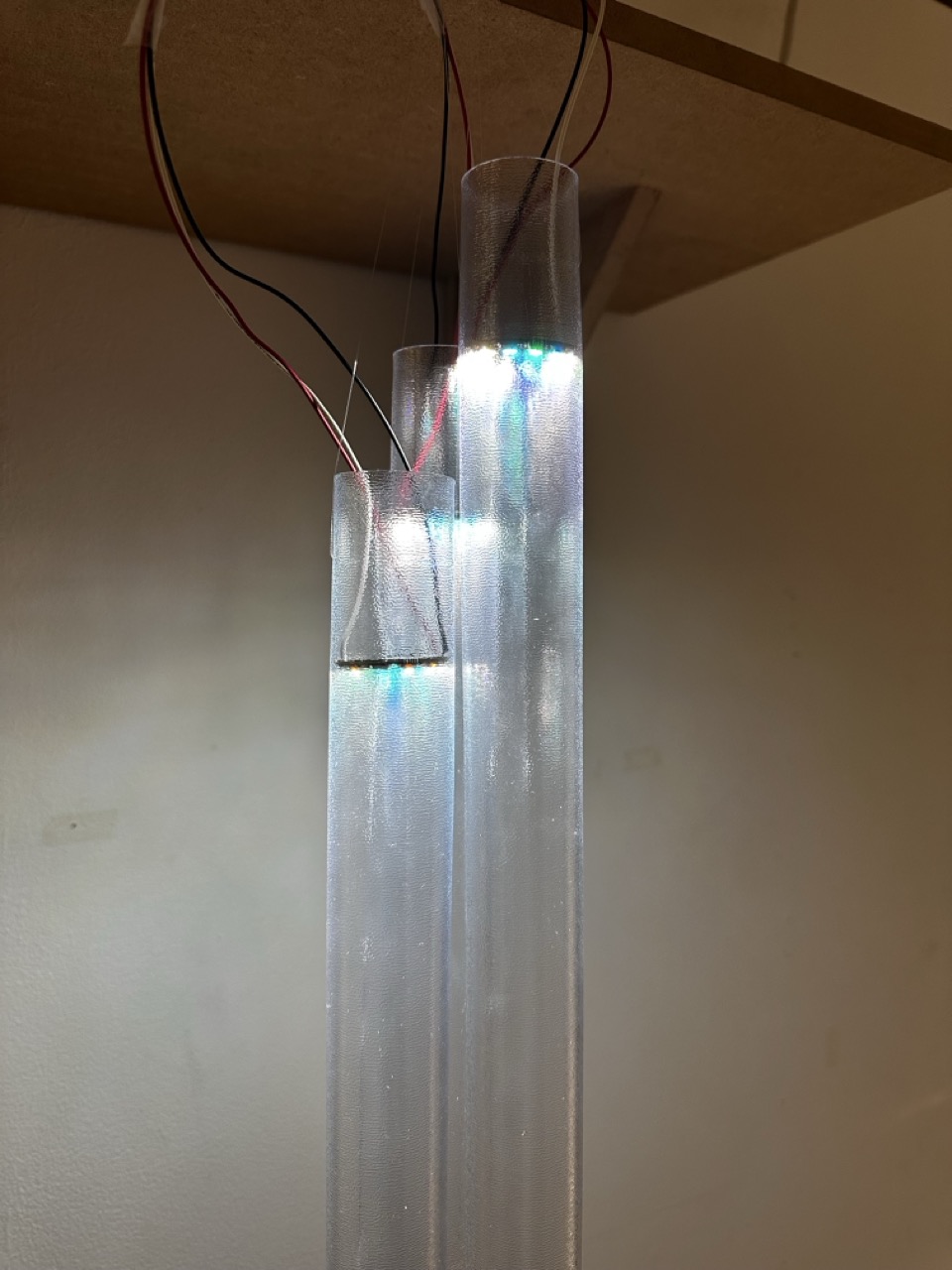
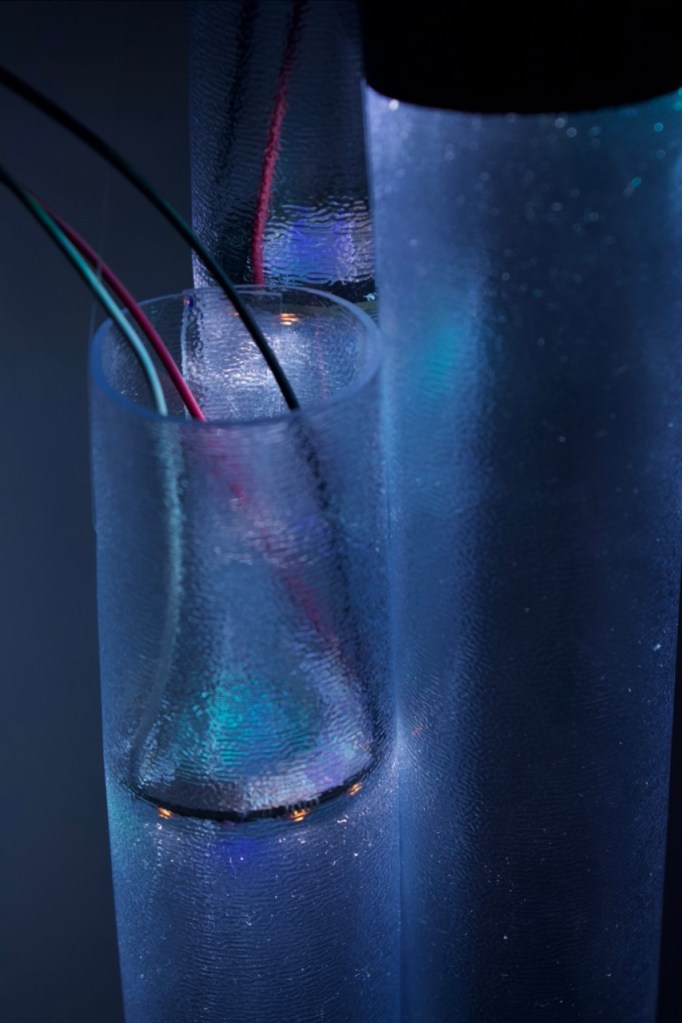
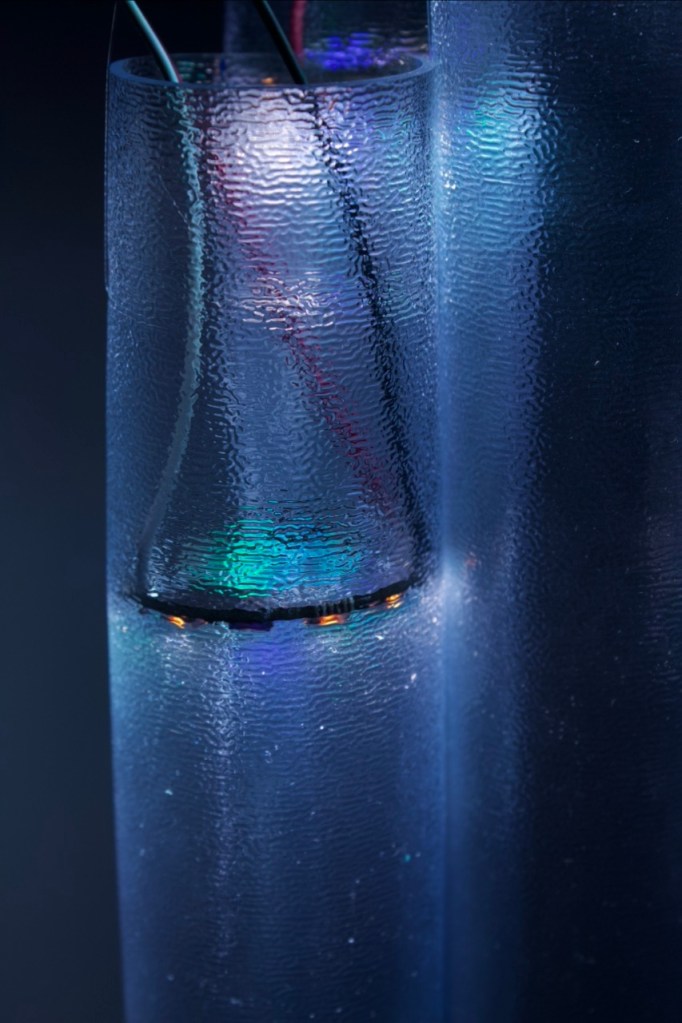
I will be honest through making the tubes, I did have a lot of times when I solved problems by stumbling into solutions; like holding the NeoPixels in place, initially I would have used fishing wire to hold them within the shade but due to its rubbery tough properties it help the rings in place securely when glued together.
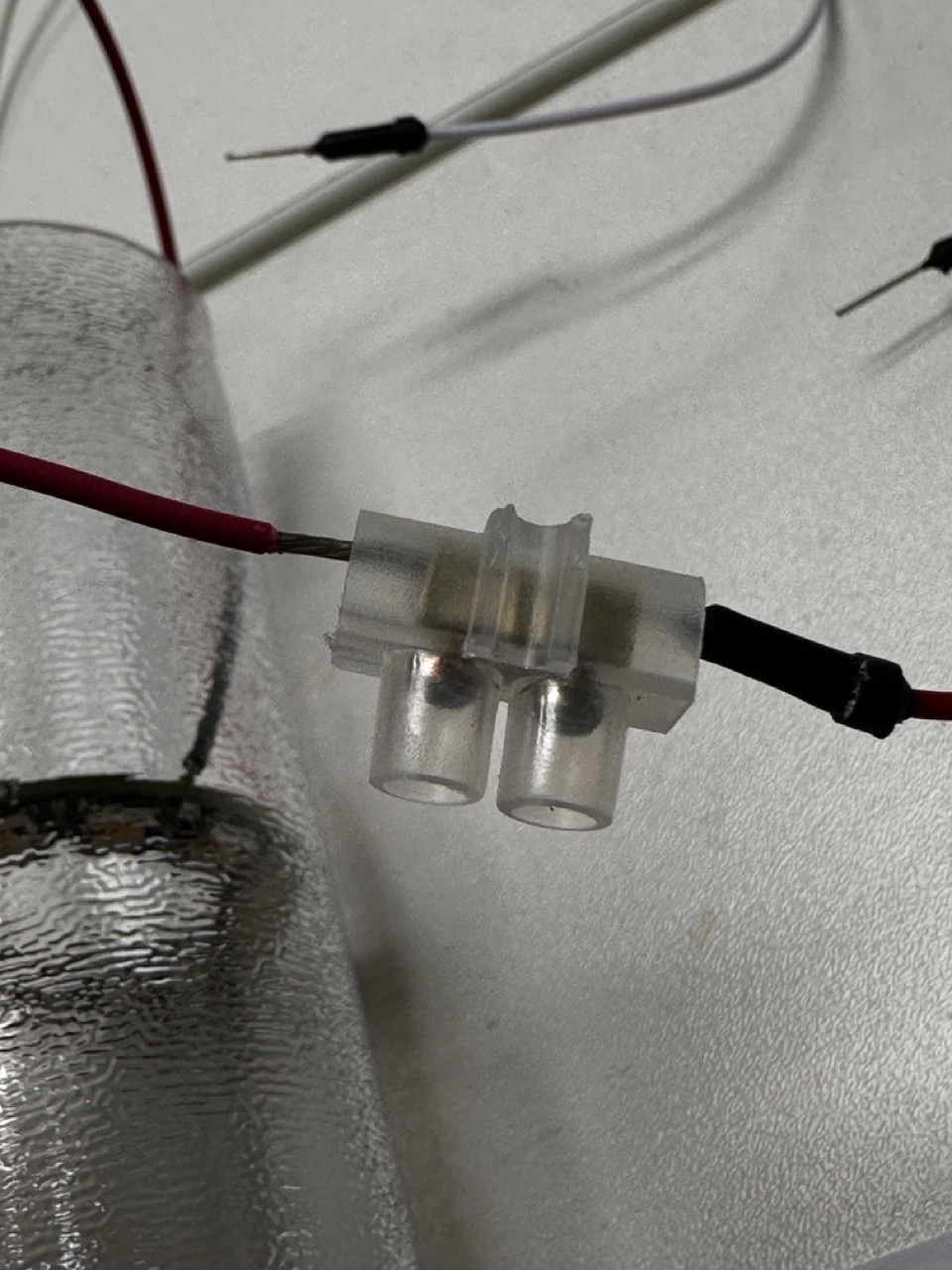
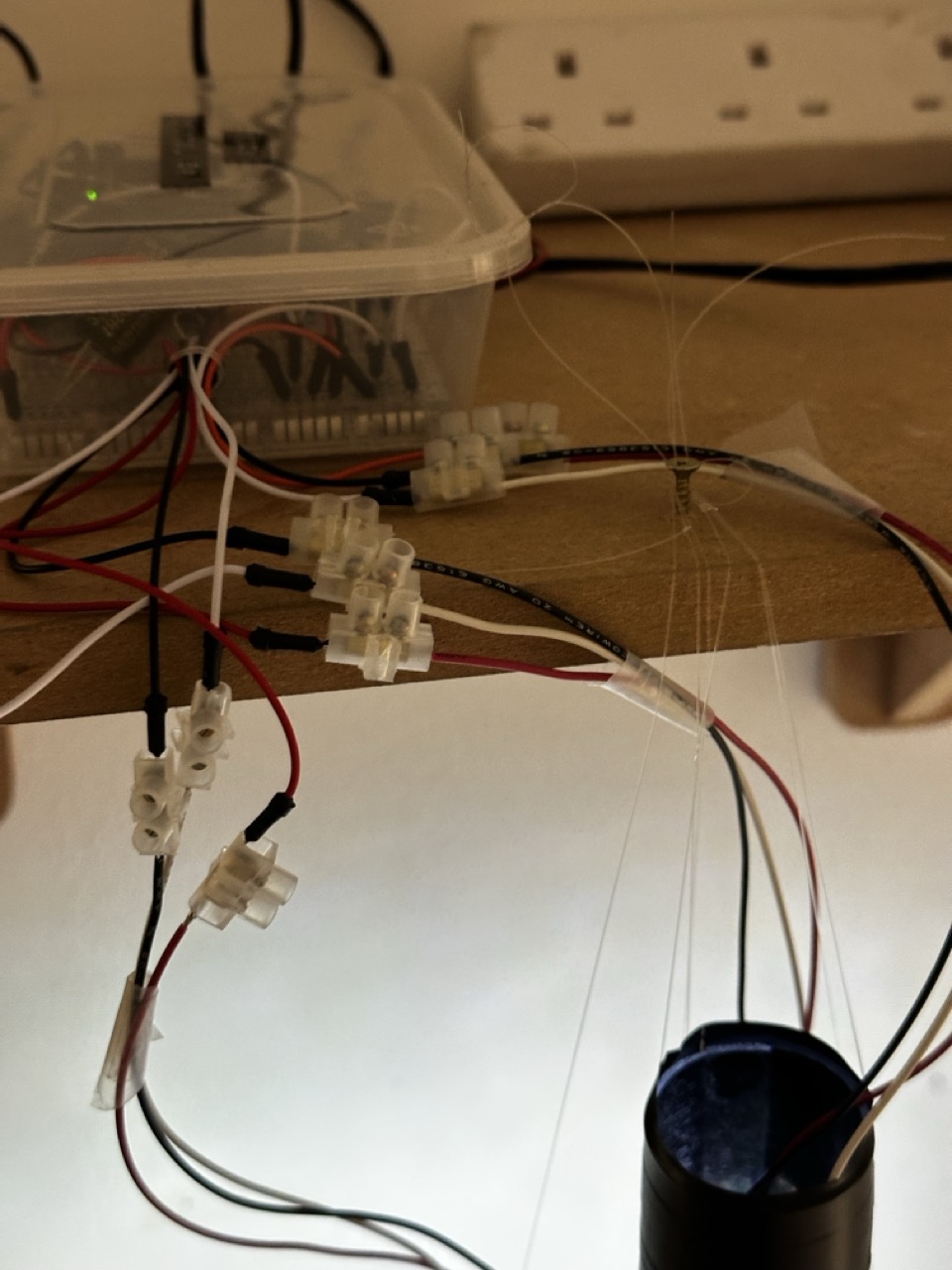
As the NeoPixels that came from PiHut didnt have any wires the needed to be soldered on and I moan about it at the time but I’m quite happy to solder components, especially when it goes well, so each NeoPixel was soldered with a higher quality stranded wire and attatched terminals at the ends for prototyping purposes.


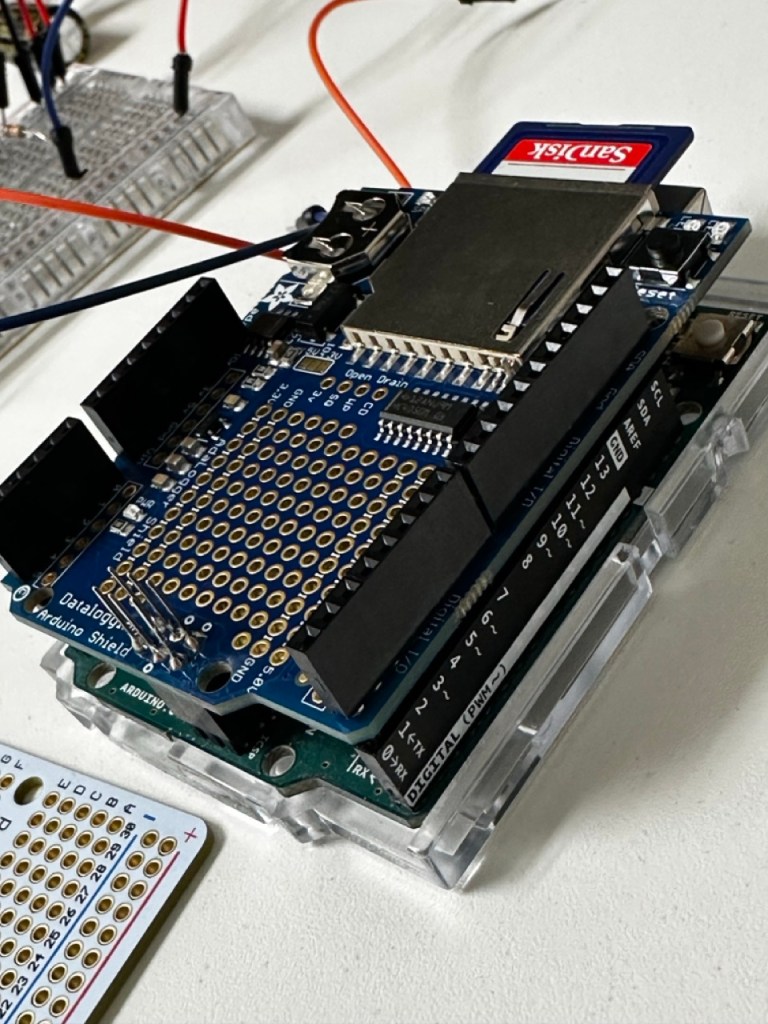
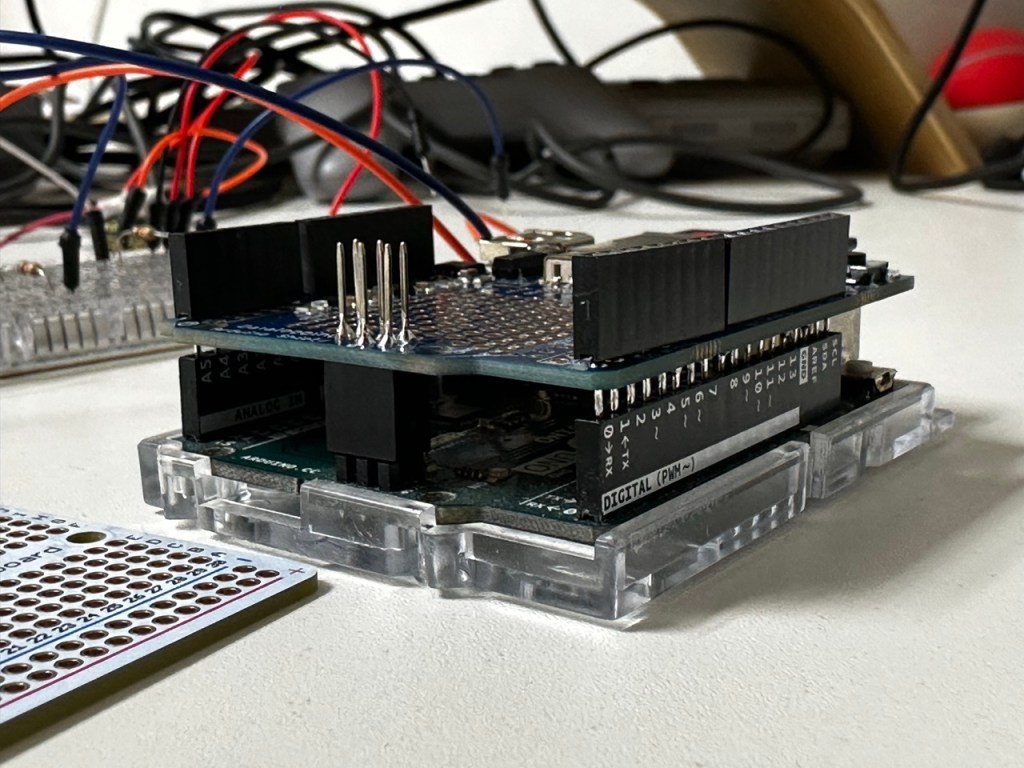
As well as the NeoPixels needing soldered I had the Adafruit SD card reader sheild to solder as well, so it was a two birds one stone sort of thing, which then frees up the SD sheild that I borrowed.


The Wiring :


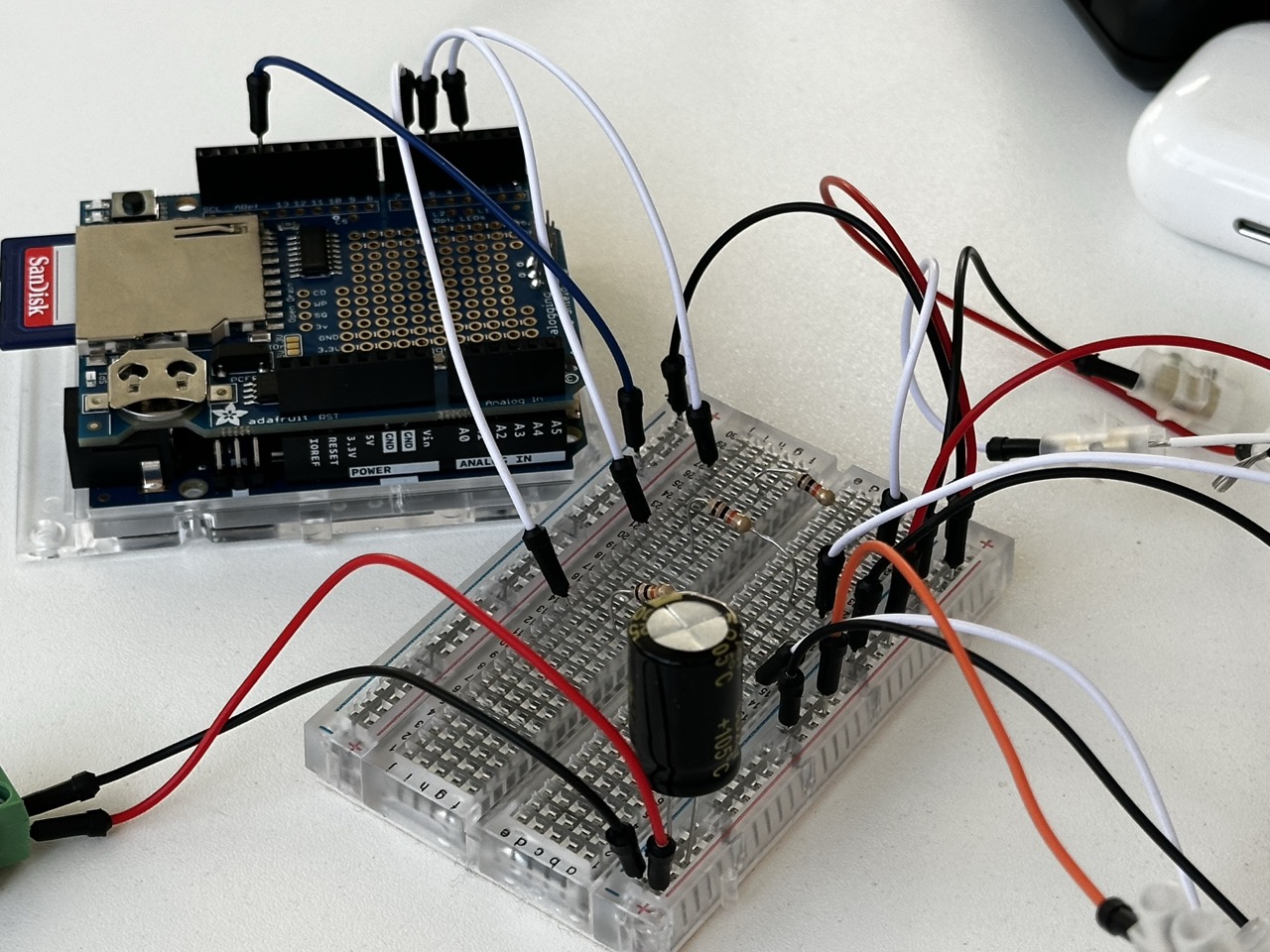
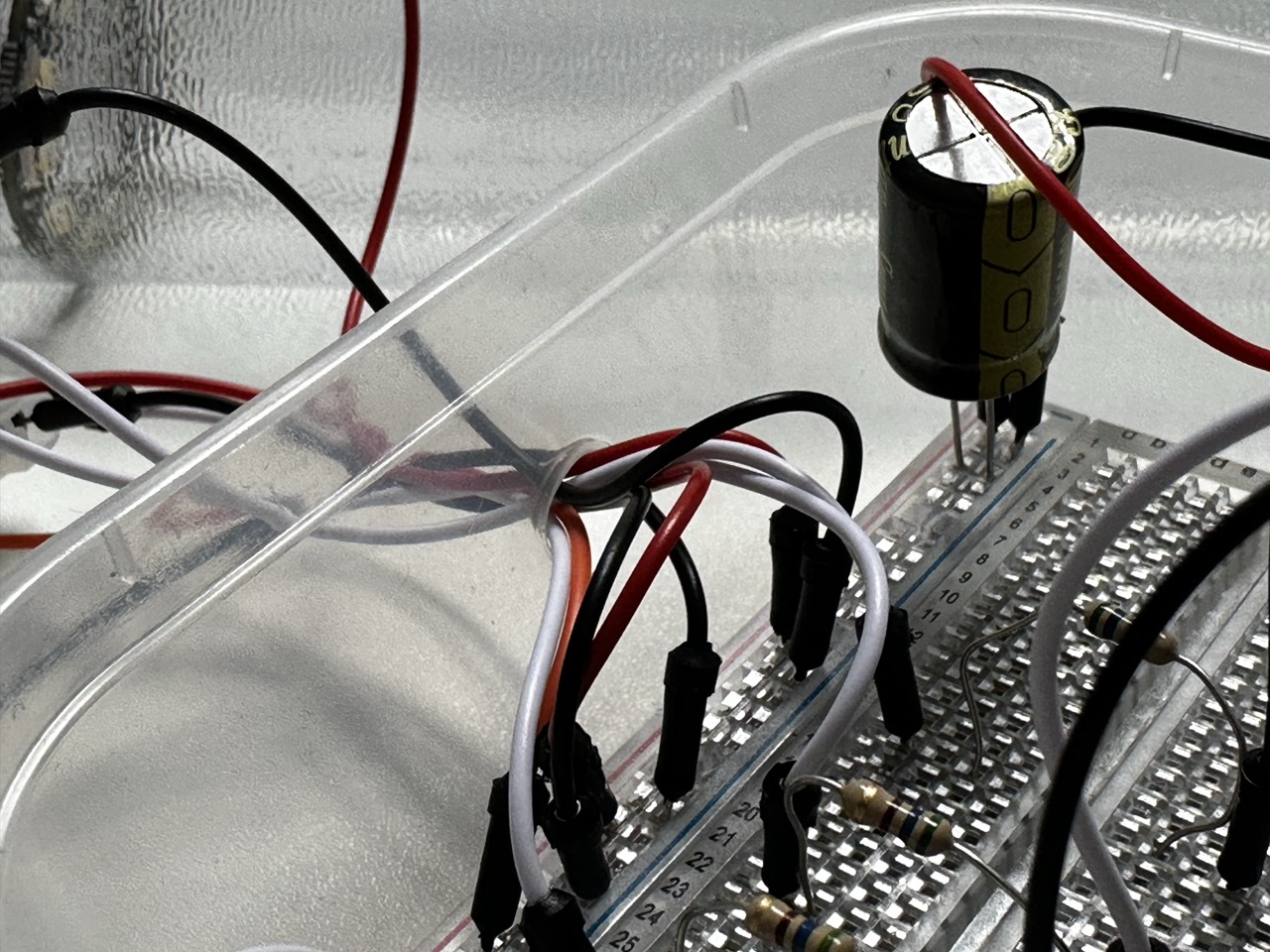
With the NeoPixels soldered and the breadboard ready the next step will to be either sorting out the housing for the electronics of the prototype and if I have time soldering the breadboard to something more solid.
The Code:
// Expressive Data
// Nicholas Mclaughlin IxD Y3
/* This Arduino sketch is to control a 3 NeoPixel set up that is driven by data from a CVS file and assign colours to the actions and when those actions took place
as outlined within the data in the CSV file "Data" */
/* /\/\/\/\/\ This here code is the product of Dr Catherine M. Weir's brilliance and within it are the messings around by Nicholas McLaughlin /\/\/\/\/\ */
// LIBRARIES ------------------------------------------
#include <SPI.h>
#include <SD.h>
#include <RTC.h> //Unless youre using the R4 which has its own RTC built it.
#include <textparser.h>
#include <Adafruit_NeoPixel.h>
// GLOBAL VARIABLES -----------------------------------
// SD CARD
const int chipSelect = 10; //Chip Select pin is usually 10 unless its been hacked to read otherwise, if it is a hacked sheild then change the pin select int
File csv;
String fileName = "Data.csv"; // This sketch is using the custom CSV file Data, REMEMBER - No longer than 8 characters, not including .CSV
int numRows = 0;
int sdIndex = 0;
long startPos = 0;
long pos = 0;
// RTC --------------------------------------
//RTC_PCF8523 rtc; // This RTC (SD sheild RTC) is disabled as not to clash with the RTC included in the R4
long tHour = 0; // Create two longs to hold the hour and minute when you want the timer to fire
long tMinute = 0;
// NEOPIXELS
const int pin1 = 3; // What pins are running what rings
const int pin2 = 5;
const int pin3 = 6;
const int numPixels = 12; //Number of pixels per ring
// to run the rings as one connected strip for testing/ demonstration purposes
/*
const int pin = 6;
const int numPixels = 36;
Adafruit_NeoPixel ring(numPixels, pin, NEO_RGBW + NEO_KHZ800);
*/
Adafruit_NeoPixel ring1(numPixels, pin1, NEO_RGBW + NEO_KHZ800); // Initialising each NeoPixel ring seperatley so that they could in theory run separately
Adafruit_NeoPixel ring2(numPixels, pin2, NEO_RGBW + NEO_KHZ800); // but for the prototype theyll be running off the same CSV data.
Adafruit_NeoPixel ring3(numPixels, pin3, NEO_RGBW + NEO_KHZ800);
// SETUP -----------------------------------------------
void setup() {
// Serial.begin(9600);
// while (!Serial) {}; // This is only needed if running from your laptop. REMEMBER - Take it out when the arduino is stand alone.
// NEOPIXELS
ring1.begin(); //calling all 3 rings
ring2.begin();
ring3.begin();
ring1.clear(); // turning off all 3 of the rings
ring2.clear();
ring3.clear();
ring1.setBrightness(255); // remember to change this prototyping brightness
ring2.setBrightness(255); // 0-255 brightness
ring3.setBrightness(255);
for (int i = 0; i < numPixels; i++) {
ring1.setPixelColor(i, ring1.Color(0, 0, 0, 255));
ring2.setPixelColor(i, ring2.Color(0, 0, 0, 255));
ring3.setPixelColor(i, ring3.Color(0, 0, 0, 255));
}
ring1.show();
ring2.show();
ring3.show();
// RTC
//Again this is all removed as it was clashing with the R4 RTC
/*if (!rtc.begin()) { // Initialise the Real Time Clock
Serial.println("Couldn't find the Real Time Clock."); // If the clock does not start, print an error and put the Arduino to 'sleep'
while (1) {};
}
Serial.println("Real Time Clock is running."); // If the clock starts successfully print a confirmation
rtc.adjust(DateTime(F(__DATE__), F(__TIME__))); // Update the RTC's time from your computer's clock
*/
if (!RTC.begin()) {
Serial.println("Couldn't start the RTC.");
while (1) {};
}
Serial.println("Clock started.");
RTCTime timeToSet = currentRTCTime();
RTC.setTime(timeToSet);
// SD CARD
//Cheching for the SD card, reading it, checking that the correct file is actully there and then using the data found on the CSV file.
//REMEMBER - Double check the CSV file is actully correct
//REMEMBER - No commas in the CSV file!
Serial.println("Starting SD Card...");
if (!SD.begin(chipSelect)) {
Serial.println("Something's gone wrong! Maybe check your Chip Select Pin and that the SD Card is properly inserted?");
while (1) {};
}
Serial.println("SD Card Ready!");
if (!SD.exists(fileName)) {
Serial.println("File is missing.");
while (1) {};
}
Serial.println("File found!");
csv = SD.open(fileName);
startPos = findStartPos(); // Find the position in the file that marks the end of the header line
Serial.print("Start Pos: ");
Serial.println(startPos);
while (csv.available()) {
csv.readStringUntil('\n');
numRows++;
}
Serial.print(numRows);
Serial.println(" rows in file.");
csv.seek(startPos); // Go back to the start of the file
pos = findStartTime(); // Find the real time start position - see code on findStartTime tab
Serial.print("New Start Pos: ");
Serial.println(pos);
csv.close();
}
// LOOP ------------------------------------------------
void loop() {
//DateTime now = rtc.now(); // Get the current time from the RTC
/* NOTE: It is not a good idea to try and print this to the Serial every time you go through the loop - it will clog your Serial port! */
RTCTime now;
RTC.getTime(now);
if (now.getHour() == tHour && now.getMinutes() == tMinute) { // Check if the current time matches the target time
// READ IN THE CSV DATA
csv = SD.open(fileName);
csv.seek(pos);
String temp = csv.readStringUntil('\n');
int l = temp.length() + 1;
char currentRow[l];
temp.toCharArray(currentRow, l);
Serial.println(currentRow);
pos = csv.position();
csv.close();
TextParser parser(","); //if youve forgot to actully take out the commas
// CREATE VARIABLES TO HOLD THE DATA YOU WANT TO EXTRACT FROM THE CSV FILE HERE, ENSURING THE DATA TYPE MATCHES WHAT IS IN YOUR CSV FILE
char time[6];
char entry[193];
char activity[10];
char next[6];
long nextMillis;
parser.parseLine(currentRow, time, entry, activity, next, nextMillis); // PASS YOUR VARIABLES INTO THE TEXT PARSER IN THE ORDER THEY APPEAR IN YOUR CSV FILE
tHour = findHour(next); // Update thour and tMinute to control when data is next read from the SD Card
tMinute = findHour(next);
// Print your data to the Serial
Serial.print("Time ");
Serial.println(time);
Serial.print("Entry: ");
Serial.println(entry);
Serial.print("Activity: ");
Serial.println(activity);
Serial.print("Next: ");
Serial.println(next);
Serial.print("Next Millis: ");
Serial.println(nextMillis);
sdIndex++;
Serial.print("Index: ");
Serial.println(sdIndex);
Serial.println();
if (sdIndex >= numRows) {
pos = startPos;
sdIndex = 0;
}
// NEOPIXELS
updateNeoPixels(time, activity);
}
}
// Any supporting code and files are available on request.

Test Tube :


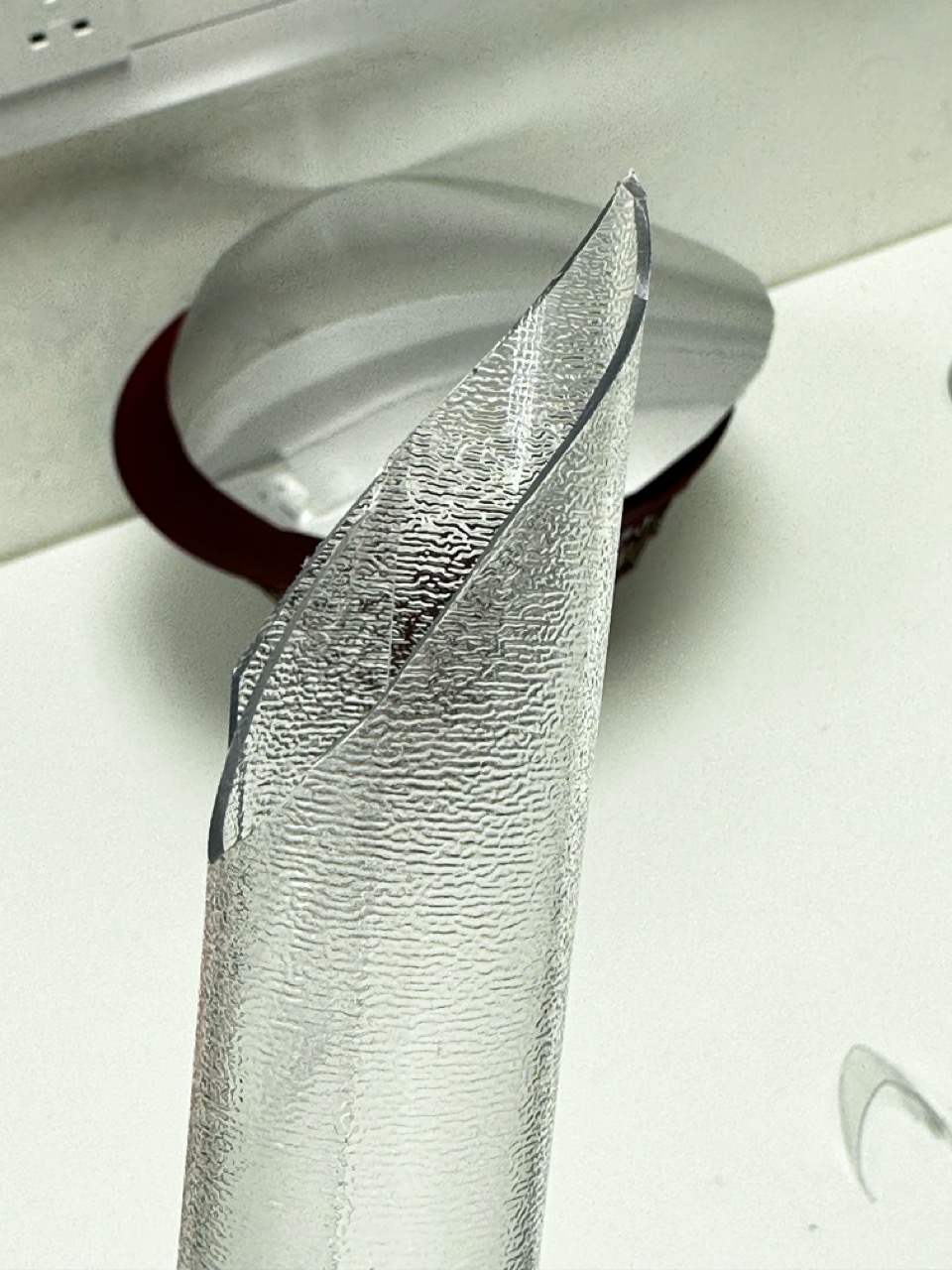
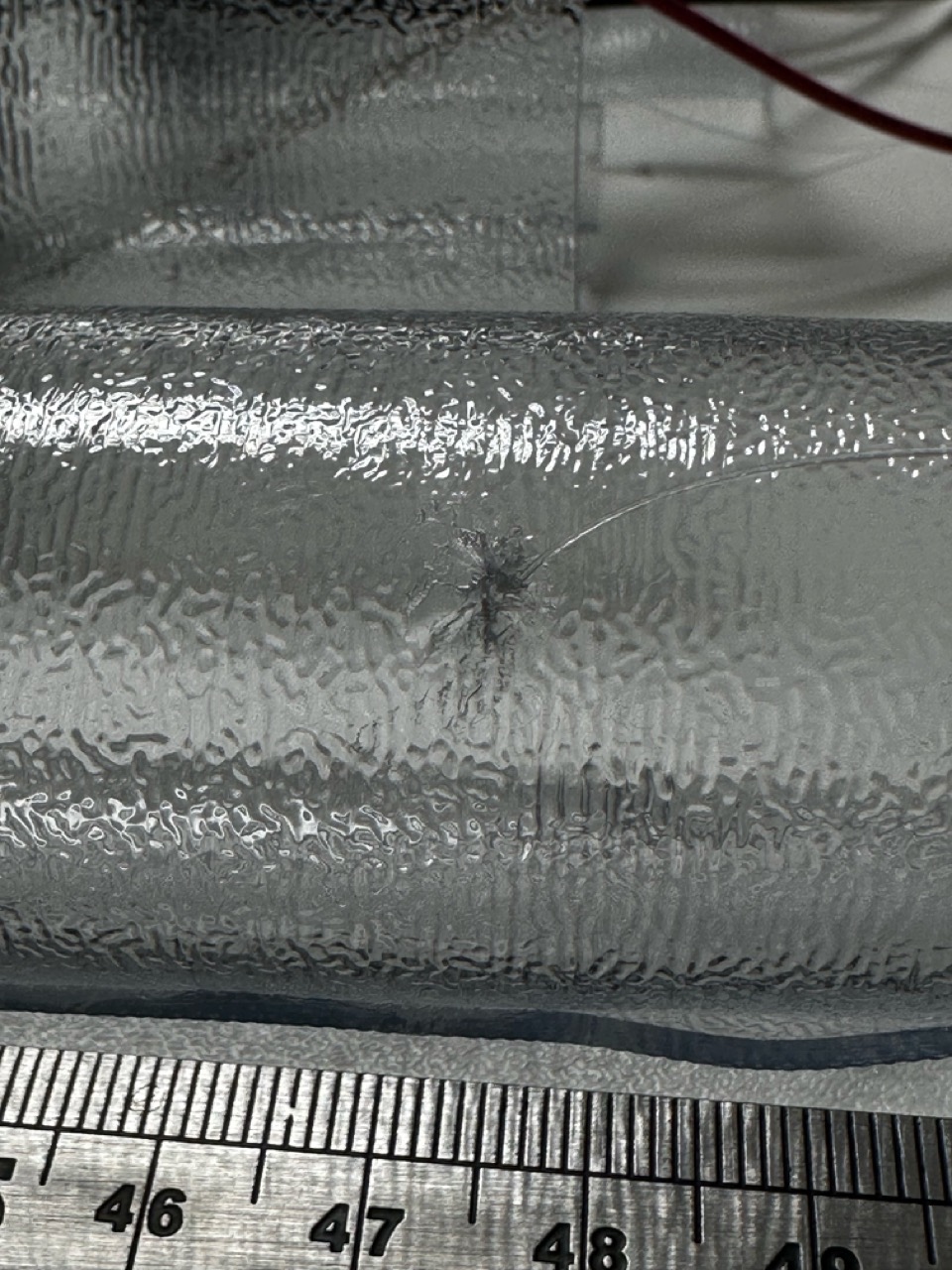
At this point I had already put the NeoPixels into the tubes and basically wired everything up so to test things out I had made another tube with its only job to test things out on and not ruin the other ones. Through testing I had decided that with the tools I had in my disposal I couldn’t get the clean cut that I had imagined so decided not to cut the prototype tubes.
Also I had used this ‘test tube’ to figure out how I would attach them to the ceiling, the best way being fishing wire and a sewing needle to get through the tough rubber that seemed to close up no matter what i used to cut the holes.
Testing the Colours :


Up until this point I had not properly considered the colours but during the coding of the Arduino I had the opportunity to both give it more thought and elaborate on it a bit more.
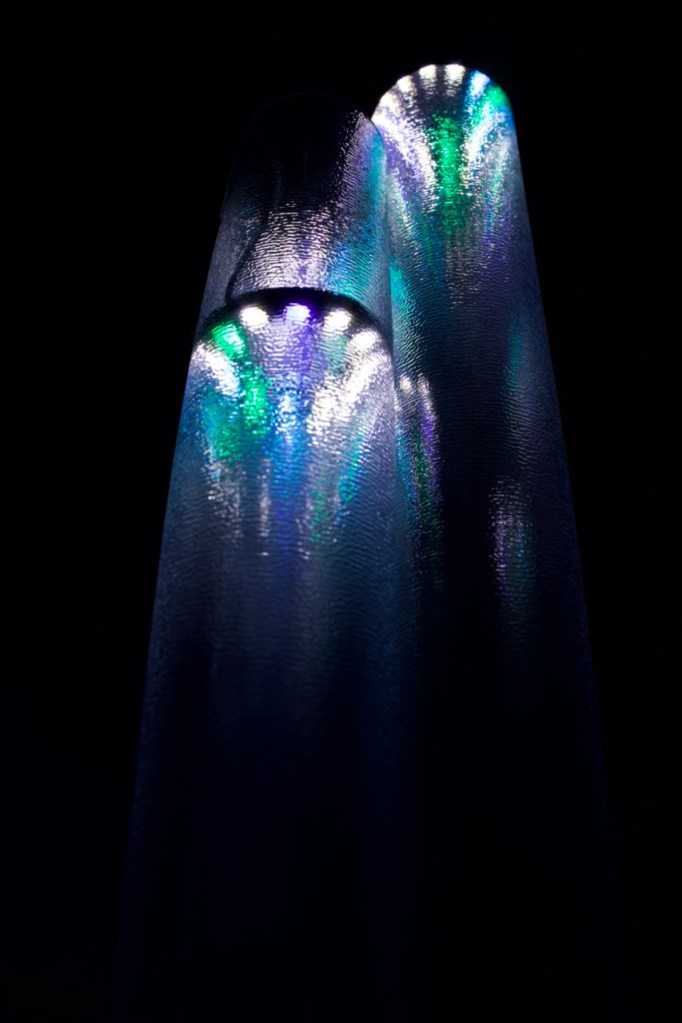
After testing a few colours I thought it would be interesting to assign different colours to different activities but have them all harmonise together. As I had green already programmed into the NeoPixels to indicate activity I thought moving across the colour wheel to use blue to indicate rest and then further round to use purple to indicate travel and keep non logged time as the NeoPixels standard natural white.
| Green | Activity |
| Blue | Leisure |
| Purple | Travel/ Preparation |
Very sophistication housing :


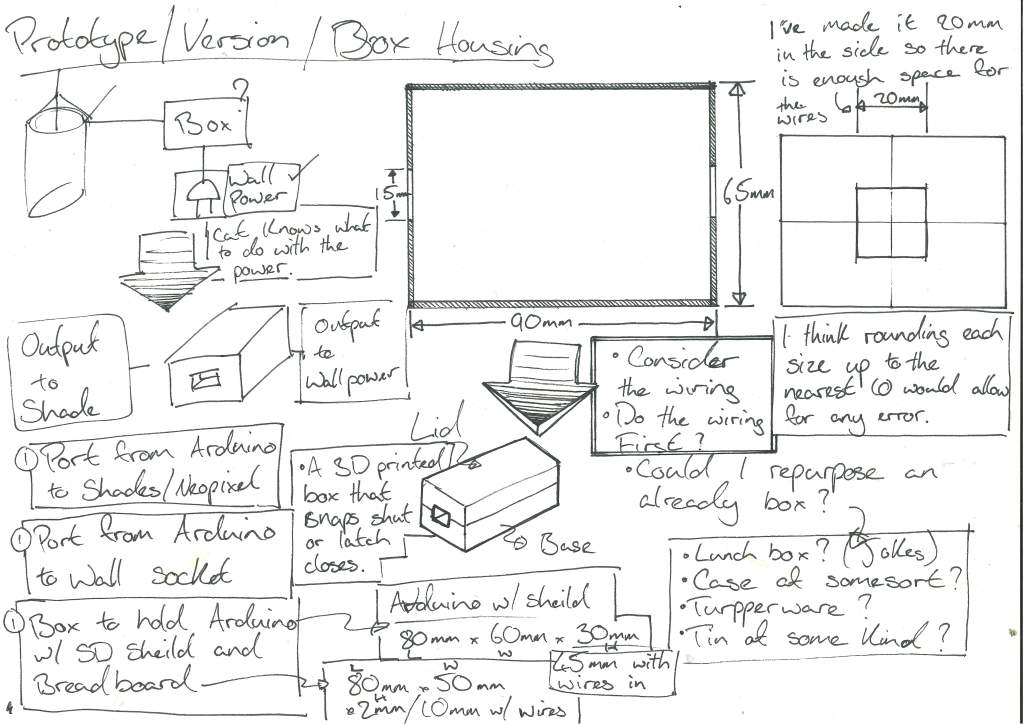
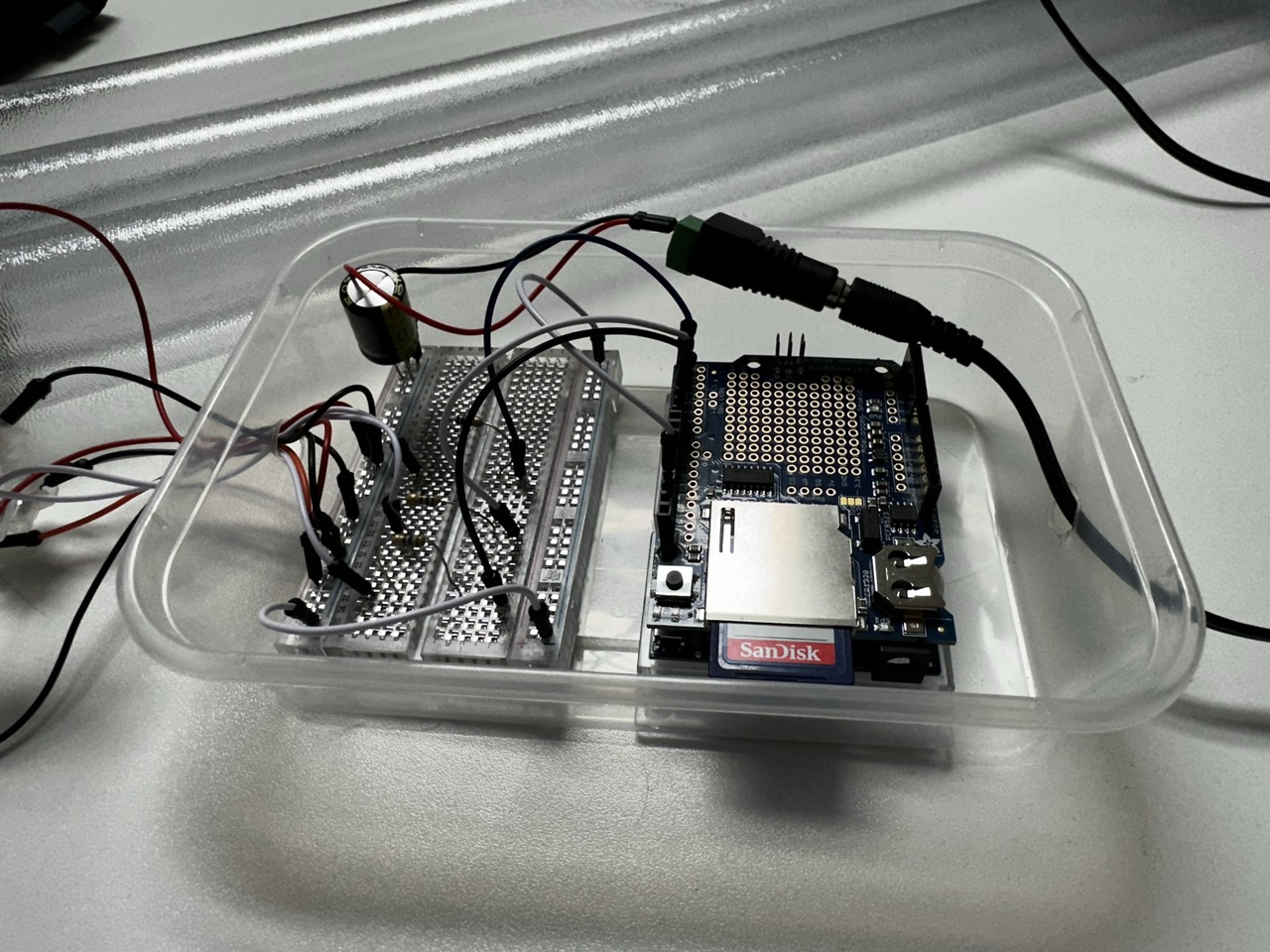
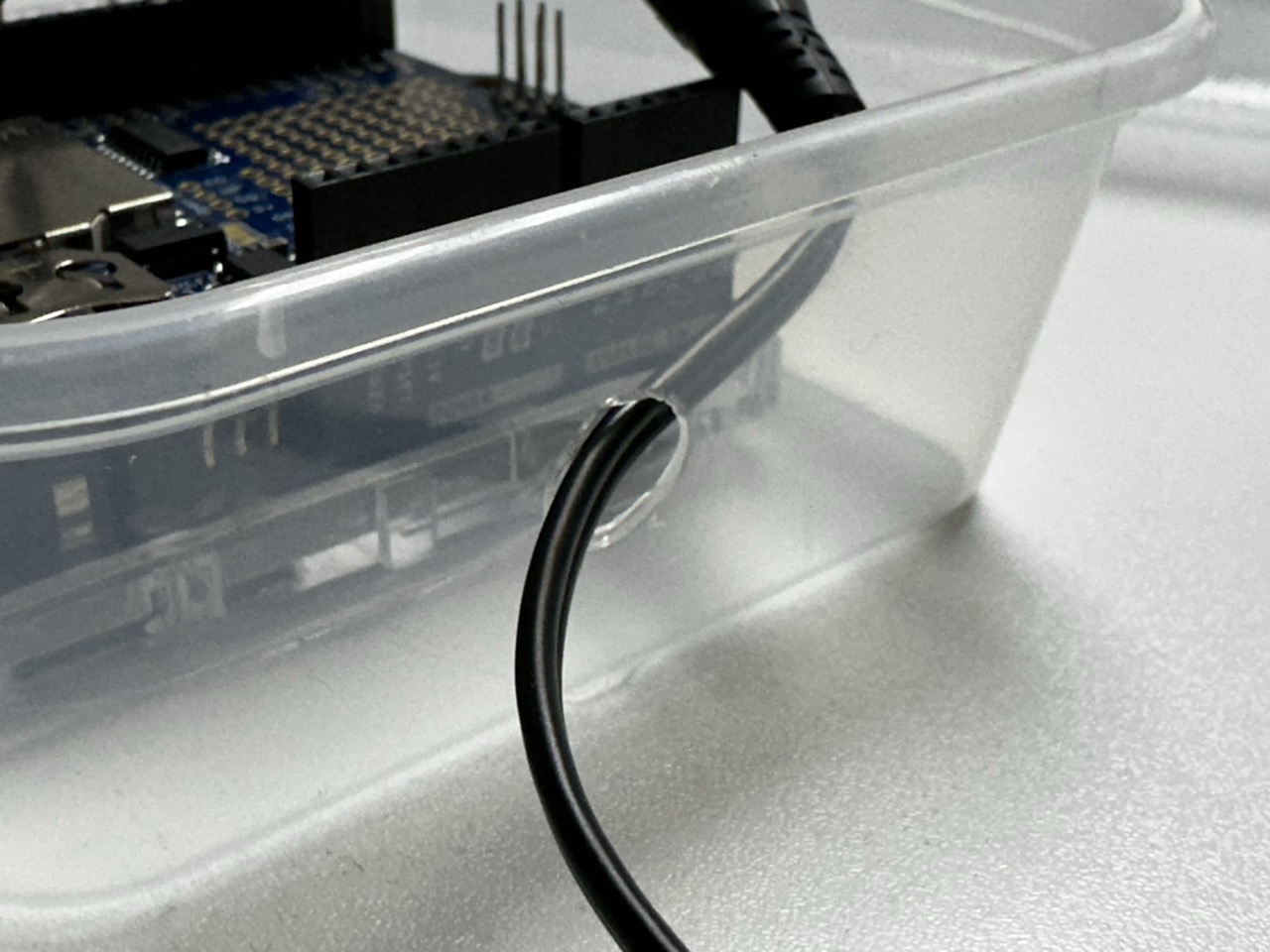
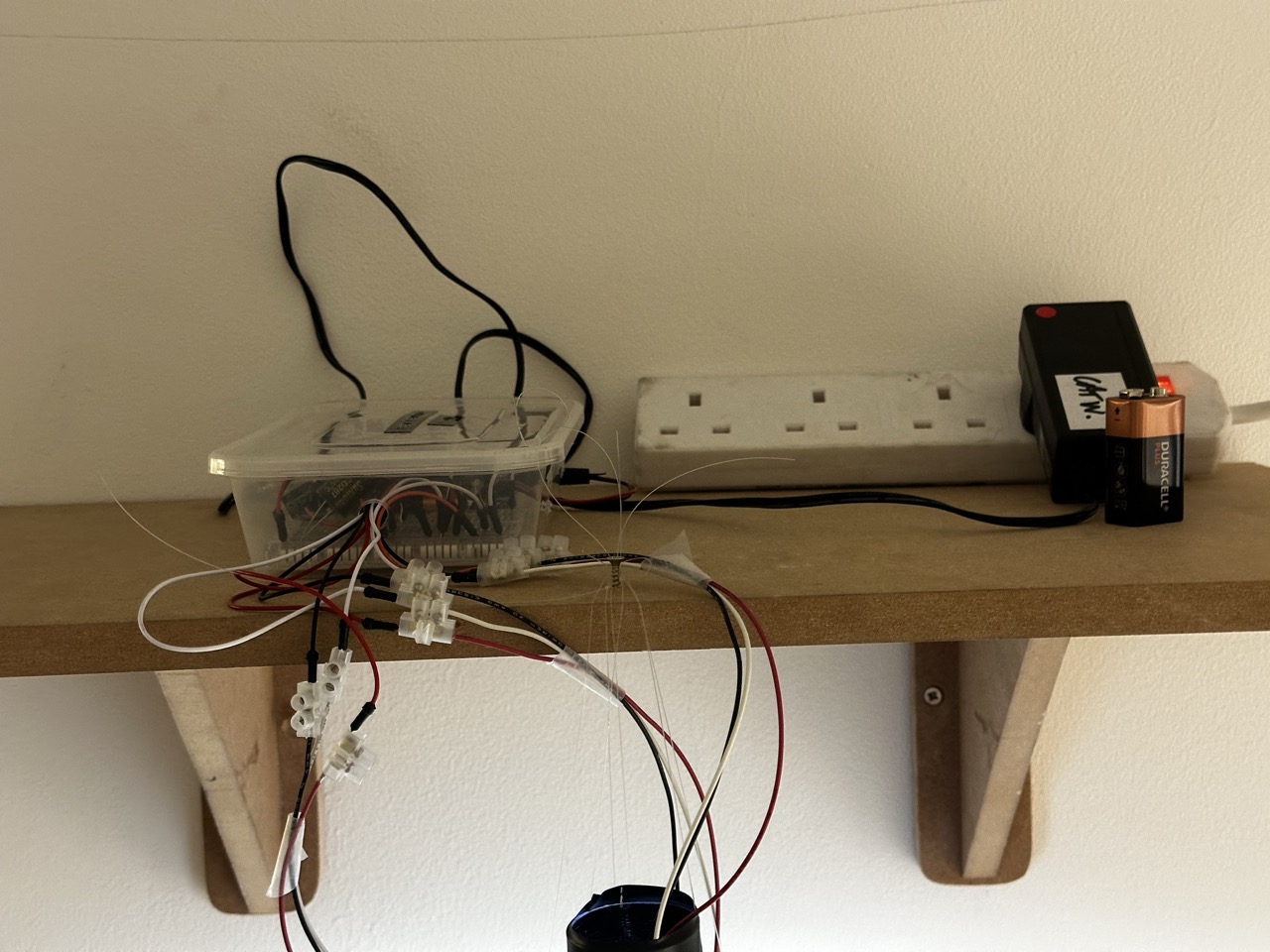
As the housing for the Arduino, bread board and battery ideally wont be seen by anyone then I didn’t want to spend too much time on it, initially I had ideals of building a bespoke box for it but a modified Tupperware container does the same job in a fraction of the time.
Thanks to Tom for supplying said container.
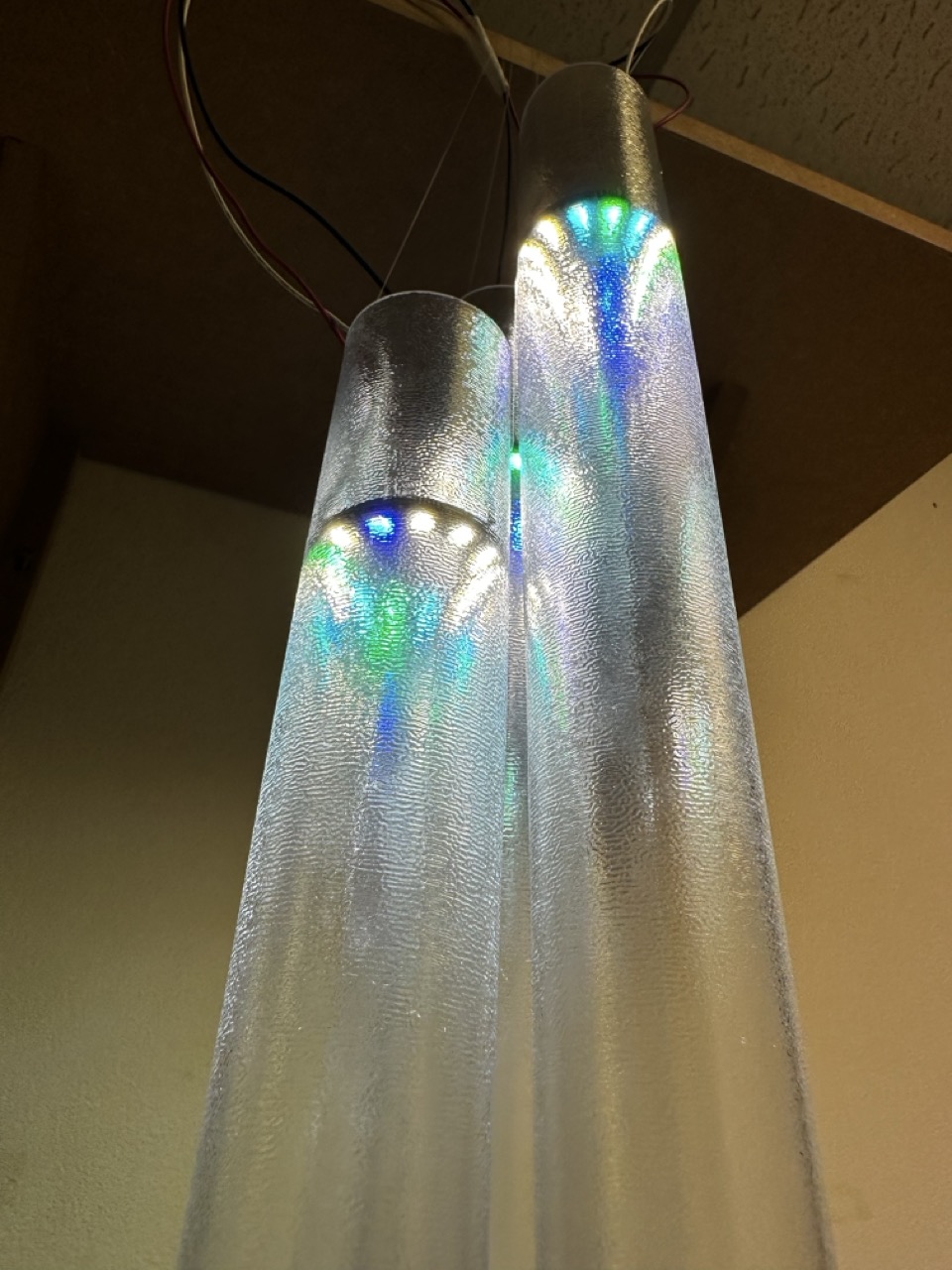
The Wind Chimes :
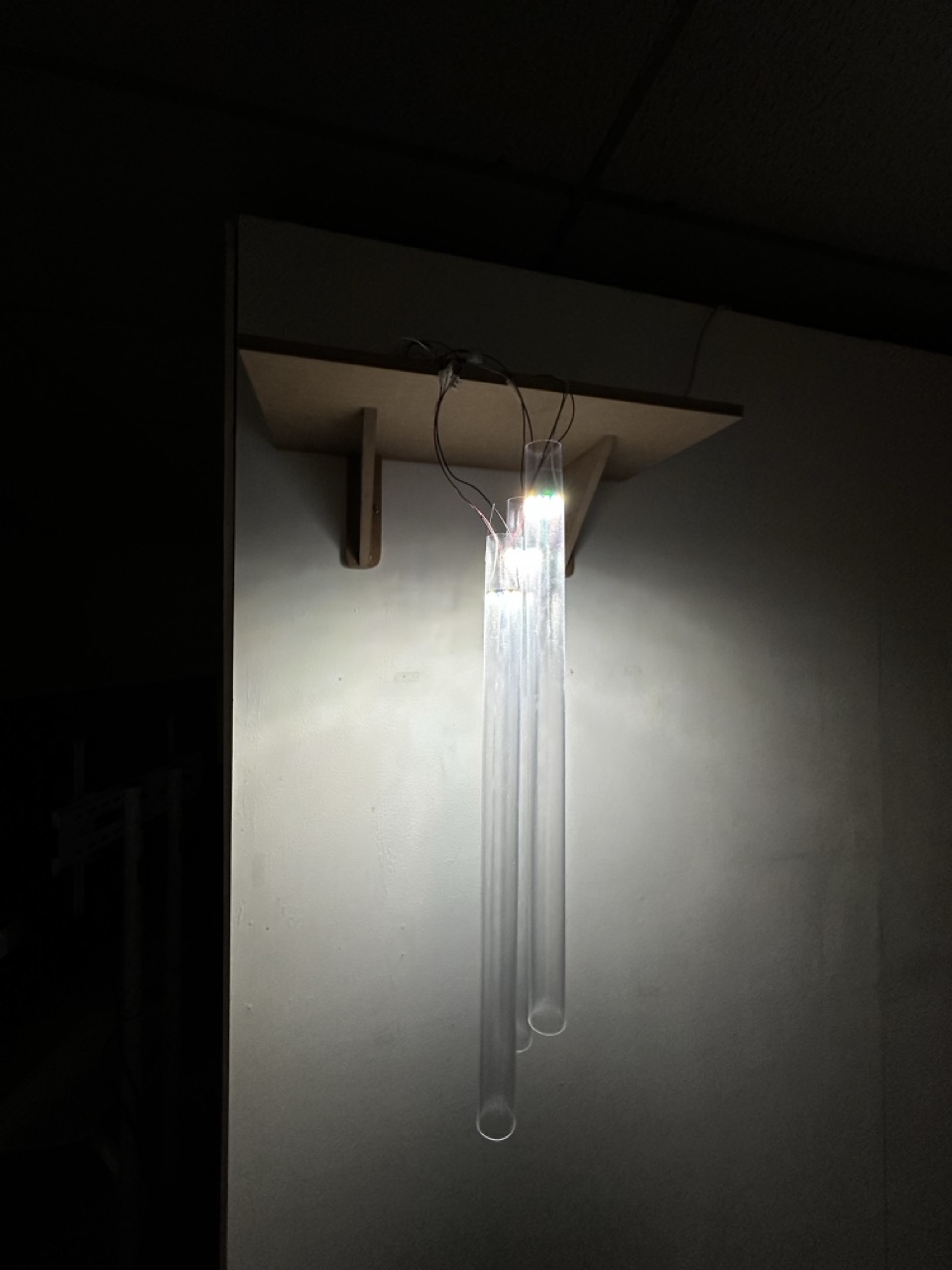
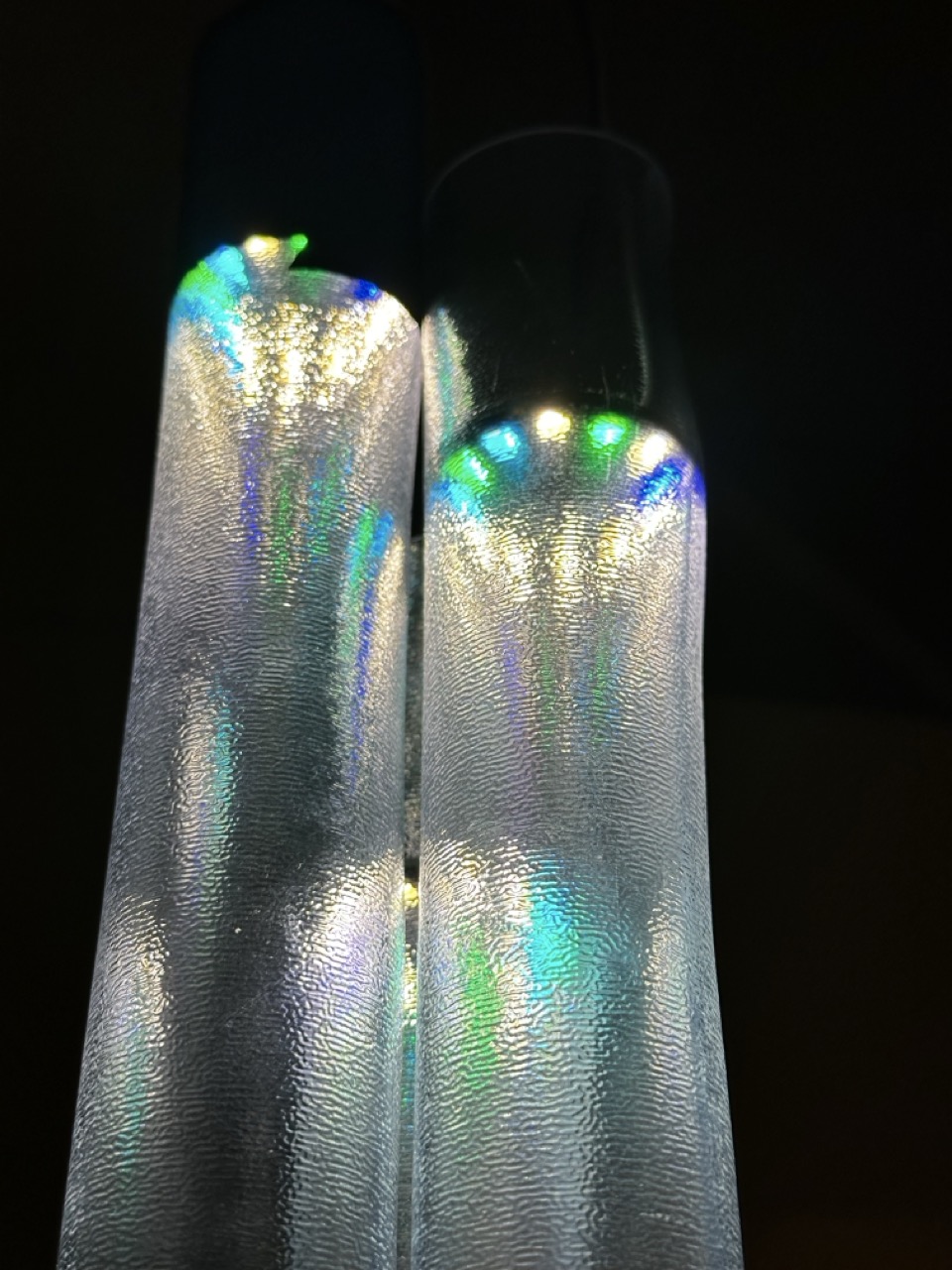
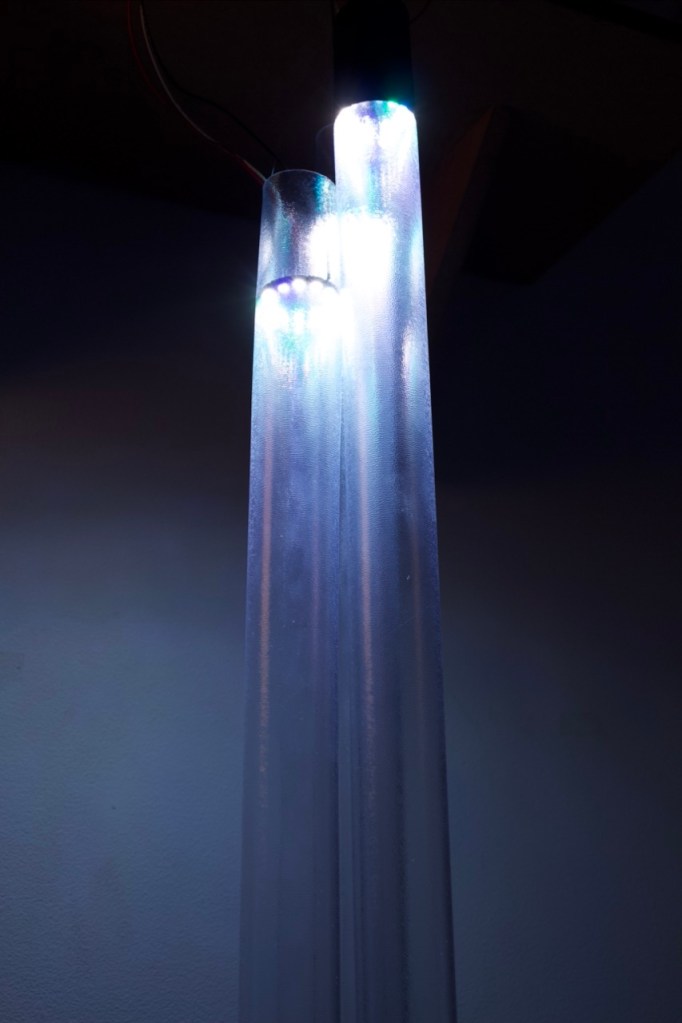
The wind chimes are hanging, not from the ceiling as I might have hoped but from a shelf that still hides a multitude of sins and hold the housing for the arduino.


Final Prototype :


“We are each our own worst critic” – Ellen Hendriksen
I have a tendency to see the flaws in my work but I am quite happy with how this turned out and believe that it has some real potential to go further to become something quite beautiful and quite interesting.
Maybe at some point in the future it will be.
Documentation :
I want to revisit it if I have time.
Plan out the shots better, better quality camera, slicker production.
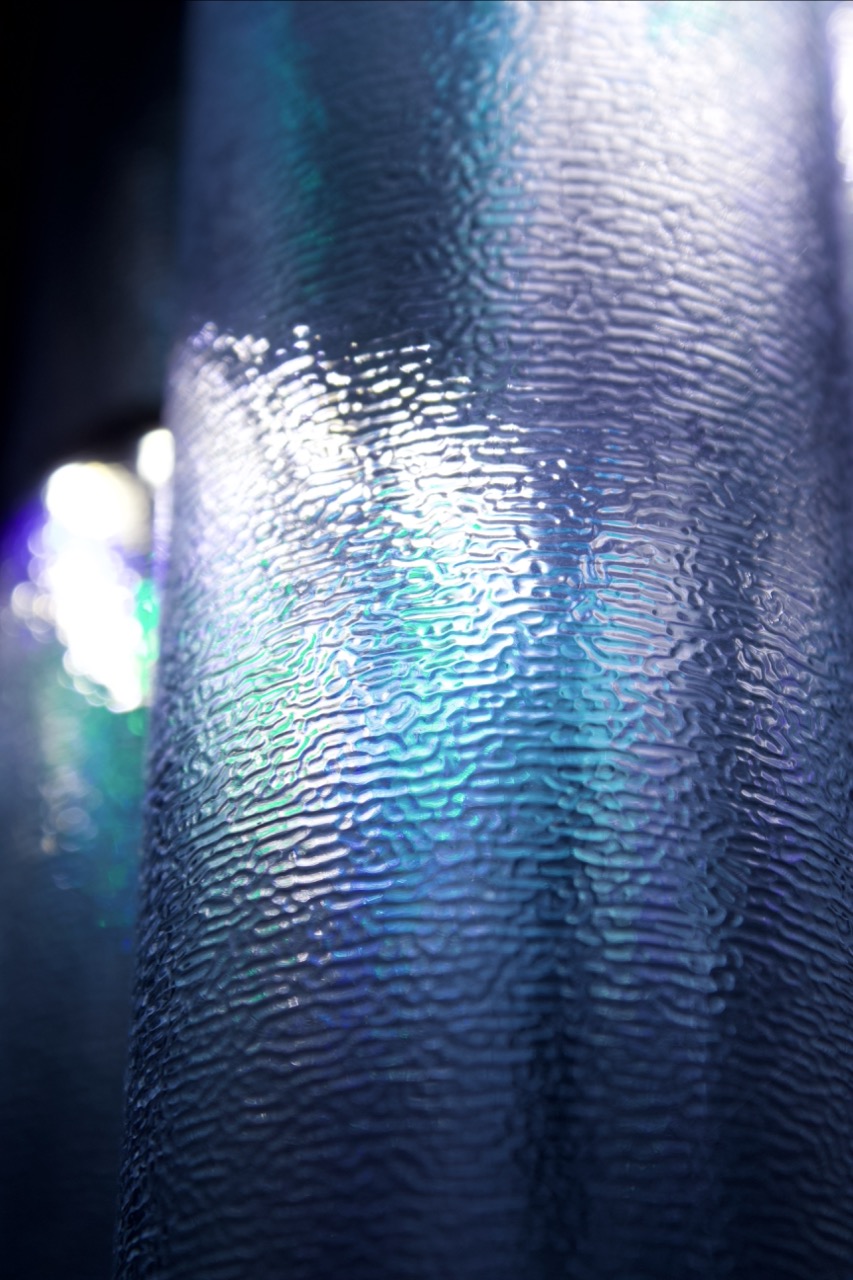
As the shades are these long slim tubes with the textured rubber, I wanted to use a 9:16 ratio and close up shots to explore the texture and light of the prototype and imitate how some people got very close to the light as well as under it to inspect it further.
Taking it further :
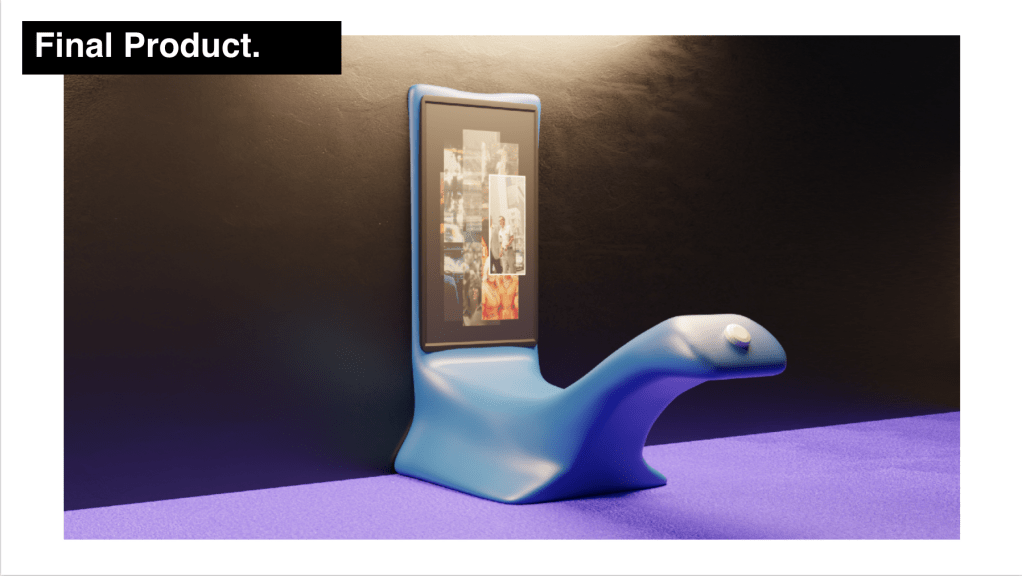
I want to make a mock up of the final idea here, either an illustration or a 3D render.
As outlined in my initial concepts designs, if this prototype was to be taken further then there would be a few things to expand as well as improve :
Evaluation :
For this project I wanted to keep it simple and I think I did that.
I wanted to keep the concept simple for a number of reasons, firstly I wanted the final product to not just be interesting and driven by the data but to have the potential to be beautiful as well as modular.
If I had more time or to do it again I would like to give more time to the materials of the final piece and find the perfect one to both allow for the lights/ the data to be seen but also to create a sleek, clean silhouette with an almost sculptural element.
My main take away on this is that my coding skills need to be taken up a notch to match where I am in other aspects. I’ll have to allocate time to getting back into it and taking it further with examples and self driven lessons and projects instead of waiting for the brief to force me to.
Extra Documentation :


Before I go into any of this. I’m writing this after the fact, I was in initially going to do this in a week by week chronological format but as I went down the rabbit hole with this project completely I threw myself in and lost track of this documentation.
This documentation might seem to jump around a lot and thats either because I’ve chosen to focus on aspects Ive been involved in.


Brief :
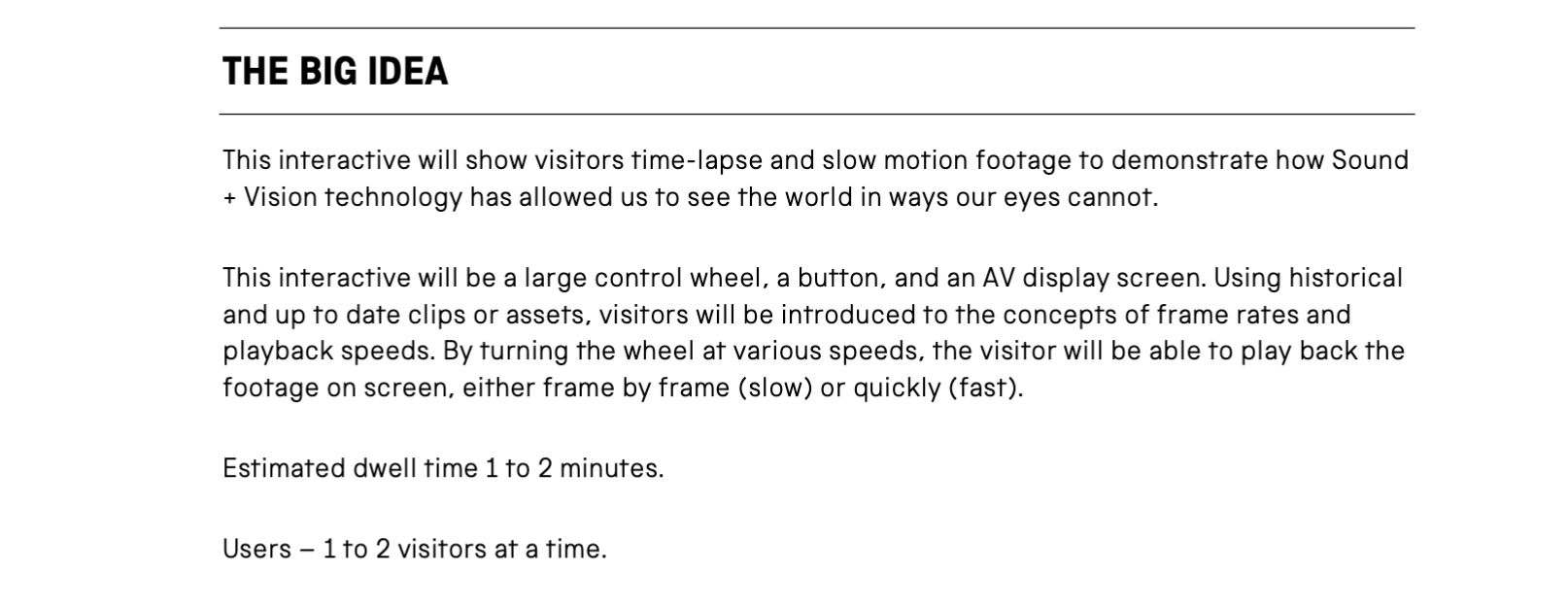
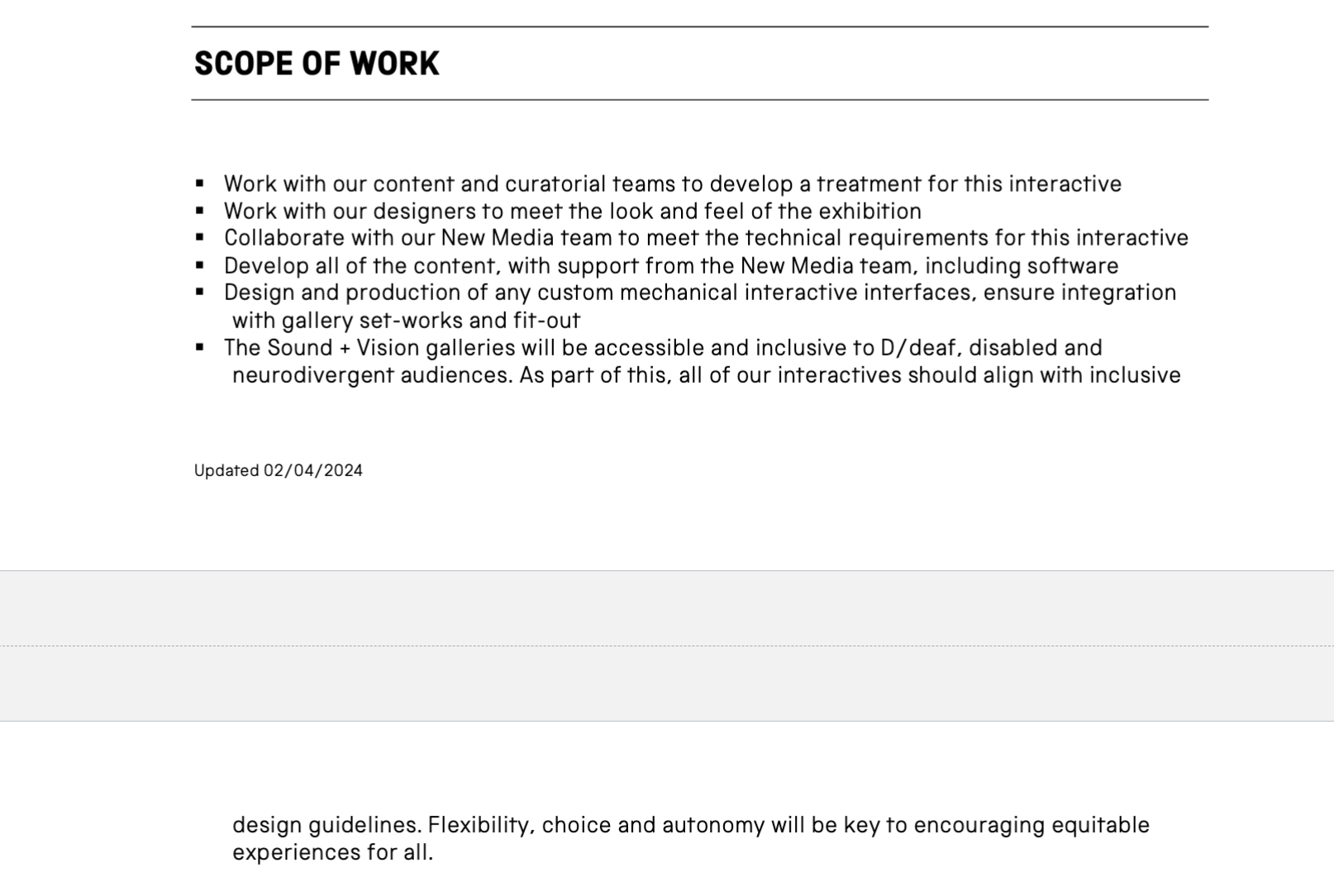
What we took away from it :


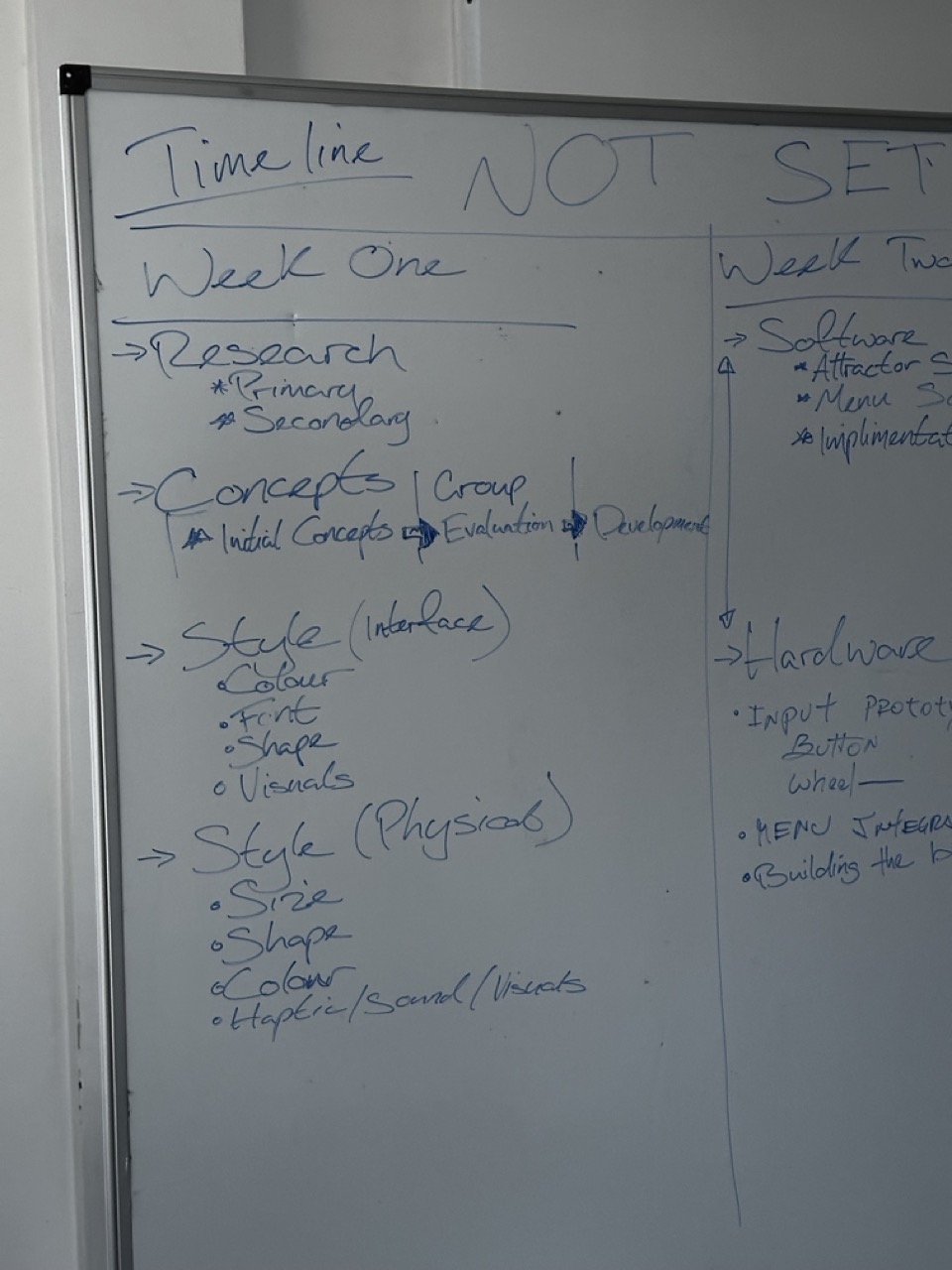
As a team we broke down the brief, distilling it down to the key elements that we wanted to look into and where our scope of work was.
We did go a little bit out of scope on some aspects but we were treating that as possible suggestions to the client ontop of what they asked for.
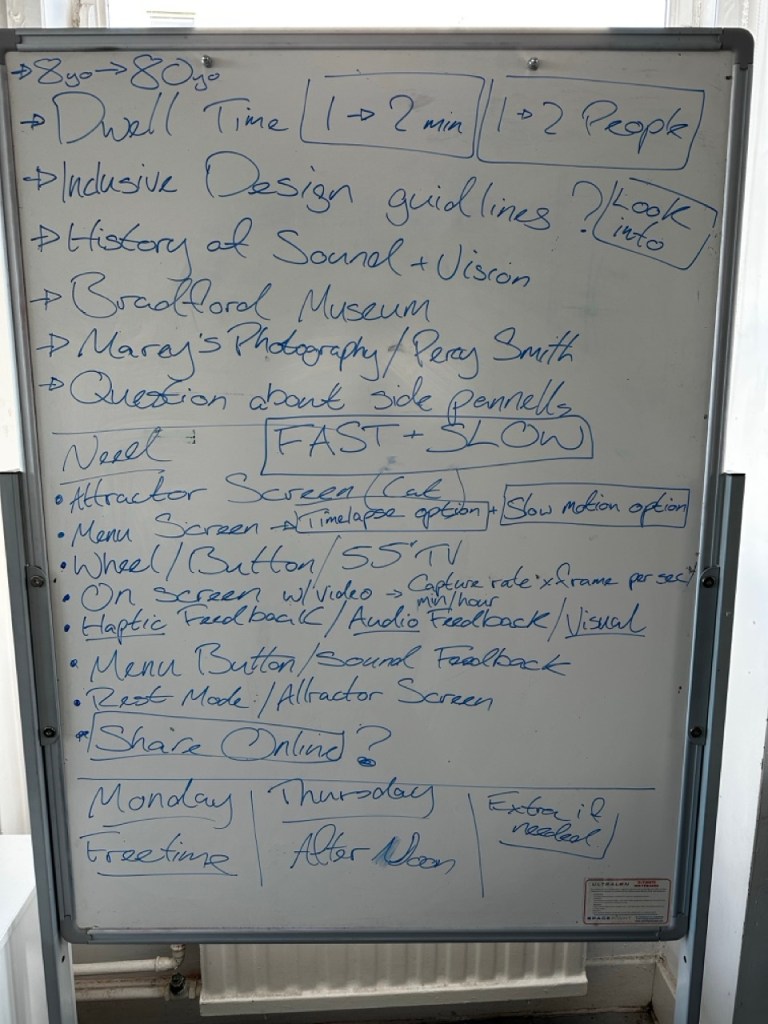
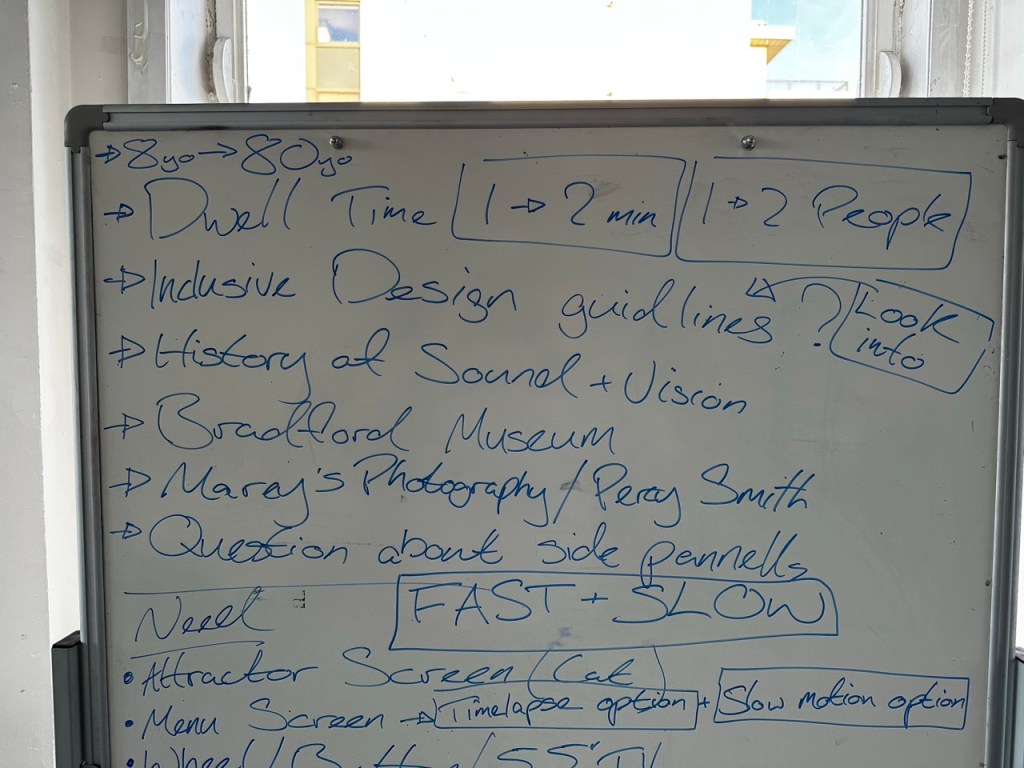
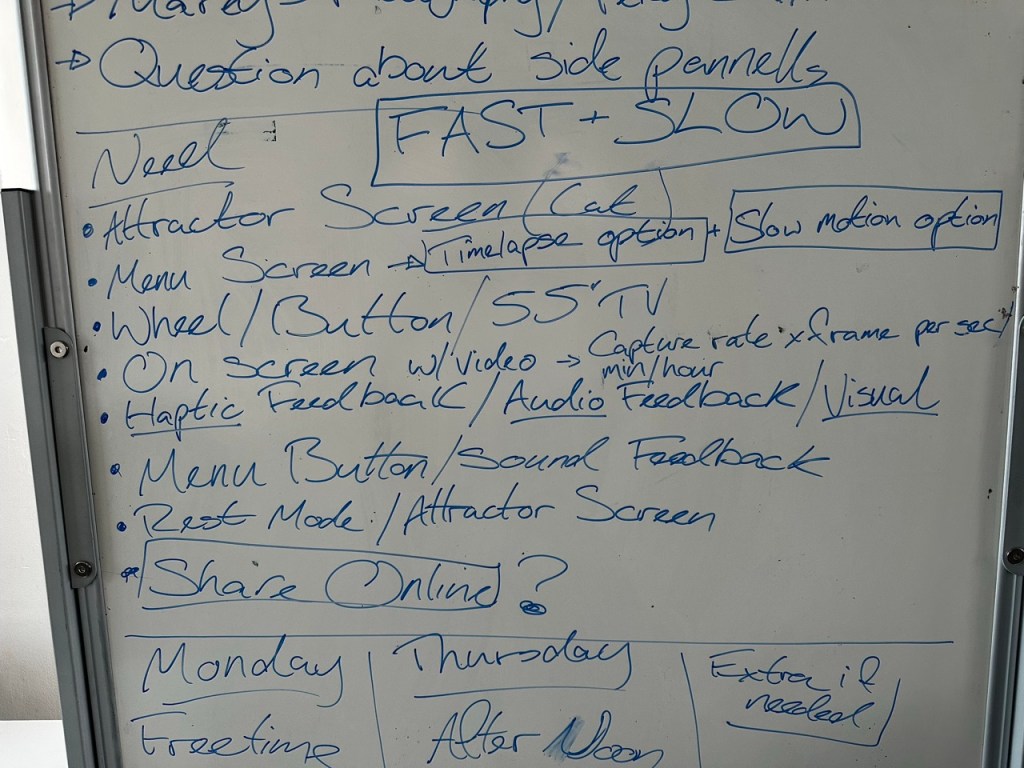
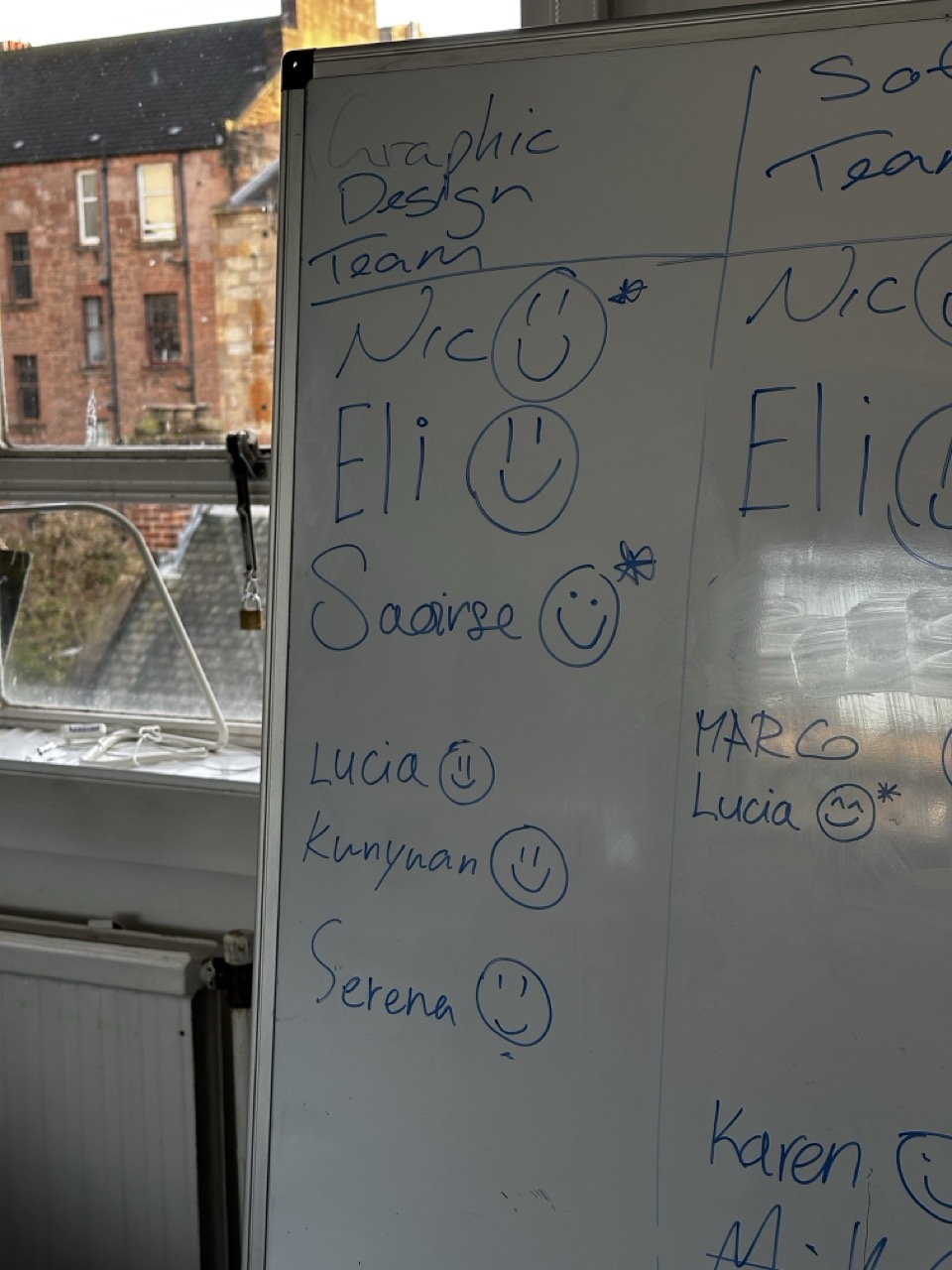
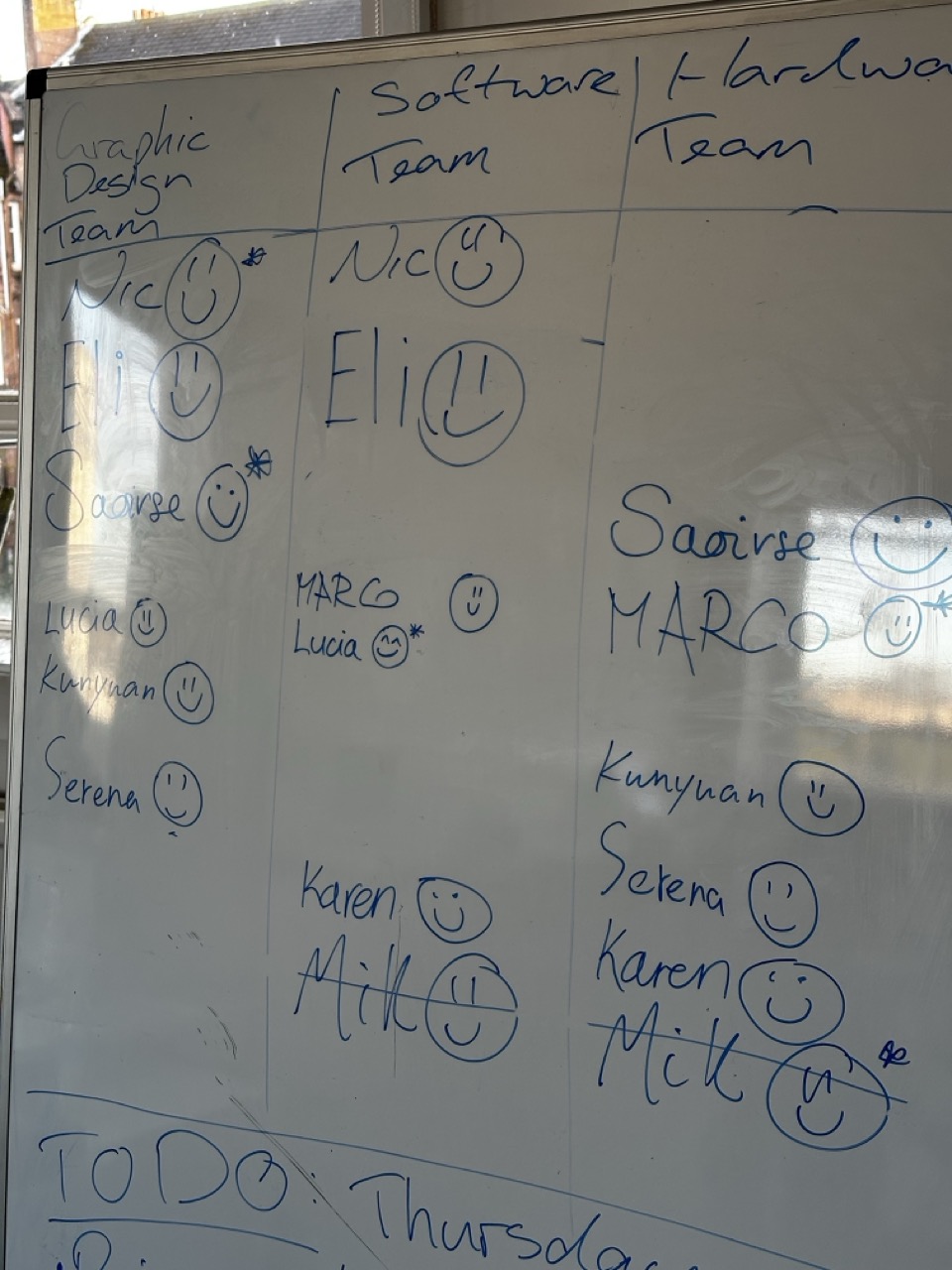
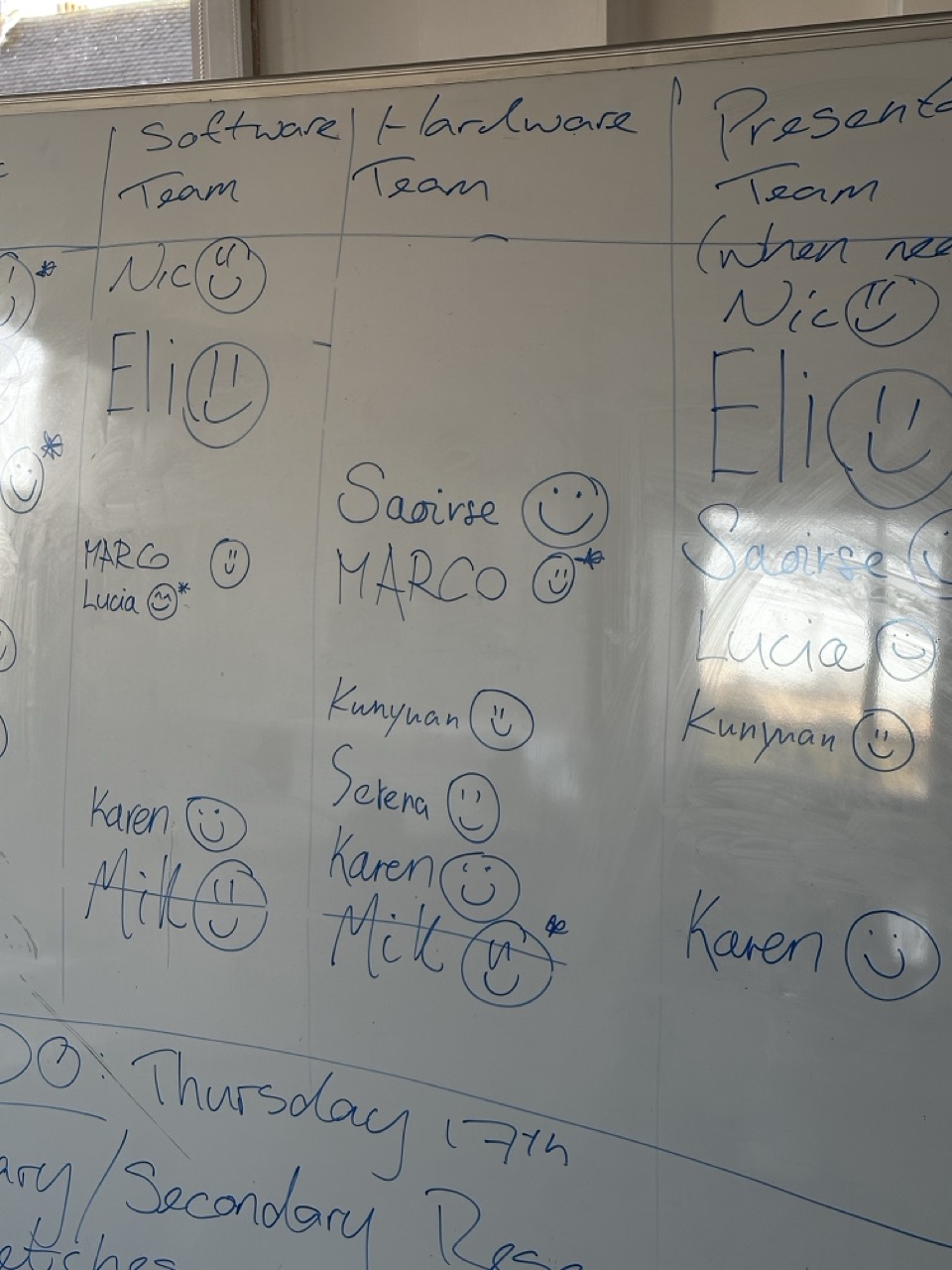
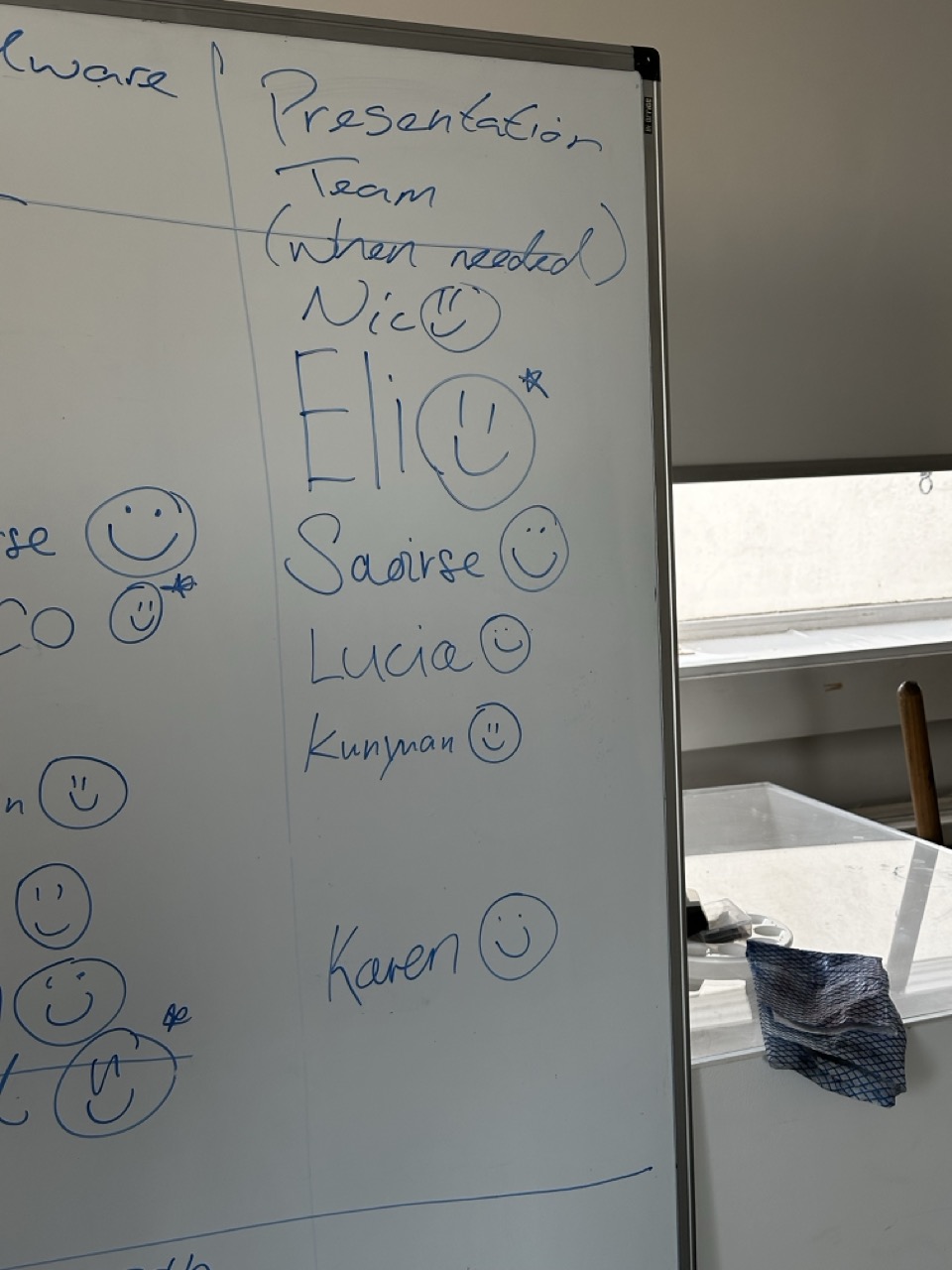
Getting it on the board :


Just my chicken scratchings of us breaking down the brief as a team.
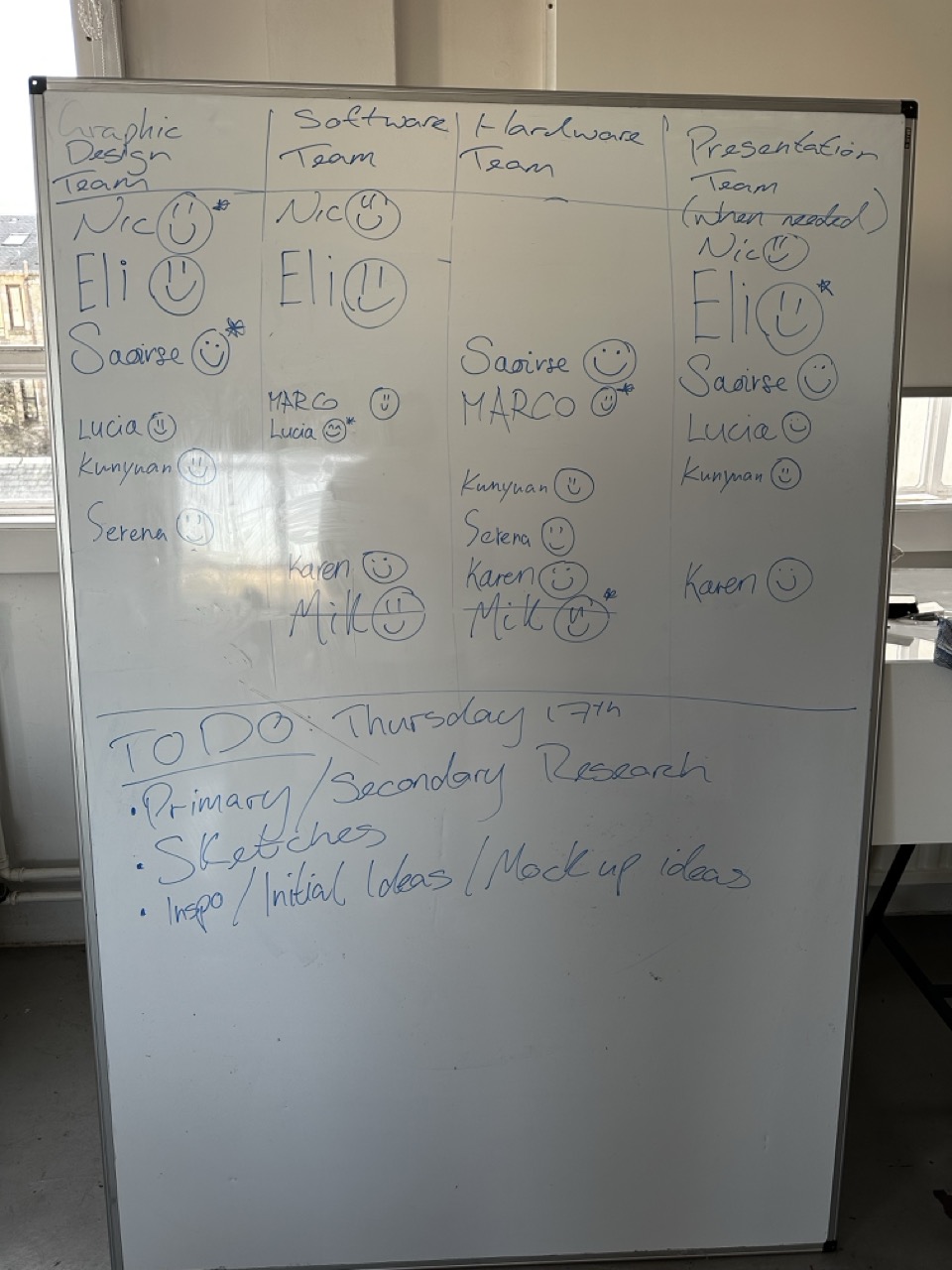
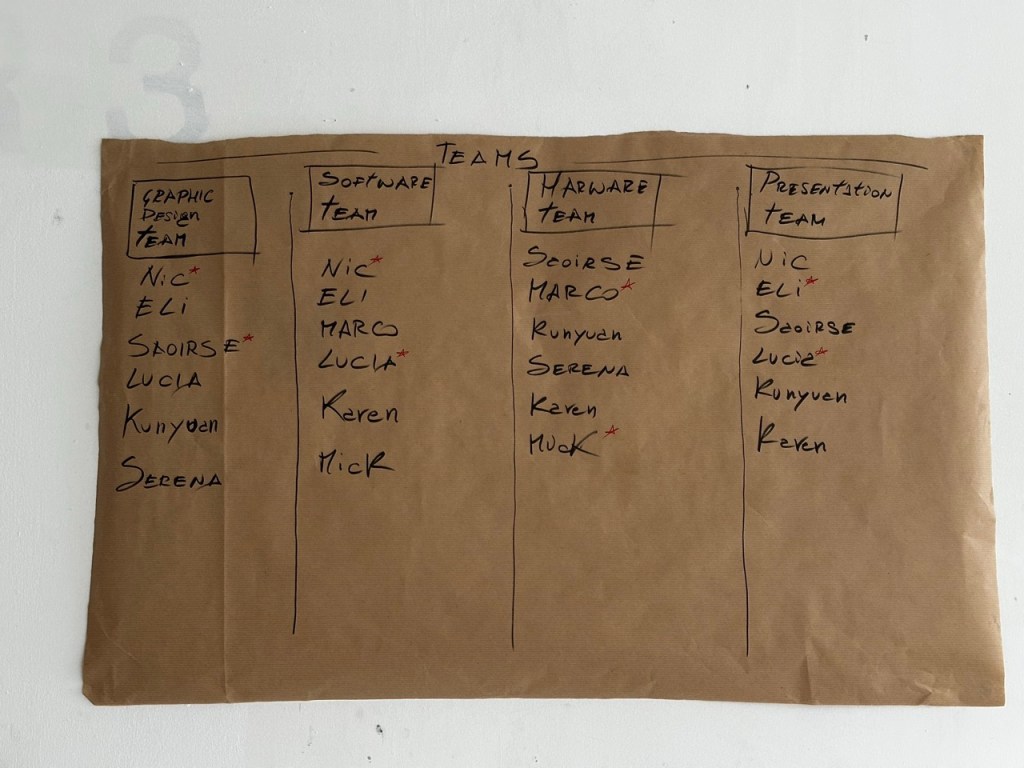
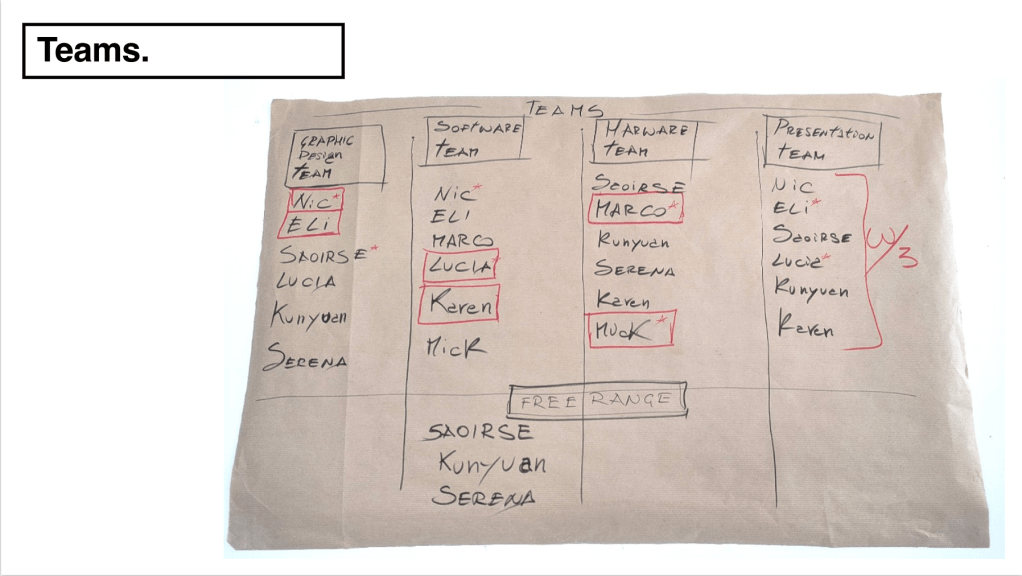
Team Building :


Marco’s nicer more legible version of the team list.
I thought of a good way for us to separate into our teams. By allowing everyone to voice their opinions on where they would want to be most and where they would want to be least the teams naturally formed.
There was some members of the team that either had no strong feeling to what they wanted to do or others that wanted to do a bit of everything without committing to any one thing so then the roll of Free Agents was made that meant they could float between the teams and help out whenever needed.
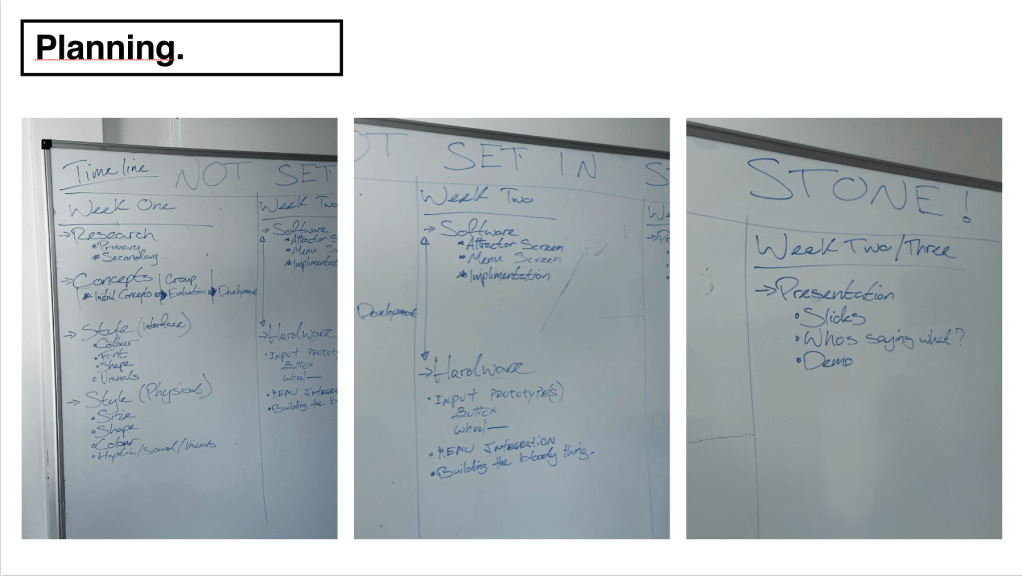
Planning the week :
I seemed to be appointed to the roll of organising the project so I viewed that my roll is to organise all the boring but important stuff so that means everyone can do the more enjoyable, more creative activities.


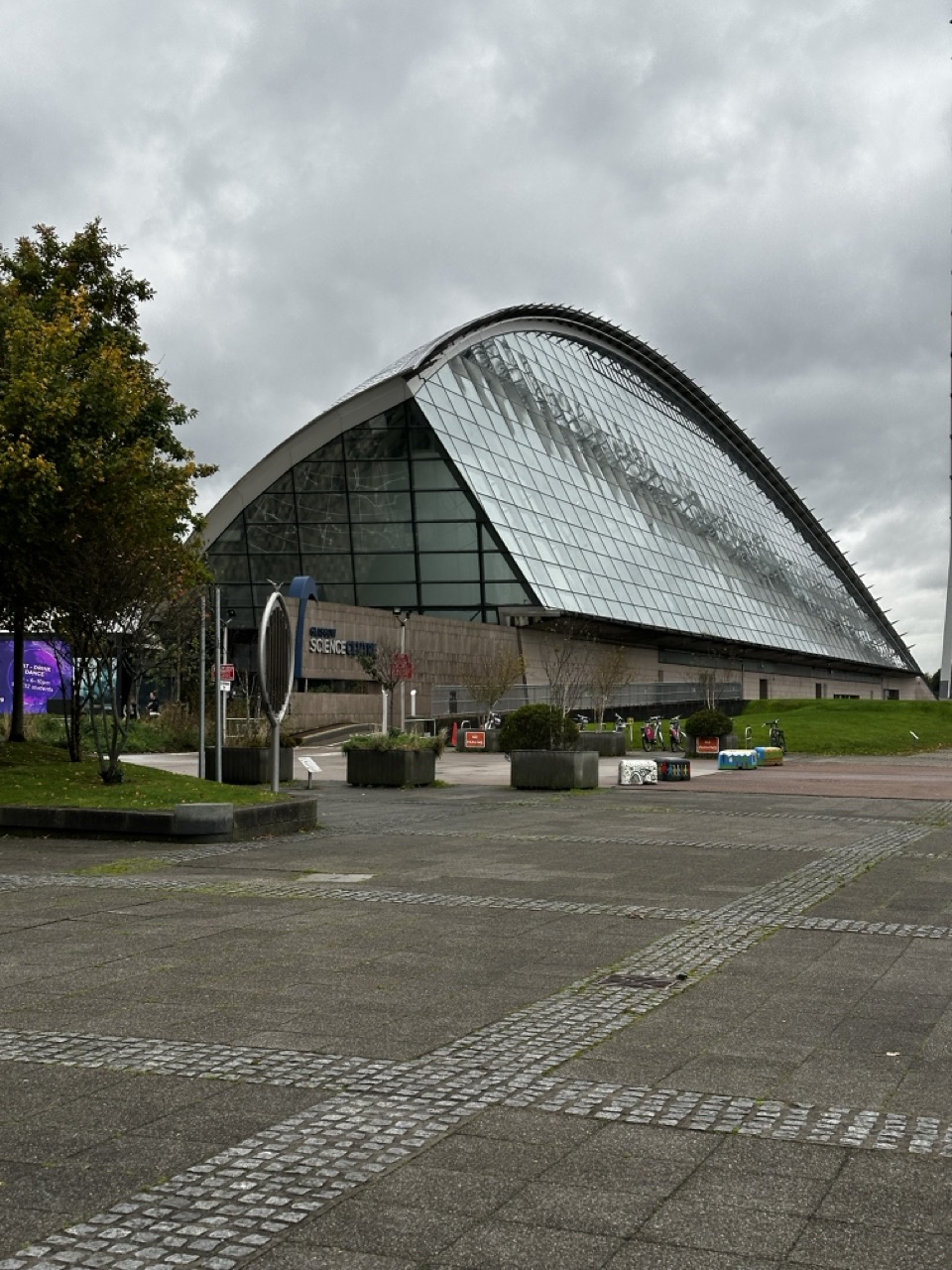
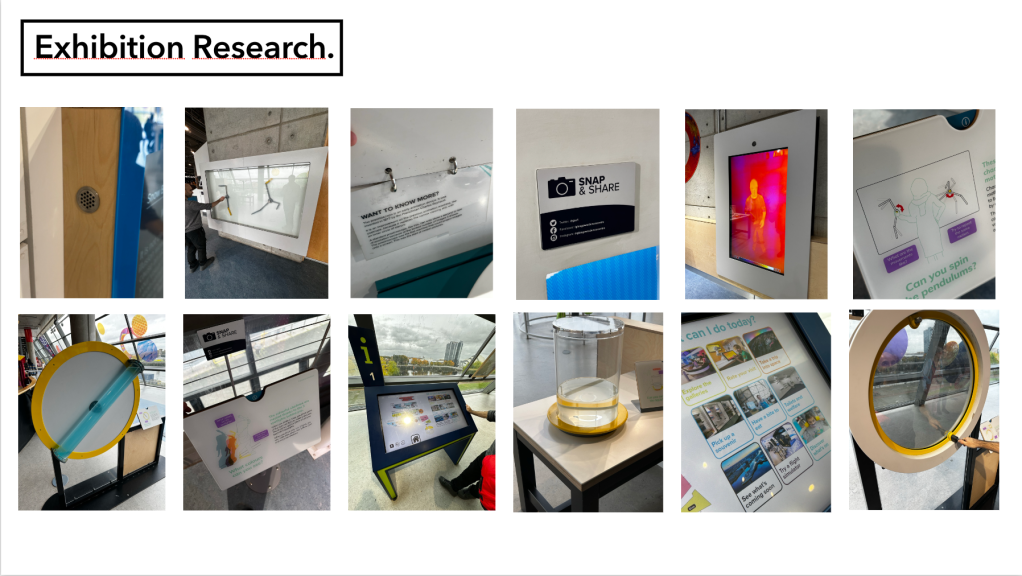
Glasgow Science Centre Research:
As we where designing for the Science Museum Group (SMG) I went, with Marco, to the closest equivalent we have, the Glasgow Science Centre to see how they make a fun educational exhibition for the past 20 years.


Figa board :
Elias Showed the team how to use a Figma and how we can implement it as a team to work on the visuals of the project together. Its been a great resource for this project and I’ll want to use it going forward for my own projects.
Click here for the Figma board.
The figma board was updated by most of the team throughout the entire project.
The teams (throughout the project) :
Everyone has their own strengths, weaknesses and personalities. If there is anything that I can do to make it easier on everyone by organising things in a certain way or as acting as a middle man between people then I believe its in my role to do so, that way everyone can focus on their work.
I am human and initially I was getting annoyed by people and their attitudes towards the group, the project, myself, but after taking a step back I had to remind myself (with help from others) that my roll as logistics is not to try and manage people but to allow them to do what they’re best at and if they don’t then it is not my job to police that.
As with all group projects there has been some tension but the people that have been in everyday have done such a great job of defusing that energy and reminding whoever is going through it at the time that its not forever and to take a step back and relax. I’m actually proud of core members of the team and how they’ve been supportive of each other and had a willingness to adapt and work.
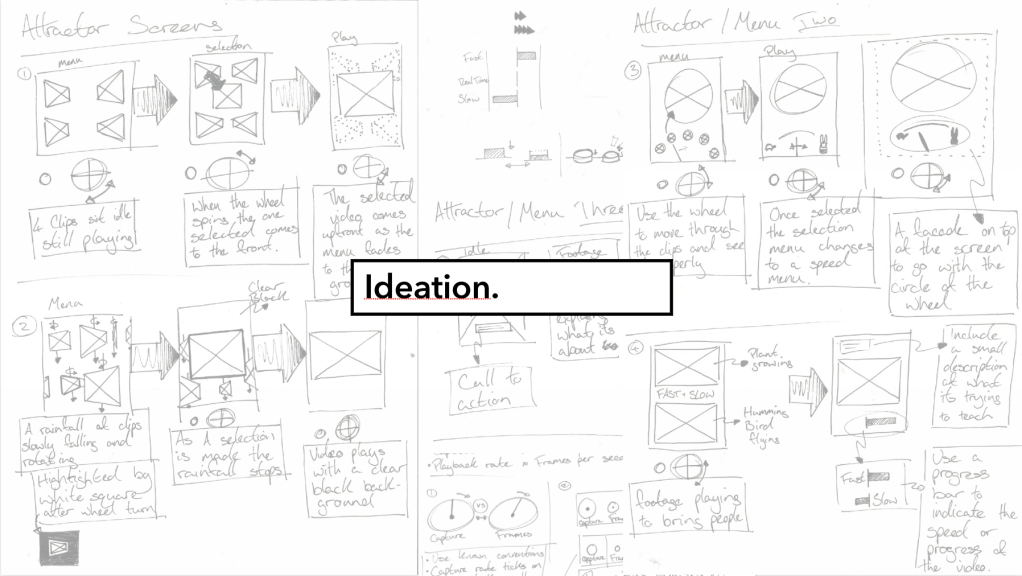
Attractor Screen Research


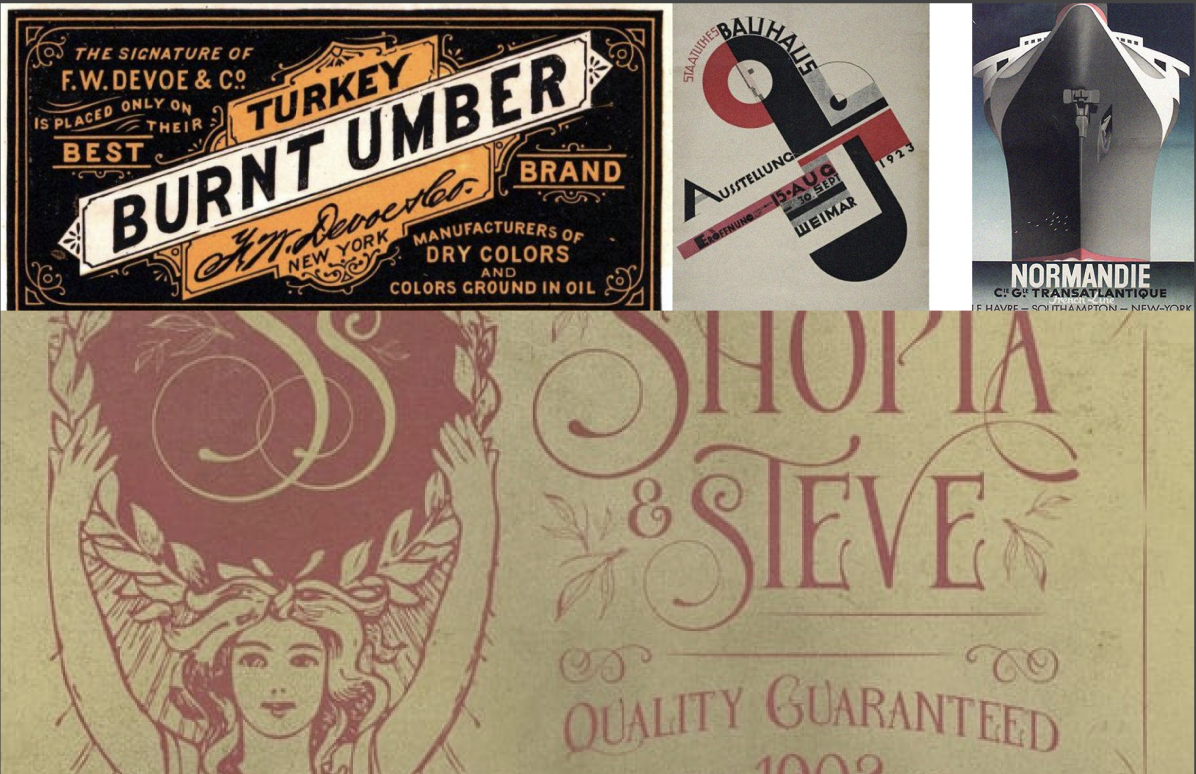
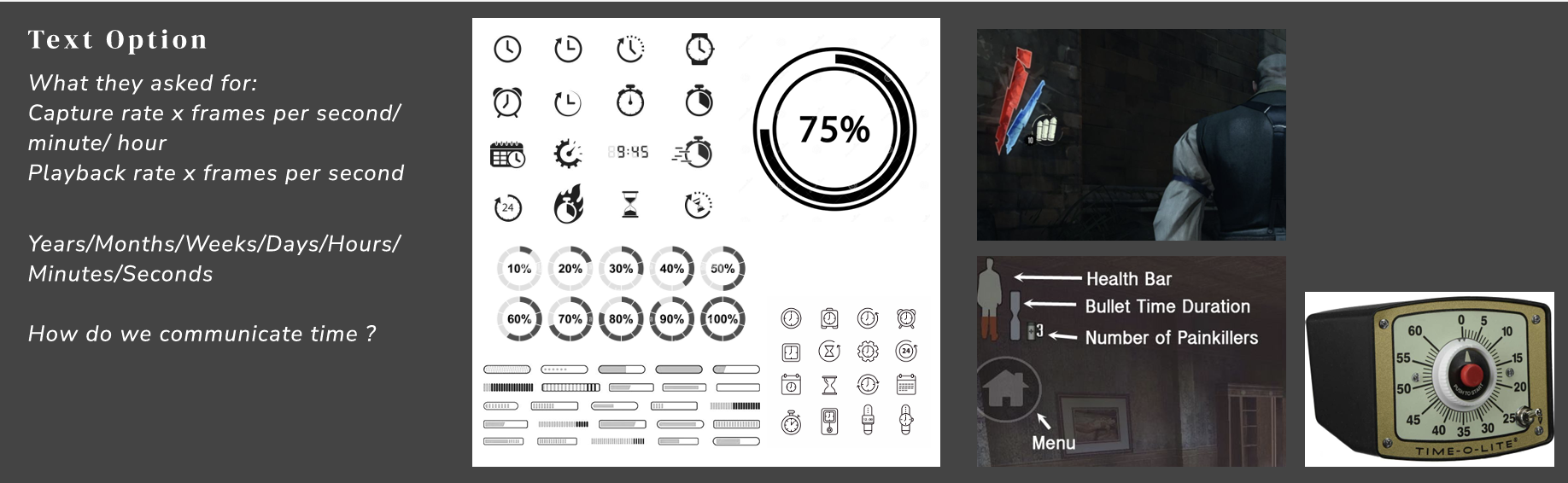
Looking at font from the time :

Sketching the form :

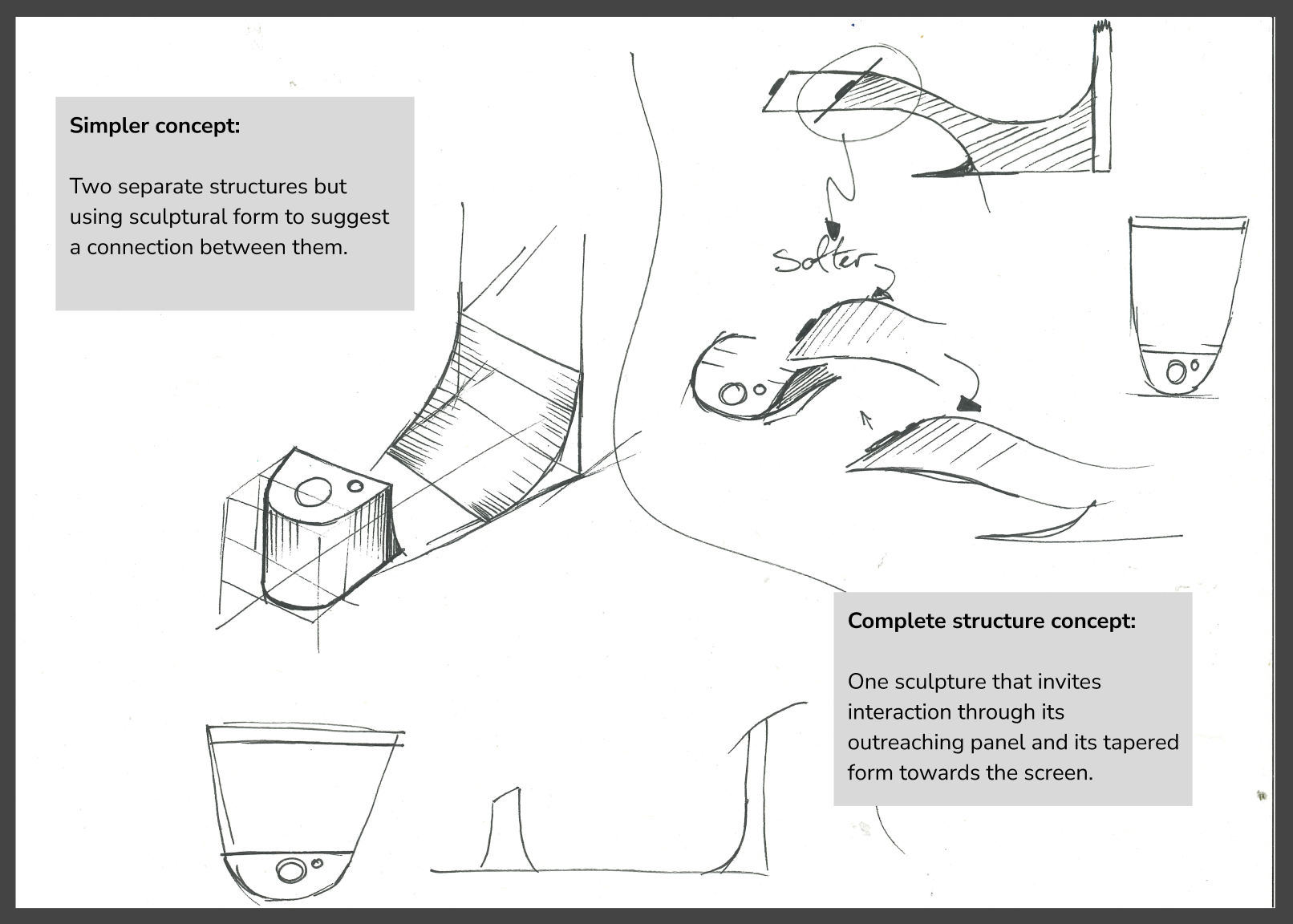
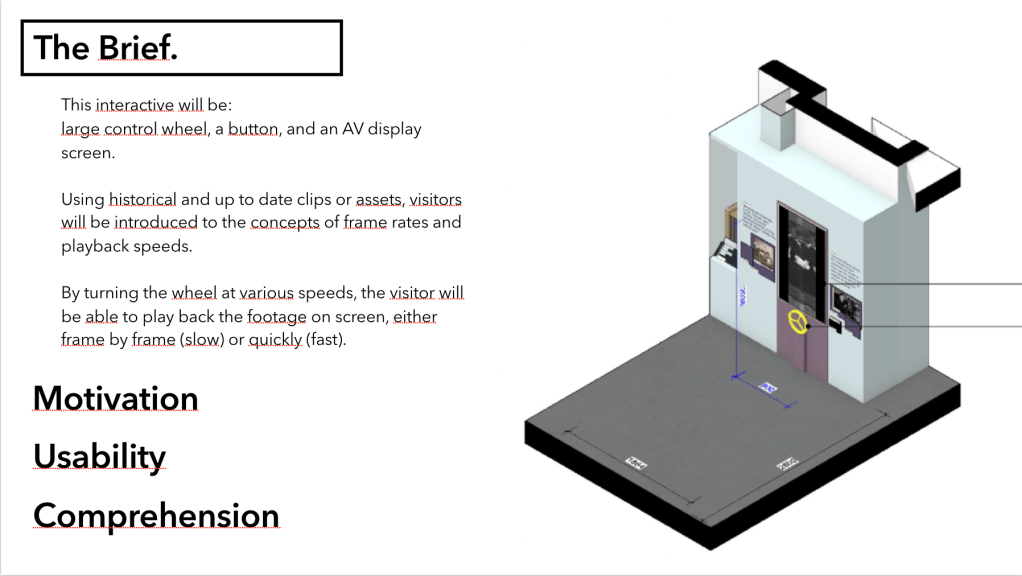
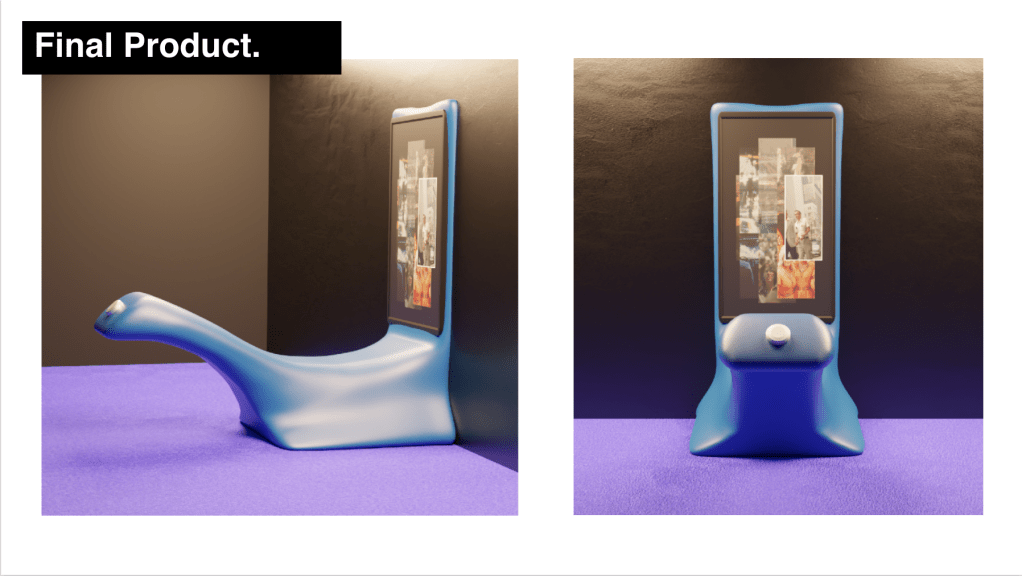
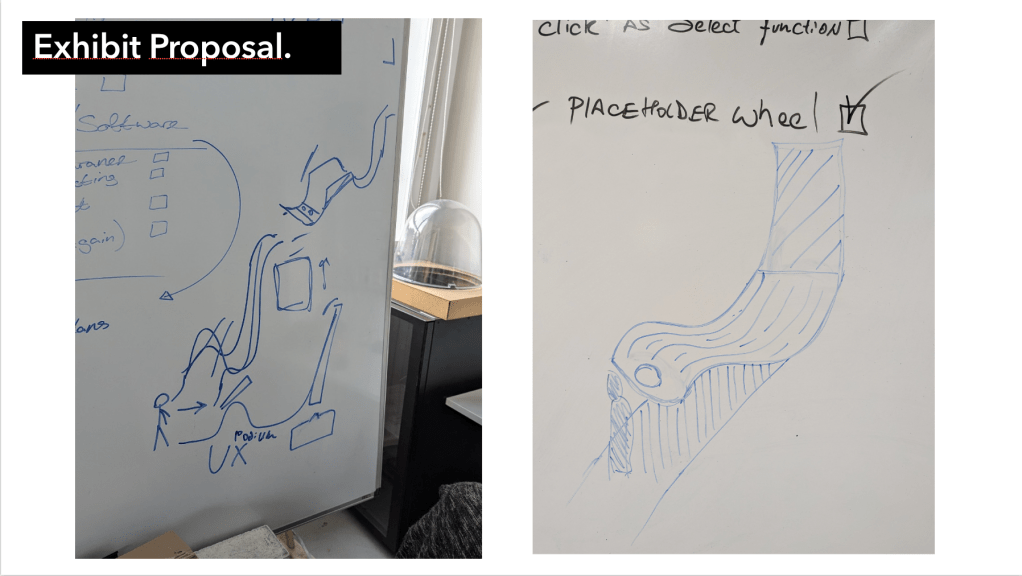
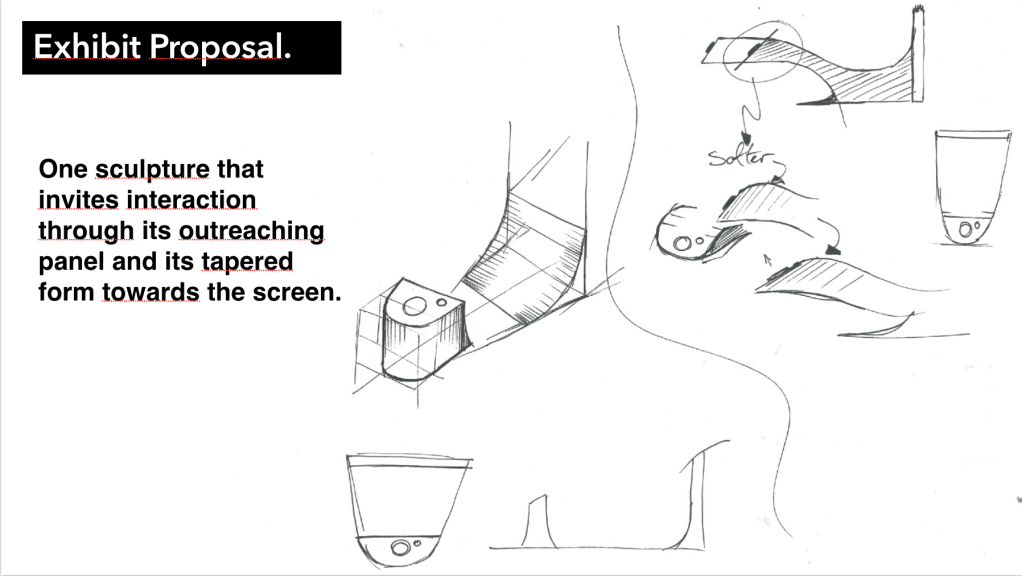
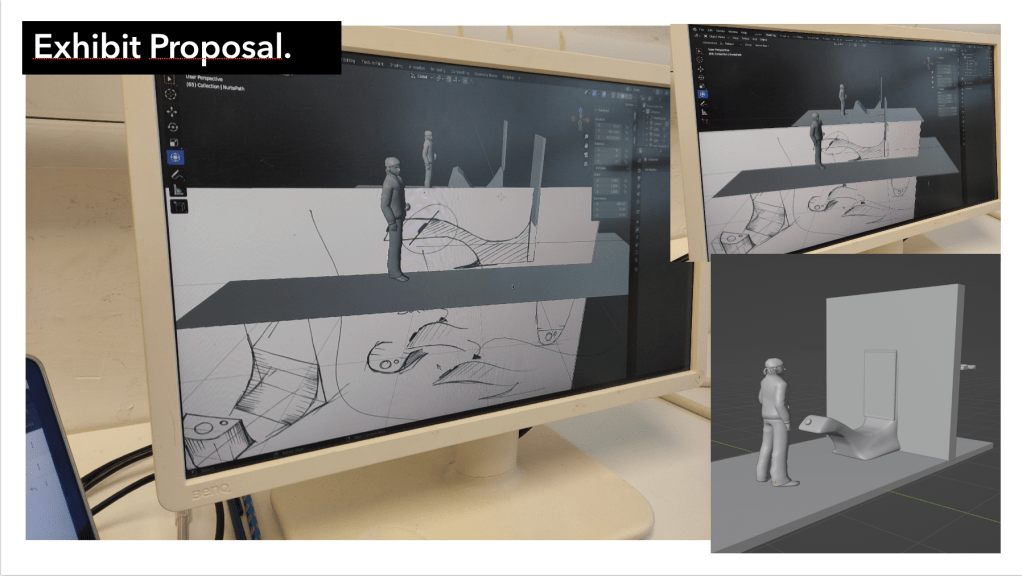
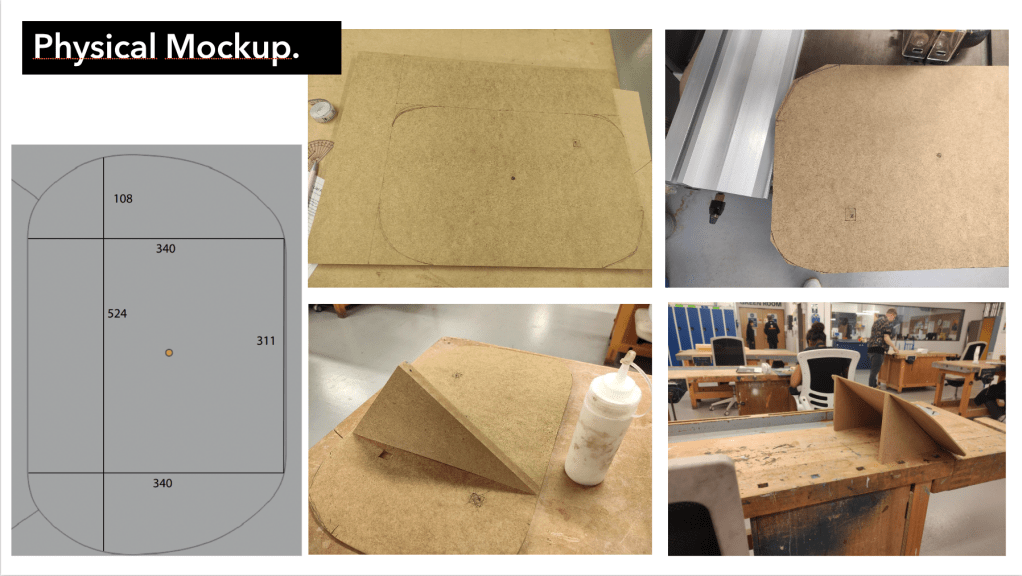
All quick sketches, discussions and ideas of the forum was just assumed to be a podium and a screen after Paul had suggested that the podium be further away from the screen (1.5m). As I was sketching out the drawings on the left Mikhail was discussing his idea for a more connected outreaching design that you can see sketched on the right which he then used as a base for 3D Blender model.
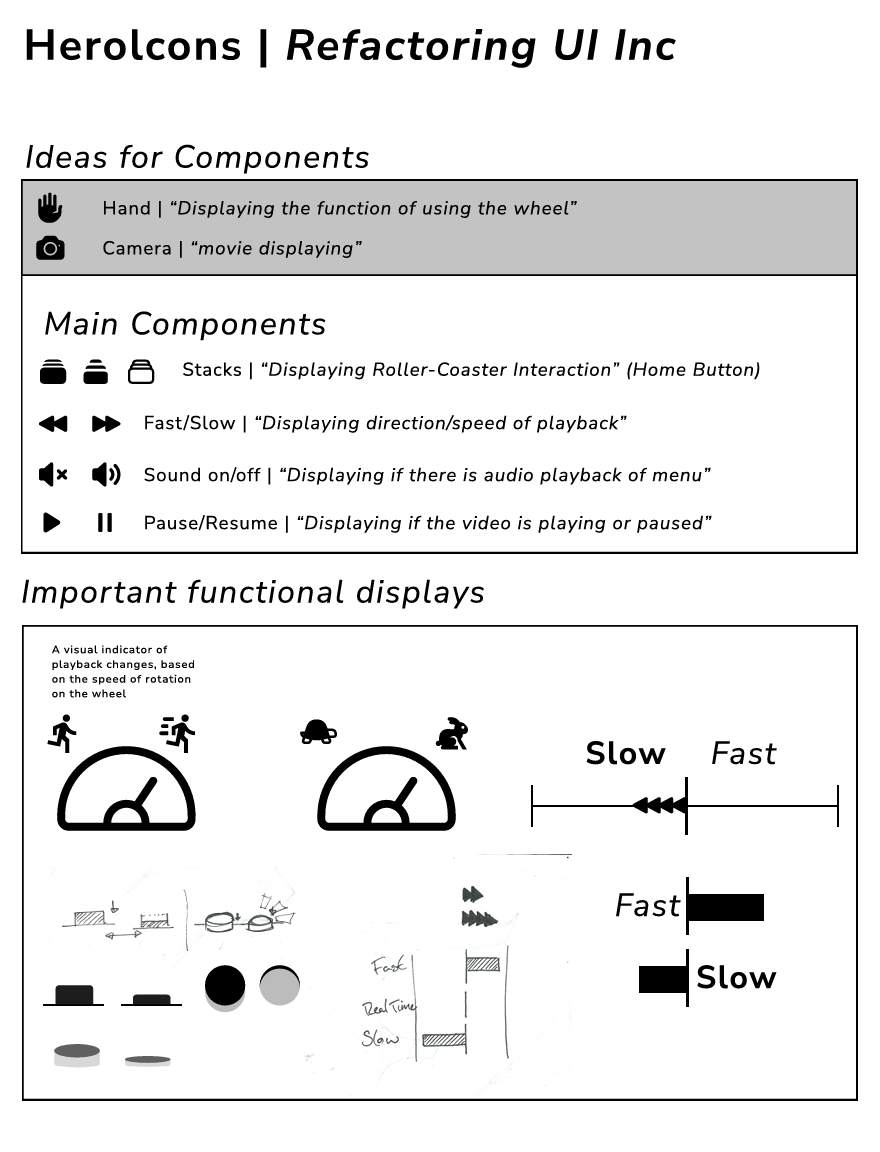
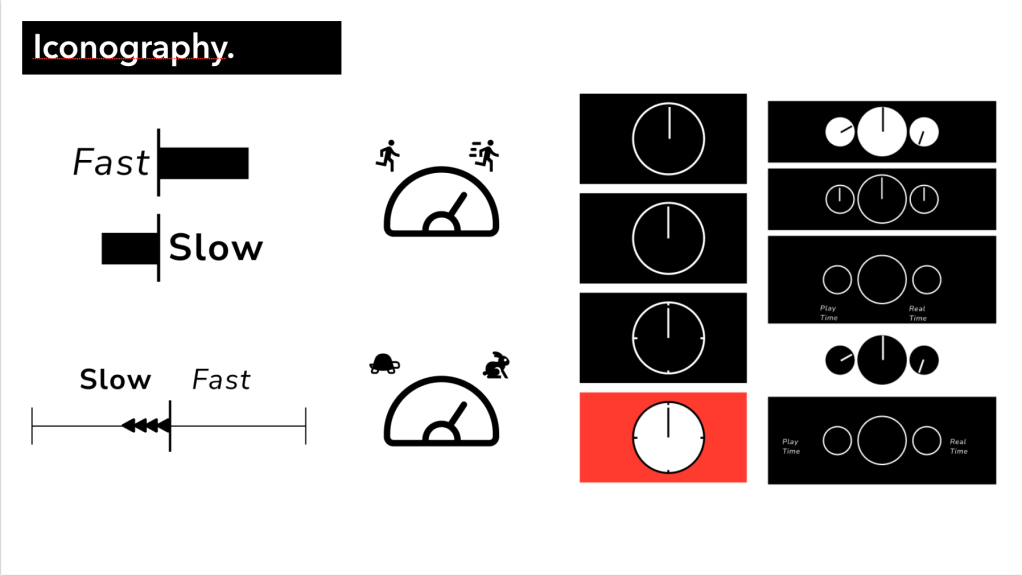
Iconography :

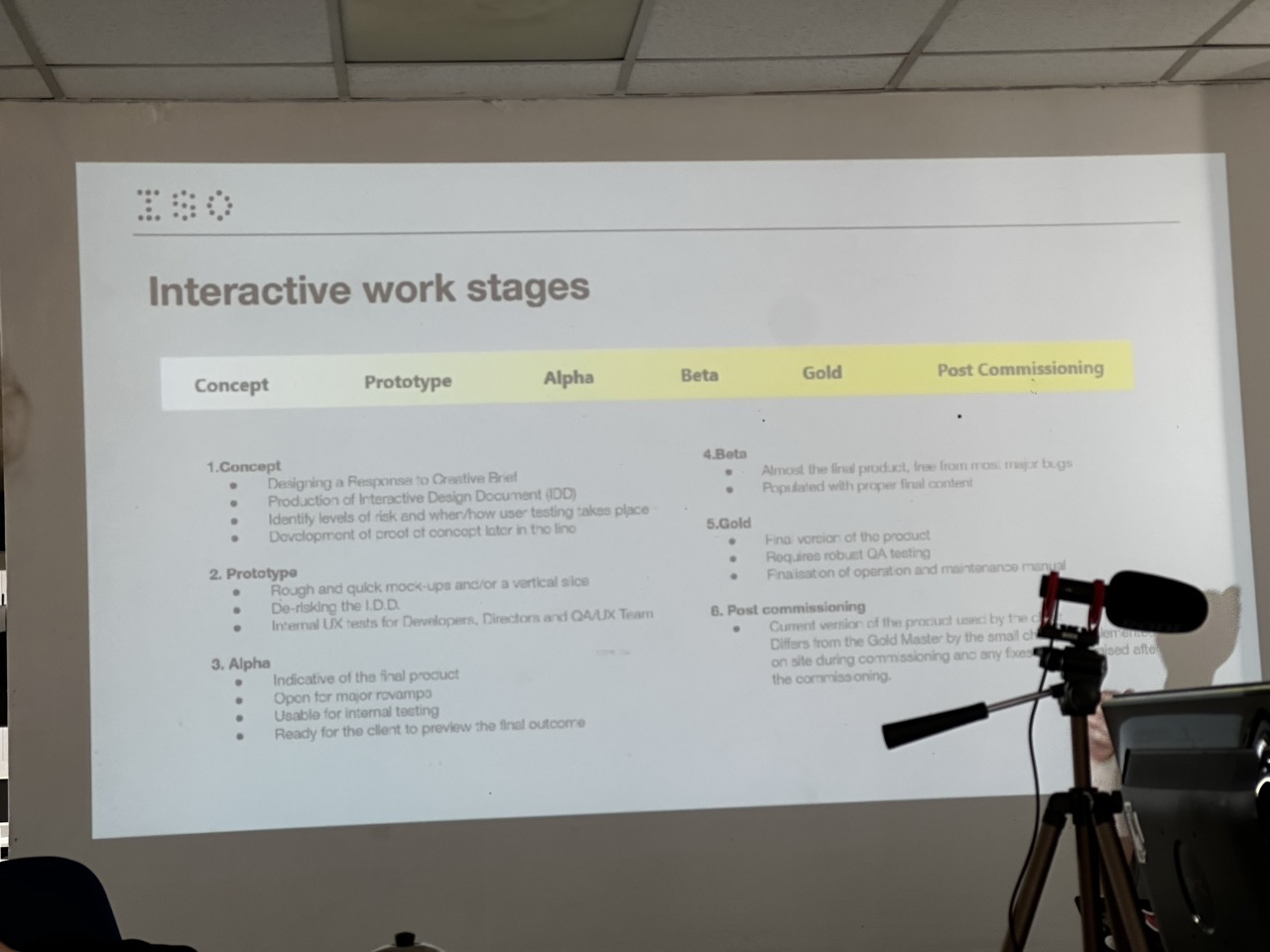
Iso talk with Pawel :


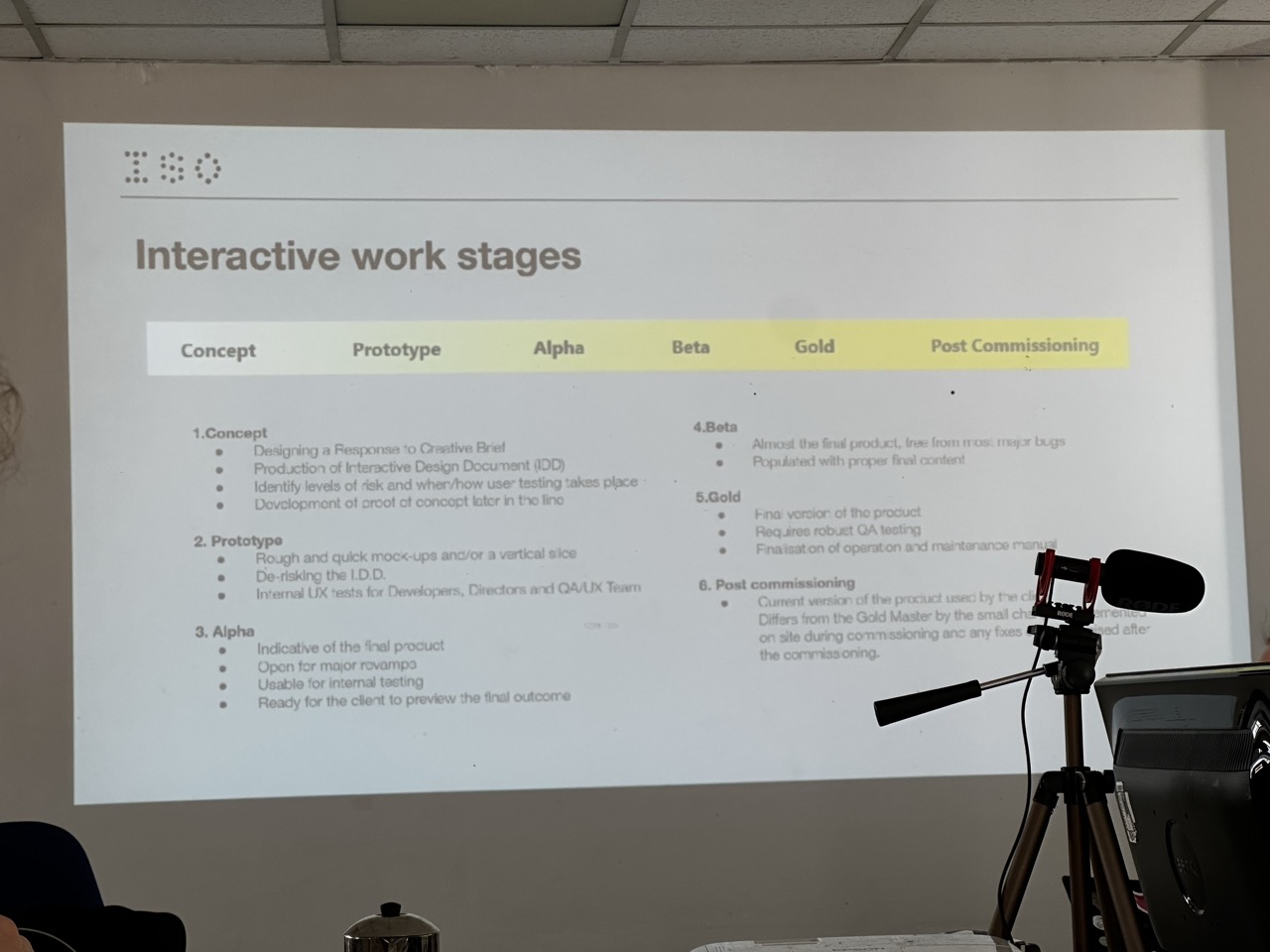
The talk with Pawel game me a great insight into how design firms like ISO work similar to projects we do in the studio or how closely the system I was using for this project naturally followed similar structures as ISO’s.
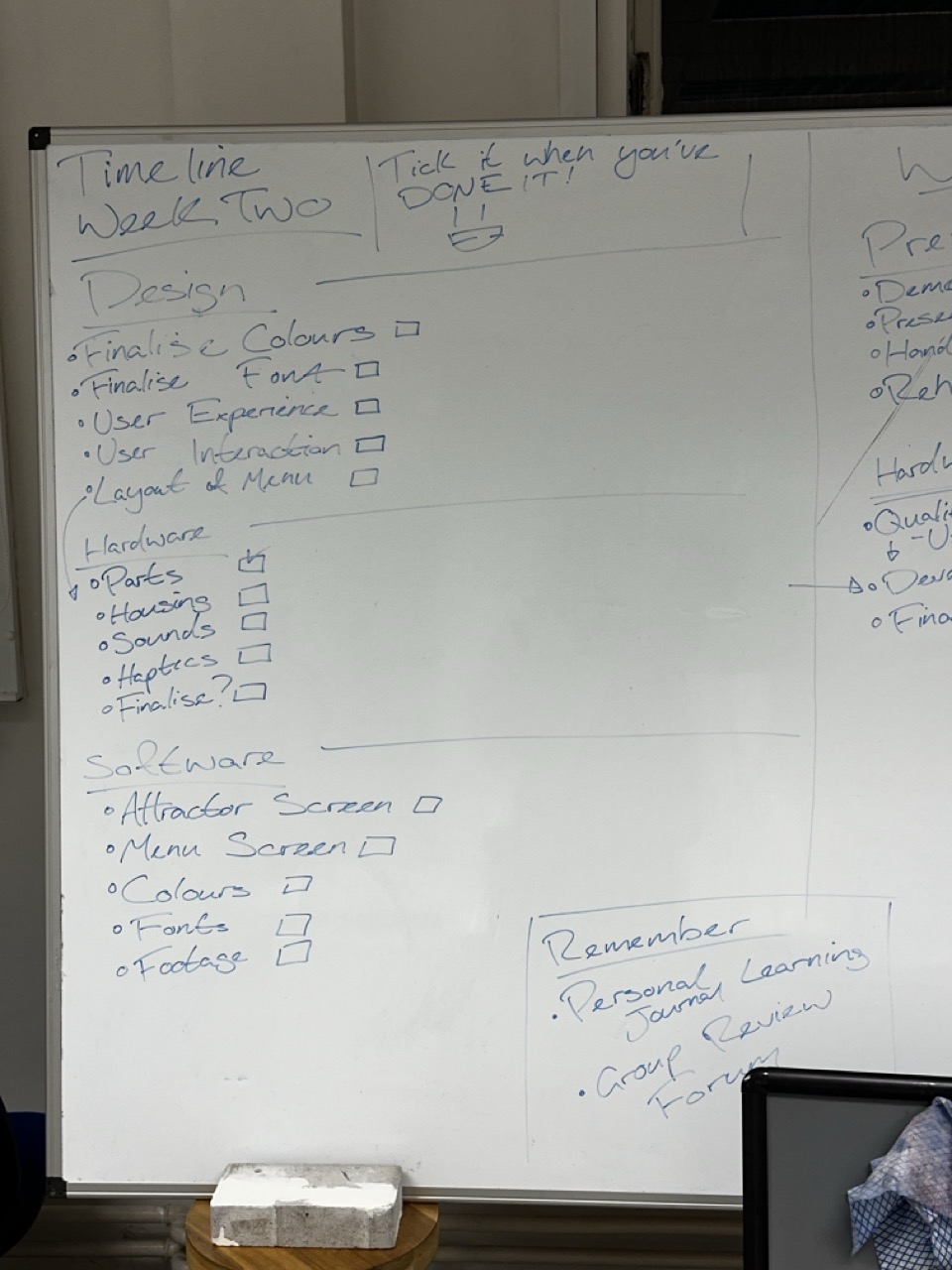
Planning Week Two:


Each week I would start a fresh. Look at what had been done, what has to be done, what was in progress and how everyone was feeling about it personally and then moving forward from there.
A big take away I had from this part of the project was how much I gained from running it by the team and asking the guys if I had missed anything. One or two times I had missed something which I’m thankful they mentioned.
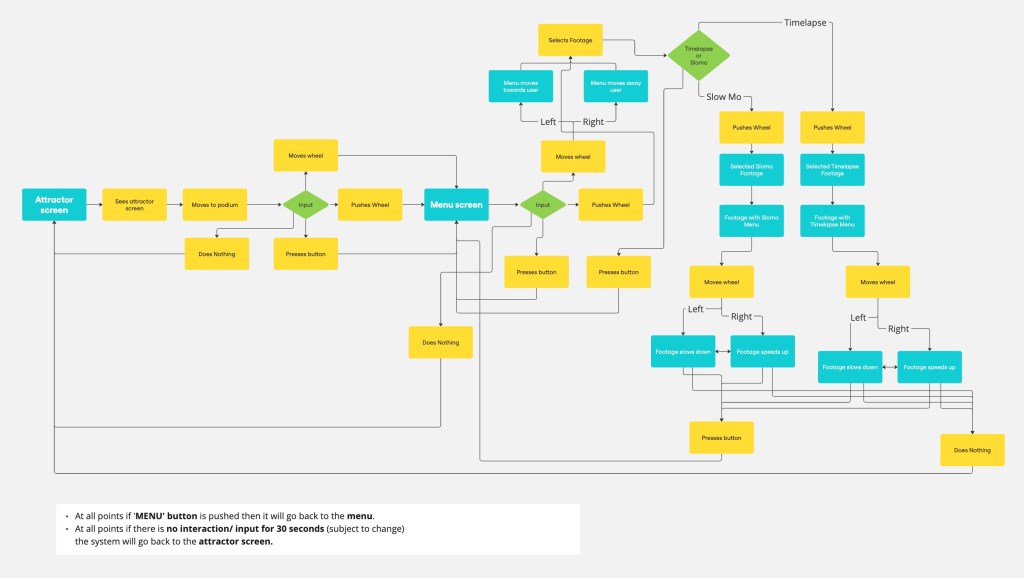
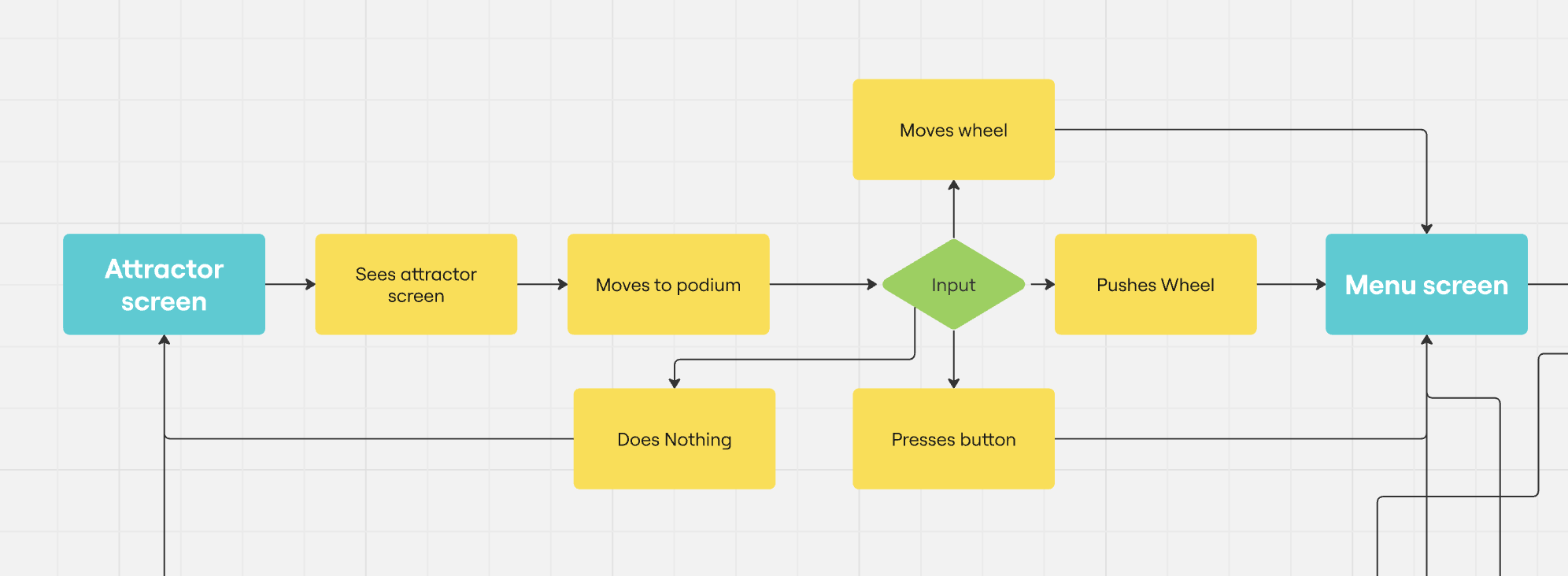
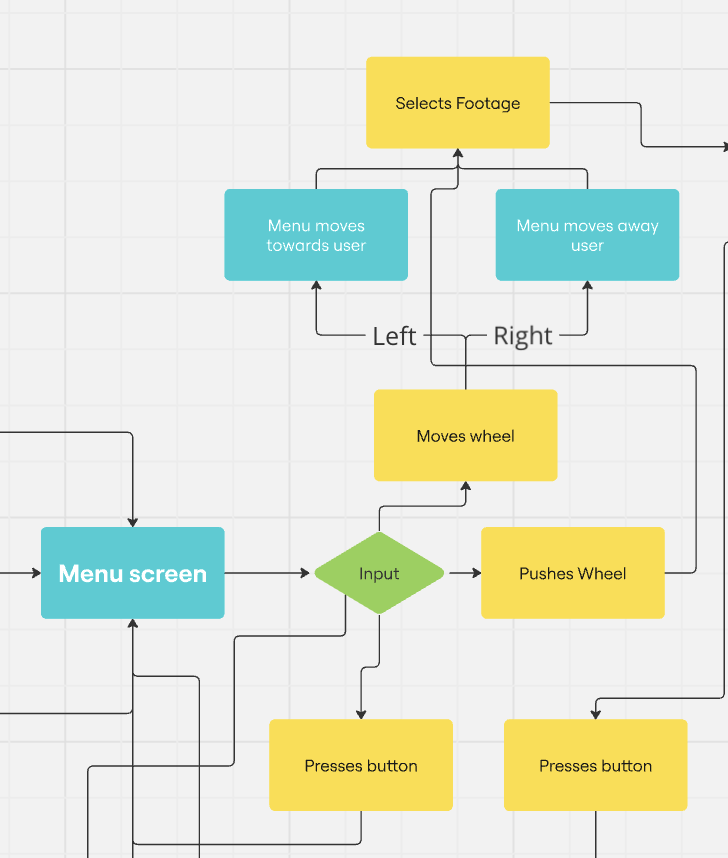
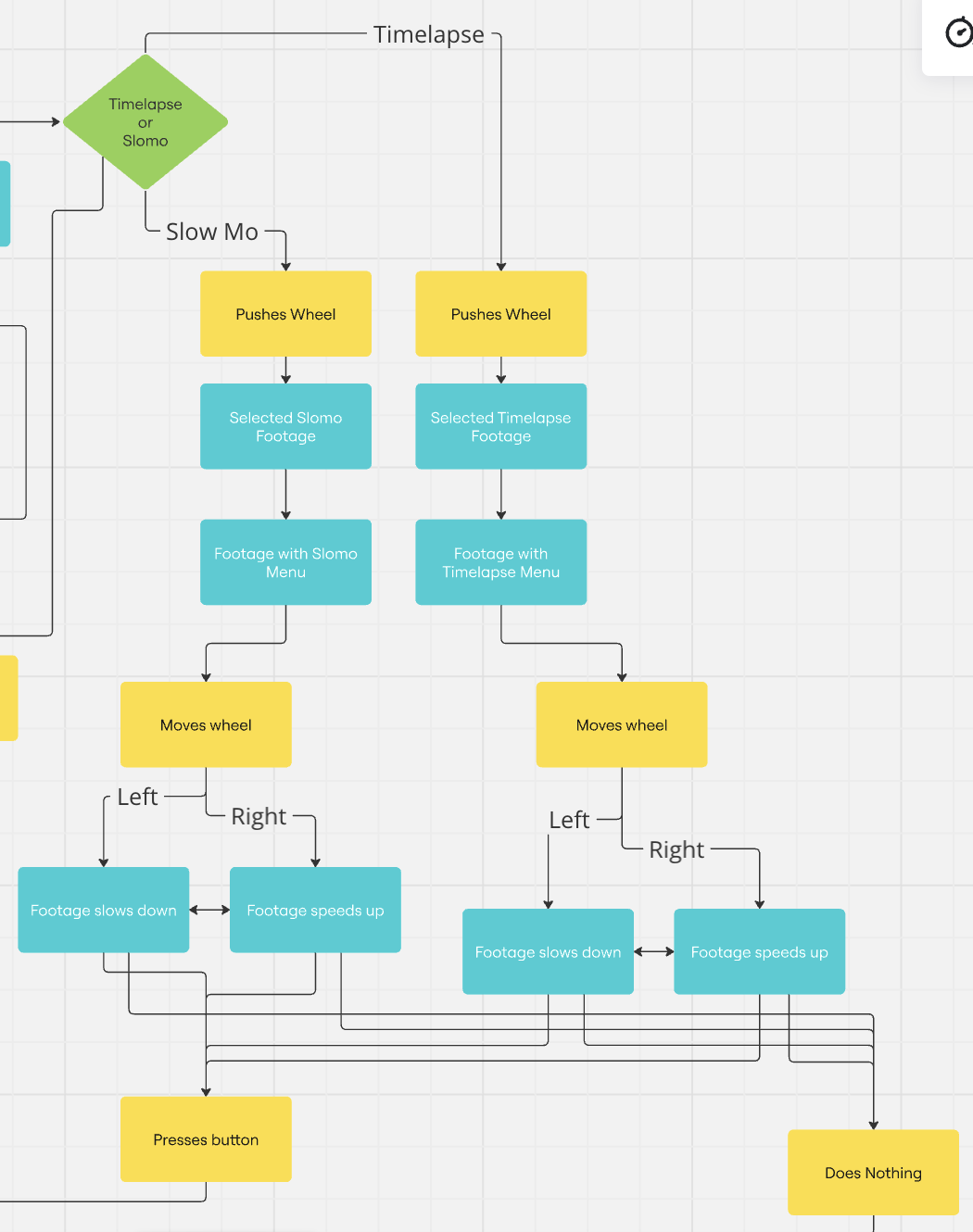
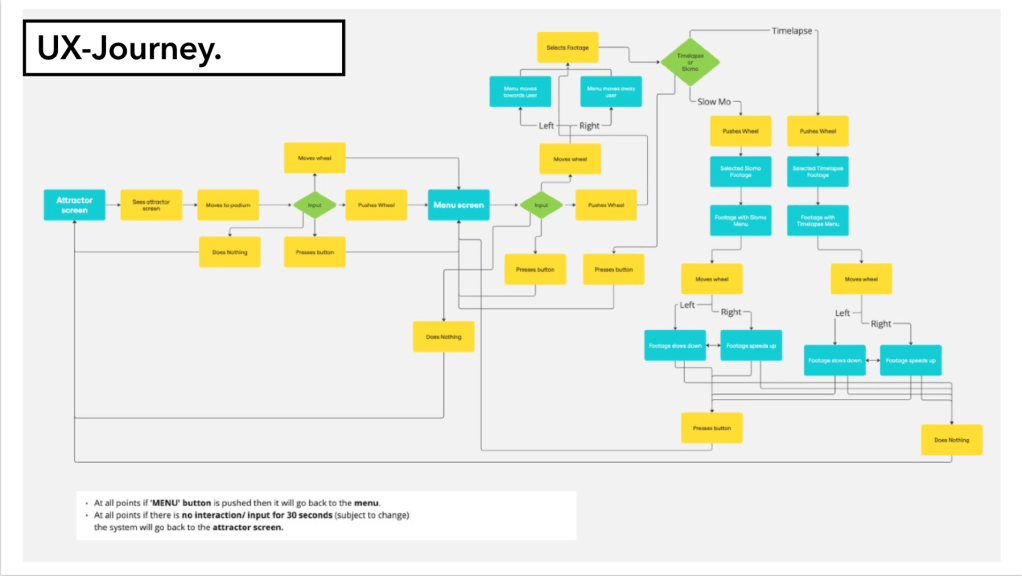
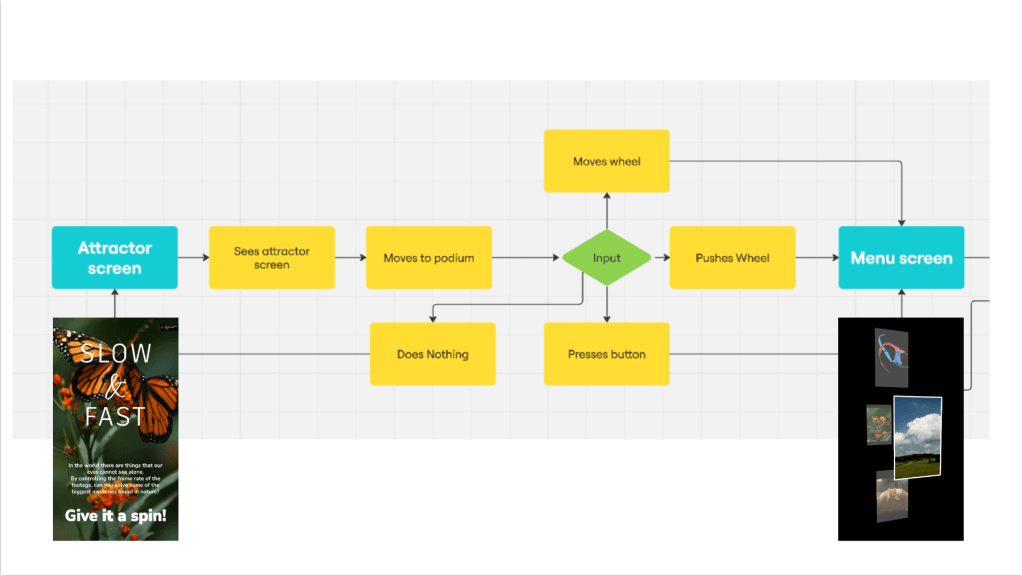
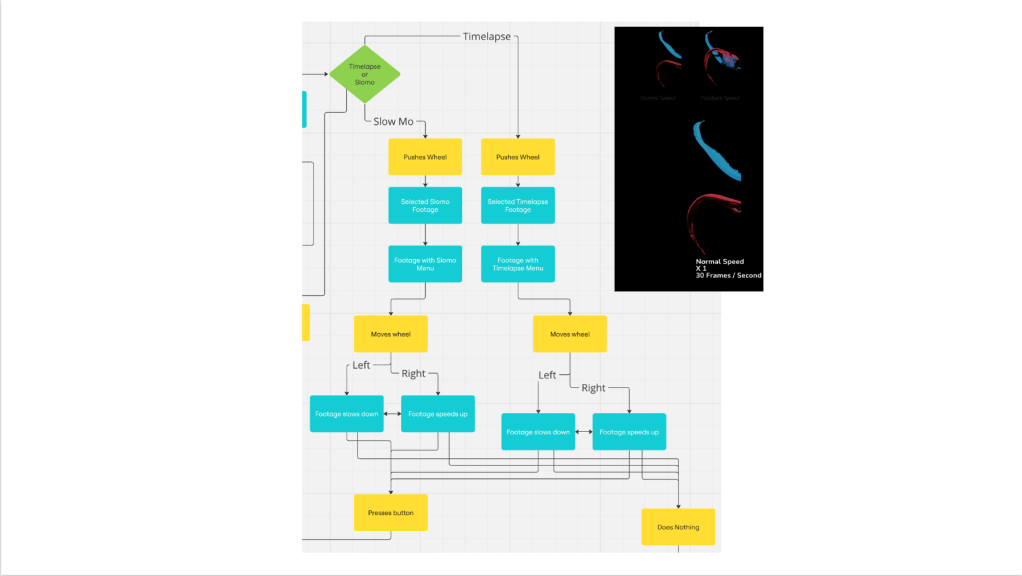
UX Journey :


Using a Miro board I went through the user experience and made sure there was no dead ends that the user could find themselves in making the user annoyed or breaking the program.
In the future I want to use the Miro board to visualise the user experience flow and think it through so I don’t run into any snags.
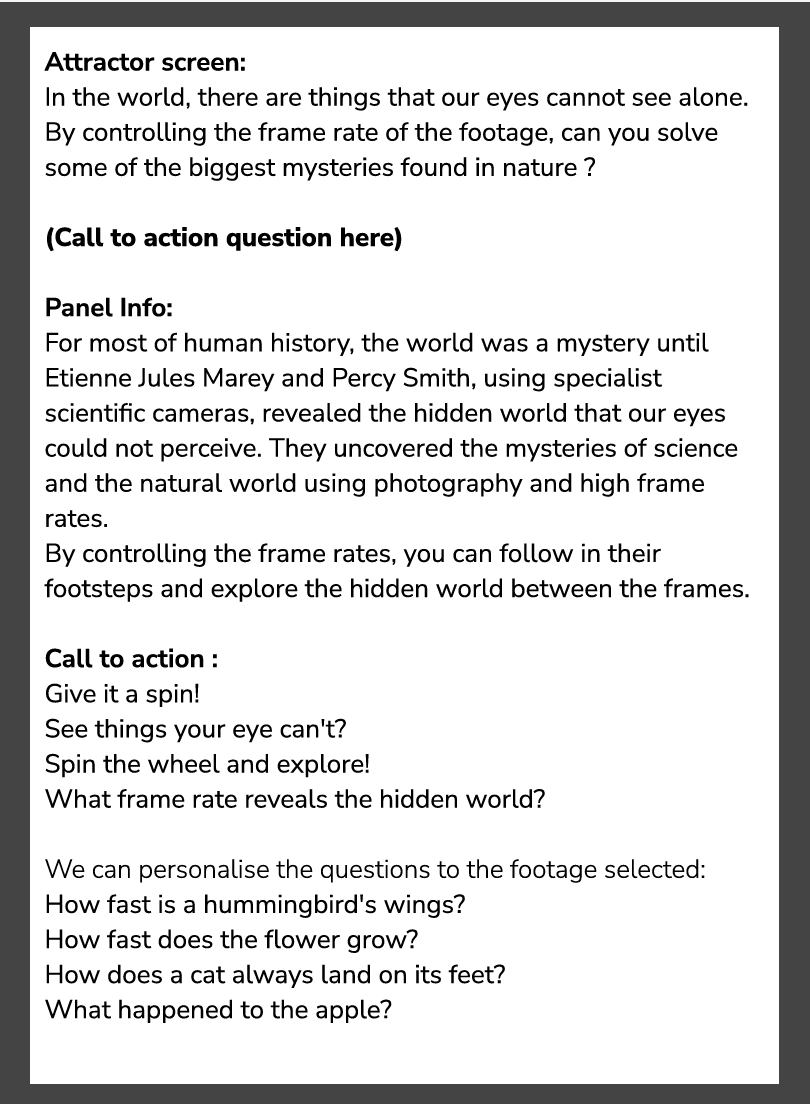
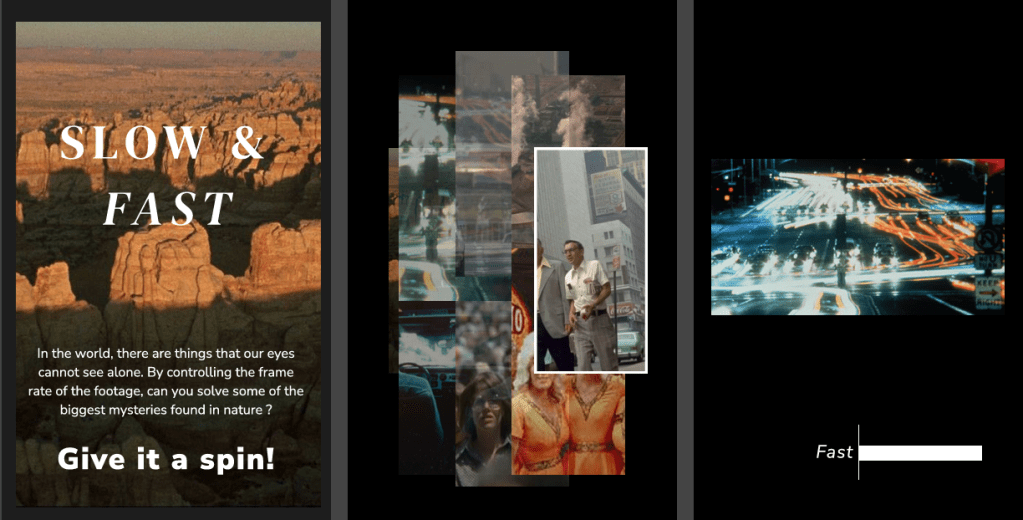
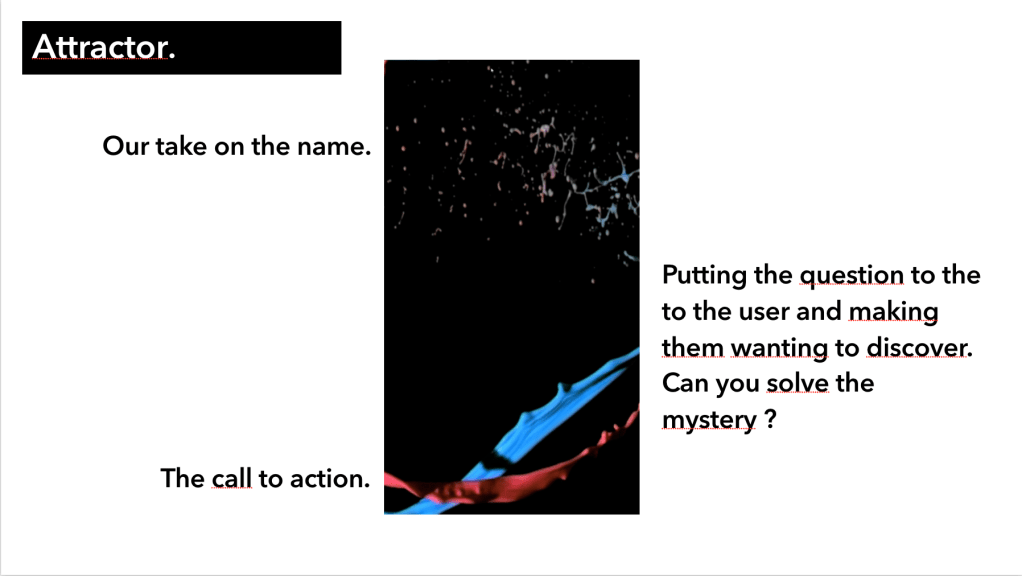
Attractor Screen Text :

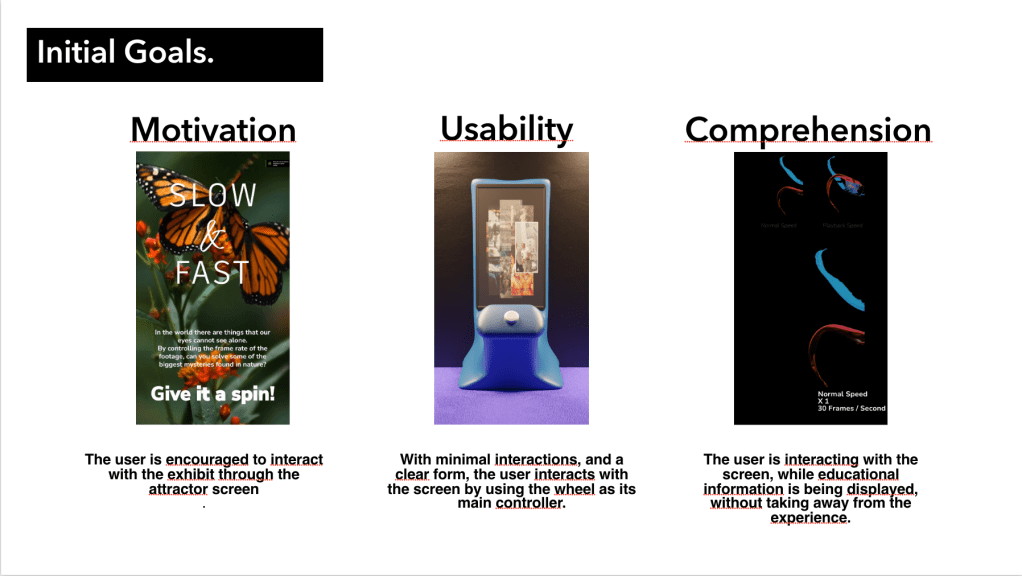
Here is the copy for the possible text that would be on the attractor screen, the call to action and the text that could be on the panel next to the physical interface.
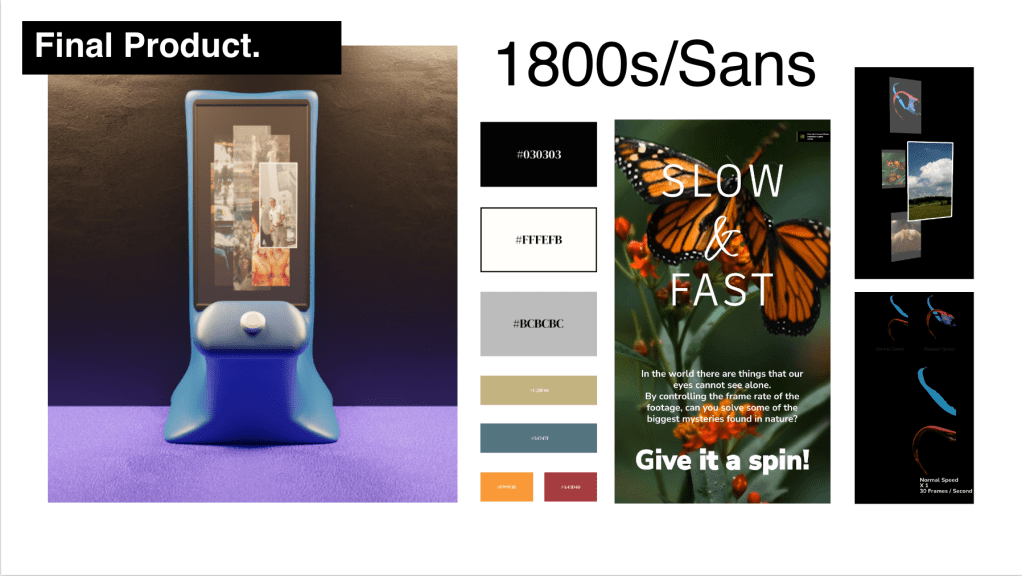
Attractor Screen Mock up :


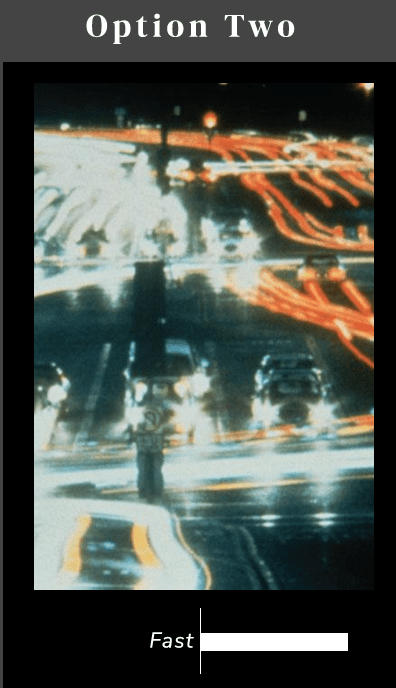
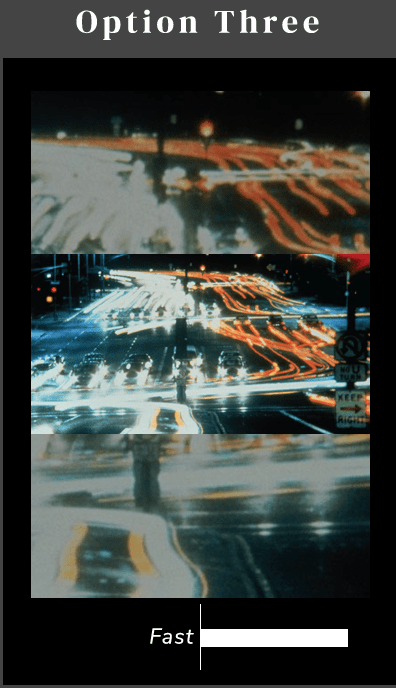
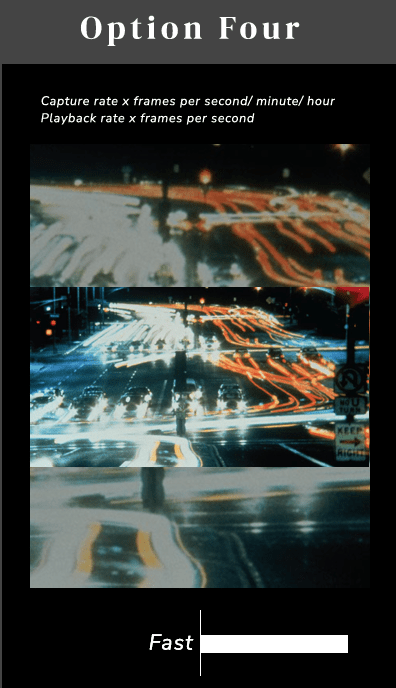
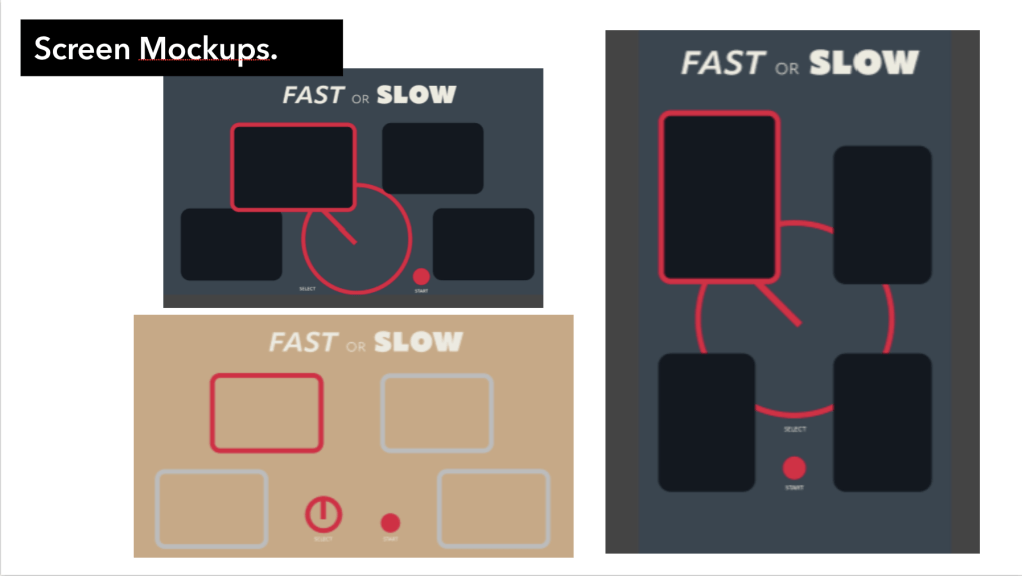
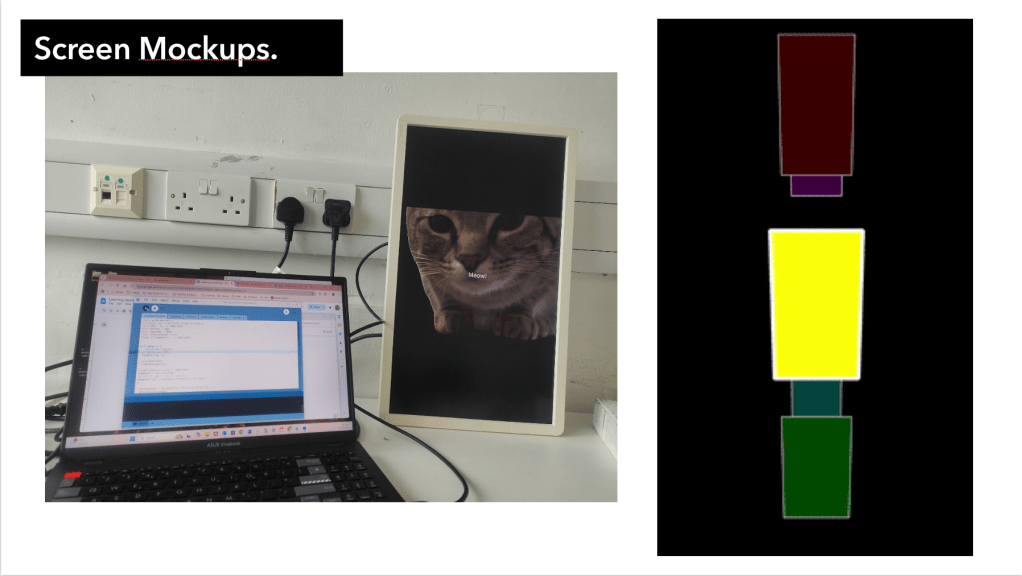
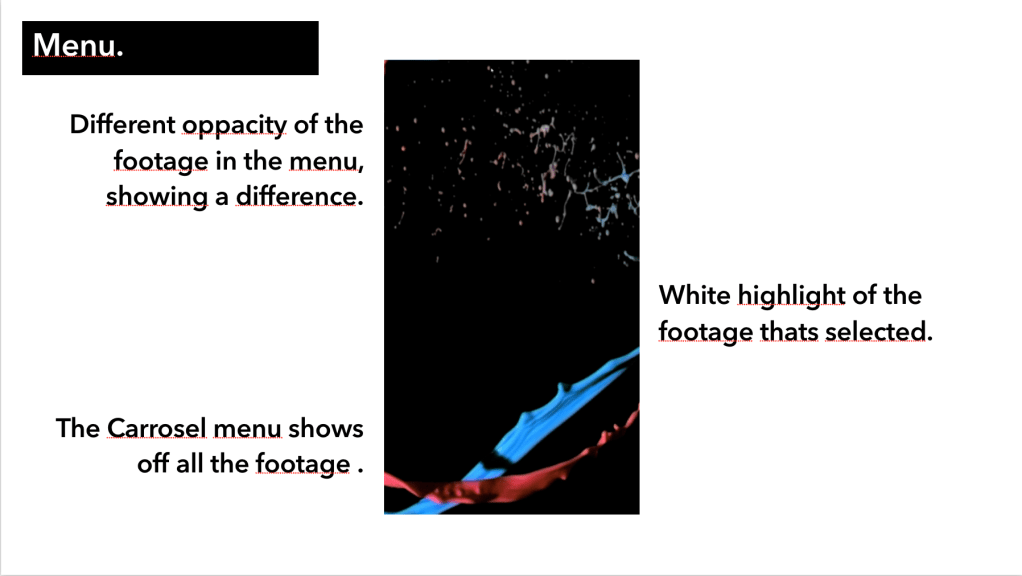
Above are just some initial mock up ideas I had after discussion with the team and incorporating different elements and ideas from everyone. The fonts and bar that Elias and myself had worked on. The footage layout that Mikhail had suggested and the processing code that Marco had built with suggestions from Paul on the carousel menu and Koyaanisqatsi, of course.
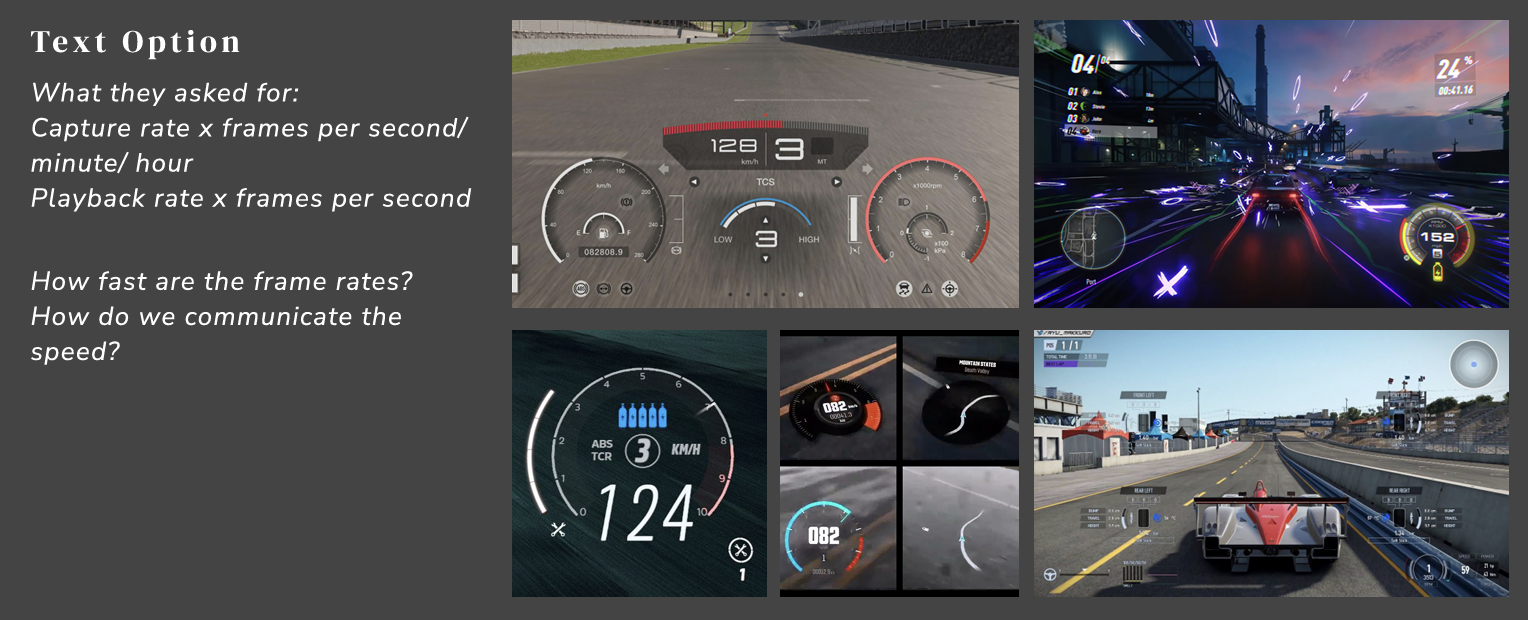
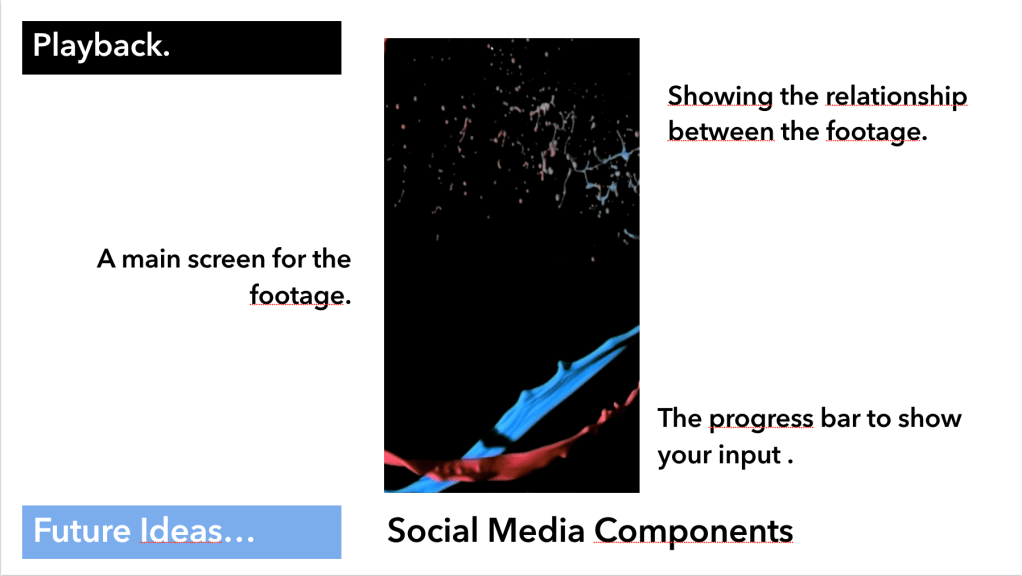
How to communicate Speed and Progression :


My research that I did into how to effectively communicate the speed of the frame rates and the relationship between that speed and ‘our time’.
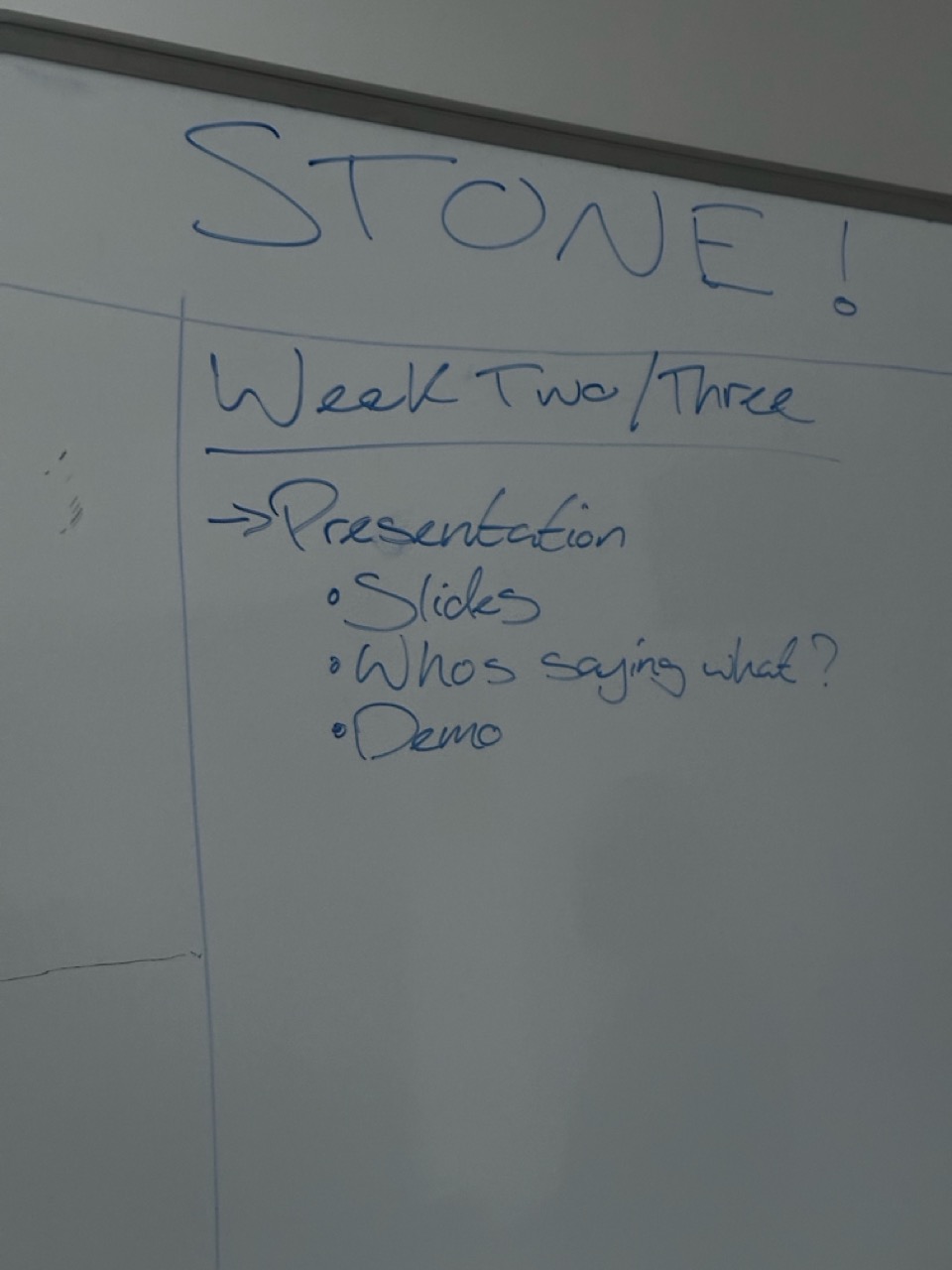
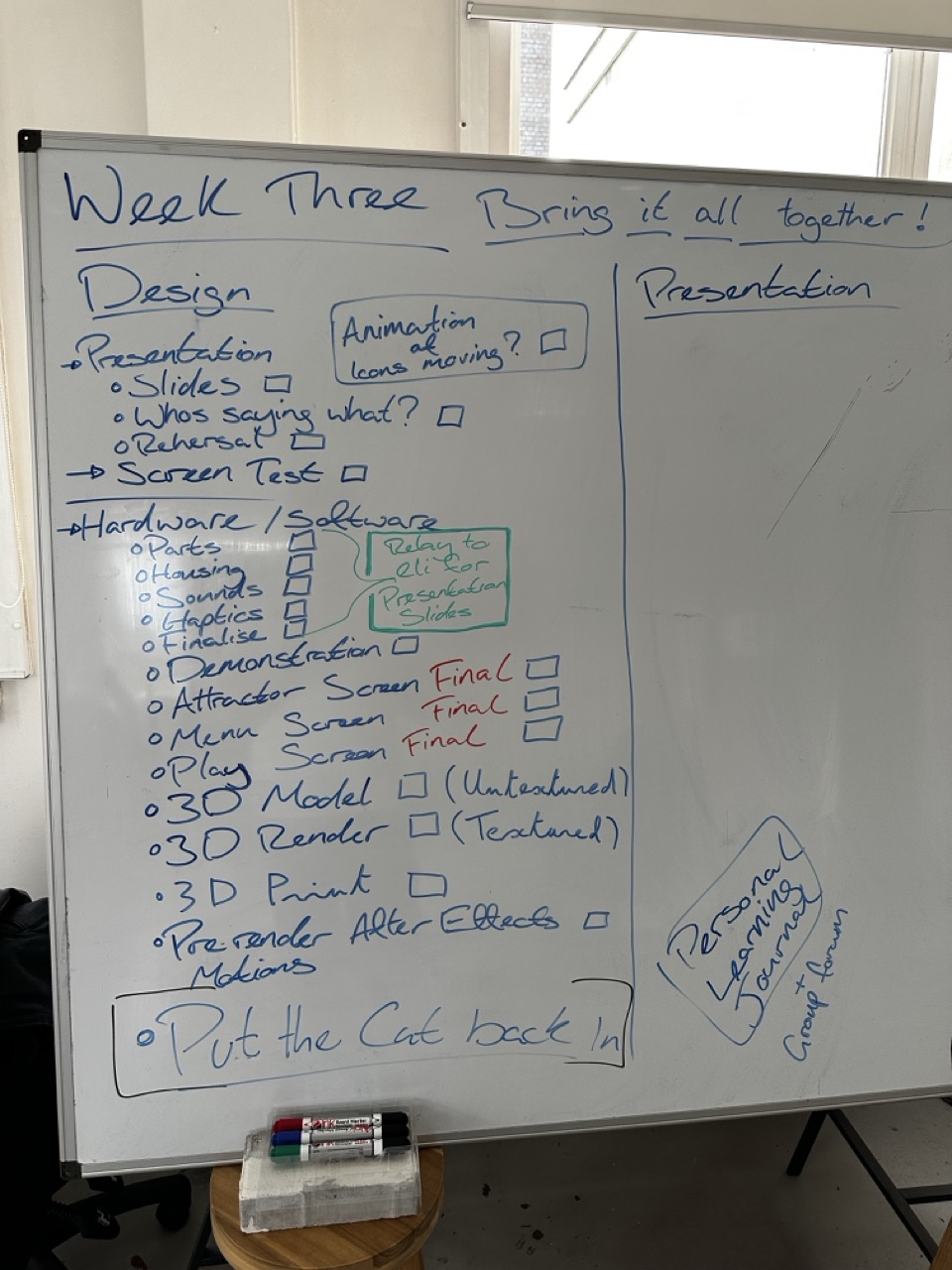
Planning Week Three :

Bringing it all together for the final week. This weeks focus was obviously trying to finish up, bring it all together because I had it in my head that without allocating any proper time to the presentation then we wouldn’t do it properly and that after all this work it week seem rushed and non-professional.
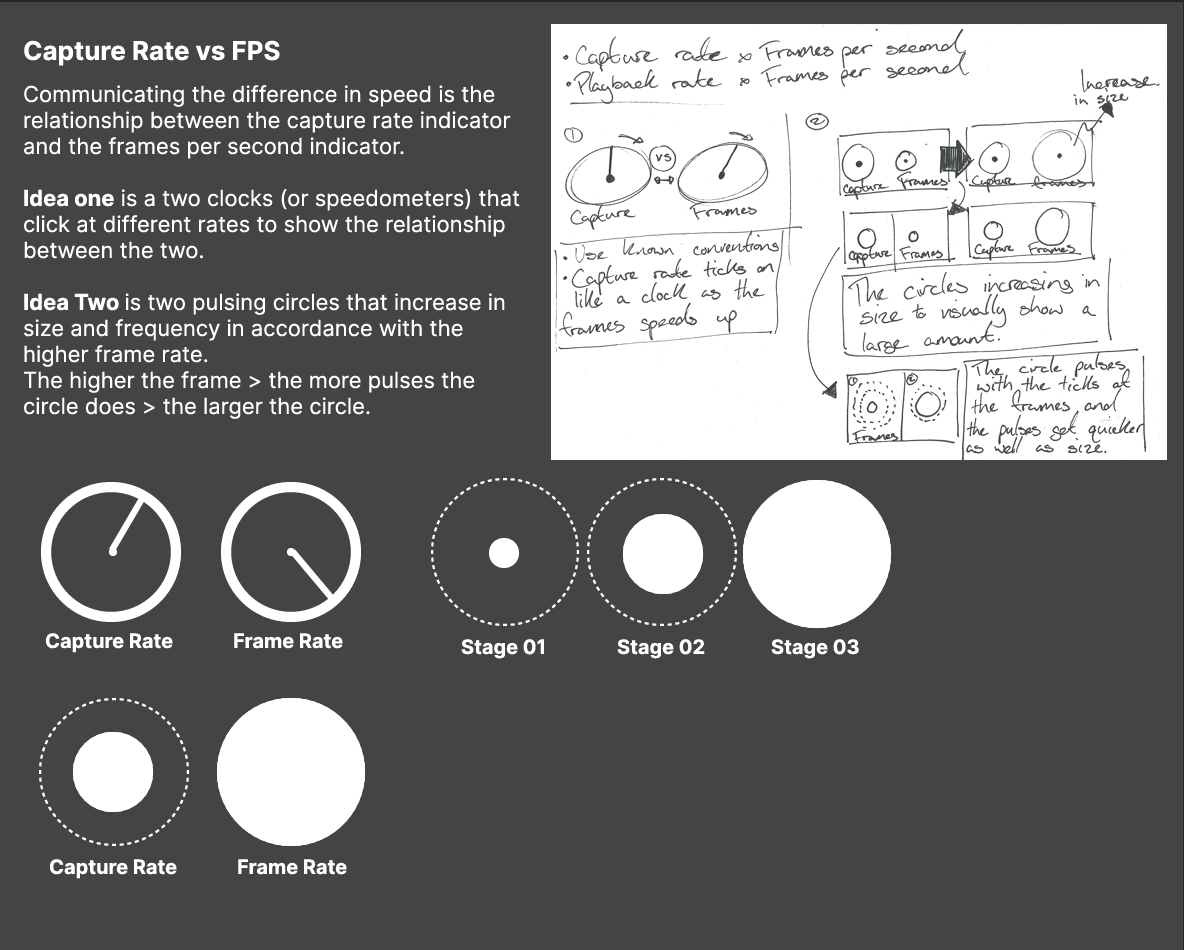
Capture Rate vs FPS :

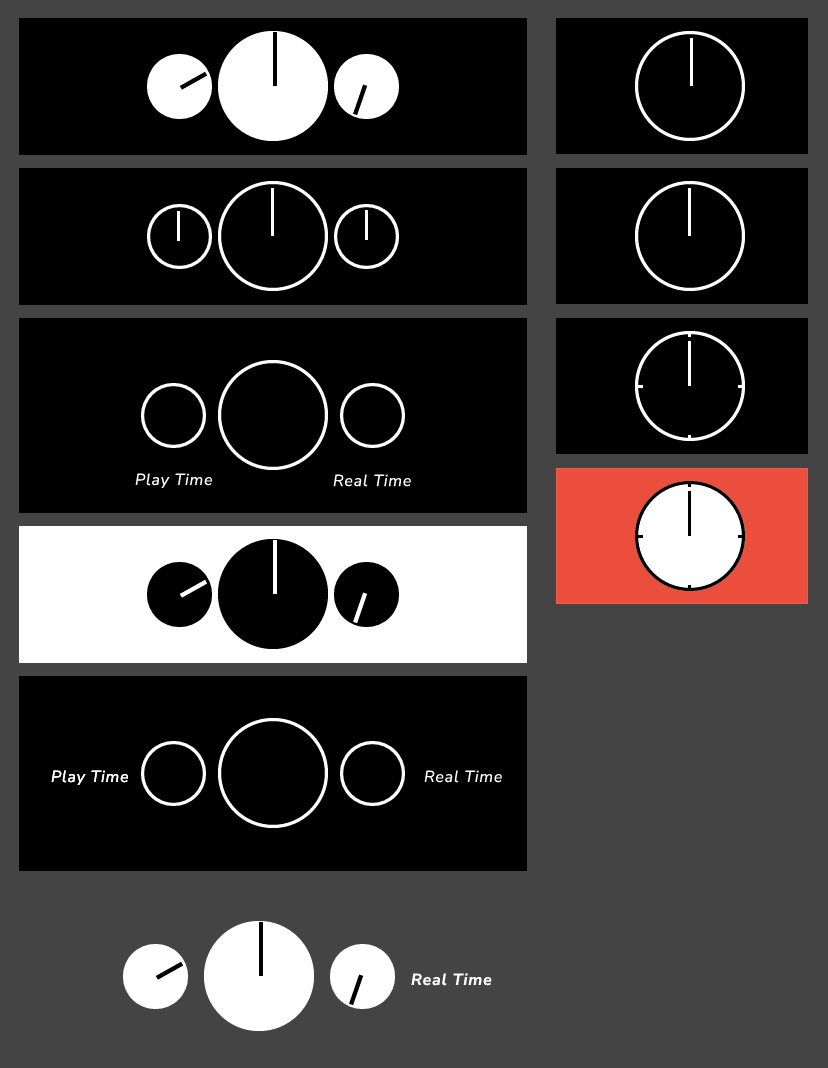
Mock ups for iconography on how to communicate the relationship of each element.
Looking back at it now I think we went down into it too much and over designing the system instead of stripping it right back and making it as obvious as possible.
Screen Mock ups with clocks:


After we had decided on the clock icons I did a quick mock up and all seemed well under it was brought to our attention that it was obvious to us but wouldn’t be obvious to anyone outside the project.
I’m sure that kind of insight will come with more experience and time.
Answer the question and work back :
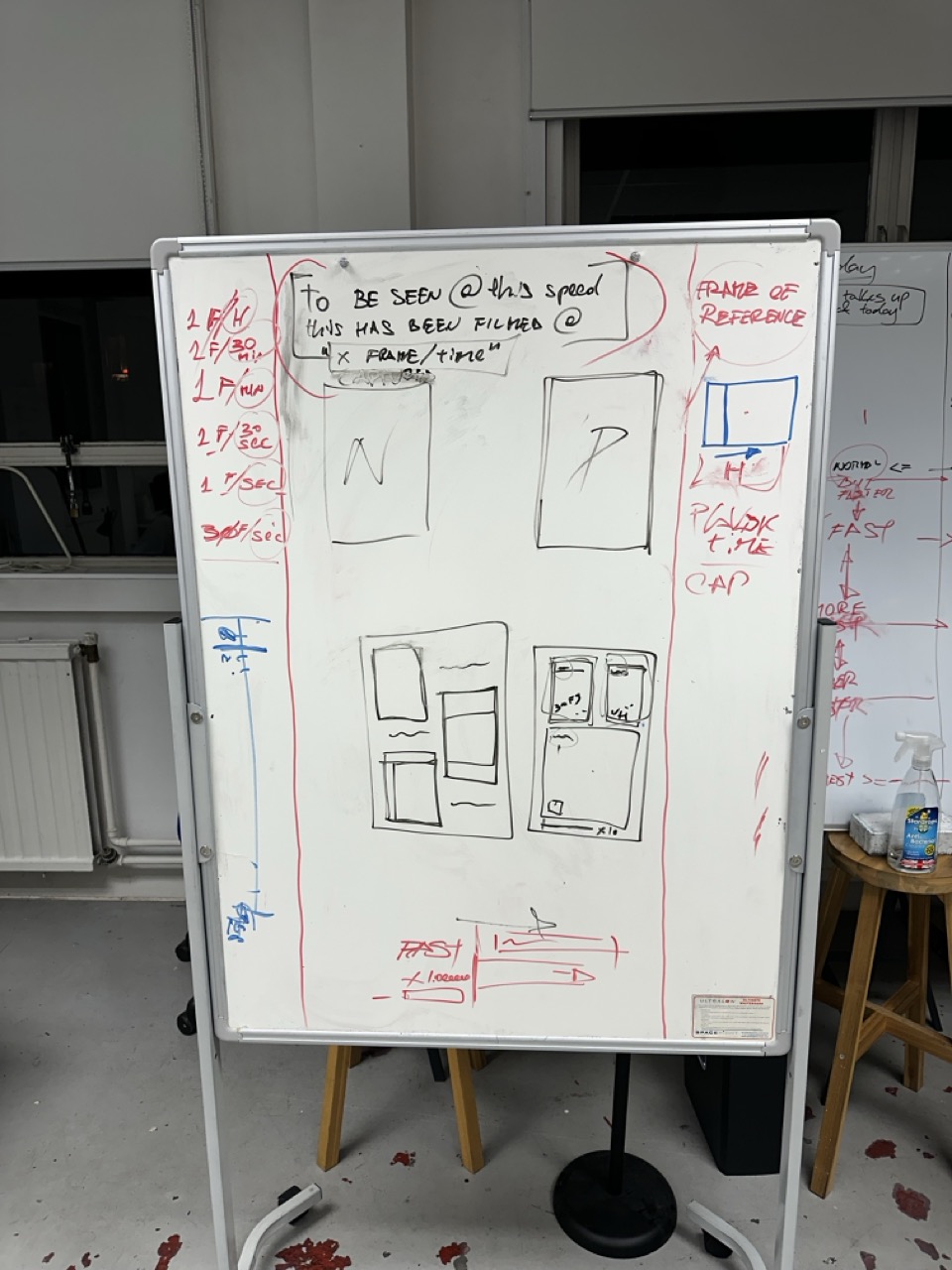
Struggling with visualising the relationship between the two different measurements after Pauls conversation.
The relationship between how fast things actually move.
And how fast they have to move so that we can see something moving.
Above are just the initial notes of trying to simplify the lesson that we want the user to take away. So by working backwards, starting with the answer/thought we want the person to have and then trying to reverse engineer how we would get from that answer to the question we have to ask them.
Screen change mock ups :

More mad scribbles on the boards showing the creative process of myself, Mikhail, Marco and Elias all trying to come up with a way of communicating the lesson/take way of the whole project.


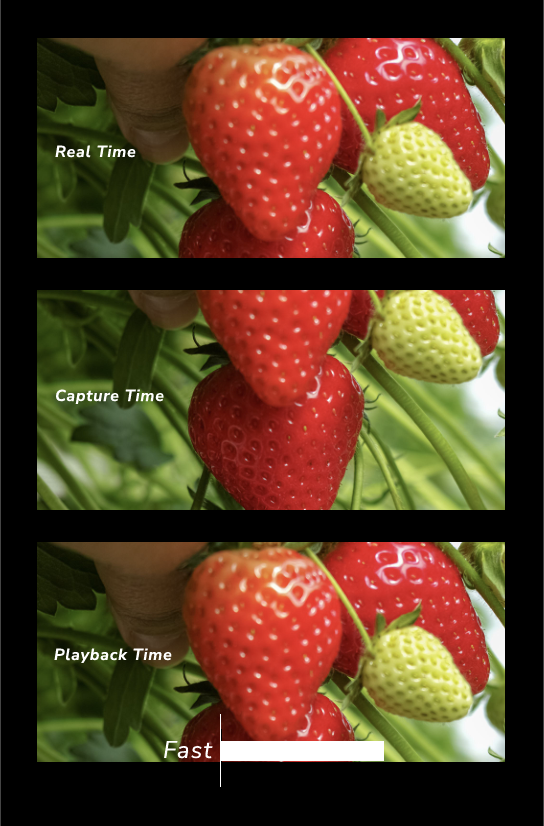
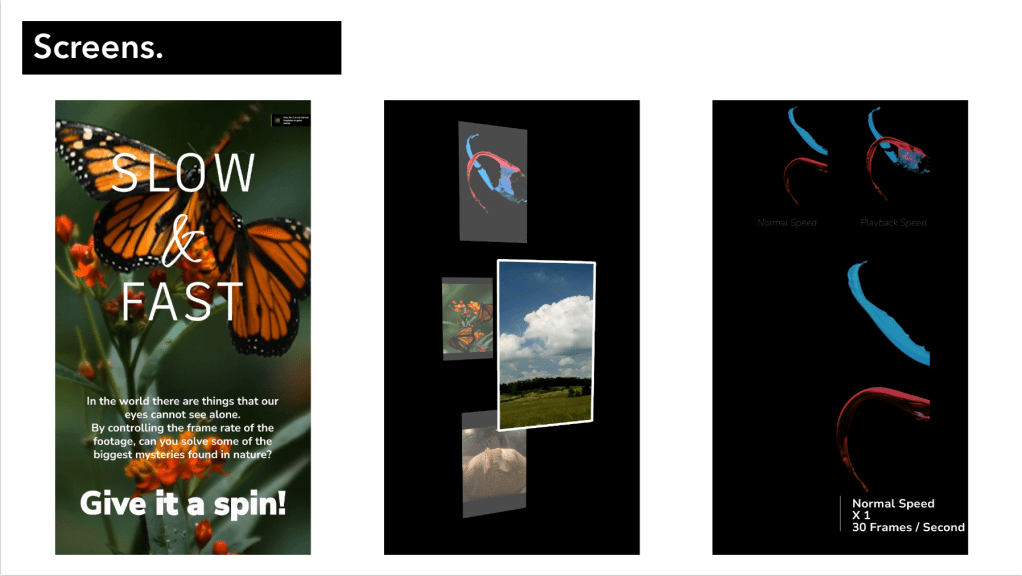
Again more quick Figma mock ups of how would we want to show the 3 videos of footage.
In future projects I’ll want to use figma more just for its speed and accessibility.
I also think there is a more elegant way to display the 3 windows but at this time I don’t have it and would need to spend more time on it if I could.
Asking Year two to test :


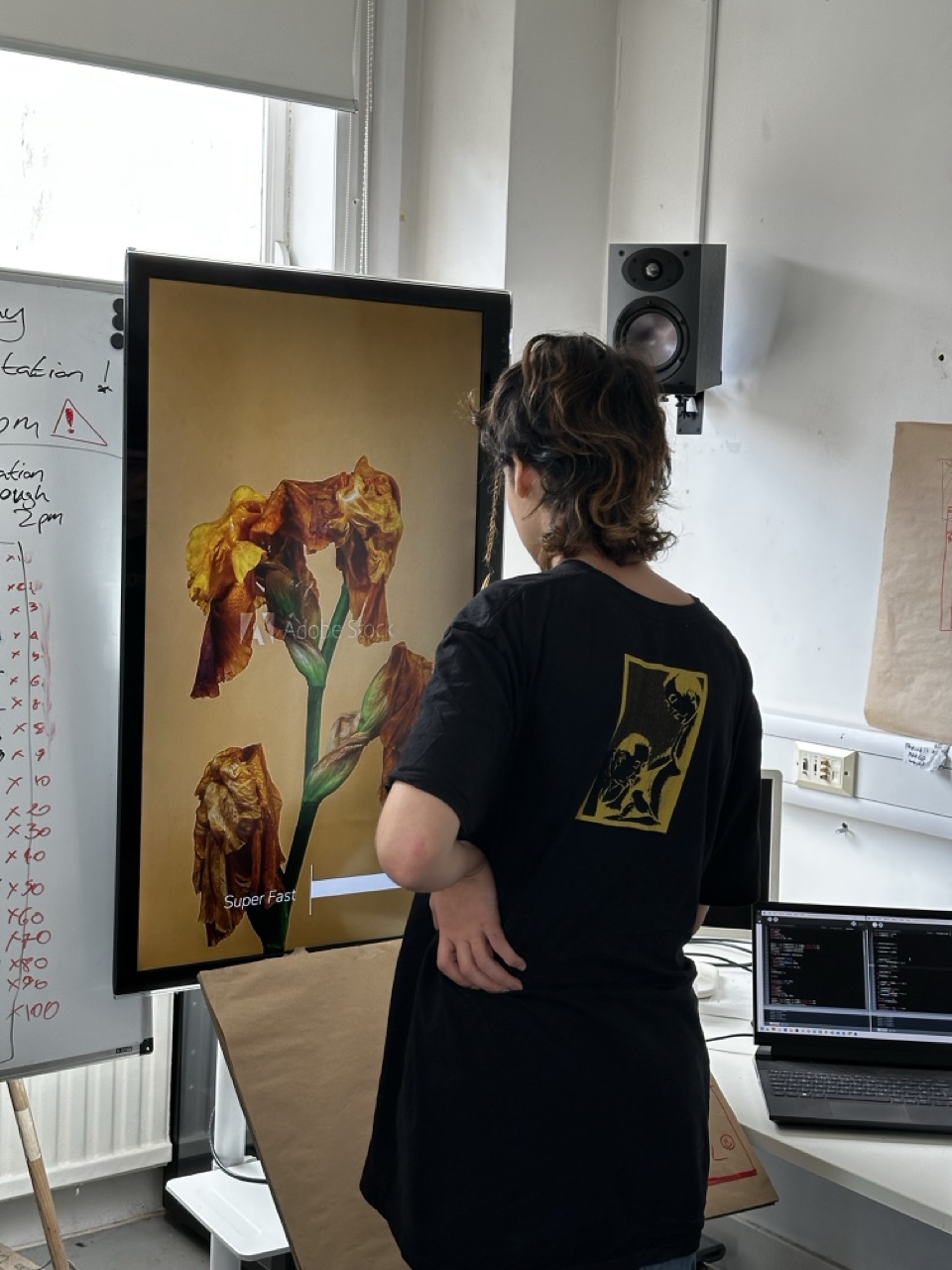
We asked the second years to have a try and give us any suggestions or thoughts of what they thought.
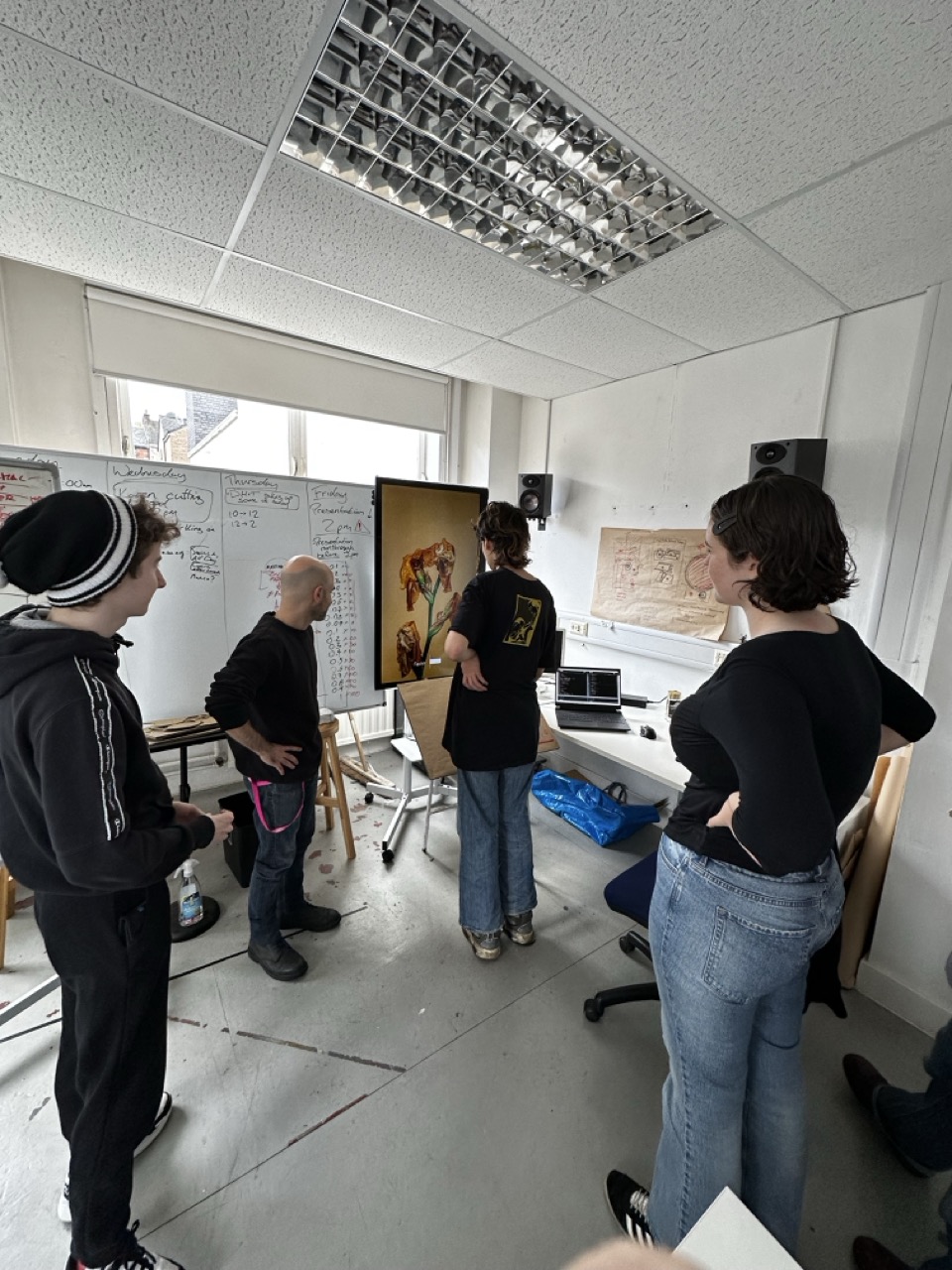
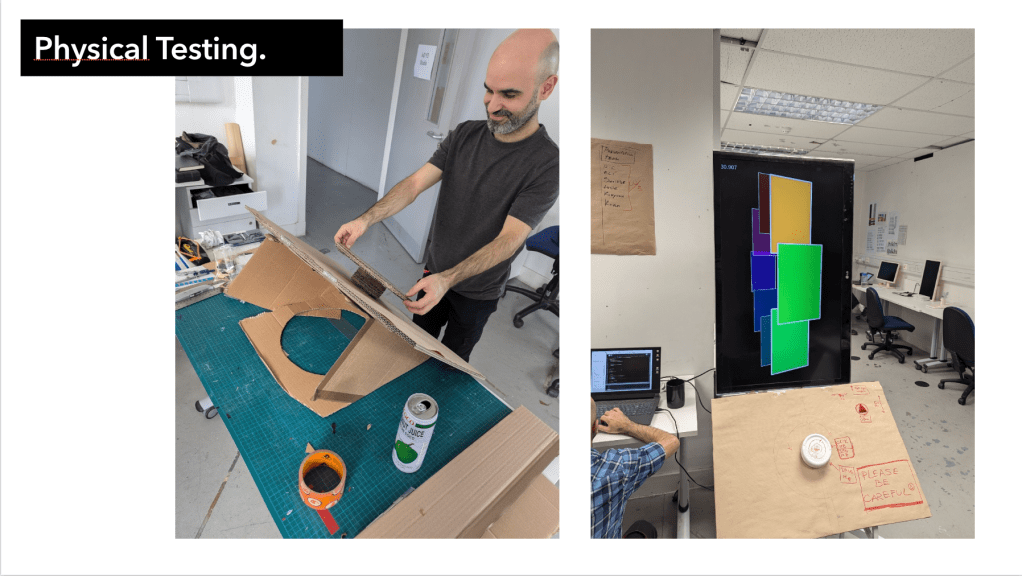
For myself this was an opportunity to observe people using the exhibition from a far and see how they use
The Presentation :
The final thing
After the project is finished and as I’m looking back at my learning journal and trying to document everything I’ve realised that so much of my work in this project is something that I didn’t document because I didn’t think it was important at the time or it was stuff that I don’t know if I could have documented it.
A lot of my work on this project was planning, team management and visual identity.
On the part of planning and team management, I didn’t particularly want to take that role on this but it happened naturally and I thought to myself that if I take on this role then that allows the other to get on with what they’re good at. What did happen is that people would come to me and ask for my opinion on each part of the project but I made sure that I would only encourage if they asked or guide, at no point did I want it to become my singular vision.
On the part of the visual identity myself and Elias worked on it and it all went quite easily, it wasn’t in the scope but I did think it was an important consideration so that even though we’re not actually supposed to do it, we have a clear visual identity to refer to and to help drive the aesthetics of the project.
Self Evaluation
Looking back at everything thats happened over the last three weeks there is a few things that I’ve taken away from this experience;
I had to learn how to not let things bother me as much, at the start I was understandably annoyed that some people were coasting and others were doing all the work and giving up their time but with the help of people in this project and my life, they reminded me that its not the end of the world.
What I will say though is that I’ve discovered that I actually do like leading a team, it did help that the team had great core members. But when everyone was working and collaborating and everyone was on the same wavelength and in the same flow state, it was amazing.
Another take away is that if I could do it again then I would take Pawel’s advice and have the role of team leader as its own role instead of an after thought or a secondary role for myself. If I had a second time and a bigger team then ideally there would be the role of team leader/free agent, someone that could help out when needed on all parts of the project but who’s primary role is logistics.
Over all I enjoyed this project and really enjoyed working as part of a team and I’m really proud of how much everyone has done.


Initial Ideas / Notes :

Initial idea one is the story of two people making a journey to each other throughout Glasgow, with footage of both journeys overlapping or intertwining.

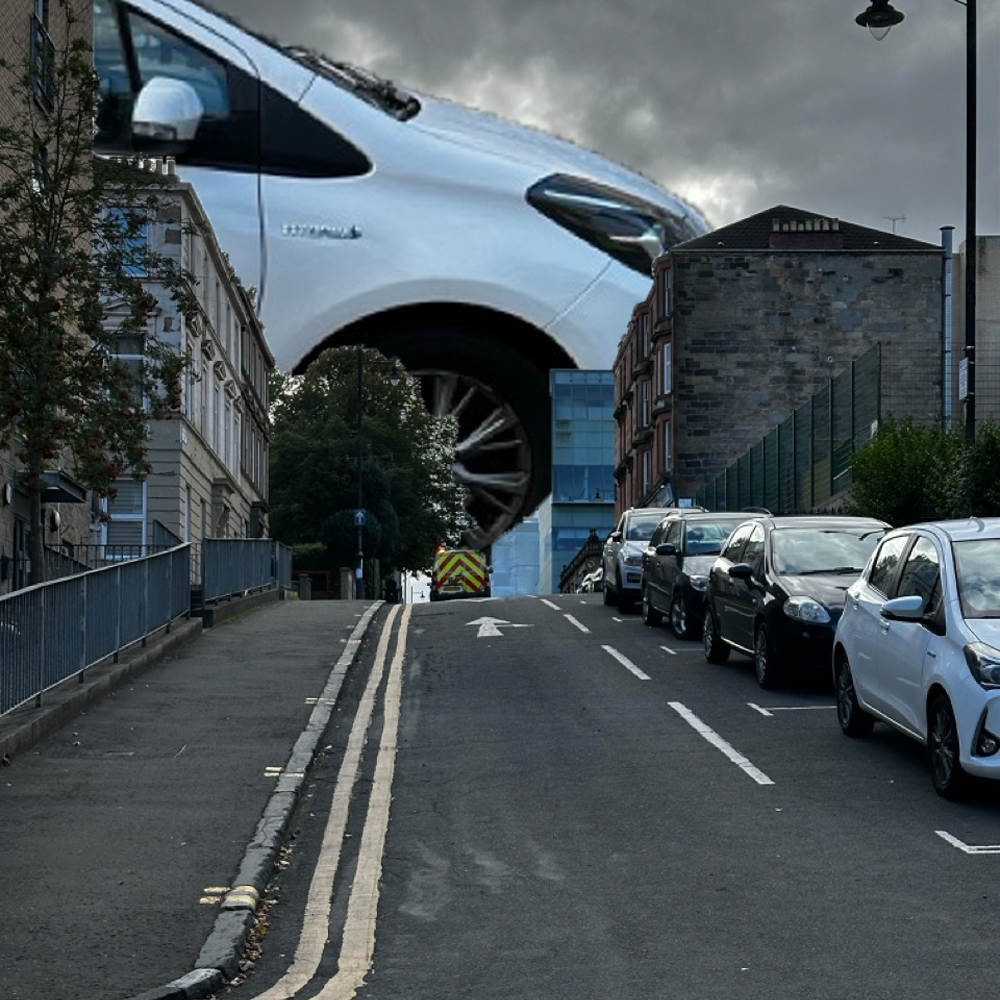
Idea two is normal footage of people around Glasgow walking around but different sizes, colours, speeds. The normal sights of Glasgow made weird and wonderful.

Idea Three is playing with the idea of different aspect ratios within one video/screen. One story told from behind multiple different screens.
Conscious of Time :
As the project is only two weeks, and it’s already Wednesday, I want to nail down the concept as quickly as possible so that I have plenty of time to get the footage I’m happy with and then have time to make sure the video has polish to it.
Effects with a good level of polish obviously add to their credibility and believability. And when doing something odd based on the real world, a certain degree of believability is vital.
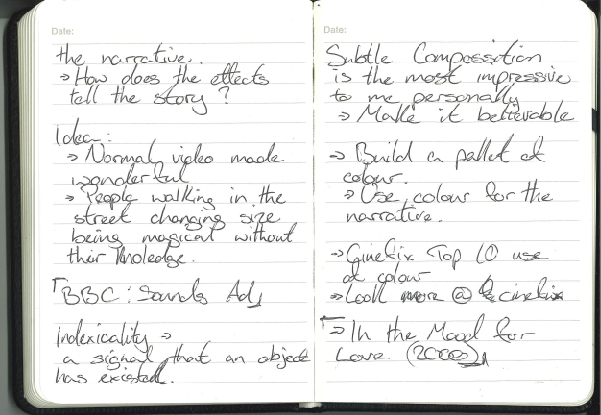
Normal made magical :
I’ve decided to go with the change in size idea for my project as it can be the most effective. It is a pretty simple idea, but I think if done well, it can be the most effective of the ideas I had.
With personal evaluation, the changing size idea excites me the most about the project, and I think that’s an important consideration.
Inspiration :
The BBC Sounds trailer, shown at the project launch, shows how effects can be used to make the real world more amazing and magical. I really like that aspect of it—subverting expectations or the natural world while still telling a story or message.
The music video for ‘Why’s this dealer?’ by Niko B also shows this aesthetic of weird or magical things happening in the real world, again with a story or narrative that would only be as clear with the effects.
Again, I am looking at music videos that have used special effects to create something magical out of the routine mundane.
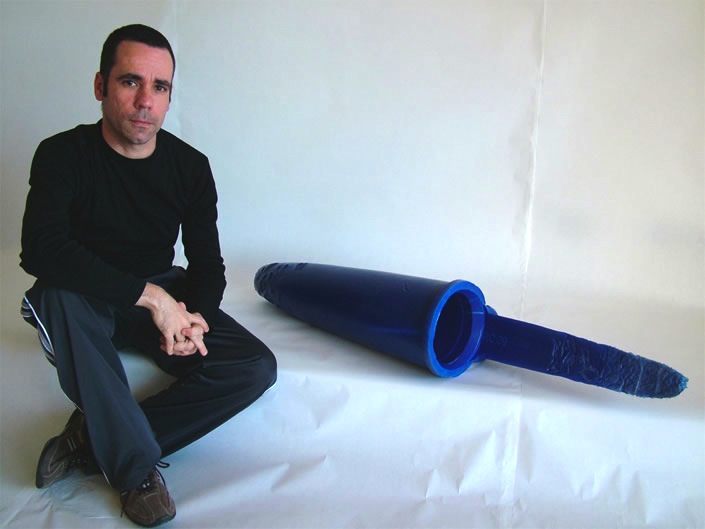
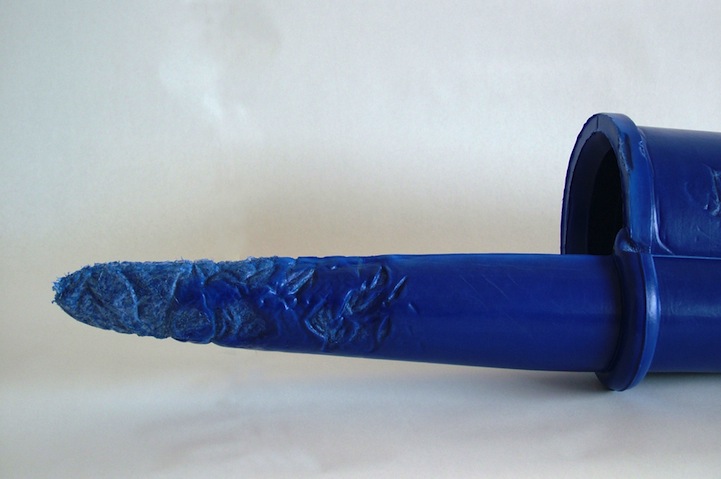
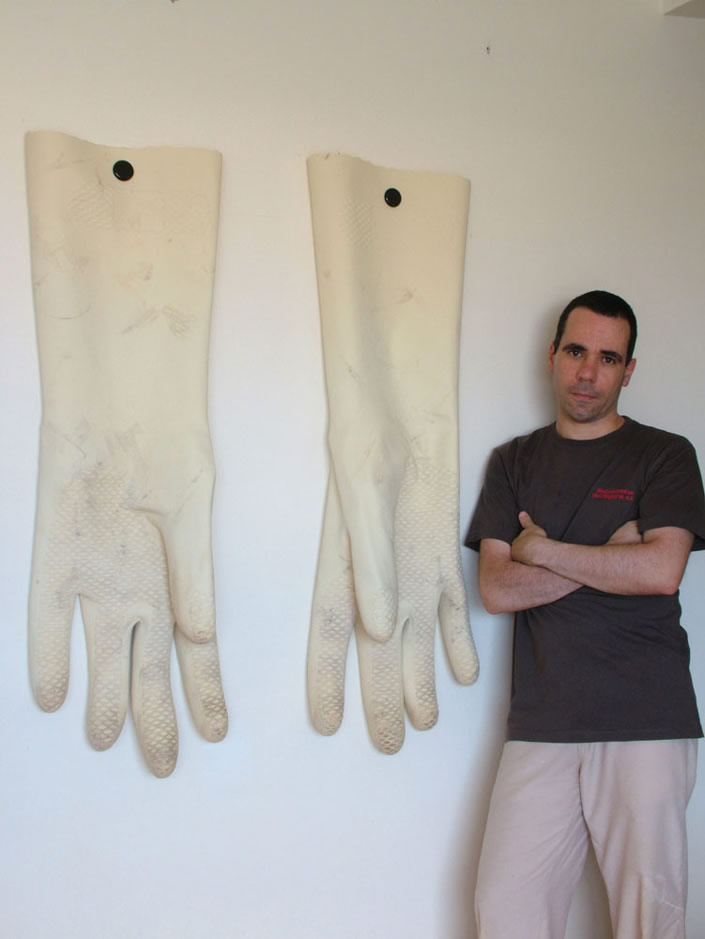
Rómulo Celdrán


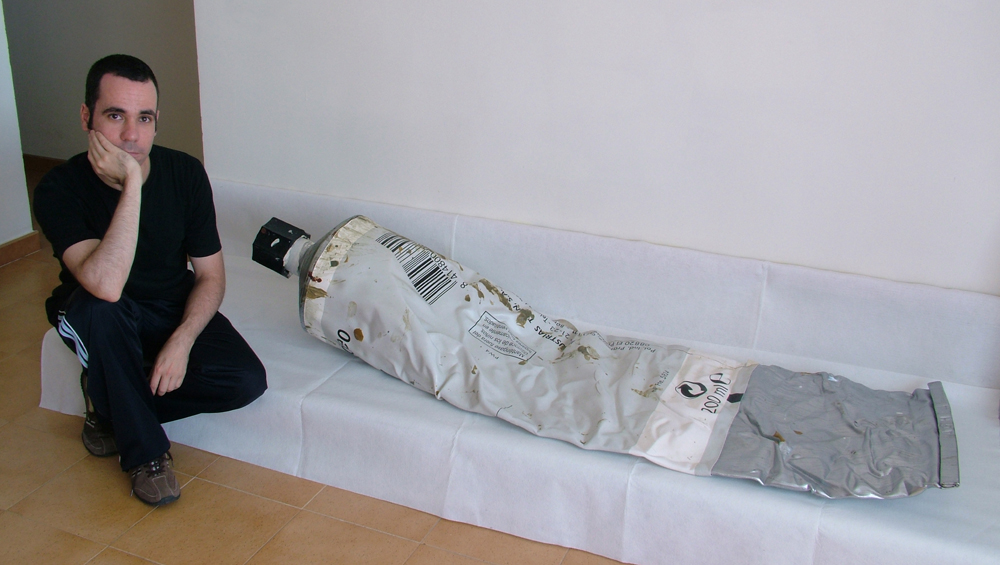
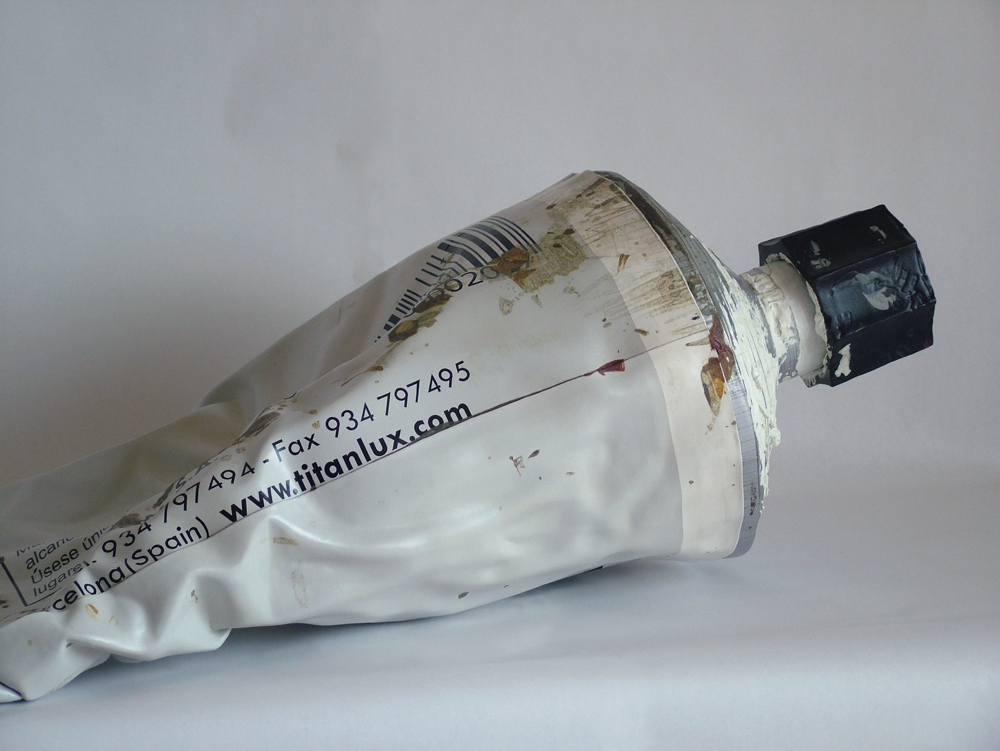
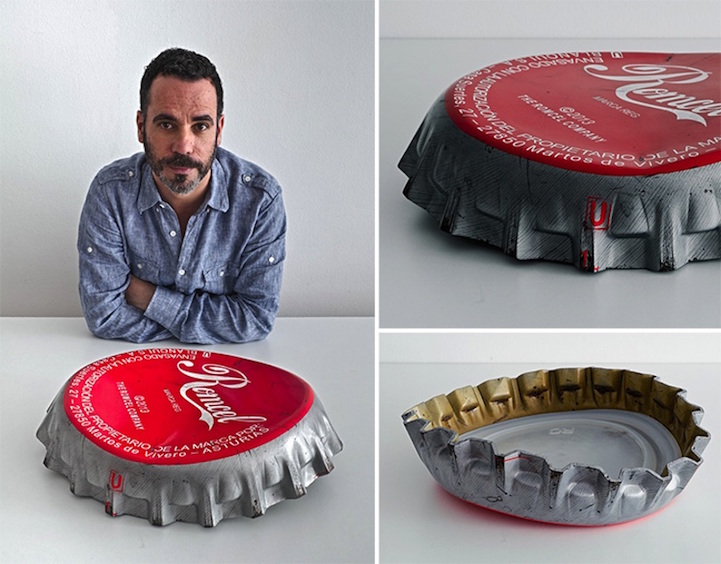
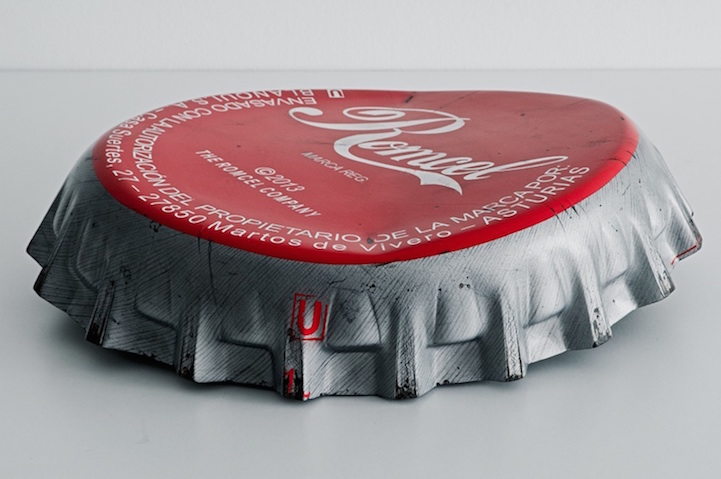
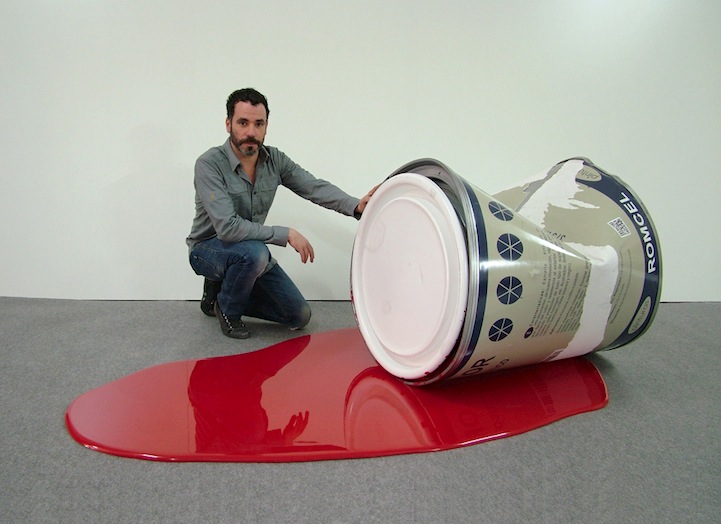
Looking at the work of Rómulo Celdrán, who makes replicas of everyday objects he interacts with and blows them up. When these everyday objects get to this size, they almost take on a sculptural nature even though they are nearly exact replicas of ordinary objects.
Proof of Concept :


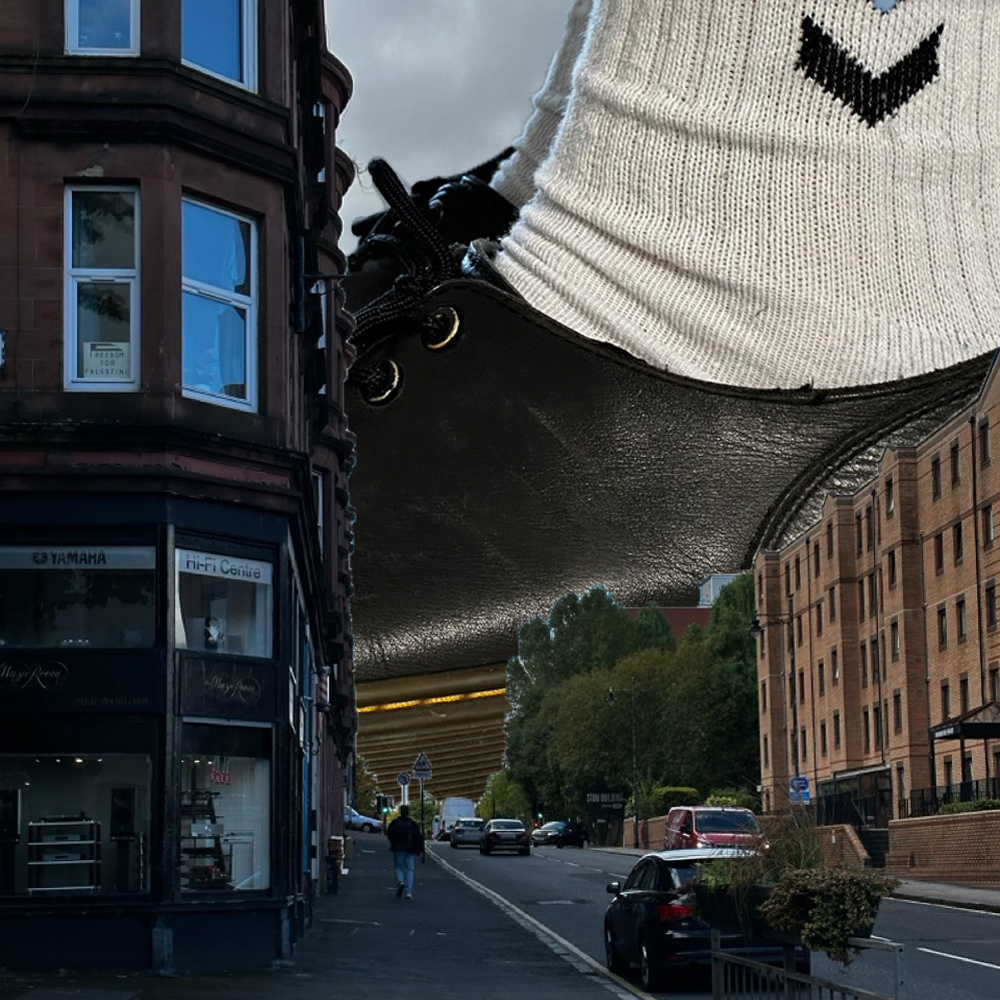
Above are two quick mock-ups of the concept for the video. I’m just testing out the visuals of how ordinary everyday people and vehicles will look moving around Glasgow.
From my iPhone :
Even as I mindlessly scroll through my phone, the algorithm helps me return to work on this project between the reposted TikToks and the Family Guy clips.
Even in this clip, I can see the joy and wonder these oversized items bring to this creator. I’m sure other attendees at the con share this excitement.
Points to focus on :
After the proof of concept tests there is a number of things that I’ve noticed :
The size might need to be smaller to create a meaningful space for the larger object to work within. If they are too big, they’ll be in and out of frame in a second, so if they are smaller, the viewer will have more of a chance to see them and enjoy the juxtaposition of small to big.
Does there have to be a narrative of the minute video? If so, what is the narrative of that video? An insert character for the audience to relate to that is the only person in Glasgow noticing all the weird stuff happening along with them?
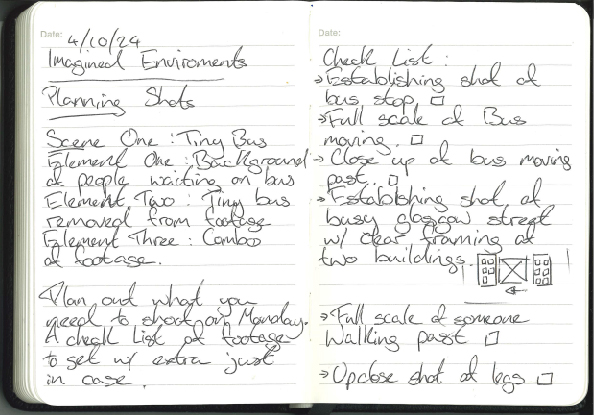
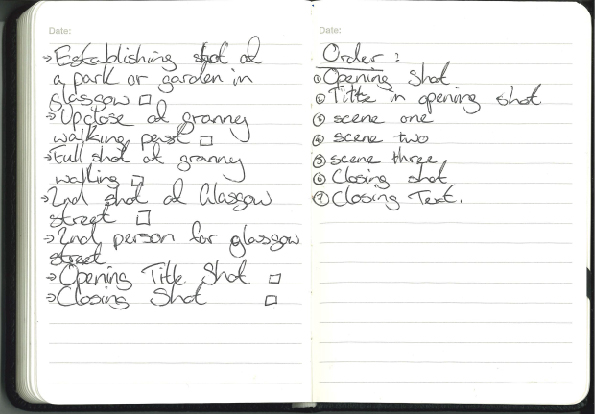
Planning shots :
If I plan to shoot correctly, I can complete all the shooting in one day and then use the rest of the time to work on my After Effects skills and make the footage believable.
To Do List :
Select 3 different elements from 3 different sources and combine to make a new composite, i.e. a background, a moving object (realistic or 3d model) and a human element.
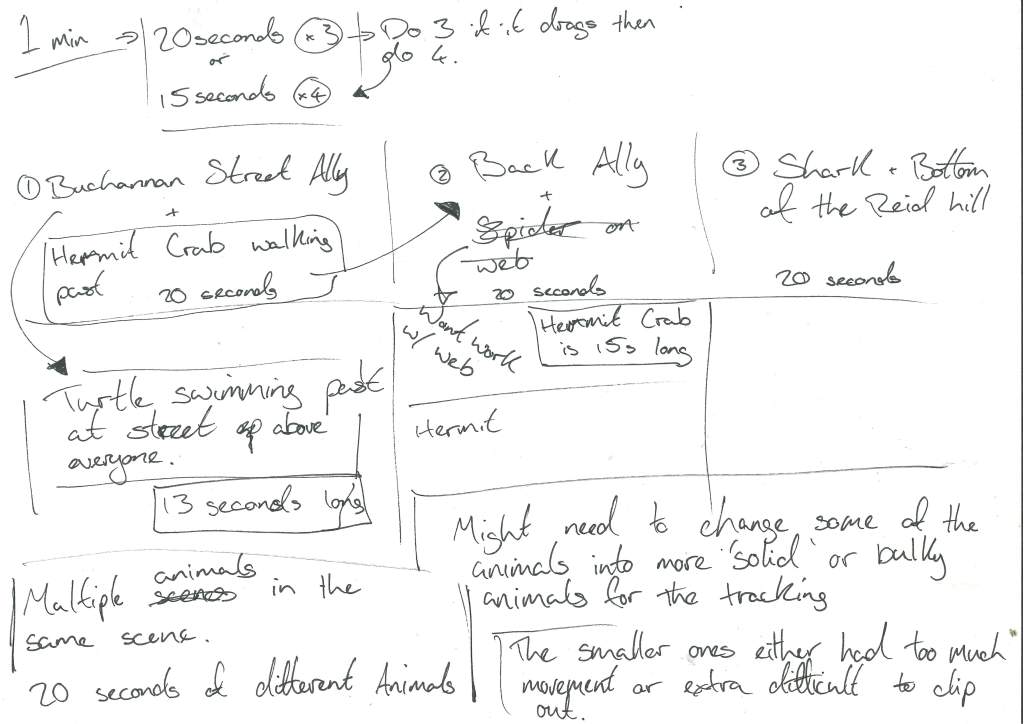
1 minute long duration minimum. For the duration of 1 minute, I can break it up into 2 ways :
Allowing a couple of seconds at the start and end of the video for a fade in and fade out with a title.
What do I need to shoot ? :
All HQ to survive the upscaling or down scaling, all on the same day, around the same time as to keep lighting similiar.
Future Ideas :
I think these ideas are good but maybe a bit late in the game for this project.
Idea : fistfull of dollers/ block blur effect/tarentino esque copy of wester effects, snap zooms close up and hard line blurs.
Instead of the standard close up used in cinema or the focus blur with a soft feathering on the edges, I want to do a hard seperation between clear and blury.
Idea : Tekken 3 fighters in the real world.

Idea : james bond title sequence effect
Idea : mirroring image of city and nature double exposure together on the one footage. but both camera movements are the same essentially tying them both together.
Having an element of the city blocked out with mirrored footage of nature but mirrored camera movement so that as if they are occupying the same space but just at different times.
To Remember :
note : adjustment layer over all footage at the end to tie it together
At the end of production when all the effects are finished and the footage is as close as possibke in it raw output, tie it together visually with a adjustment layer over the finished product
note : jigsaw effect to immitate a lower qualioty image that then ties the two levels of the footage together. (mosaic mask)
If the footage is two different qualities and the difference is obvious, tie the footage together by using the jigsaw effect on the lower quality footage immitating a low res look.
note : consider the movement of the footage and how that effects the footage
When recording footage, imagine how that footage will be used or how the effects applied to it might follow a direction, or may benefit from a direction.
Trying to Plan :
If I have a plan of what I need to shoot then I won’t just be wondering around aimlessly and the footage will all be pretty similiar in lighting and conditions… weather permitting.


I have an idea of what I was wanting to shoot on that day but the weather didnt hold up for too long, the busy streets got considerably less busy when the rain started. Its almost as if people dont want to be out in the rain.
In all honesty the plan went quickly out the window for some reason but with that I decided that I would keep an eye out for shots that would have the framing I was looking for or the enviroment I was thinking.
Out Filming :


Camera in hand, tripod under the arm, jack white album on in my ears, I set out in Glasgow to get the footage I needed; I had some of it planned, but I thought it would be better if I just tried and discover shots when I’m out and about.
When I was out I got some shots I wouldnt have thought of but also discovered that with the time contraints and equipment I have, the upclose shots I was wanting to get will either need to be done with my phone or I change my idea slightly.
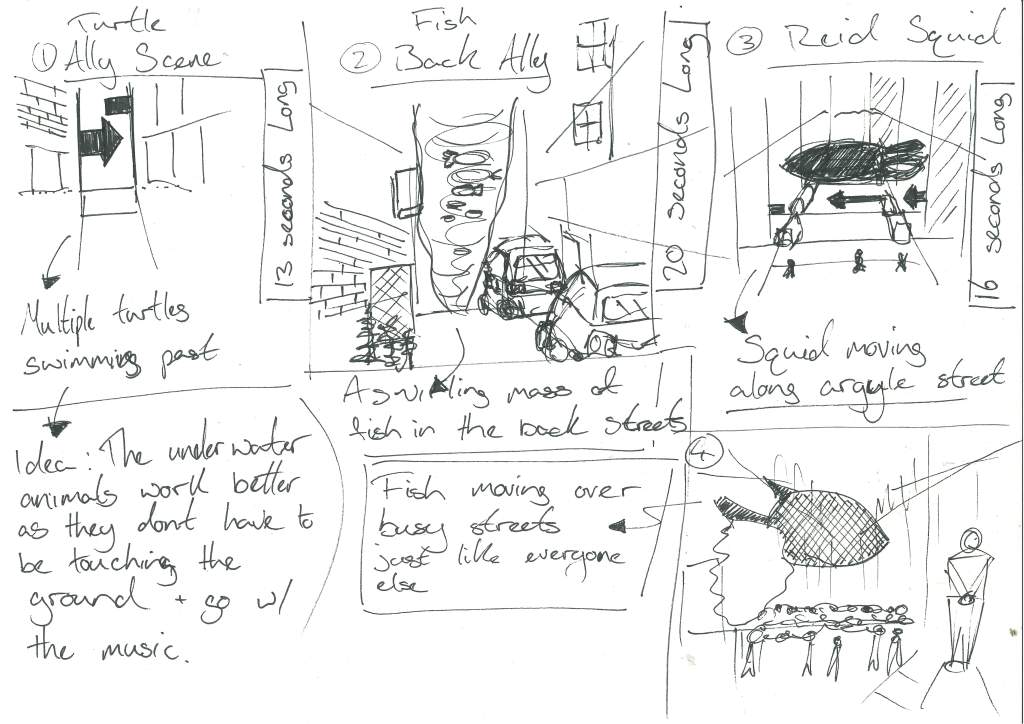
After thinking that getting the footage I want wont be possible I started to consider other methods and other footage I could use to in its place and with listening to the Jack White album ‘No Name’ on it was making me think primal or of animals , so then the image of these normal city with the image of animals or fish moving through the city appeals to me and the footage can be found easier in the scale I’m looking for.
Change of Plans :

So as I couldn’t get the up close footage of Glasgow that I was looking for. I went with Gillians suggestion and looked at Adobe Stock footage, downloading a variation of animals to then bring them into the footage ive filmed in the city.
Example of stock footage fish that I was trying to find an excuse to use but the transparent fins where too much.

Below is some notes of my process when I wasnt having the most luck and then expanding on those notes after the fact when I can take a better look at them :
its crashed and i lost a good chunck after trying to brute force it
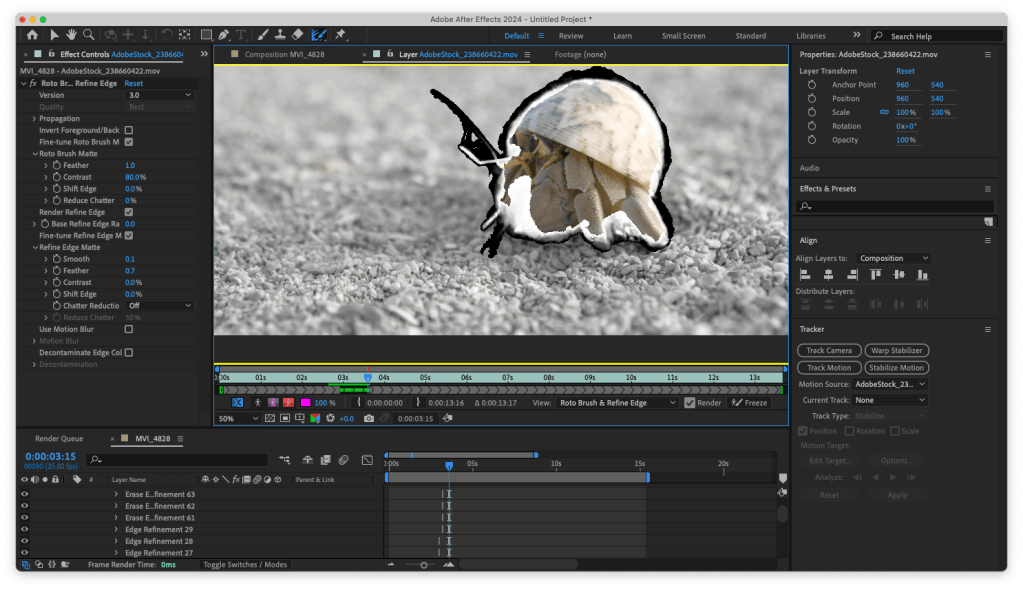
At the start of the tracking I had done a few of the animals but as I hadnt yet went through the setting troubles and figured out how to make After Effects less distructive it crashed and I had lost a good chunk of my work meaning I had to do the roto brush again.
I tried to force it to preview one HD rotobrushed preview at a time and it crashed on the last couple of frames.
I learned that solid contained shapes are best to roto brush
Also as I did more of the roto brushing I learned that the smaller difficult areas on this footage will obviously be more difficult. I then changed the footage to more solid animals with clearly defined shapes and movements.
I learned that land animals are worse to roto brush onto existing footage because they actully have to stand on something
After changing my animals footage I learned that any animal that was making contact with the floor would be another layer of difficulty, where they are making contact with the ground looks too fake and amateur.
my laptop was struggling during the entire thing
During this entire process of rotobrushing and assembling my footage I learned that to save some processing power, and in turn my laptop, I had to change the perview settings to as low as it could go (quarter), to assign more ram to After Effects (7.5 gigs of RAM of my total 8 gigs of RAM) and to break it apart into managable chunks of my laptop and then assemble it again in After Effects before rendering it out.
i have became a master at the roto brush tool / fine detail brush tool in after effects because ive done the same thing over and over again
As you can probably tell from this lack of modesty I was going a bit mad after doing the roto brushing/ fine detail brushing a number of times and having to the same footage a number of times but because of this I found an efficent workflow and key shortcuts when doing roto scoping.
Id actully like to use it again when doing more work on the school of fish potential project.

Comp in a Comp :
To save my laptop I’m separating the footage into separate scenes, rendering them out with the Media Encoder and then putting them back into After Effects to edit them together and to add a fitting soundtrack.
The Music can Change it :
Porcelain was in my head for it because of the two main elements of the track, the steady drums being the street and the normal life and the strings and vocals being the sea life floating above.
Nude has always gave me this feeling of being underwater so the connection again being a sealife with this one.
Feel it all around initially gave me that same ocean feel as the others did but in a lighter tone. But as I was looking for the video on Youtube to put here I found another version.
Excuse the visuals of this video sorry.
The same song, Feel it all around by Washed Out but slowed down with added reverb give it an even dreamier spaced out feel which i think might work well with the underwater visuals.
After going down the rabbit hole of slow and reverb songs I found veridis Quo (slow and reverb) that has that feeling I’m looking for, a magical wonder that still fits within the city scape.
The song has a solid minute at the very start that I’m going to use, it does start to ramp up at the end of that minute though and it makes me want to make a longer video but I’m just capping it at a minute.
Trust the Process :
With all the footage rendered out, I now want to bring it back into After Effects to bring it together for a final composition and to add some effects:


With the visual elements i wanted to really soften them and continue the feel of the entire thing (as ive probably said too many times at this point).

Final : Magic in the Mundane
Taking it further:
I really love the visuals of the school of fish and would love to do another video with only images of schools of fish moving throughout a city scape.
I really like the combo of the school of fish, the solid rigidity of the city and the music that has elements that mirror both the rigidity and the flowing natural patterns of the fish.
Evaluation :
During this project I did have to be adaptable, be that becuase I couldnt get the exact footage I was looking for or hardware restriction of my laptop. I had to exhibit my ability to take it on the chin and keep going.
My main technical take away from this project is my confidence with the rotobrush, after having to do it a few times I’m quite happy to use it and would like to take my skills further, even footage in my final piece could be better and if given the opportunity I would do it more.
I could have been more open to other ideas, i was so bogged down with the one concept and might have made my life easier if i did a simpler idea
A personal criticism I have is that I might have locked in my concept too soon, yes the project is only two weeks but maybe given another day or a wider scope I could have came up with something more abstract or inspired. I am happy with the final visuals but think there is more potential for it either to be more abstract and stylised or more honed in and focused.
In future i could first look into the software to see what can be done and then maybe let that infrom my decisions/ process/ workflow.
In this project I was driven by my concept and then had to work around/against the software to make it work. This process did have its own interesting workflow and outputs but I wonder what I would have come up with if I had looked more into After Effects and let that inform my creative process.

Building


What do I want to do ?:


Narrowed down to 3 options all with their own draws and aspects I want to focus on.
Looking at the space again:


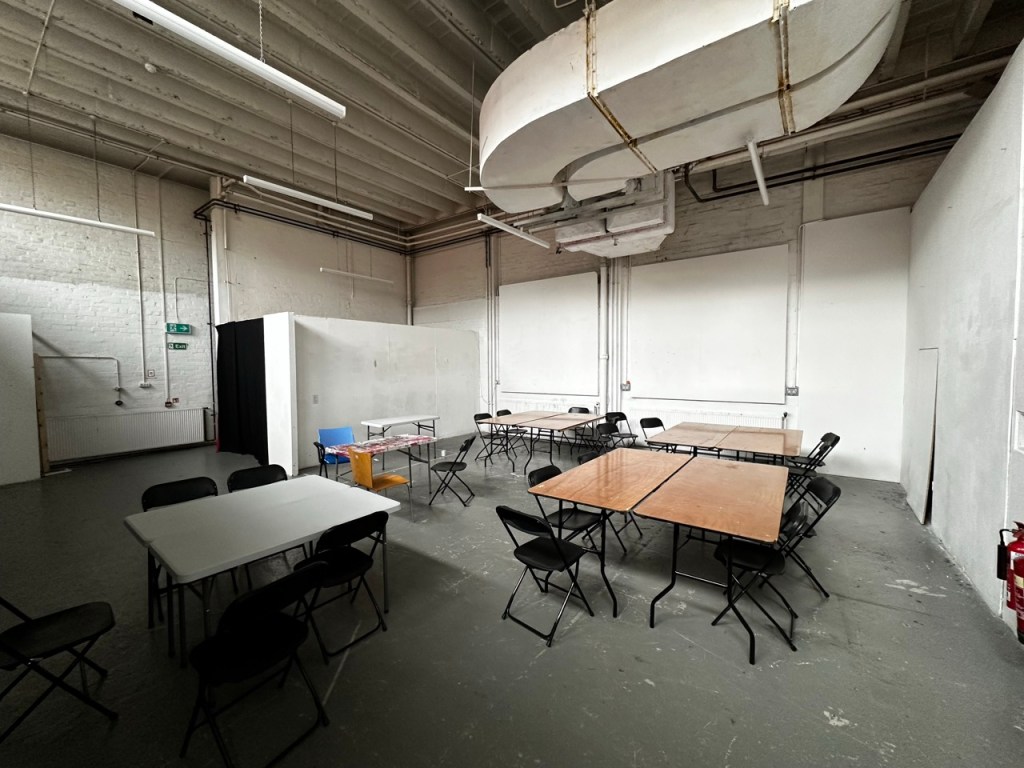
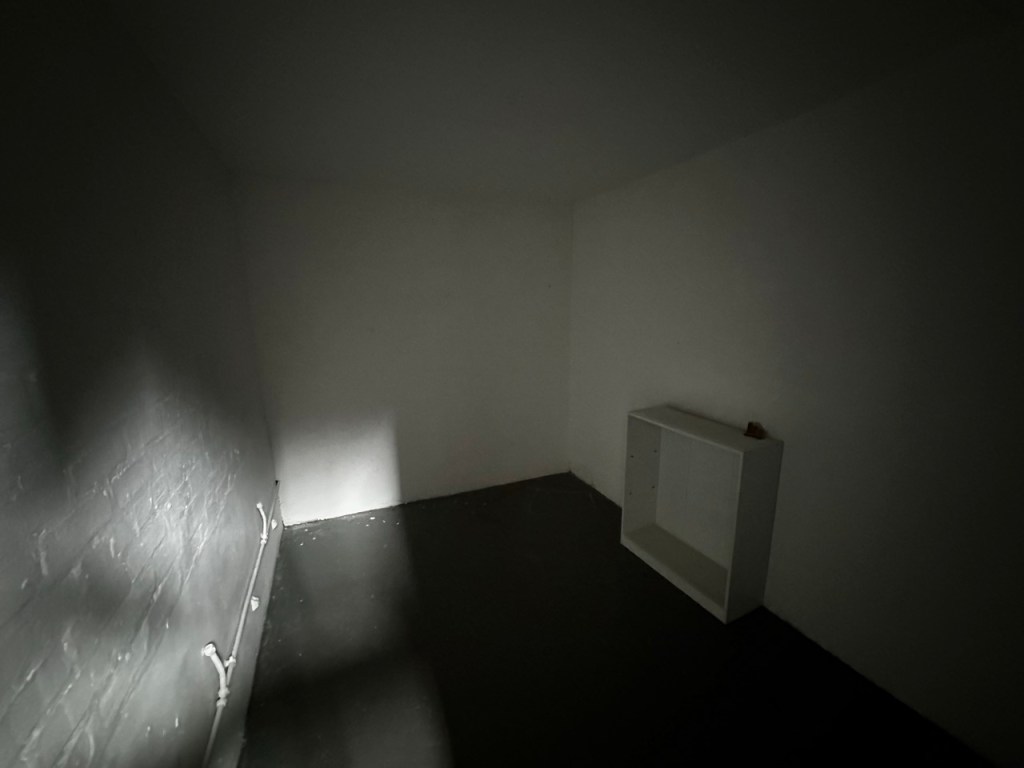
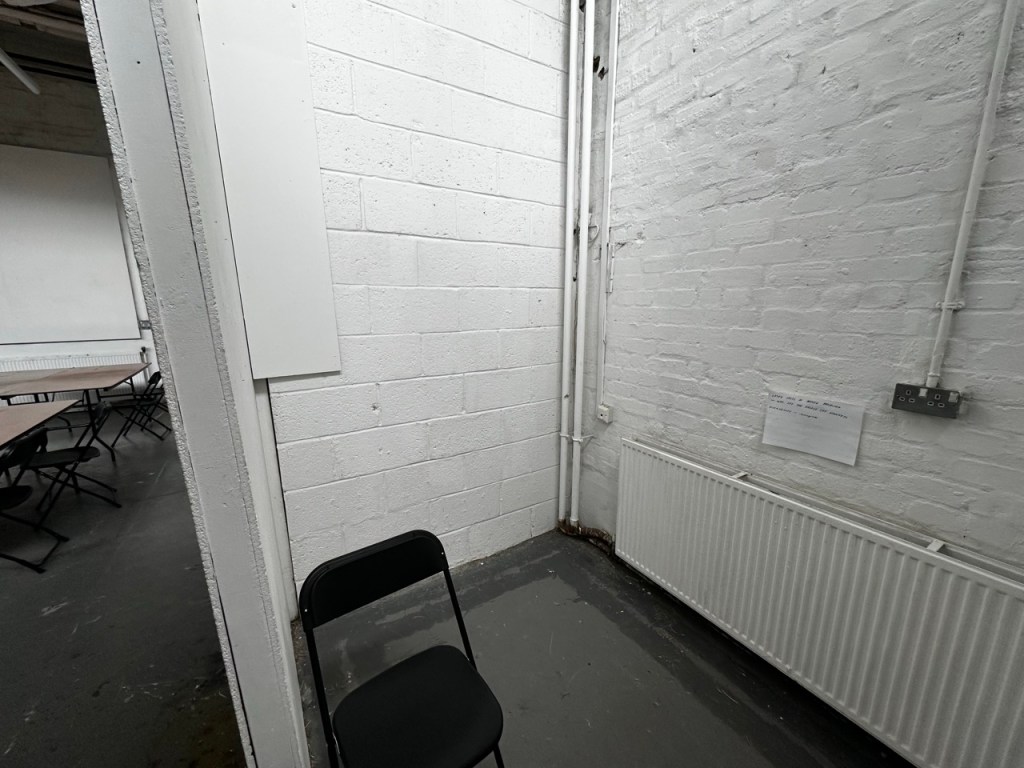
Just familiarising myself with the garage space again, considering where I could present one of my pieces.
Deciding what to do: Process of elimination


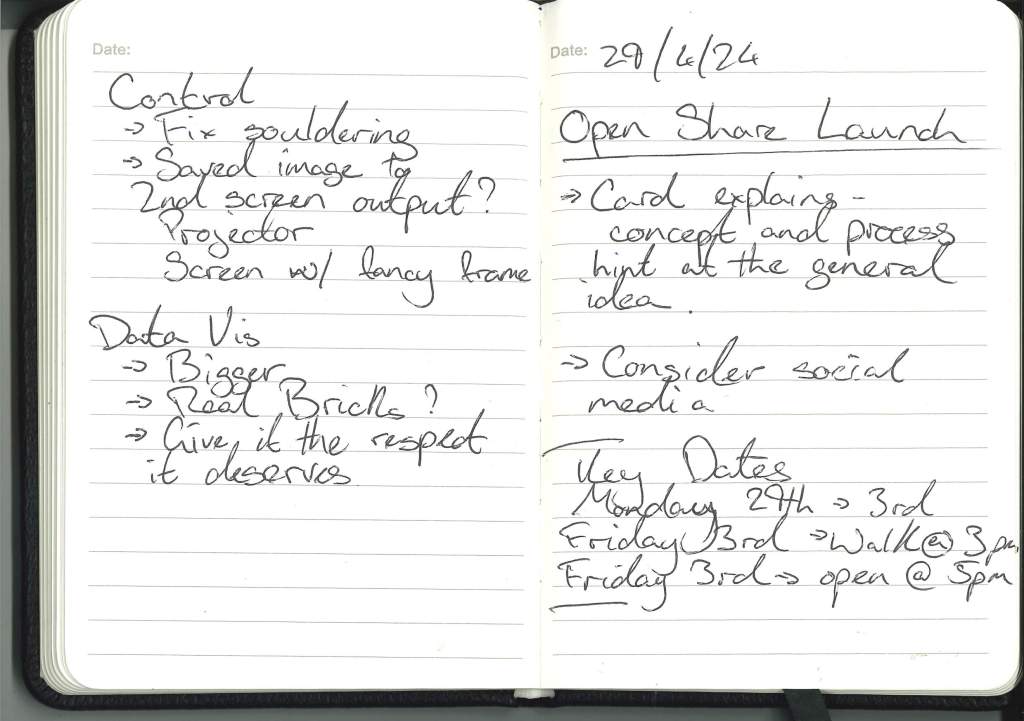
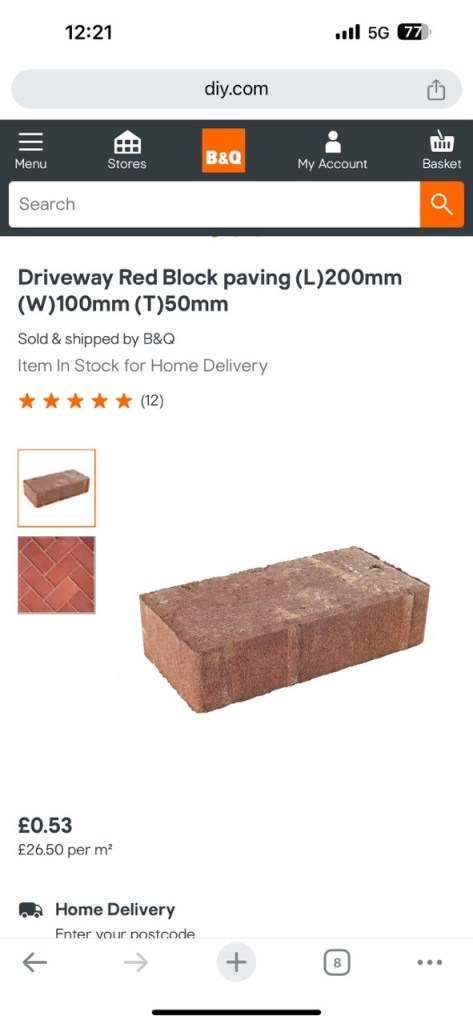
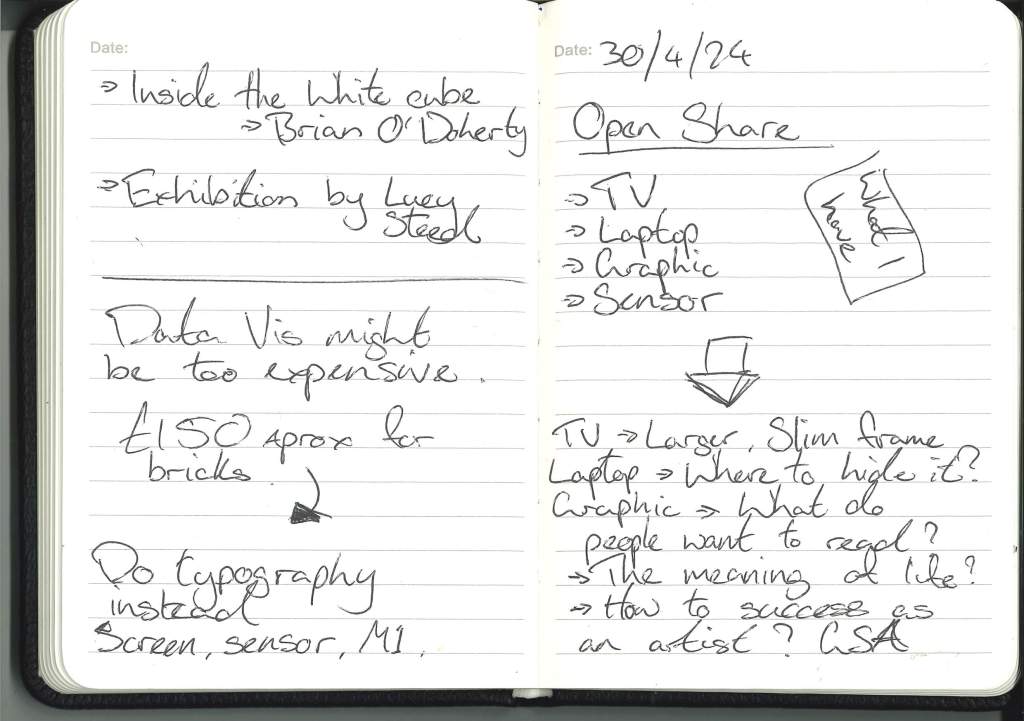
So for the data visulisation I wanted to make it human scale and for that an idea was to use real bricks to replace the Lego bricks.
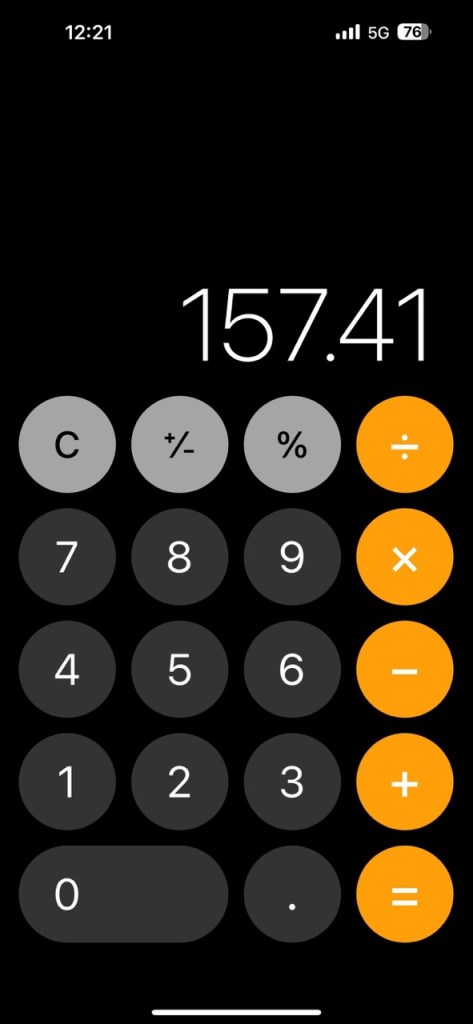
But when I was looking into the cost of buying 297 bricks it would have cost me £157.41 and I dont really want to pay that and there is cheaper alternatives but the problem with that would be transportation.
For control I could do it, if I was I would want to do a better job with the soldering and have it more secure as well as having a more performative output like the printer idea i had or have the final piece output to a projector or second screen.
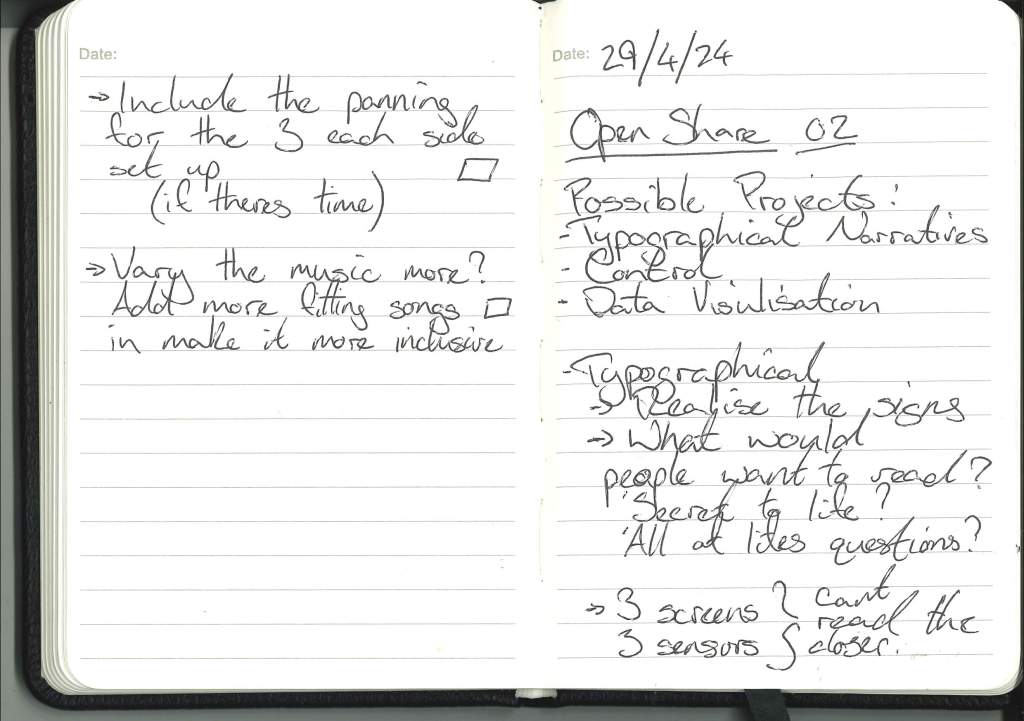
But between the three options I personally feel that Control was the most realised of the projects and couldn’t have gained too much during Open Share.
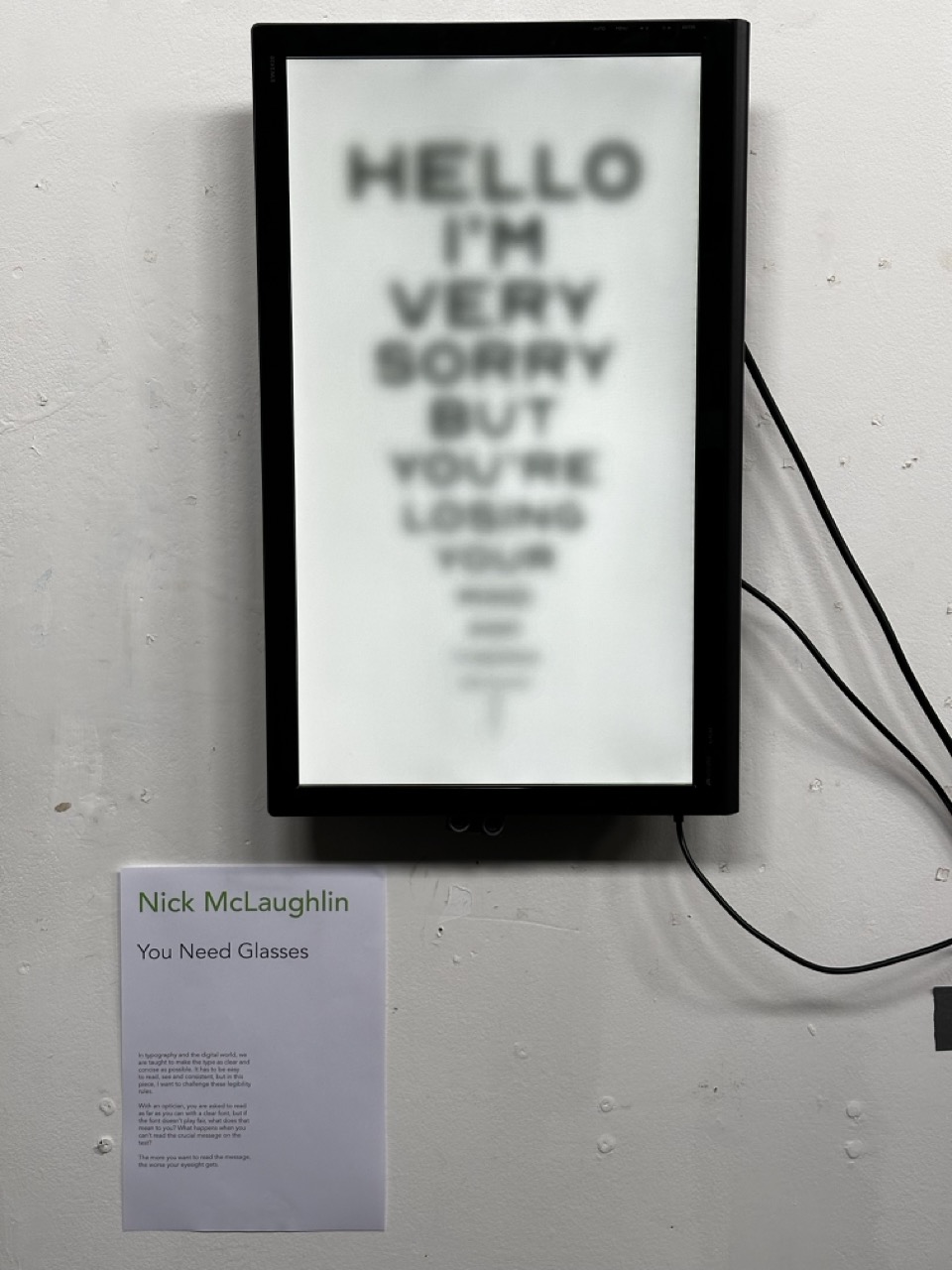
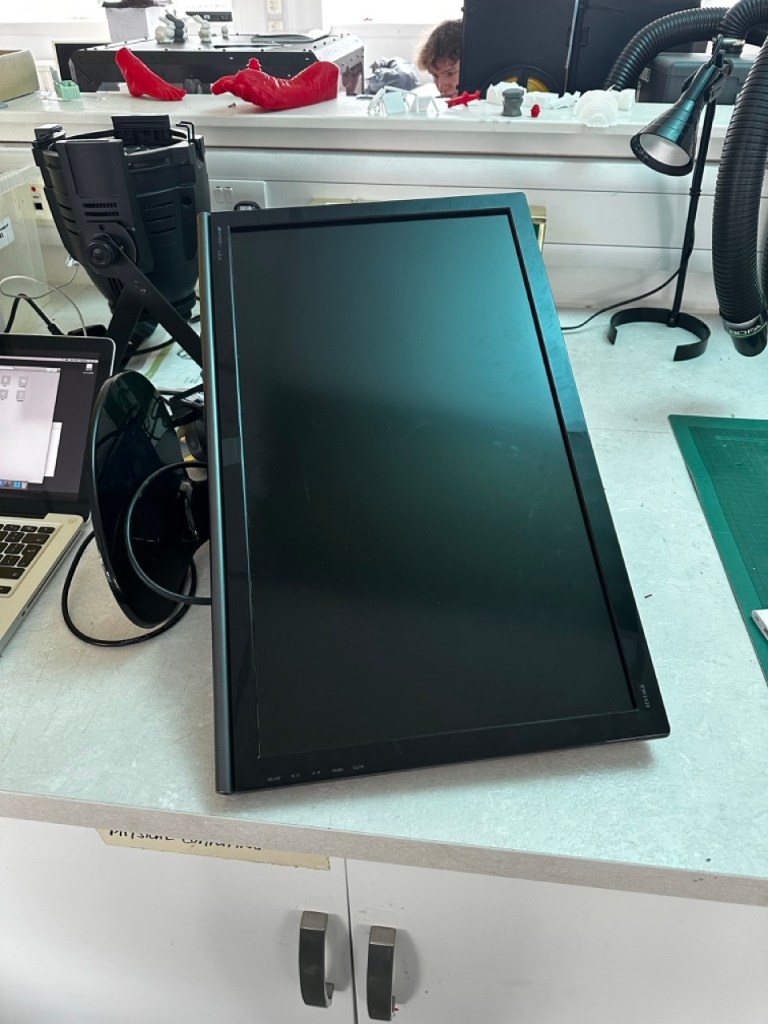
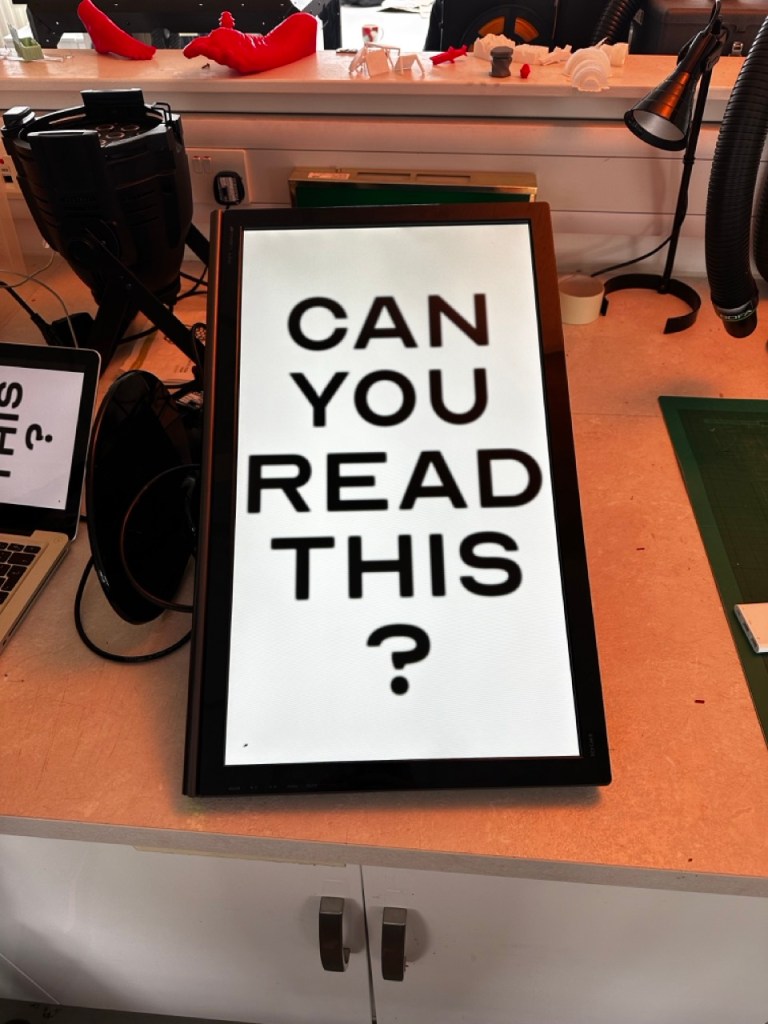
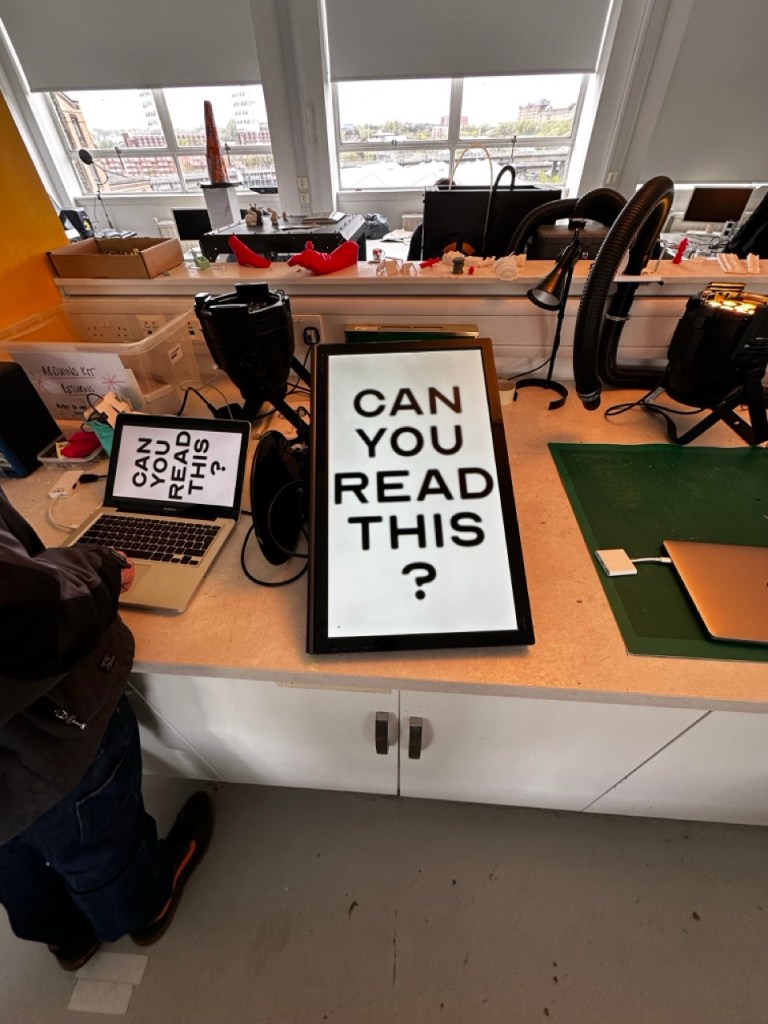
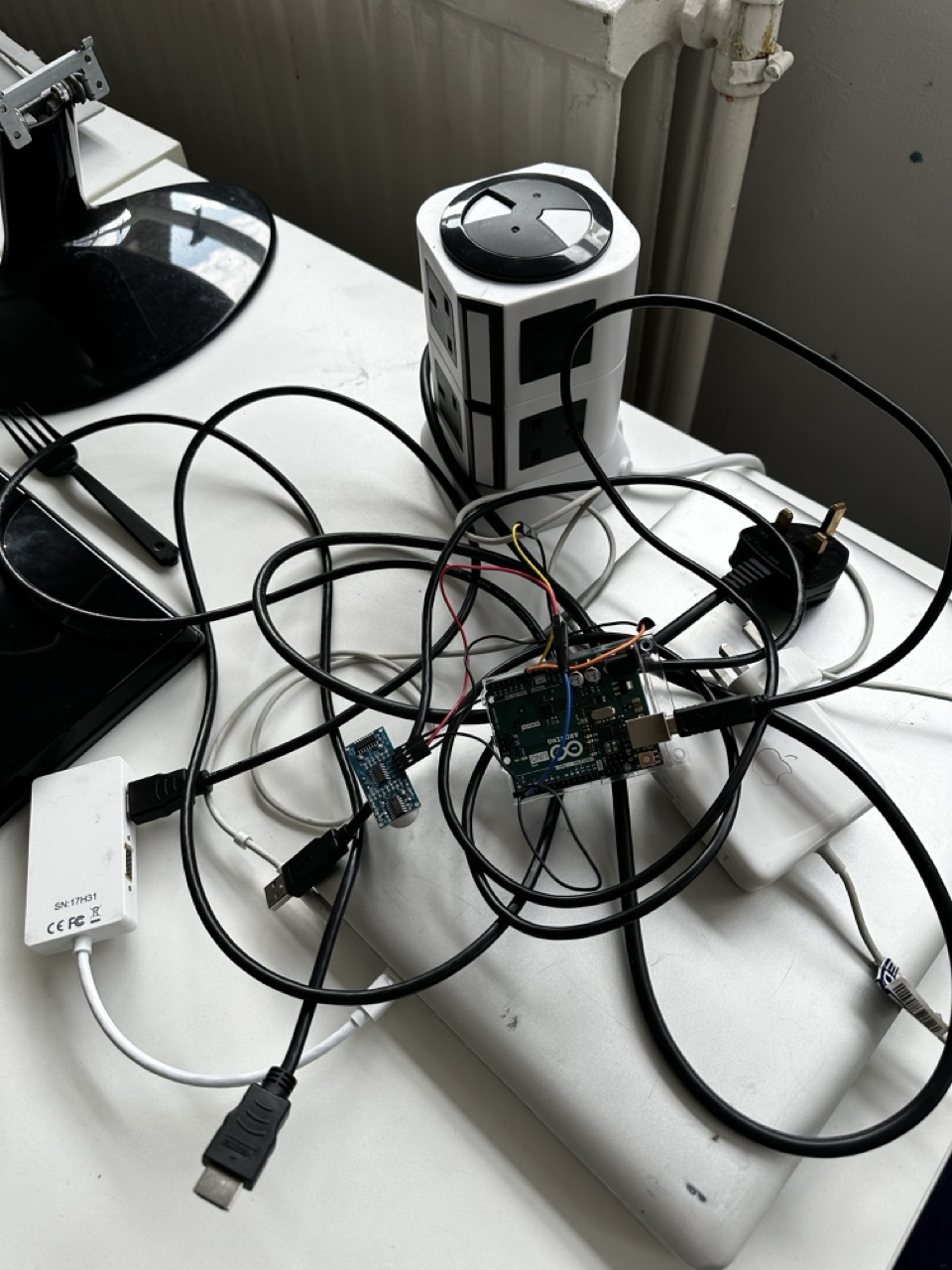
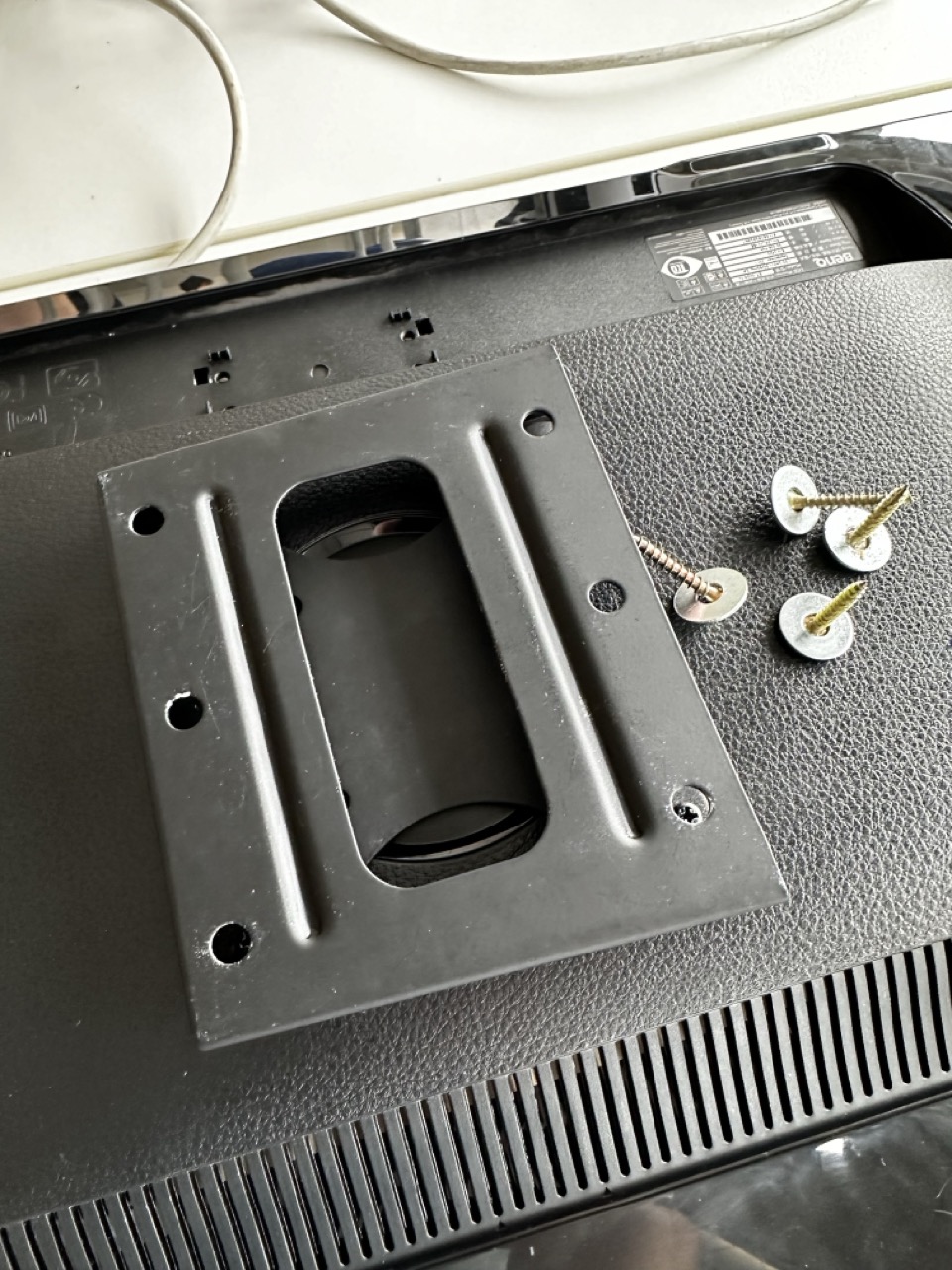
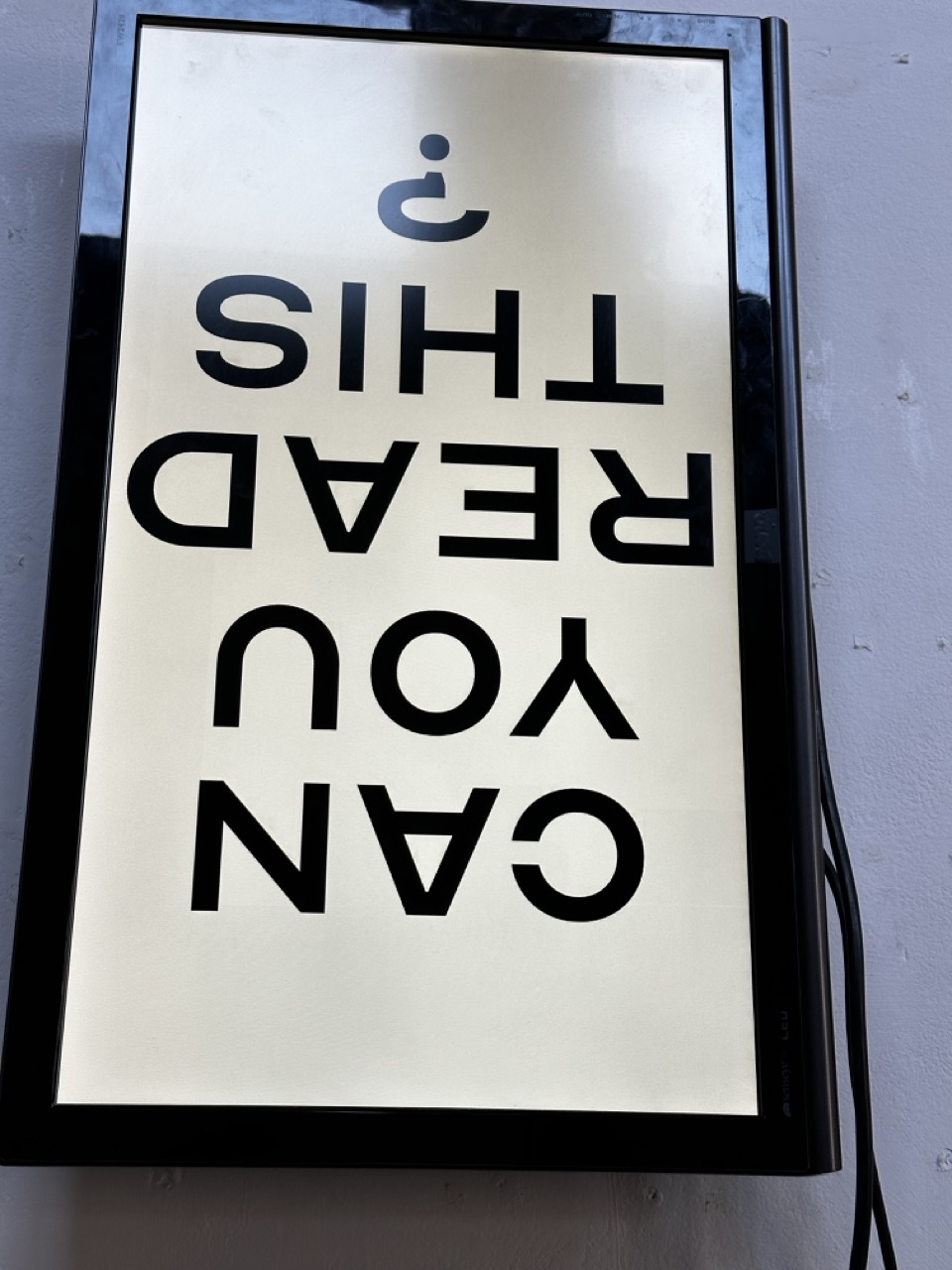
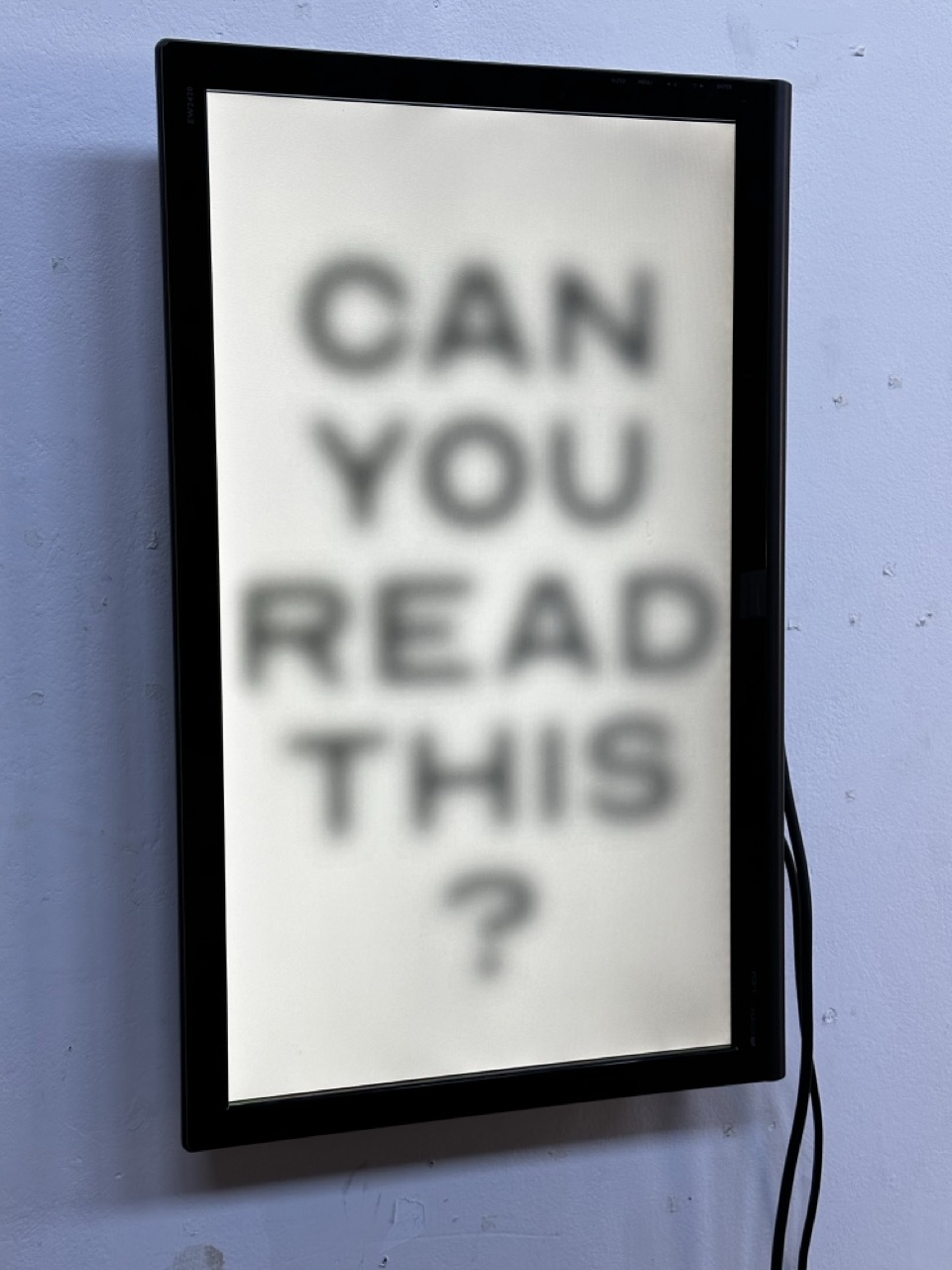
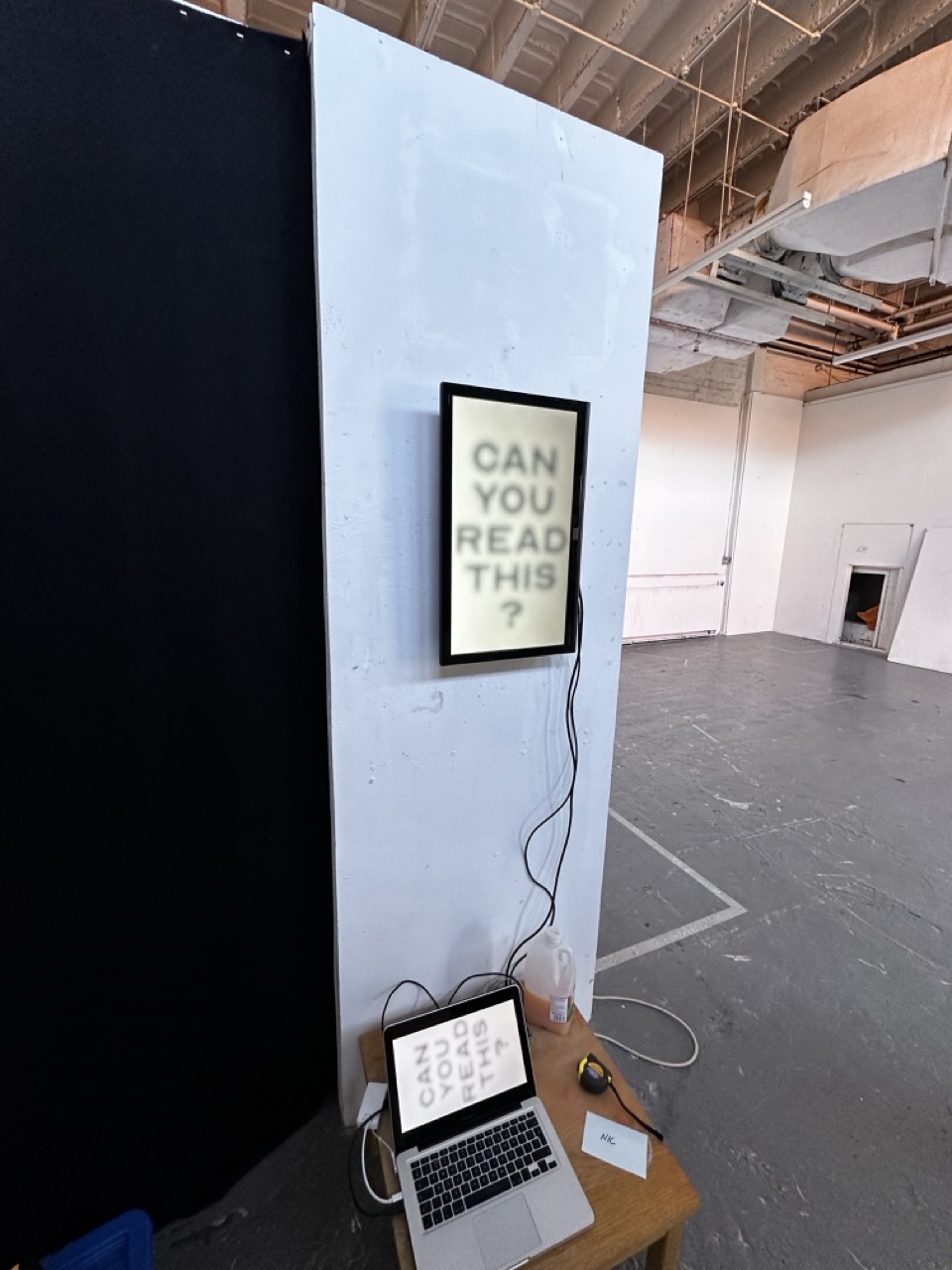
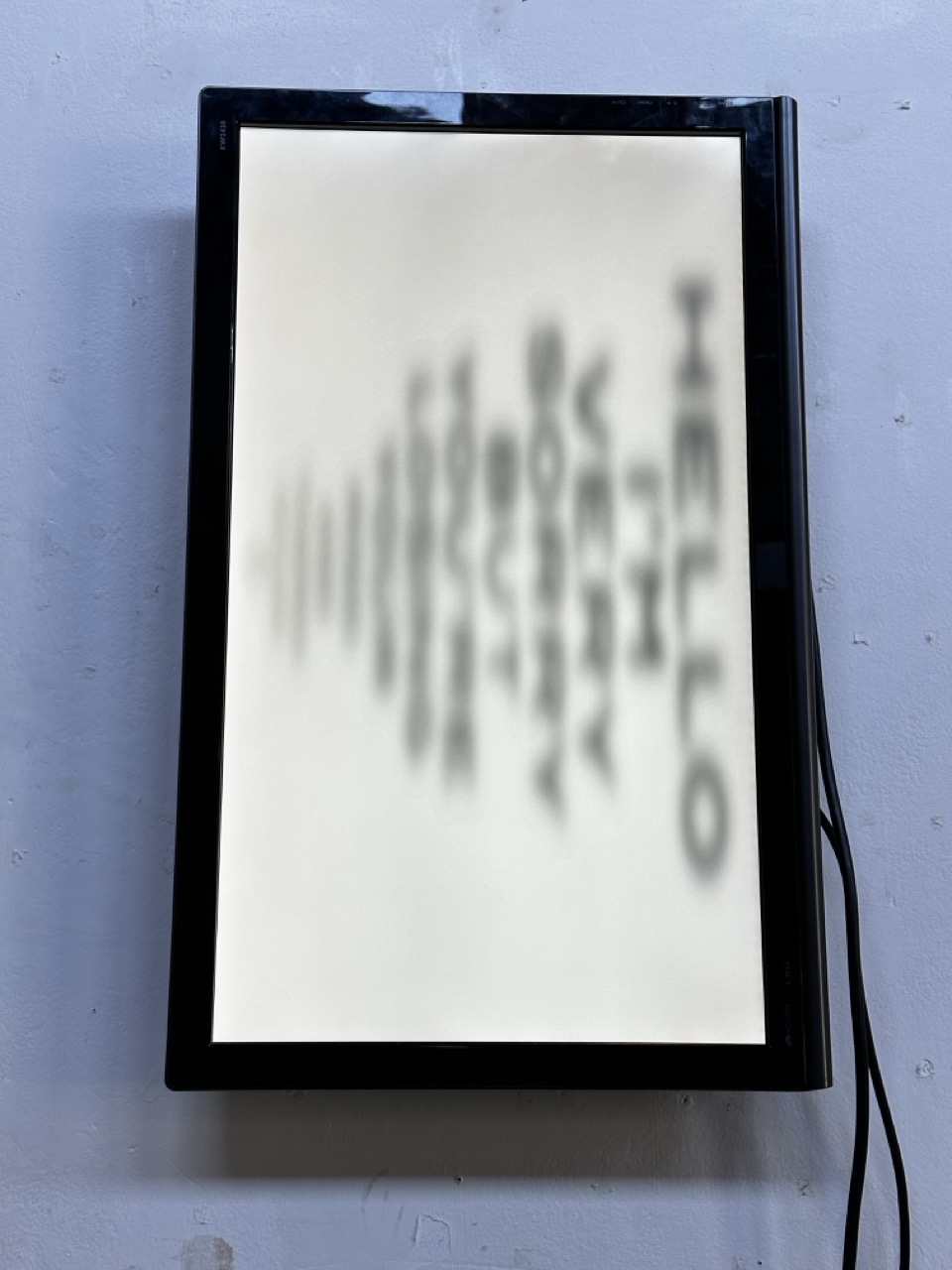
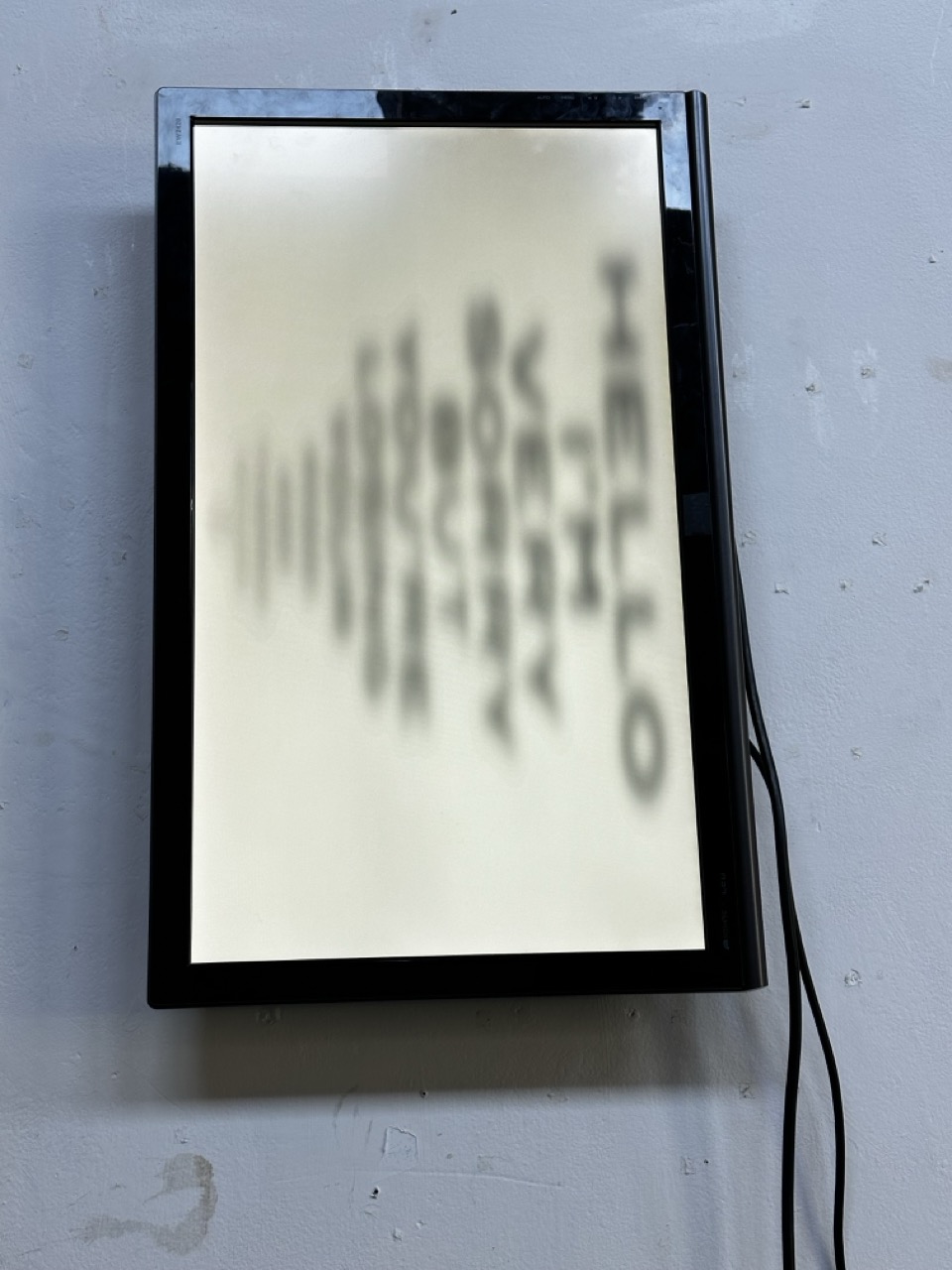
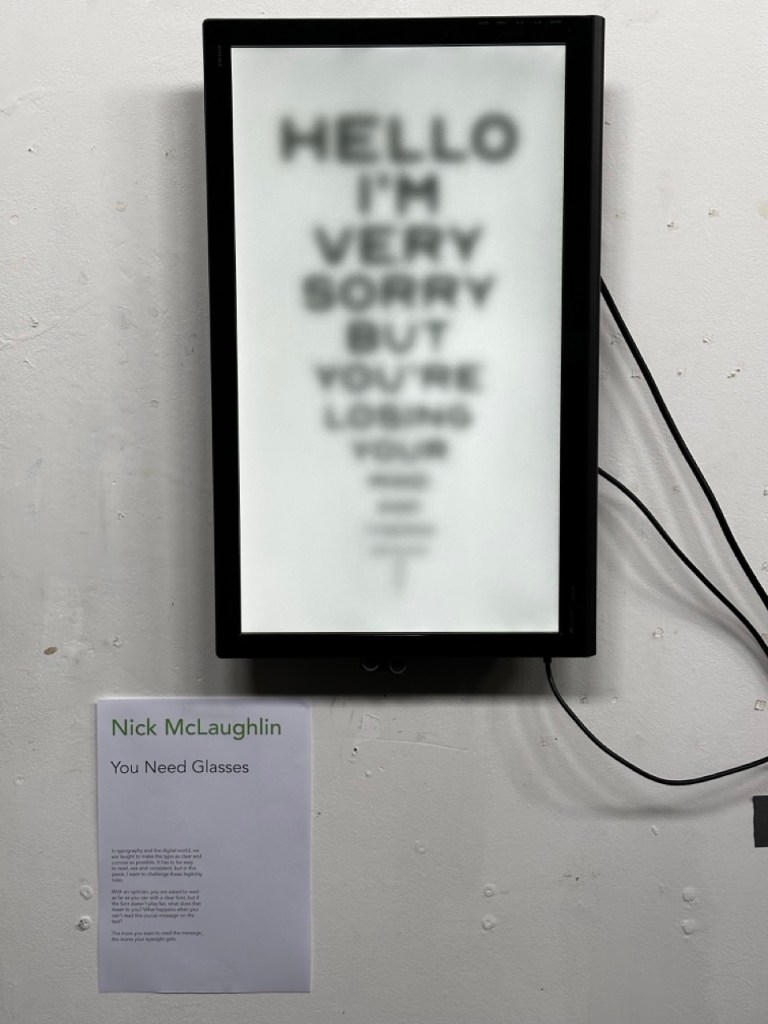
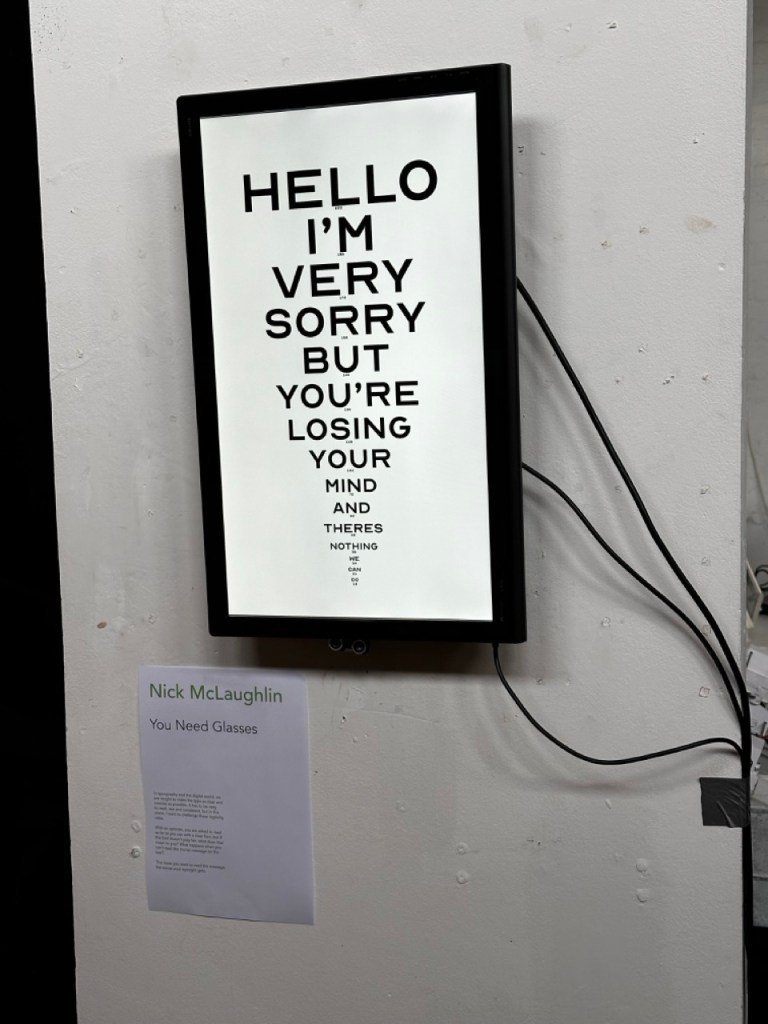
For Typographical Narratives I initially aimed to have an interactive display that would react with the proximity of the viewer making it more difficult to read the closer they got.


Graphics
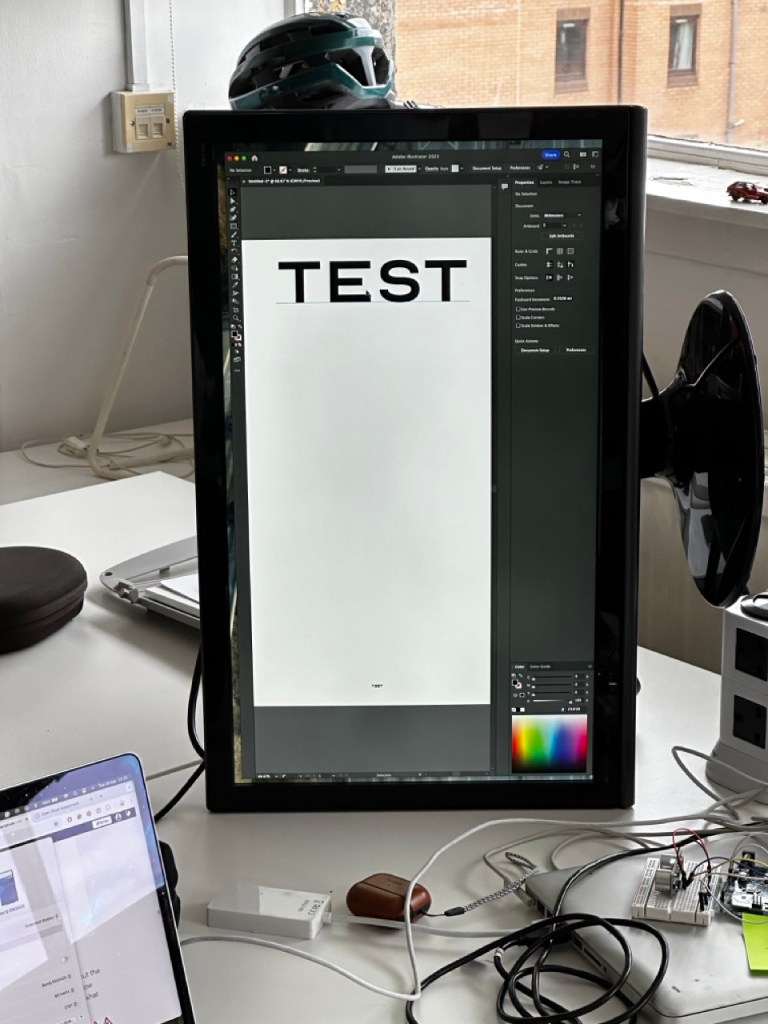
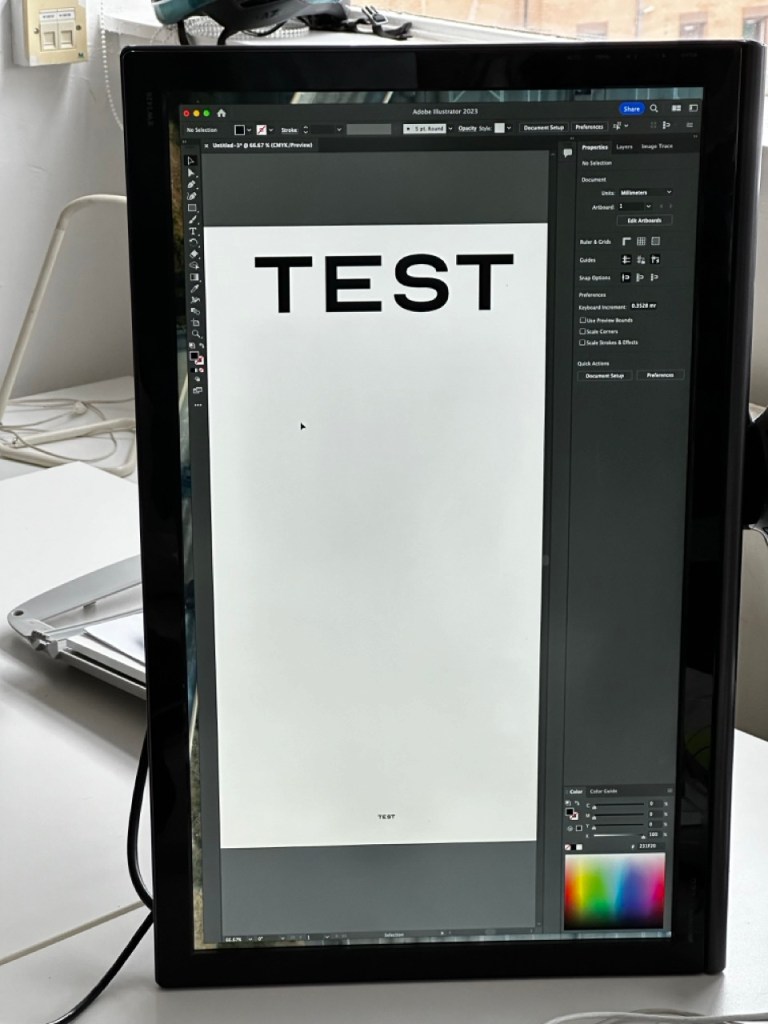
As the main code and sensor is working for the piece I want to use today to redesign the actual graphics of the piece as well as thinking about how to elevate the piece to gallery level.


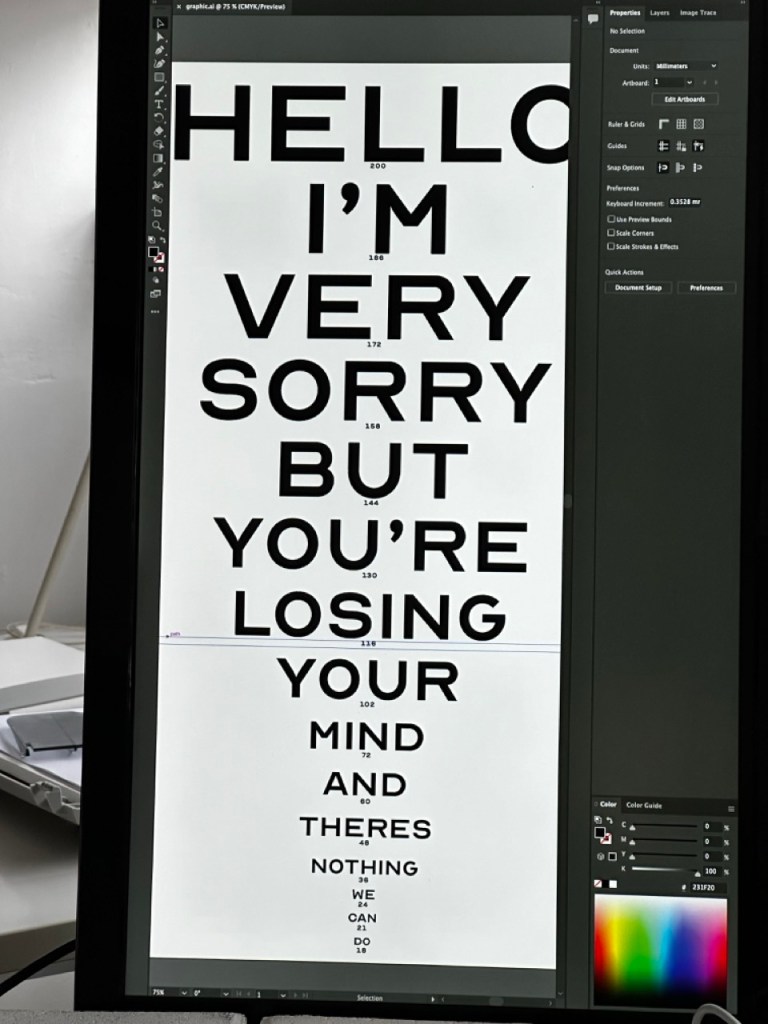
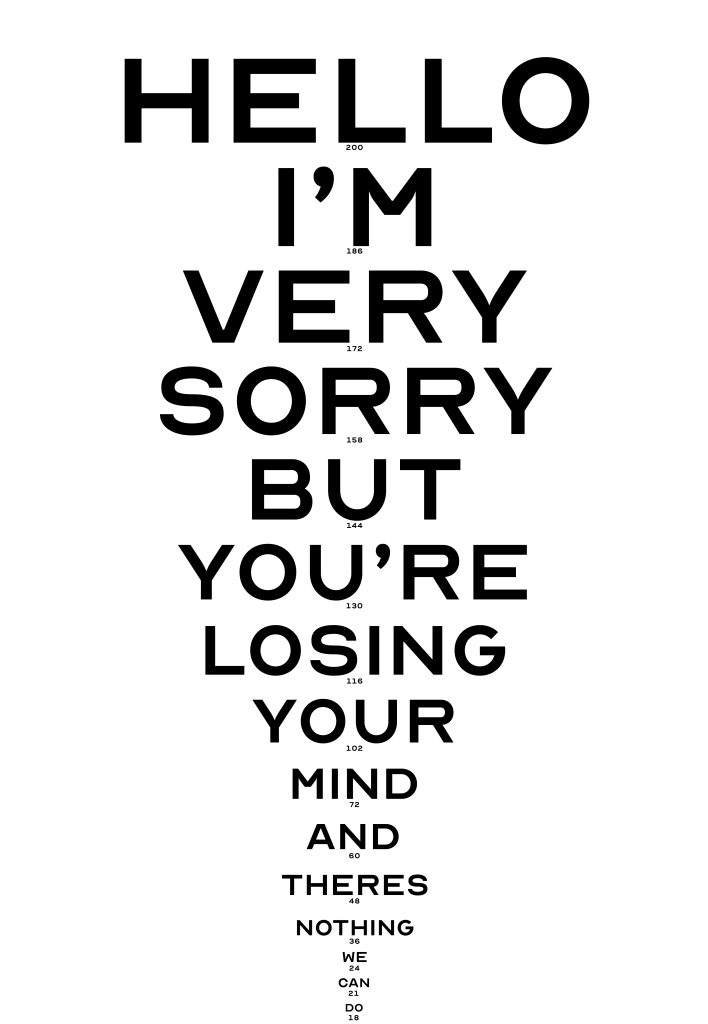
The main task of today was to test the legibility of the font at certain lengths and by asking others, decide on a font type for the smaller text so its not too easy for people to read before the blur effect begins.
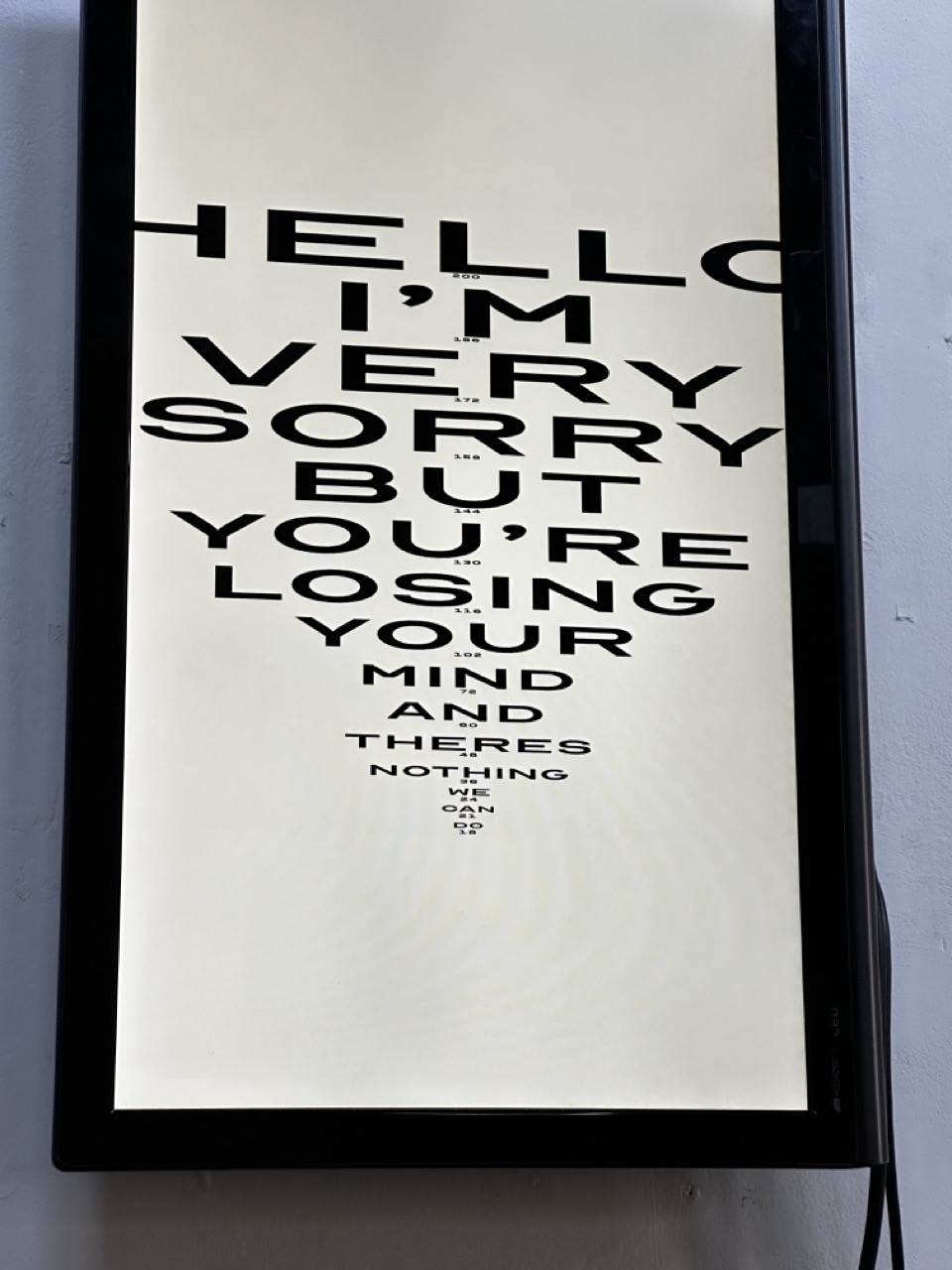
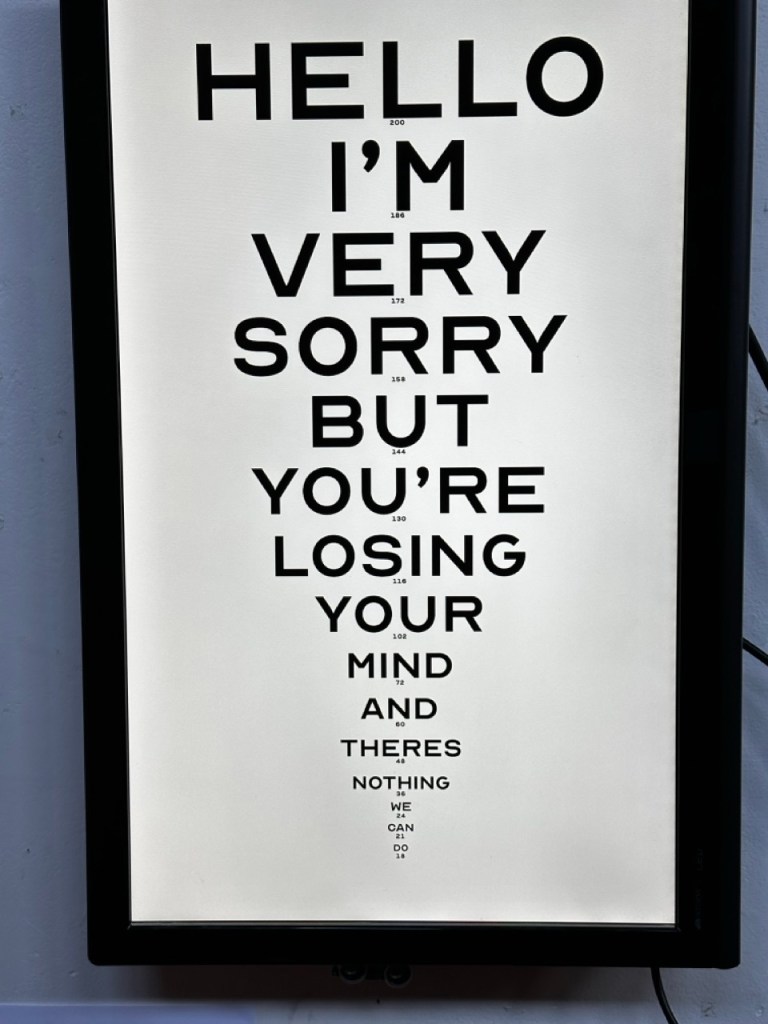
Final Graphic:

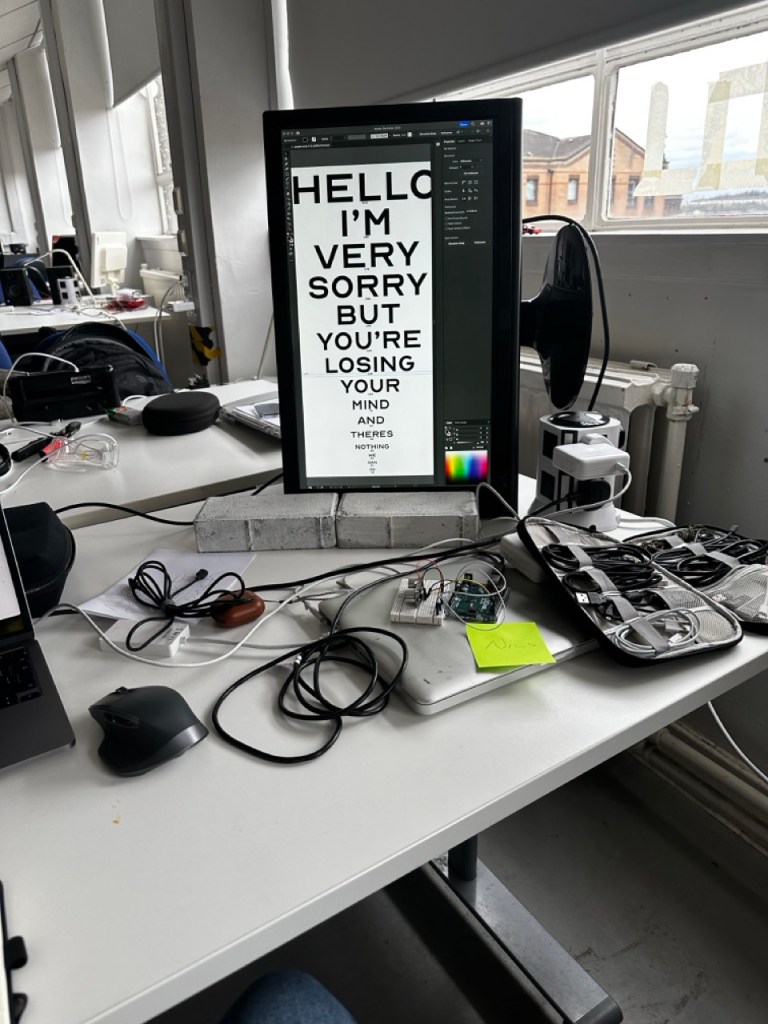
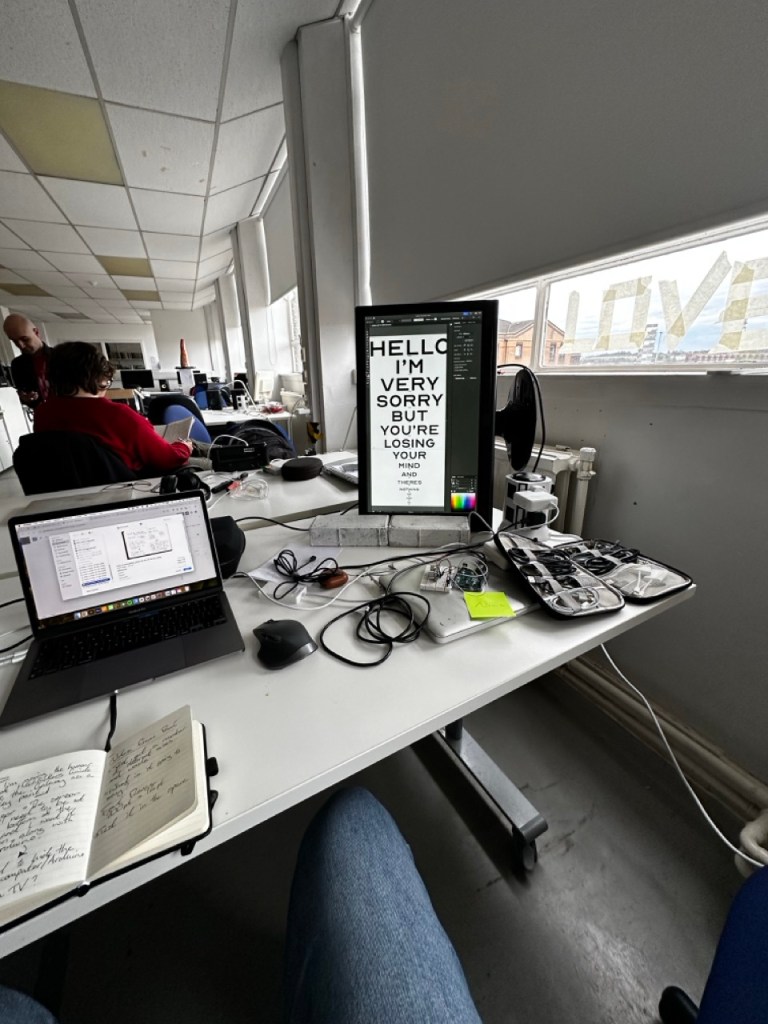
With the final graphic I wanted to try and get something that would draw people in and make them want to read on. I wanted the writing to have the same feel as Hitchhickers Guide to the Galaxy, that sort of horrible news delivered as if it was nothing important or just a fact of life that everyone has accepted.
“Time is an illusion. Lunchtime doubly so.”
Installation
Putting it in the space:


Ready to present:


Reflection:
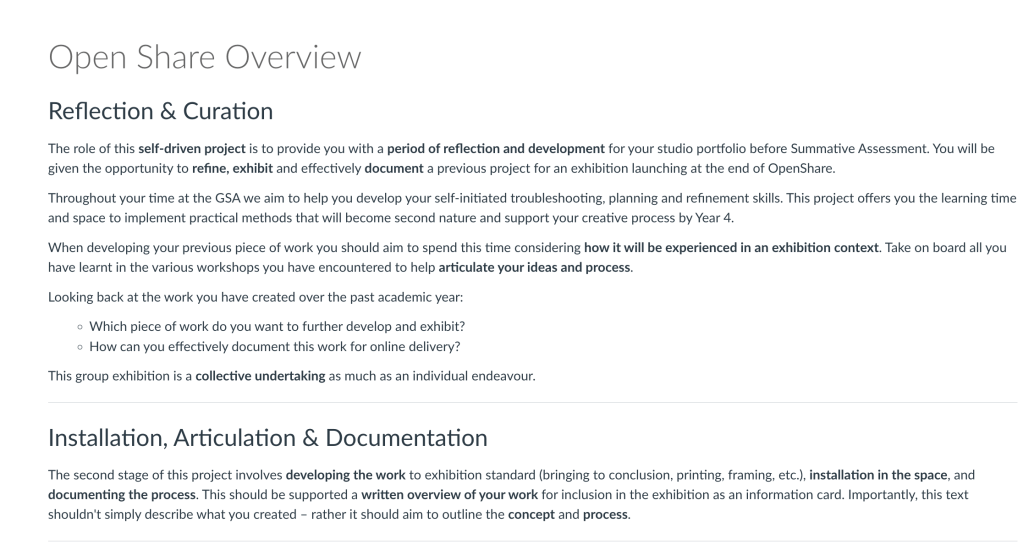
Last year for Open Share year one I did too much, I stressed myself out and maybe took too much on or just got too wrapped up in it.
This year I feel I made an overcorrection, my goal for this year was to do something simple, continuing on from a practice I’ve been trying to have throughout the year, something that wasnt too adventurous for a one week project.
For open share this year I wanted to realise my installation concept from typographiocal narratives, that I had explored in a number of prints and turn these prints into reactive posters.
In reflection I believe I could have done more, more examples of text on the screen, more effects that warp and shape the text.
I do believe this concept has potential and the relationship between the audience and a piece that doesn’t play fair is something I’d like to explore.


Initial Idea:
One + Two


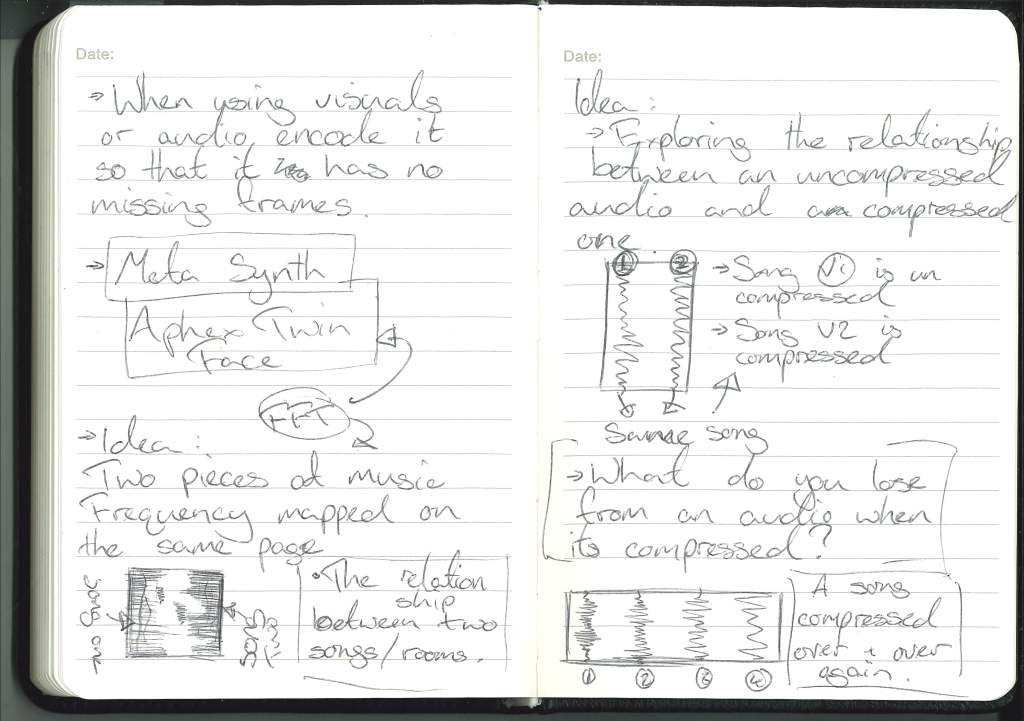
One: An Initial idea that uses sonic vibrations to reseonate at certain frequencies to create a feeling within the viewers body or a low resonating sound that feels a certain way.
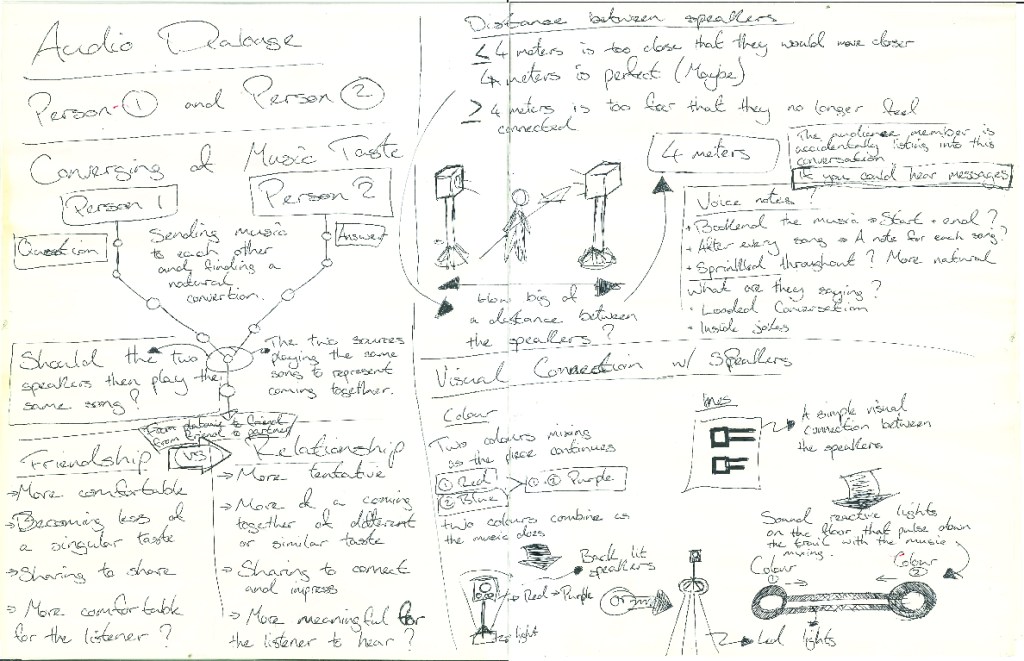
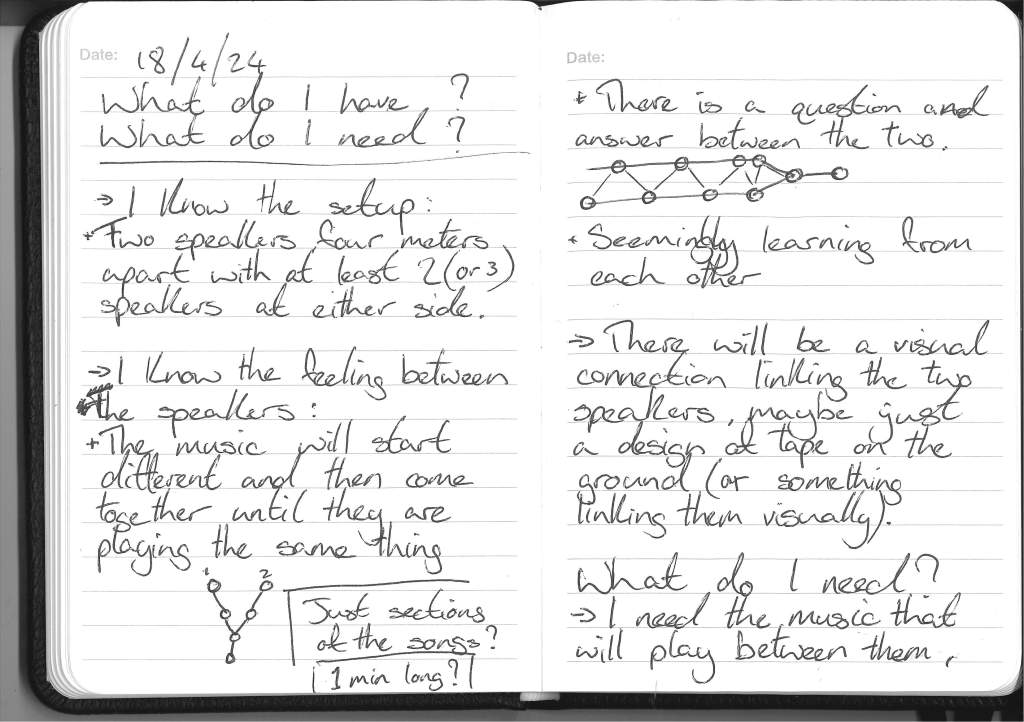
Two: Two audio sources that seems to be conversing with one another, non verbal,
Three


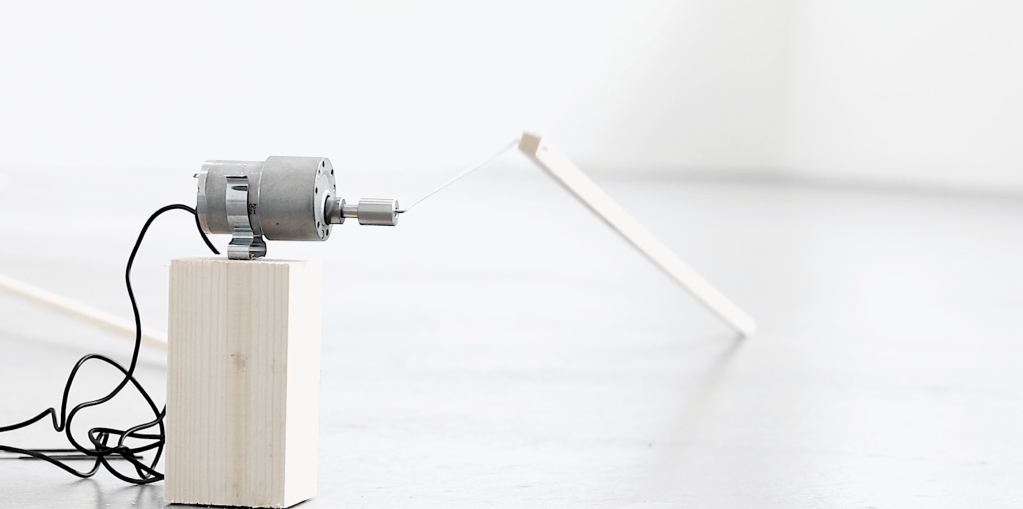
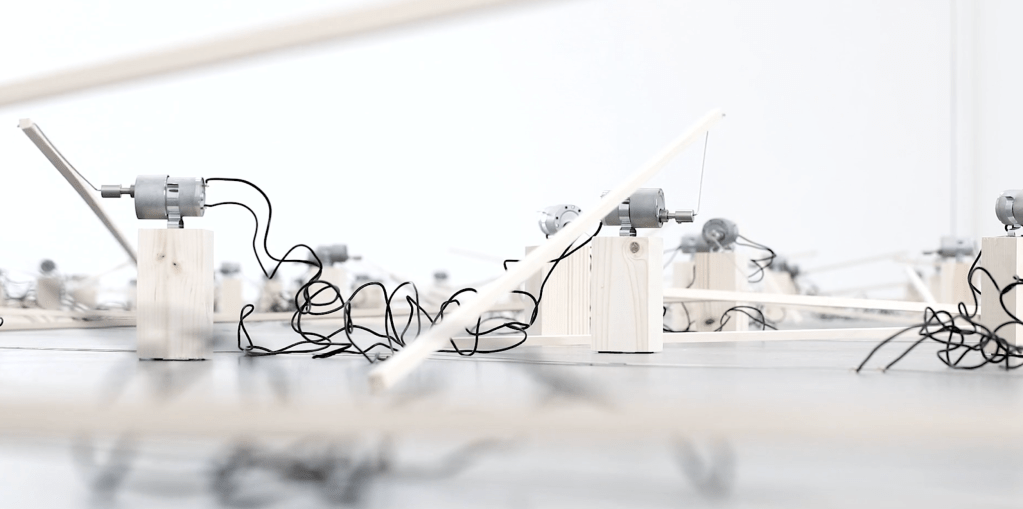
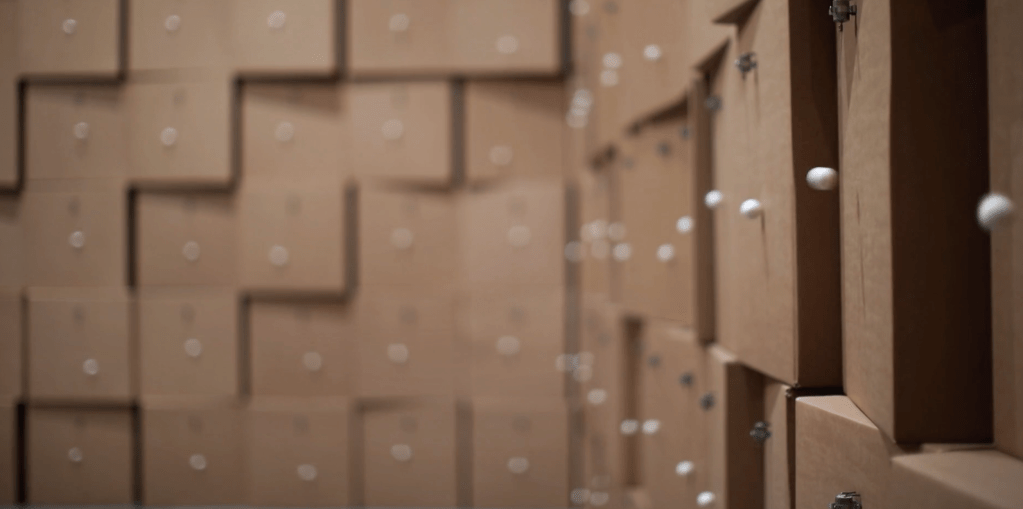
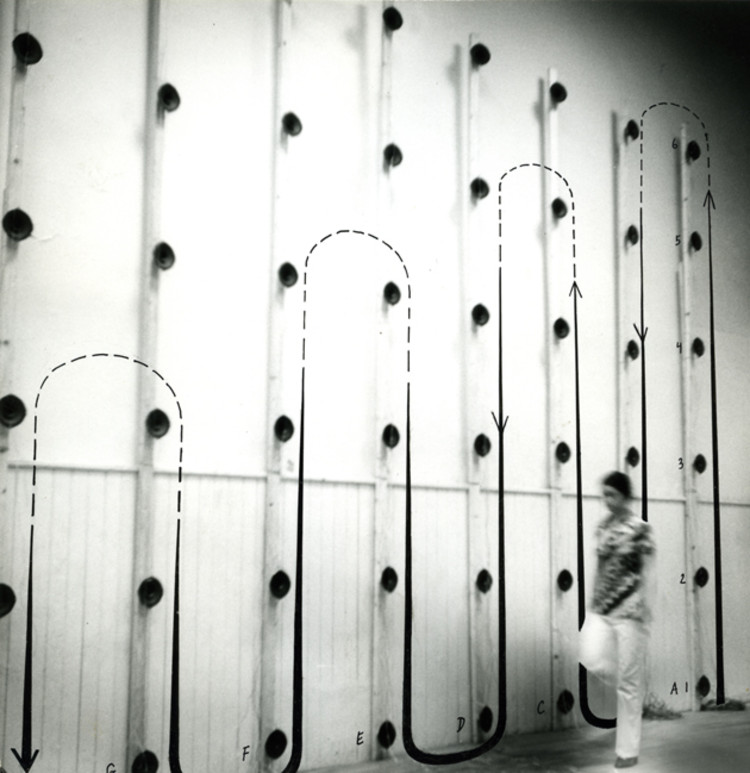
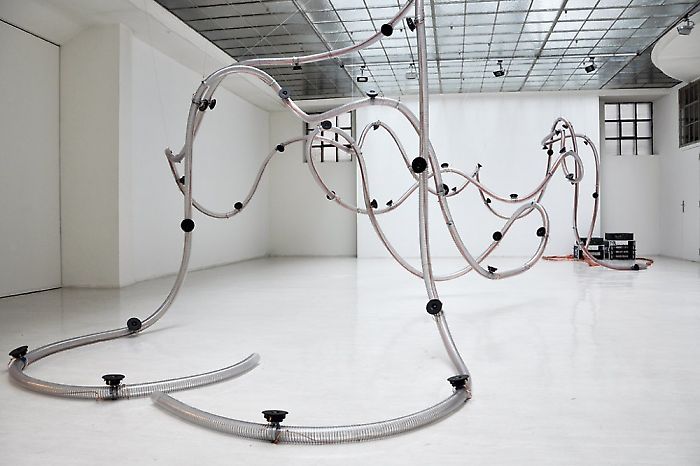
A large exhibition that has arms connected to motors and spaces for keys so that users to connect their keys, everyones keys will sound differently so when there is a large collection of them there will be a similiar effect to the work of Zimoun.
Inspiration:
Zimoun


From Zimouns work, I love the physicality and tacktile nature of the work. I would love to impliment the same tackle nature of sound into my project.
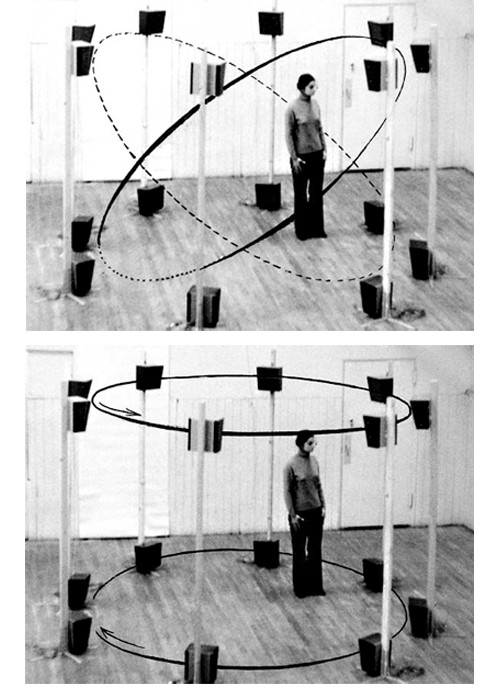
Bernhard Leitner


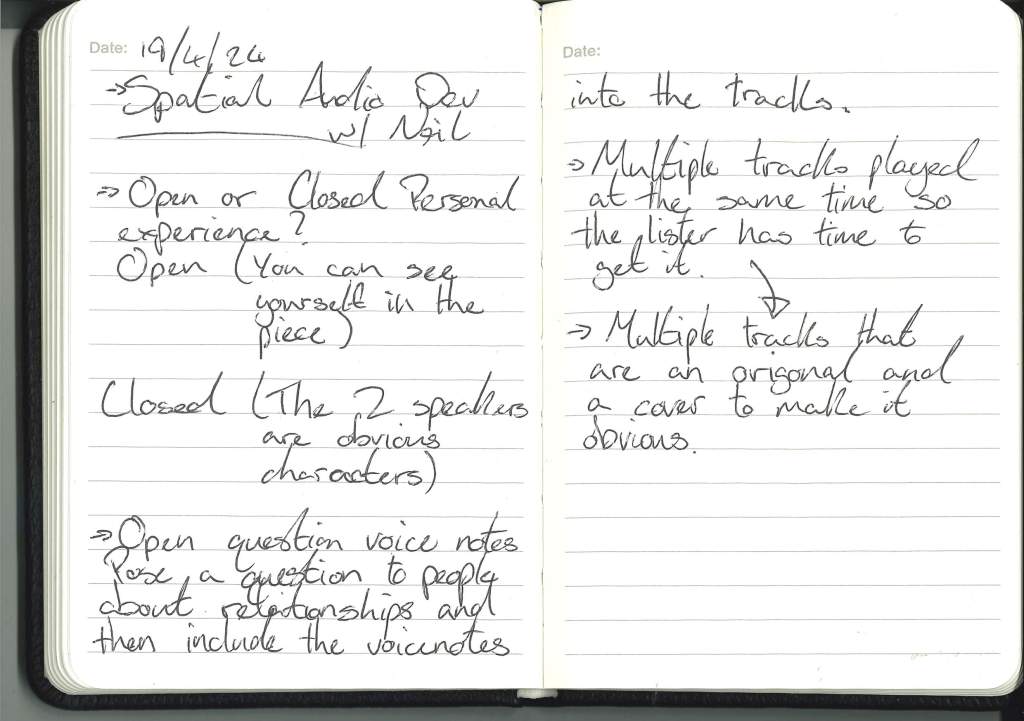
Conversation with Neil:
After the break, I had two ideas, one that was more out there and on a larger scale and one more personal and person-focused. Looking inward as I have this year, I realise that my work is mainly people/ humanity based, and both ideas focused on that but in two different ways. After a discussion with Neil, the second felt more meaningful and manageable.
Idea Development:


Audio with Spoken word:
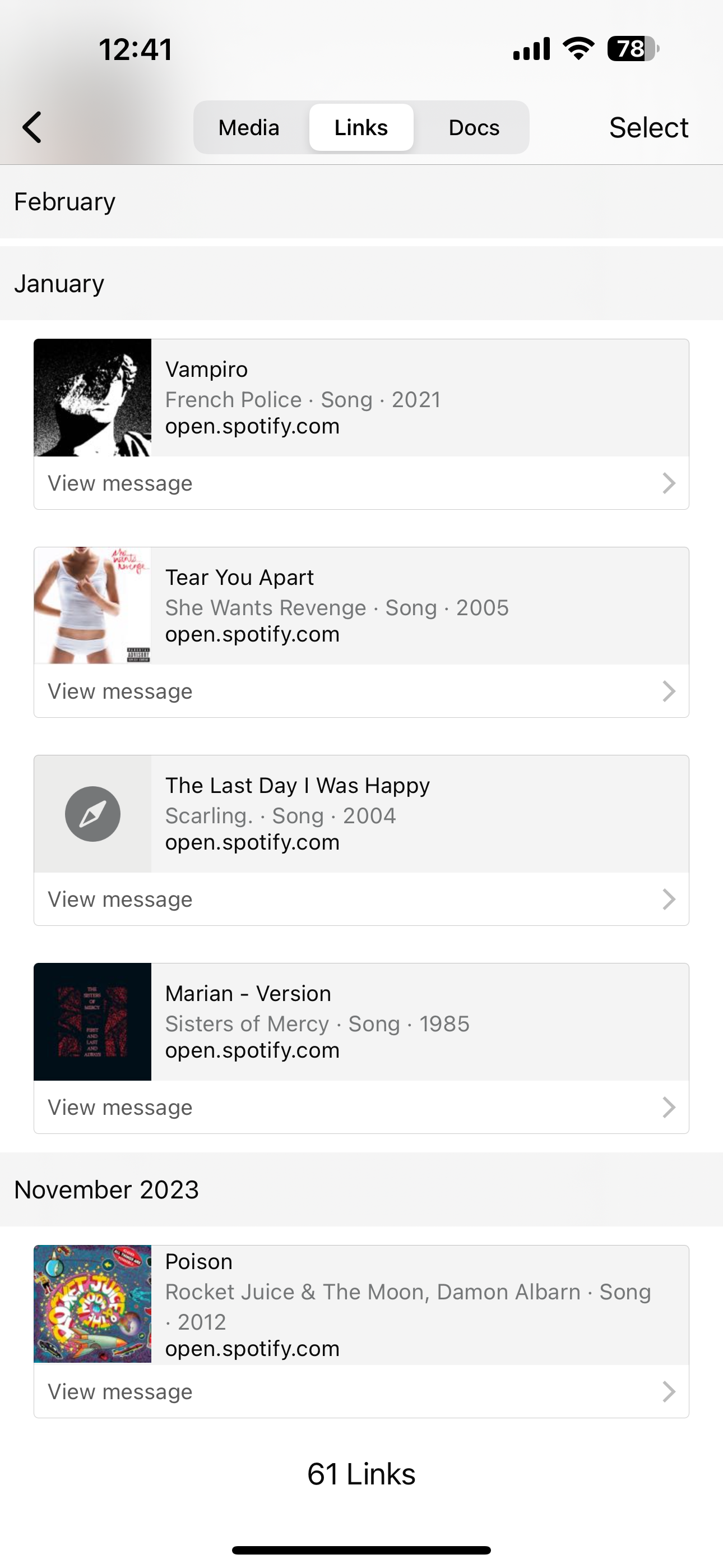
Black Wing – Death Sentences
Gorillaz – Fire Coming Out
Loaded – Primal Scream
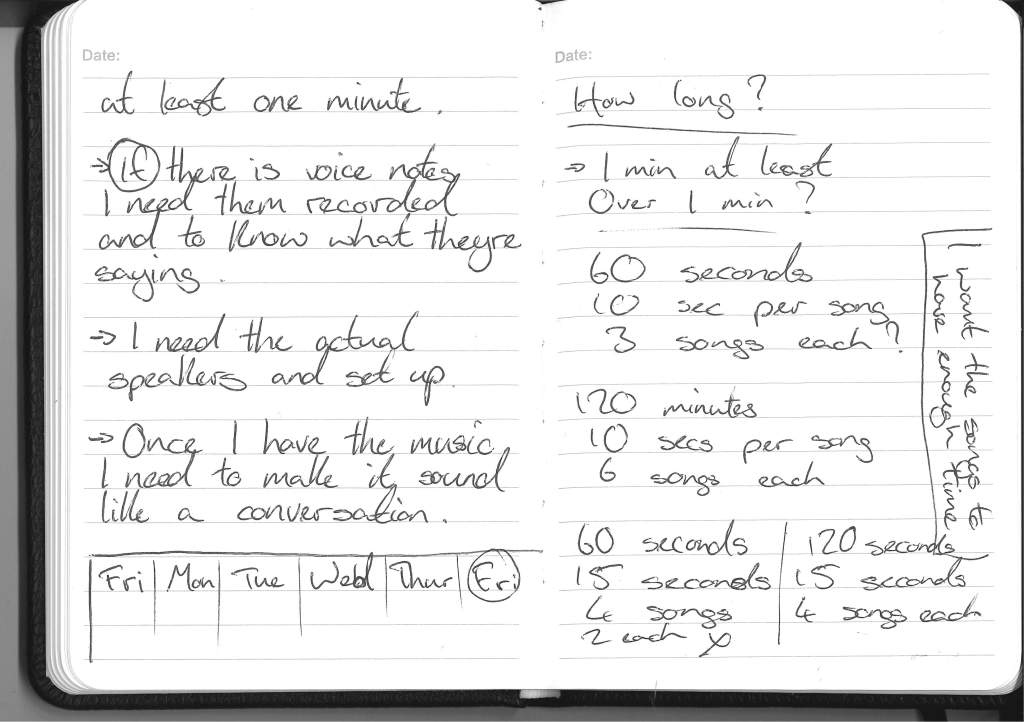
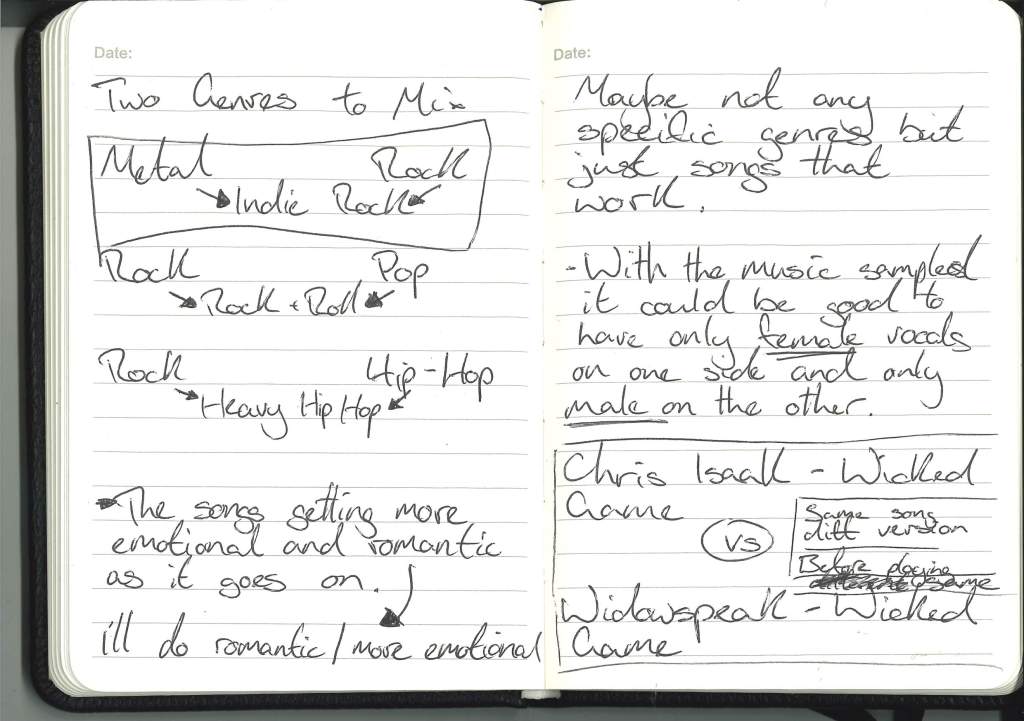
During my conversation with Neil, we discussed the popular trope in music of having a voice note or recording of spoken word or movie dialogue in the track. We discussed how that could be used in my project to make the meaning of the songs more apparent and how voice notes that hint at the story of the relationship can make the connection between the speakers more apparent.
How I aim to implement this in my project is either:
Development:

Text
What do I have and what do I need? :


Correction:
I have a slight change of plans for these notes. As I was working on the assumption that it has to be approximately 1 minute, and that’s not the case, I can take longer to explore the relationship between the two people.
I don’t think I’ll have the full songs in the piece so as not to feel too drawn out. Maybe I’ll just have the song play until the listener has heard enough or when the song feels natural enough that the listener would think of the answering song.


After my conversation with Neil, I have a better idea of the trajectory for the project and that I want to focus more on the audio and stop getting distracted by the visuals.
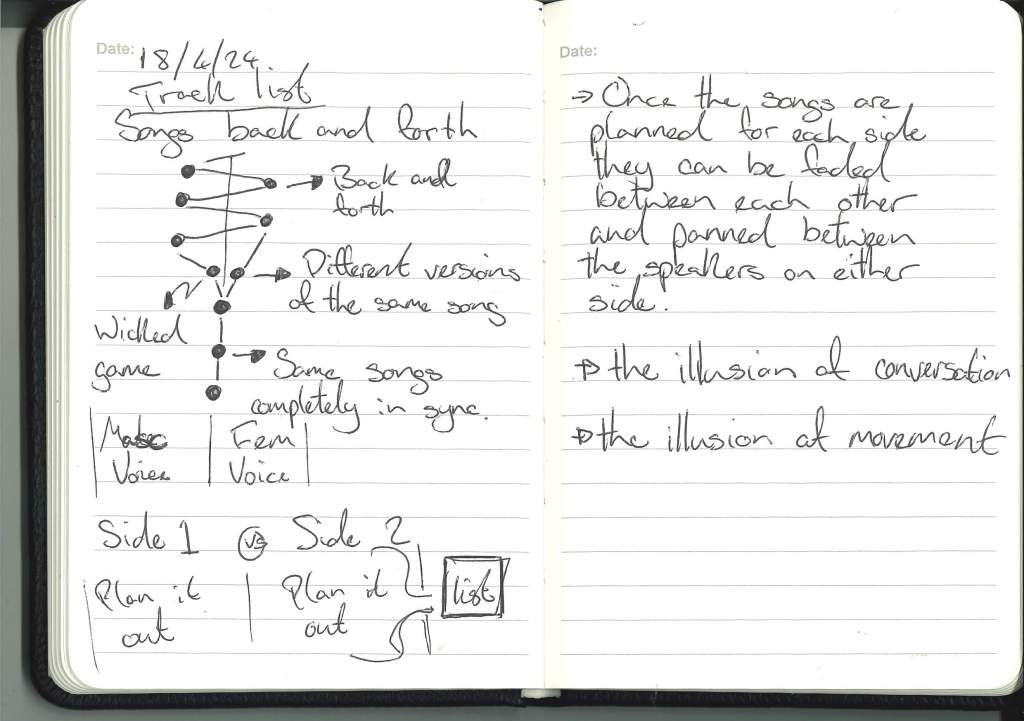
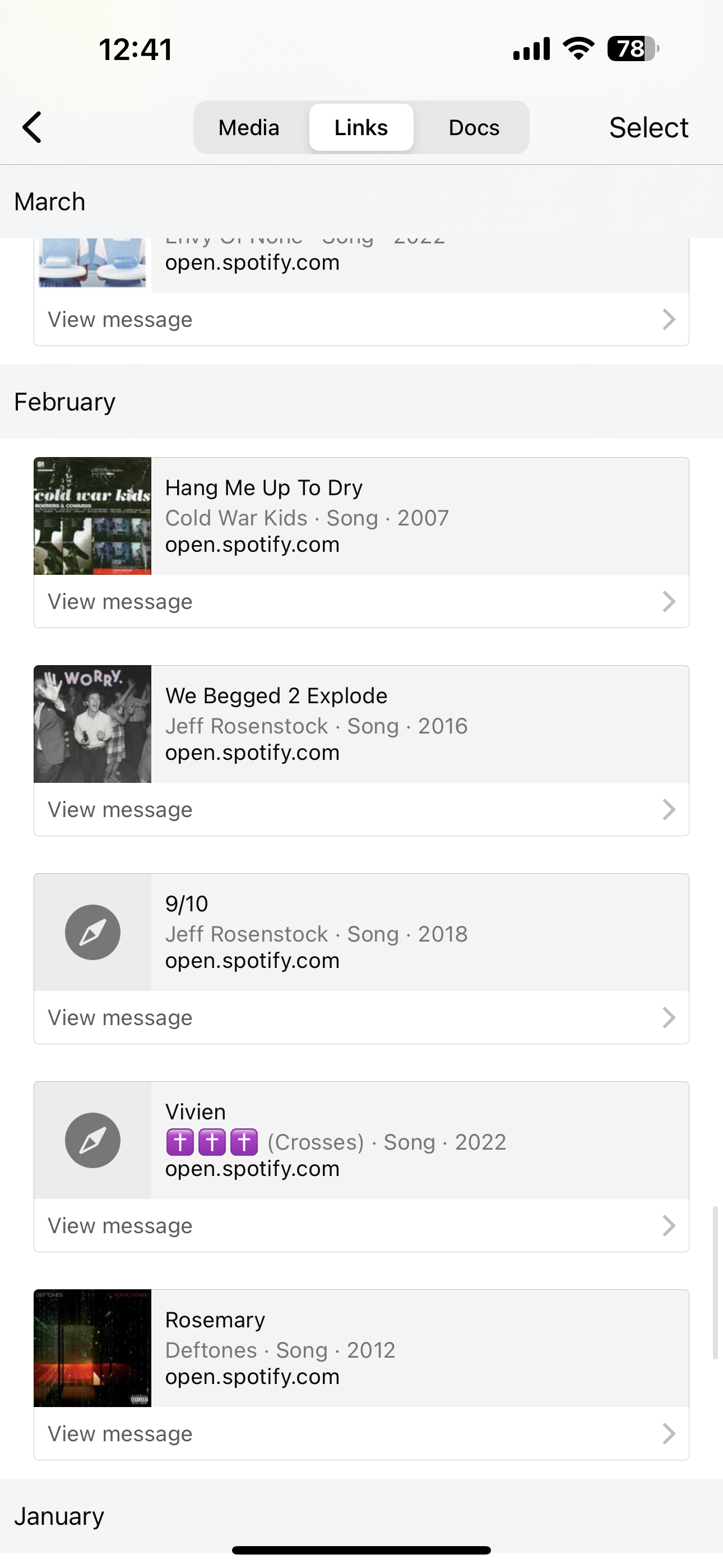
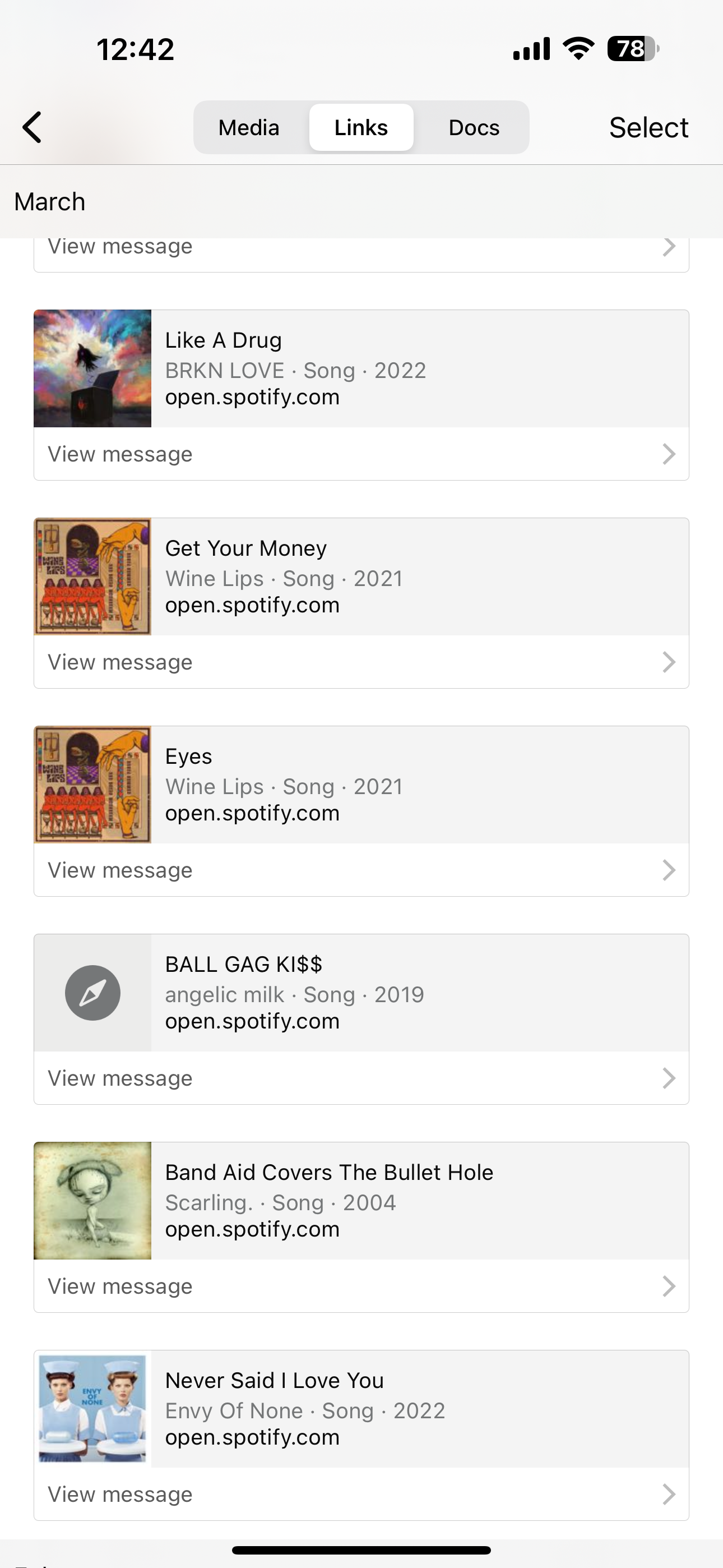
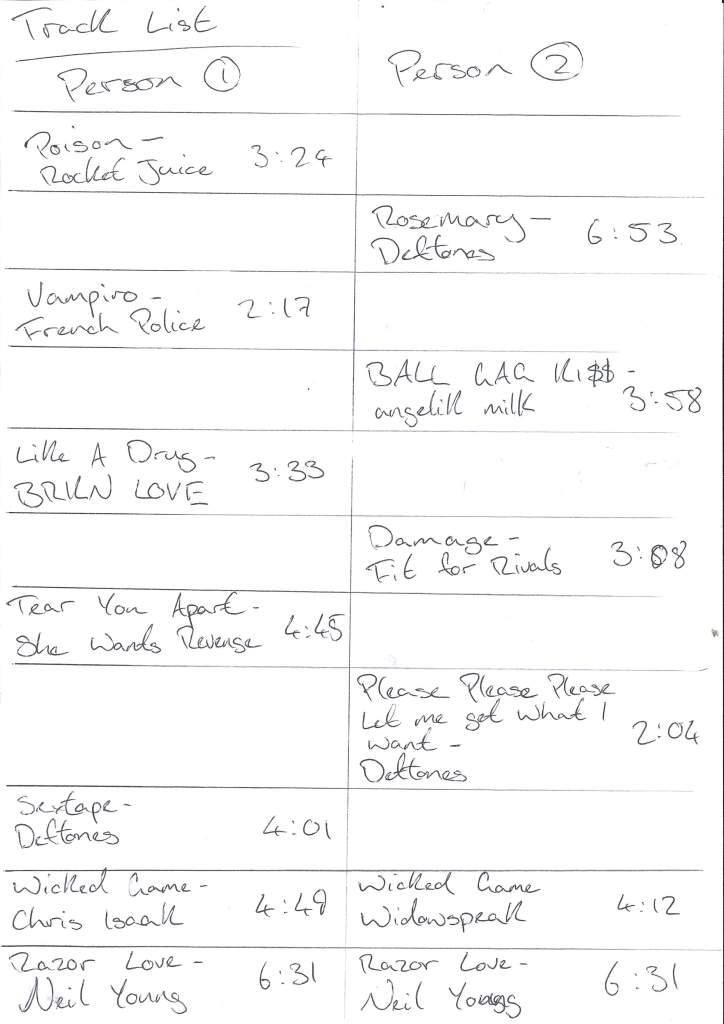
Track List:


The TrackList Playlist:

Set Up: Test


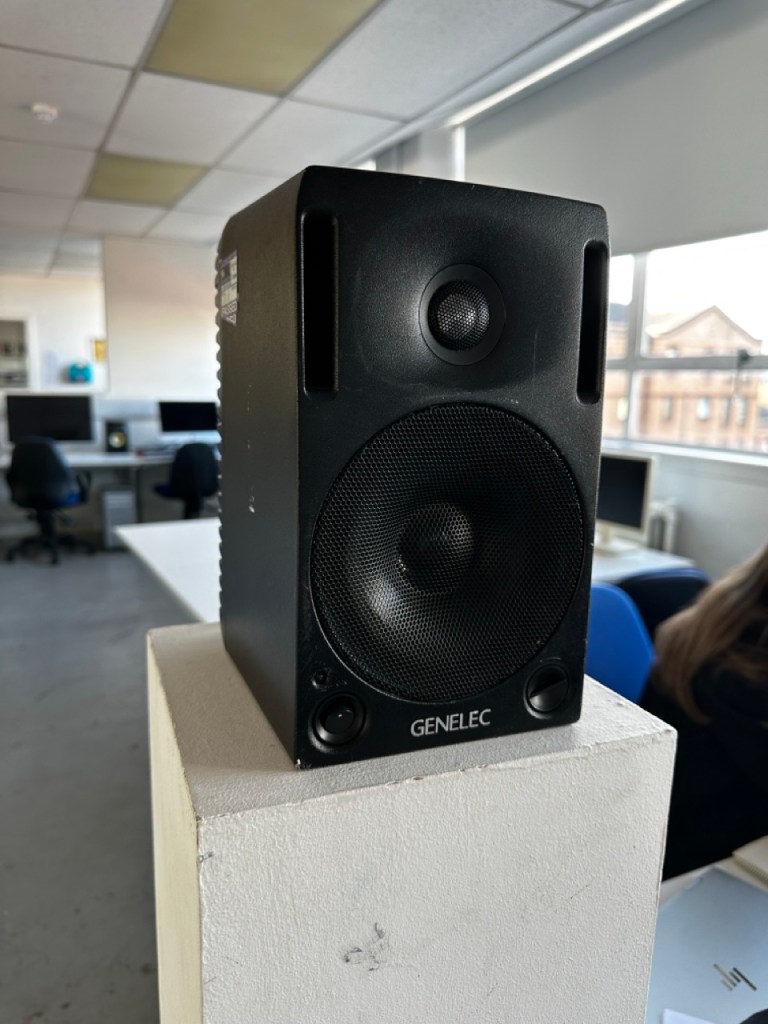
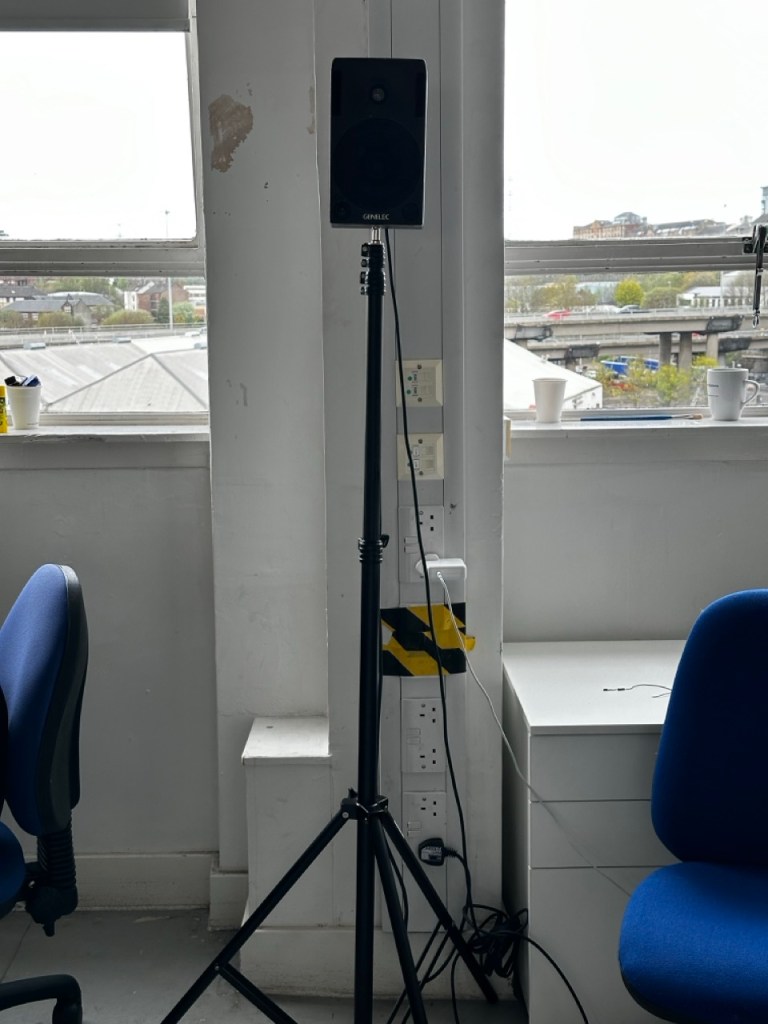
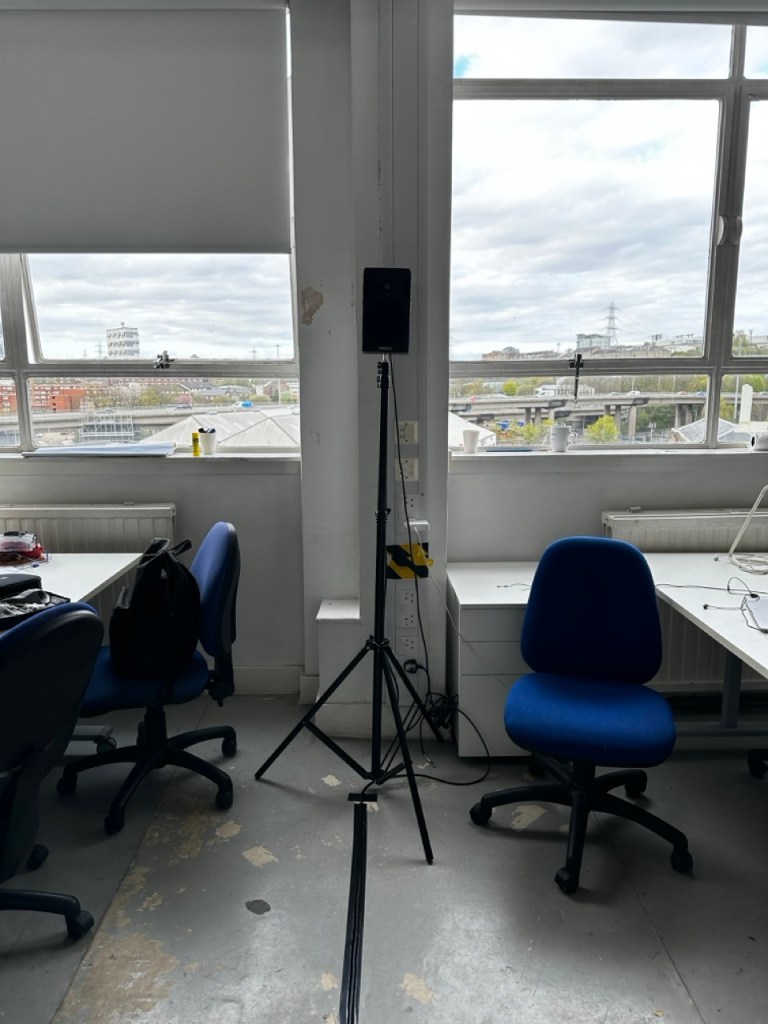
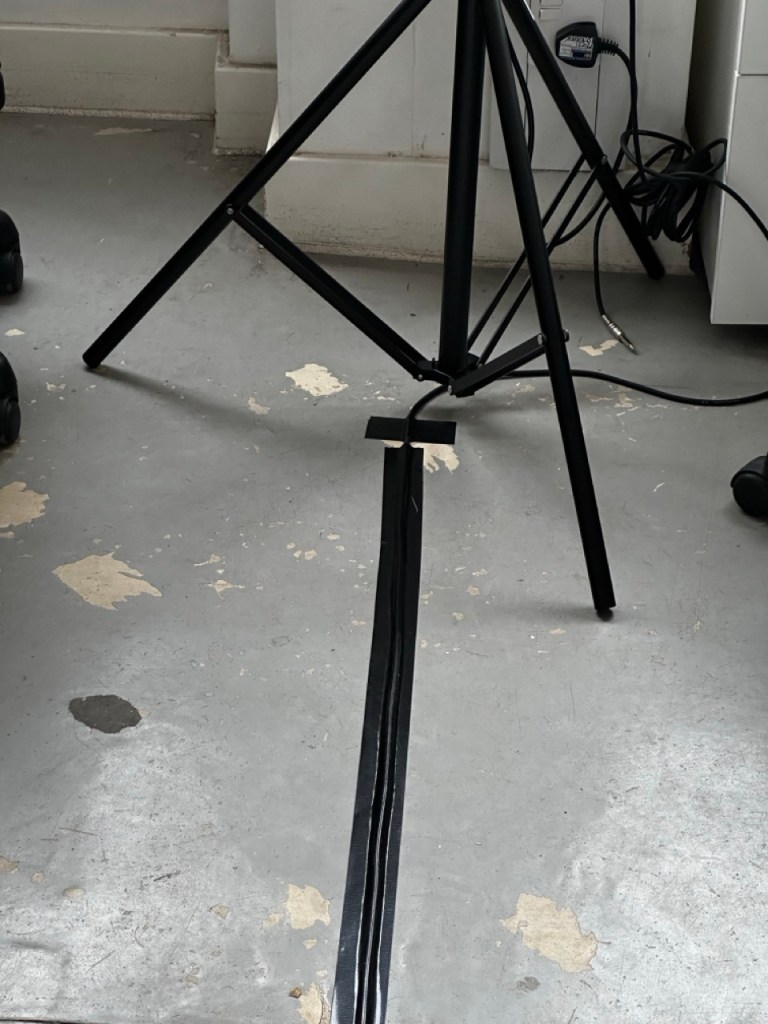
Initial set up, I was just going to use the tall white plinths but with the stands allow for the speakers to be at the optimal level for average ear height.
Set Up:


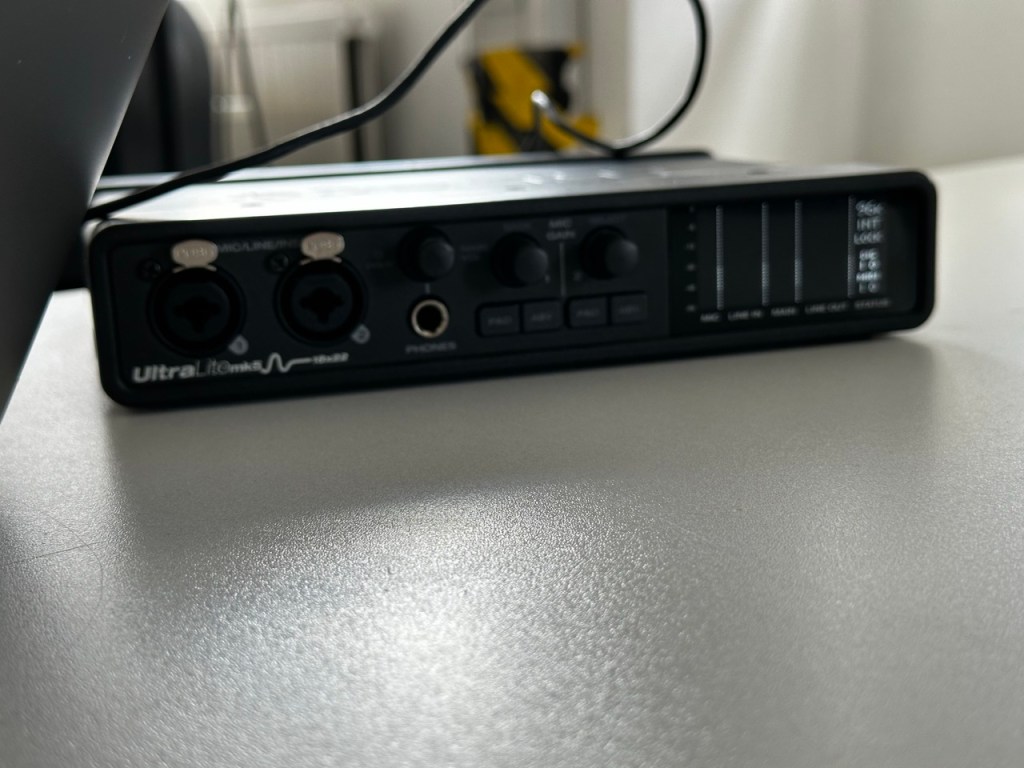
The set up is very minimal as to not distract from the audio and for the sound to be the main attractor.
The Music:
Harmonies:
One:
Two:
Three:
Four:
Final:
The Combos:


Trying to get the two songs to work together was harder than I thought. But when the songs overlap at parts I love the harmonry effects it has or through a couple of the songs there was a question and answer effect between them.
Main Track:


Here I’m just building the mixtape, putting the music together and trying to put together the story of two people through music.
To Do:


Just a list of things I’ve still to do, keeping me right. There was another stage of this project that I didn’t get to reach in the time available. If I was to revisit this project then I’d give more time these extra features and ideally elevate the work.
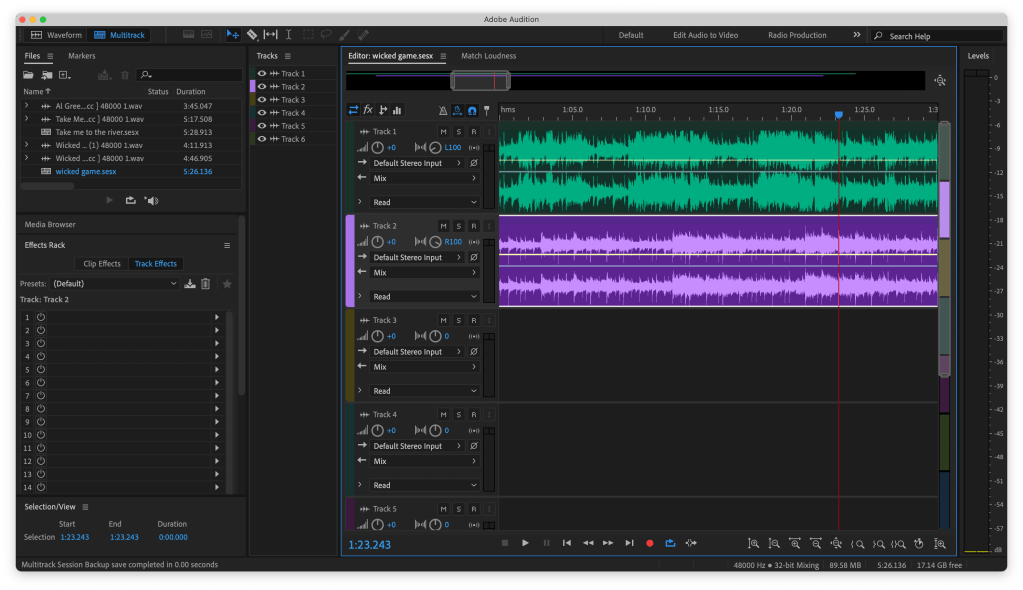
Working on the Timing:


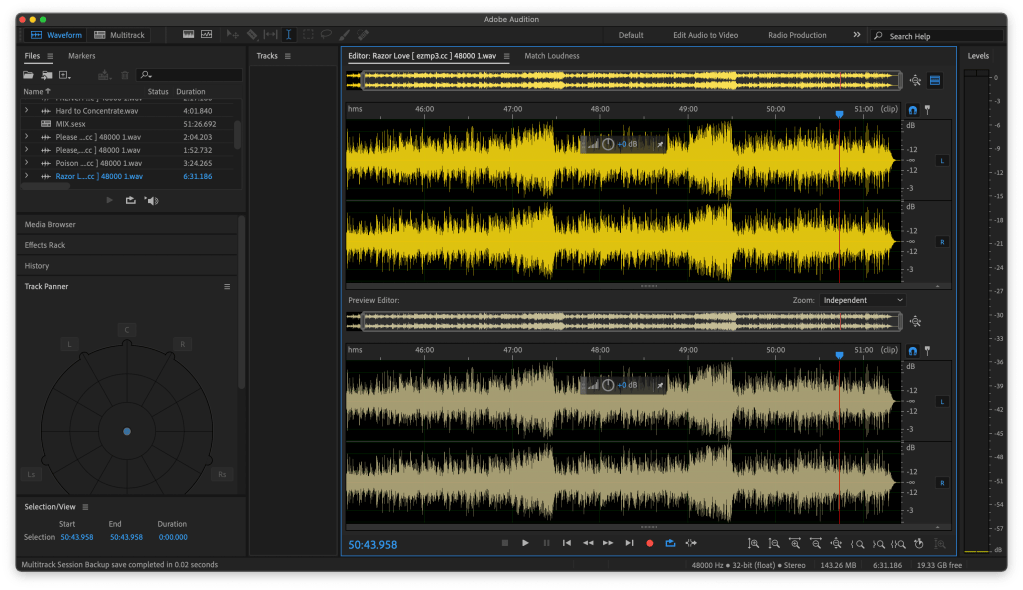
Shown above is just the files of the songs that I was timing together. Trying to find the right level of two songs working together.
Final:
A conversation between two people through music.
Two people that find a common line through music and develop a relationship, sharing and learning from each other, finding a common ground by becoming closer.
As the music plays back and forth the speakers get closer in taste until they’re playing different versions of the same song.
These songs, just as people do, don’t line up perfectly but sometimes line up perfectly creating harmonies and special moments of choruses or question and answer sections between the music.
The music is in three sections:
Reflection:
Good idea, nice concept, could be better.
Focus more on the BPM and less on the vocals syncing up
I think for this project I got too bogged down in the imperfect harmony stage of the piece and trying to make it work. But in the review it was made clear to me that the concept is solid but maybe there is another way to make the concept/ story clearer.
If I revisit this project :

Proposal from Part One :

Reminding myself :


Feedback :
Talking this further :
Key points :
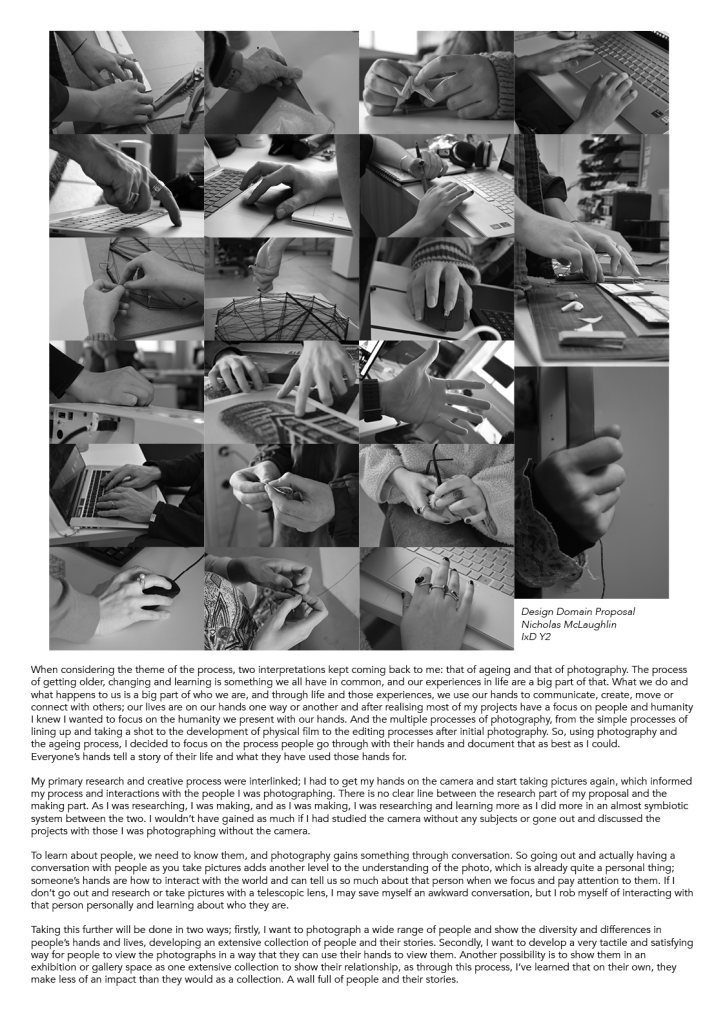
Refined focus on photography :
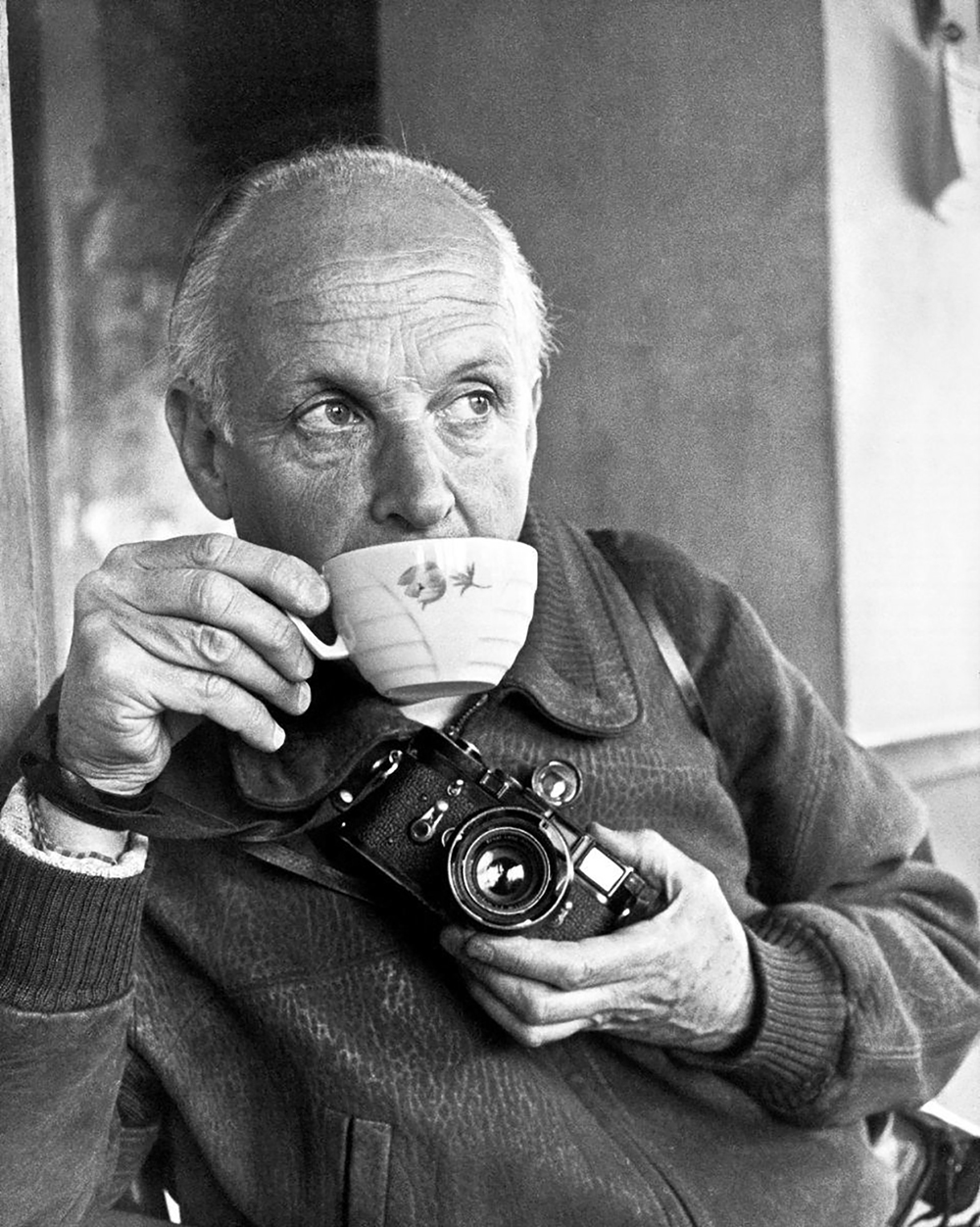
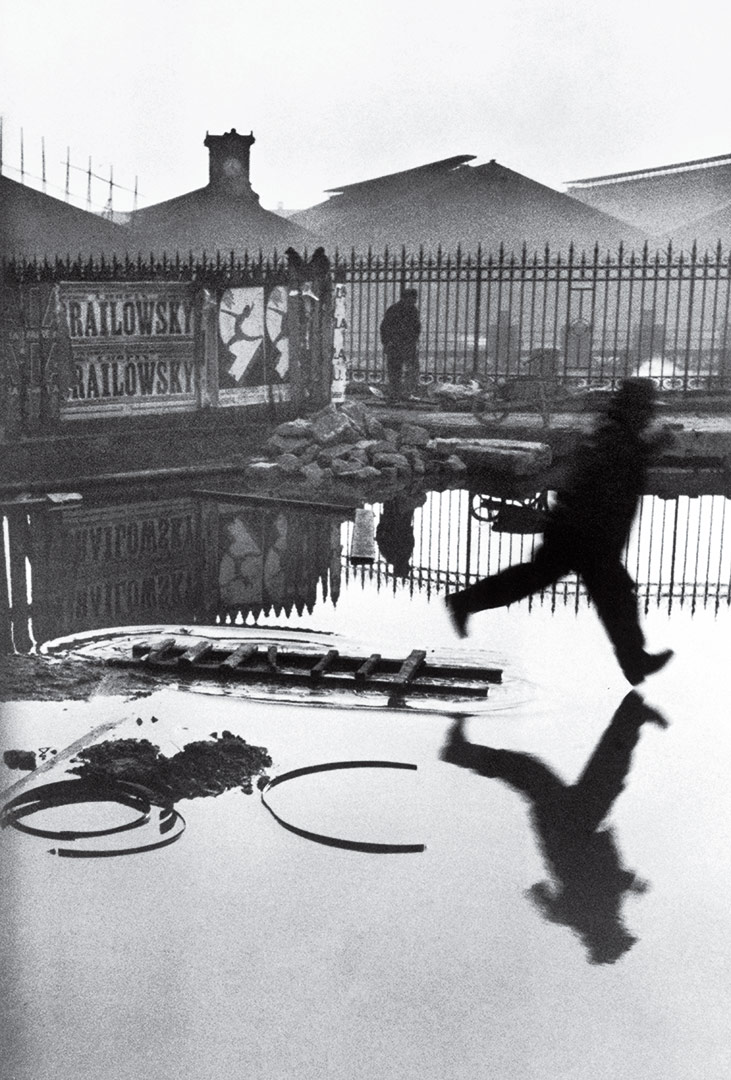
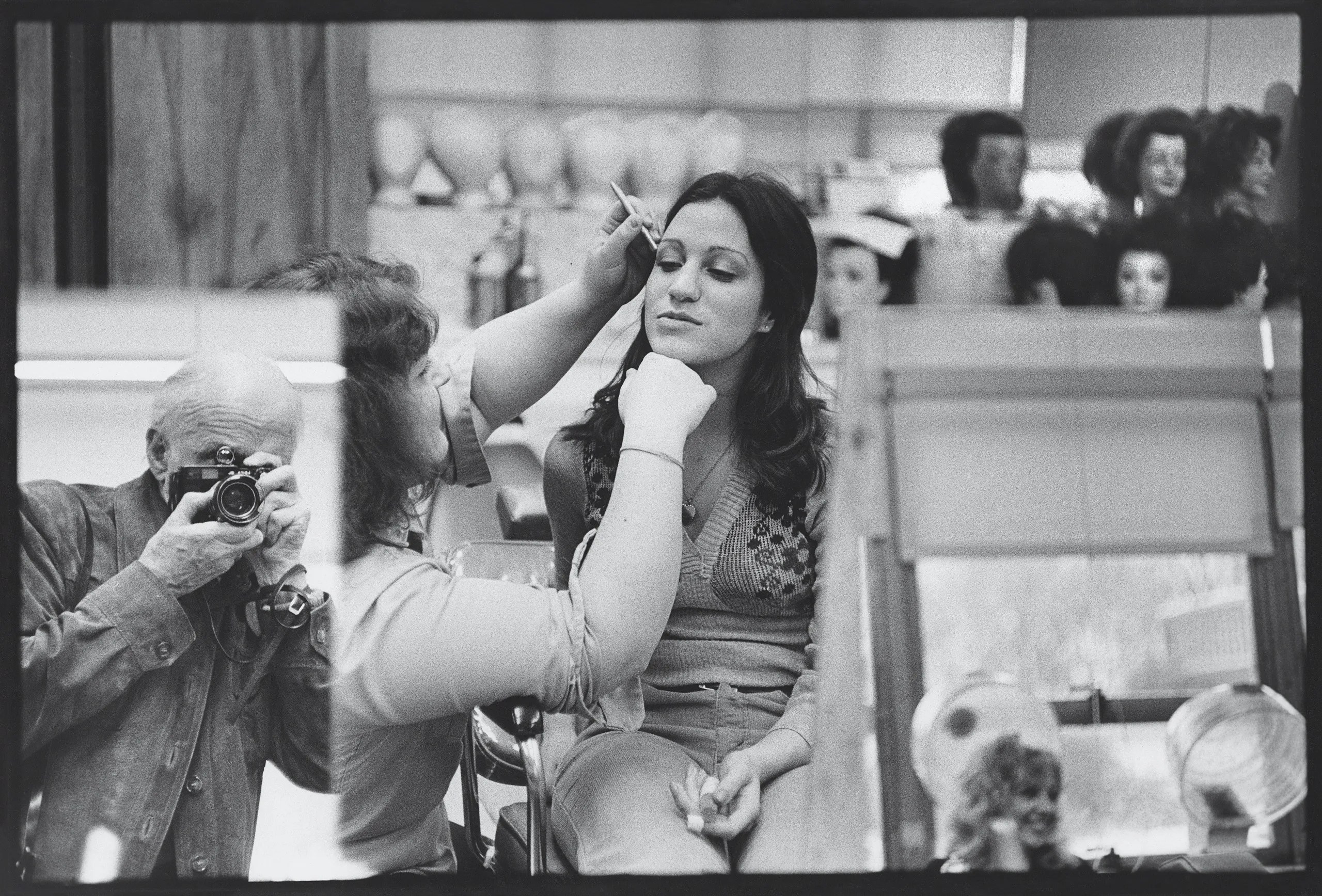
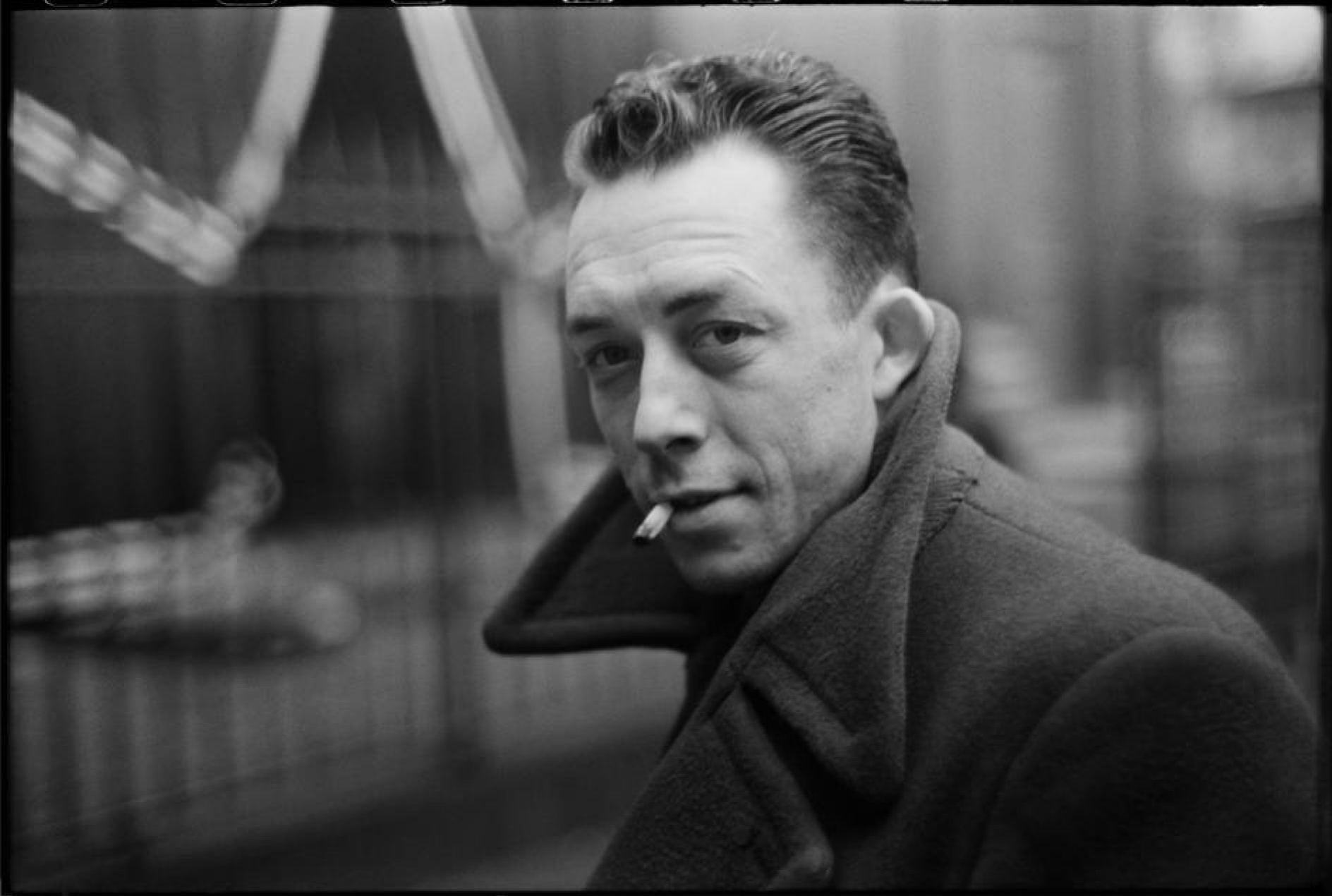
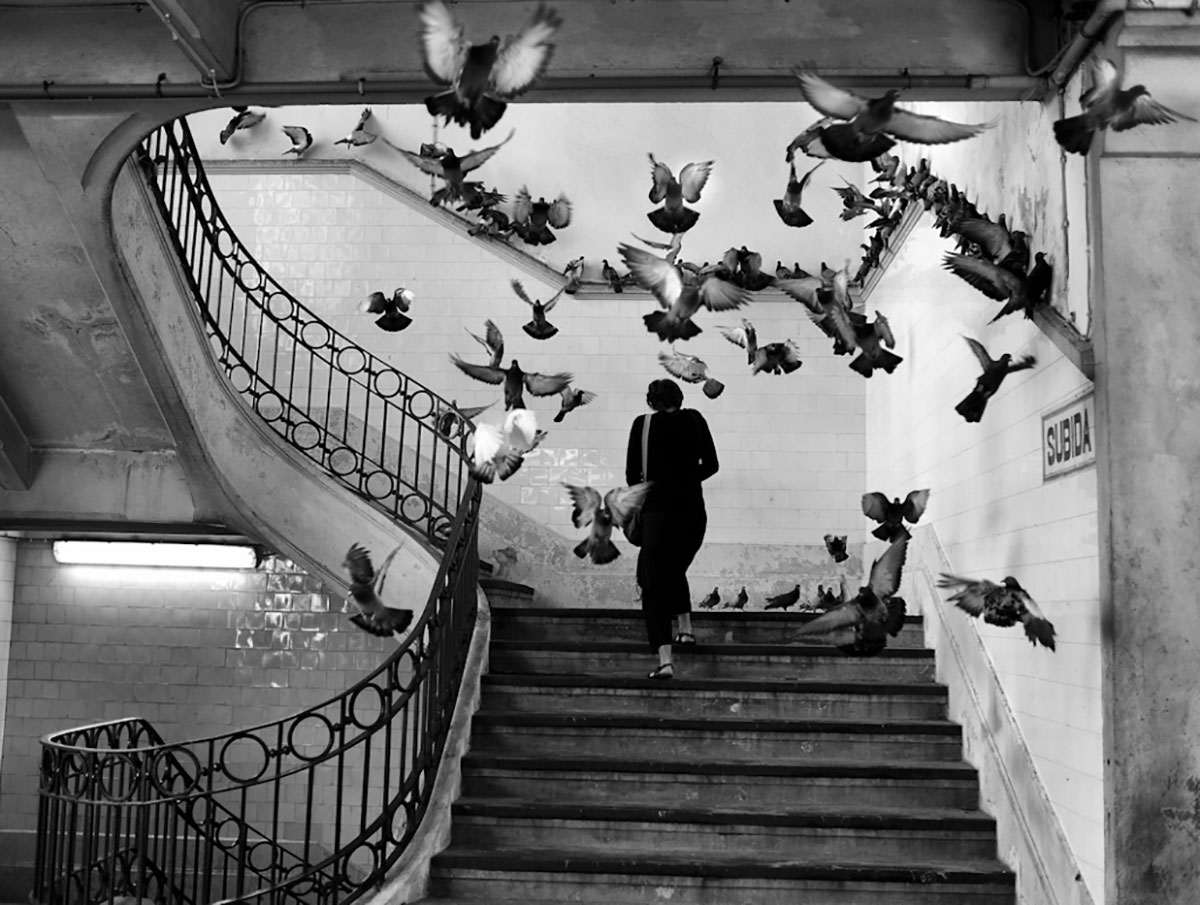
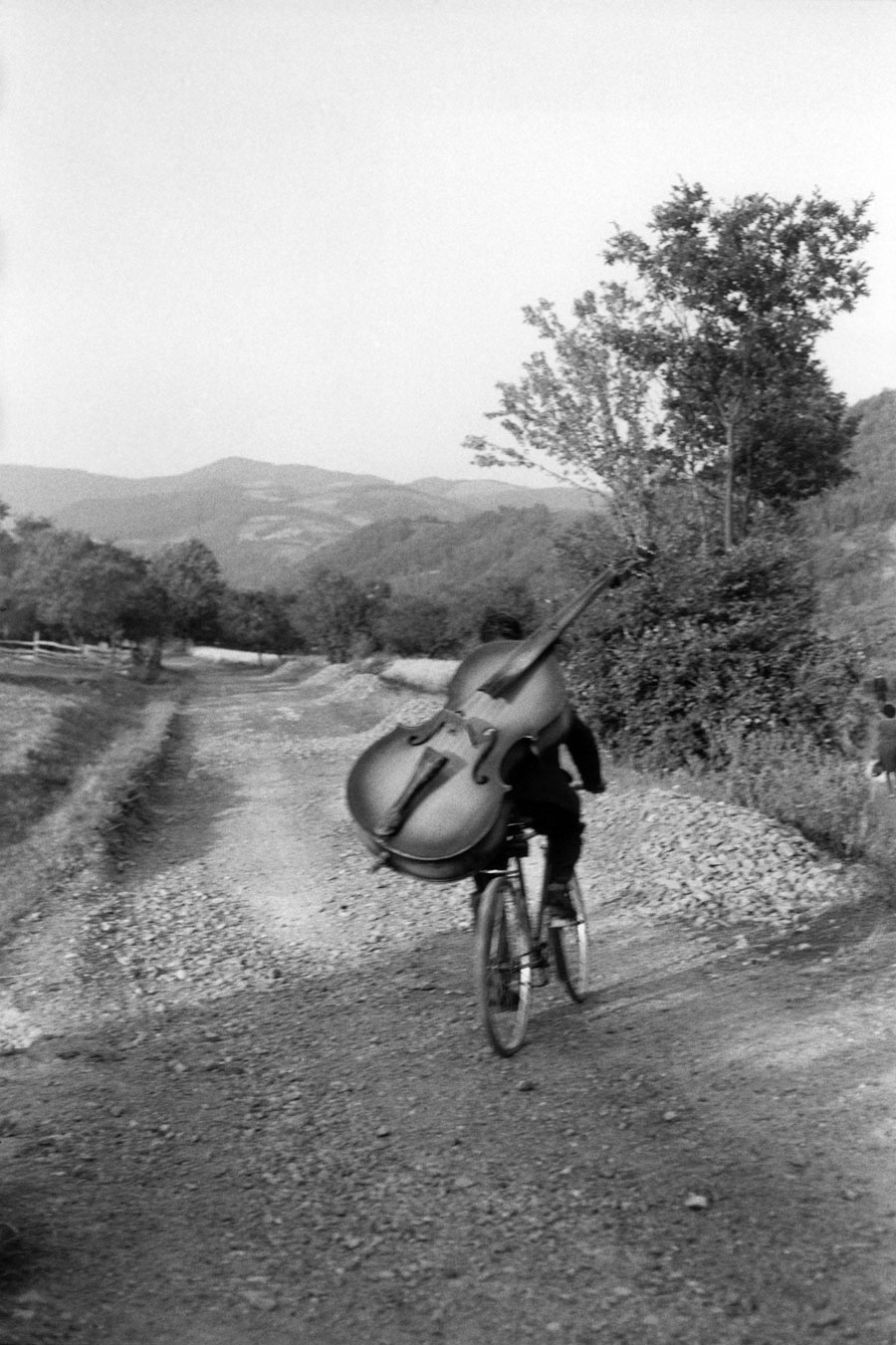
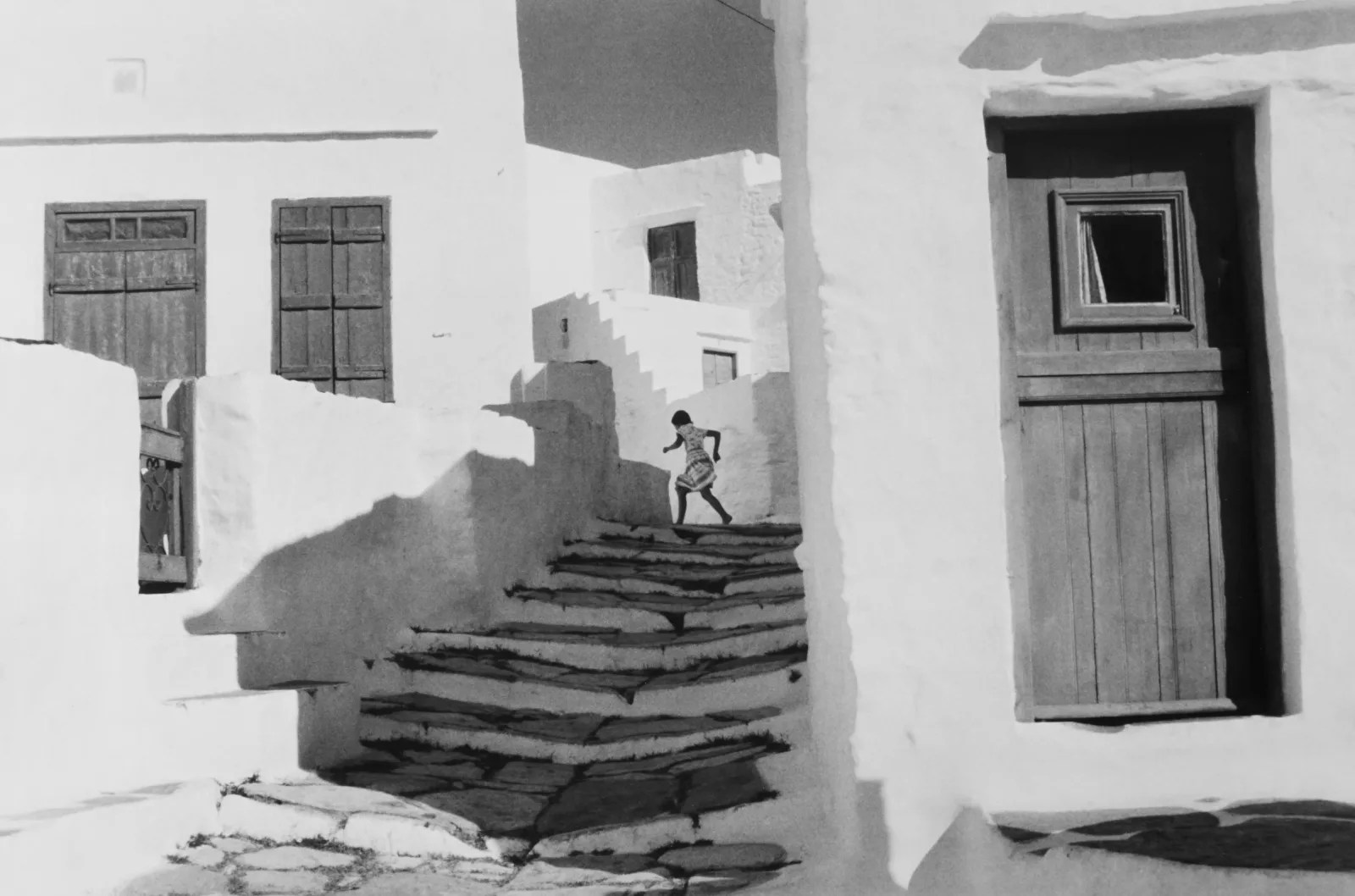
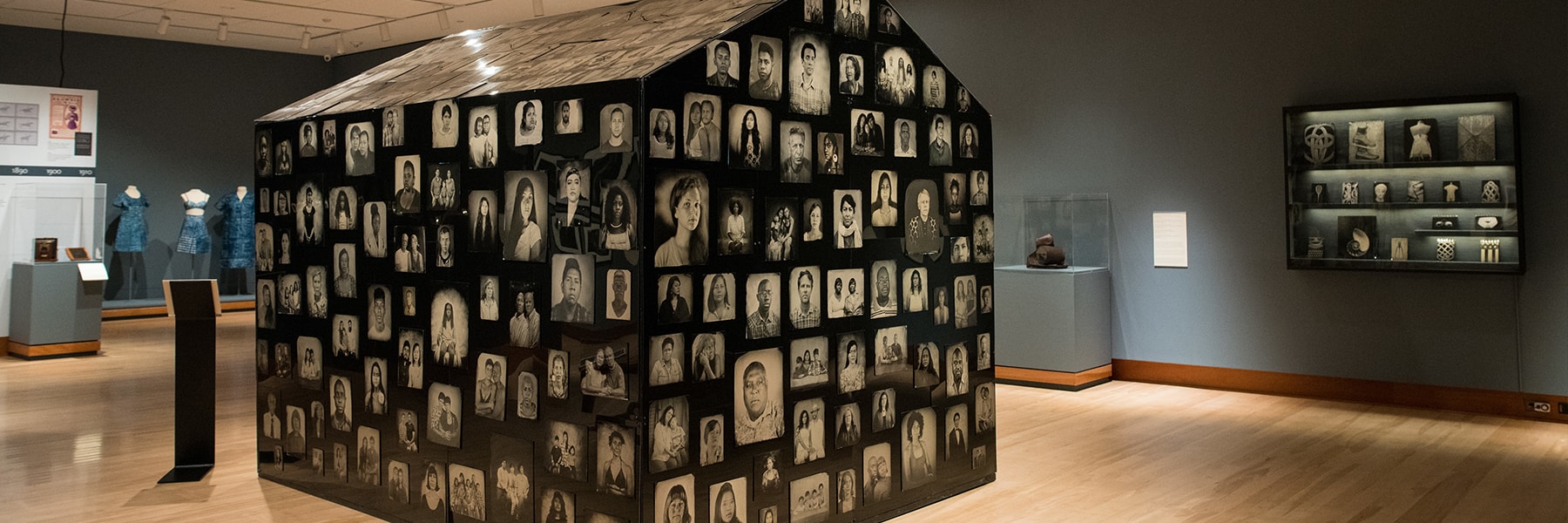
Henri Cartier Bresson


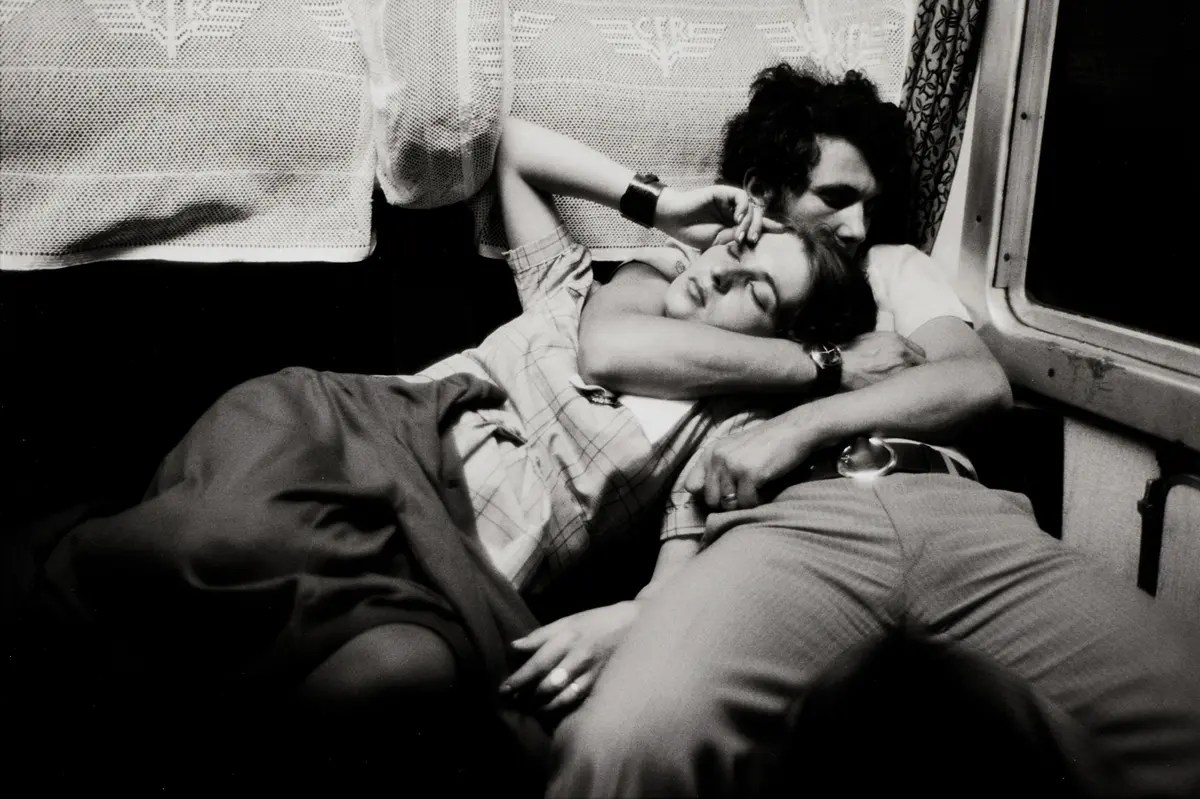
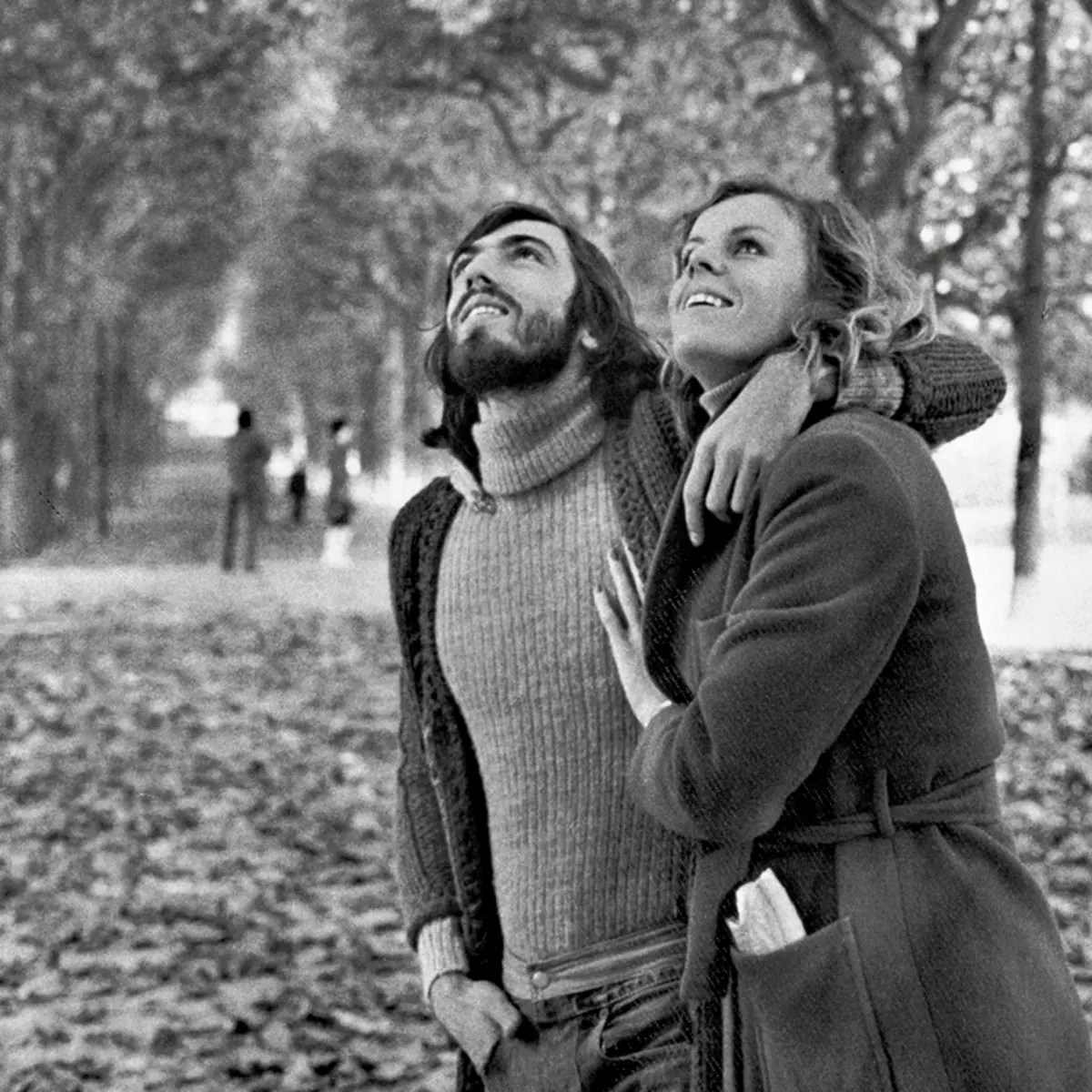
With a more focused attention to the photography I want to use, I’m looking at the work of Henri Cartier Bresson and how, in his black-and-white photography, he brings light and levity to his work. I aim to bring that same warmth and levity to my work.
Physical Idea :
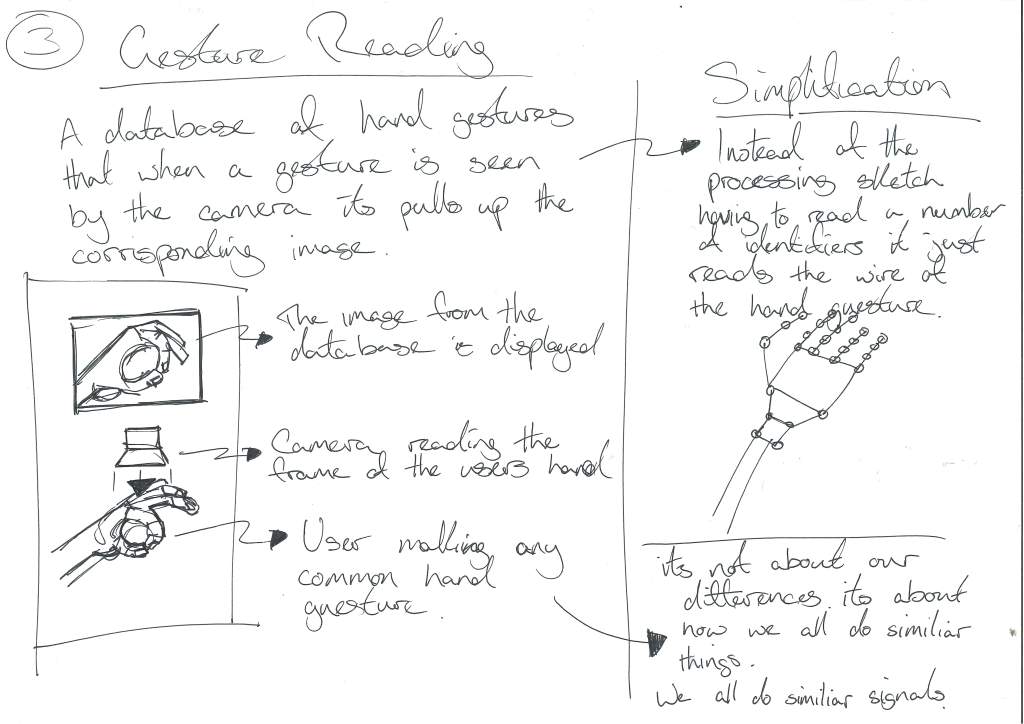
I want to make hand identification a very tactile experience.
The throughline of the project is that our hands are moulded by the process of our lives, and how we use them as creators is how we mould our lives.
Key elements:


Conversation with Gillian :
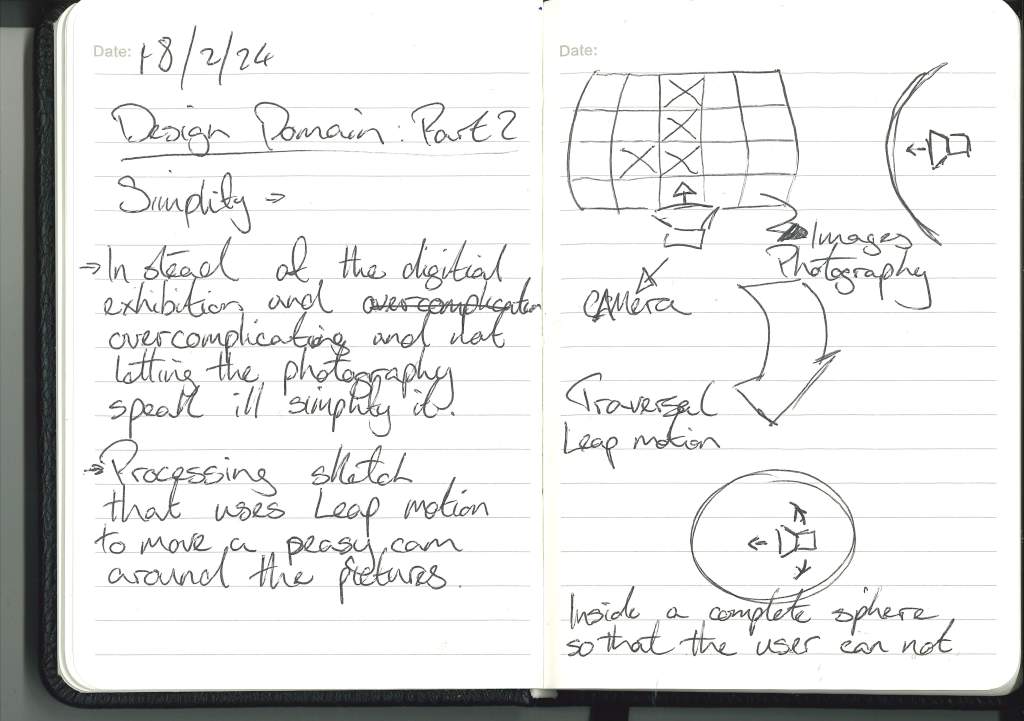
Simplify: Instead of overcomplicating the issue, just create a hand-focused interface that lets the user traverse the images and the stories.
Leap Motion :
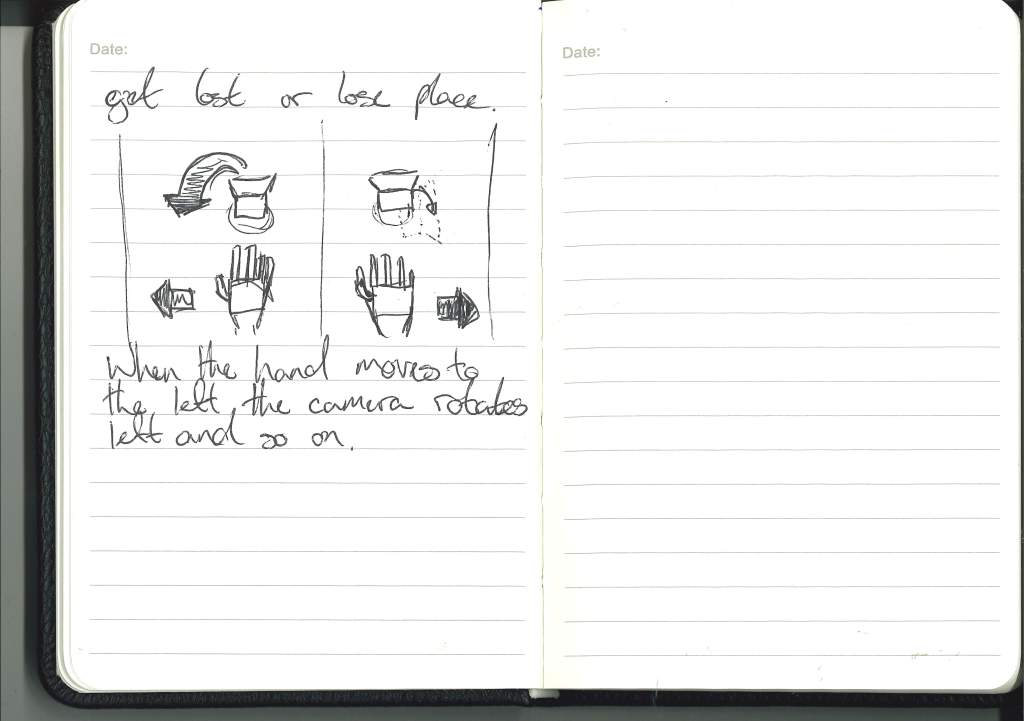
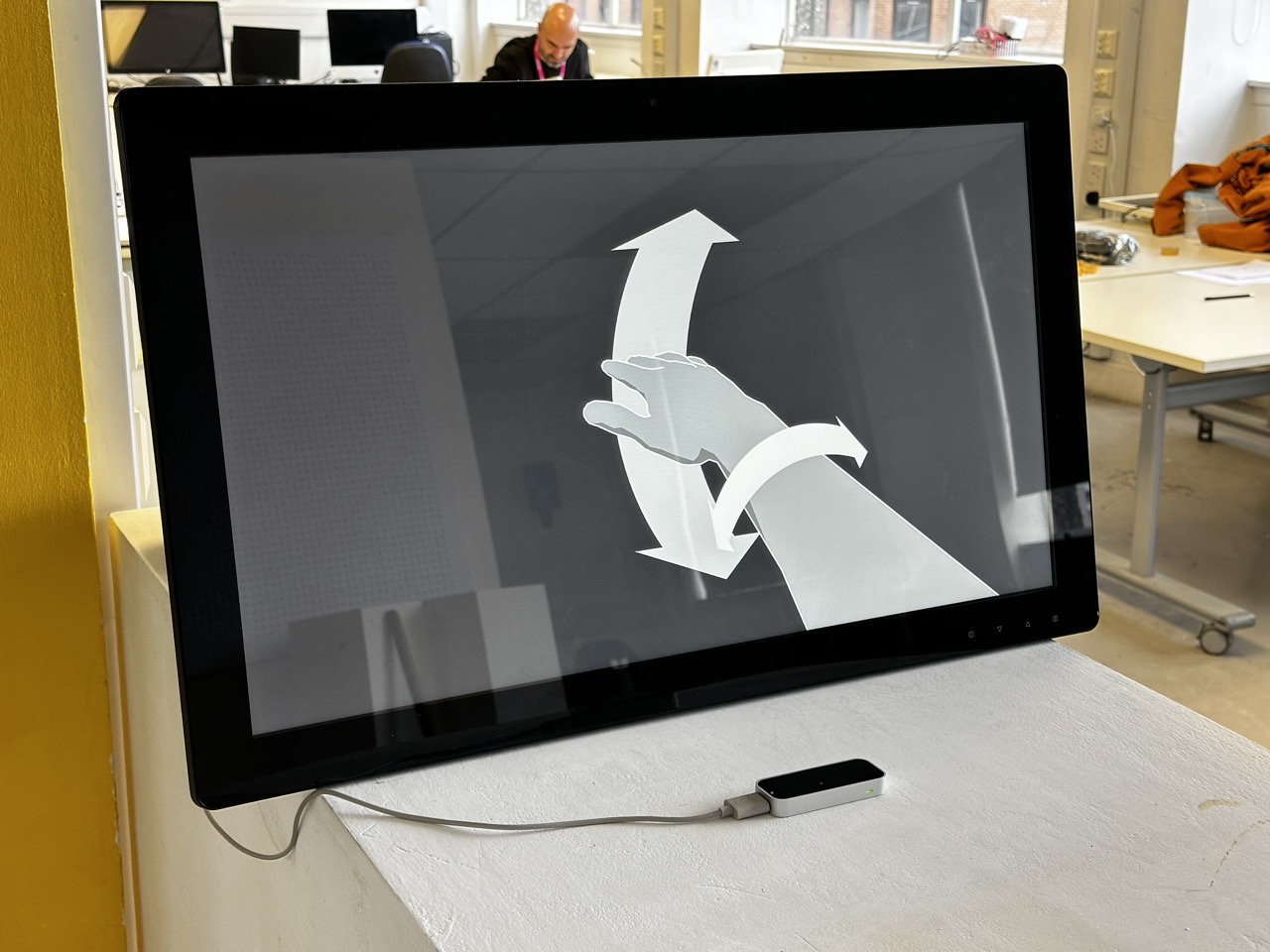
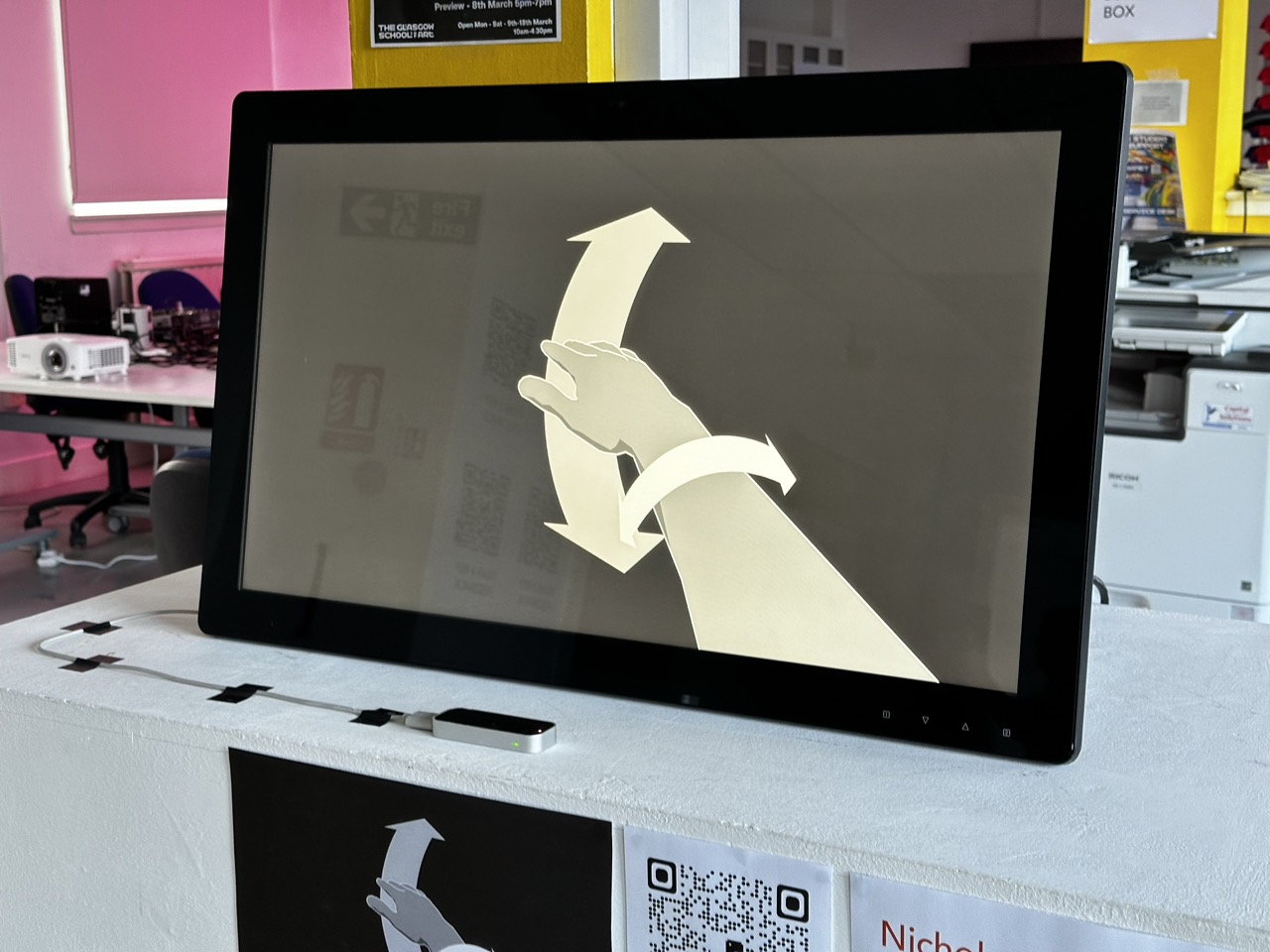
Idea using Leap Motion :
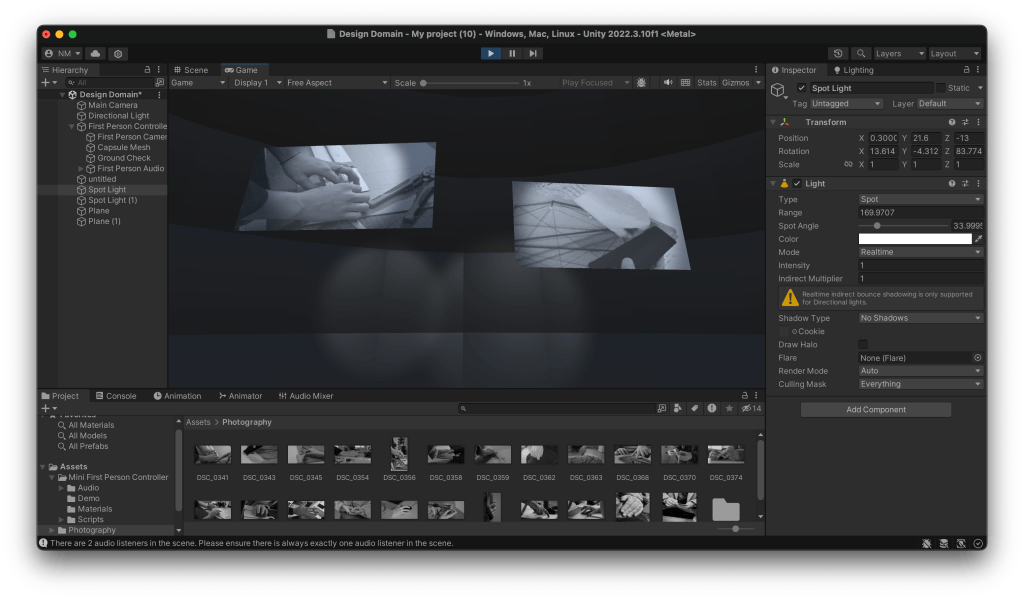
If a leap motion is available, create a 3D virtual space in unity or something similar to the photography held within, and then use hand gestures to traverse this space and the photography within.
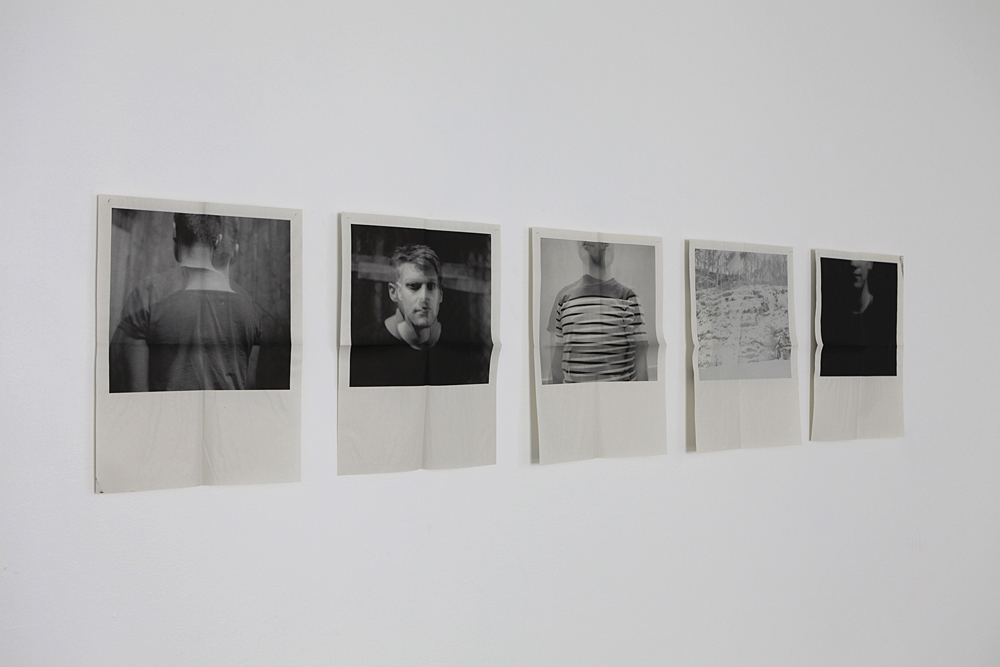
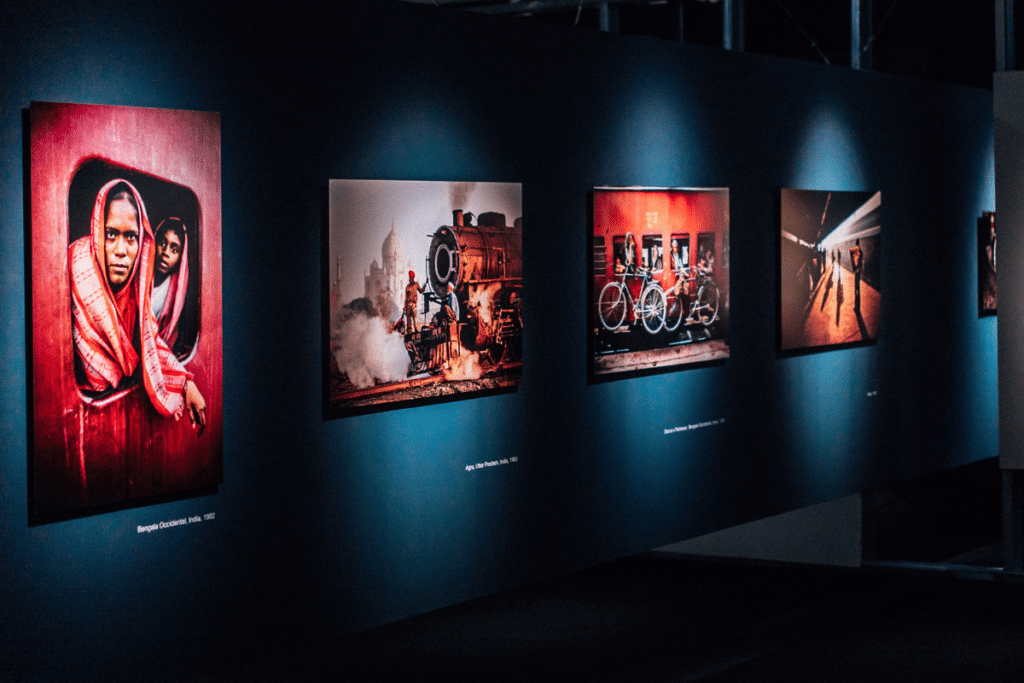
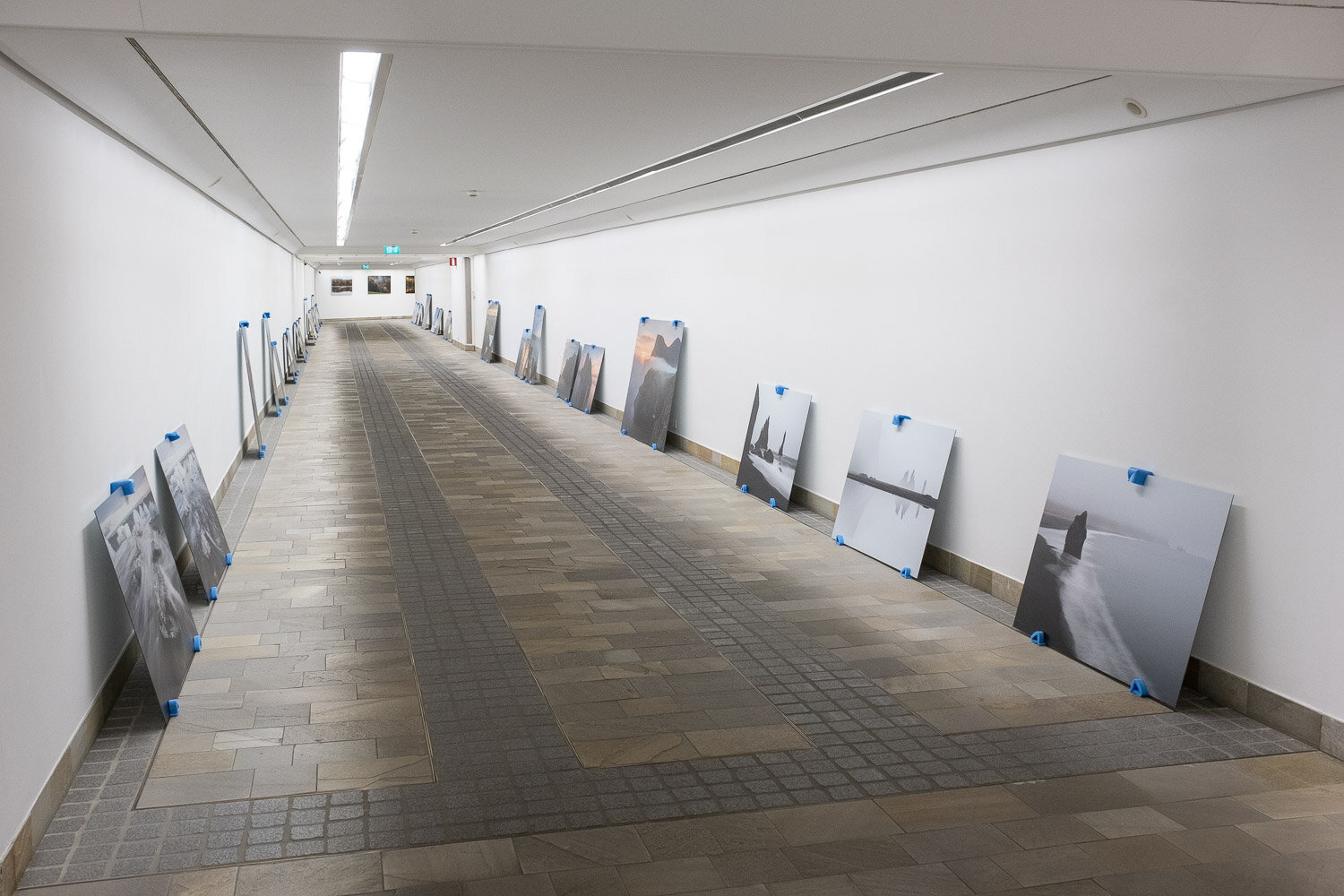
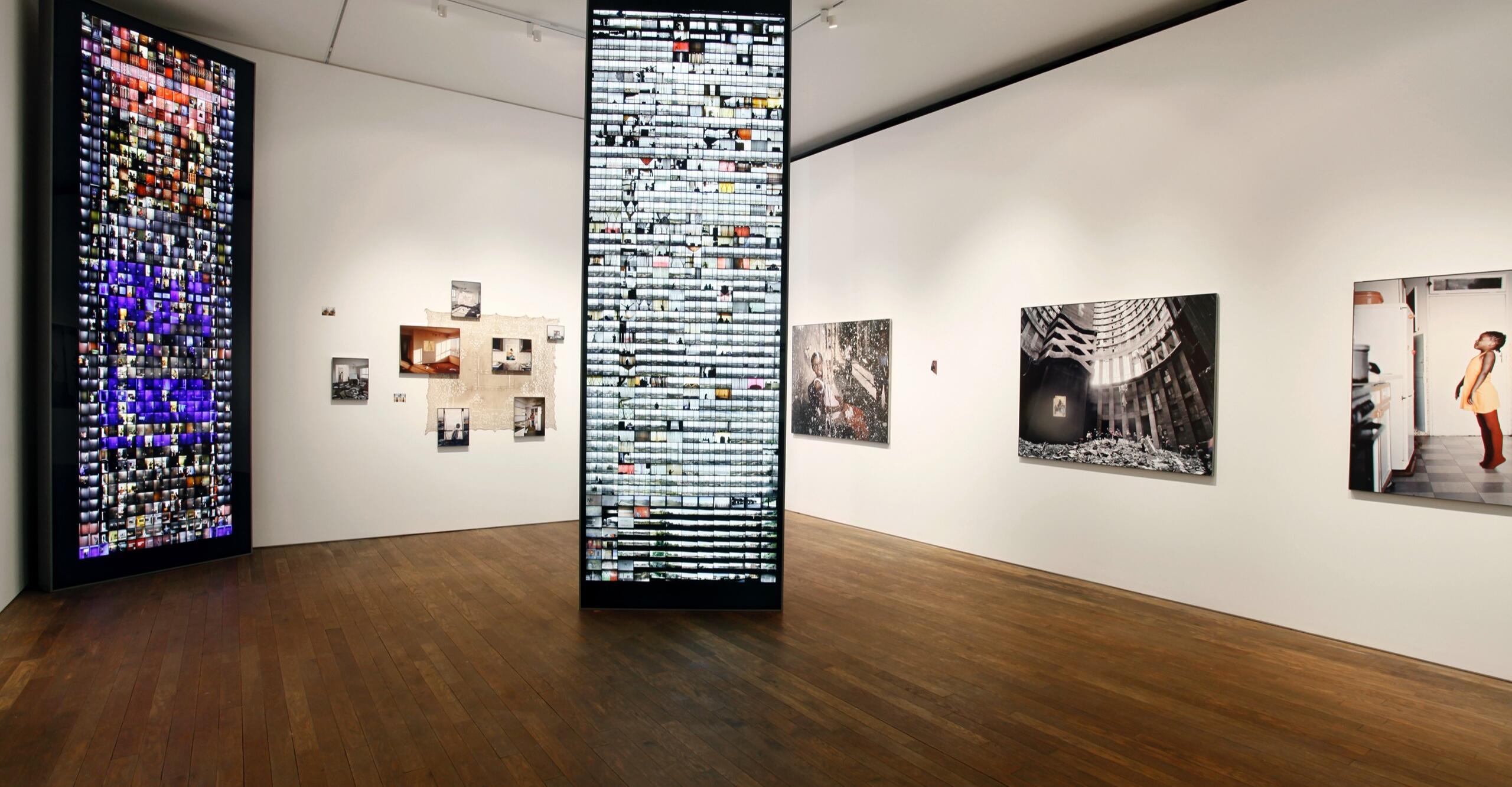
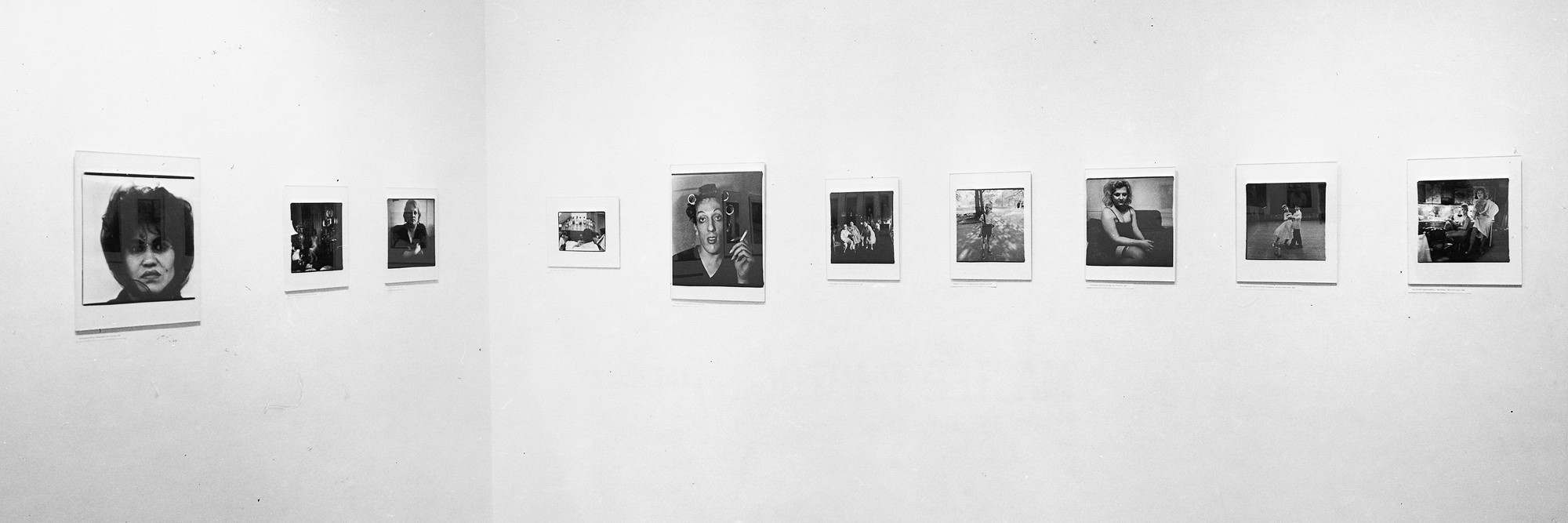
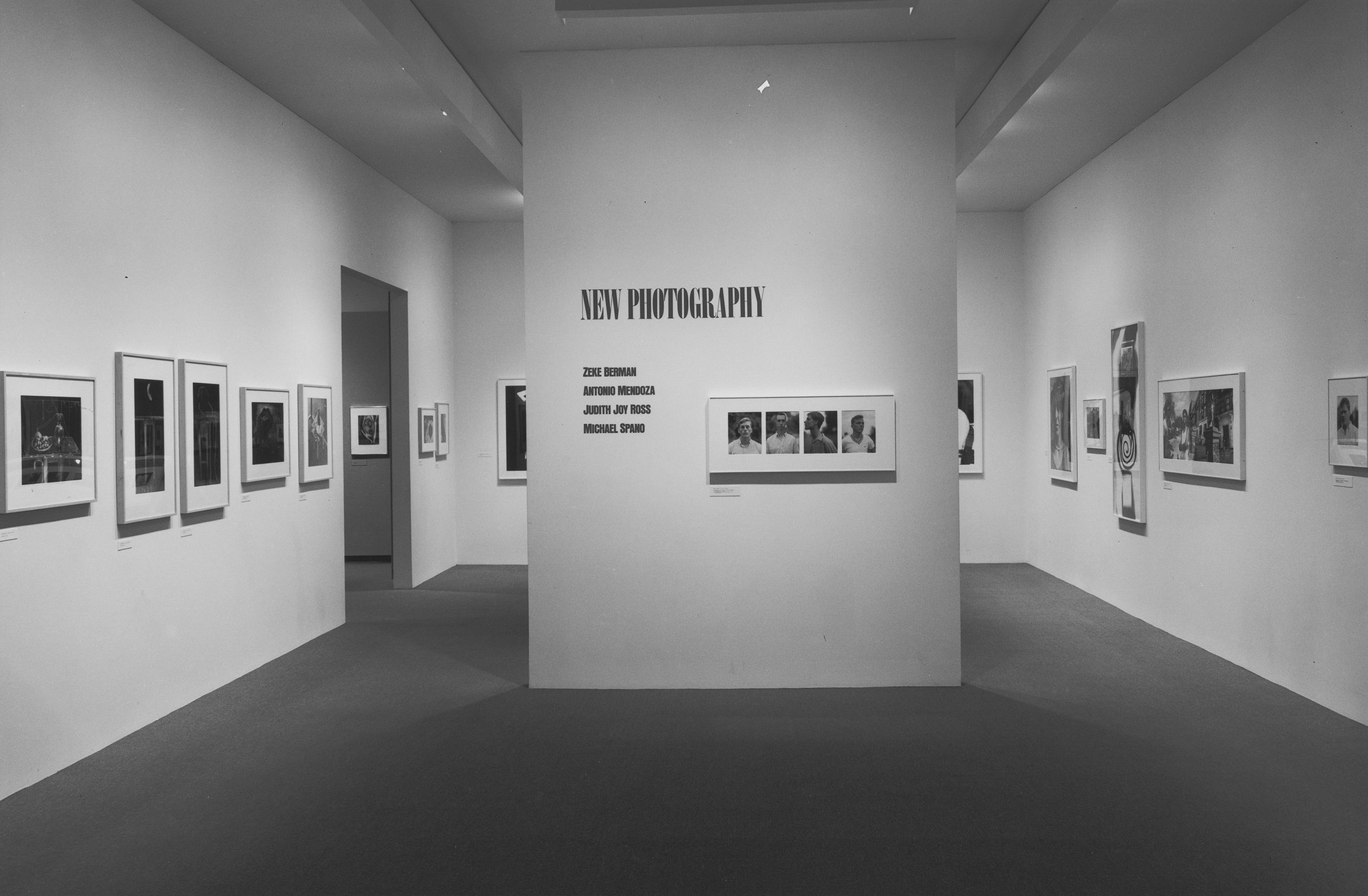
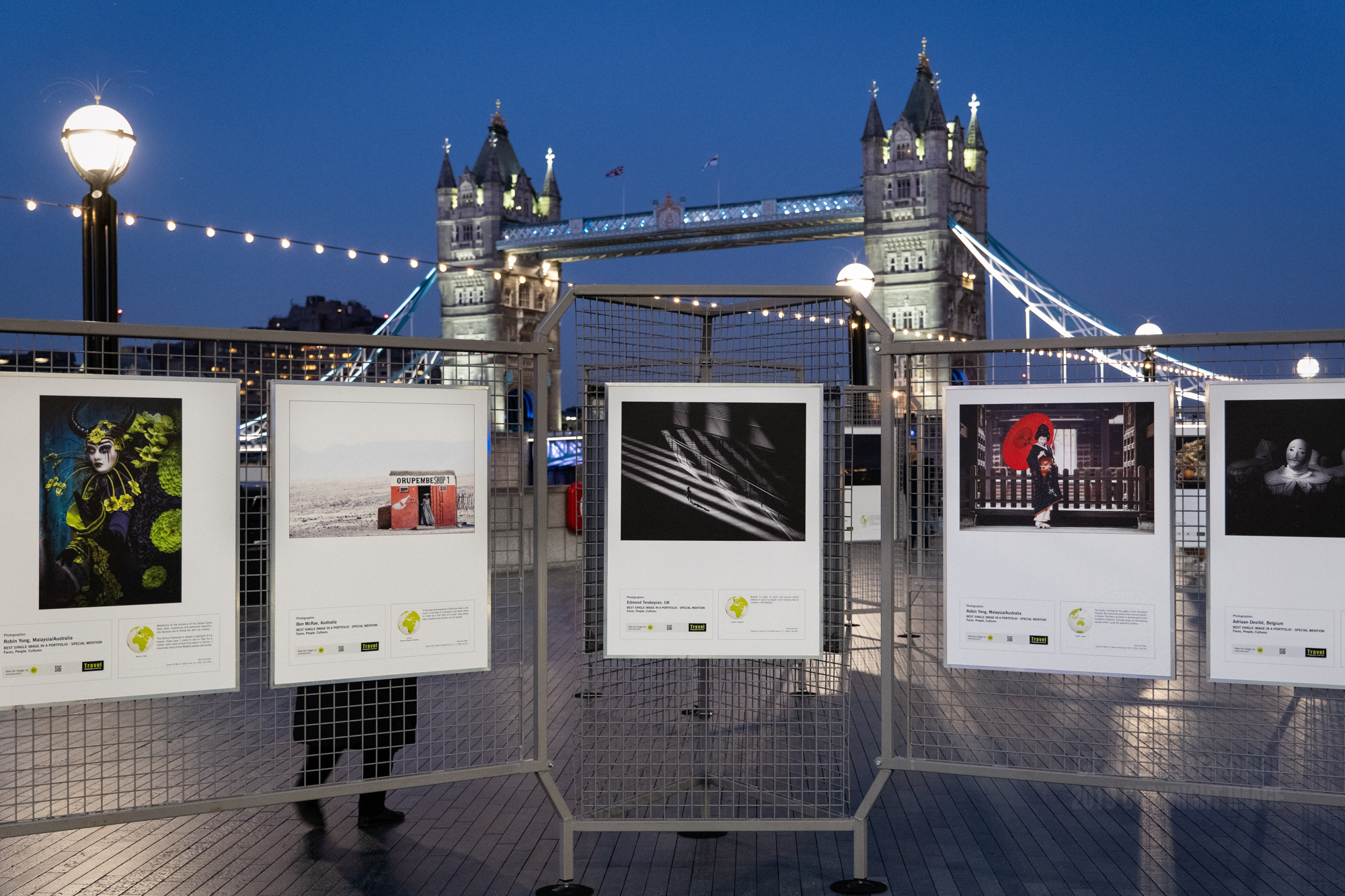
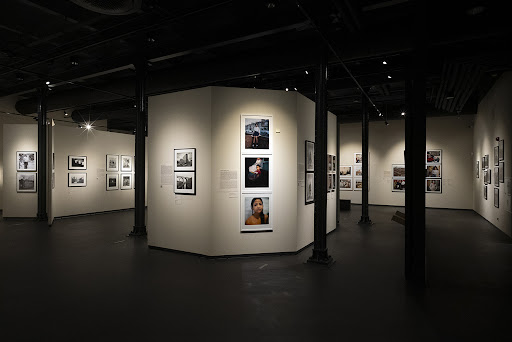
Looking at existing photography exhibitions :


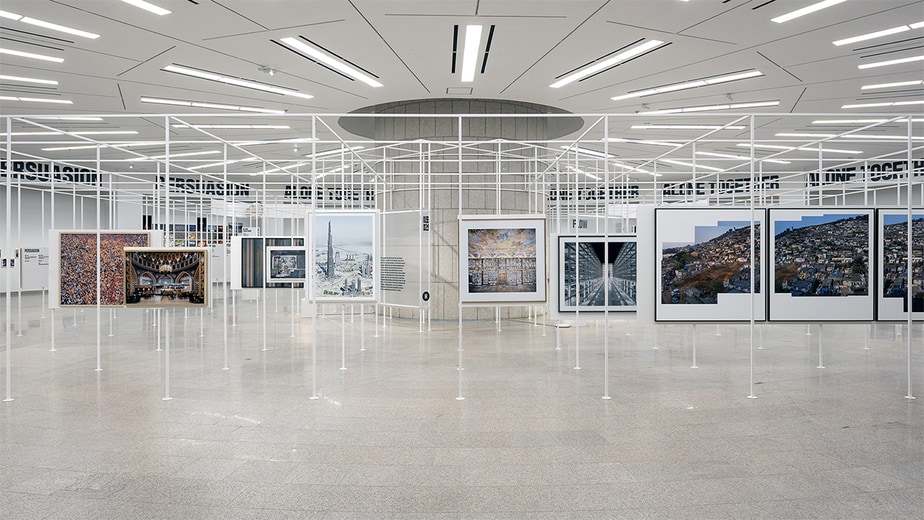
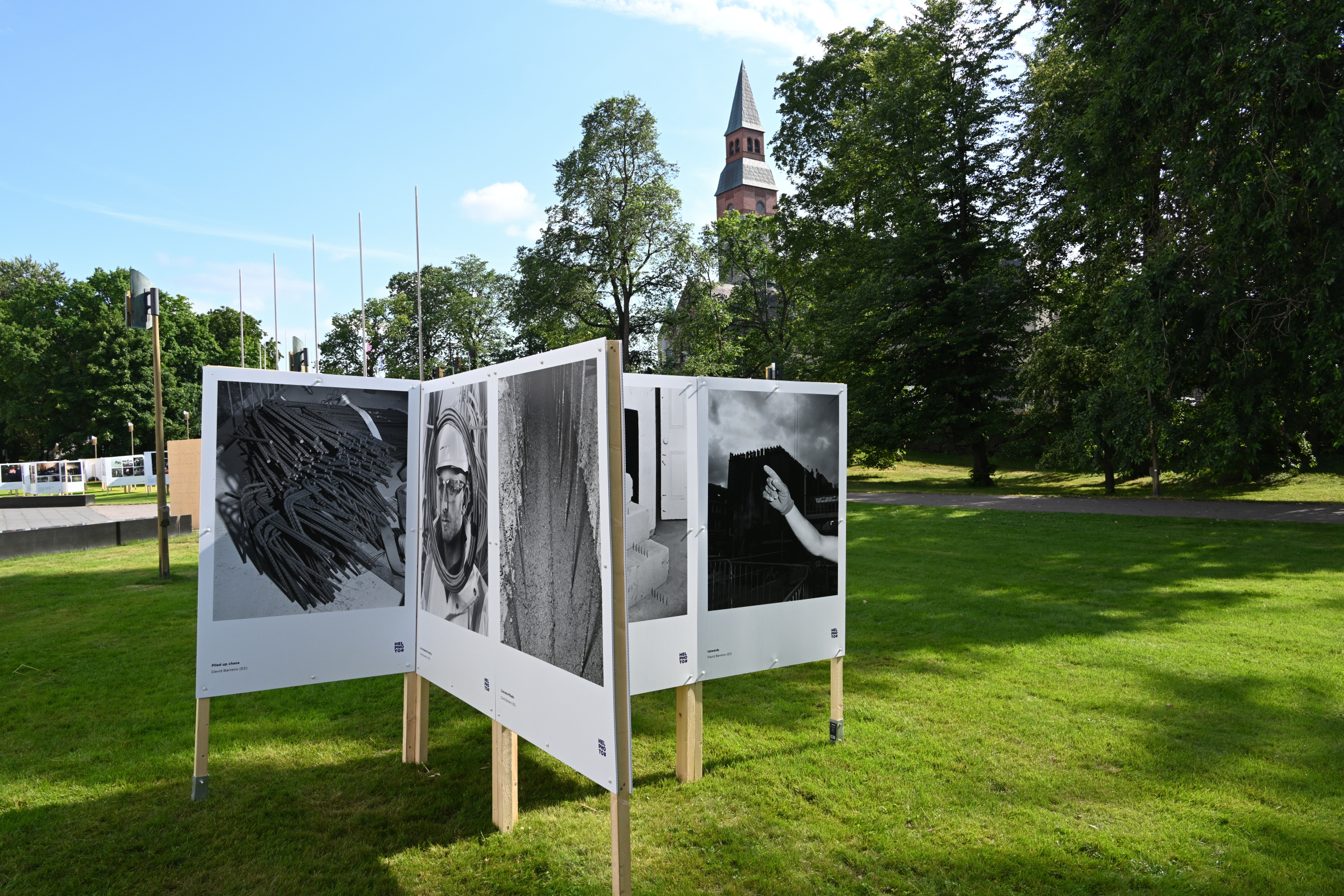
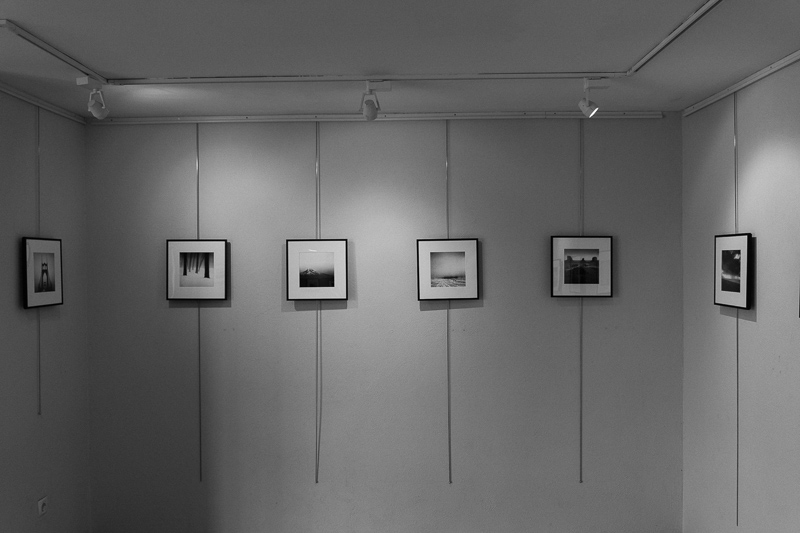
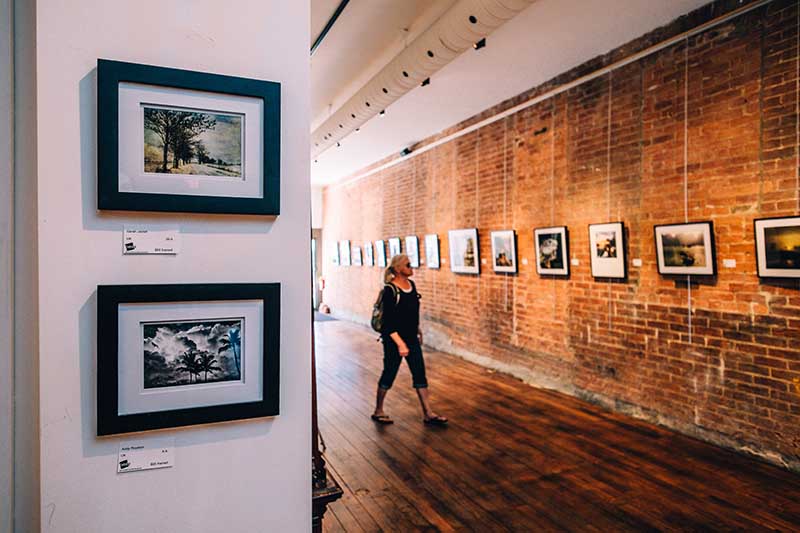
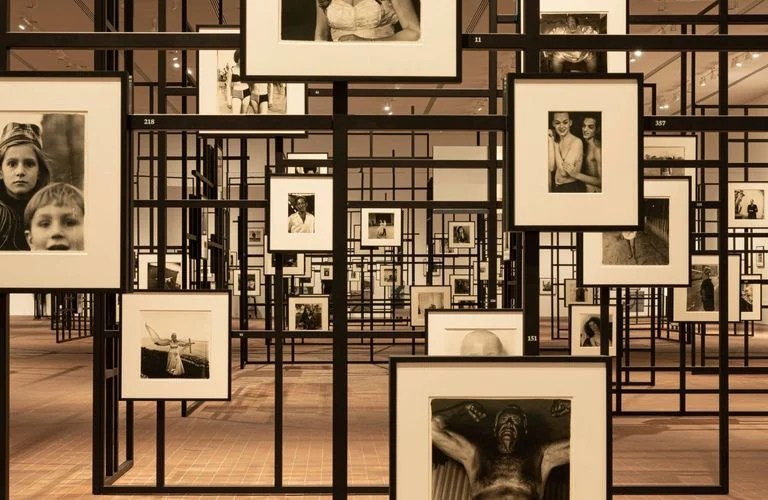
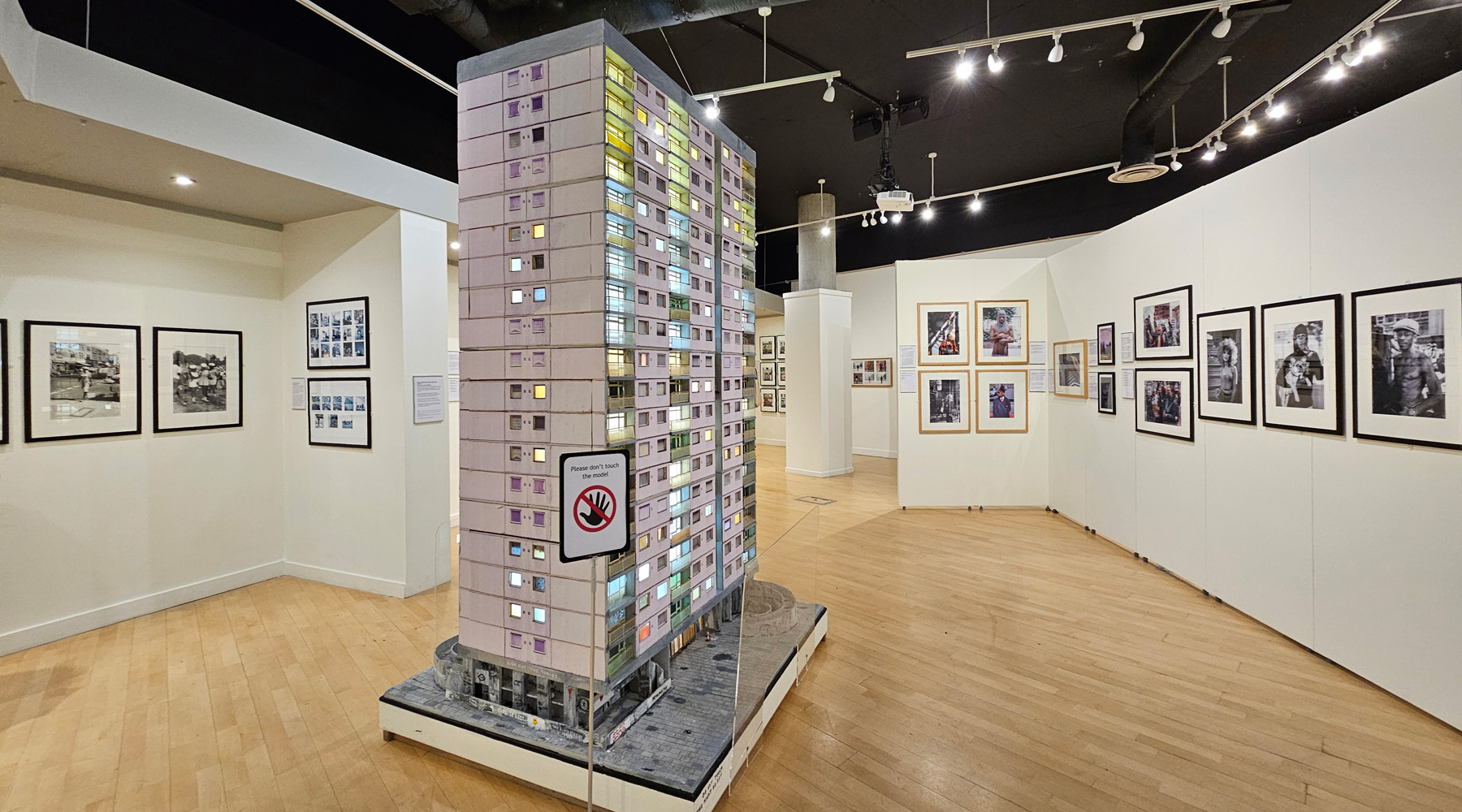
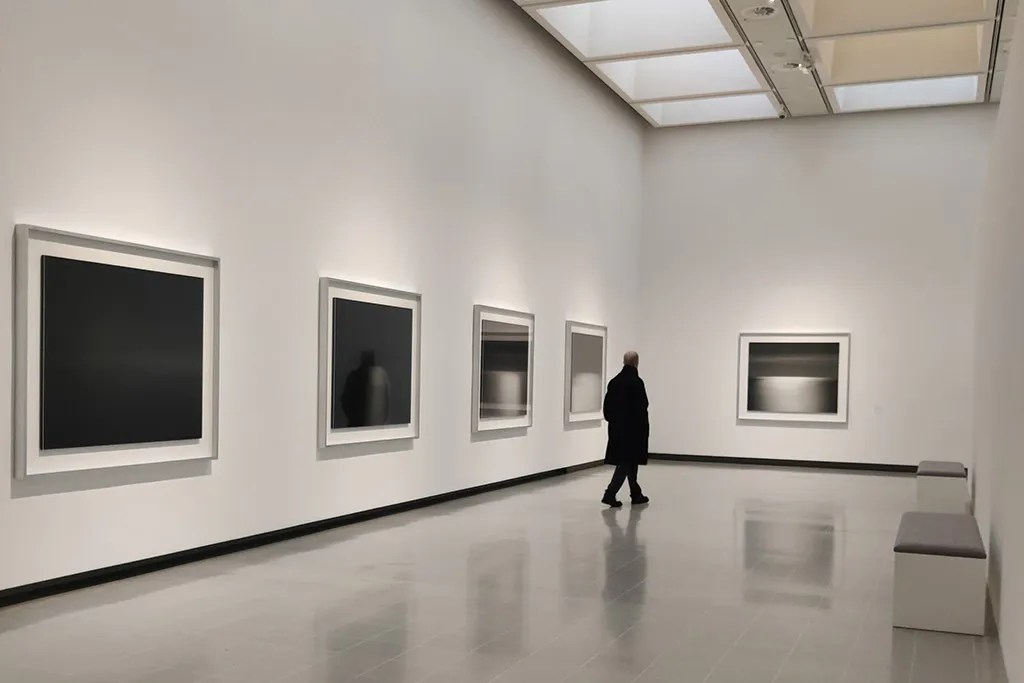
A key point I took away from looking at existing photography exhibitions was the use of location and lighting and how these are used to focus or inform the photography.
I wanted to look at existing exhibitions of what is to be considered nonconventional examples of photography exhibitions, remembering my research I did for exhibitions in CoLab2 in first year and how that informed me then.
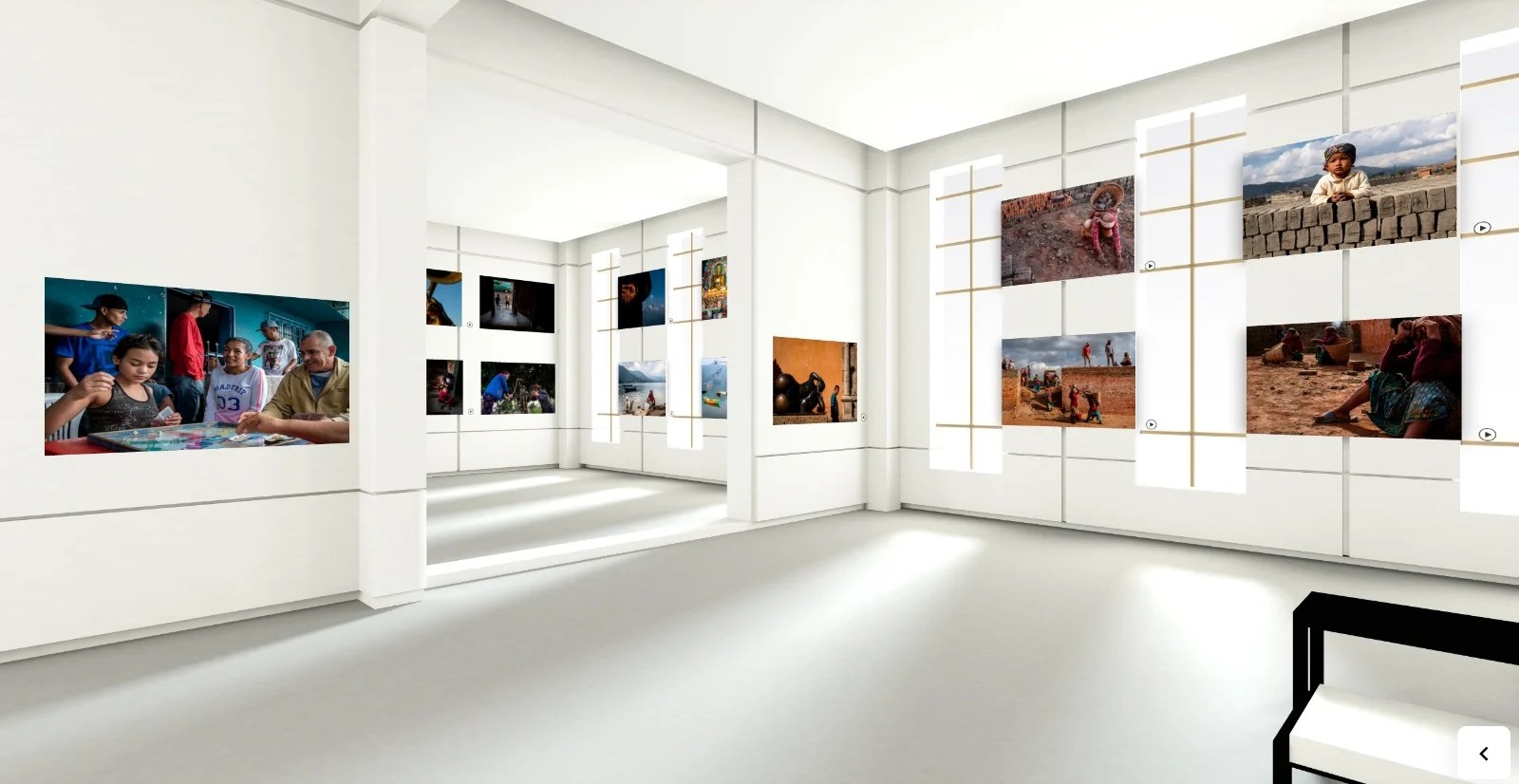
A digital photography exhibition is informed by exhibitions of the physical world but not constrained by space limitations.
Testing Hand Tracker :

Digital Exhibitions :
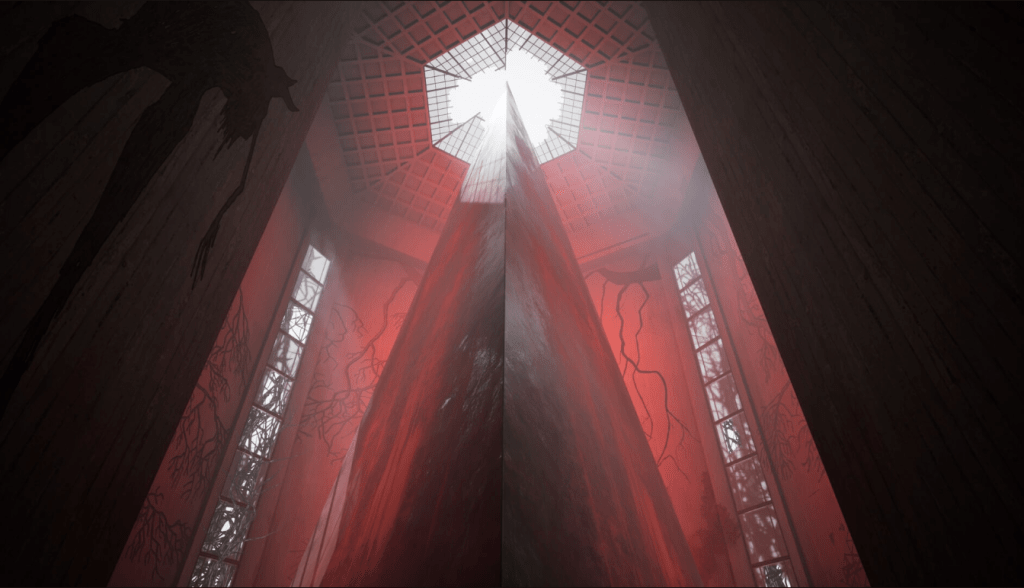
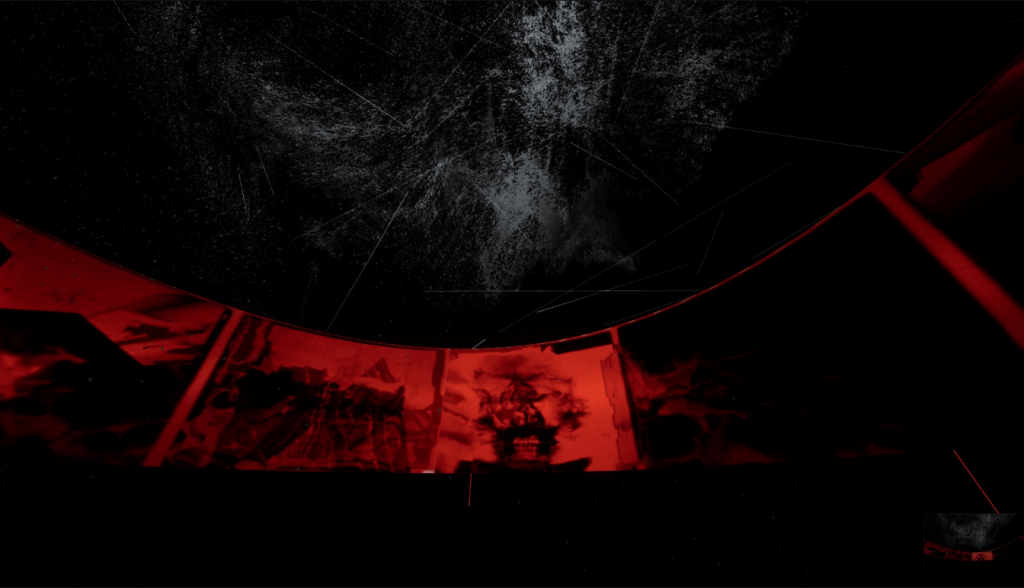
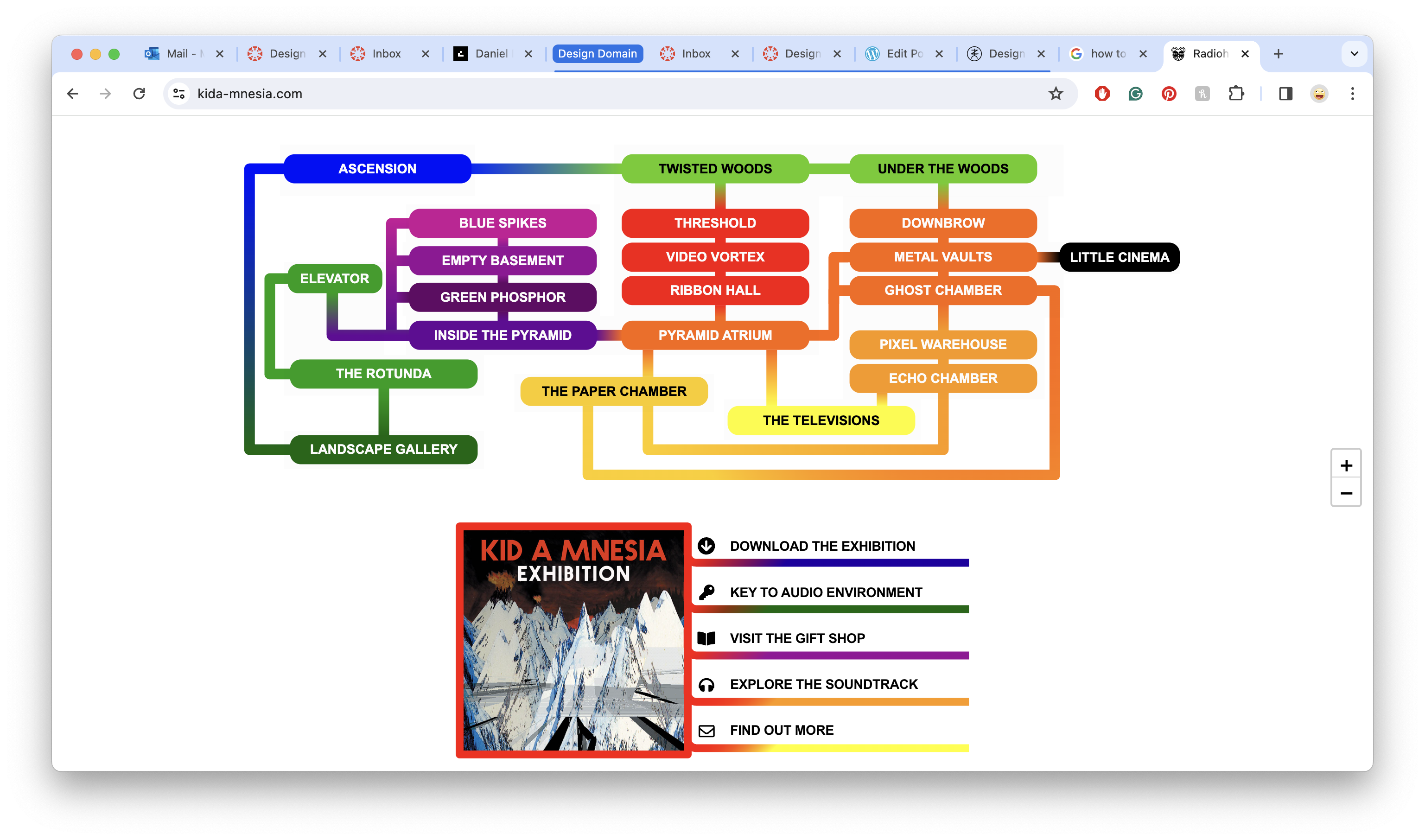
Radioheads KID A MNESIA Exhibition :


https://store.epicgames.com/en-US/p/kid-a-mnesia-exhibition
After a conversation with my father about music, Radiohead and my idea for this project, he reminded me of the KID A MNESIA Exhibition I showed him a couple of years ago and how they used a digital space to transport the viewer to space and display their multiple different works as well as their music.
Game Plan :
What I want to do for Design Domian submission:
How I’m going to do it :
Design Domain Part Two : Brief


Building the Exhibition :

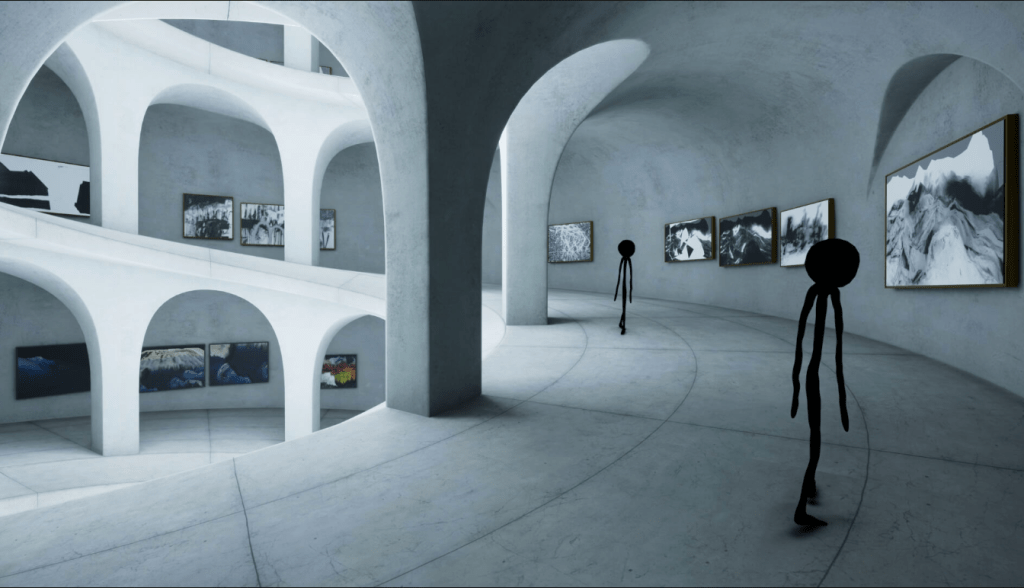
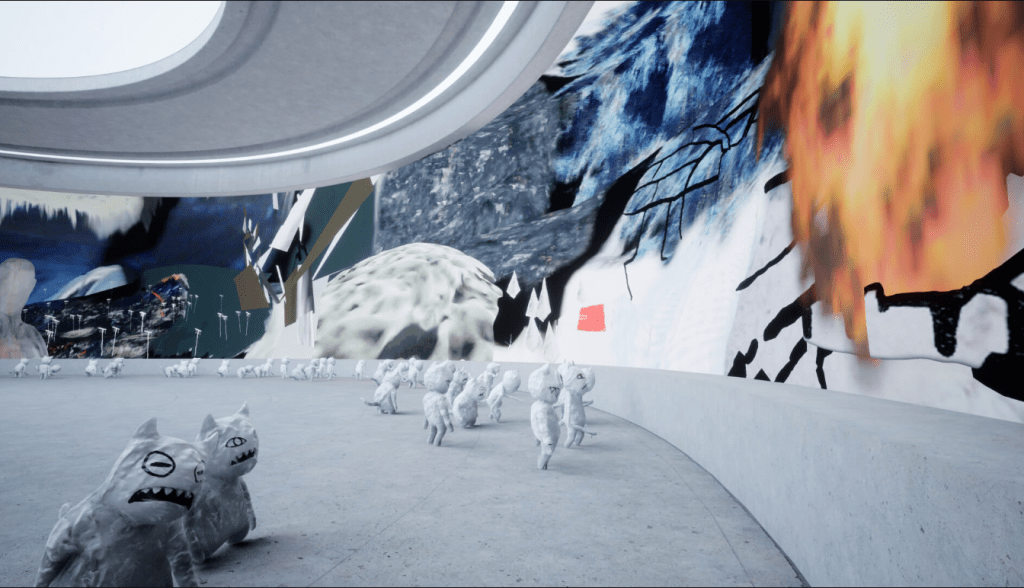
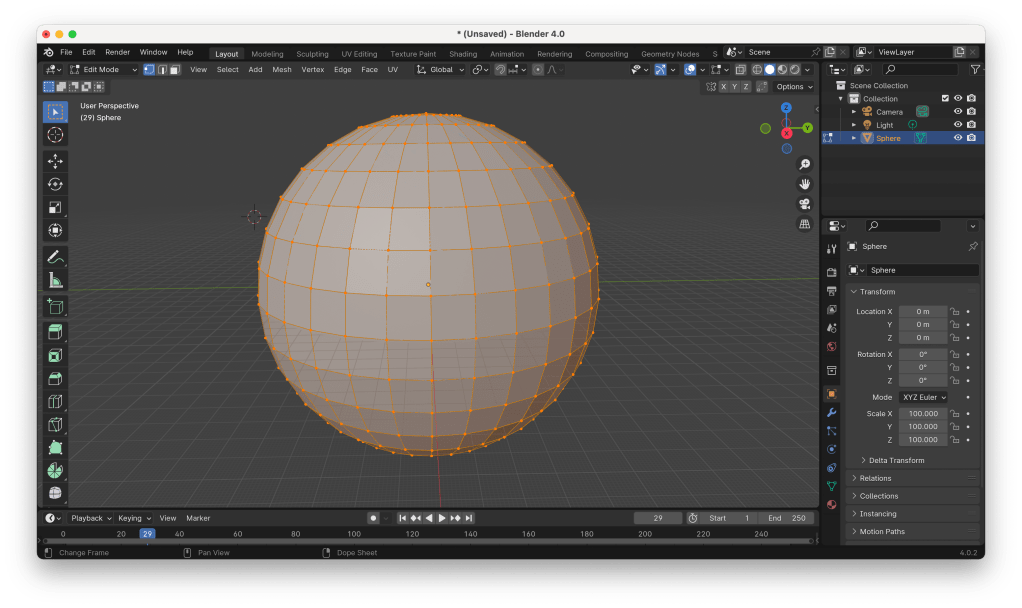
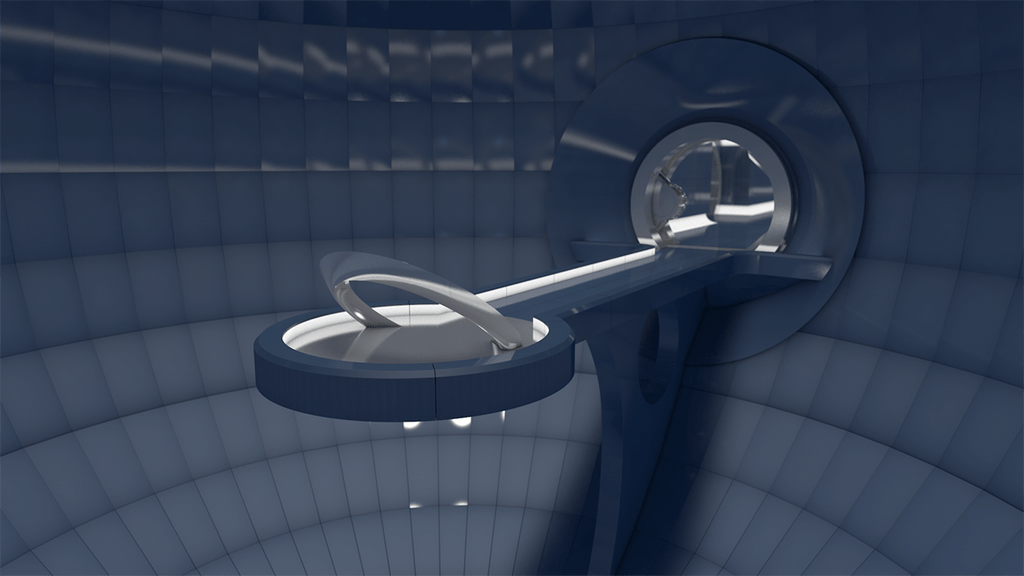
Using Blender for the first time, I created the sphere to hold the exhibition. The goal is to create a space for the exhibition that couldn’t be replicated or would be very hard to replicate in real life without being too much to take away from the photography.


With floating massless planes holding the photography, again adding to the wonder of the environment but not drawing from the photography.

And just now I’m realising that I’ve created Cerebro from the X-Men comics.


In building this exhibition for my photography I want to create a space with a relationship to the physical world of photography and the digital world.
What I’d like to explore further if I have time is :
Conversation with Neil :
Neil – “Hand based interaction in Leap Motion has a nice parallel with the photographs themselves but again, I’m not sure first-person movement controlled that way would be the most effective use of it… virtual galleries are interesting but maybe it’s not the right approach (just a thought)… wouldn’t a transition between the photographs triggered by hand movement be a bit more elegant? The simplest outcomes are often the most impactful! Have a think yourself and we can talk it over during the week.”
Me – “Yeah well to be honest I had that idea initially but was worried it wouldn’t be enough, but yeah you’re probably right, just a simple slideshow that is triggered by the hands would be elegant, what would I be using that in though ? Still Unity or use the leap motion in processing ?”
Neil – “Yes processing might be simpler / lower overhead if you were only working in 2D and without undergoing lighting effects etc. that might colour the original photographs.
That would definitely be enough so don’t worry about that – there’s power in the minimal!”
Something to remember :
“there is power in the minimal!”
After starting part two of this project, I want to complicate my work and make it bigger and better rather than simplify and work on its nuances.
This is because I can do better with my photography.
After the reading week :
Honestly, during the reading week, I wasn’t as productive as I would have liked, and if I had come into the studio, I would have gotten more done. However, I’d also like to note in this part of the process that I did enjoy spending time with my family and gained some valuable ideas and insight just by spending time with them and allowing the balance of work and personal life.
Building Something Simpler :


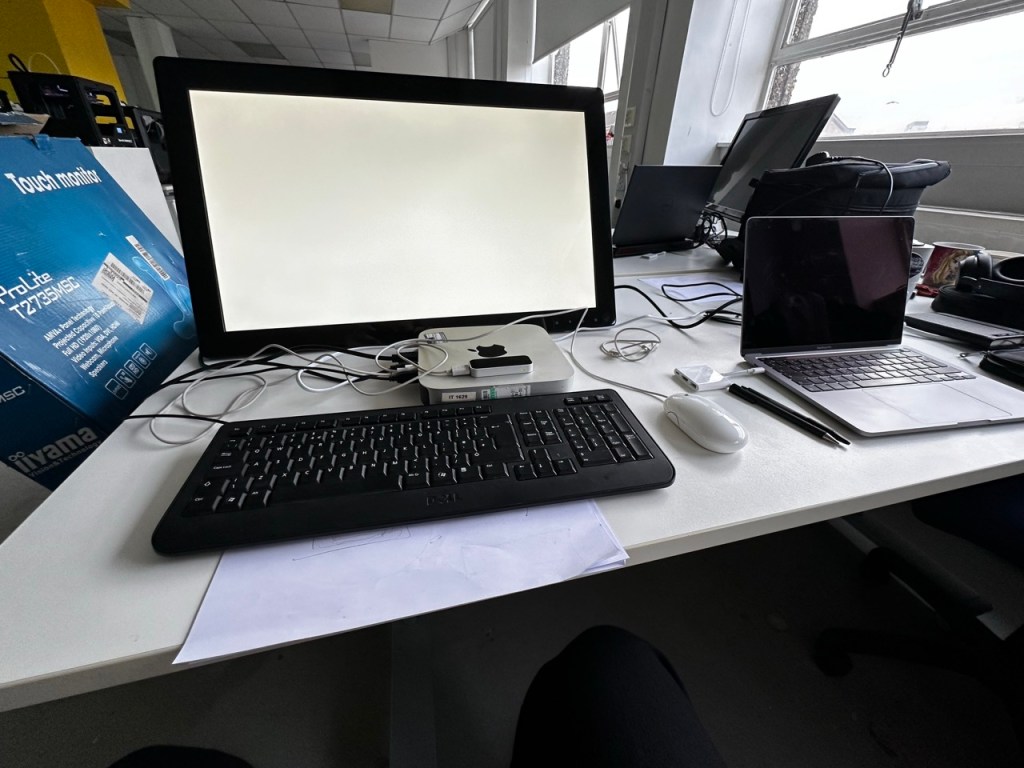
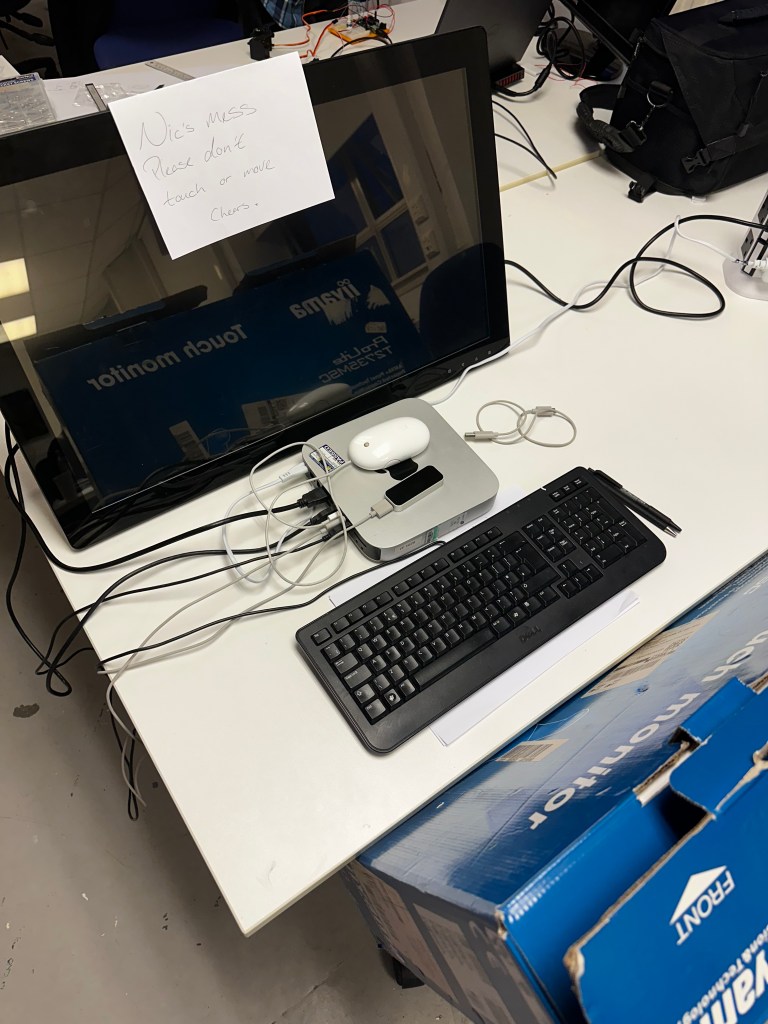
Trouble with the Leap Motion, I’ve stumbled into using the touch display for my work because the Leap Motion seems to be having some trouble; I could use the touch screen or something like a trackball, as Paul suggested.


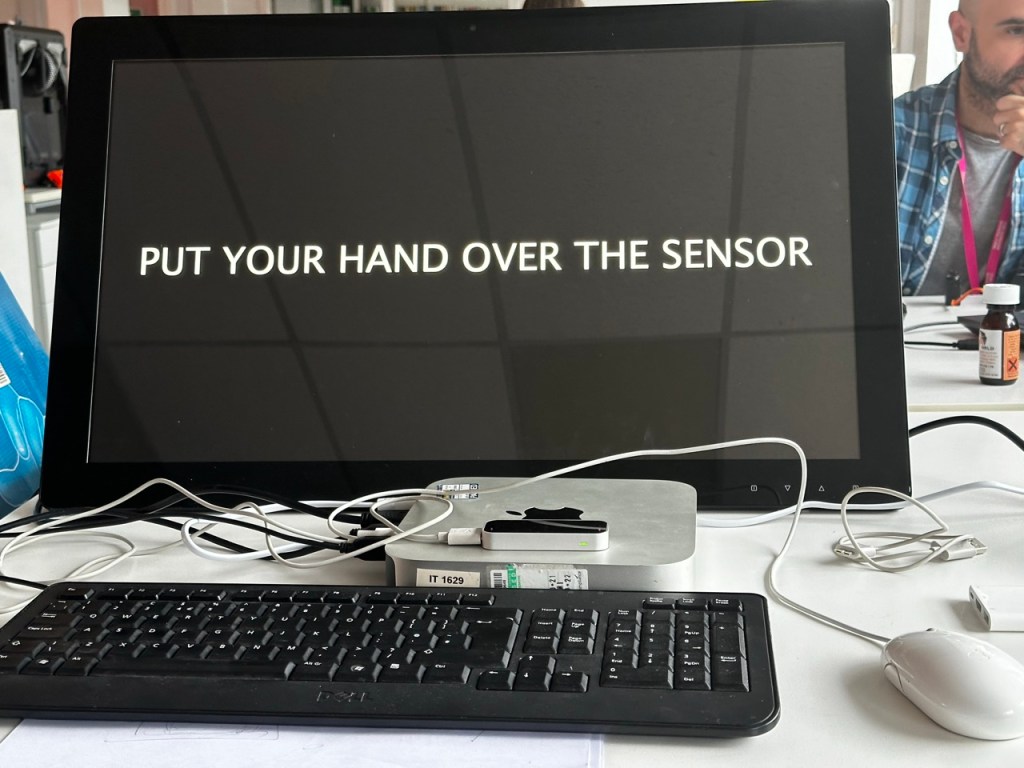
Paul and his technical wizardry have got the leap motion to work. It seems to draw people to it when they see it working, and I’m getting positive feedback from its responsiveness. However, it will need some tweaking for the feel to be a pleasant experience.
Also, the image sizes are hilariously massive (6000 x 3500 px) for what I’m using them for. The sketch will run a lot smoother and load a lot quicker once I’ve made them a more reasonable file size and resolution.
The Code :
PImage attractorImg;
PImage[] images1, images2, images3;
float mx, my, lmx, lmy;
float ease = 0.01;
boolean debug = false;
int state = 0;
float alpha = 0;
void setup() {
//size(960, 540, P3D);
fullScreen(P3D);
noCursor();
setupLeap();
attractorImg = loadImage("AttImage.png");
images1 = new PImage[8];
for (int i = 0; i < 8; i++) {
String f = "DSC_"+nf(341+i,4)+".jpg";
images1[i] = loadImage(f);
images1[i].resize(1920, 0);
}
println("LOADED SET 1!");
if (!debug) {
images2 = new PImage[8];
for (int i = 0; i < 8; i++) {
String f = "DSC_"+nf(349+i,4)+".jpg";
images2[i] = loadImage(f);
images2[i].resize(1920, 0);
}
println("LOADED SET 2!");
images3 = new PImage[8];
for (int i = 0; i < 8; i++) {
String f = "DSC_"+nf(357+i,4)+".jpg";
//println(f);
images3[i] = loadImage(f);
images3[i].resize(1920, 0);
}
println("LOADED SET 3!");
}
}
void draw() {
switch (state) {
case 0:
doAttractor();
break;
case 1:
doMain();
break;
}
}
void doAttractor() {
background(0);
noLights();
updateLeap();
alpha = min(alpha+4, 255);
tint(255, alpha);
imageMode(CORNER);
image(attractorImg, 0, 0, width, height);
}
void doMain() {
background(0);
noLights(); updateLeap();
pushMatrix();
translate(width/2, height/2, 0);
lmx = lerp(lmx, mx, ease);
rotateX(radians(lmx));
lmy = lerp(lmy, my, ease*2);
rotateY(radians(lmy));
drawImages(images1);
if (!debug) {
float q = 1200;
pushMatrix();
translate(0, -q, 0);
drawImages(images2);
popMatrix();
pushMatrix();
translate(0, q, 0);
drawImages(images3);
popMatrix();
}
popMatrix();
alpha = max(alpha-8, 0);
if (alpha > 0) {
tint(255, alpha);
imageMode(CORNER);
image(attractorImg, 0, 0,width,height);
}
}
void drawImages(PImage[] _images) {
noTint();
float m = -2500;
//println(int(m));
for (int i = 0; i < _images.length; i++) {
pushMatrix();
imageMode(CENTER);
rotateY(radians(45*i));
translate(0, 0, m);
image(_images[i], 0, 0);
popMatrix();
}
}
Attractor Image :
Something I honestly hadn’t considered until my conversation with Paul was an attractor image and how you might need to invite people to interact with your piece or inform them about it in an exhibition with a screen-based output.
After a conversation with a 4th-year student, he informed me of the brutal fact that the majority of people who will interact with your piece won’t actually read any description or prompts.
“People don’t read sh*t.”
Stewart Marshall (2024)
So with Paul’s suggestion and Stewart’s experience as a student of IxD I made an two possible attractor images :


Personally I preferred the look of the first attractor image I made but after asking others in the studio and considering how people would read this when first interacting with the piece, myself and others agreed that the second image was more informative and true to how the piece would actully be interacted with.
Displaying:


After some suggestions from my peers in the studio that it deserves to be elevated onto a plinth and more open to people rather than on a desk or hidden away somewhere in Open Studio, I displayed it somewhere so as not to obstruct the flow of traffic in the studio but very upfront and obvious.
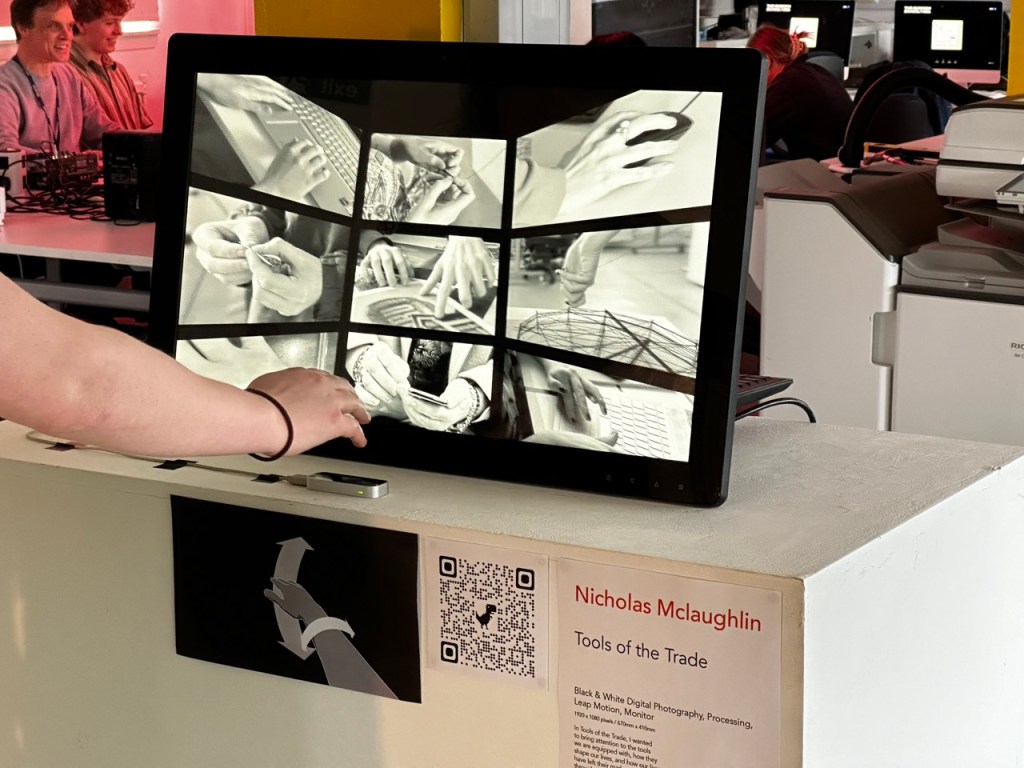
Tools of the Trade :
Black & White Digital Photography, Processing, Leap Motion, Monitor
1920 x 1080 pixels / 670mm x 410mm
In Tools of the Trade, I wanted to bring attention to the tools we are equipped with, how they shape our lives, and how our lives have left their mark on us. And through the process of making our art, making mistakes, and making decisions in our lives, we wear it all on the very hands used to shape those lives and the lives of those around us.
Exploring the collection of digital photography, I ask that you use your hand to navigate the collection and try to imagine who you’re looking at, the life they’ve lived and the art they’ve created.
Reflection :
On reflection, if I had time to revisit this work, I’d want to redo the photography to a standard I’m happy with. I think more could have been said/ achieved if I maybe did physical photography over digital or spent more time coming to a more purposeful direction with the photography.
To take this further, I’d like to continue collecting photography and implement them into the same processing sketch so that it’s a large tunnel of photography with the ability to ladder between the levels and use a gesture such as a pinch to highlight and focus on a specific photograph within the collection.


Project Plan:


Week One
Research to solidify a game plan and direction for the project and Initial concepts informed by initial research personal artistic choices of where to take this project. Constant documentation.
Week Two
Further Research now with more focus into specific fields or aspects concerning the initial ideas as well as concept development driven by the research. And if I have enough to go on then starting to build. Constant documentation.
Week Three
Building the product all of this week in tandem with concept development if its required through the building process, as there might be problems I didn’t consider. Constant documentation.
Week Four
Finalising the building process along with time put aside to consider the exhibition of the build and ideally finalising the documentation, I am aware of the extra week for documentation but would rather have that finished before hand as to not bleed into the second half of Design Domain.
Concept :

I want my Control project to bring joy/satisfaction.
me (2024)
Inspiration :
I know that I want to elicit joy from my build, and now, looking into different media, I think of eliciting pleasure in several ways and media.
Martin Parr :


For inspiration, I’ve looked at the work of Martin Parr because, in my initial concepts, I want a sense of fun, joy and accessibility in the sense of classless art.
David Hurn :


Looking at the work of David Hurn, the humour and joy of Hurn again inspires me, but within his work, there is both style and conventional class as well as spirit and joy.
Bruno Munari :


Dieter Rams :


Teenage Engineering :


Sound Play Projects:


Pushing your buttons:
What buttons do we want to press? What will entice an interaction from the viewer from initial sight of the button and then after the interaction, what will be the most satisfying.

What we have in the studio:


What I might need to order:


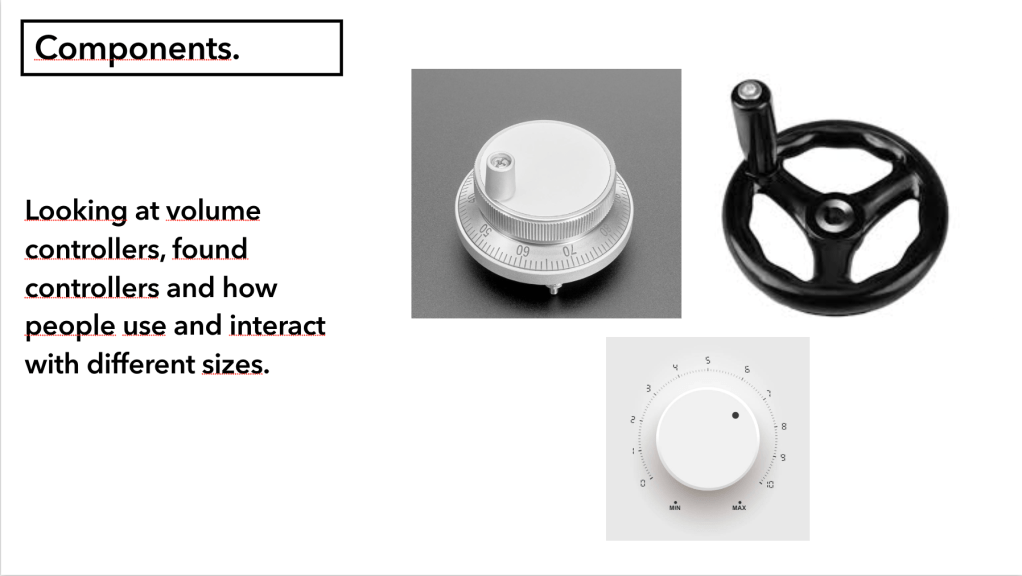
Controllers:


Switches:


Initially I have no idea on what form my project will take but I think if I follow the direction of my thought process and research then I’ll find a fitting housing and inputs that has a tactile satisfying feeling.
Concept :

What art will the build produce ?
What art can I look at to inspire the controls or outcome of the build. Simple in elements but complex in beauty and concept.
Hard Edge Painting :
John McLaughlin :


Ellsworth Kelly :


Kazimir Malevich :


Concept :

The design is too complicated and with my current ability and time frame the initial design will either be too difficult or too time consuming. It has to be simplified.
Simplify the concept :

To save time cost and manufacturing I’ll be using a simple lunch box for the body, it can be opened and closed in ease and thew hard plastic body will be secure enough to work with/on.
For the shape position on the controller I’ve removed the the joystick and went for a simpler two knob control system like an etch a sketch.
Button Layout Test :


For the XY of placing the square I
Components :

The components have been ordered and hopefully all sorted so that they can be soldered and all i have to do is put them into the lunch box.
Housing :

The classic red hard plastic lunchbox is the housing for this build.
What do I actually want the code to do :

Making the code more manageable :

Developing the concept :

Button Layout Test :


Drilling the holes :


Seeing it everywhere :


Revisiting the etch a sketch :


I would like the knobs for the directional potentiometers to be different, bigger or more attention-grabbing.
Labels:


The Code :
//defining the buttons, potentiometers and leds coming in from the Arduino
void setupArduino() {
myArduino.pinMode(pot1, Arduino.INPUT);
myArduino.pinMode(pot2, Arduino.INPUT);
myArduino.pinMode(pot3, Arduino.INPUT);
myArduino.pinMode(pot4, Arduino.INPUT);
myArduino.pinMode(BigButton, Arduino.INPUT_PULLUP);
myArduino.pinMode(button1, Arduino.INPUT_PULLUP);
myArduino.pinMode(button2, Arduino.INPUT_PULLUP);
myArduino.pinMode(button3, Arduino.INPUT_PULLUP);
myArduino.pinMode(button4, Arduino.INPUT_PULLUP);
myArduino.pinMode(BigButtonLed, Arduino.OUTPUT);
}
//a square class to draw the shape with a if/else loop to change the square to a circle
class Square {
float x;
float y;
float size = 20;
color col;
float rot;
int s = 0;
Square(float _x, float _y) {
x = _x;
y = _y;
}
void display() {
fill(col);
noStroke();
pushMatrix();
translate(x, y);
float r = radians(rot);
rotate(r);
if (s == 0) {
square(0, 0, size);
} else if (s == 1) {
circle(0, 0, size);
}
popMatrix();
}
}
// note of serial port coming from arduino ide
//serial point 02
///dev/cu.usbmodem1101
//using formata to talk to processing
import processing.serial.*;
import cc.arduino.*;
Arduino myArduino;
//set up which button, potentiometer and led is in which port
final int pot1 = 0;
final int pot2 = 1;
final int pot3 = 2;
final int pot4 = 3;
final int BigButton = 6;
final int button1 = 10;
final int button2 = 9;
final int button3 = 8;
final int button4 = 7;
final int BigButtonLed = 12;
//putting each button and potentiometer into an array, a tidier solution that writing out each function for each input
final int [] allButtons = {BigButton, button1, button2, button3, button4};
int [] lastButtonStates;
//final int [] allPot = {pot1, pot2, pot3, pot4};
Square [] squares;
// a selected colour palette to replicate the colours used by Mclaughlin and Malevich from the 1960's hard edge paint movement and putting them into an array
color CGrey = color(151, 134, 126);
color CRed = color(194, 35, 56);
color CGreen = color(142, 162, 65);
color CBlue = color(34, 145, 240);
color CLBlue = color(158, 193, 197);
color CYellow = color(213, 164, 9);
color COrange = color(229, 90, 59);
color CPink = color(237, 152, 161);
color [] colours = {CGrey, CRed, CGreen, CBlue, CLBlue, CYellow, COrange, CPink};
int squareNum = 0;
int shape = 0;
void setup() {
fullScreen();
//fullScreen(2);
//size(1900, 900);
background(250);
rectMode(CENTER);
//printArray(Arduino.list());
myArduino = new Arduino(this, Arduino.list()[2], 57600);
setupArduino();
//drawing the square and taking the reading from the X and Y potentiometers
squares = new Square[1];
float x = xPotRead();
float y = yPotRead();
Square s = new Square(x, y);
// Square s = new Square(width/2, height/2);
squares[squareNum] = s;
lastButtonStates = new int[allButtons.length];
for (int i = 0; i < lastButtonStates.length; i ++) {
lastButtonStates[i] = Arduino.HIGH;
}
myArduino.pinMode(BigButtonLed, Arduino.OUTPUT);
}
void draw() {
background(250);
myArduino.digitalWrite(BigButtonLed, Arduino.HIGH);
for (int i = 0; i < squares.length; i ++) {
squares[i].display();
}
float s = adjustSize();
squares[squareNum].size = s;
float r = adjustRotation();
squares[squareNum].rot = r;
float x = xPotRead();
squares[squareNum].x = x;
float y = yPotRead();
squares[squareNum].y = y;
// a for loop to check each button state if they are pushed or not
for (int b = 0; b < allButtons.length; b ++) {
int buttonState = myArduino.digitalRead(allButtons[b]);
if (lastButtonStates[b] != buttonState) {
lastButtonStates[b] = buttonState;
if (buttonState == Arduino.LOW) {
switch(b) {
// each button has a case that defines which each button does
case 0:
saveSquare();
break;
case 1:
createSquare();
break;
case 2:
selectColor();
break;
case 3:
if (shape == 0) {
shape = 1;
} else {
shape = 0;
}
squares[squareNum].s = shape;
break;
case 4:
resetSquares();
break;
}
}
}
}
}
// reading the the potentiometer and adjusting the size of the shape
float adjustSize() {
int potRead = myArduino.analogRead(1);
float s = map(potRead, 0, 1023, 5, 700);
return s;
}
// reading the the potentiometer and adjusting the rotation of the shape
float adjustRotation() {
int potRead = myArduino.analogRead(4);
float r = map(potRead, 0, 1023, 0, 360);
return r;
}
// a save frame function that
void saveSquare() {
saveFrame();
shape = 0;
squares = new Square[1];
float x = xPotRead();
float y = yPotRead();
Square s = new Square(x, y);
// Square s = new Square(width/2, height/2);
squares[0] = s;
squareNum = 0;
}
void createSquare() {
shape = 0;
float x = xPotRead();
float y = yPotRead();
Square s = new Square(x, y);
squares = (Square[])append(squares, s);
println(squares.length);
squareNum ++;
}
//cycling through a random colour from the colour array
void selectColor() {
int r = (int)random(colours.length);
squares[squareNum].col = colours[r];
}
// clearing and resetting the square array
void resetSquares() {
shape = 0;
squares = new Square[1];
float x = xPotRead();
float y = yPotRead();
Square s = new Square(x, y);
//Square s = new Square(width/2, height/2);
squares[0] = s;
squareNum = 0;
}
//reading and mapping the x coordinates from the potentiometer
float xPotRead() {
int potRead = myArduino.analogRead(2);
float x = map(potRead, 0, 1023, 0, width);
return x;
}
//reading and mapping the y coordinates from the potentiometer
float yPotRead() {
int potRead = myArduino.analogRead(0);
float y = map(potRead, 0, 1023, 0, height);
return y;
}
The Jungle :

Final Build :


Box in use :


Reflection:
I enjoyed the reaction people had to my control project, the joy and excitement they had towards it was great.
I would love to develop this piece even further; as well as having the electronics of it to a solid professional standard, I would love to bring an extra level of polish to the interface and the interactions people have with the box.
If I was to take it further I would want to work on having the ideal buttons for the box, more chunky and durable, really focusing on the satisfaction or interacting with each component as well as the iconography on the face of the box, replacing the english labels with universal symbols.

The Brief:


Initial Ideas:


As I have a week for this project I can’t spend as much time as I’d like researching the topic and influences and will just have to trust my gut on it. Initial thoughts is to do something very simple but still effective and as Gillian instructed focus more on the nuances.
Inspiration:
Lora Lamm
I’ve looked at the work of Lora Lamm, specifically her use of straightforward yet descriptive visuals. Her use of shape and colour creates a sense of fun and brightness around her work, which is shown below, and even though my goal is to be more severe and direct, what I am to take away from this is how Lamm does so much with so little and that less can be more than enough.


Saul Bass
In a number of Saul Bass’s work When looking at Saul Bass’s work, I was drawn to the apparent simplicity of shapes, colour, and movement and how he uses such simple elements to elicit the overarching emotional reaction the movie is about to achieve. He sets the film’s tone with simple components and speaks with attention given to the movement or relationship between these components.In a number of Saul Bass’s work
North by Northwest (1959) :


The Man With The Golden Arm (1955) :


Psycho (1960):


Anatomy of a Murder (1959) :


Maurice Binder
With Maurice Binder’s title sequence in the 1958 movie ‘Damn Yankees, ‘ it was less the tone and emotion achieved but the use of movement, paying particular attention to the method used at 1:59 when the baseball is followed flying past the stand.
Damn Yankees (1958) :

Inspiration:


The News
As the brief states, the piece has to be for a news brodcast ‘Tonight’, so after establishing the style and time frame I wish to imitate, inspired mainly by the work of Saul Bass I took a look into the news broadcasts of the time.
The main iconography that stands out to me is that of the globe and the signals emitters. Another key element that I want to imitate from the original news broadcasts is the music, the large triumphant brass section to announce its presence.
From Early 60’s to Late 60’s:
At some point of actually creating my title sequence I realised that even though I was creating it with a style based of the early 1960’s, it was inspired from films and artistic pioneers of the early 60’s which didn’t trickle down to television and mainstream television until the mid to late 60’s/ early 70’s.
As this is a very quick project I wont have time to correct or delve deeper into my research but I think it’s important to note that with more time I’d love to look more into television from that era and nail the specific feel and nuances of television from that time.
The visuals I have in mind at this point makes me think of the energetic instrumentals by Werner Tautz.
So with the style of Saul Bass and the images of the globe and/or radio emitters and the music Werner Tautz, my final piece should be something inspired by the 1960’s but almost an exaggeration of it, the 1960’s news broadcast through the rose tinted glasses of nostalgia.
Inspiration:
Story Board :


Music Change:
David Rose & His Orchestra – Holiday For Strings (1955 Version)
In all honesty I can not remember why I went for David Rose – Holiday For Strings in stead of Werner Tautz – Derby Day they both seem to do the same job, Derby Day being a bit more energetic than Holiday for Strings. What I do know is that I removed Grand Central by Tautz because the the reason I loved it initially now doesn’t align with the pacing and steady feel of the final outcome. Again if revisiting this project then I might want to explore Derby Day further and create a title sequence closely tied to its tempo.
Final – Tonight1970:


With my final outcome I aimed to create a modern recreation of a 1970’s title sequence, the key elements of the design, tempo and nuances driven by our nostalgic recollection of that time period and the media that went along with it.
Reflection:
This was a quick project but looking back I appreciate that sometimes, the short sporadic nature of it means that you have to trust your gut and run with it and don’t have time to second guess yourself, some elements might have been improved with some rumination or delving deeper though.
If I was to spend longer in this project then I would have spent more time planning and narrowing down exactly what I wanted to achieve and exactly how I was going to do it, as well as perfecting some elements like movments and pacing and fixing others completely like the font.