Level Up:
At this stage, I’m looking at what worked with the WIP and what didn’t, I keep saying to myself and everyone else that it’s not a time to do something brand new, it’s a time to just take it to the next level, how I’m trying to do it is by seperating its current state its its core elements and then upgrade each of those elements separately and then bring them together again, ideally making the whole thing better.
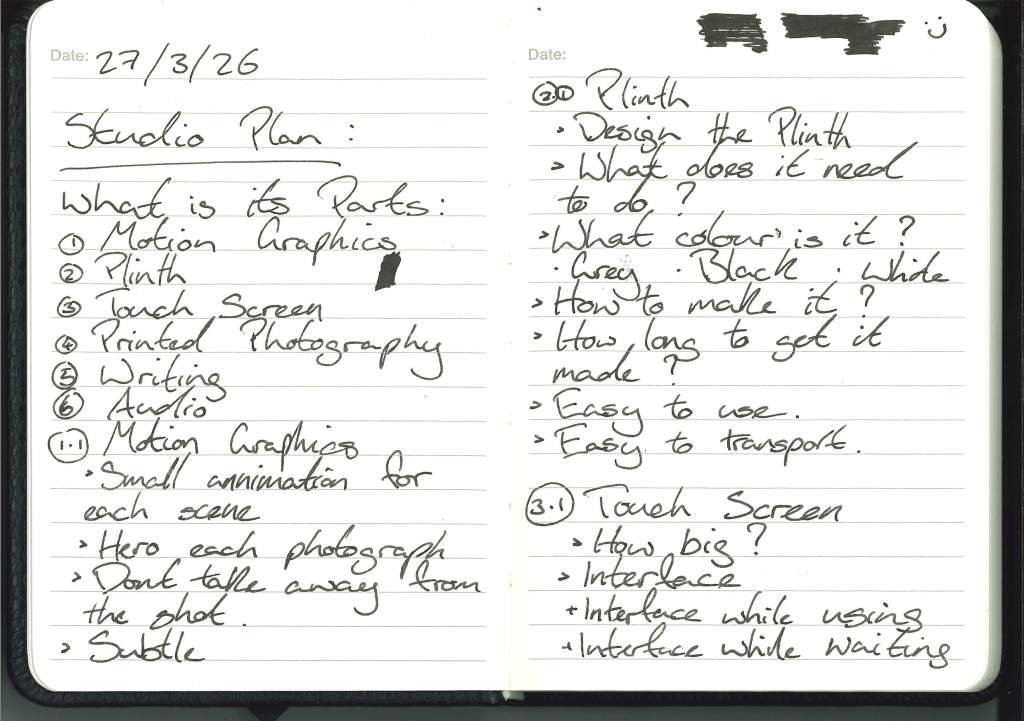
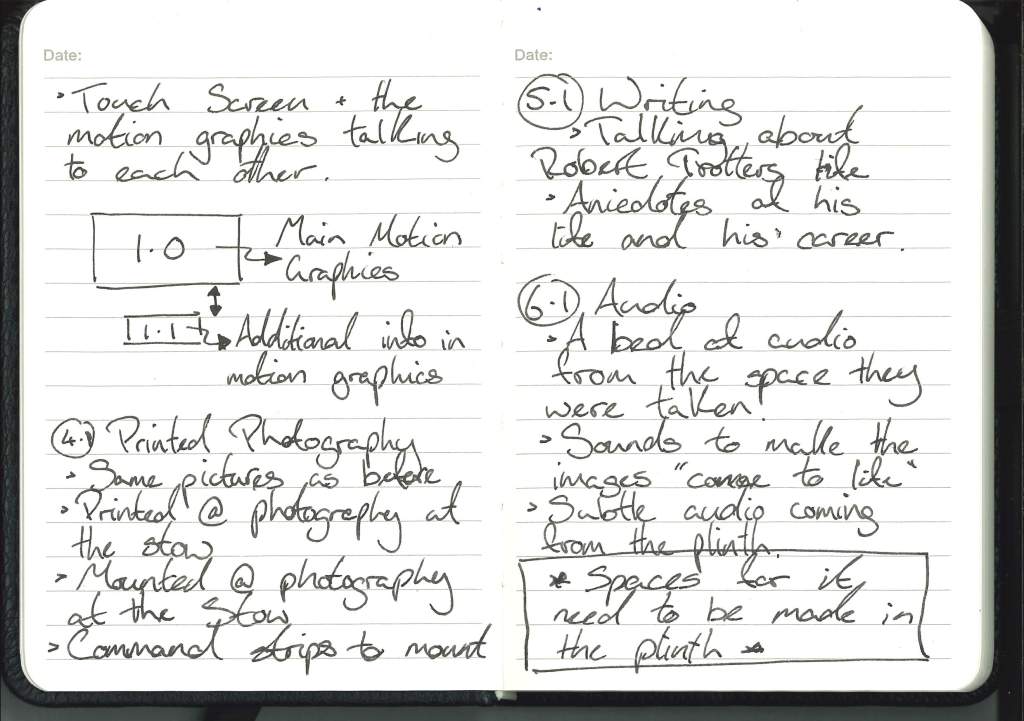
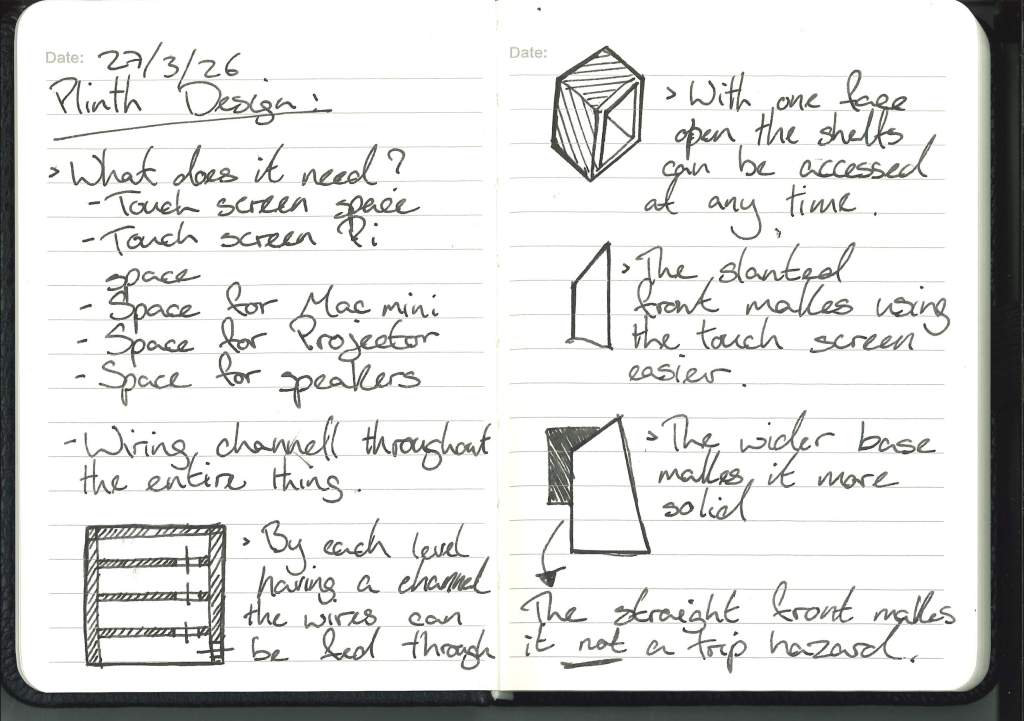
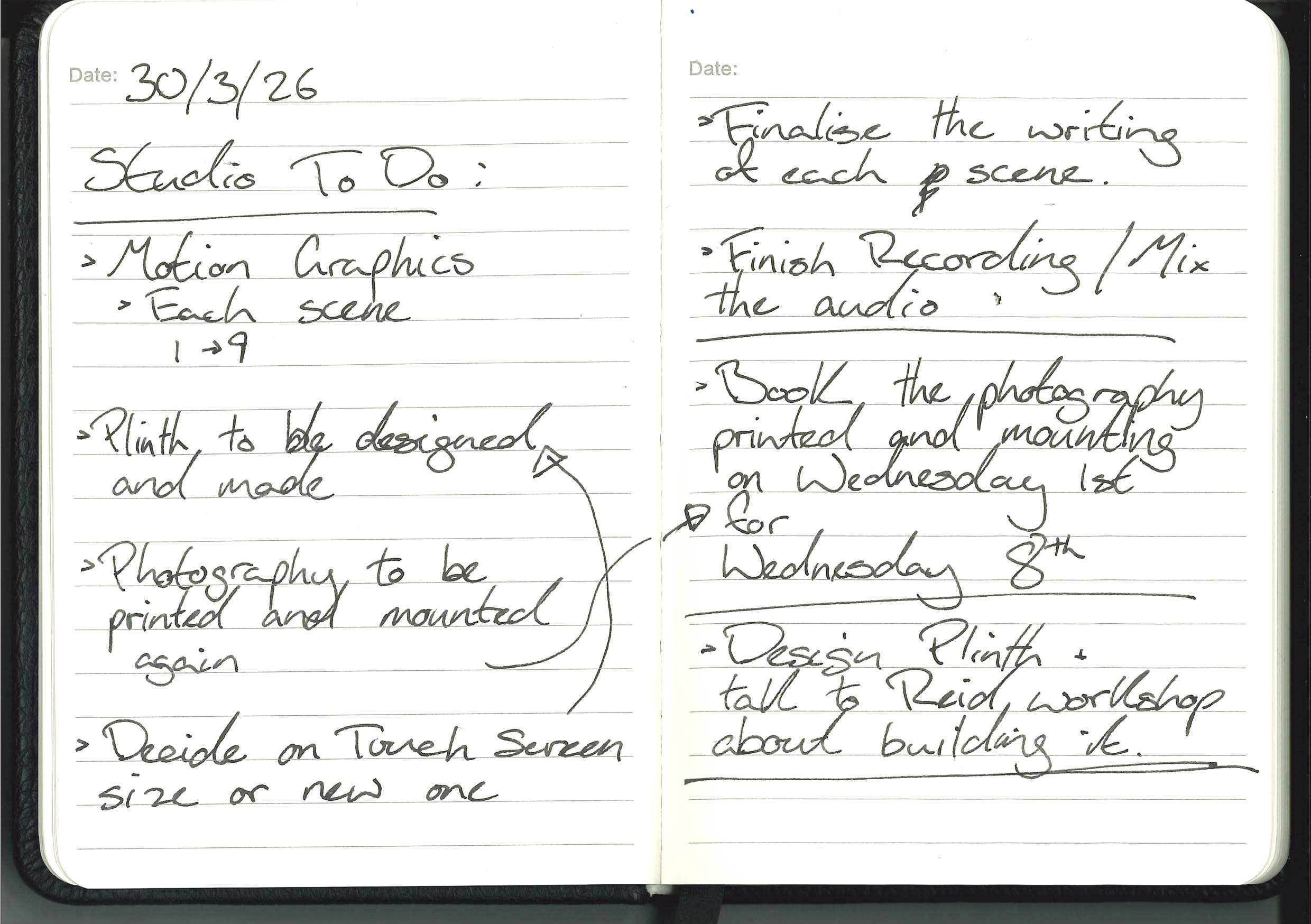
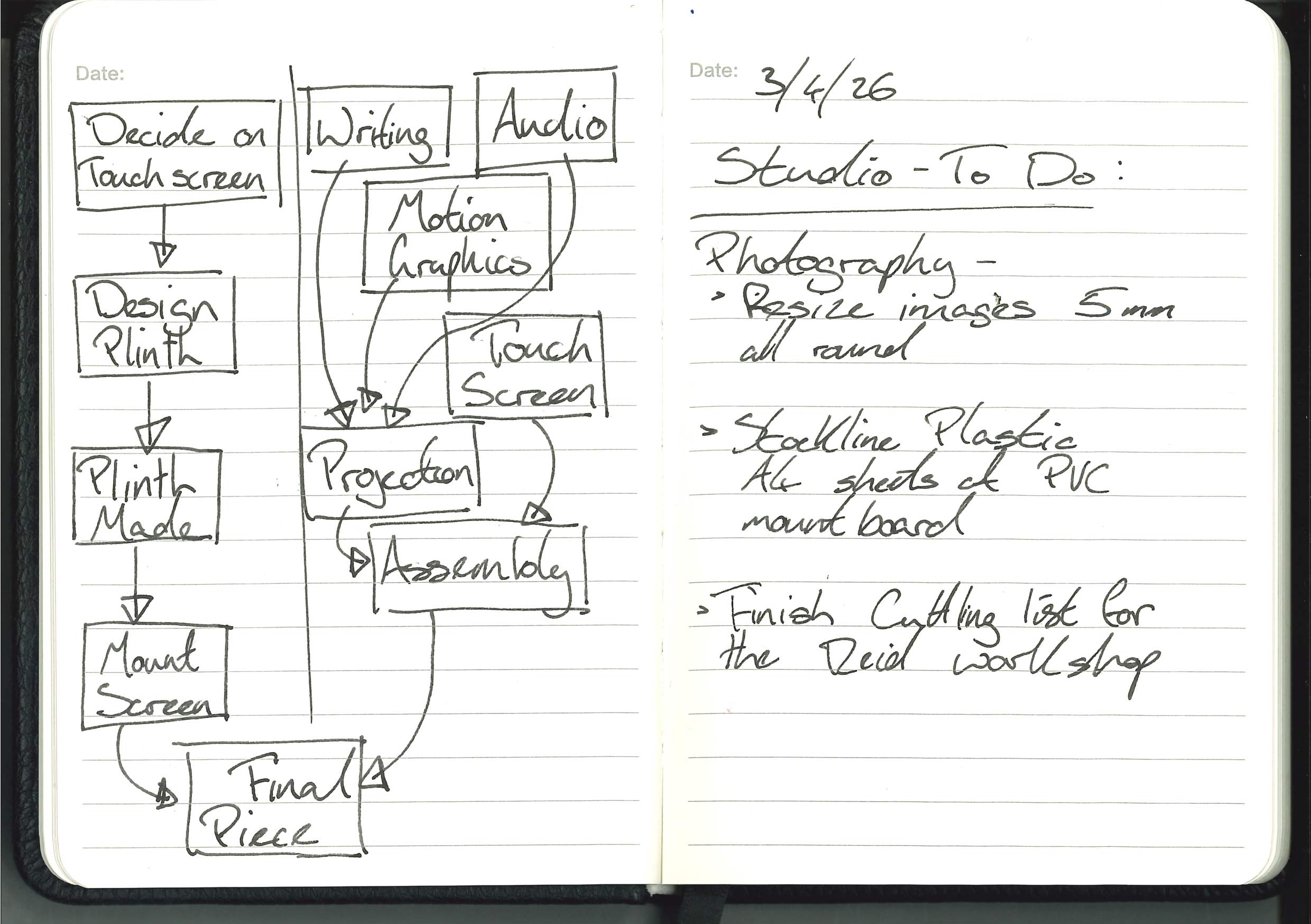
One of the great pains at the WIP was the plinth, obviously it wasn’t mine so not ideal and Gillian was right that I didnt need to make my own for the WIP and that I’ll do that for Degree Show, I’ll design it as much as I can and try to figure out everything I need before I go down to the guys at the workshop and get their opinion.
How to improve:
I’ve been so bad at documentation because I honestly don’t feel like I’ve done anything. I’ve been trying to figure out how to improve each aspect of the project.
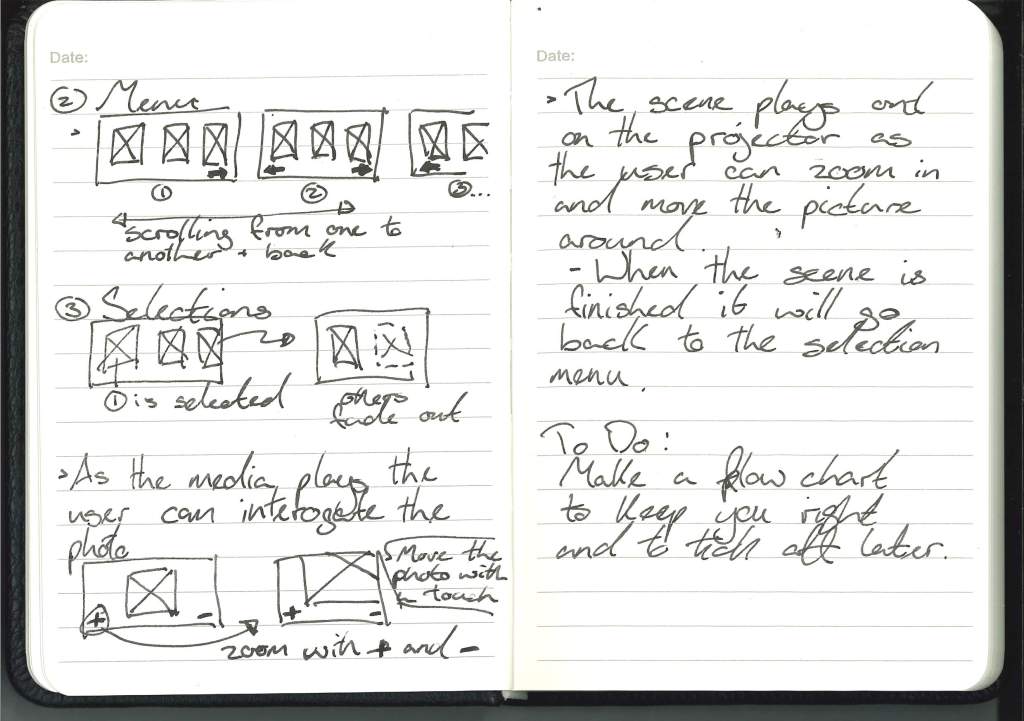
User Flow charts:
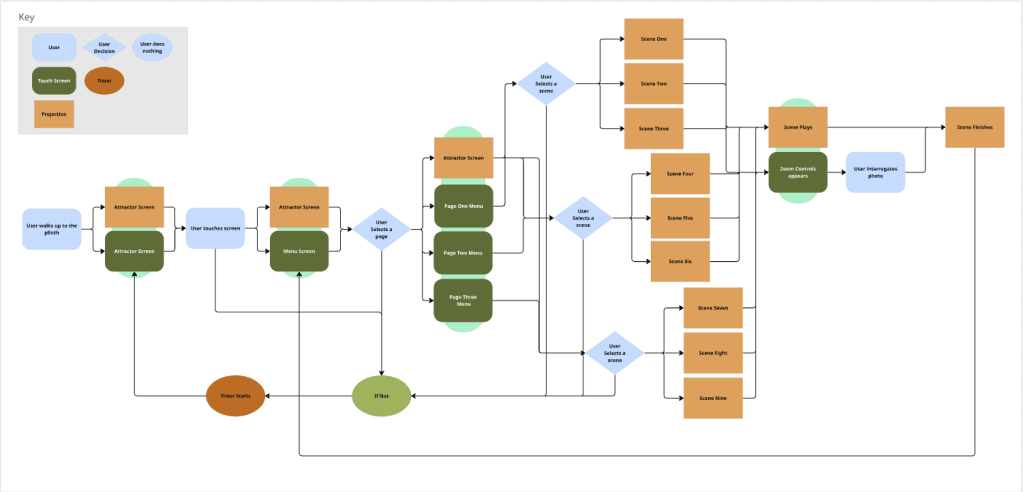
I have used the Miro Board to design the user flow for the piece, I undertstand that this might seem a bit extra but I was having trouble getting the user flow logic in my head and wanted a visual way of making sure I cover all my bases, so I can go through this flowchart and make sure I have accounted for every interaction that I want the user to experience.
Figma Board Plan:
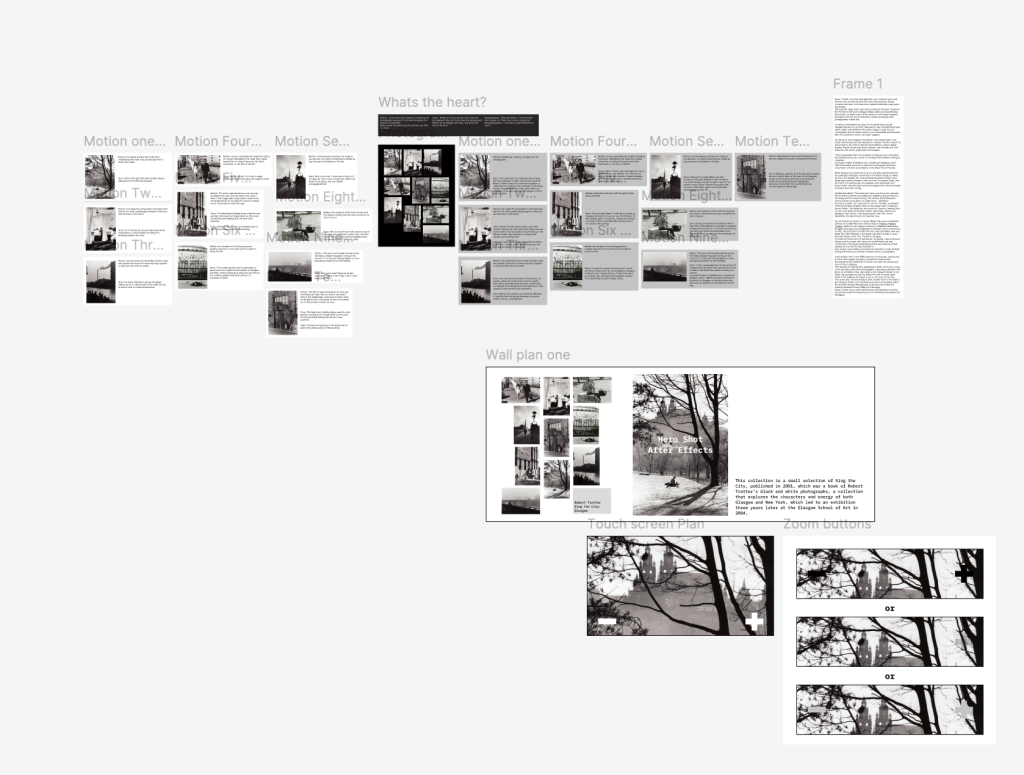
With all the planning and writing I’ve been doing, I thought that a Figma board with writing and mock-ups of where I am and what I want to do with the project would make me feel better and like I’m actually doing something.
Each scene will be upgraded so that instead of me telling people what’s so good about the photography, I can show them. This will be less, in Betina’s words, ‘lecturing’.
She asked questions about my piece that I think I should have asked myself earlier, but a fresh pair of eyes is always helpful. She asked whether I wanted it to be a workshop or a lecture.
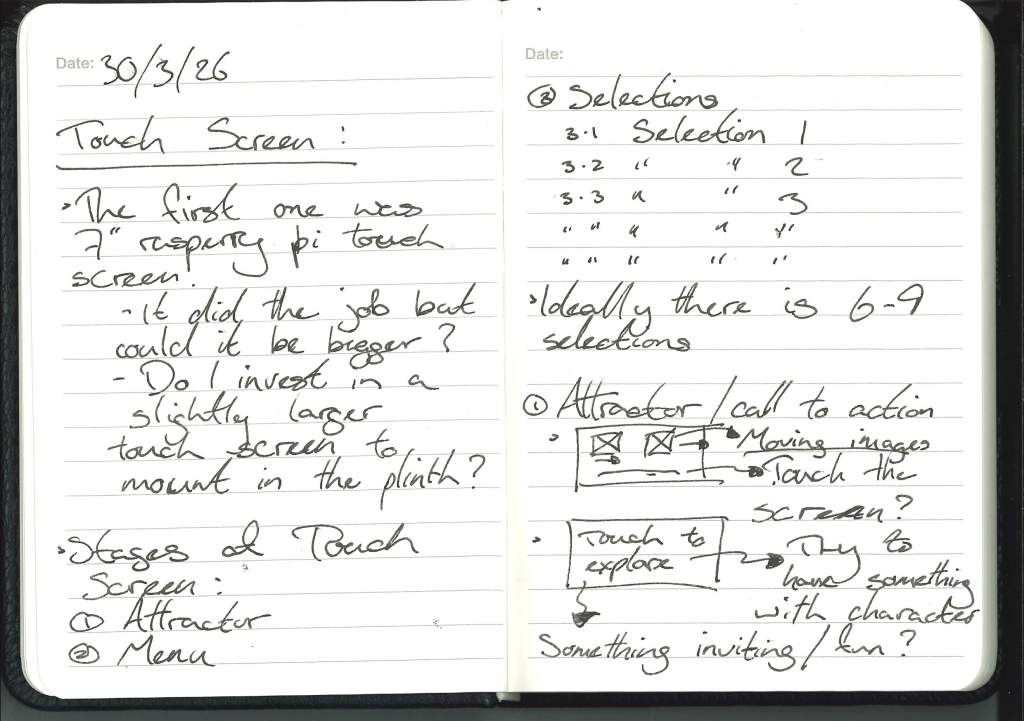
What pinged in my head was, do I want them to stand there, board listening to me or reading my writing, or do I want them to take part? My goal is for them to be engaged, so I have to give them something engaging, something to do. To answer that, I’ve designed a touchscreen interface that allows the motion graphics to play while the user explores Trotter’s photography themselves.
One of the initial ideas that Pav and I were bouncing around was cards with RFID tags, so people could hold the photography and then place it on a table to explore it.
And the second question was: do I want them to listen to me or to an expert about photography? So, with the writing, I want an expert to write each paragraph.
Recording the Audio:
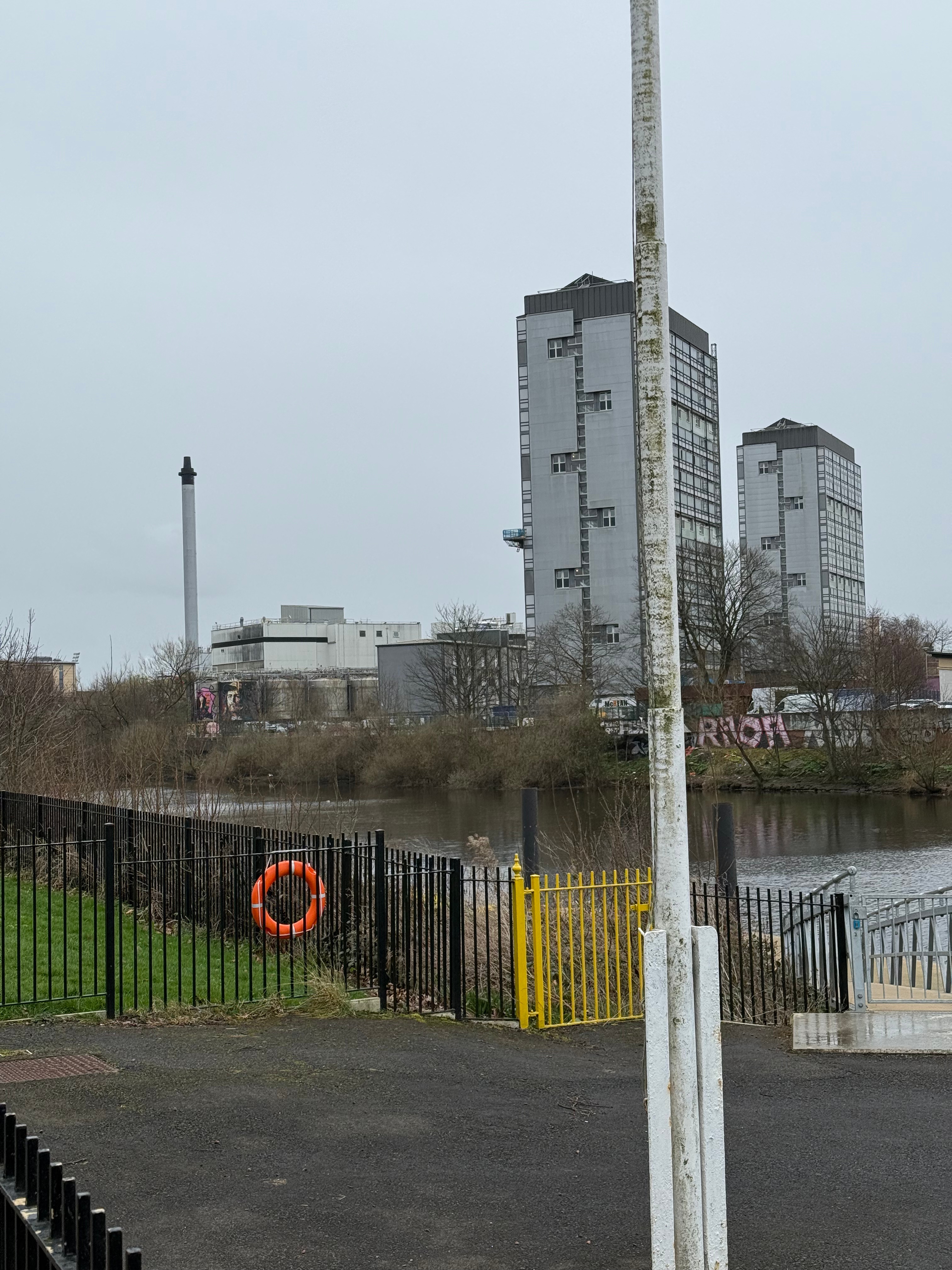
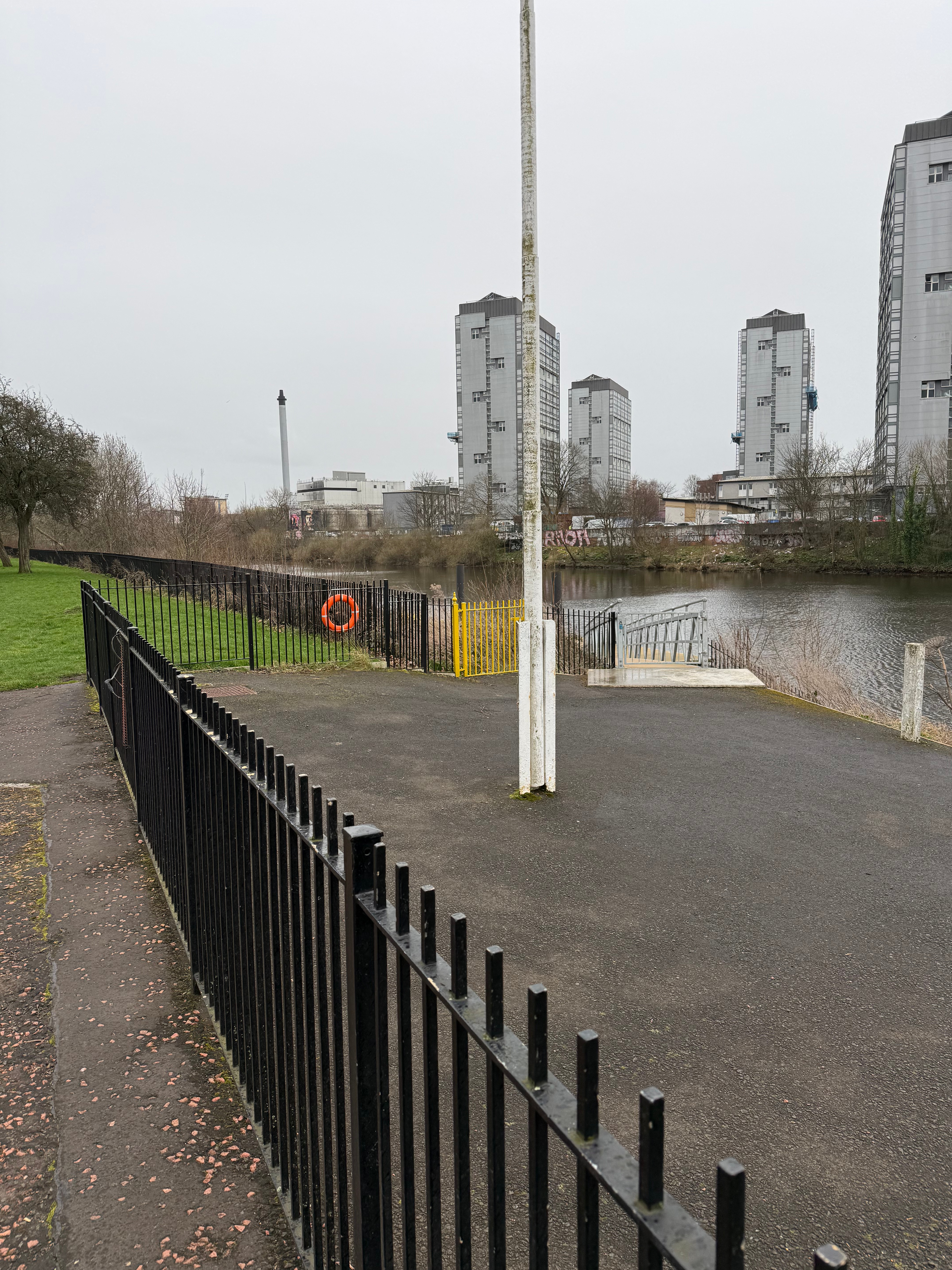
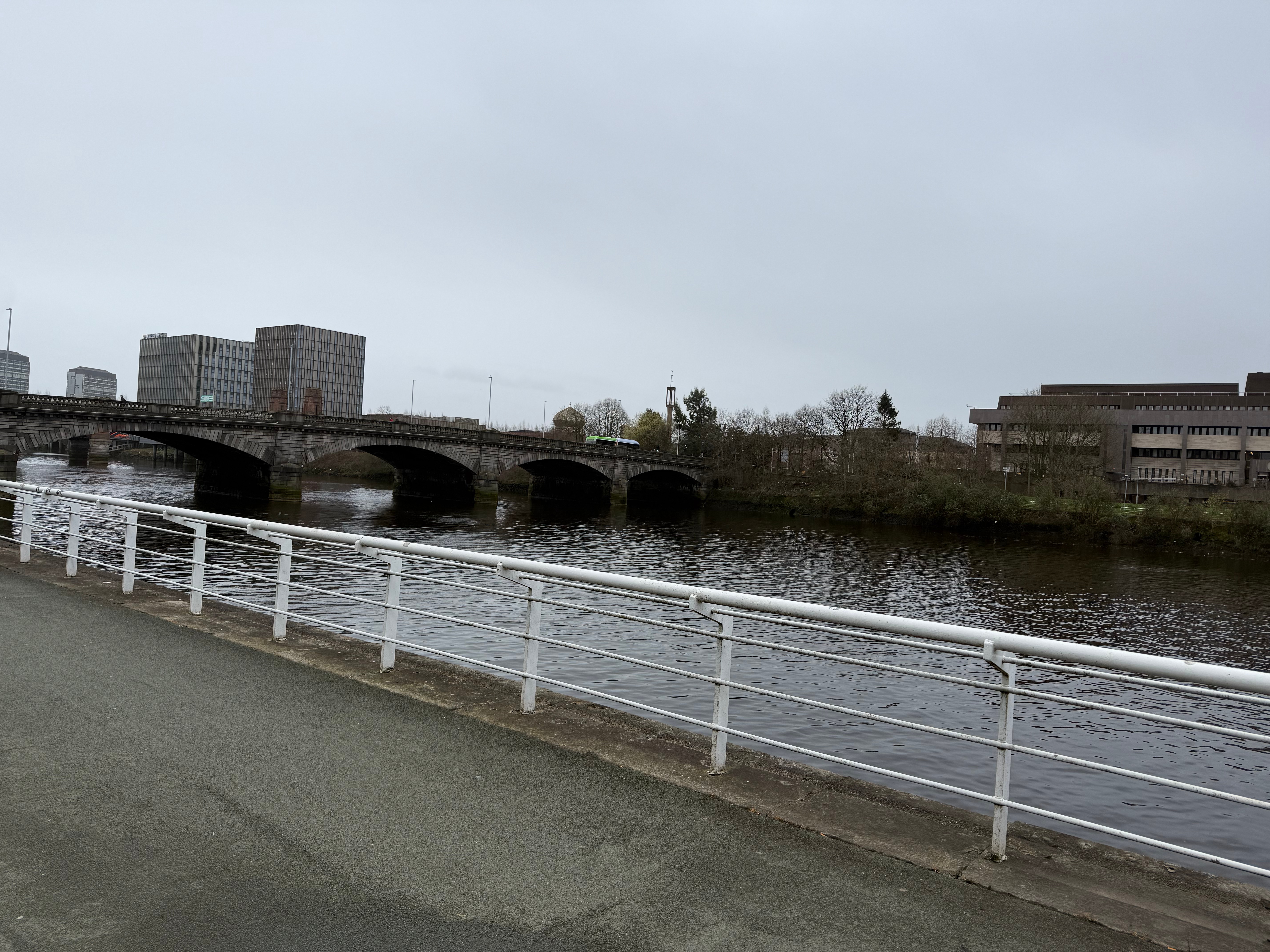
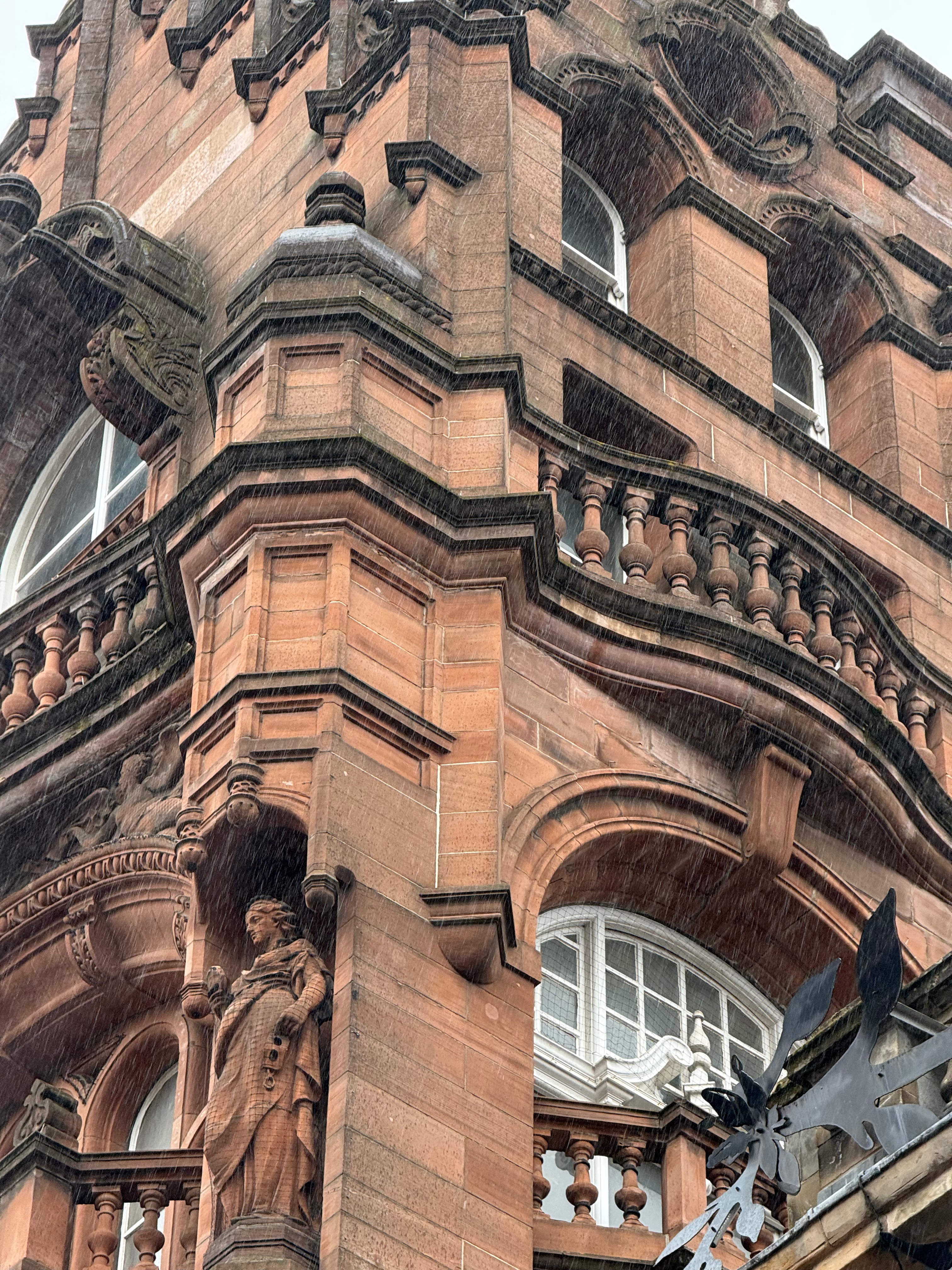
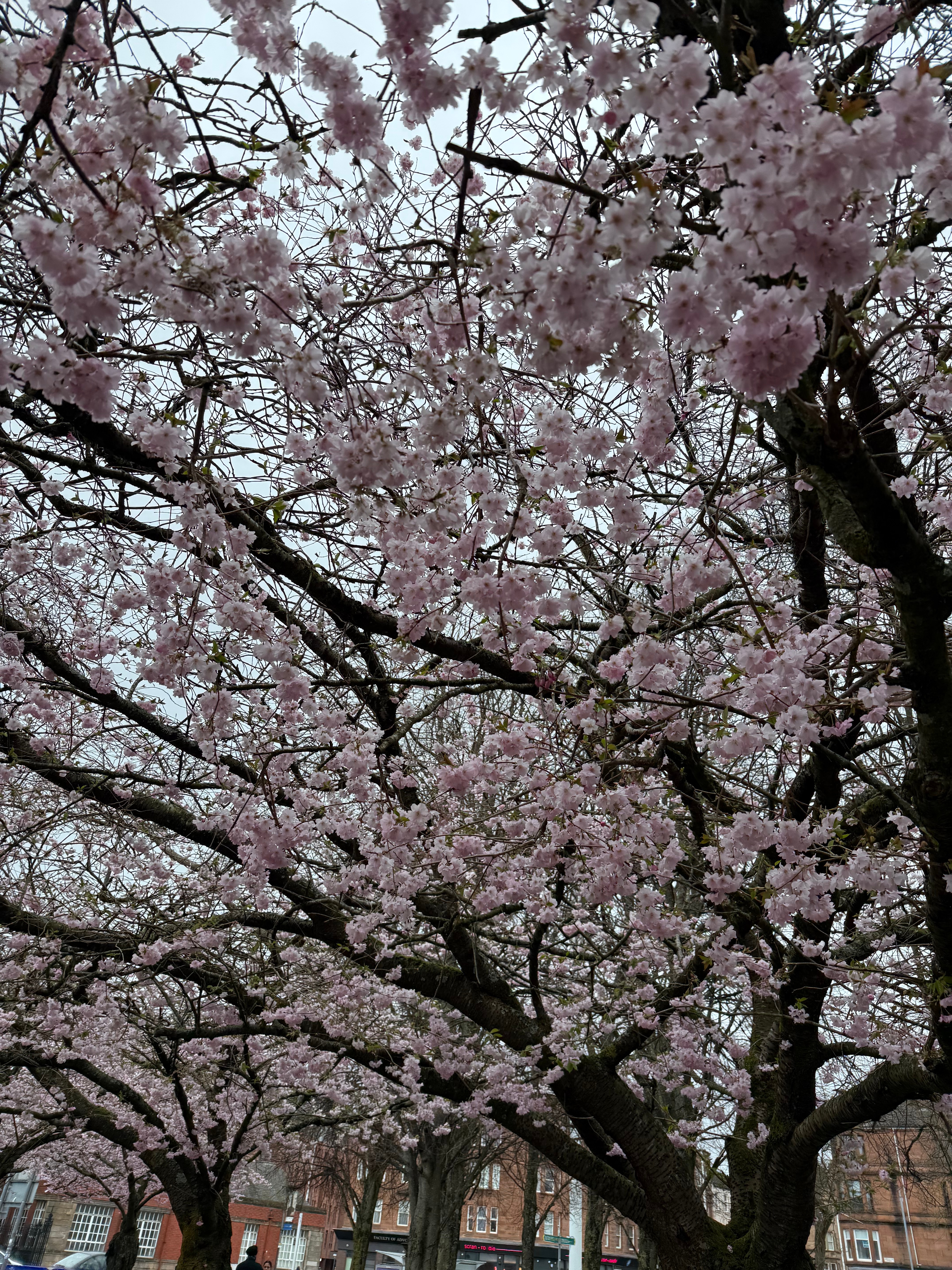
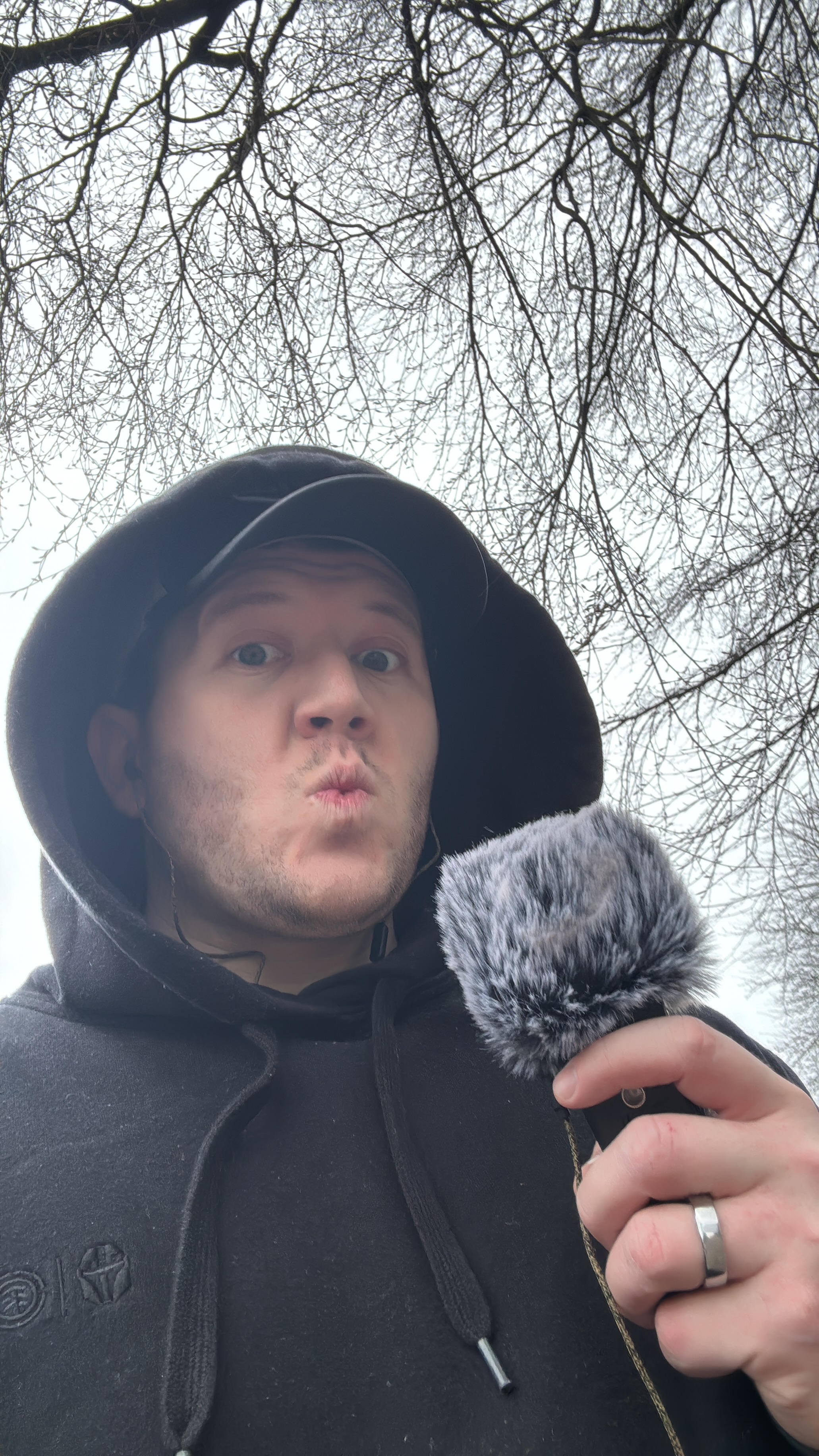
On a particularly windy and rainy day, not the best for recording audio, I went out and recorded most of my audio, going to the same places Robert Trotter took the photos and using the H1 to capture the sounds of the location as much as I could.
I should have recorded more audio on a different day without the wind, but I still got a lot of what I needed.
Reflection – 8th May 2026:
Before handing in, I want to look back at the whole project and reflect on each step of the process now with the hindsight that I have at the hand in date:
After the WIP and the positive feedback on my piece, the idea was to take each element and upgrade it separately, elevating it to a level I can be happy with, and then bring those upgraded elements back together to make the piece for the degree show better than the WIP.


Leave a Reply