- Design Proposal :
- DH&T Notes and Extended Design:
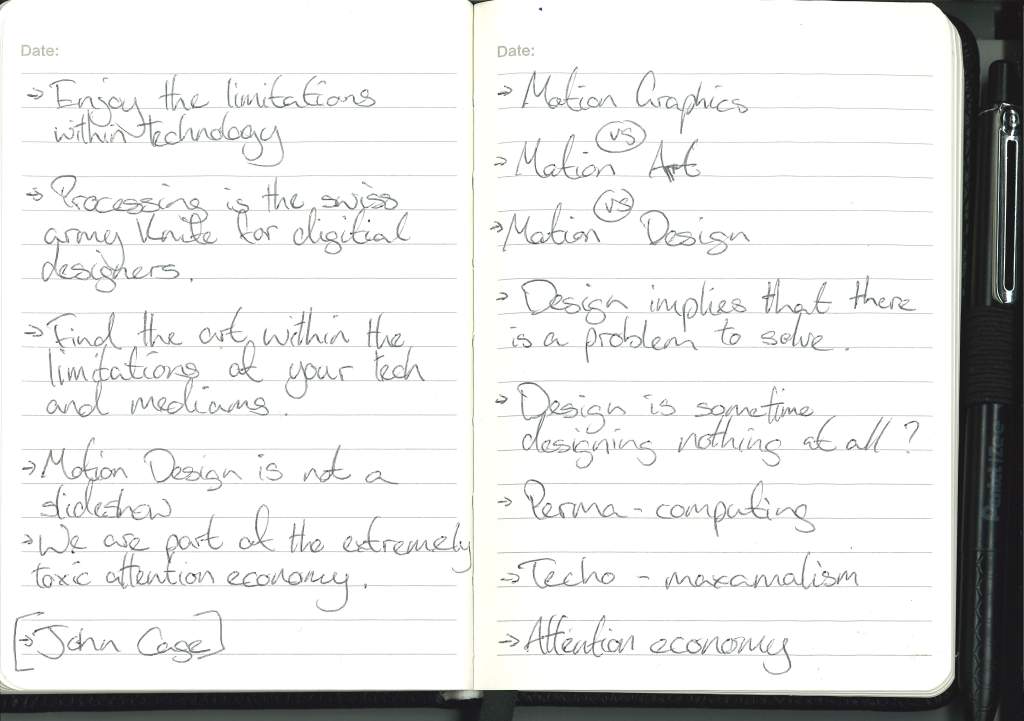
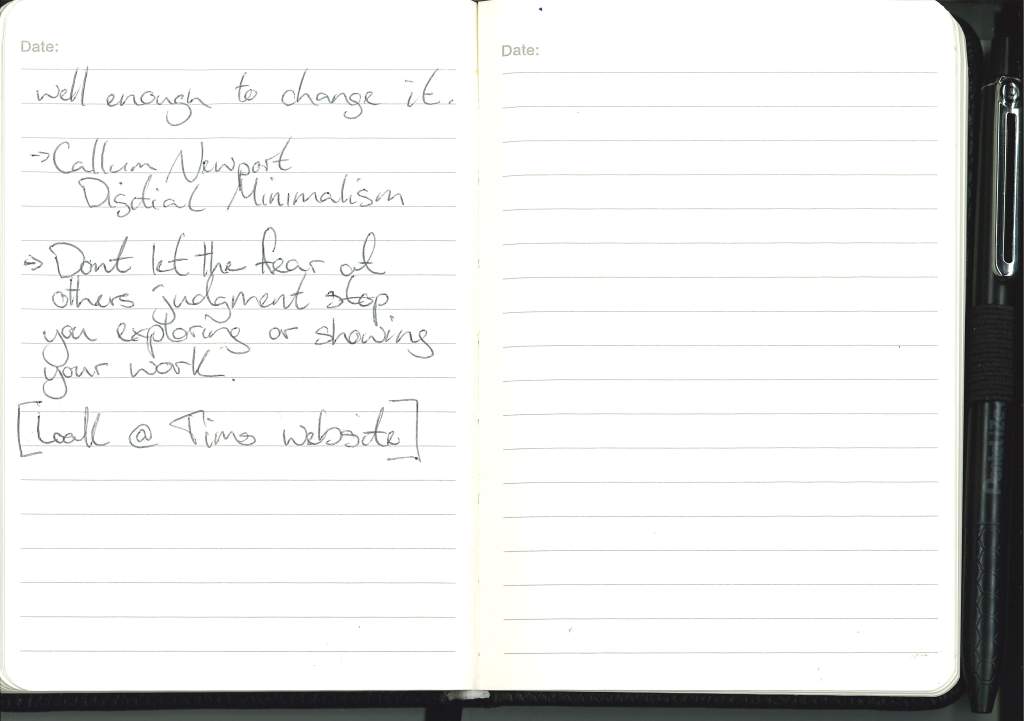
- Gallery Visit Notes :
- Mark Making :
- Display Ideas :
- Research:
- Primary Research:
- Secondary Research:
- Personal Note/Reminder:
Design Proposal :
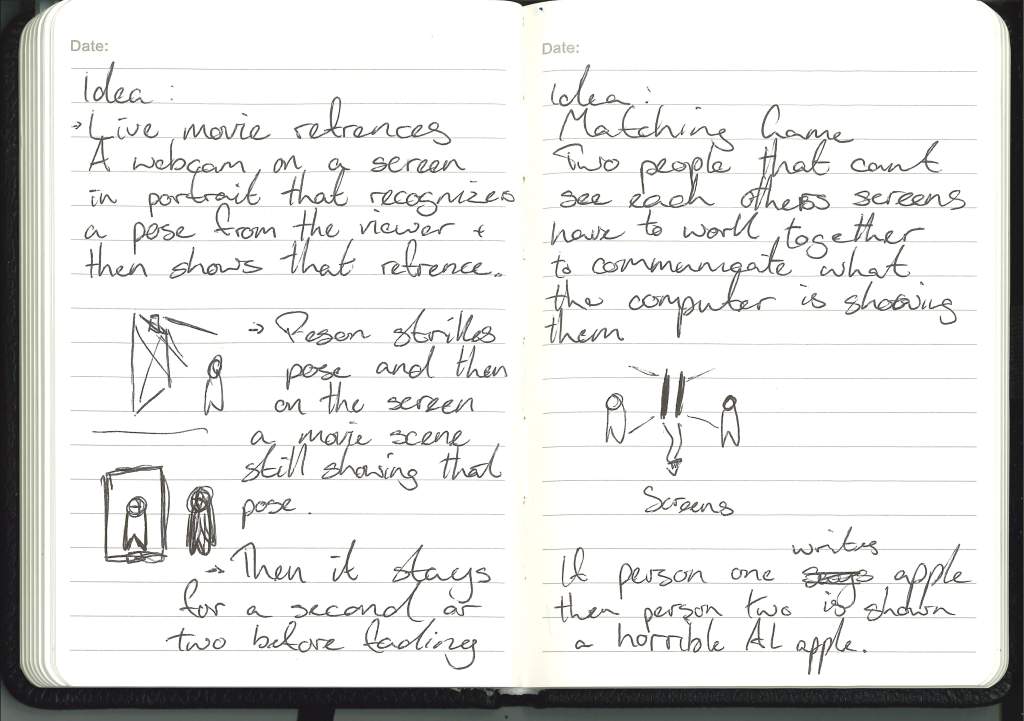
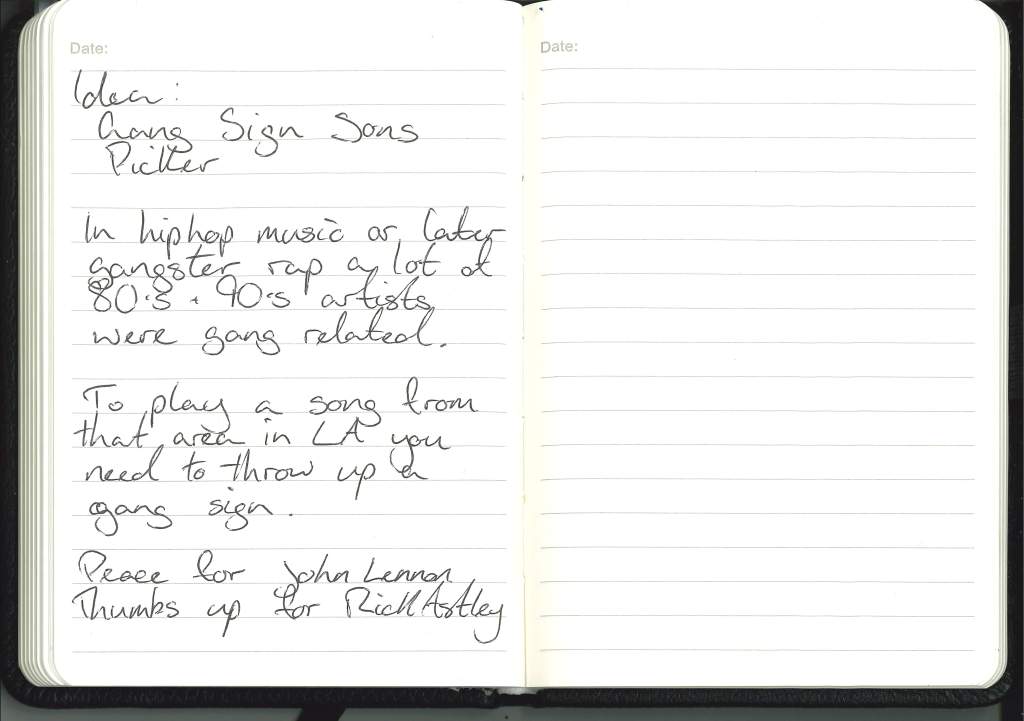
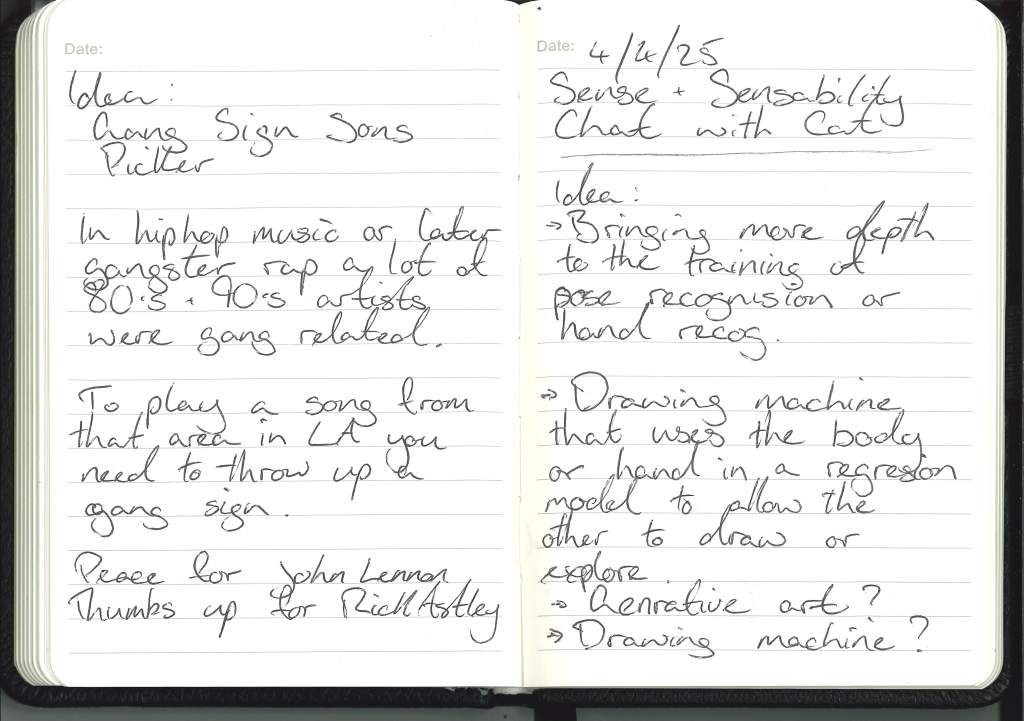
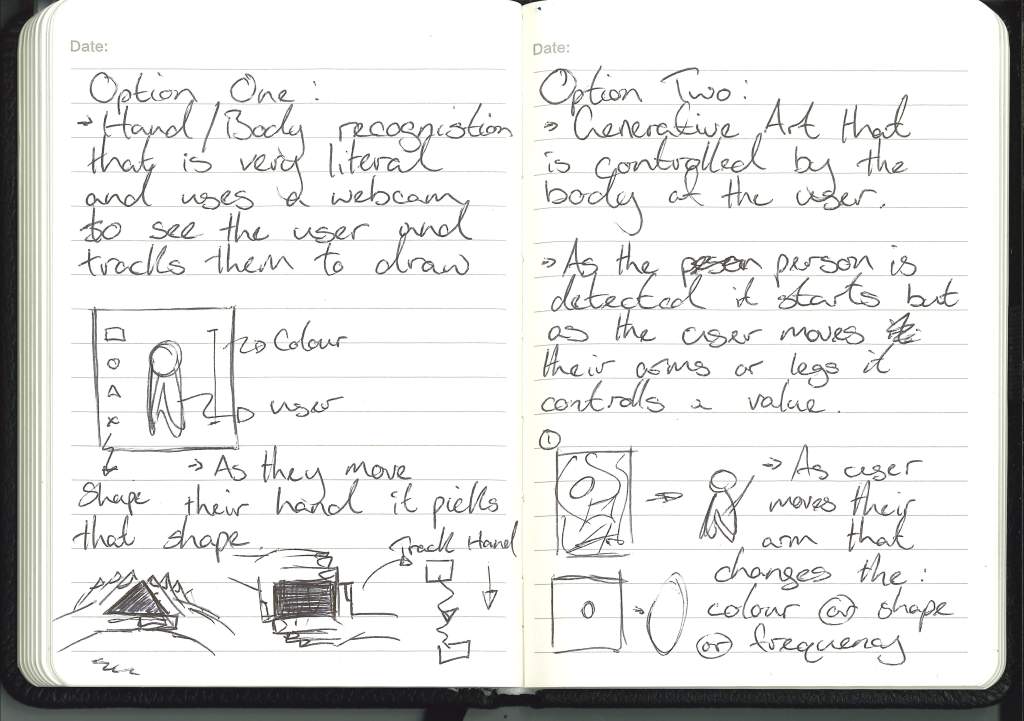
In all honesty I’m unsure what the year ahead holds, I’m not sure what I’m going to produce. At this moment I have ideas of what I might look into and what my work might follow.
I have the edges of the puzzle but I have no idea what the middle of the picture is and I don’t have the picture of the box.
I have been thinking about the project throughout the summer but as life always does, other things took up my time or got in the way.
Firstly I’ll go through the questions posed to us by the Proposal Overview and try to answer them as honestly and instinctively as possible.
Design Proposal Notes :
What am I exploring ? :
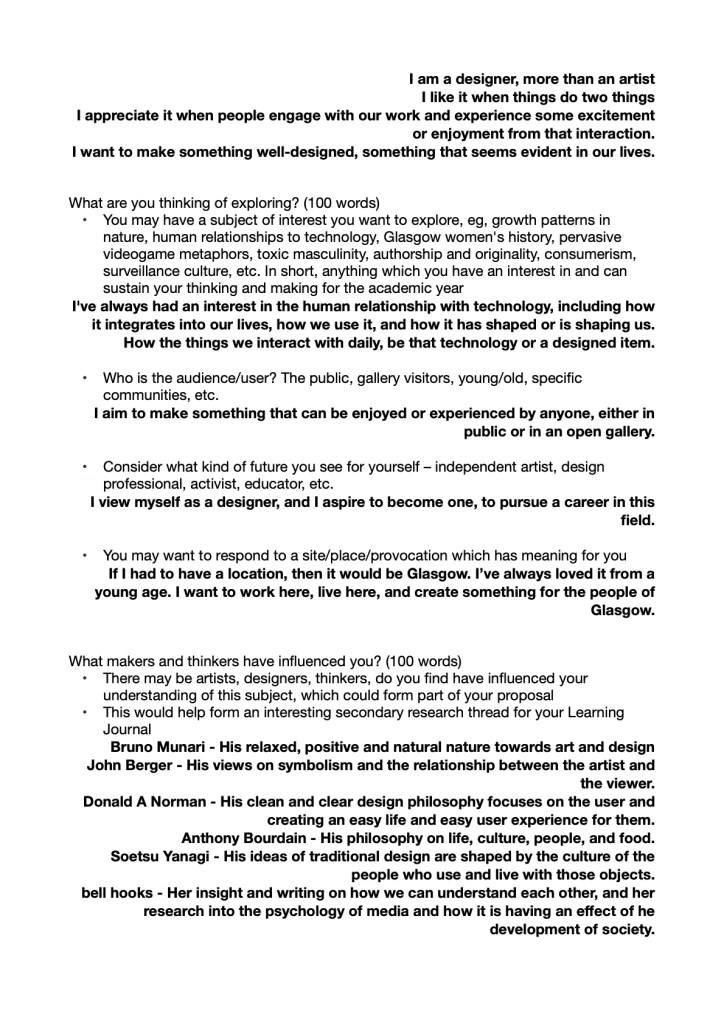
I think through one way or another, I’ve been mainly drawn to the relationship between humans and technology from a young age, driven by my own relationship with technology, but more recently and more broadly, it’s the multiple relationships within my career: design/art and its creator; the piece and the audience and even the designer and user or the artist and the viewer.
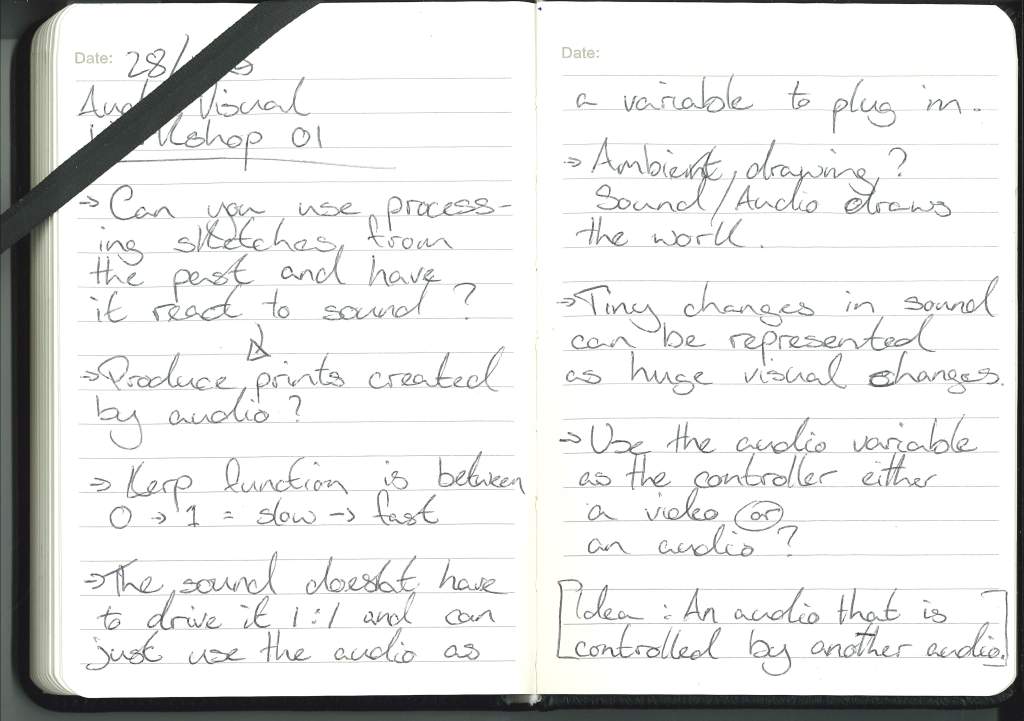
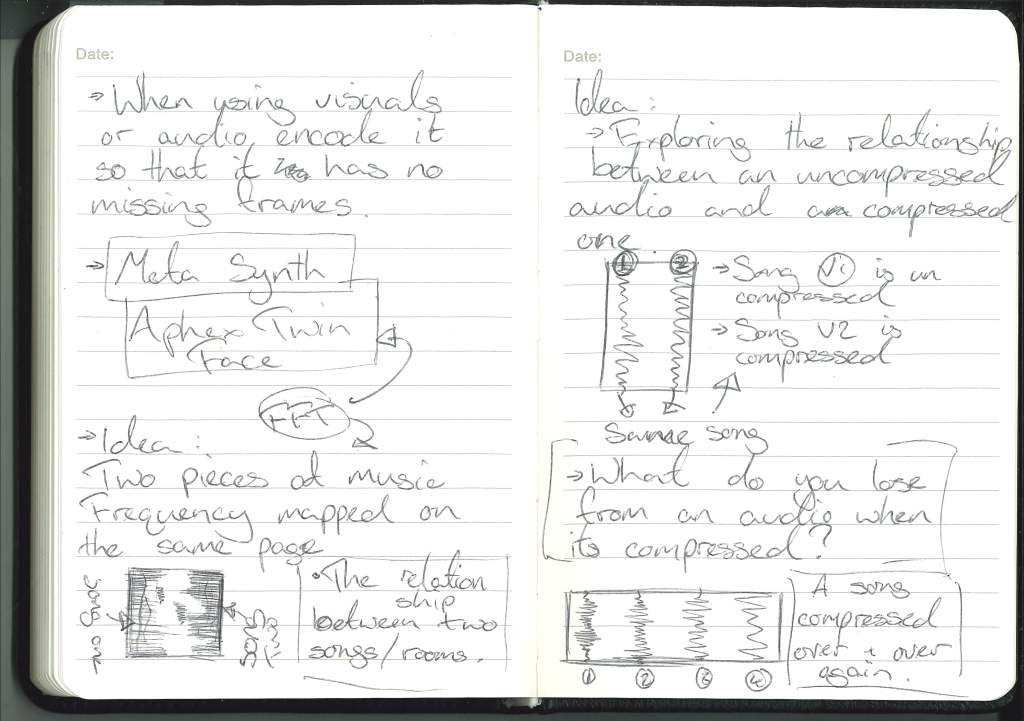
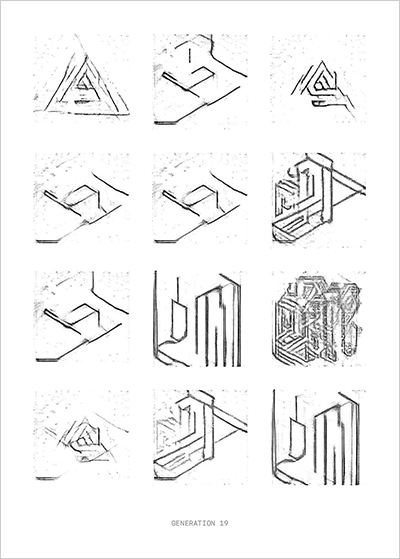
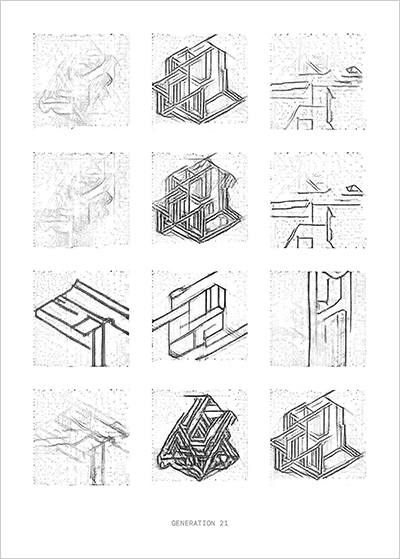
I look back to previous work that I think touches on these themes unknowingly:
Who is this for ? :
When I consider my work and who it is for I would like to be able to say something deep and thoughtful or that I think of a group to focus on, that would overall benefit my project, but in all honesty I want to be able to reach the widest group of people possible, when I consider who my work is for I want to consider my friends, my family, those I admire, respect and wish to impress.
Who influenced me ? :
I was initially trying to think of less cliche or obvious picks for artists and designers that inspire myself and my work but I believe that for this year and my work going forward that honesty is the best policy.
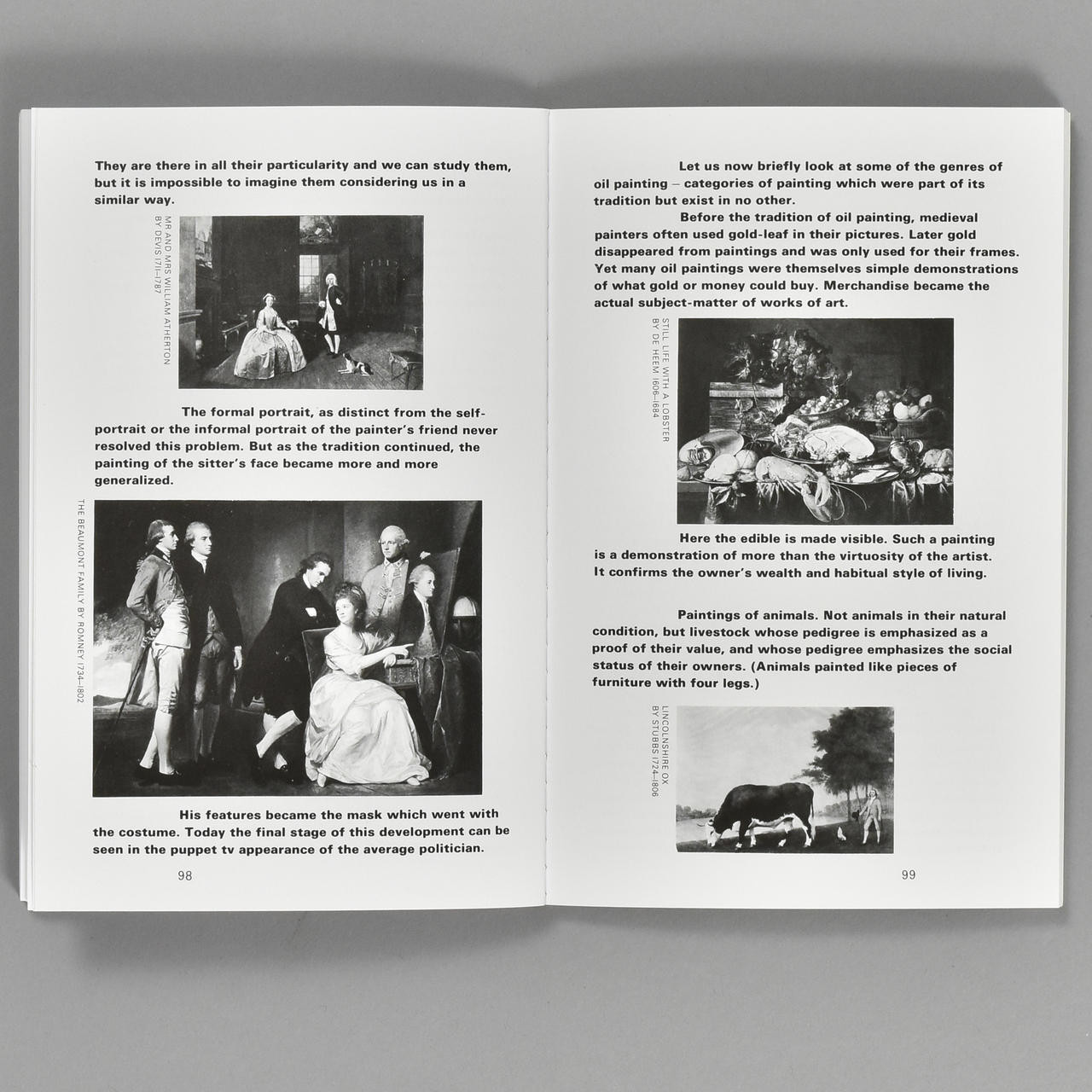
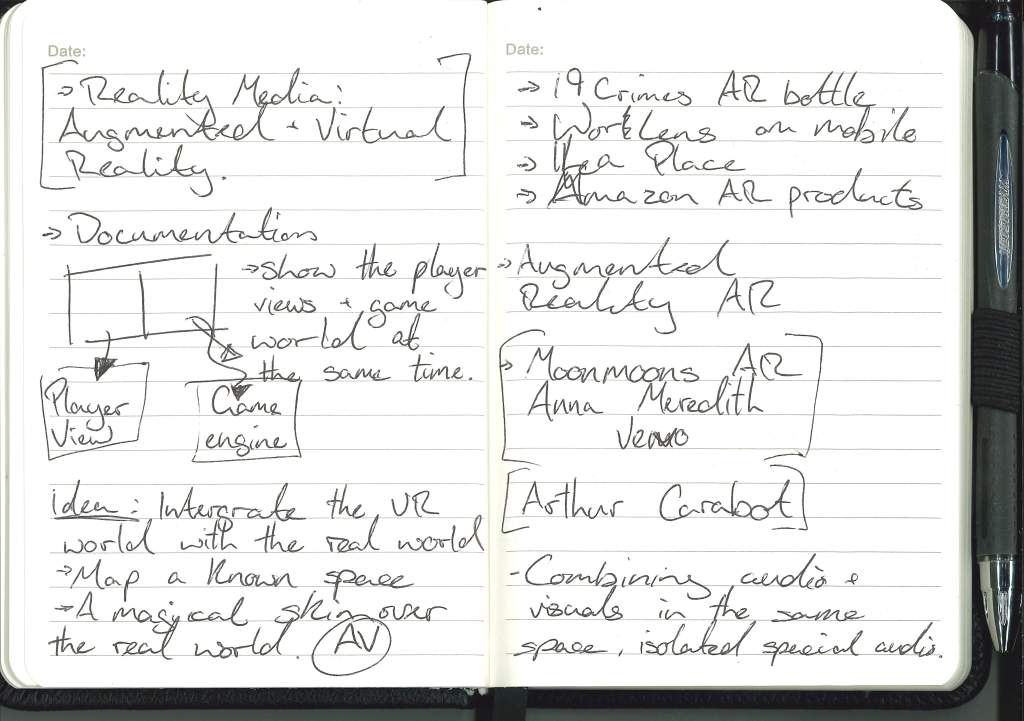
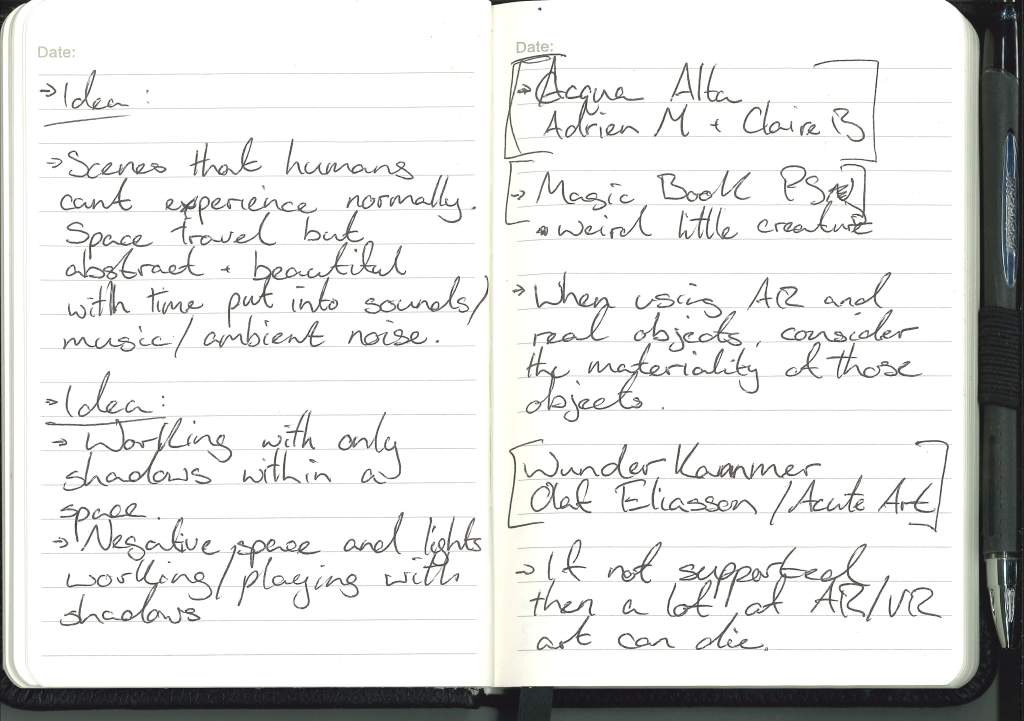
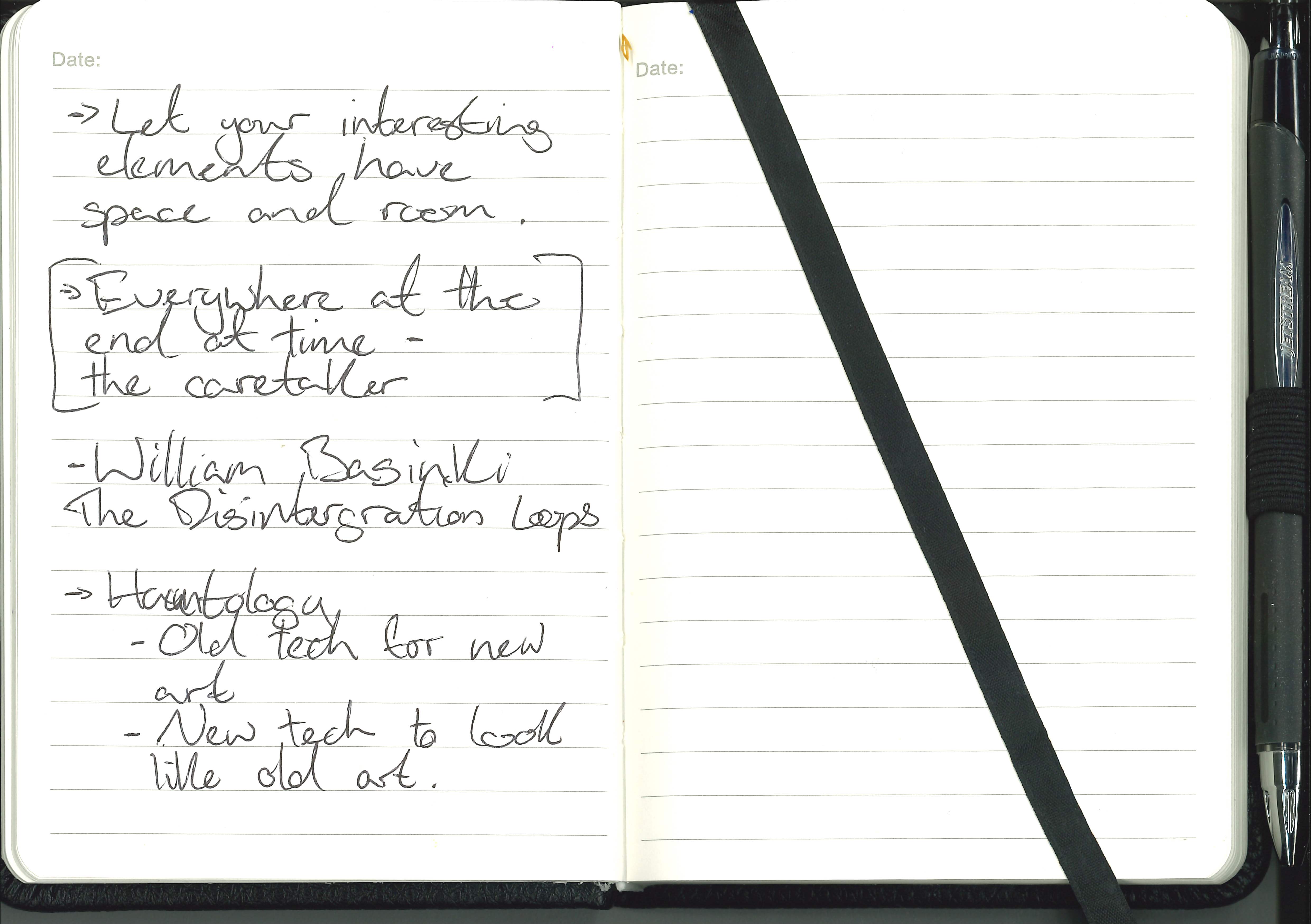
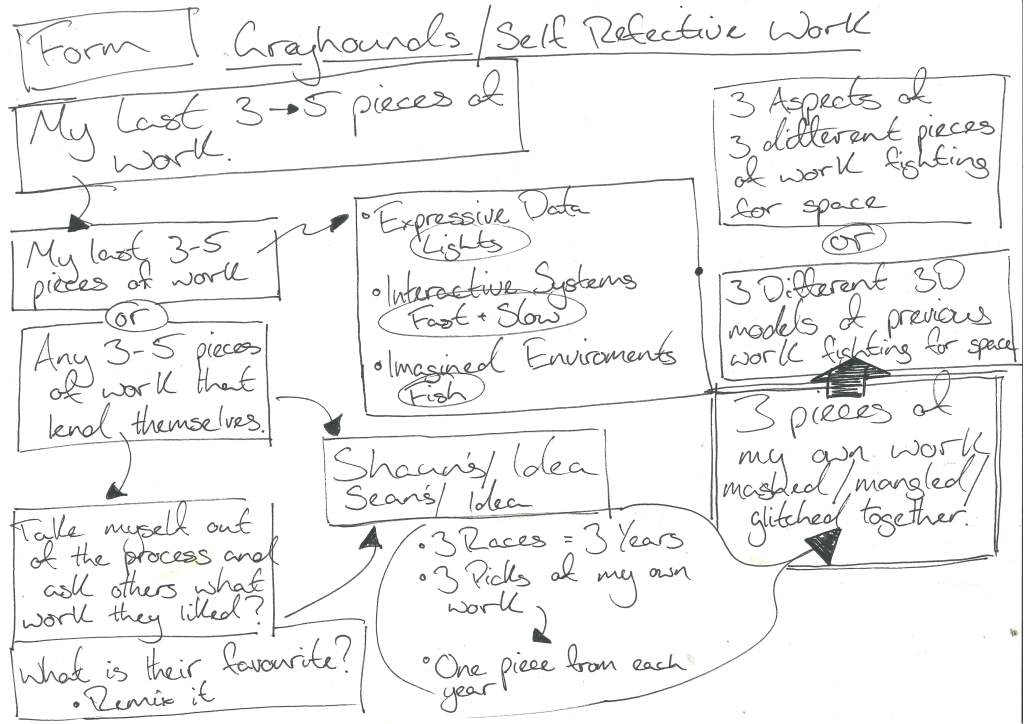
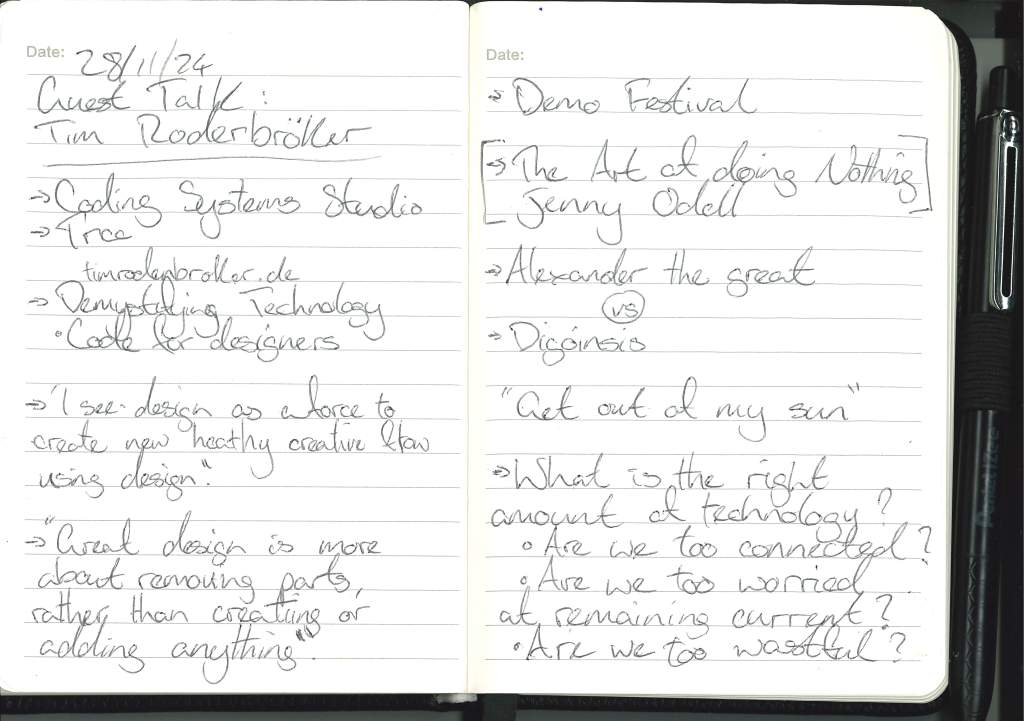
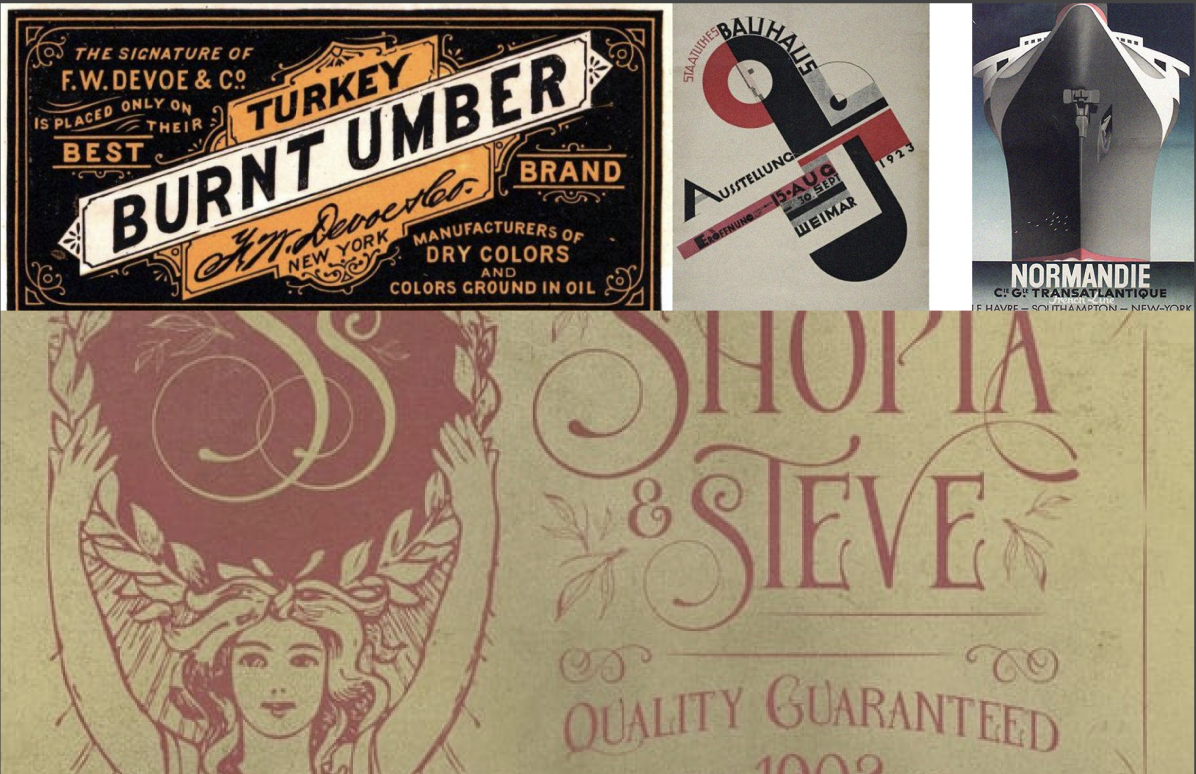
Shown in my notes above and the images and links below are artists, designer and thinkers who came to my mind when initially considering the question, producers of work; writing and methodology that I find myself revisiting time and time again.
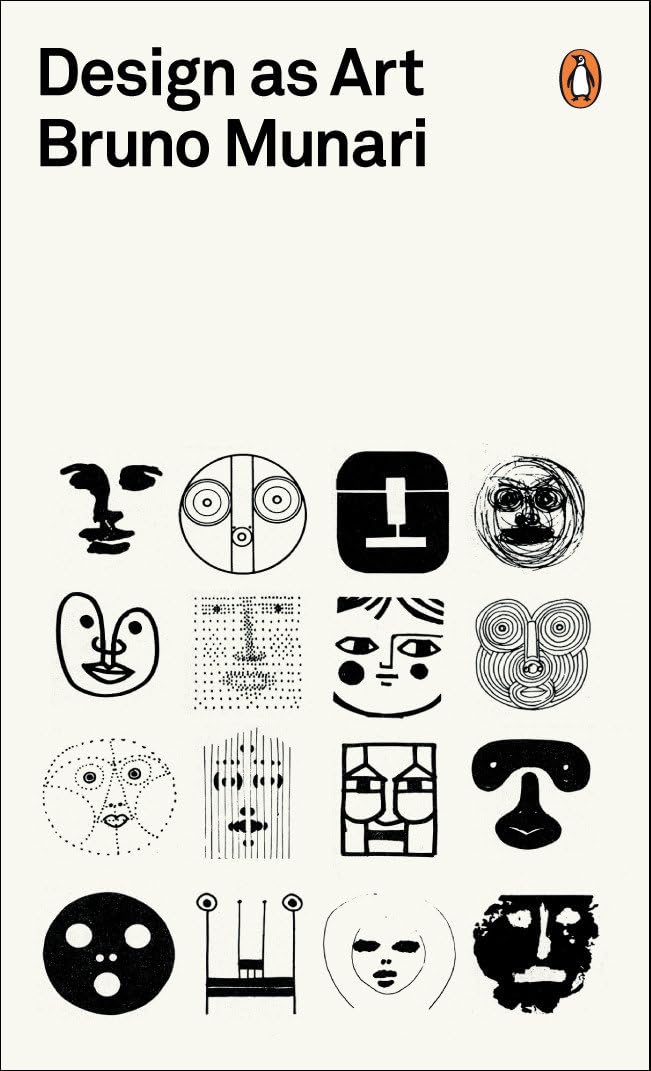
Bruno Munari:
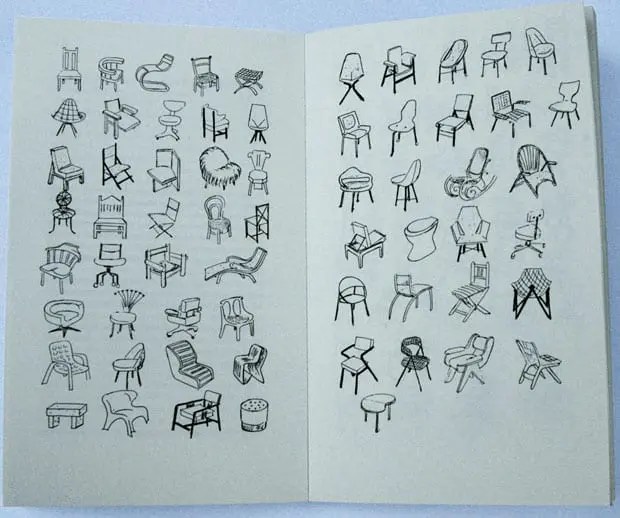
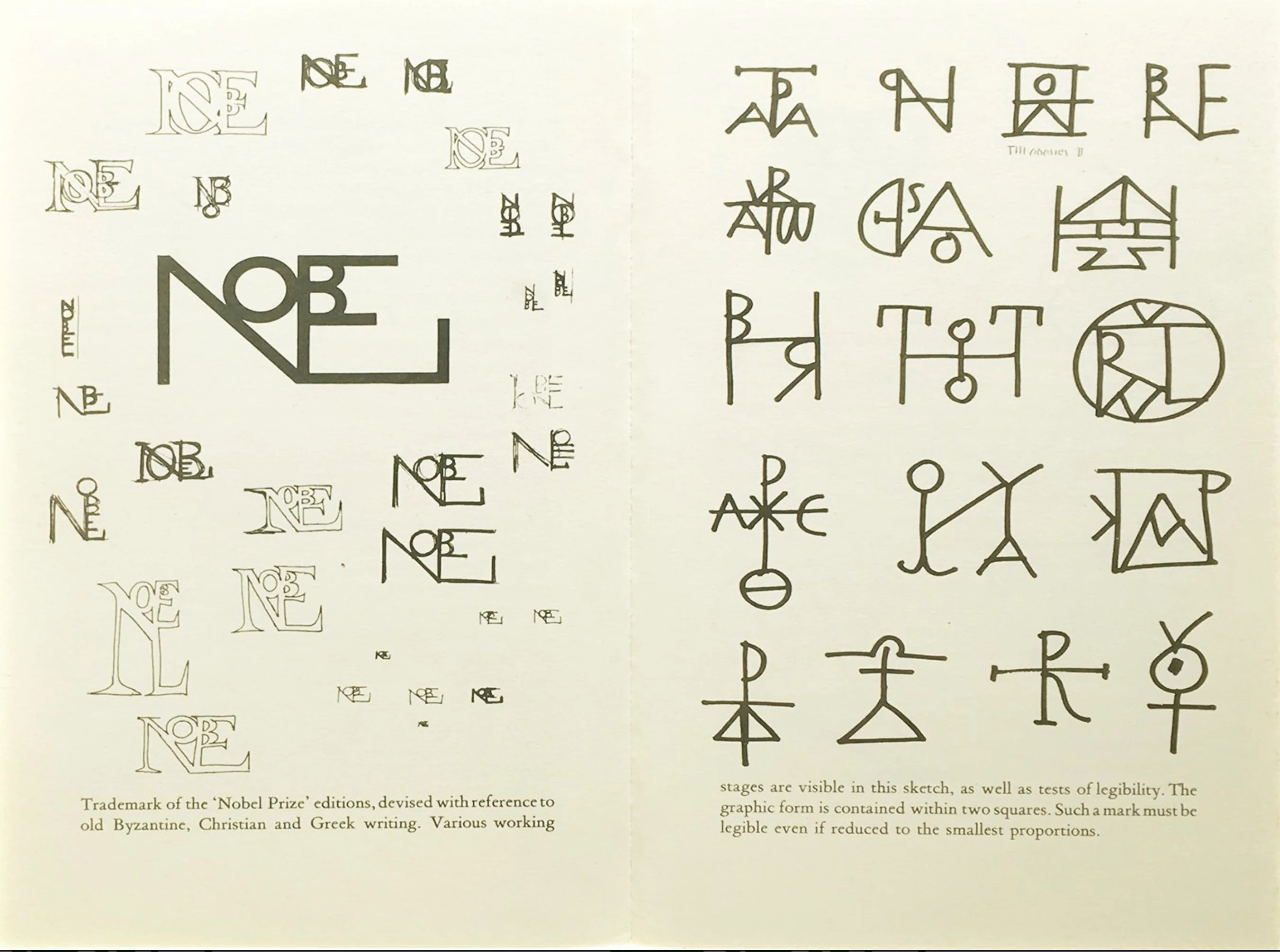
https://www.moma.org/artists/4163-bruno-munari#works
Dieter Rams:
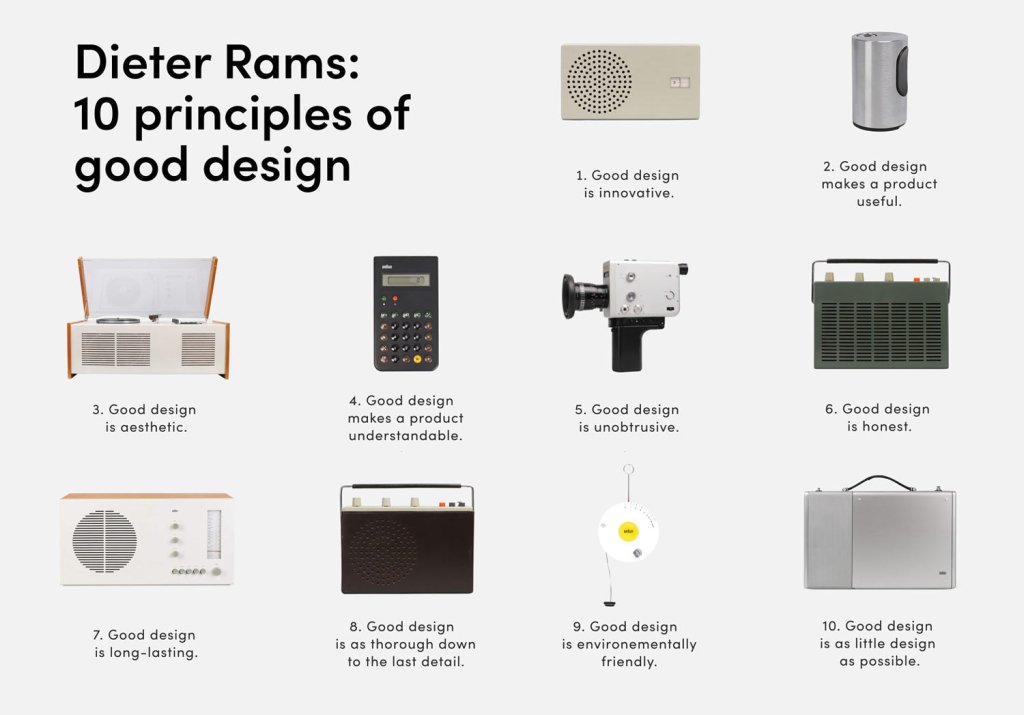
Don Norman:
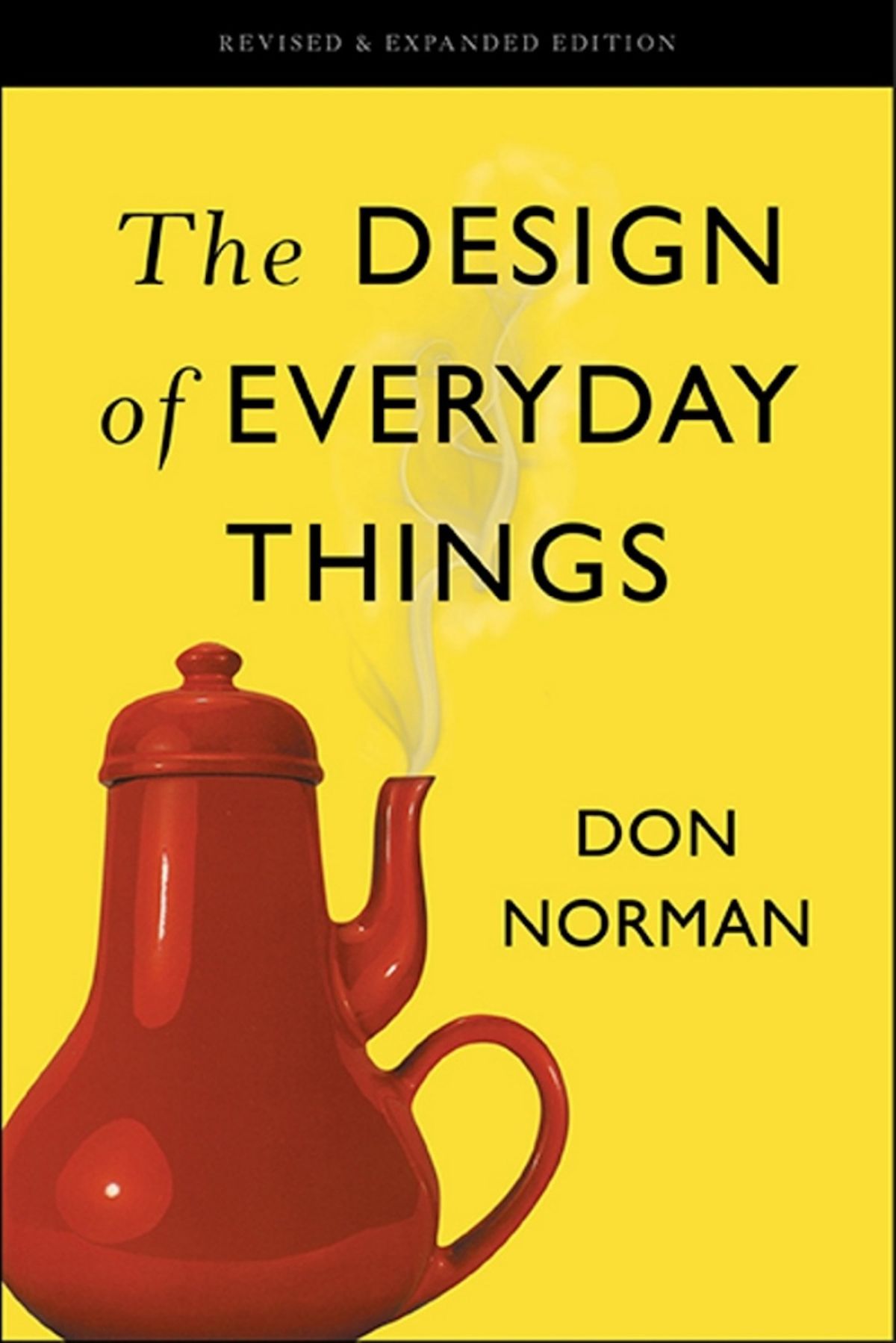
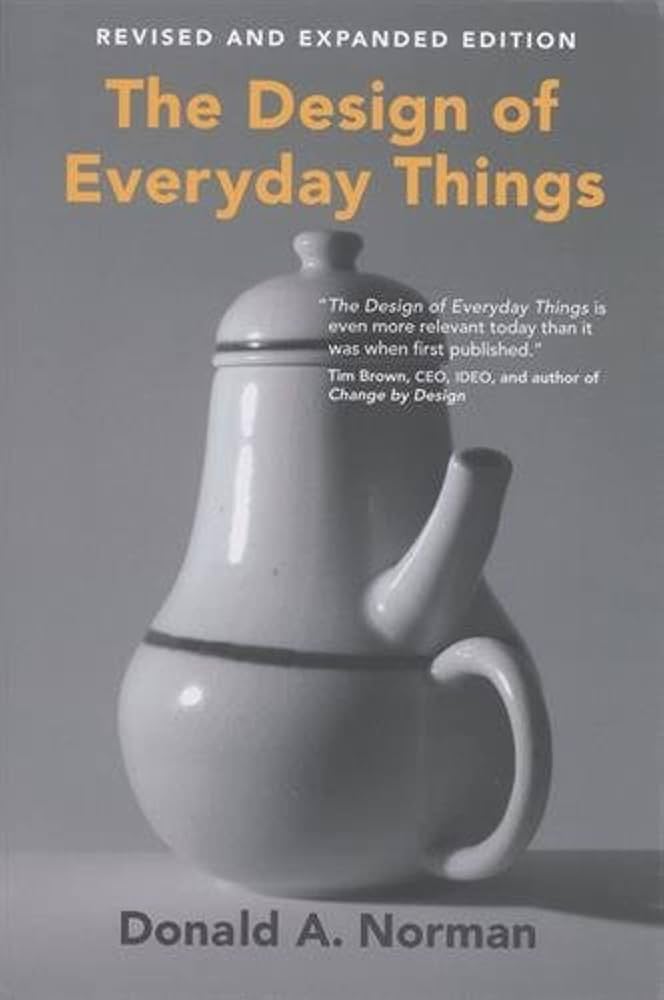
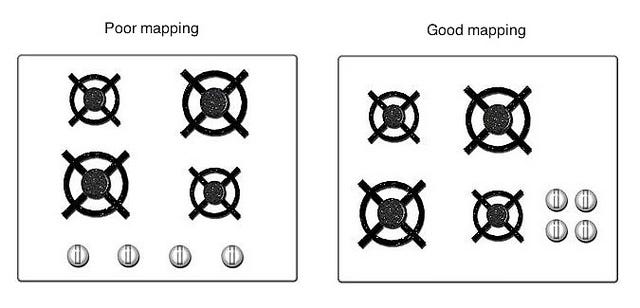
John Berger:
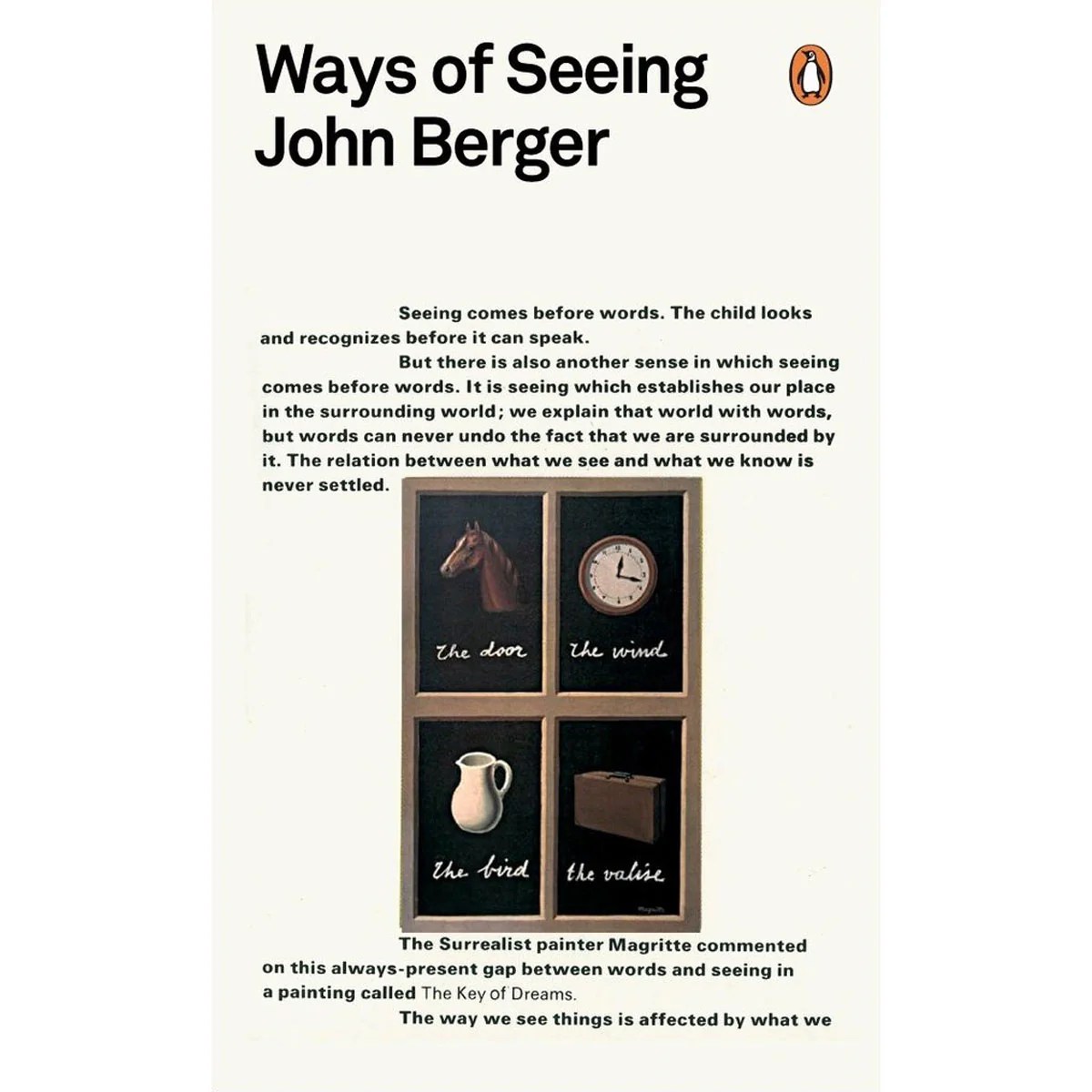
What personally interests me (about the topic) ? :
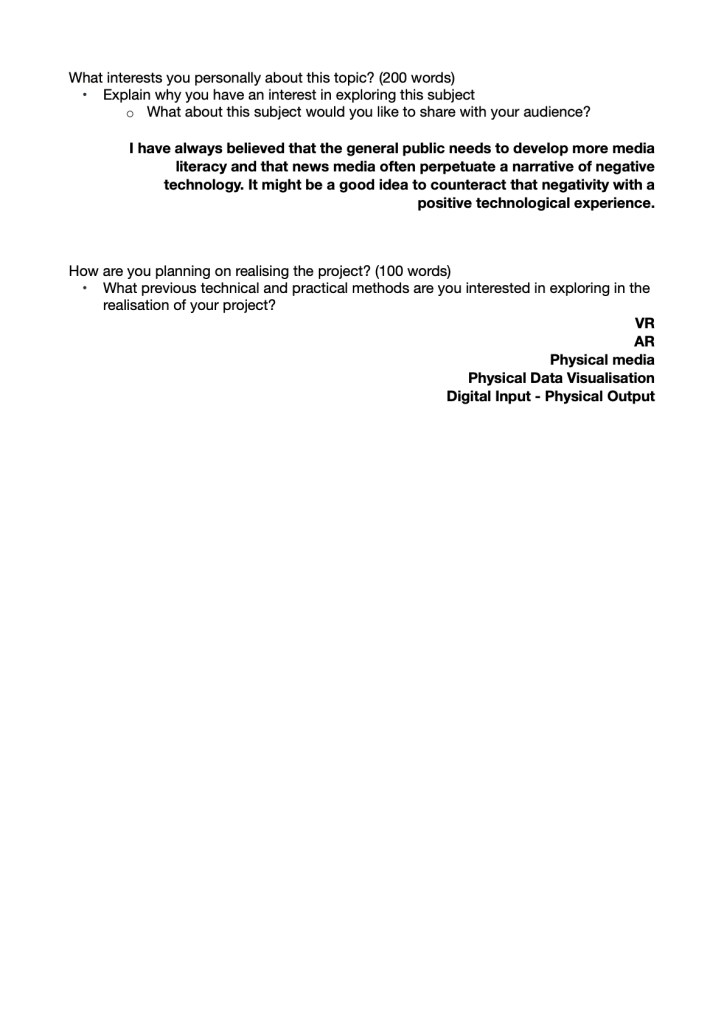
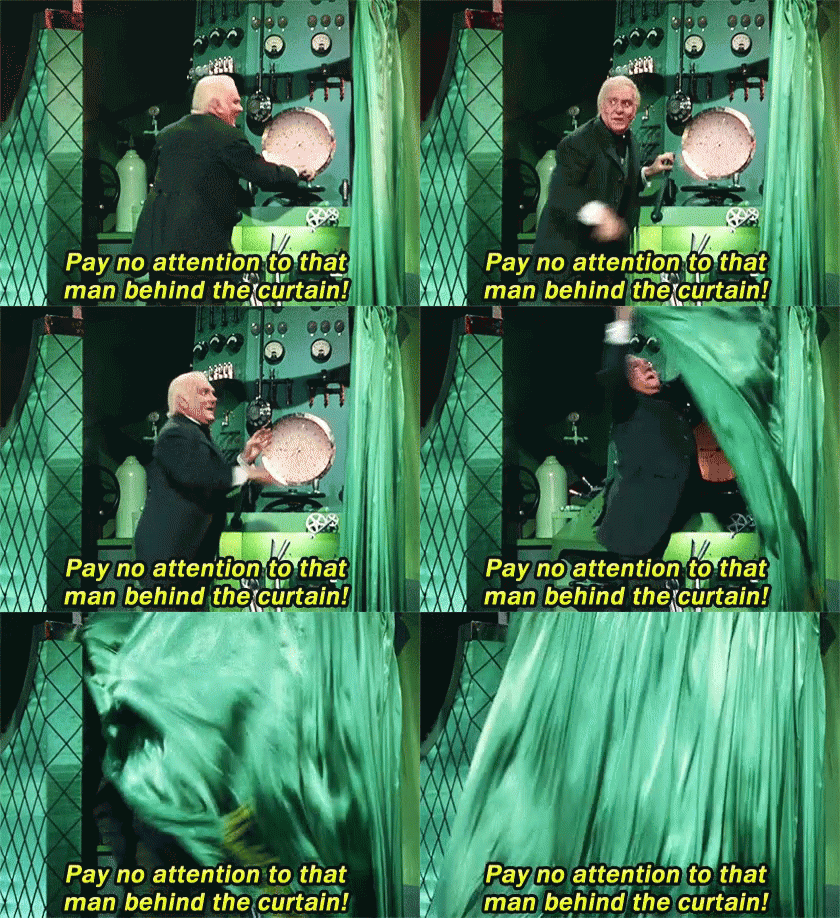
For as long as I’ve known I have always had an interest in technology, and for as long as I can remember there has always been a fear mongering around each part of technology, I believe that this fear and anxiety is from a lack of knowledge or from a lack of positive experiences with that technology.
Without sacrificing the quality or professionalism of my work I wish to imbue it with a levity that will welcome others to interact and enjoy my work that will ideally help to relax any worry people may have around technology as well as exploring the relationships previously mentioned.
How will I realise it ? :
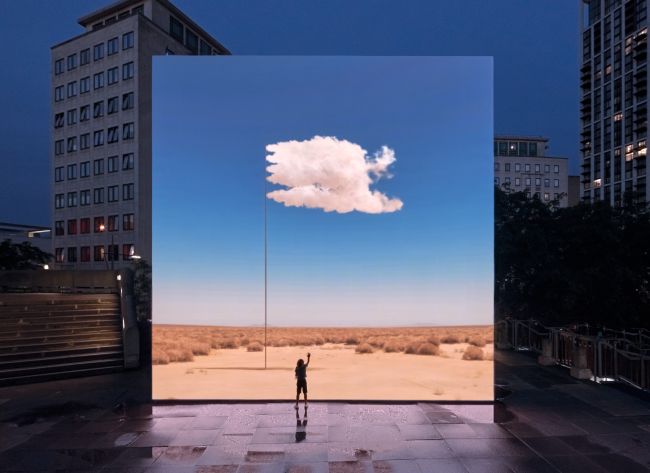
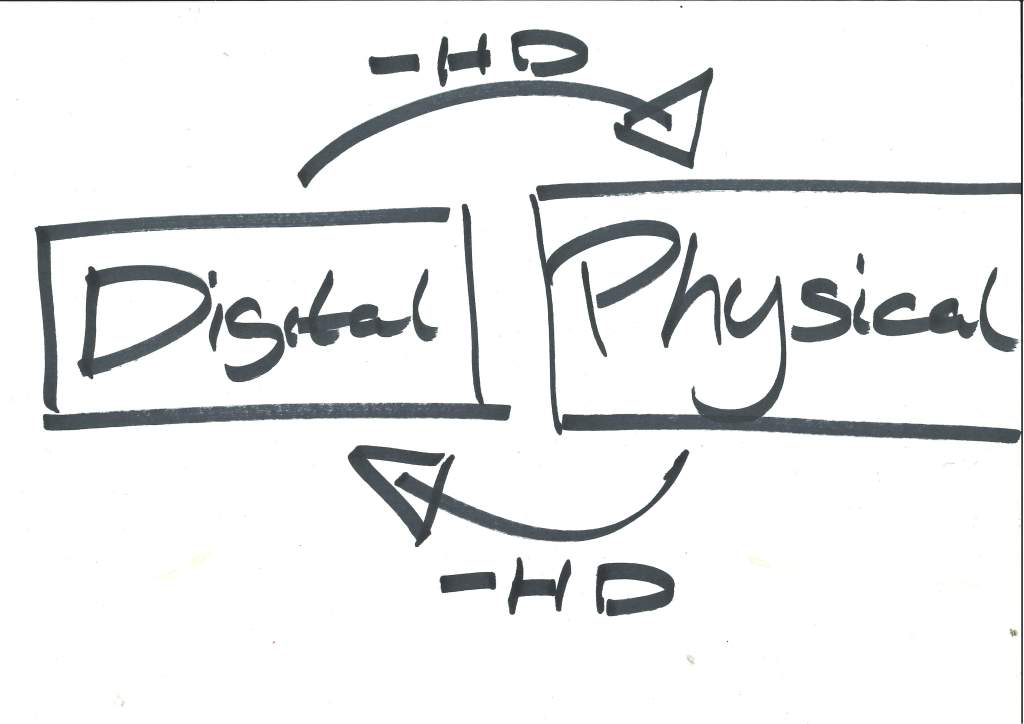
From my first time in Interaction Design I was drawn to and fascinated by the idea of the physical world and the digital world interconnected, intermingling. The relationship of digital art work and physical viewers/ participants, that something in the intangible digital space could be influenced by the physical world or vice versa.
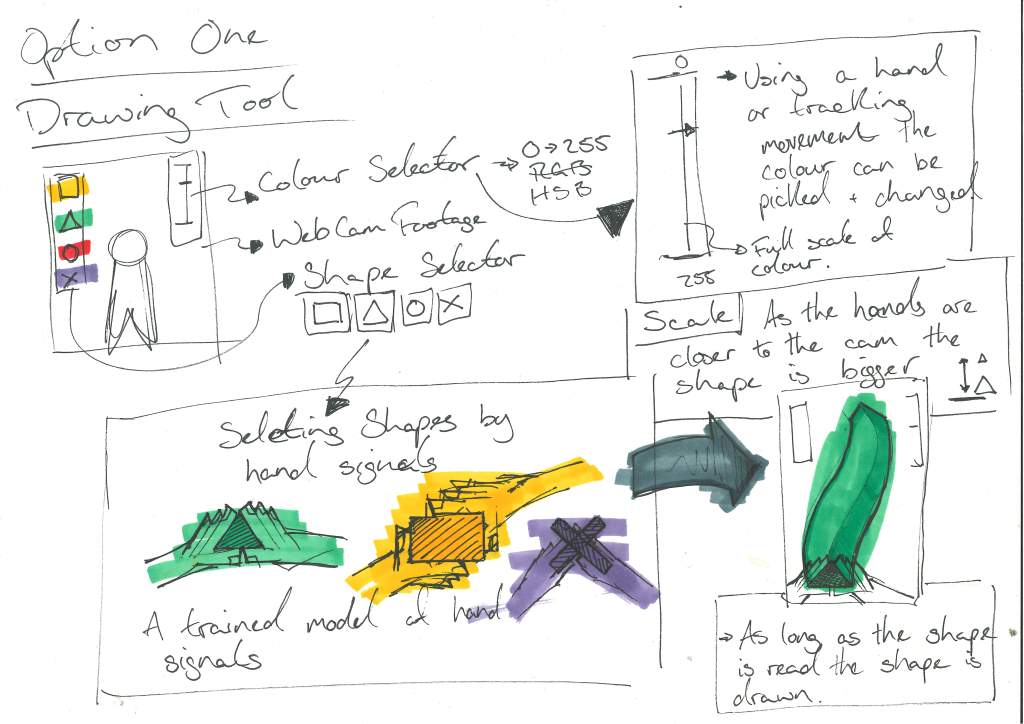
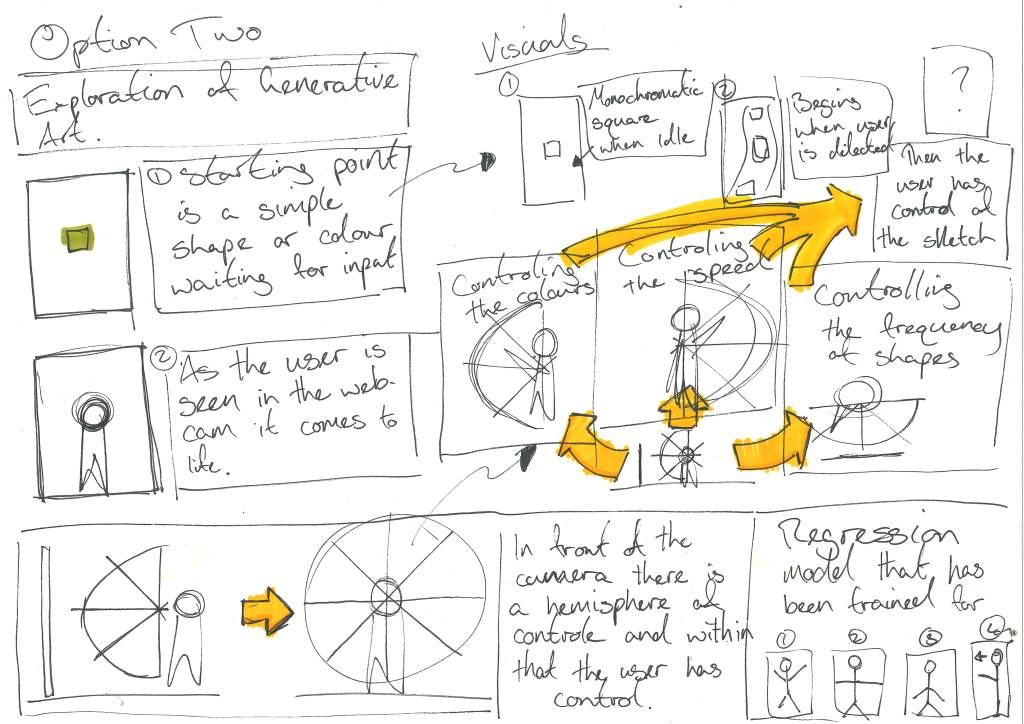
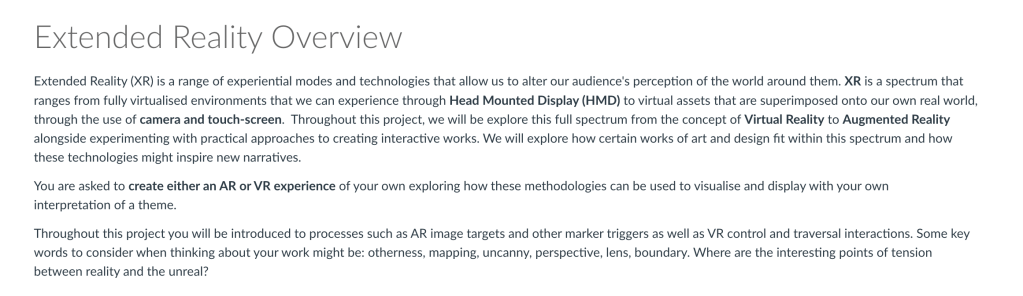
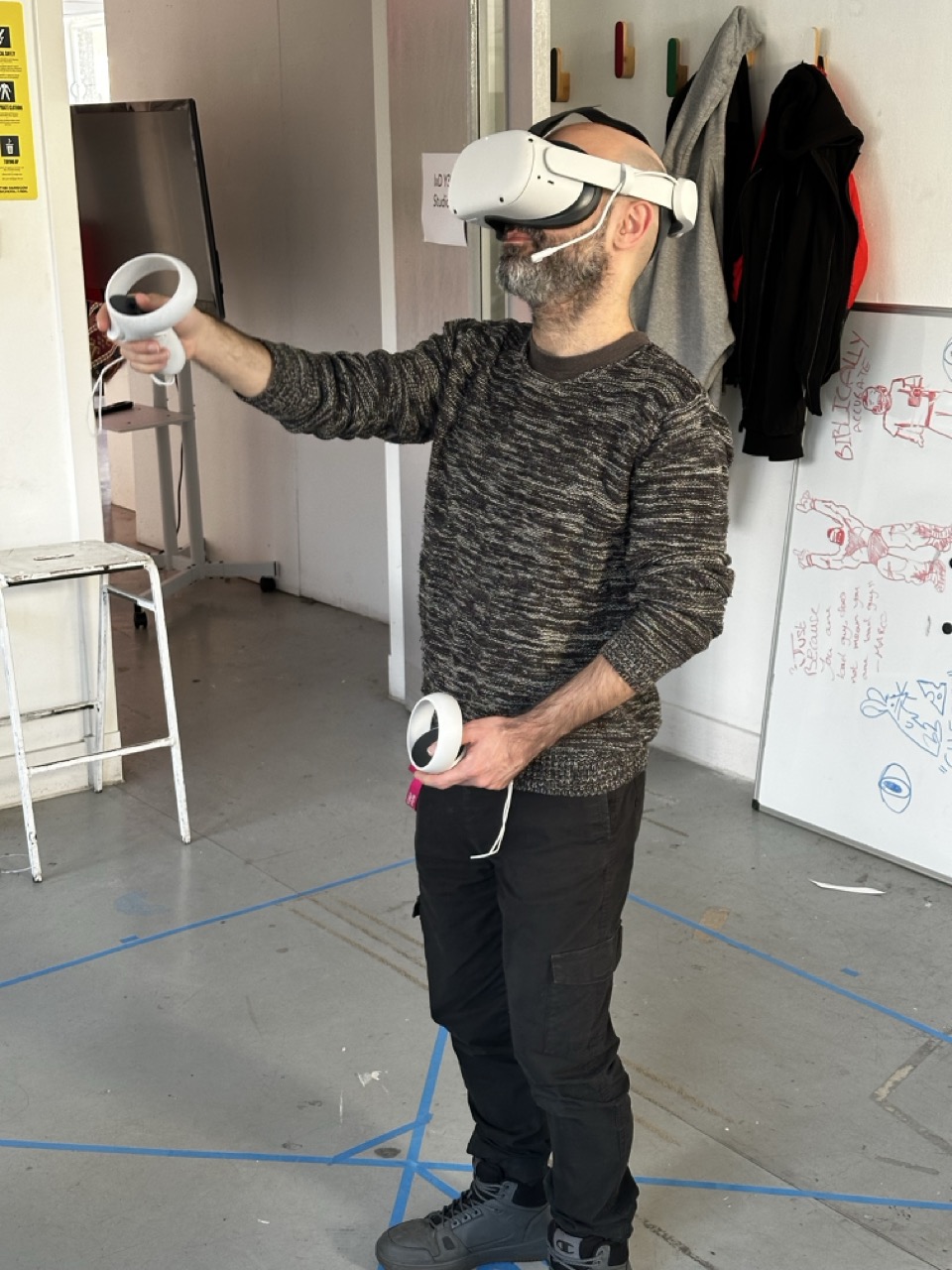
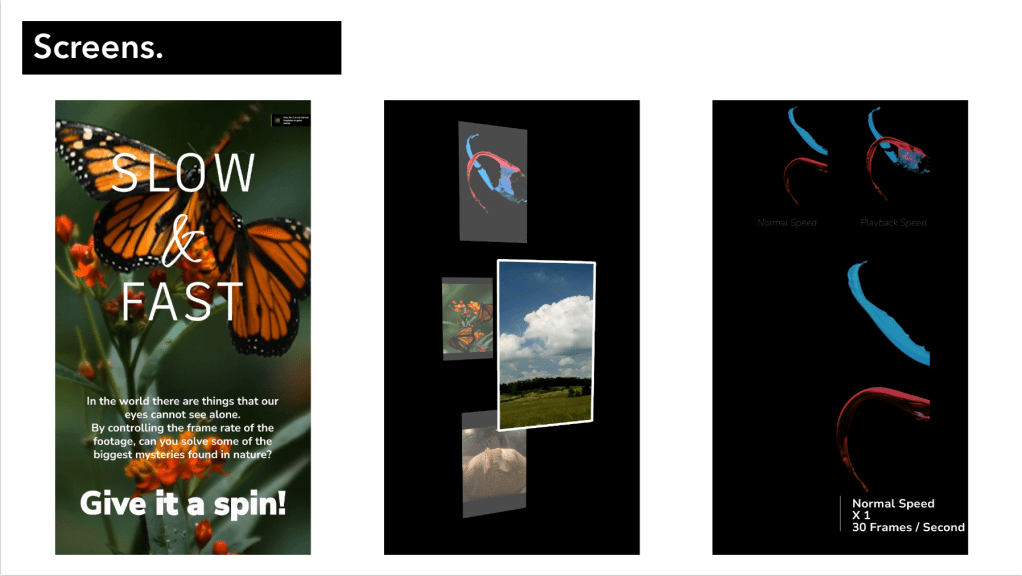
To realise this relationship between both spaces as well as the relationships previously discussed above I’ll consider using technology that both works within those spaces, be that projection mapping and a Kinect to allow for human input in the projection or something with VR and AR. I will be looking at whatever technology makes these connections possible.
As previously stated I am unsure of where this year may take me but as I’ve learned from previous self studies and evaluations, I have a better outcome if I trust the process and do not to the end destination. I will trust the process.
Design Proposal :
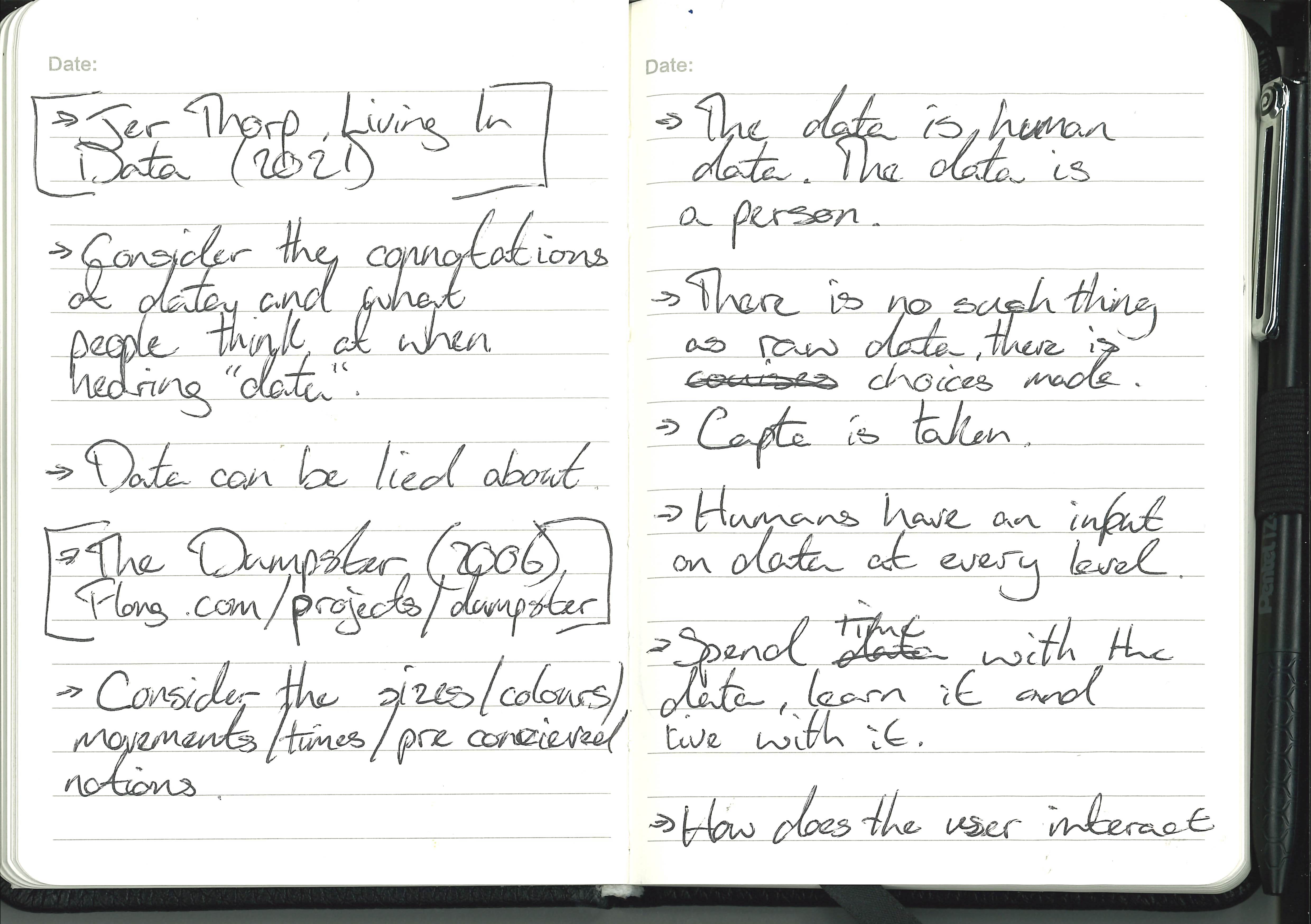
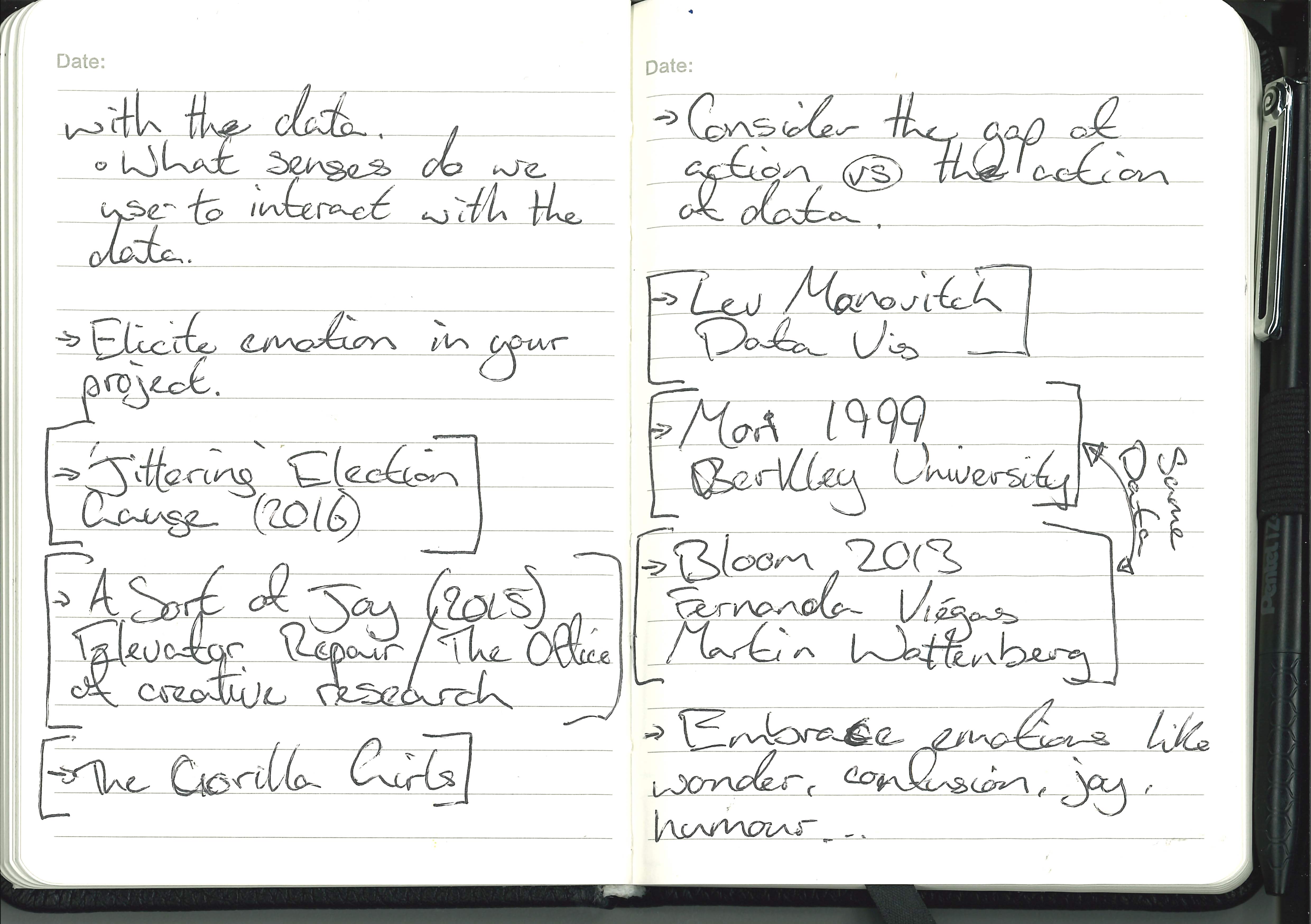
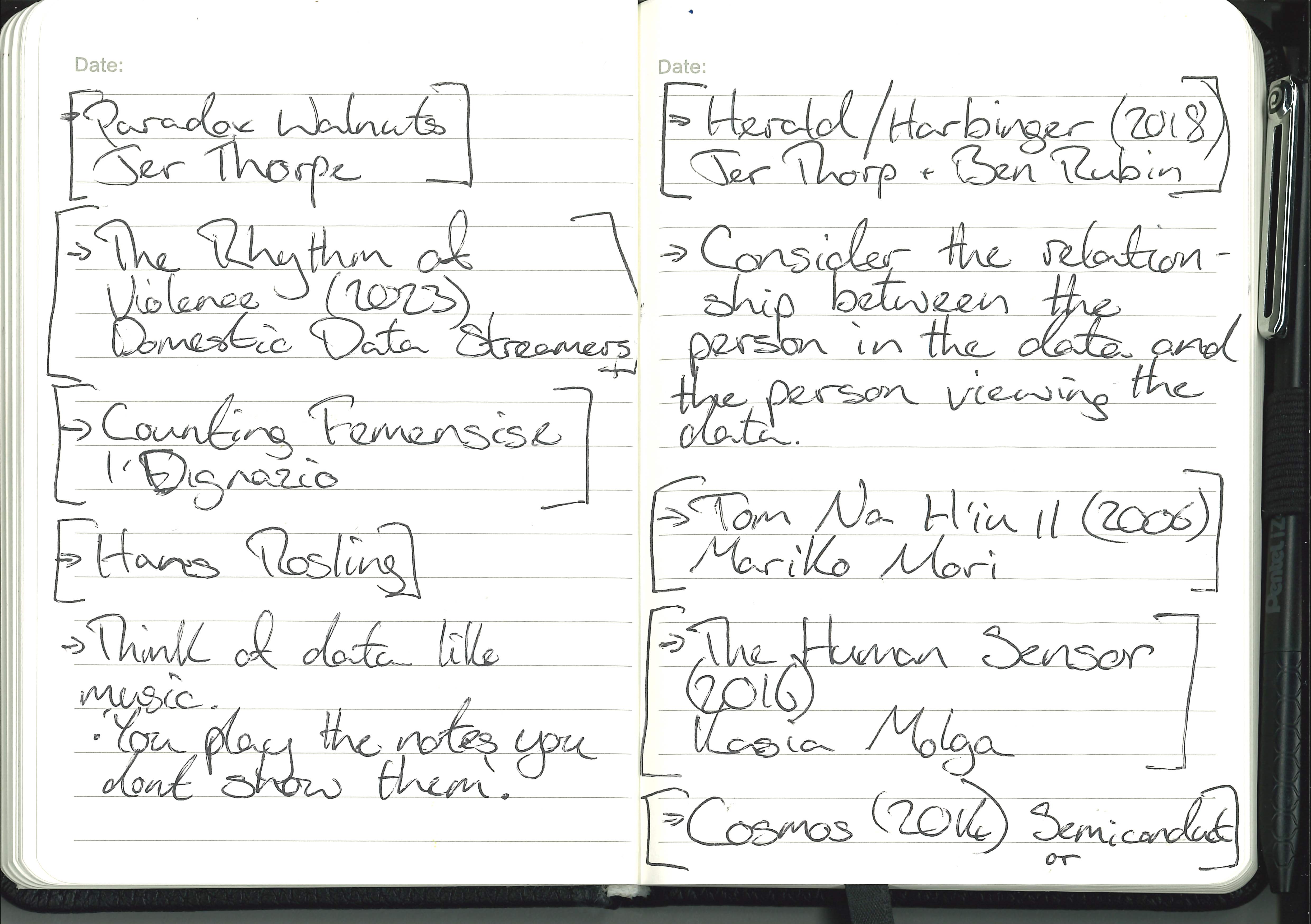
DH&T Notes and Extended Design:
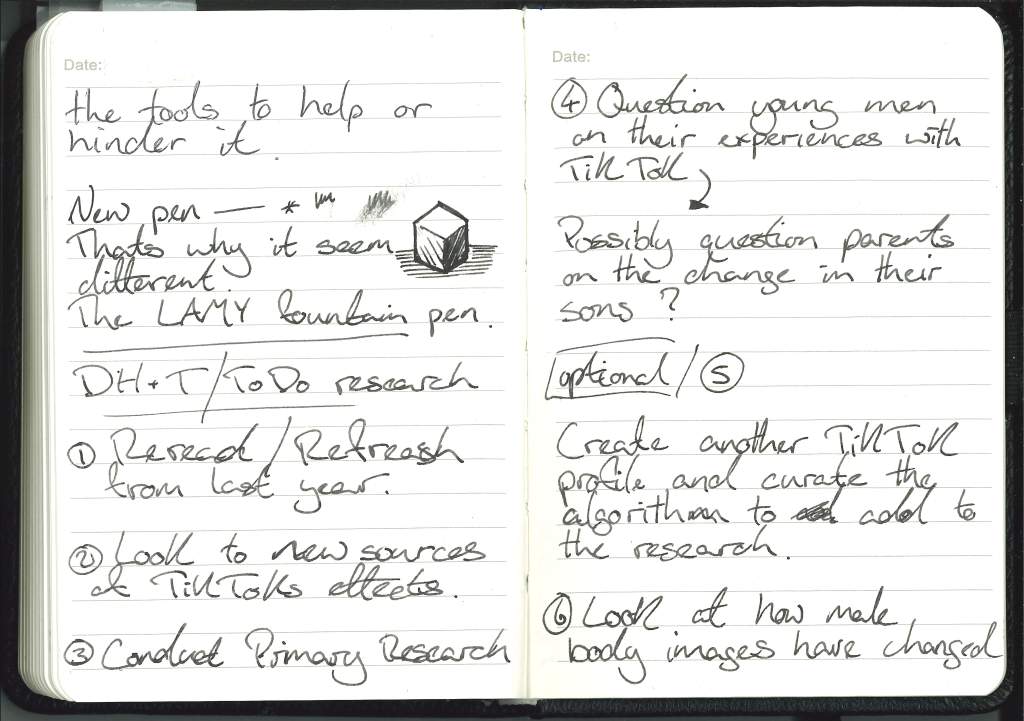
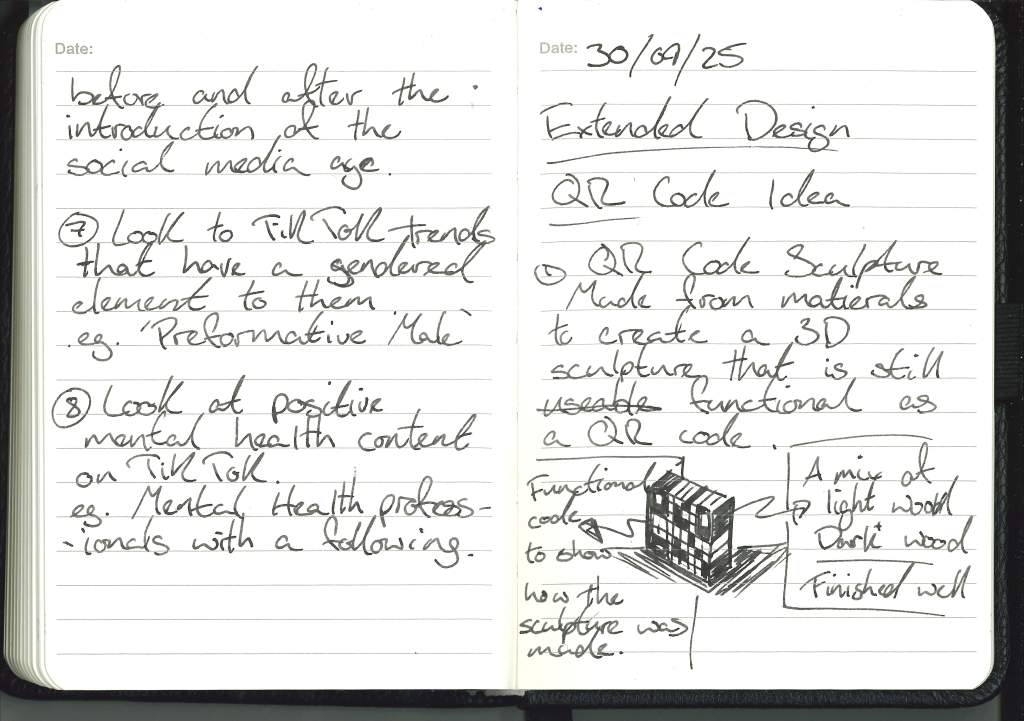
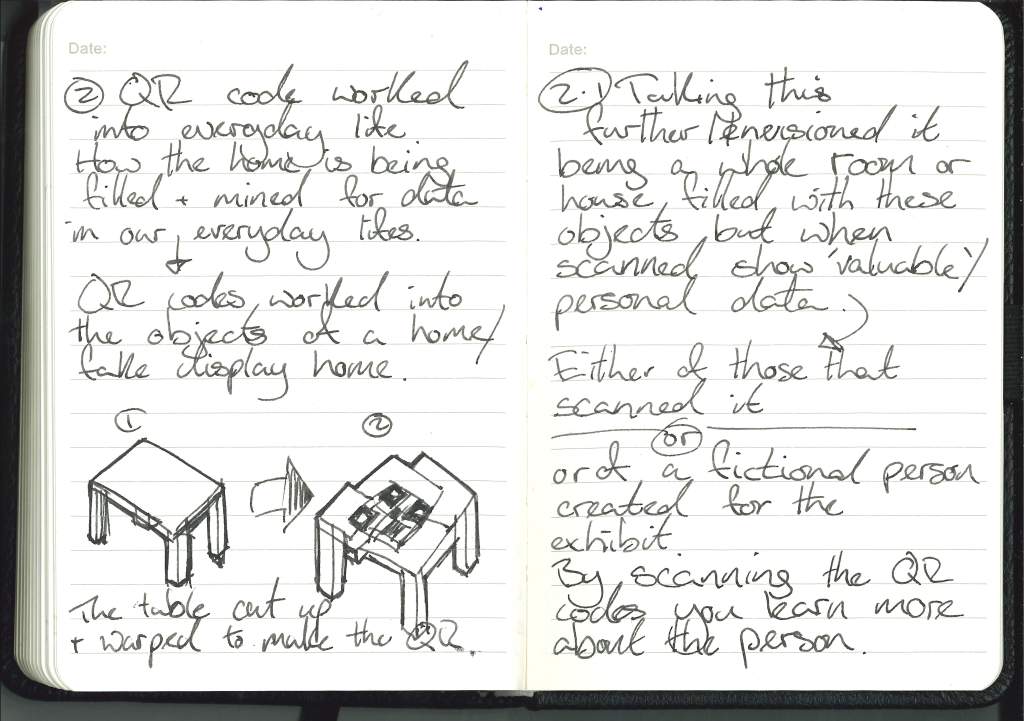
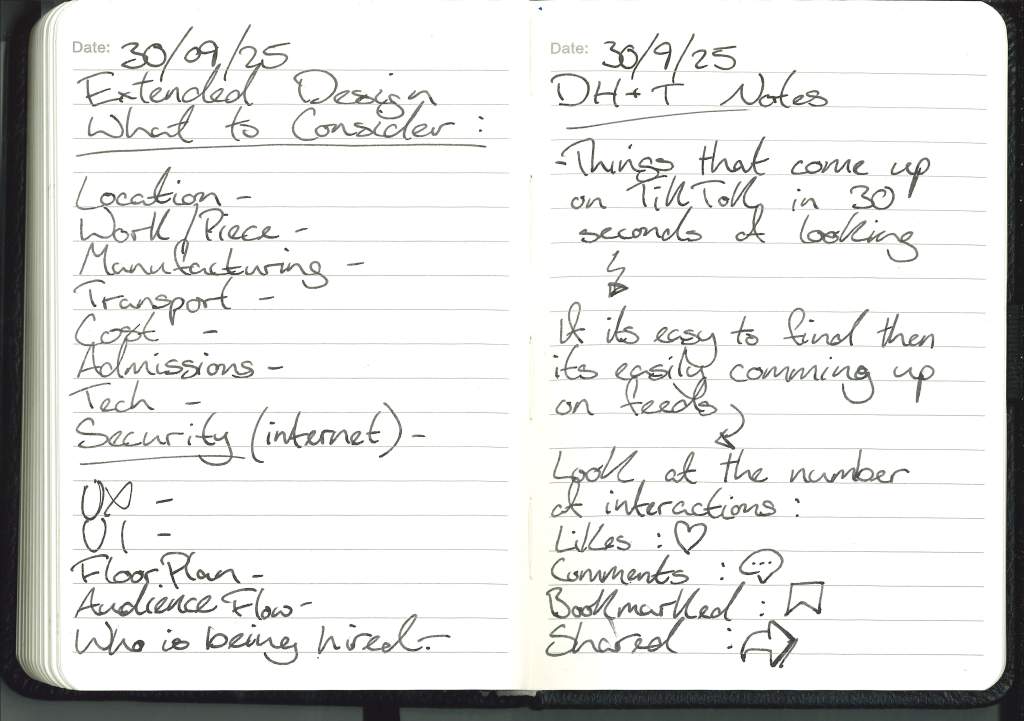
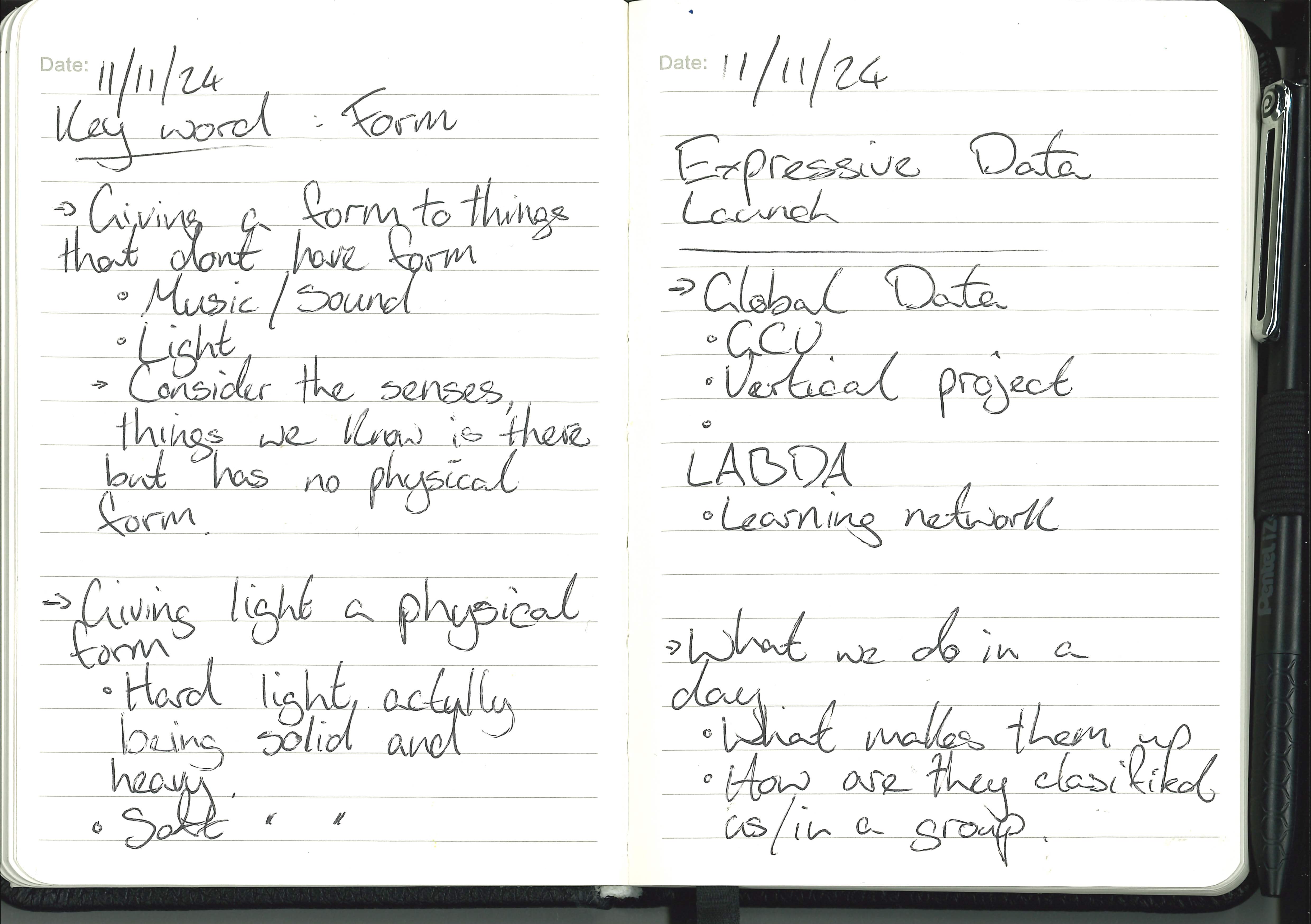
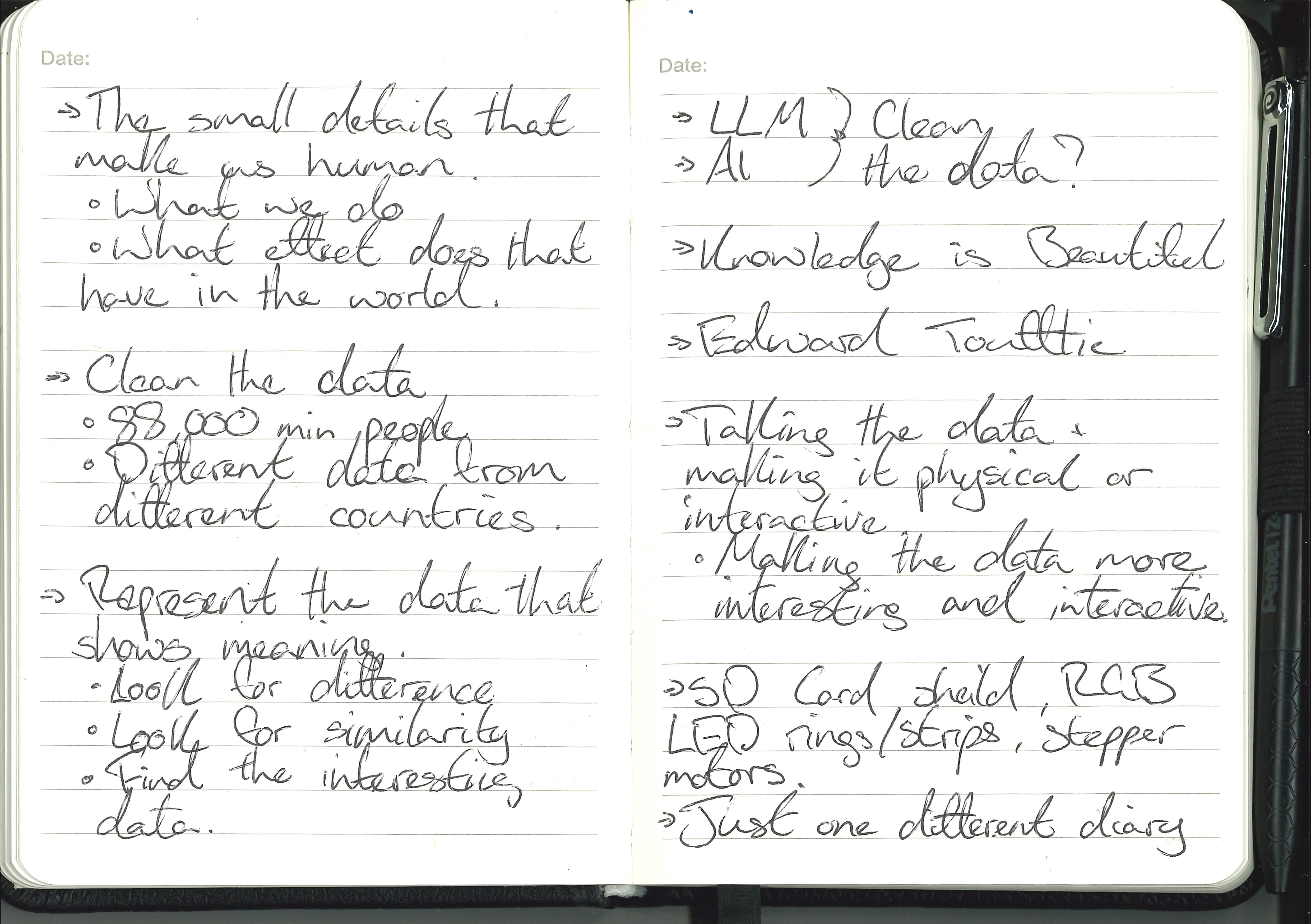
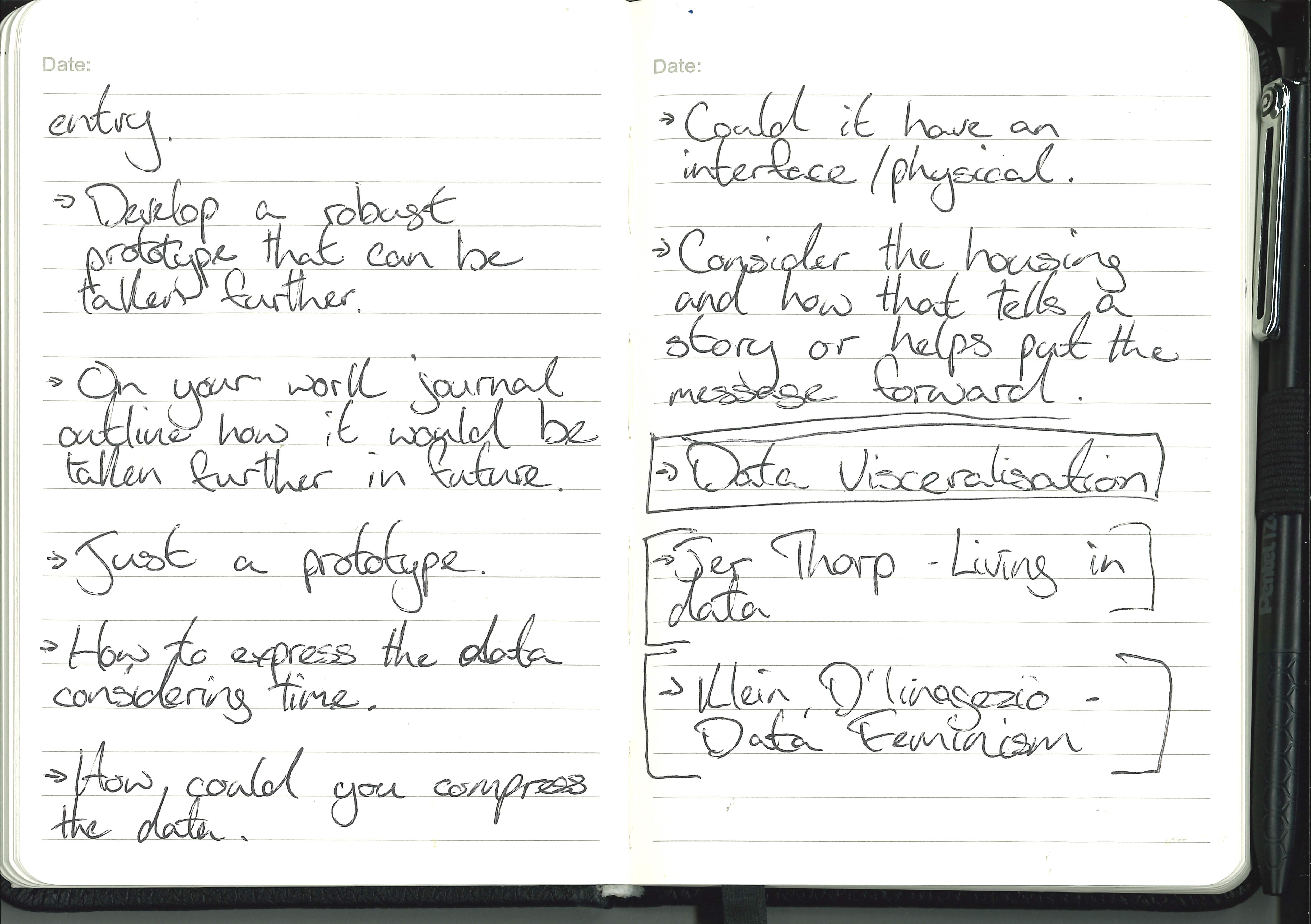
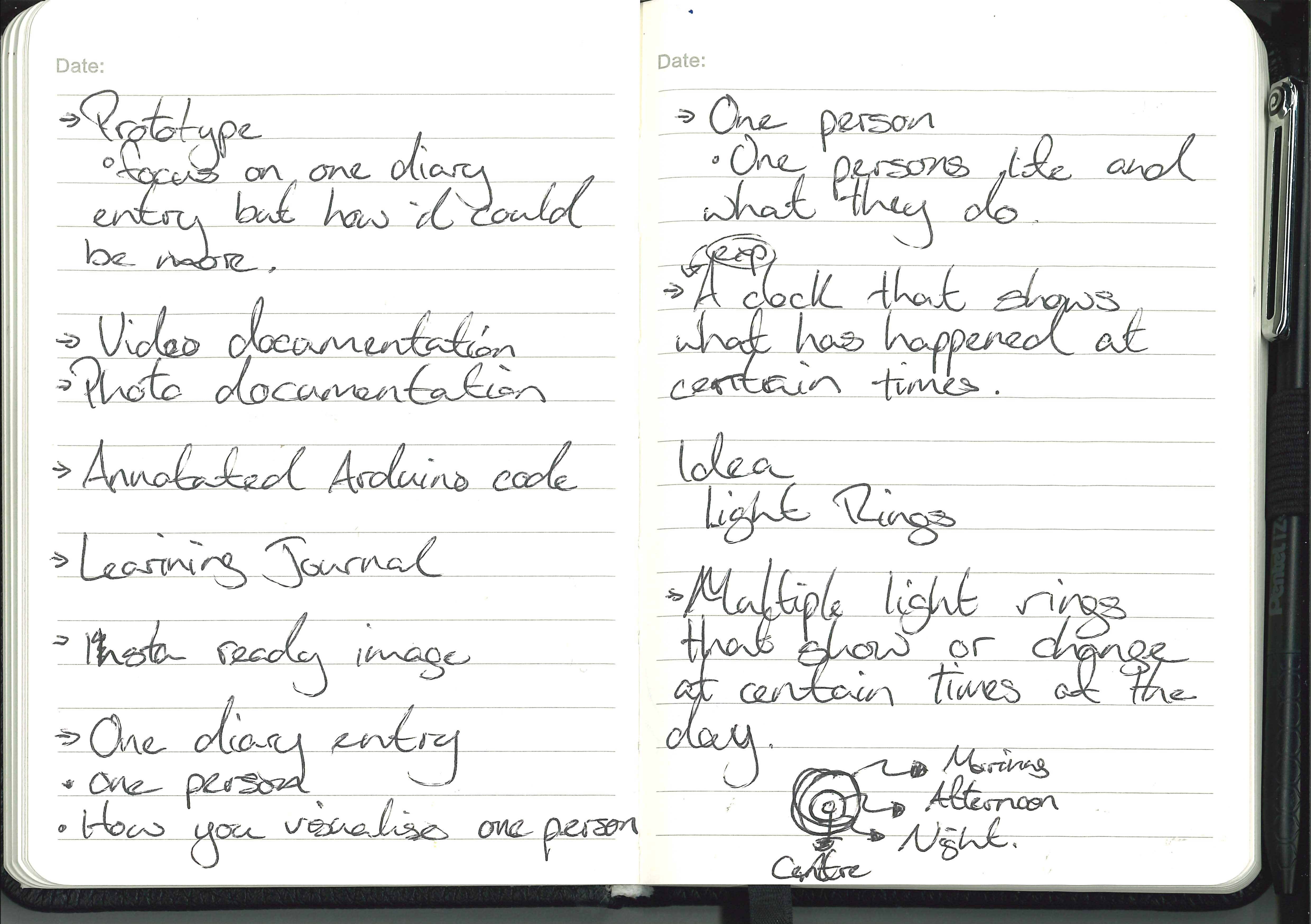
Gallery Visit Notes :

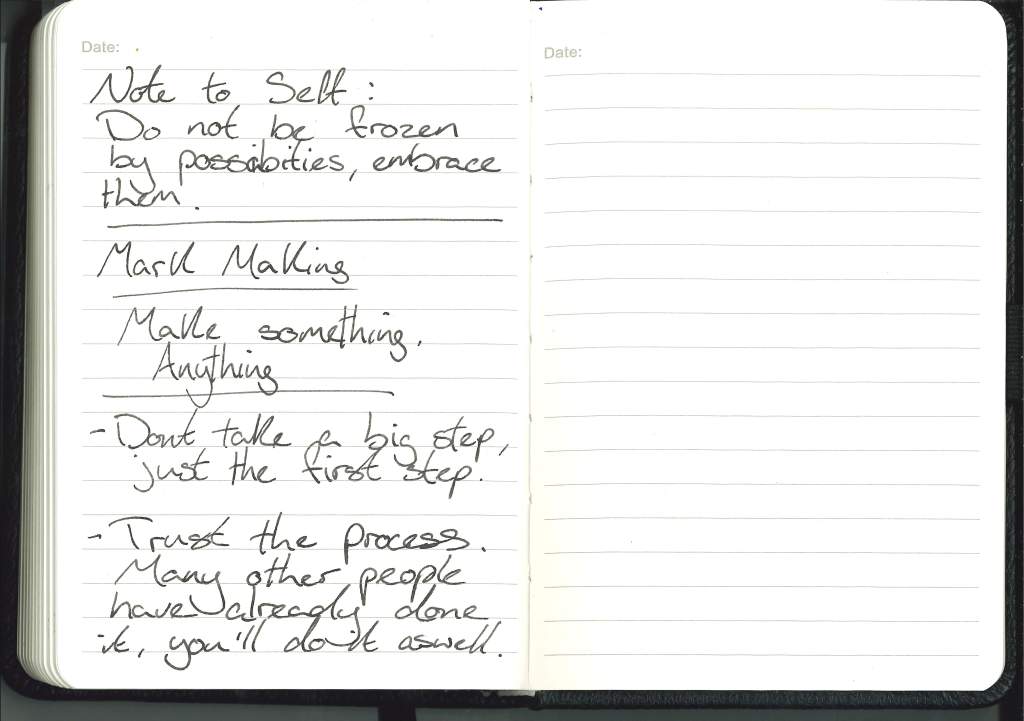
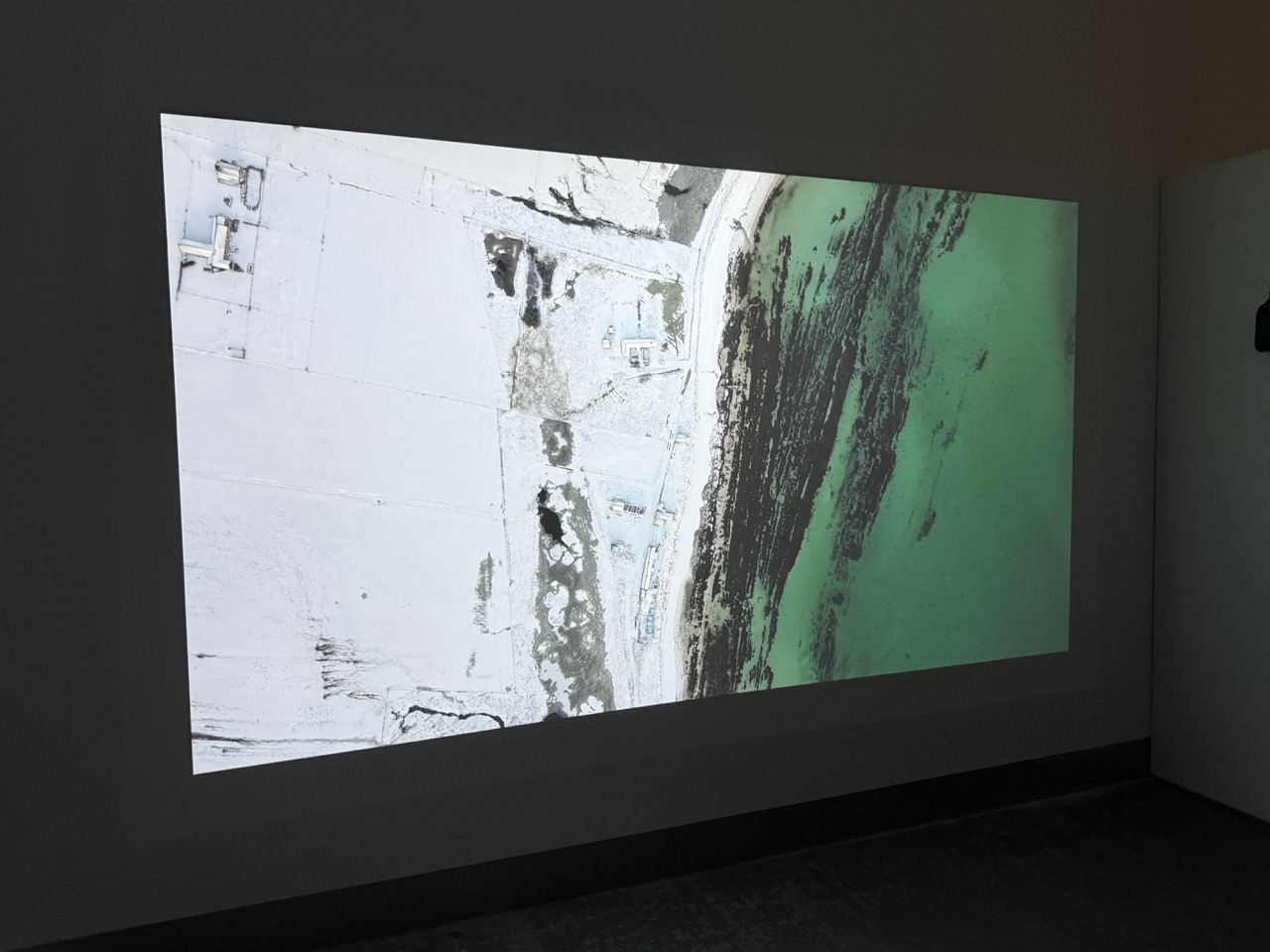
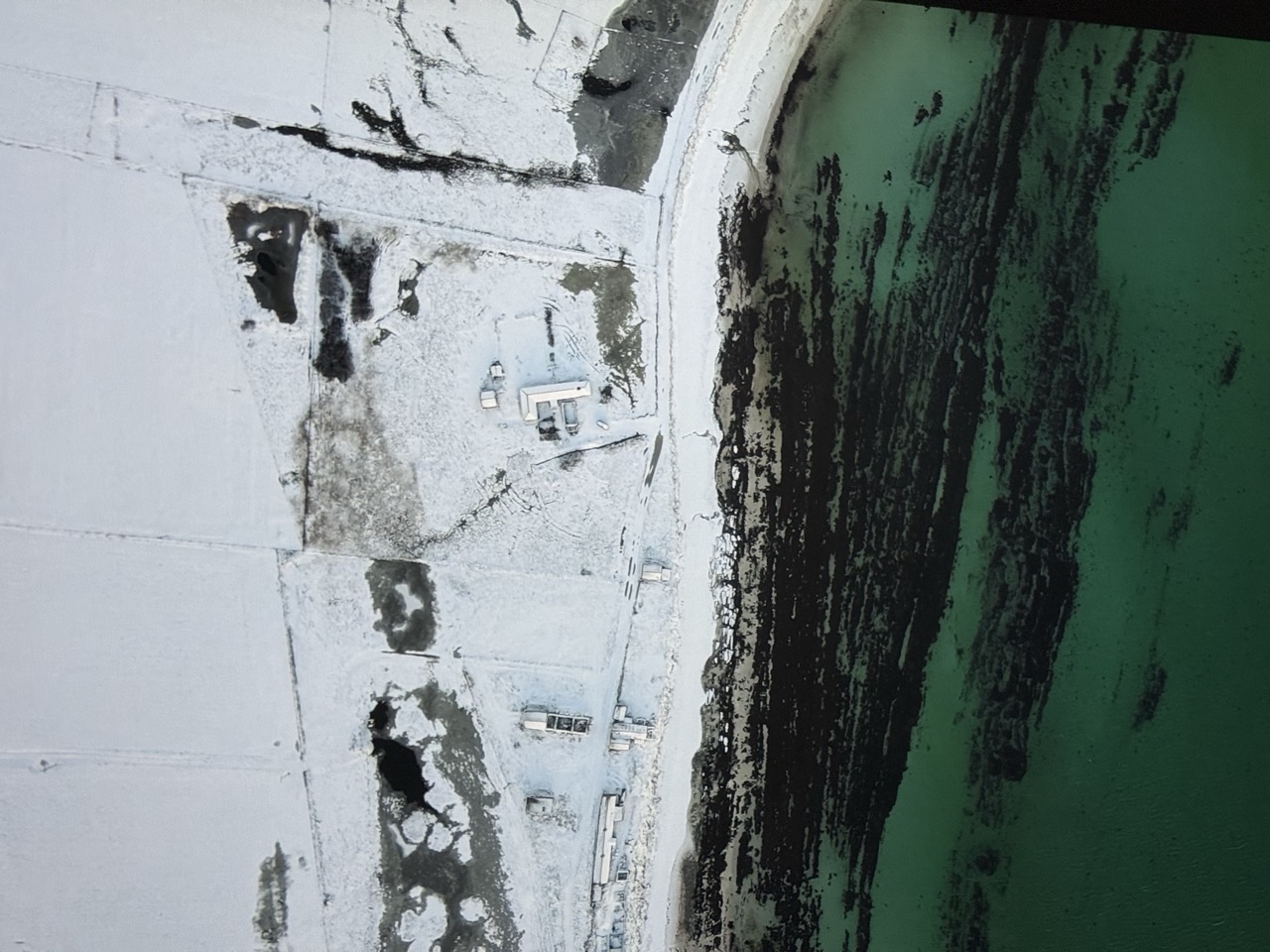
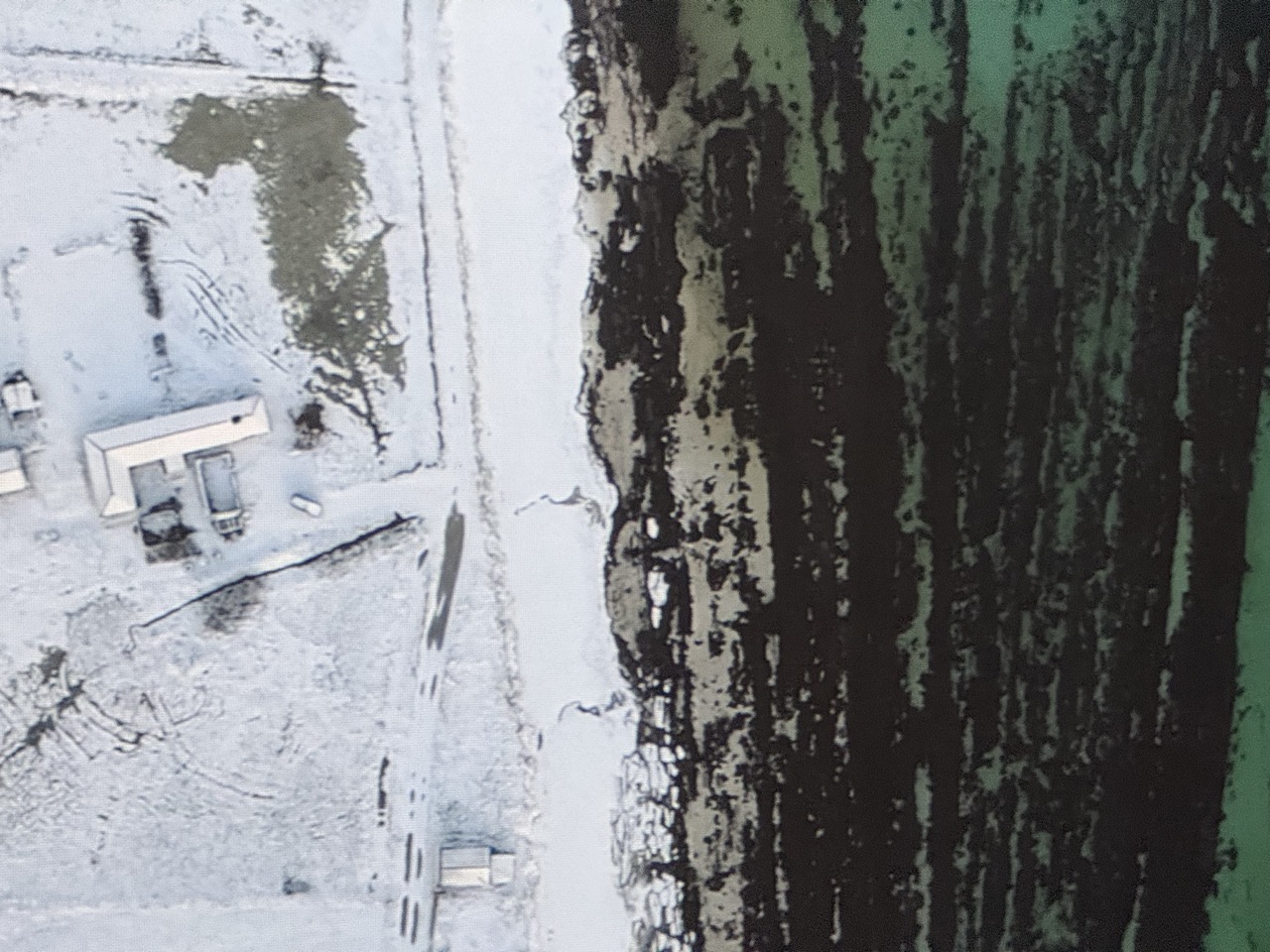
Mark Making :
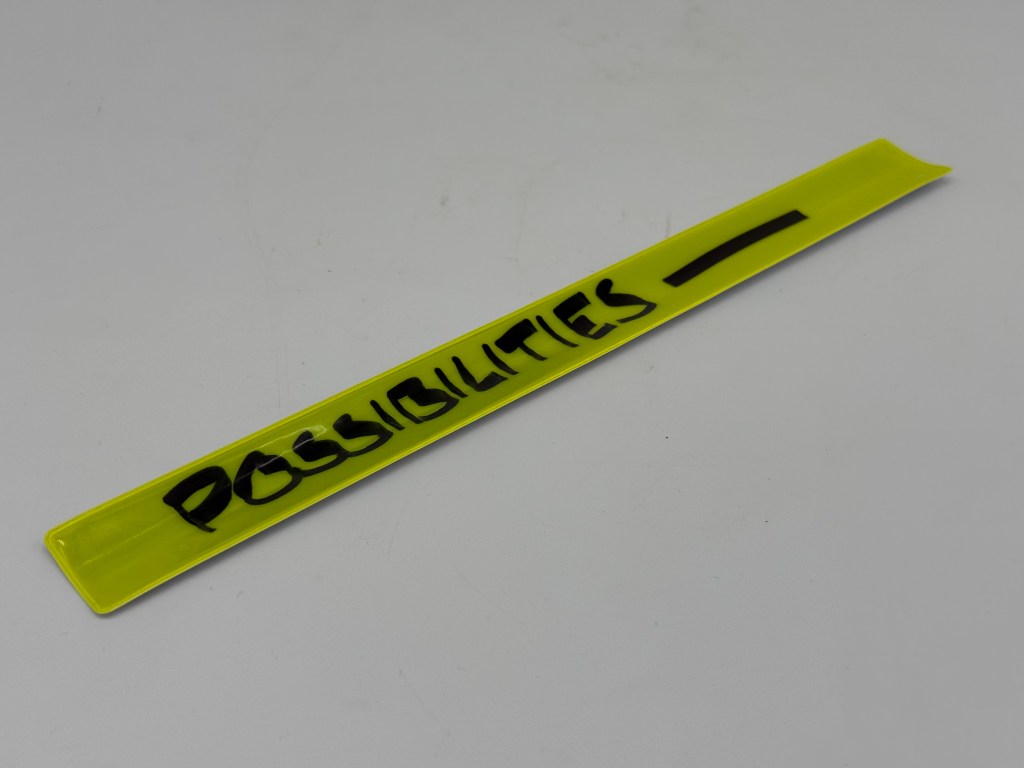
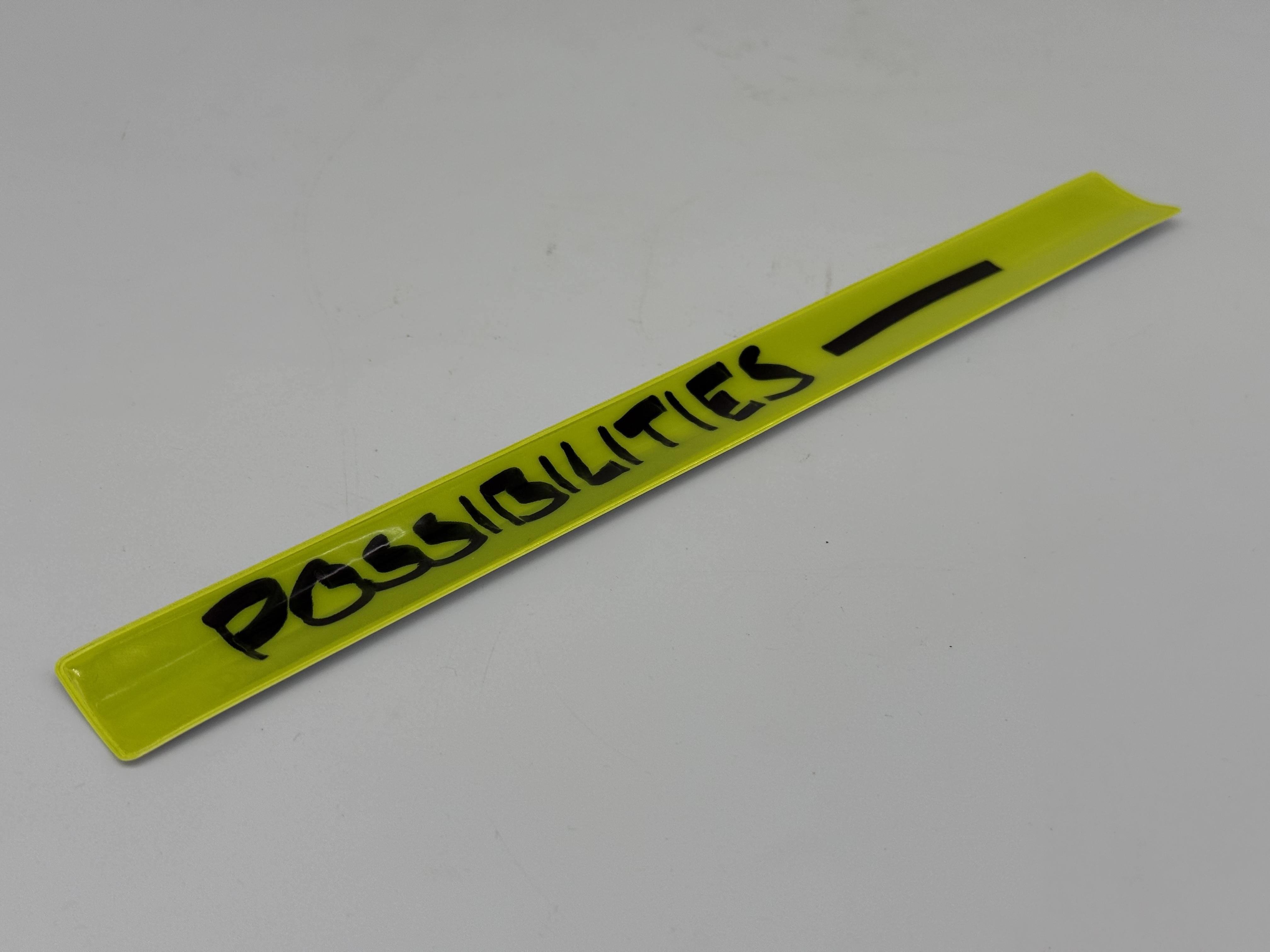
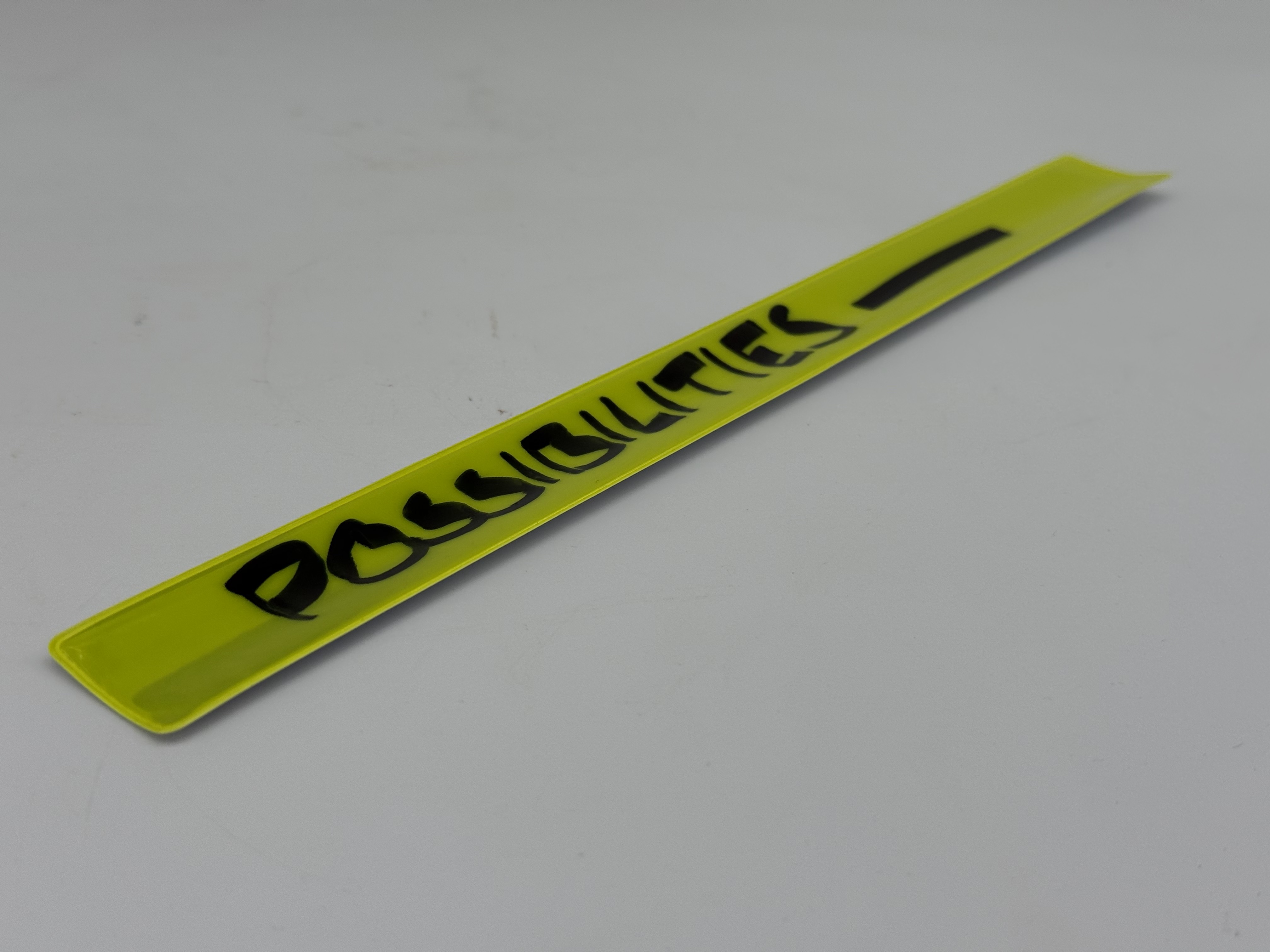
I was sitting going a bit mad, overthinking things but not actually doing anything so I gave myself a shake and thought that I need to do something, anything.
“They were frozen by possibilities”
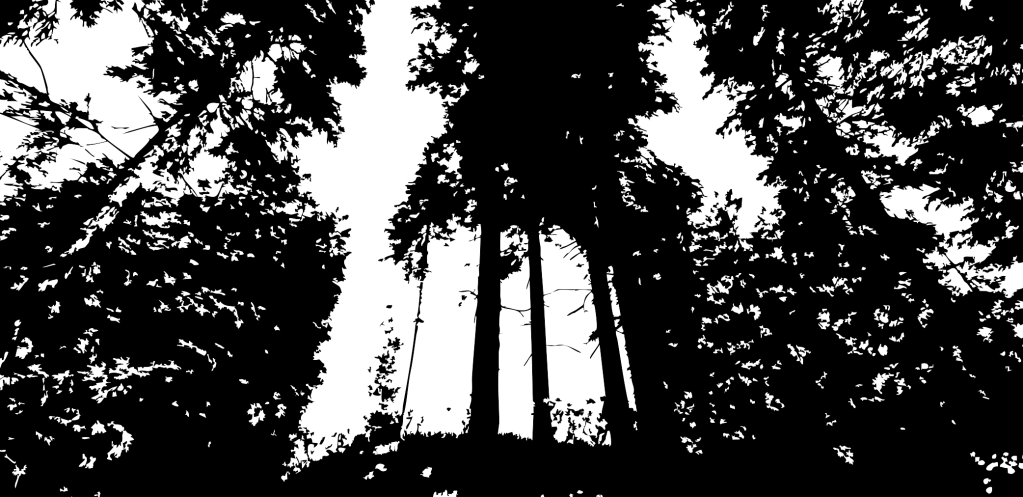
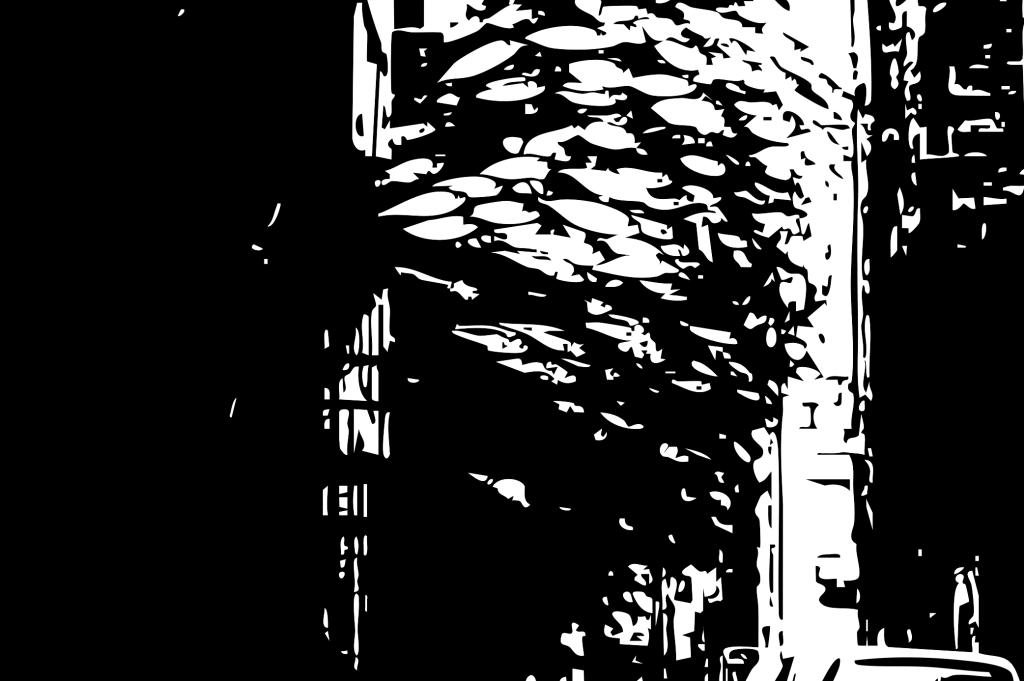
This quote was looping round in my head over and over again until I realised that I was the same and for some reason I had a high-vis slap bracelet in my possession, so with a marker and bad hand writing I made a tool/symbolic gesture to shake me out of it and to remind me that those possibilities are with me not against me.

Notes on my walk:
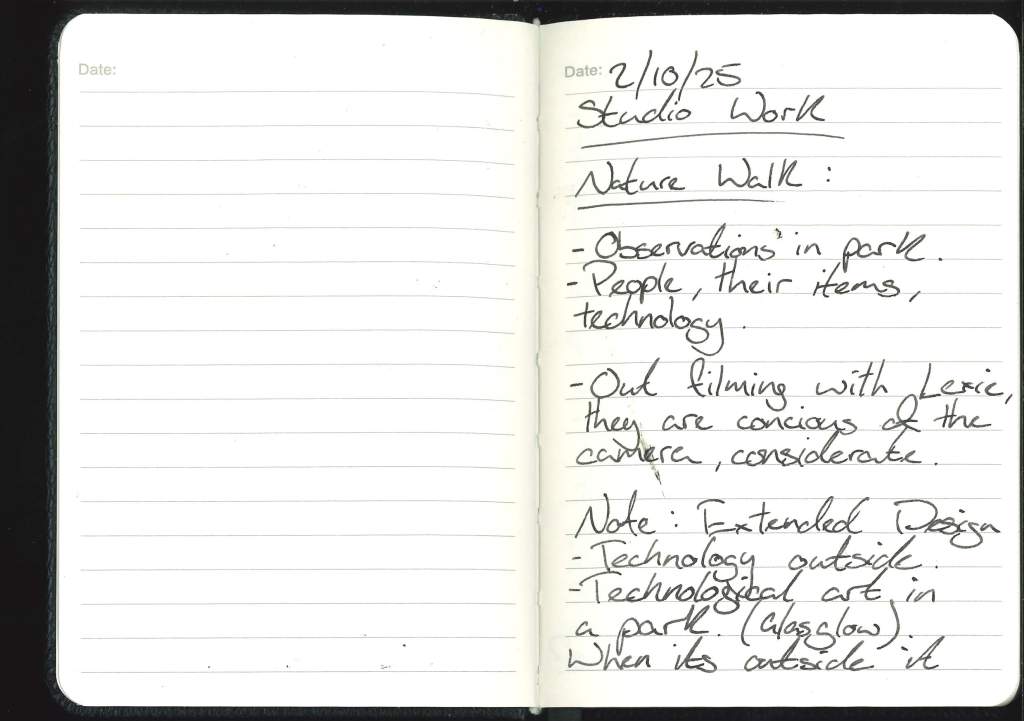
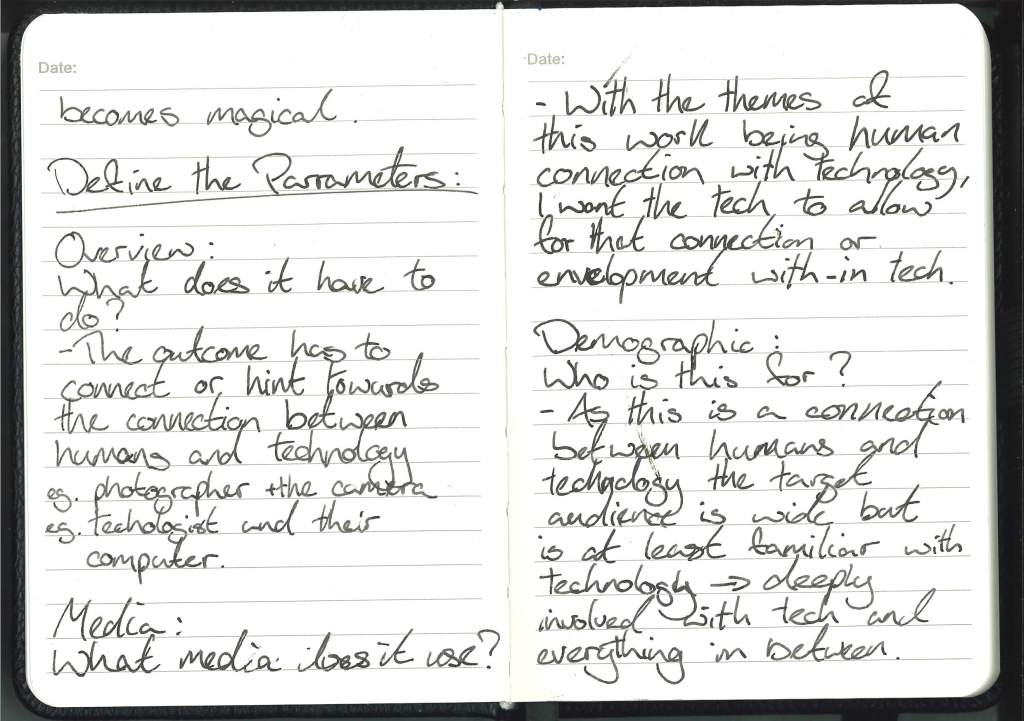
Tutorial With Cat .01
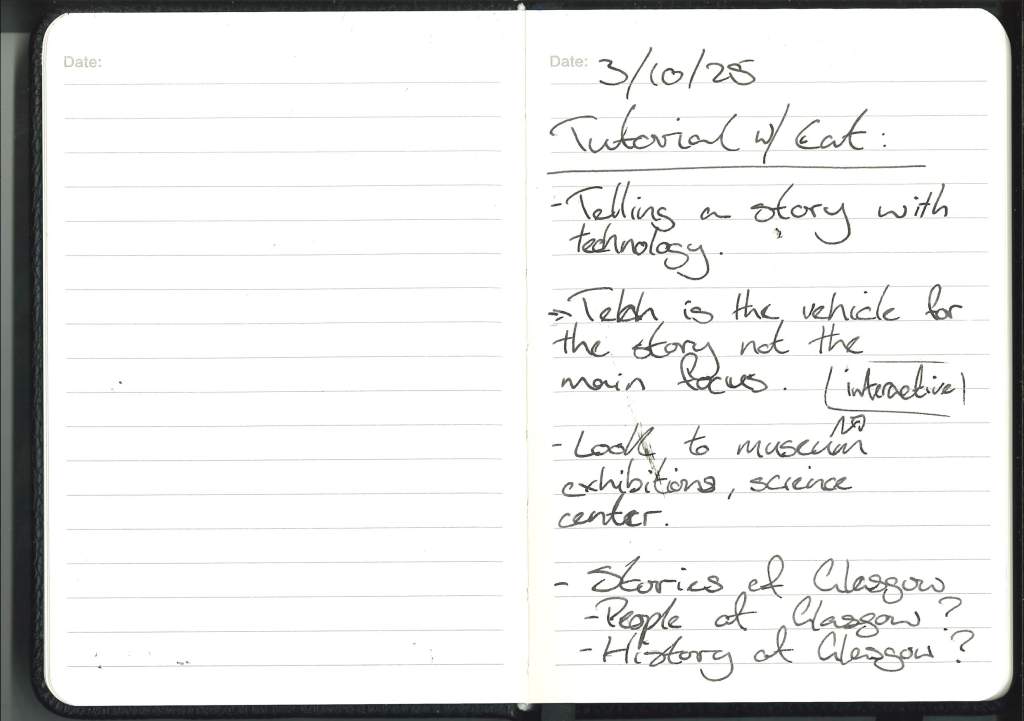
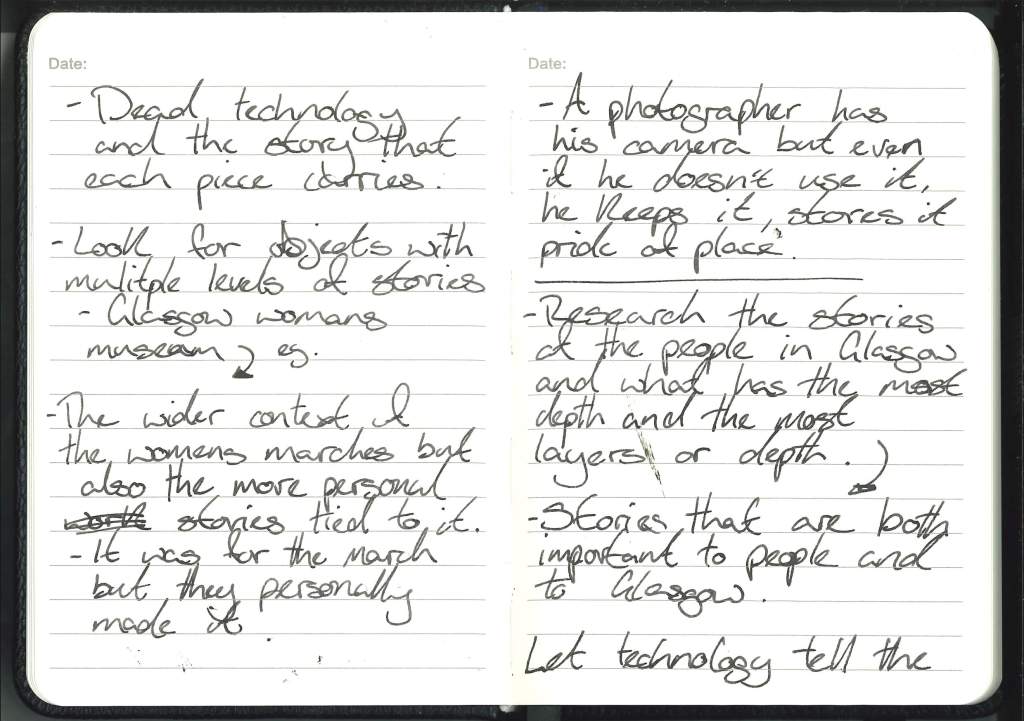
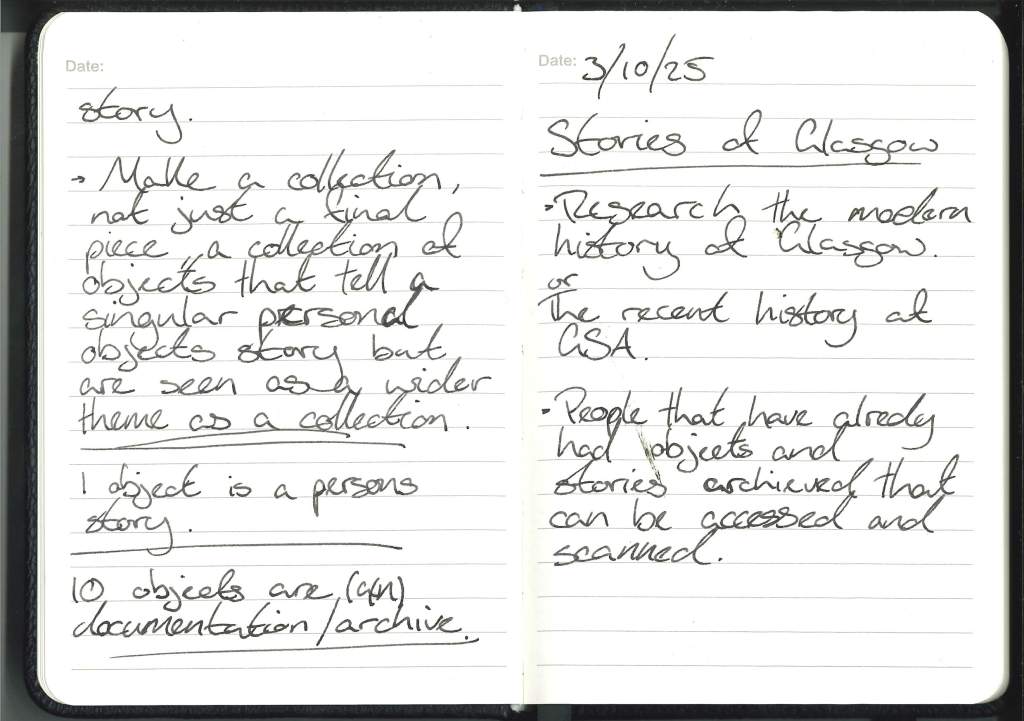
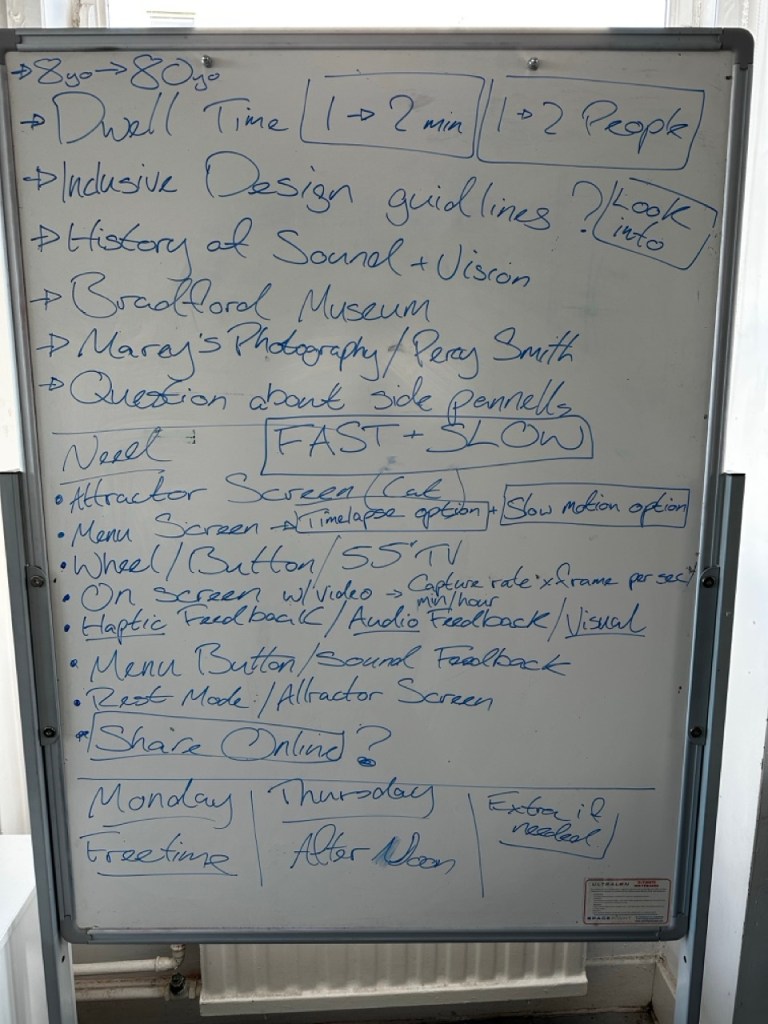
Chat with Cat :

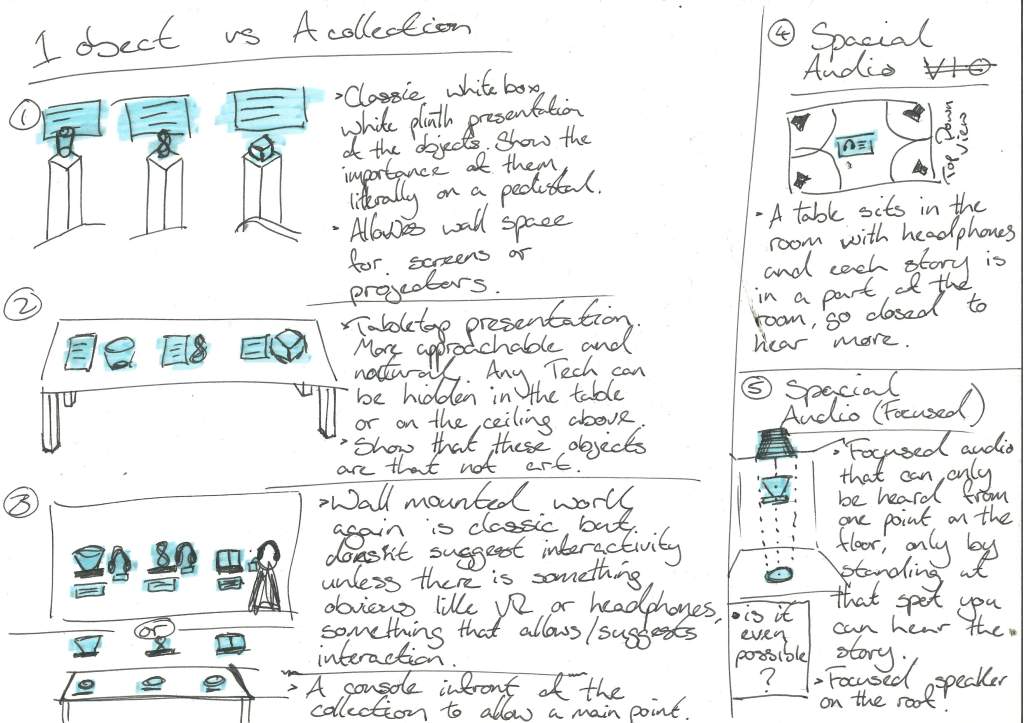
Display Ideas :
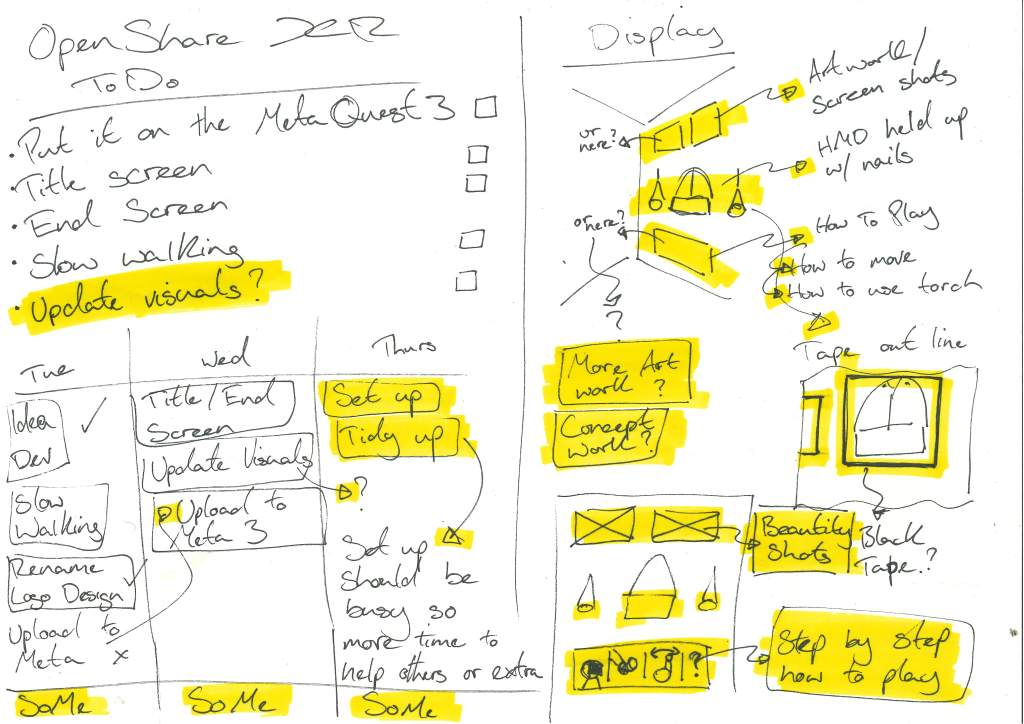
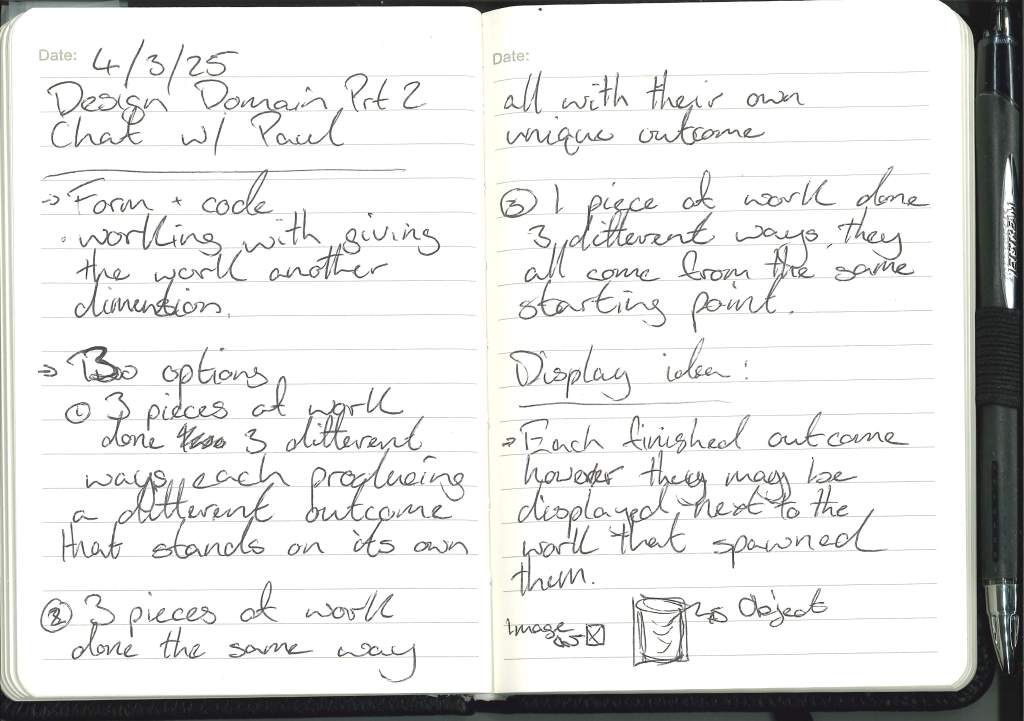
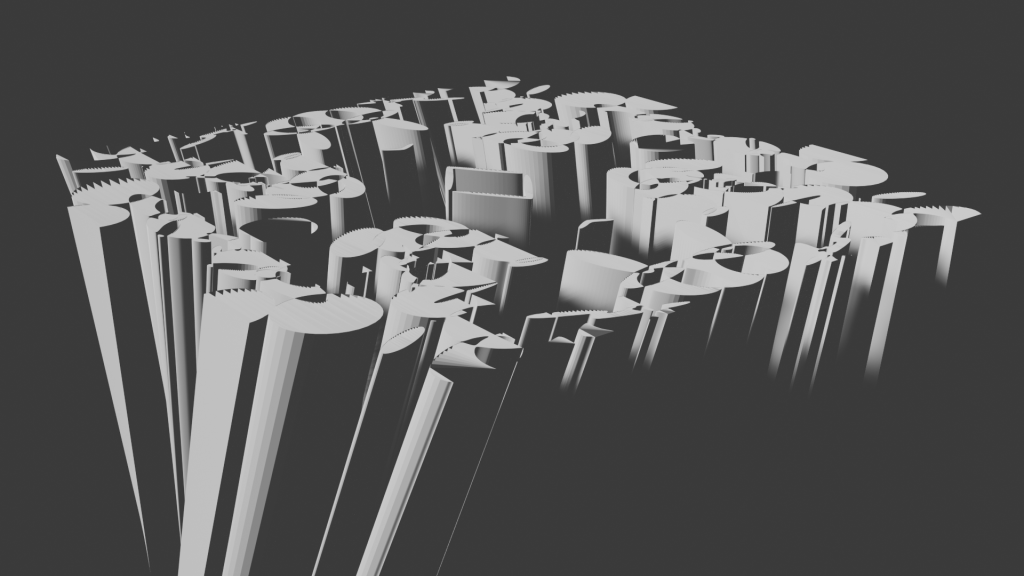
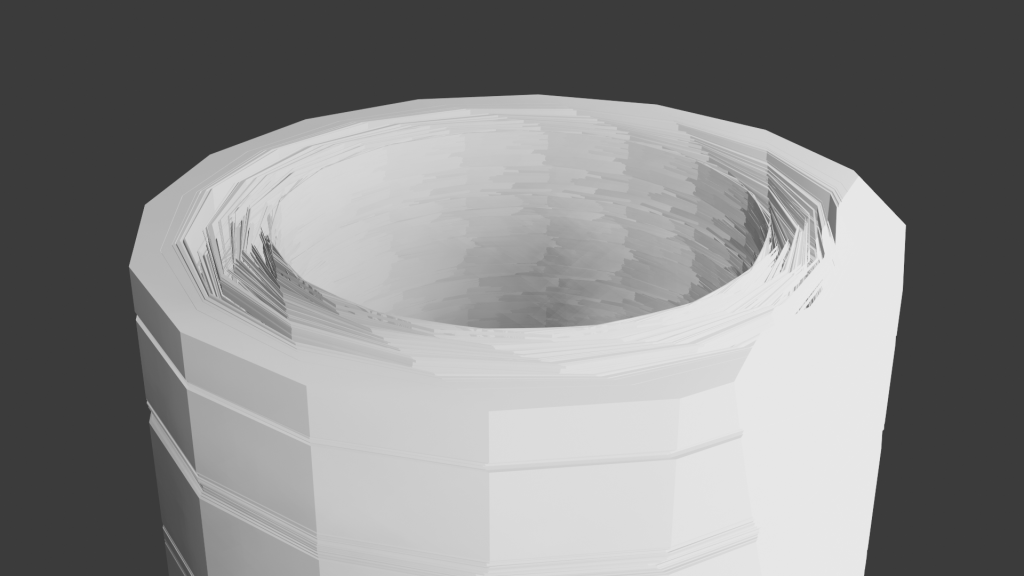
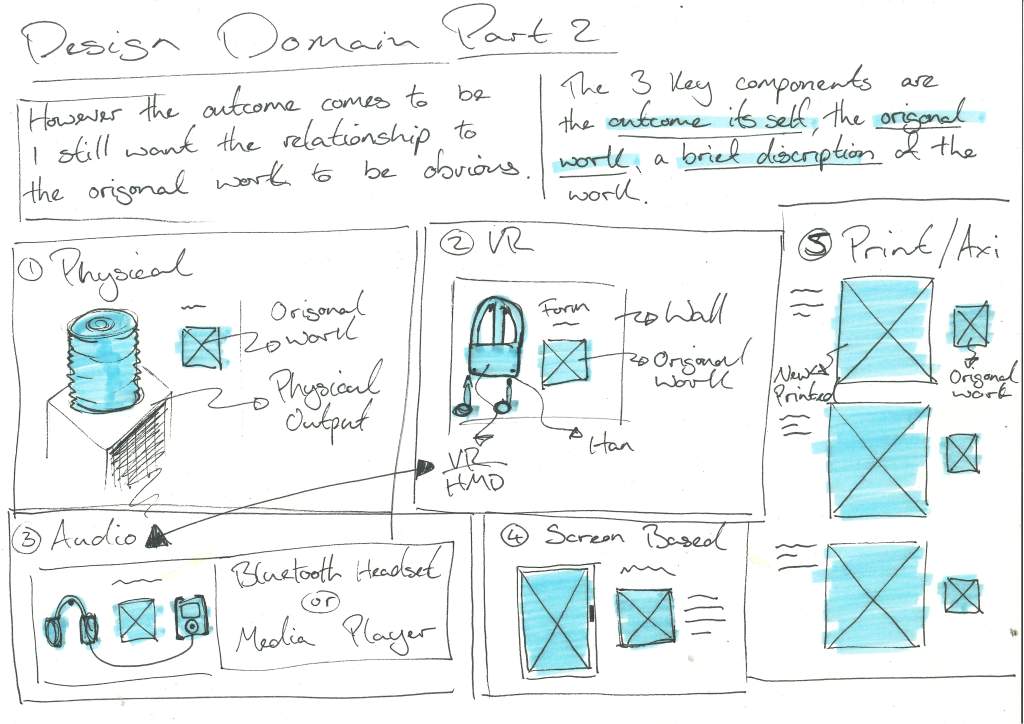
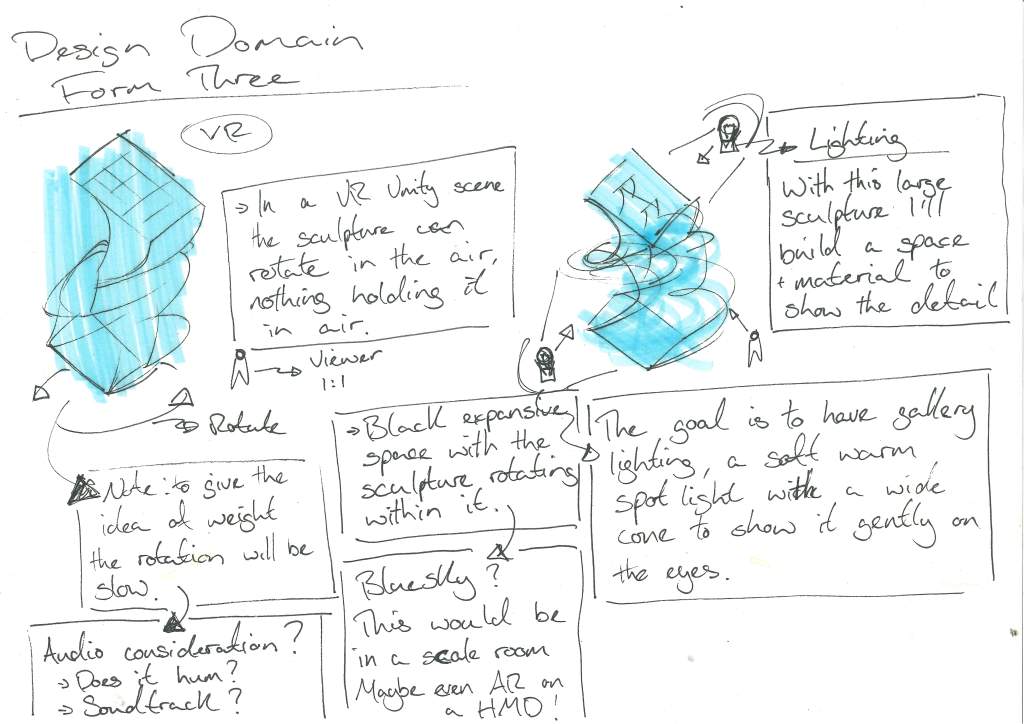
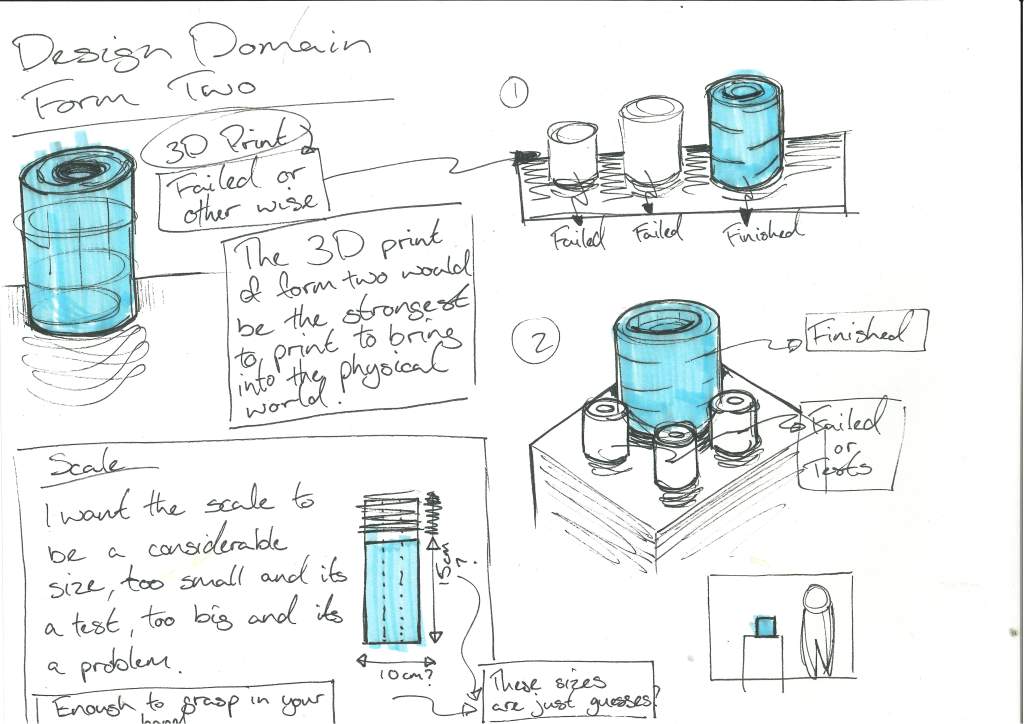
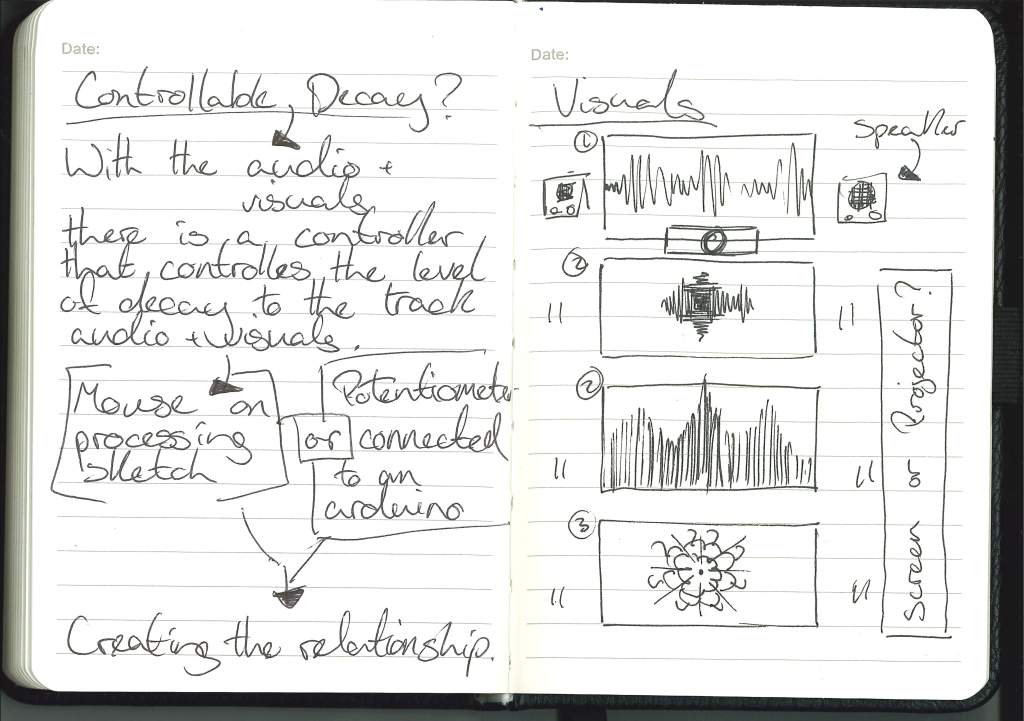
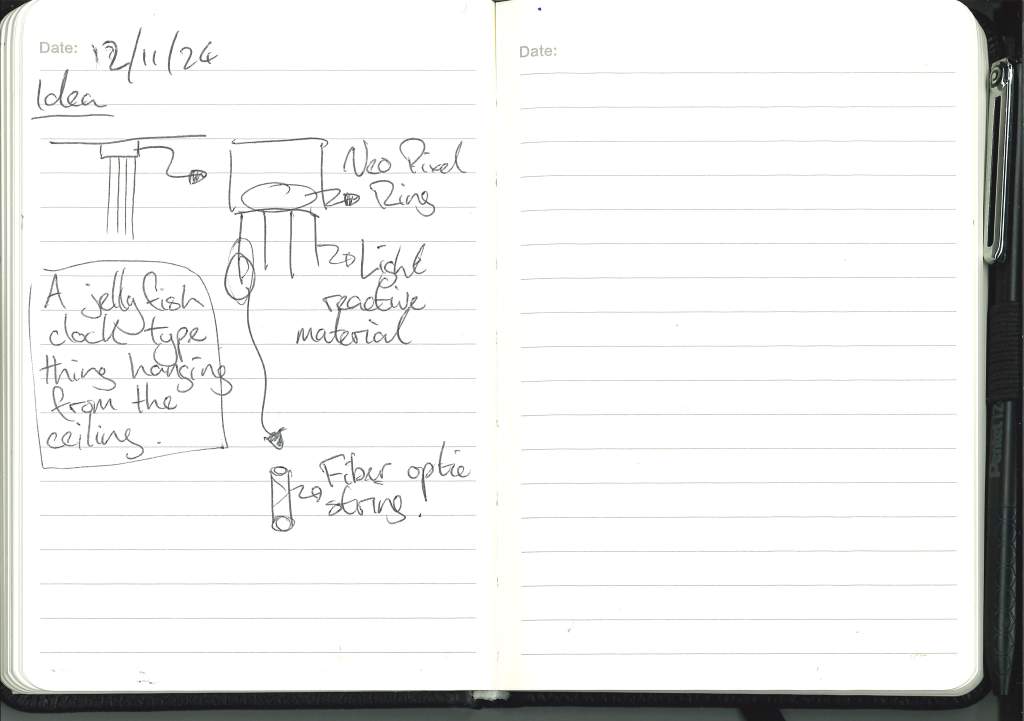
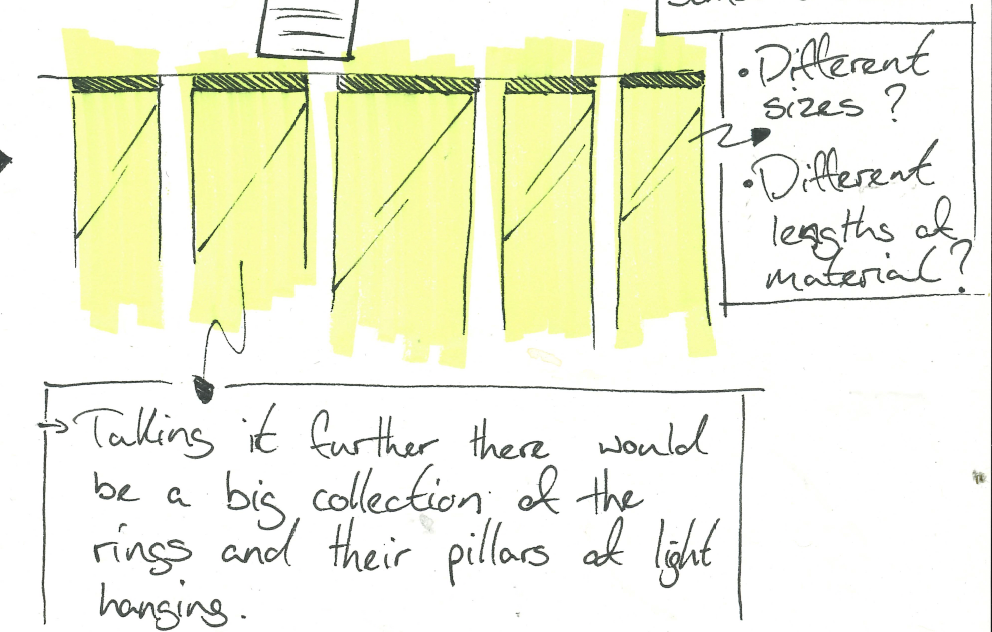
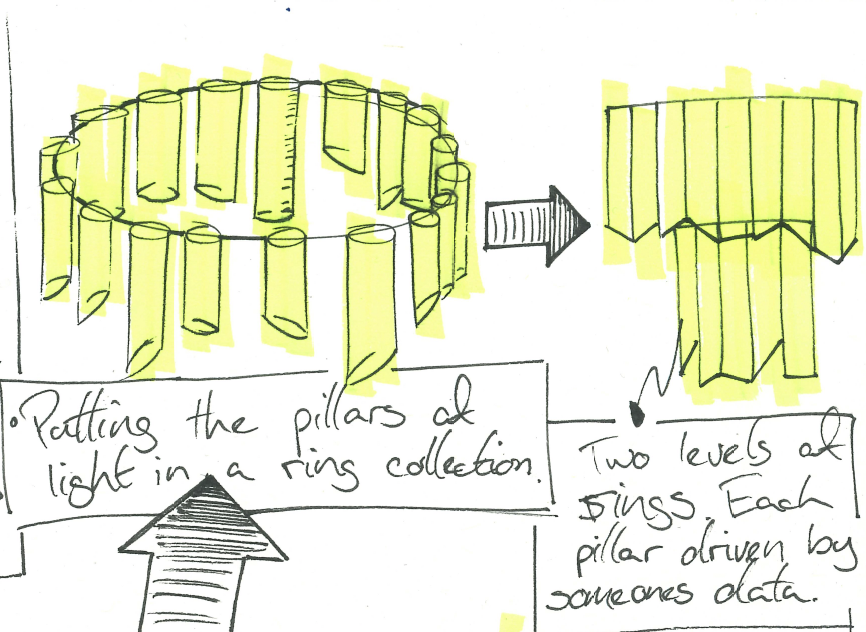
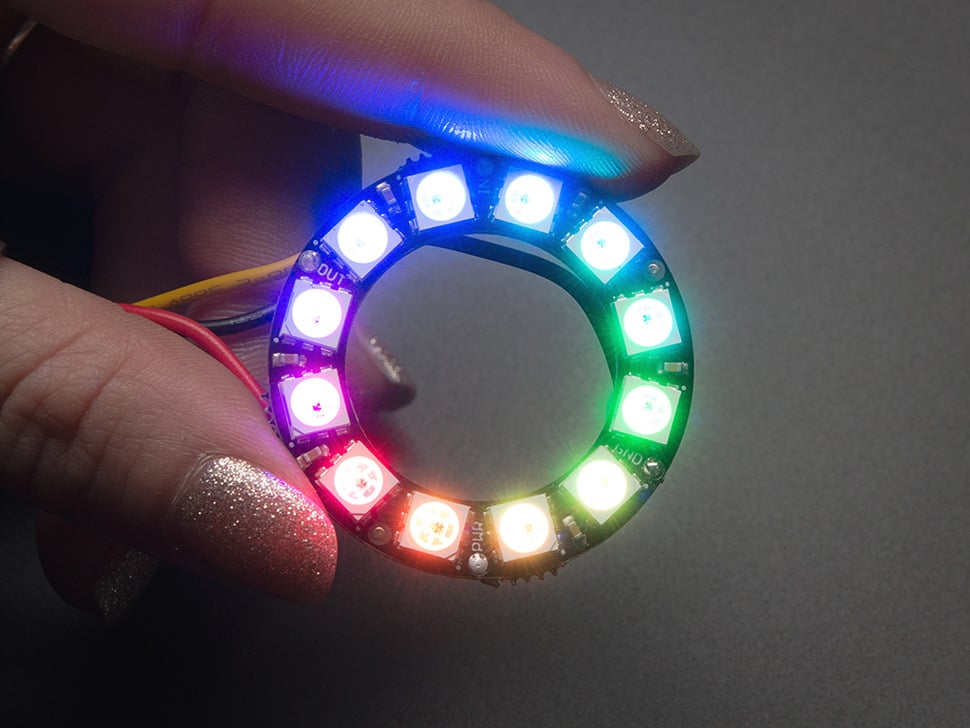
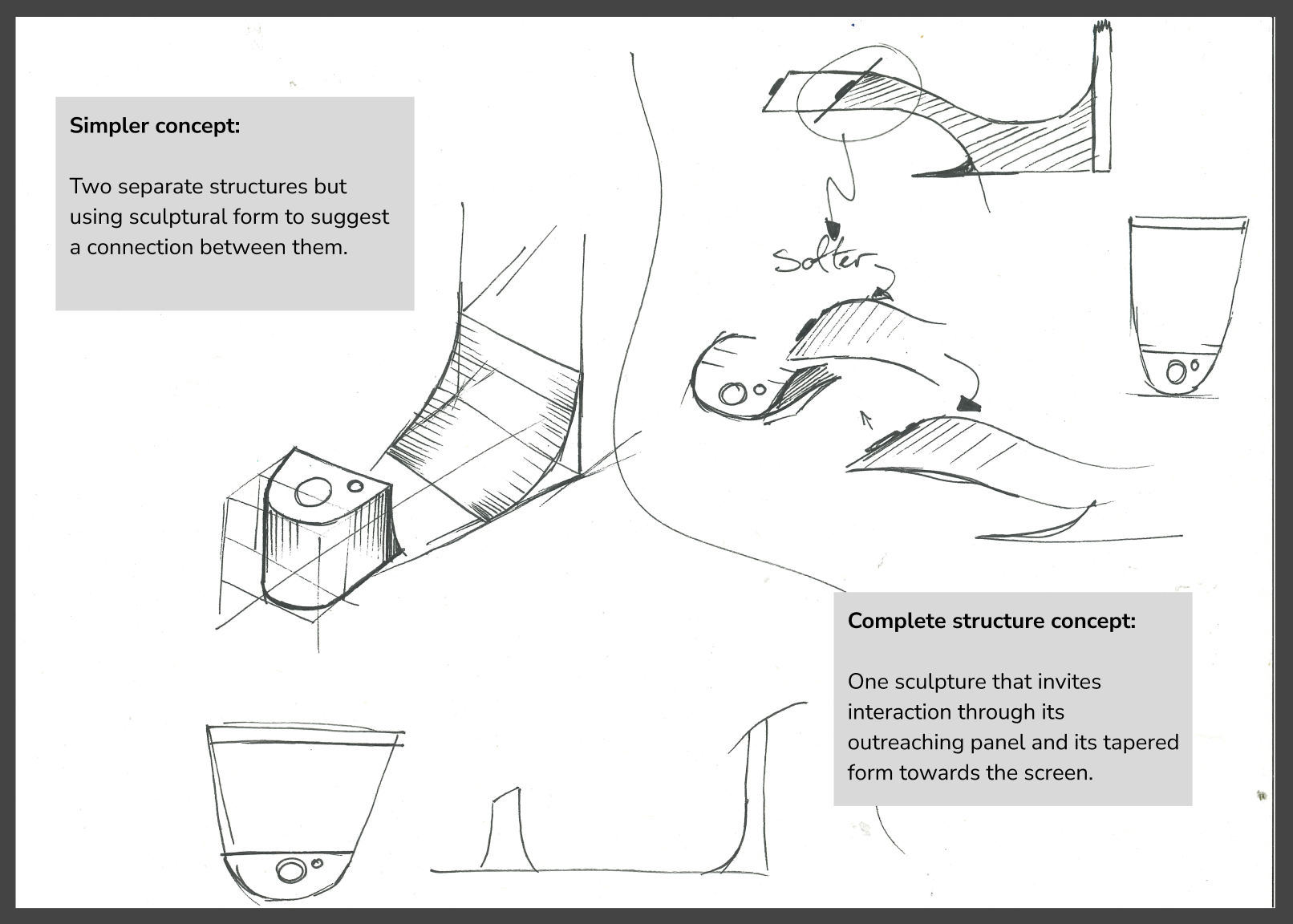
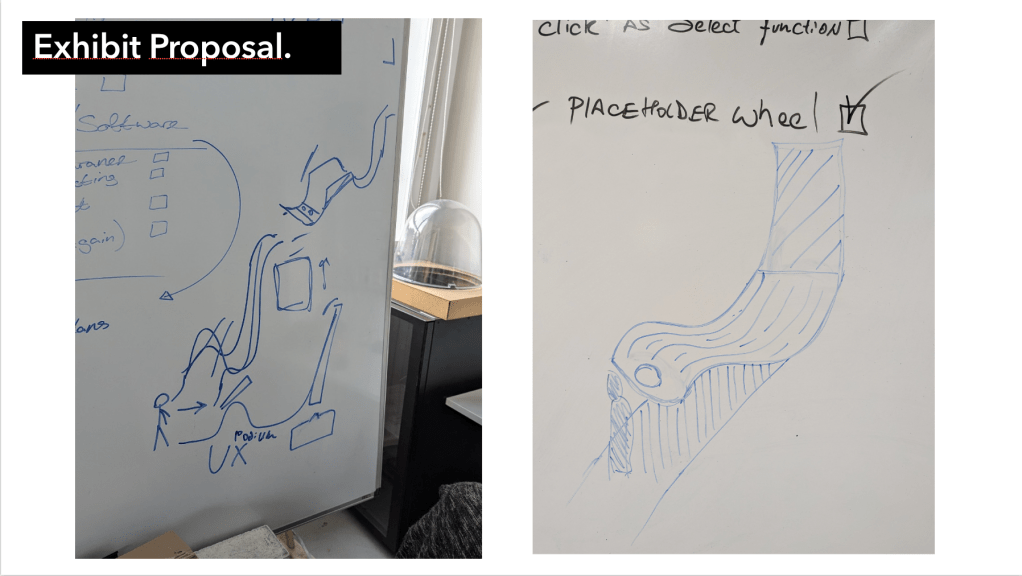
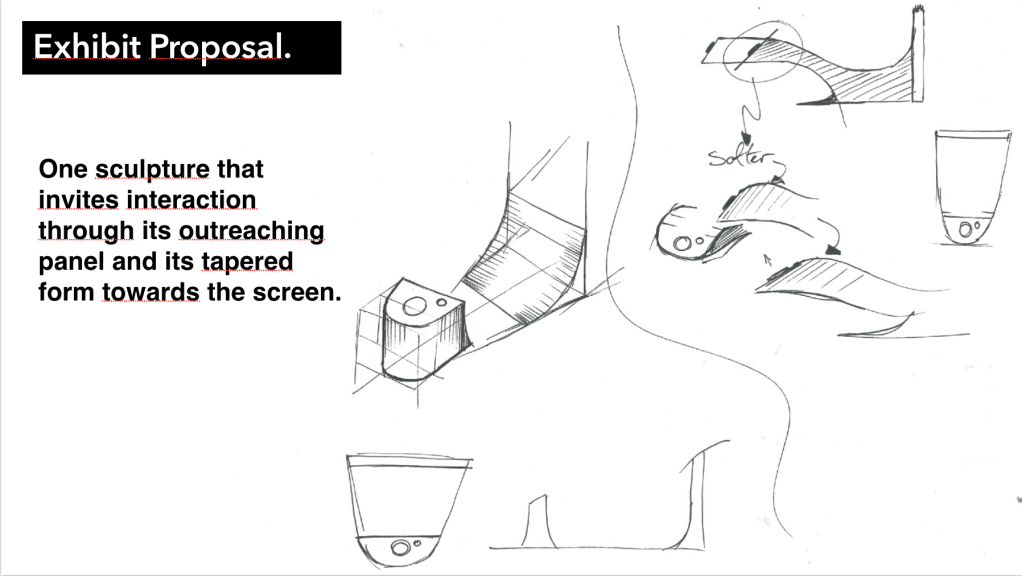
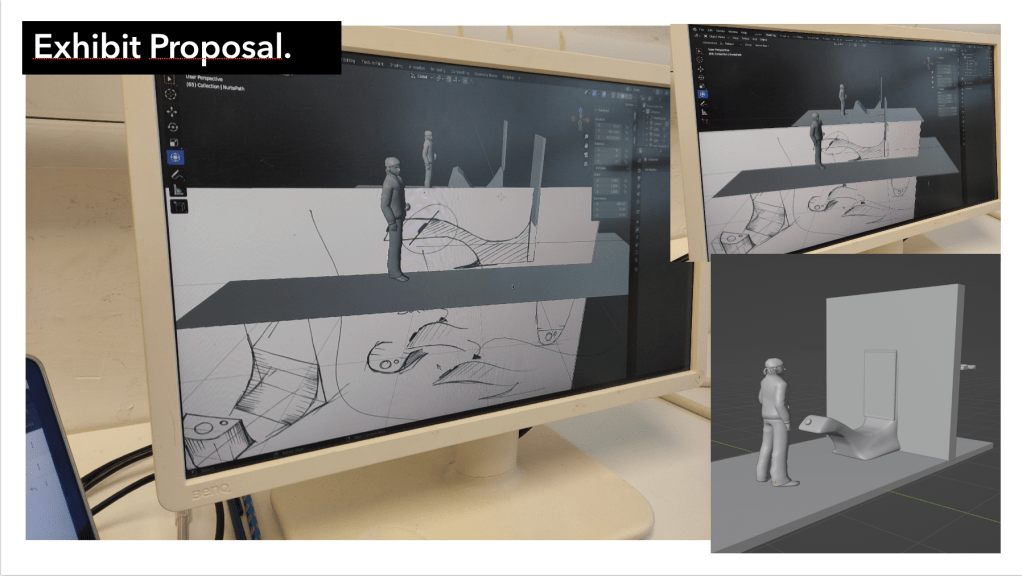
It is very early for this sort of thing, but when discussing it with Cat and considering possible ways to realise this project I had a few ideas and thought it would be better to get them down on paper than to have them rattling around my head.
The research and the findings of that research will be what drives these outcomes, I want to display option to be the most harmonious with the object that is being displayed.


Research:
At this point in the process I need to research a few things:
- Research the theme that I want to look into, I want to focus on the history and the people of Glasgow and bring those stories to life with my work, so the first thing is to find these people, their stories and the objects that carry these stories, whether that be secondary research or going out myself to find these people or these stories. A possible plan was suggested by Mikhail, that I make a poster asking people for their objects and their stories.
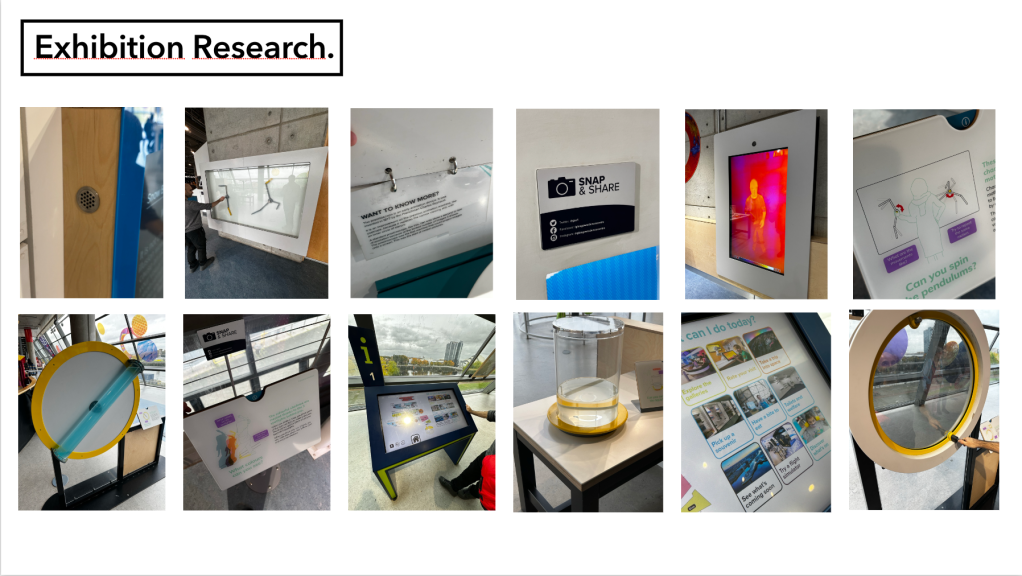
- I also want to do primary research in exhibitions, displays and museums, see how the experts do it and then build on from that. How do these places tell stories, how do they explore the work and highlight aspects of each object, artefact and piece, and being their myself will give me a better understanding and a better feel for the space.
- Secondary research will be the final method of research, as I am one man and I do actually need to start making at some point and secondary research will obviously allow me a wider reach or to find pieces that have been taken down or find stories from people no longer with us.
Primary Research:
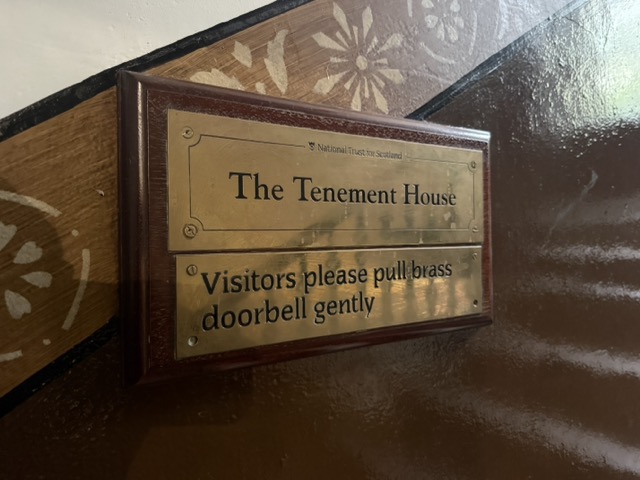
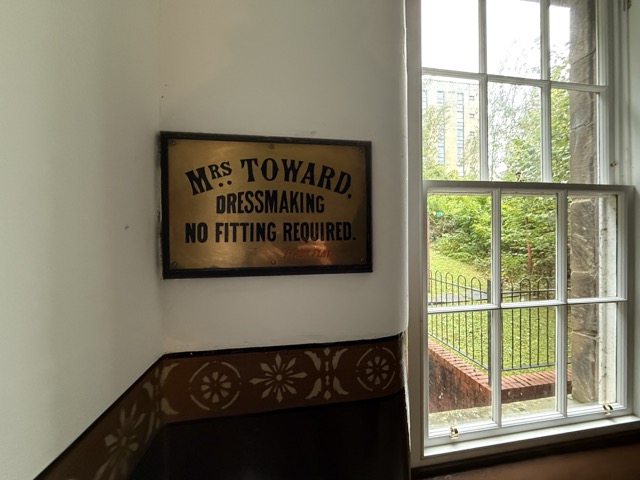
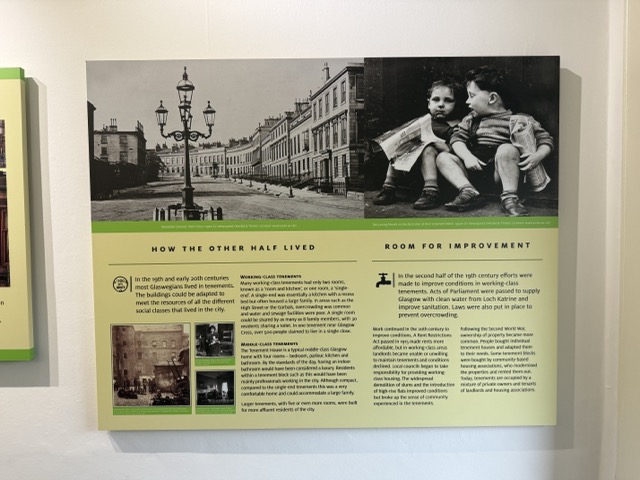
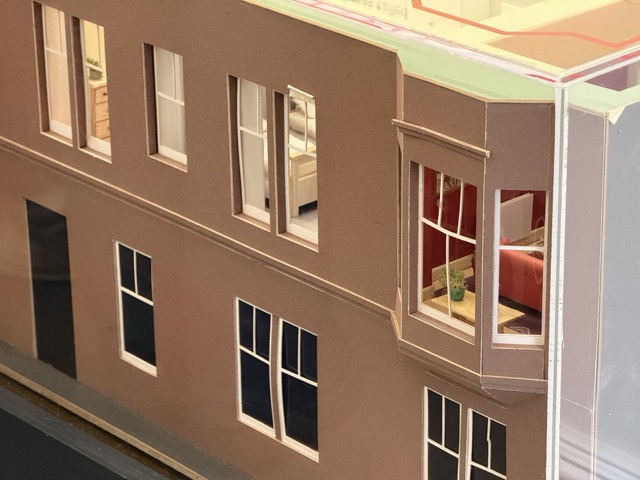
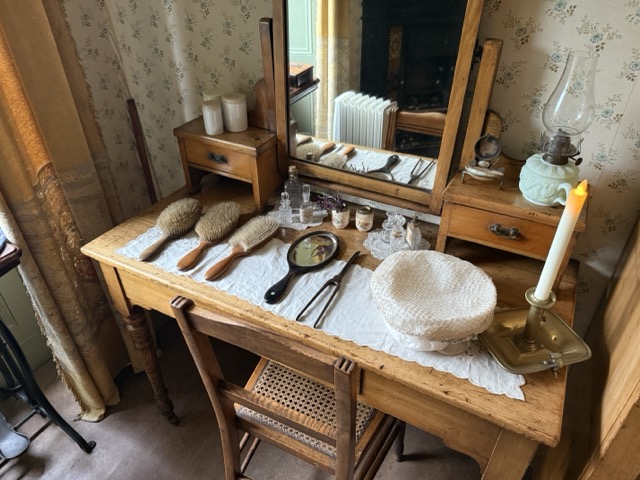
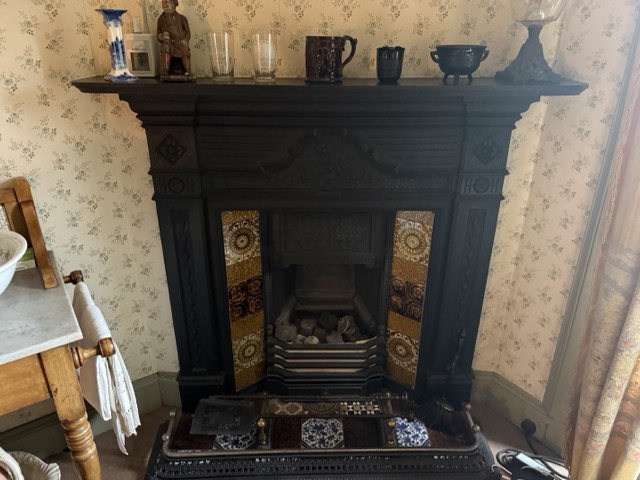
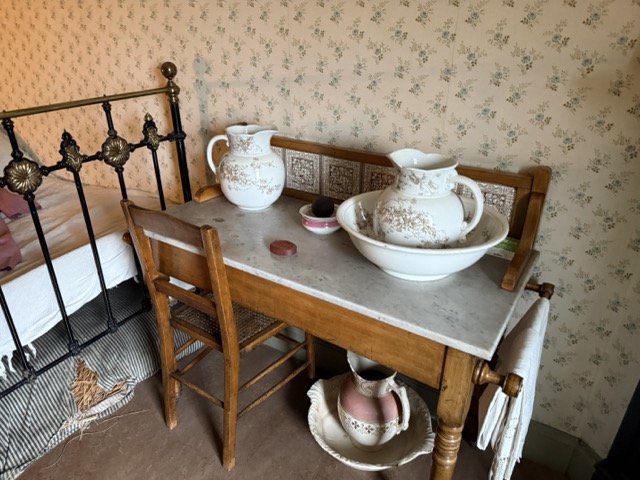
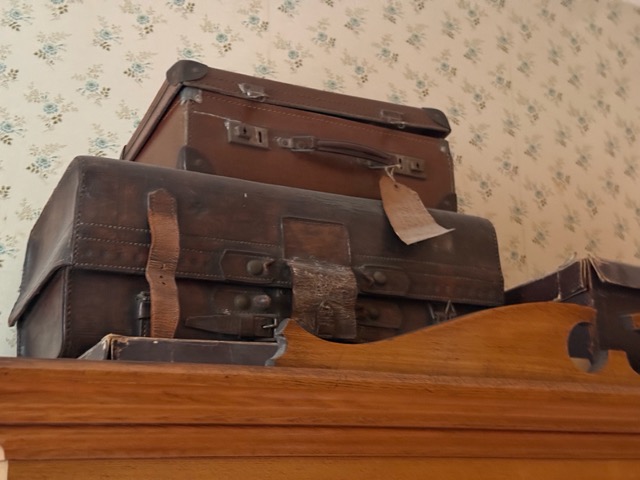
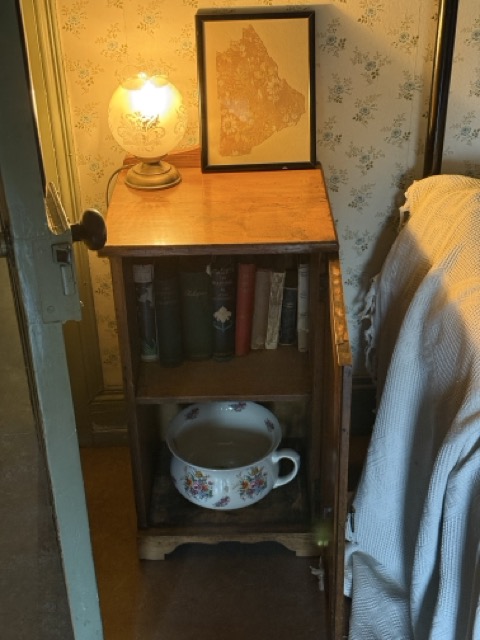
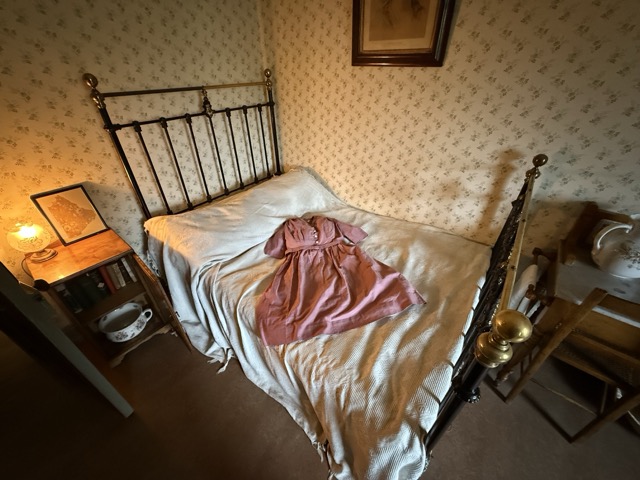
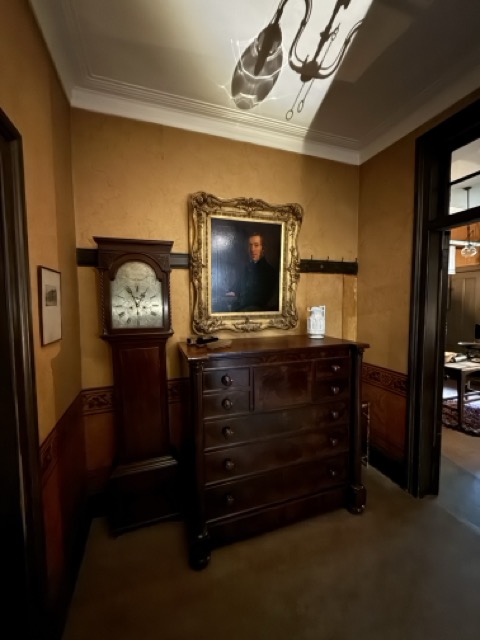
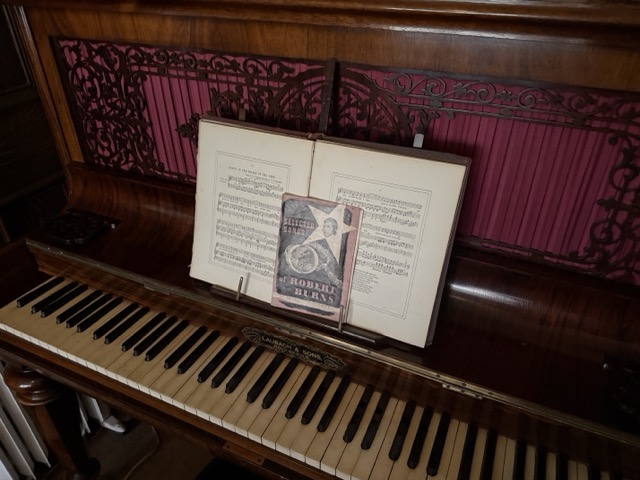
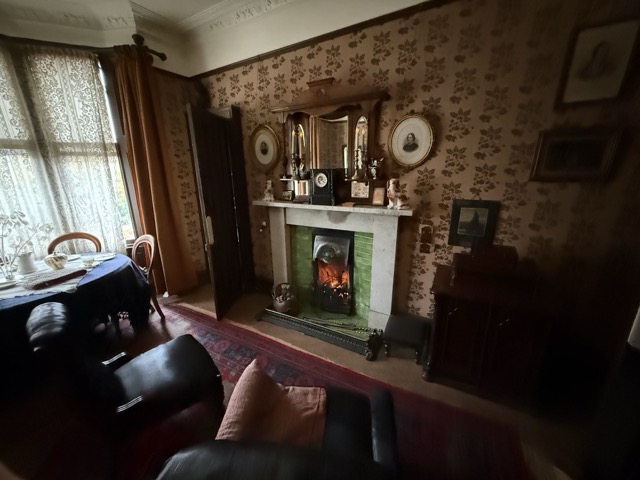
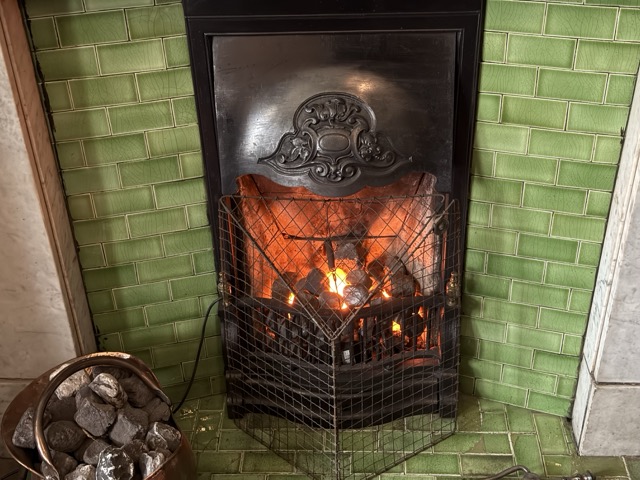
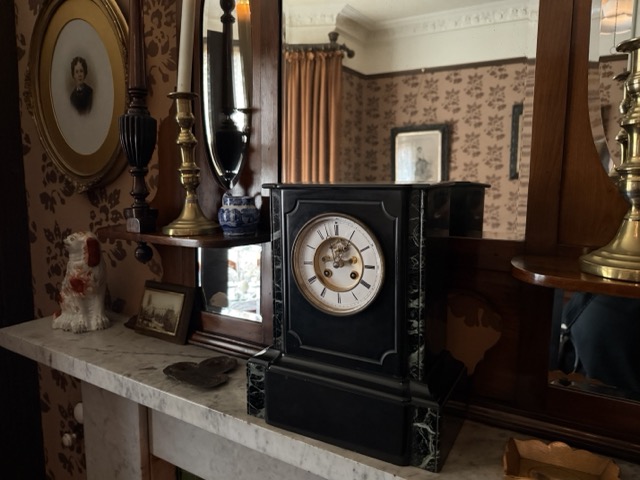
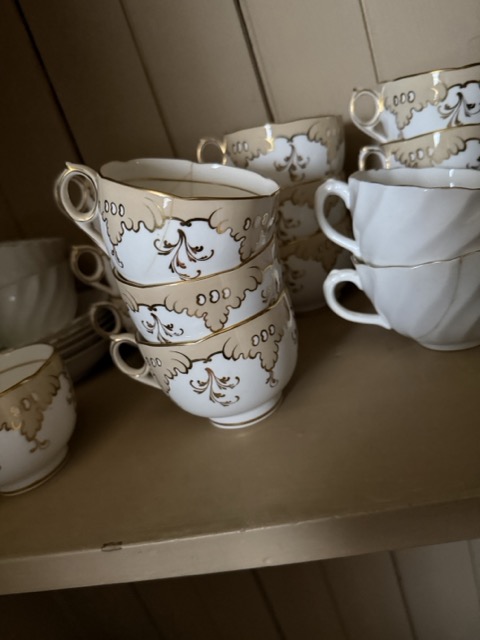
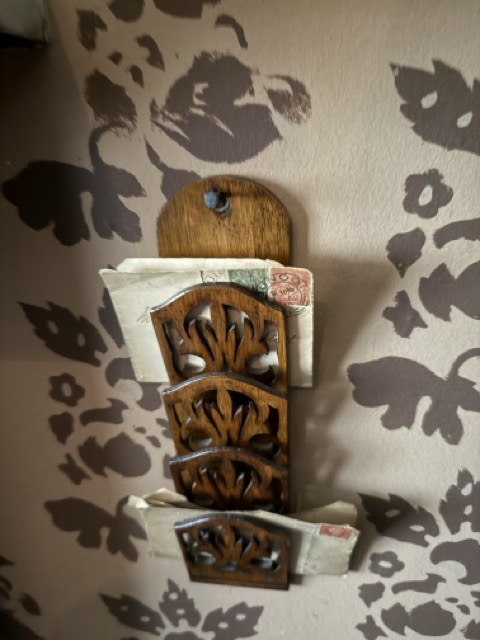
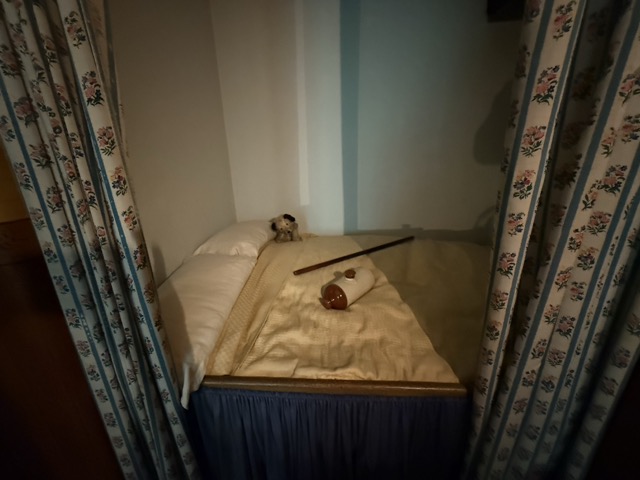
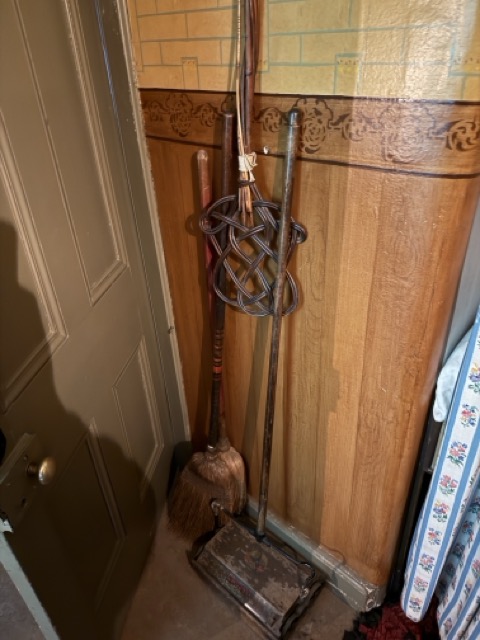
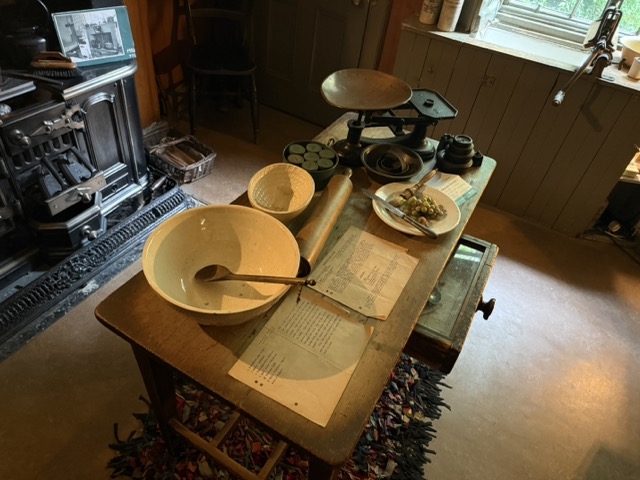
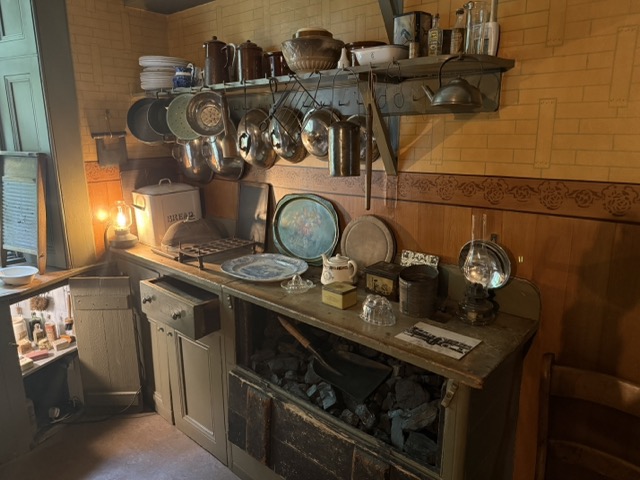
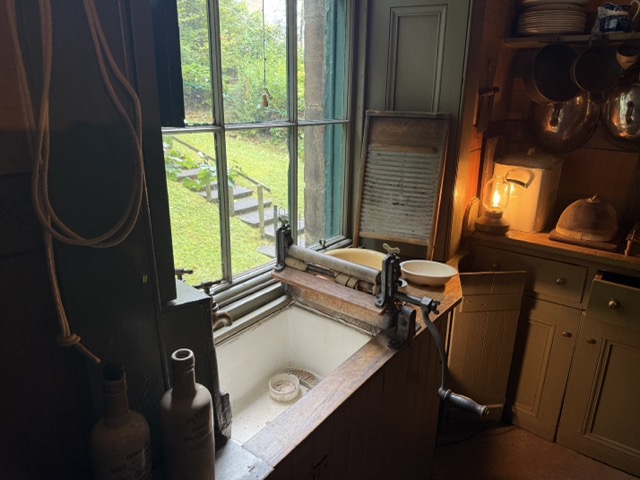
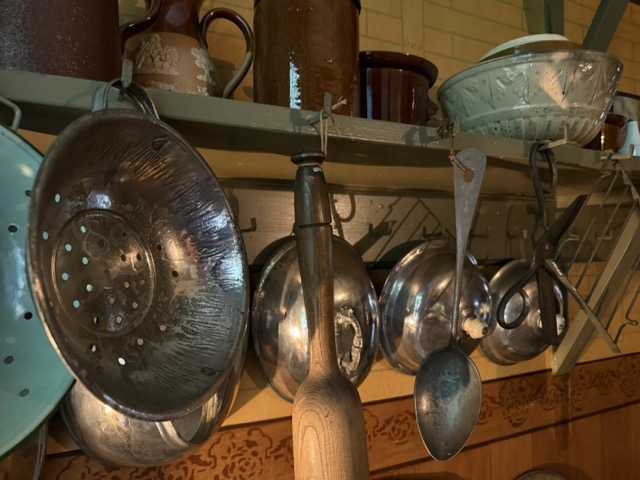
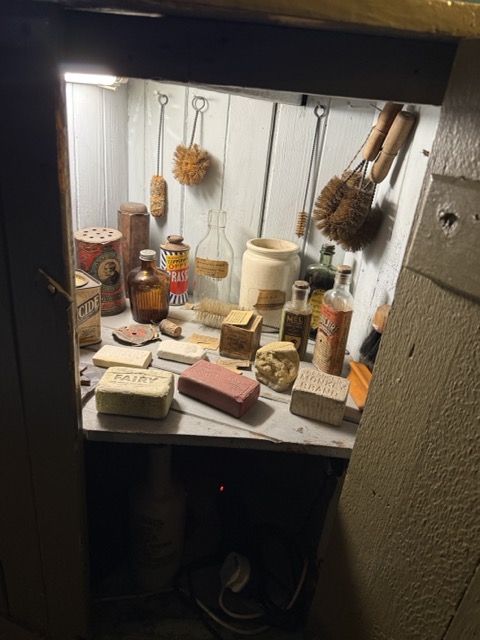
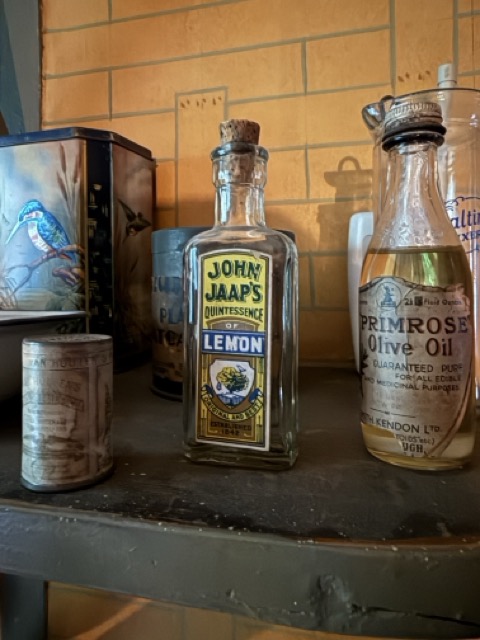
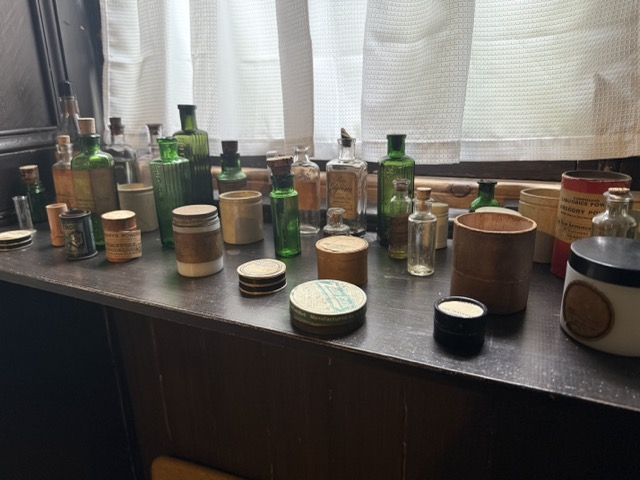
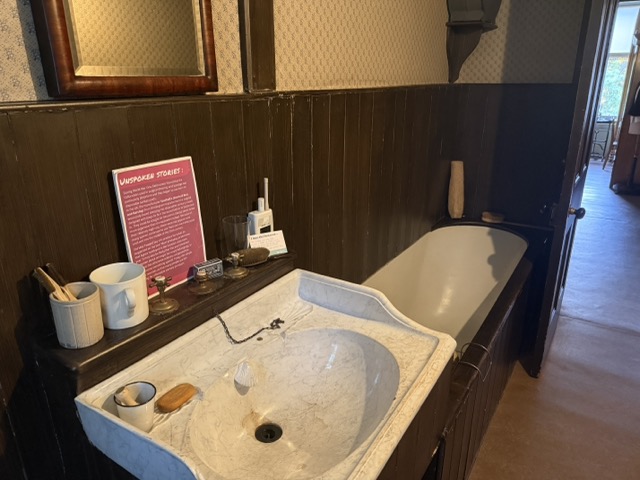
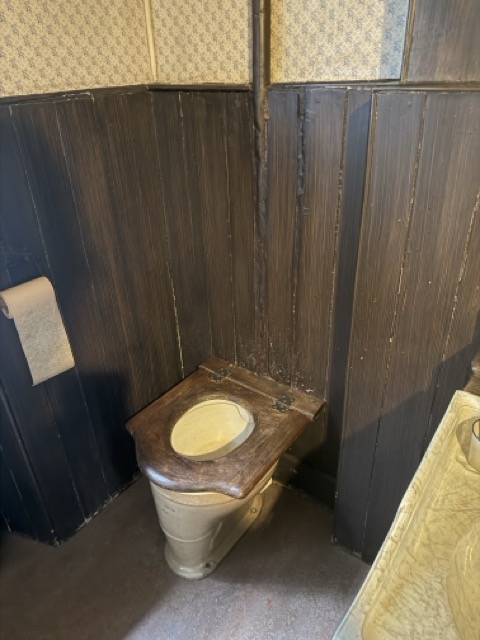
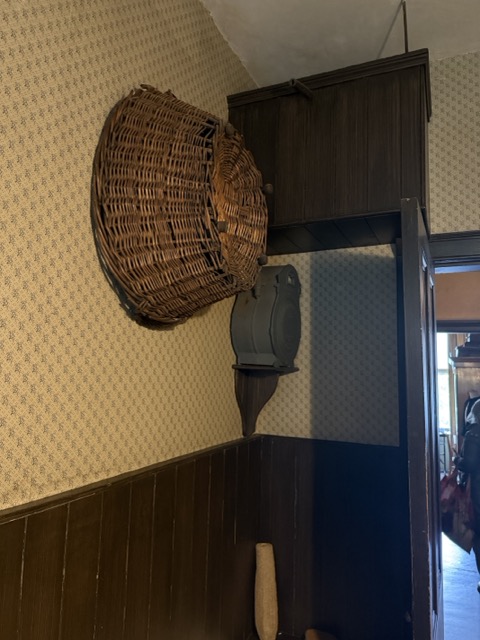
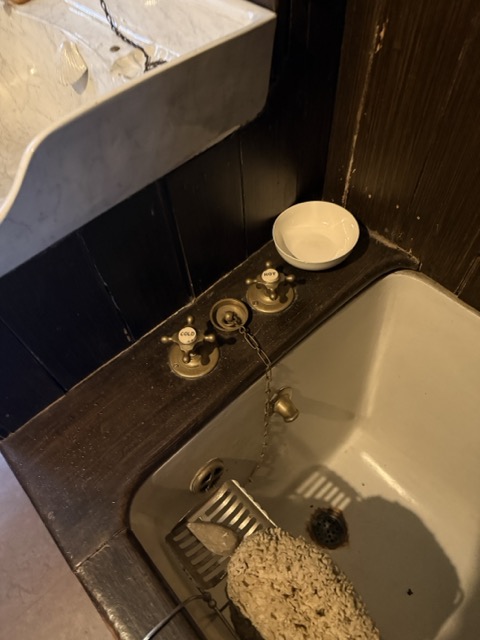
Tenement House :
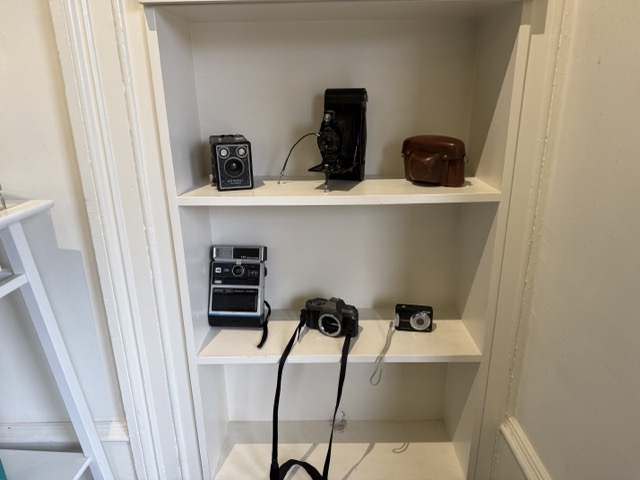
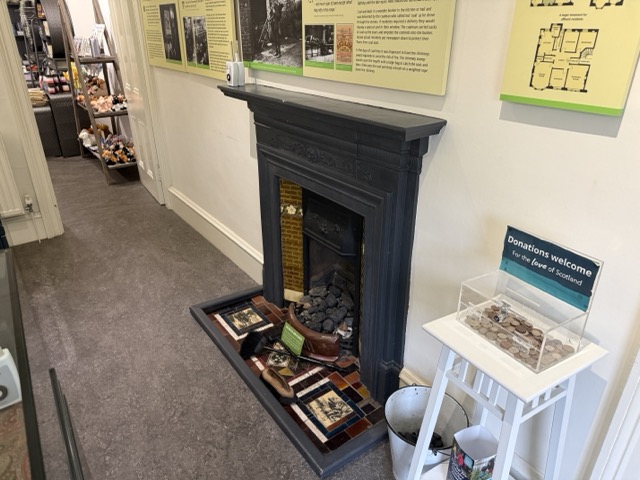
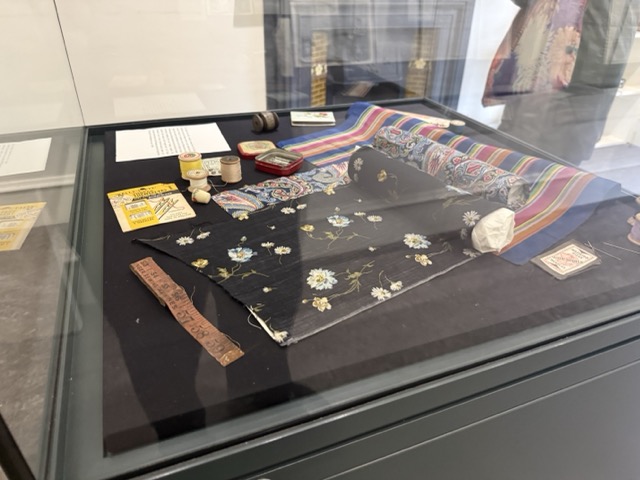
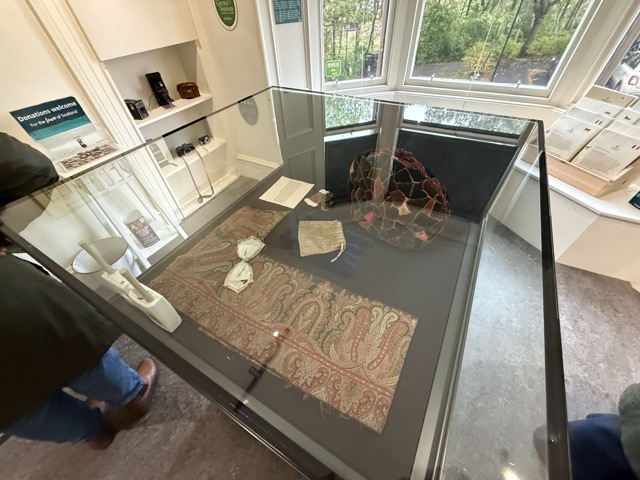
To get the ball rolling with research I wanted to look at how its already being done. If I can start from a good place then I’ll surpass that easily throughout the year.
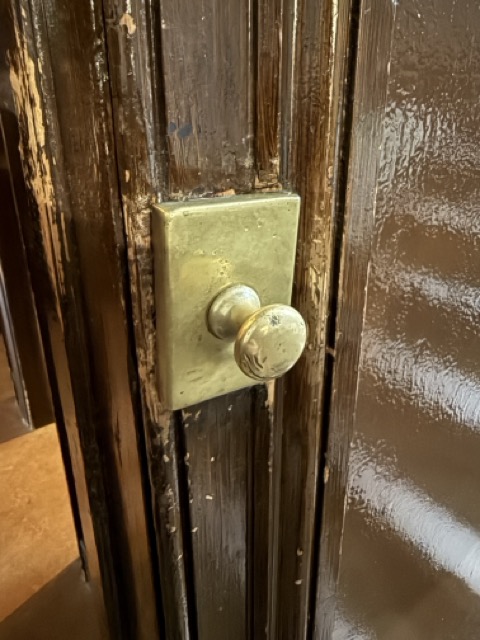
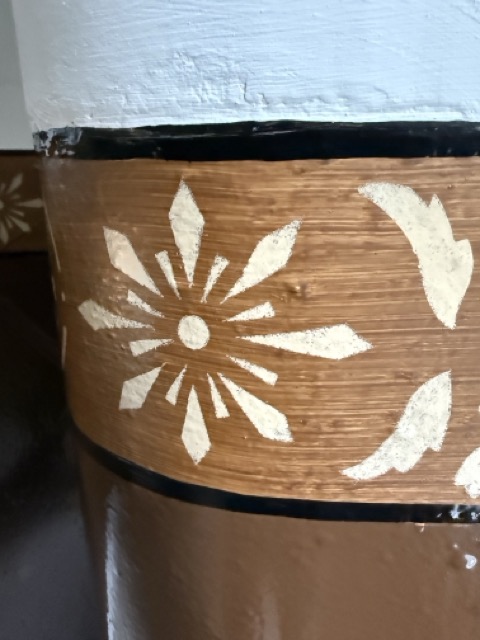
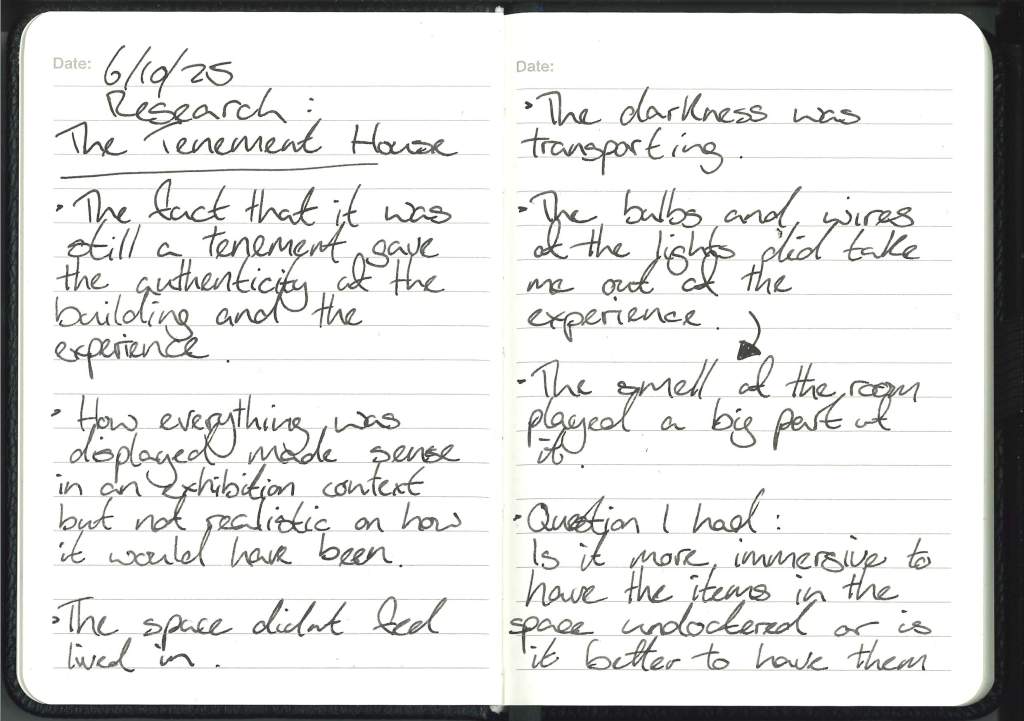
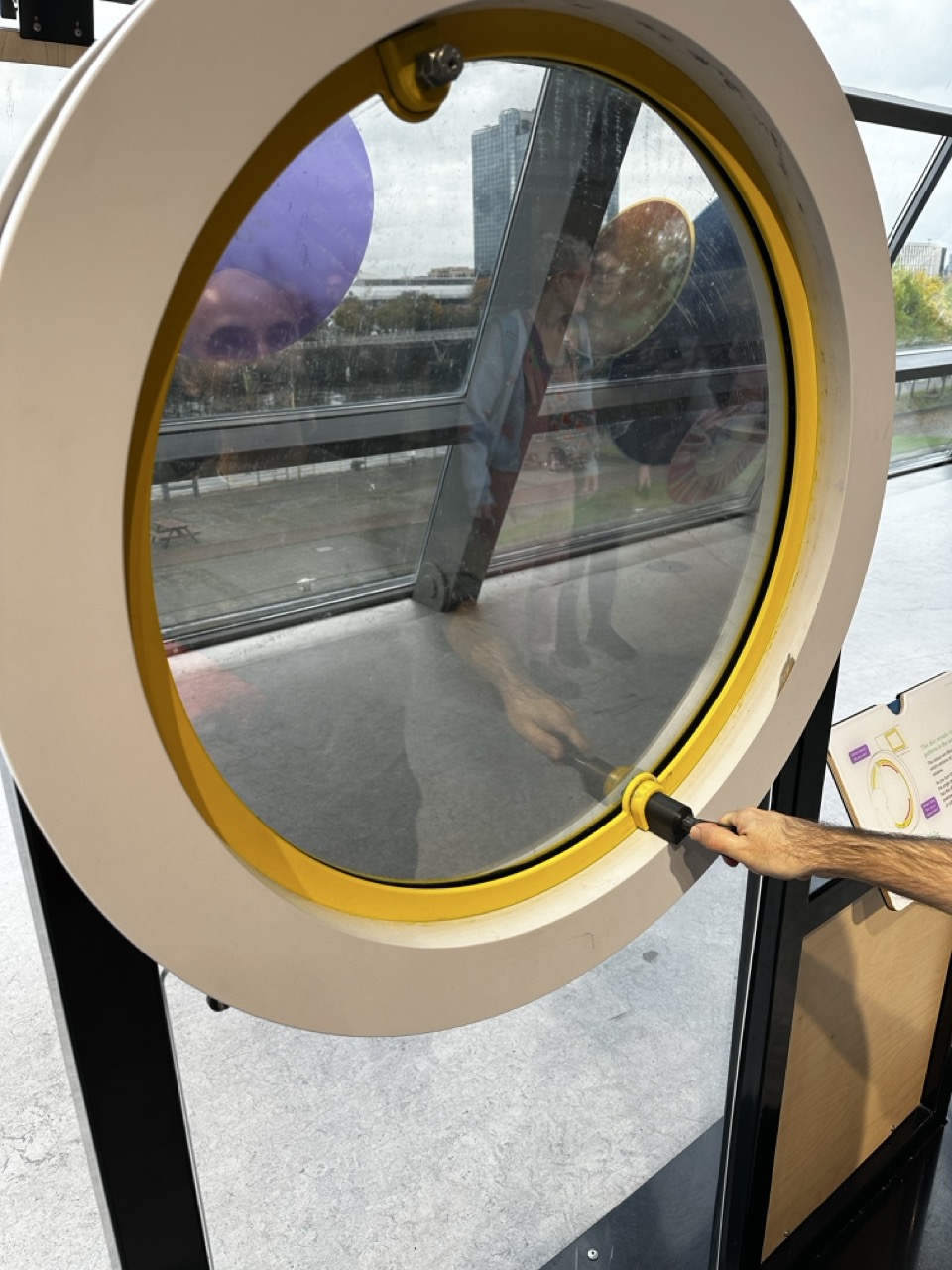
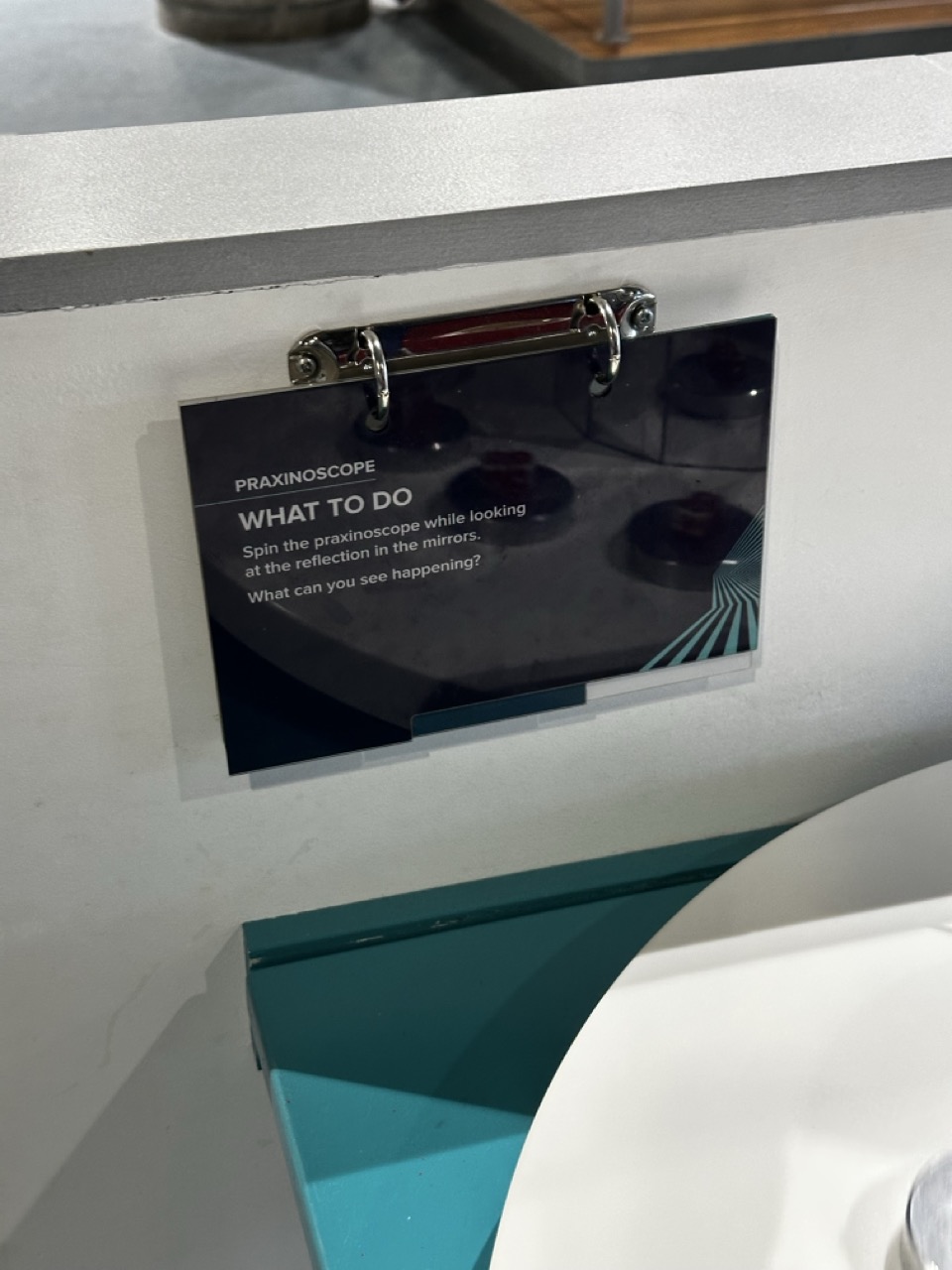
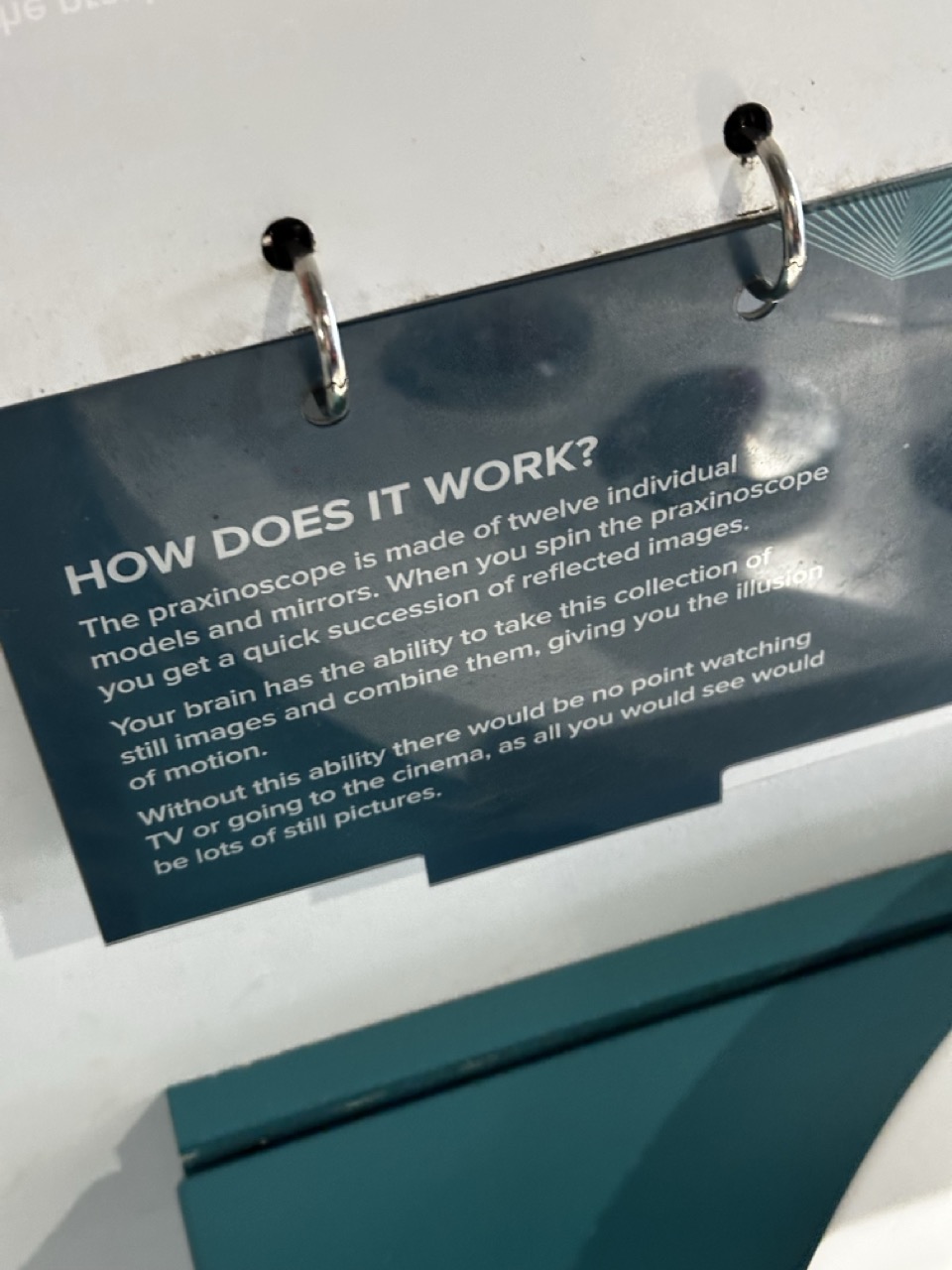
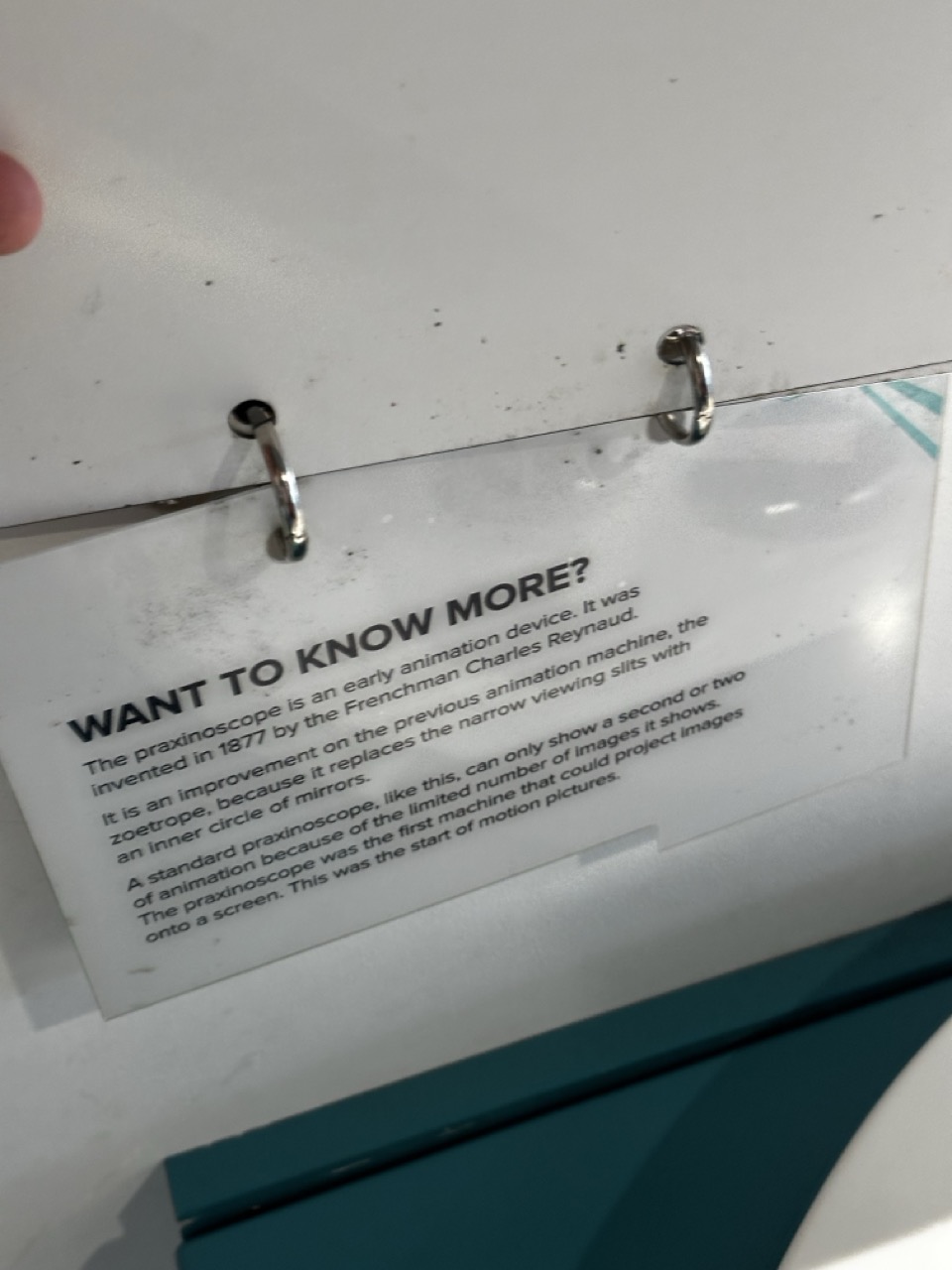
As its just round the corner from the Barnes Building I thought a lunch time well spent would be going round to the Tenement House and obverse and document their immersive experience.
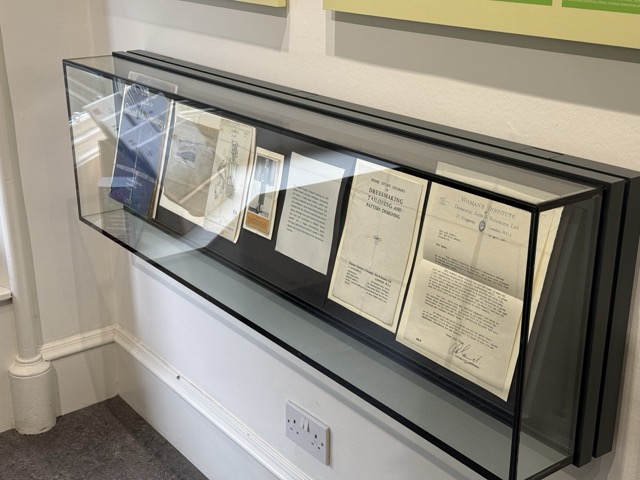
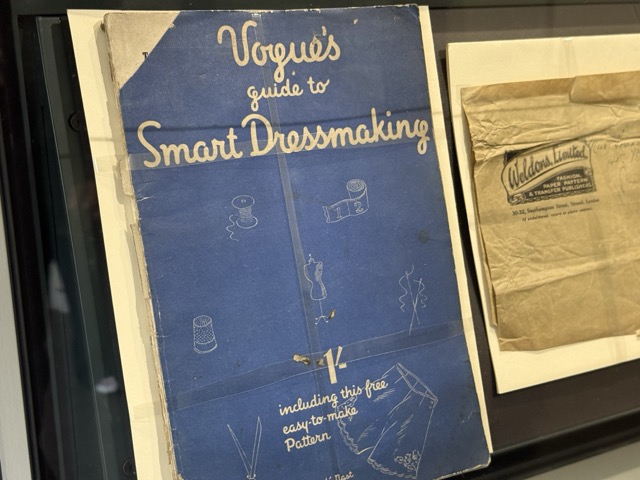

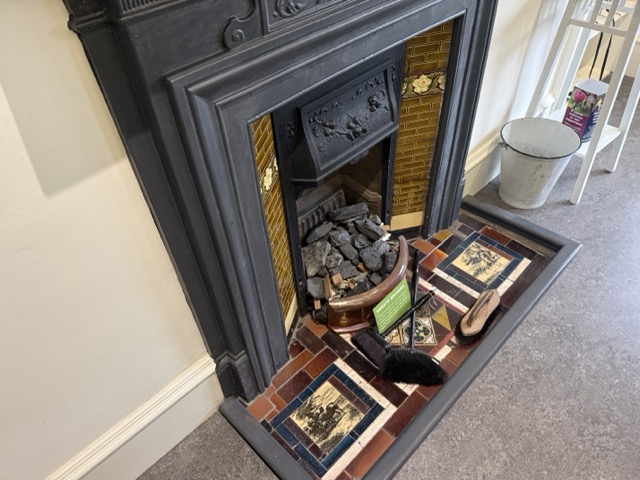
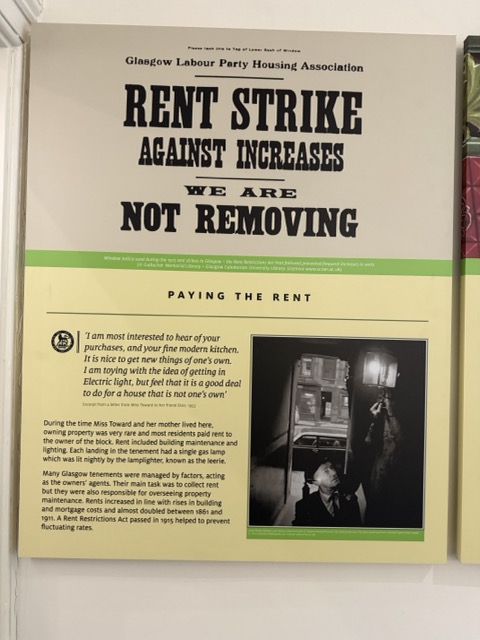







Secondary Research:
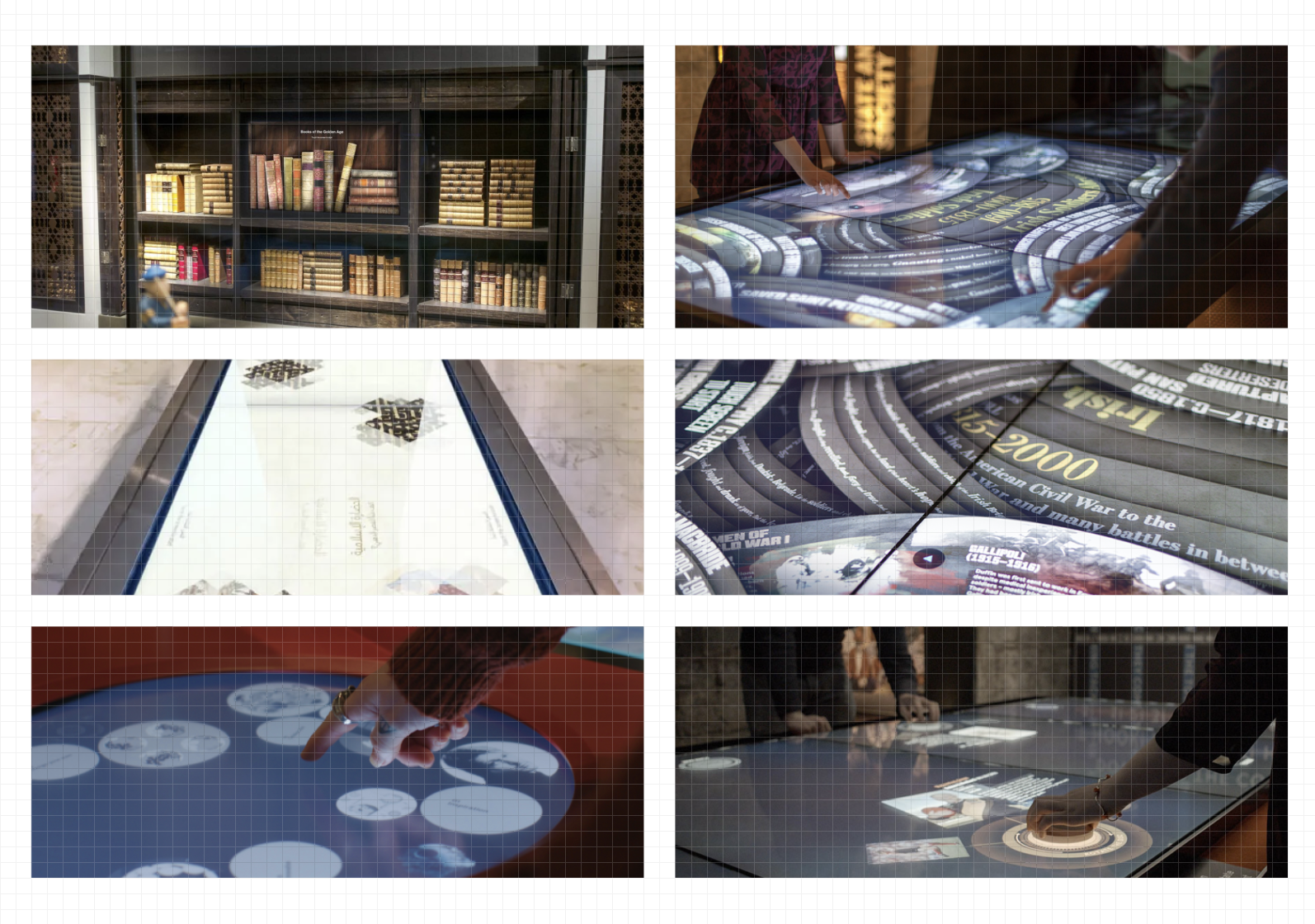
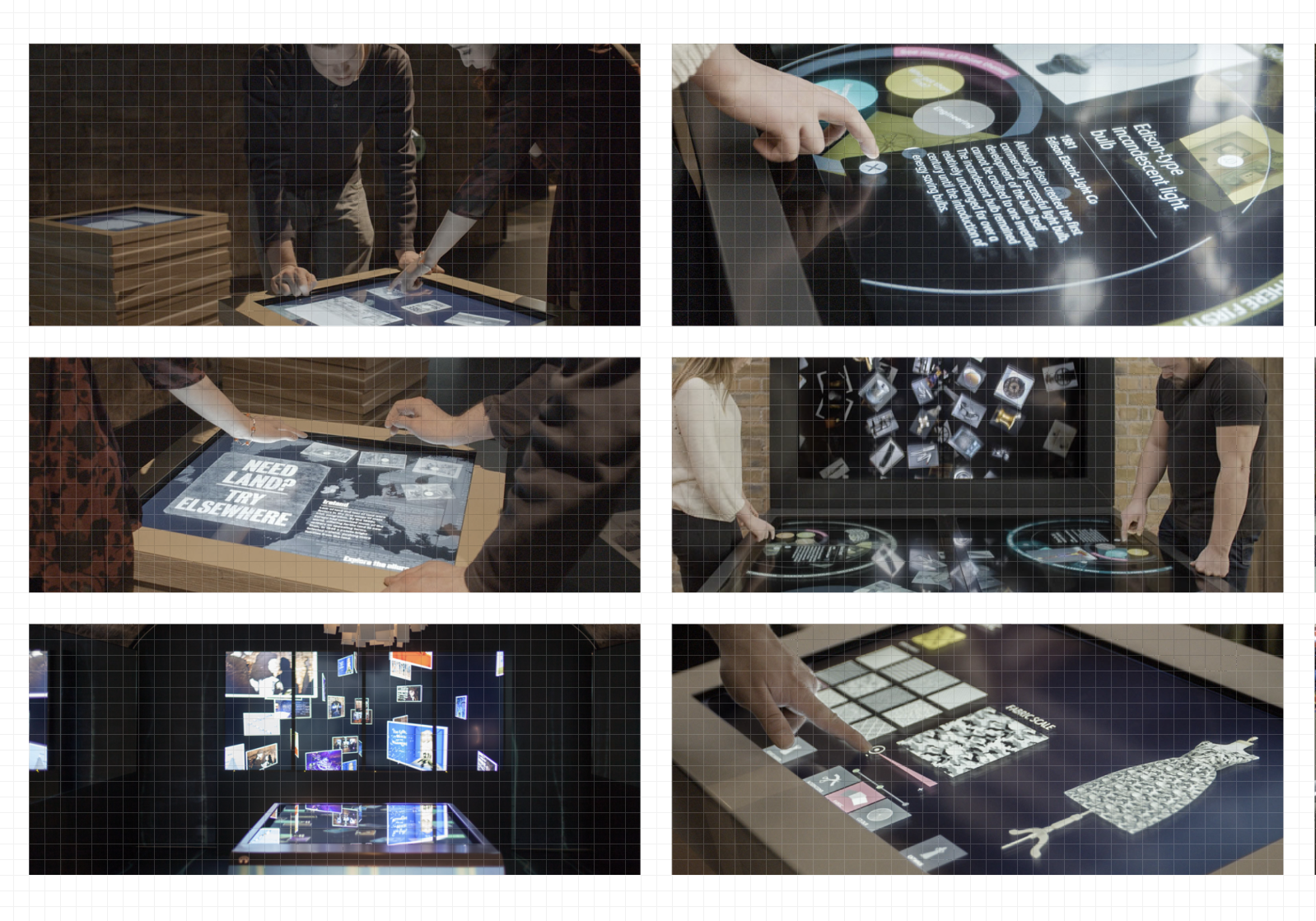
With my initial secondary research I wish to look at studios that produce exciting, interactive or technical work that tell the story, spark excitement and use technology how I would like to; sleek, cool, almost invisibly. Using the technology as a vehicle for the story.
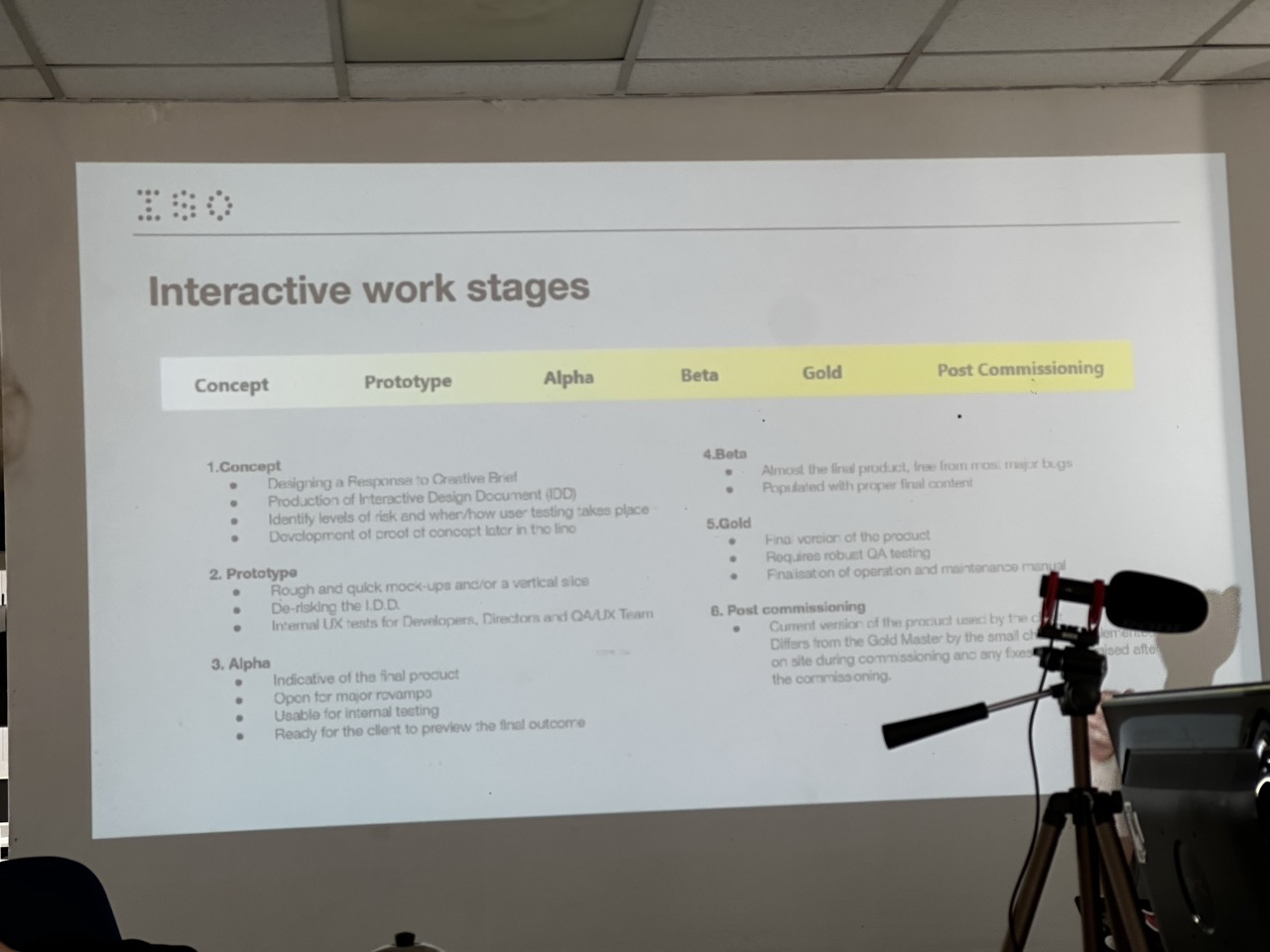
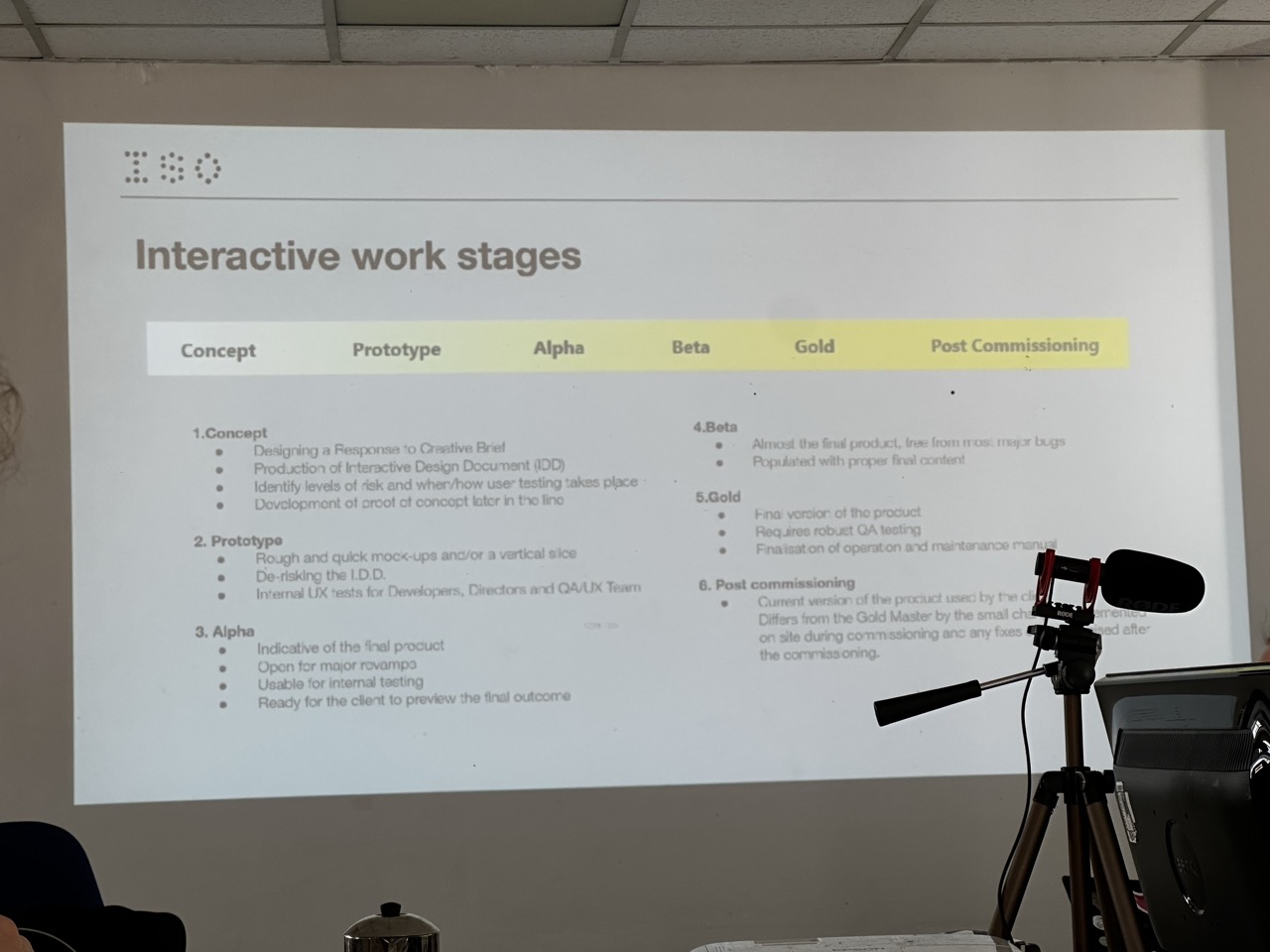
ISO Design:

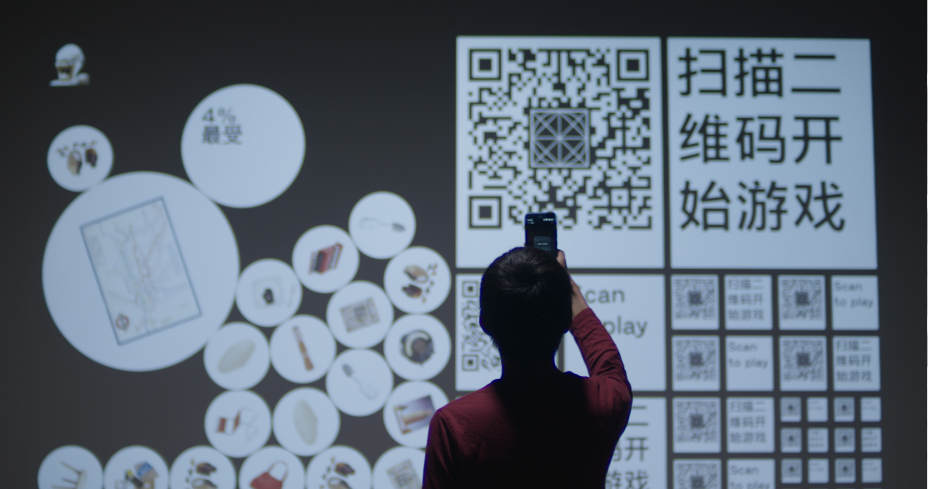
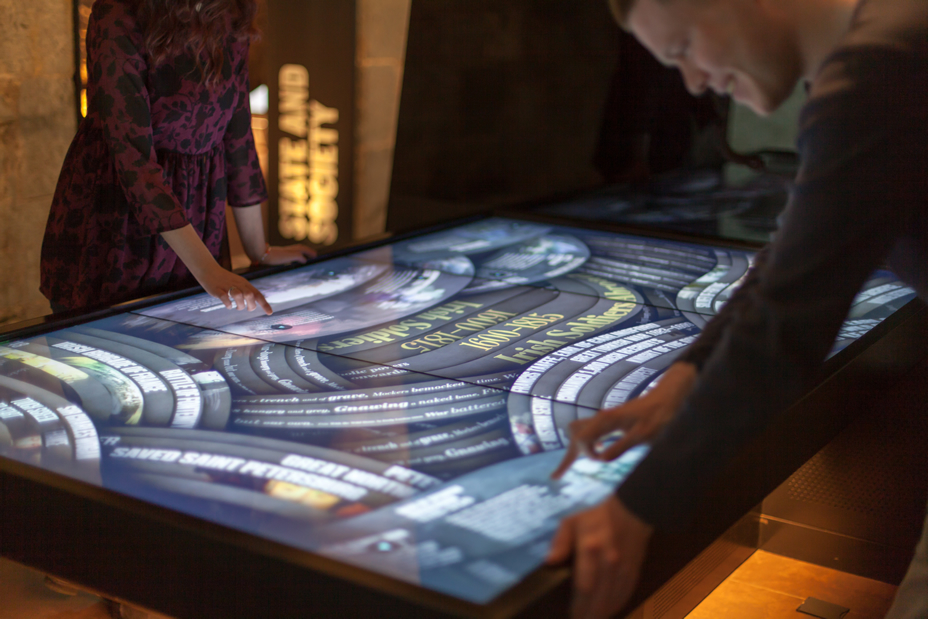
From ISO I want to take their work of screens and motion graphics, their composition and consideration for the user.
Ammonite:

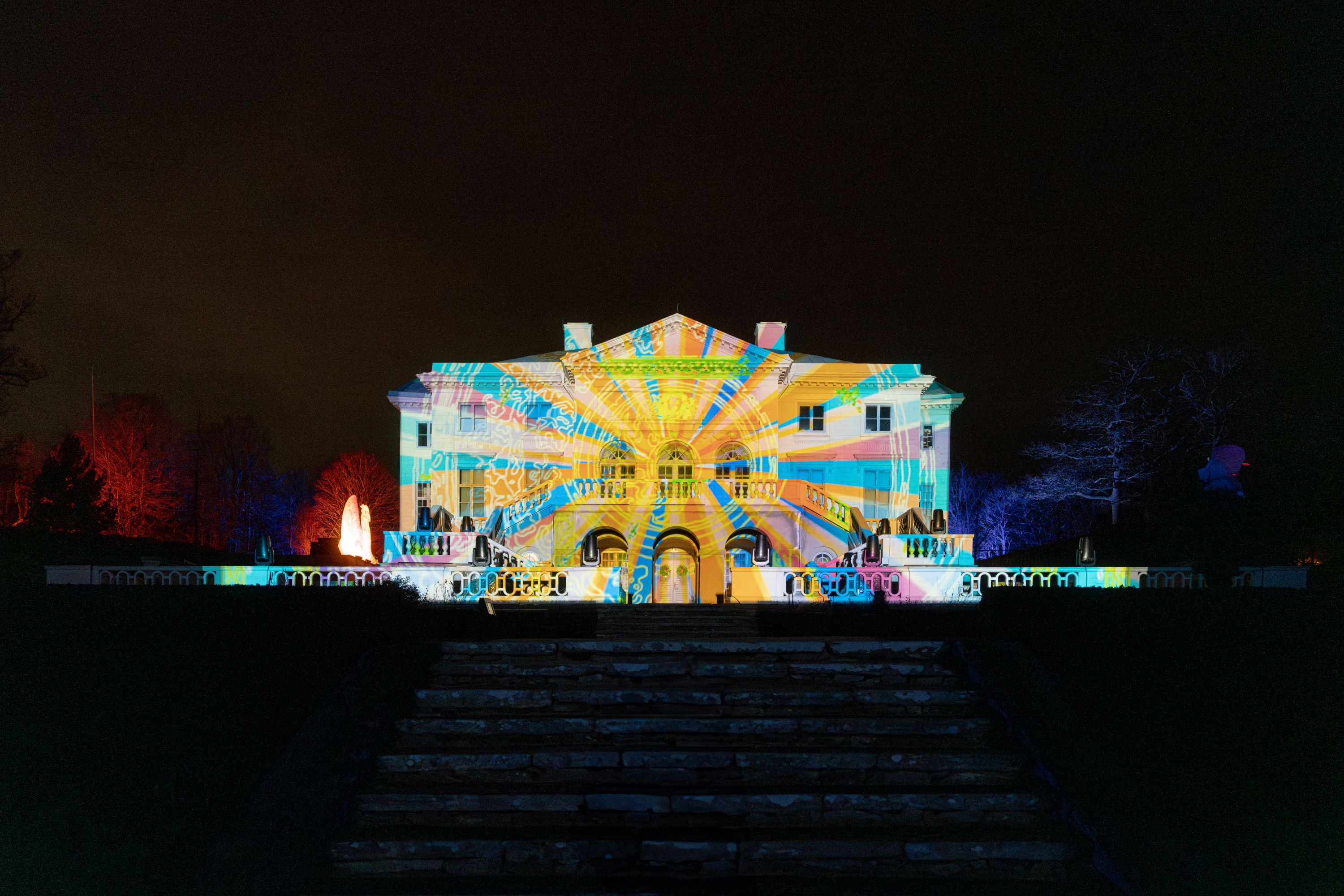
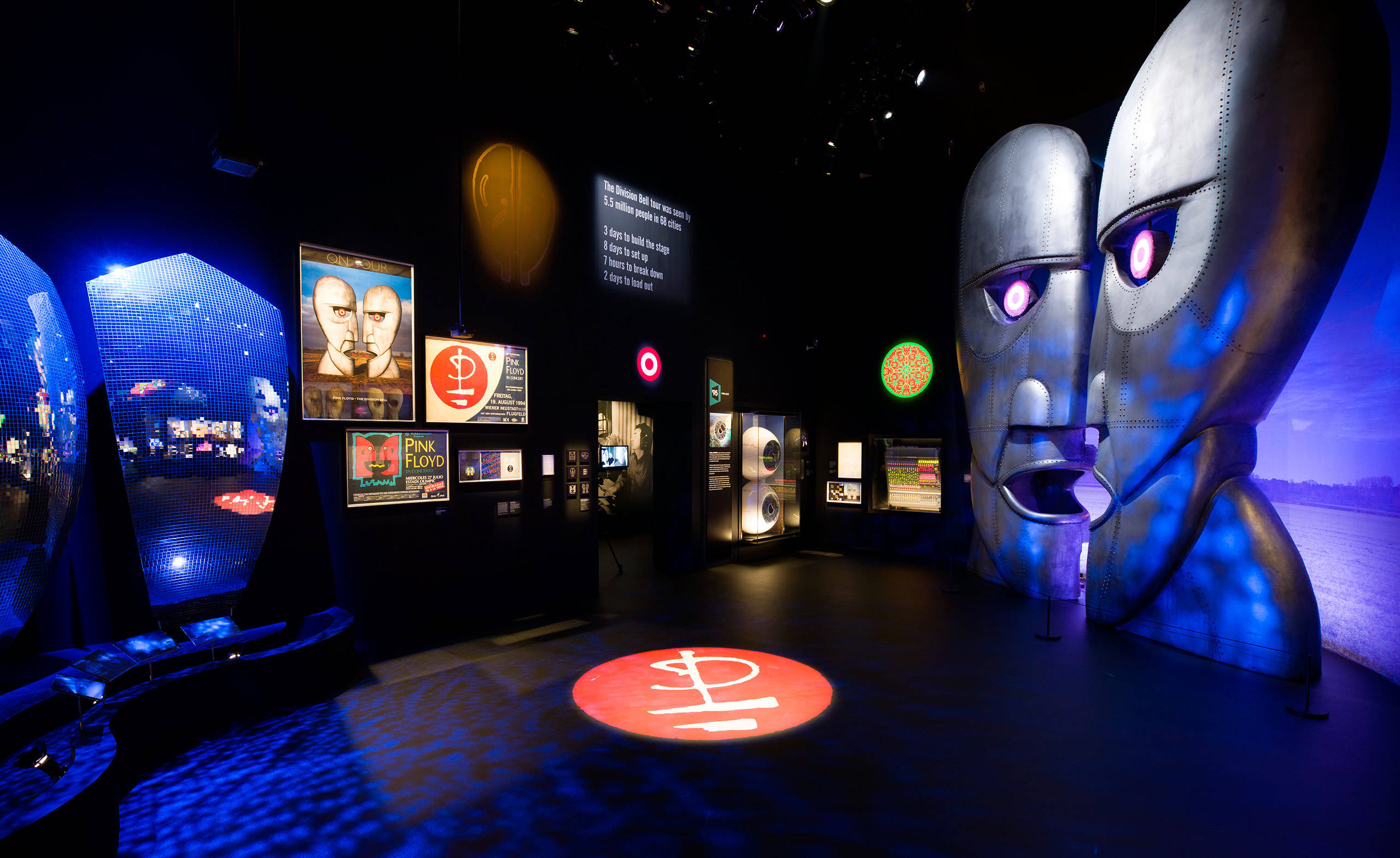
The work that Ammonite has done in theatre is what really grabbed my attention, their use in perspective and doing so much in a relatively constrained space, as I will also be working within a constrained space, using the space as effectively as possible is the name of the game.
Squint/Opera:
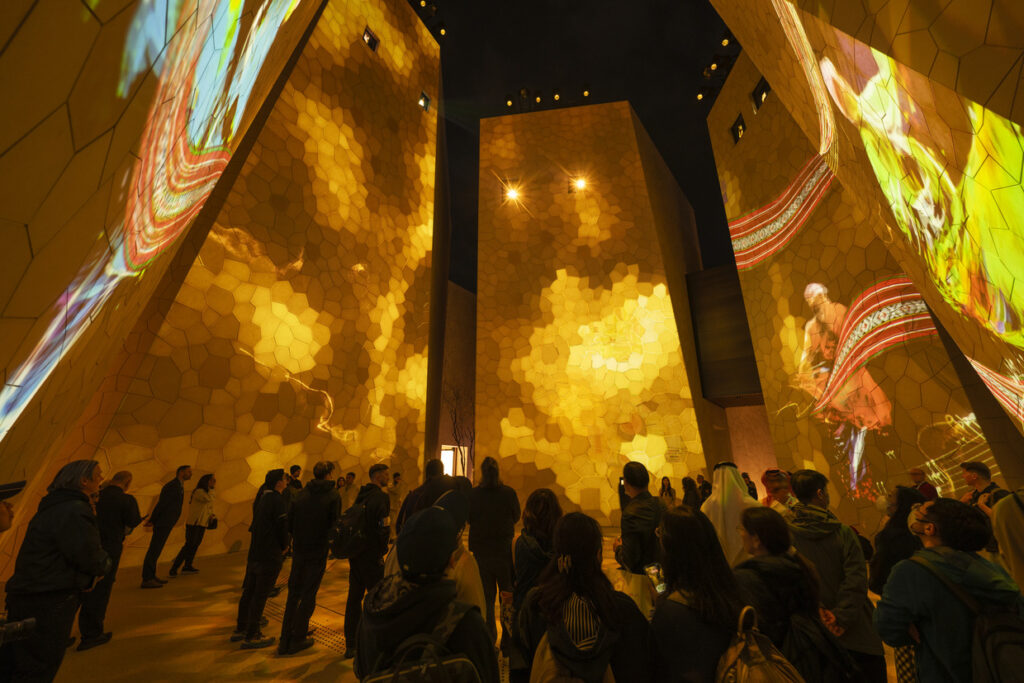
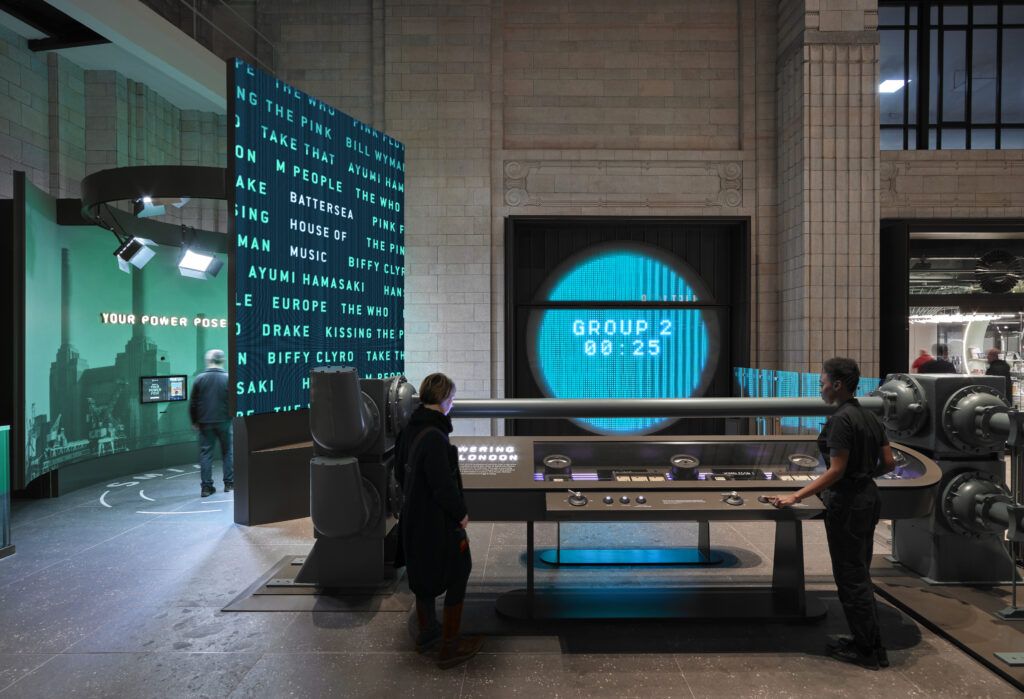

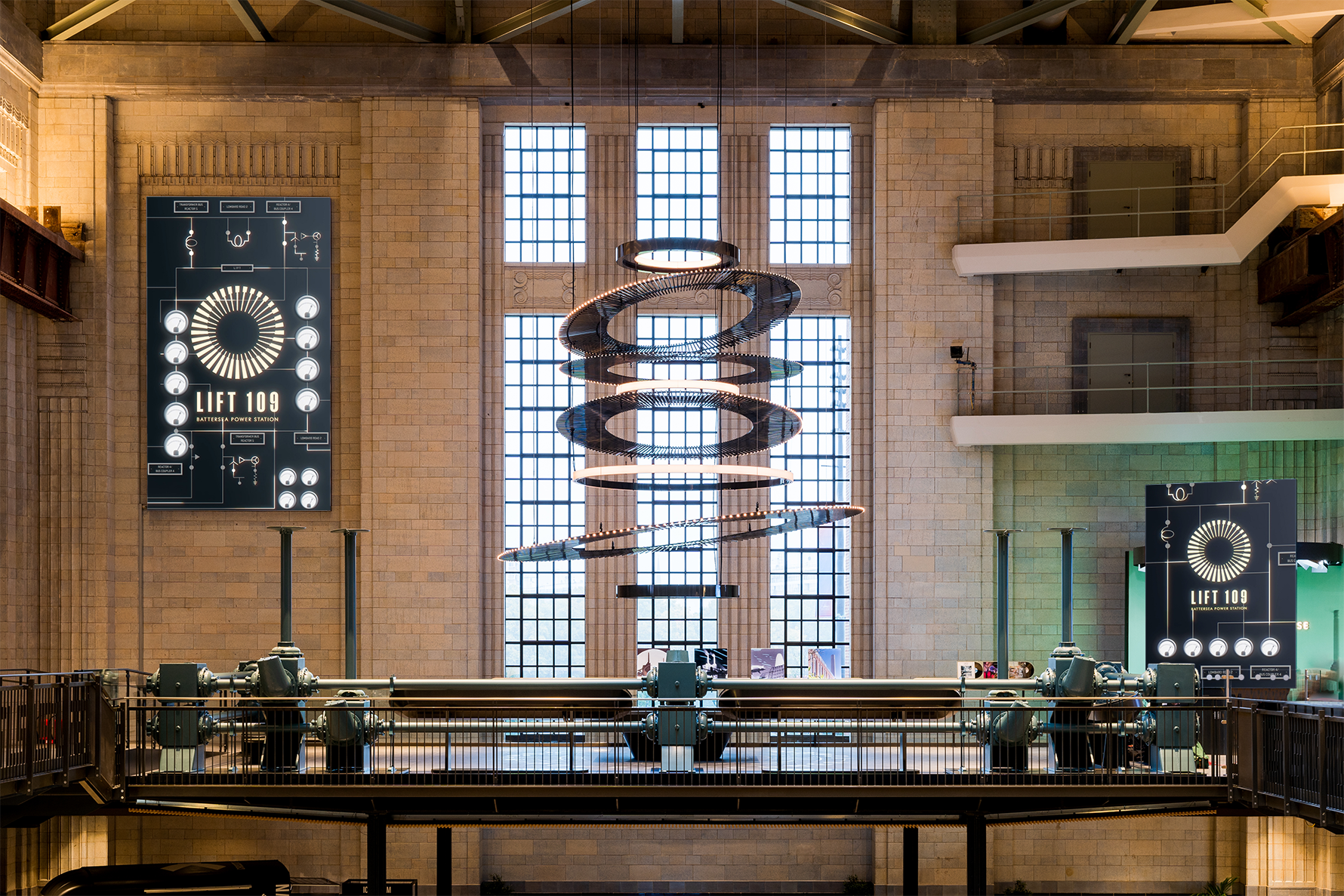
What really grabbed me in Squint/Opera’s exhibitions is their use of the larger space and their sense of scale in each job, from the small table displays to the huge monolithic structures and how they both tie together.
EventComm:
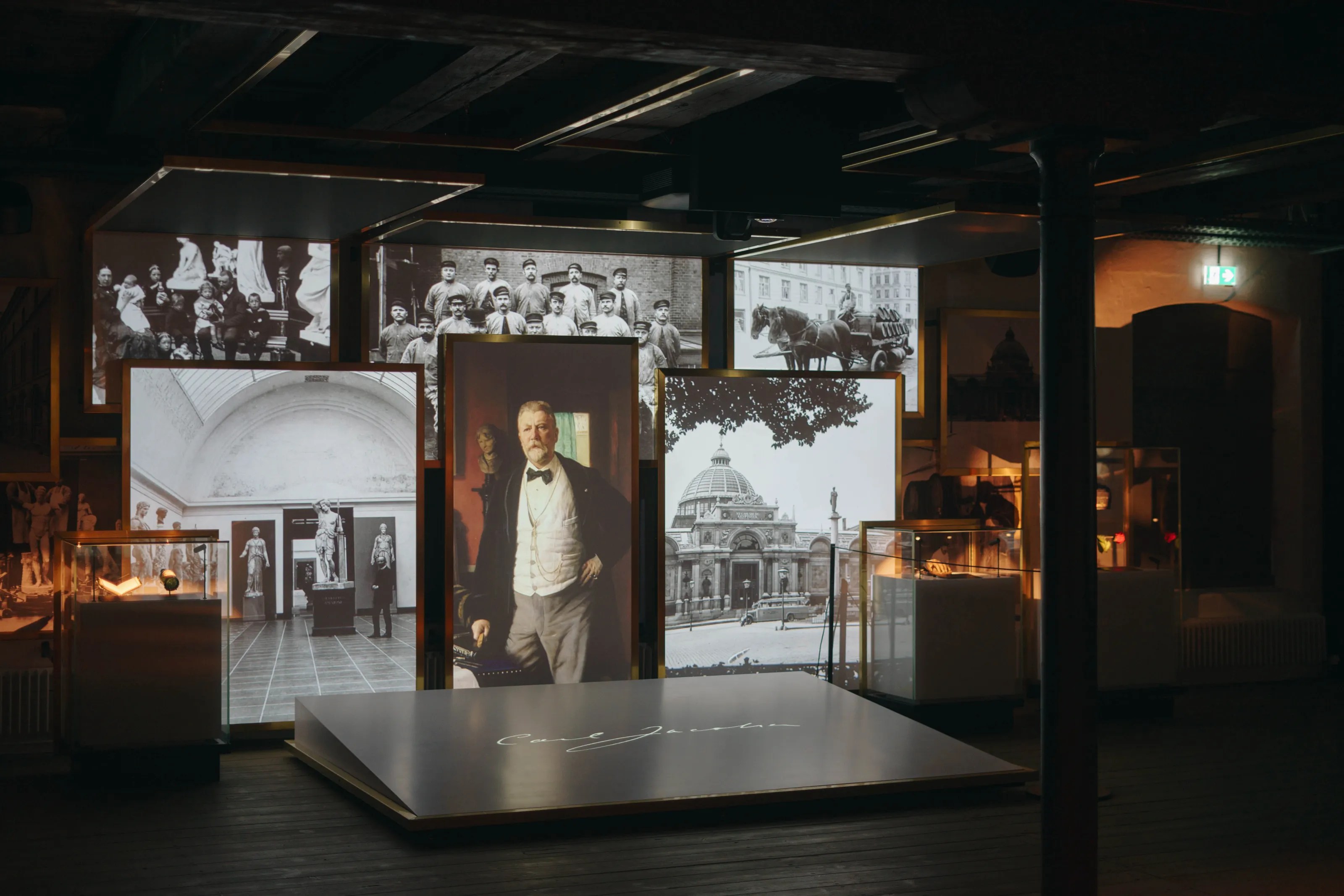
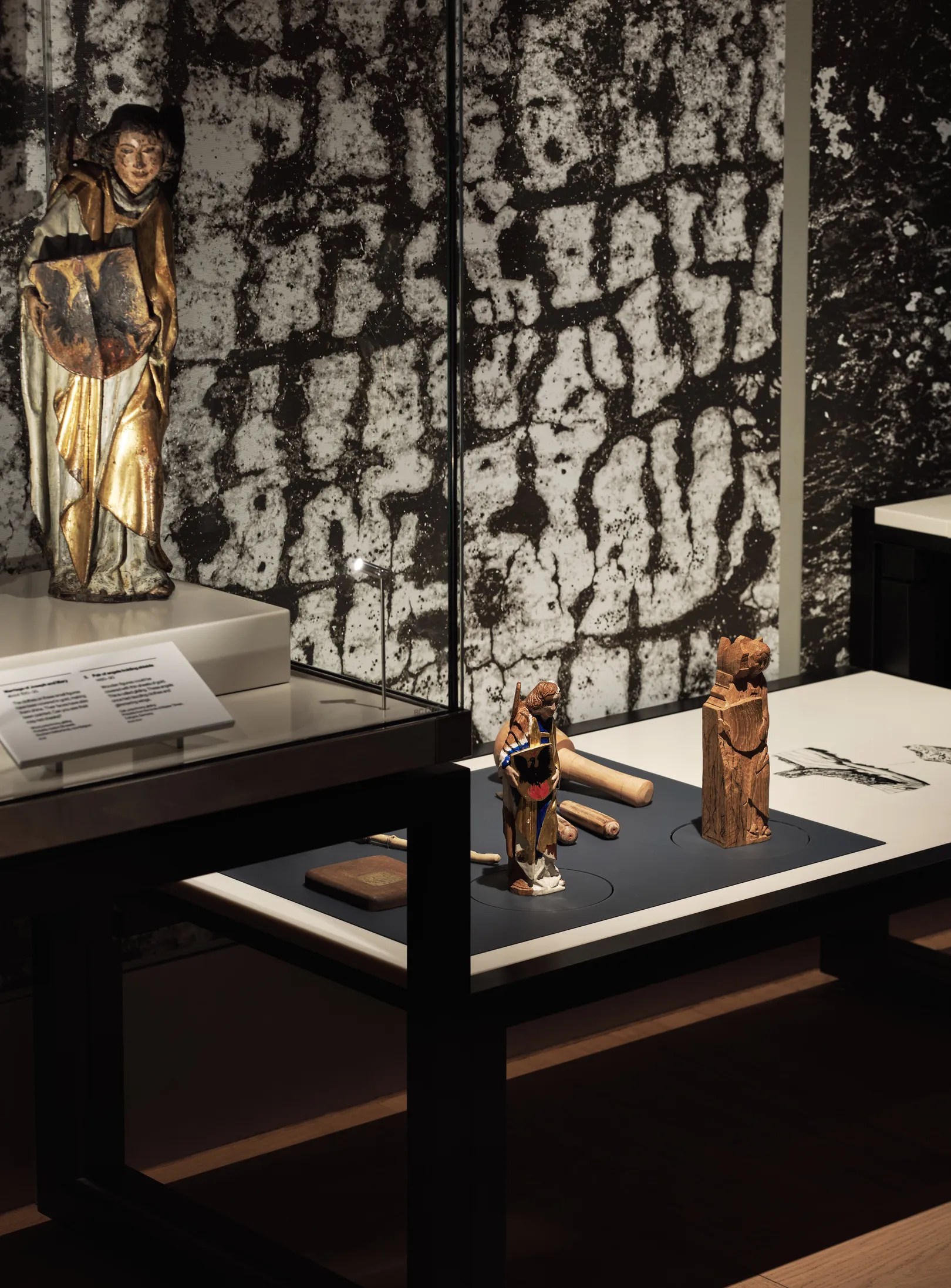
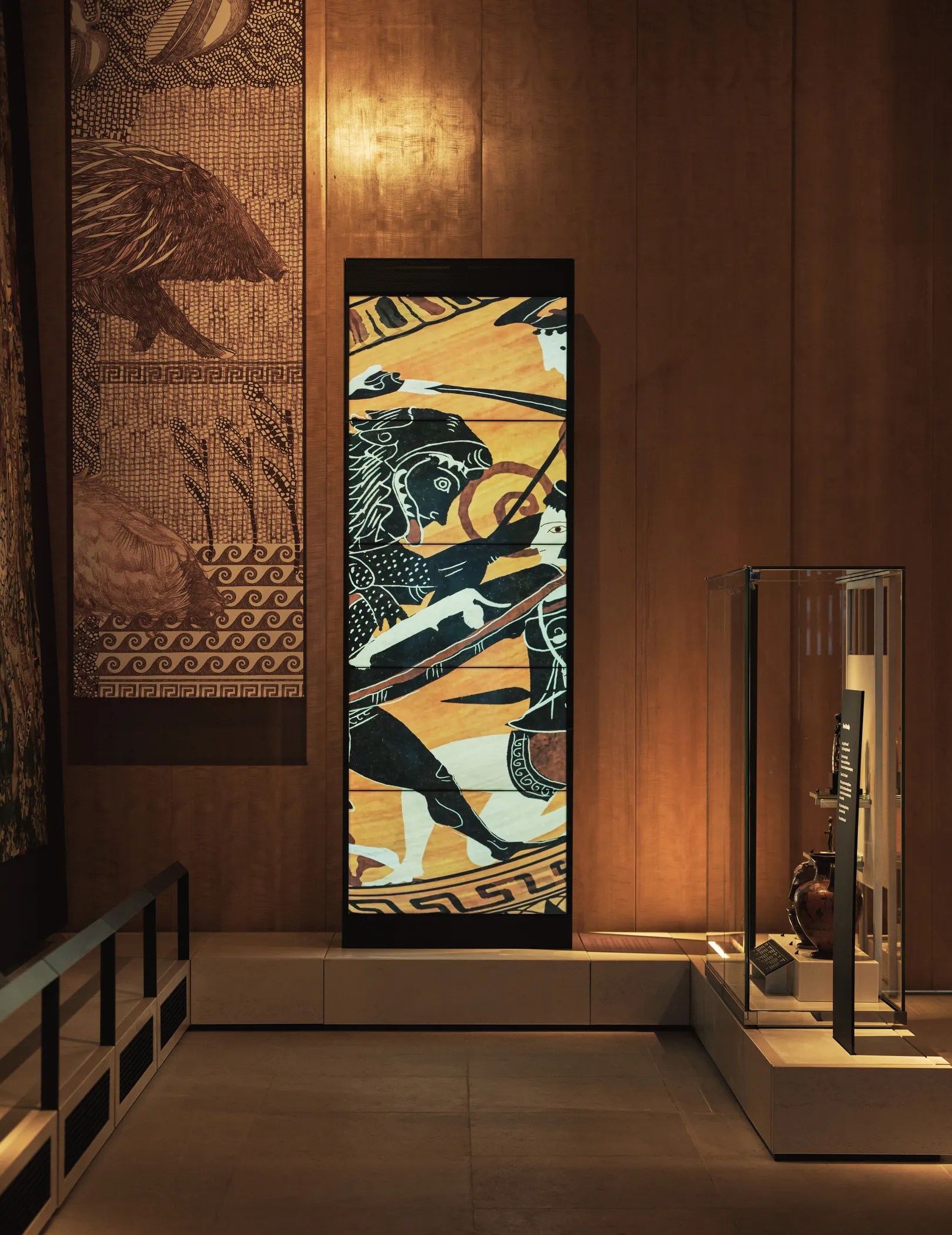
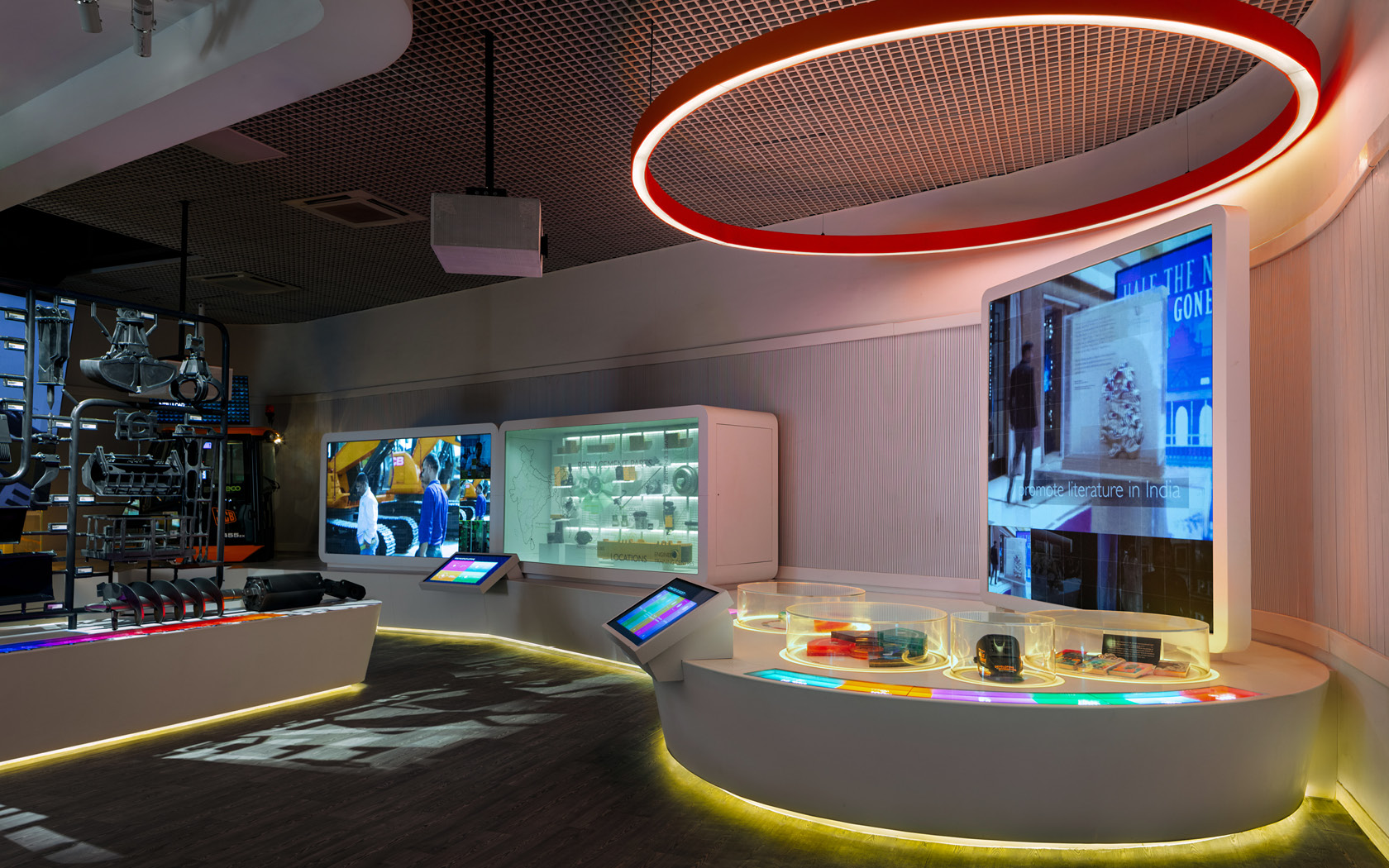
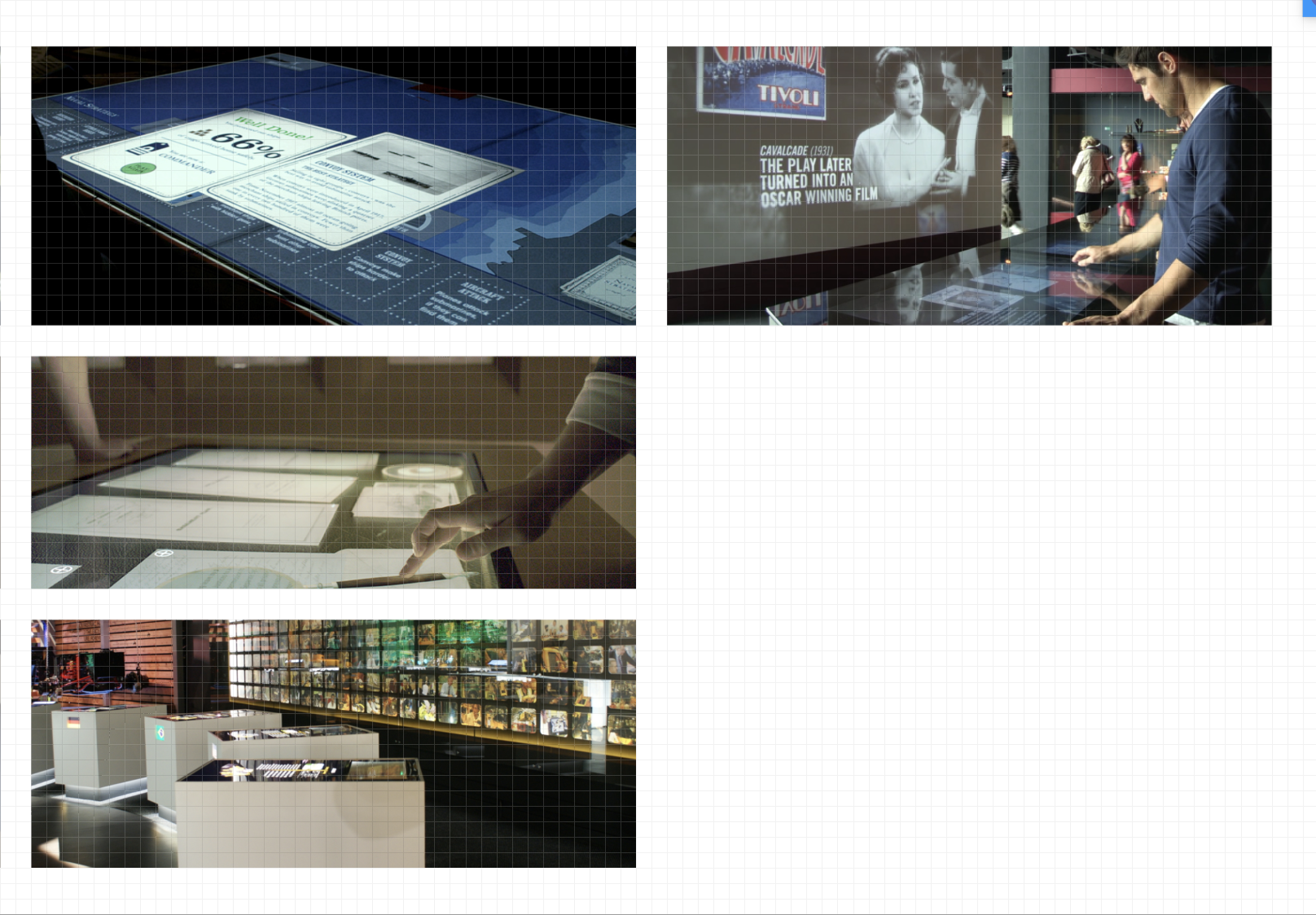
EventComm uses their screen and displays in a way that I want to try and replicate, much like ISO and the work they have collaborated on, the screens are not just screens for the sake of it, they are highlights of details and visual story telling.
CassonMann:

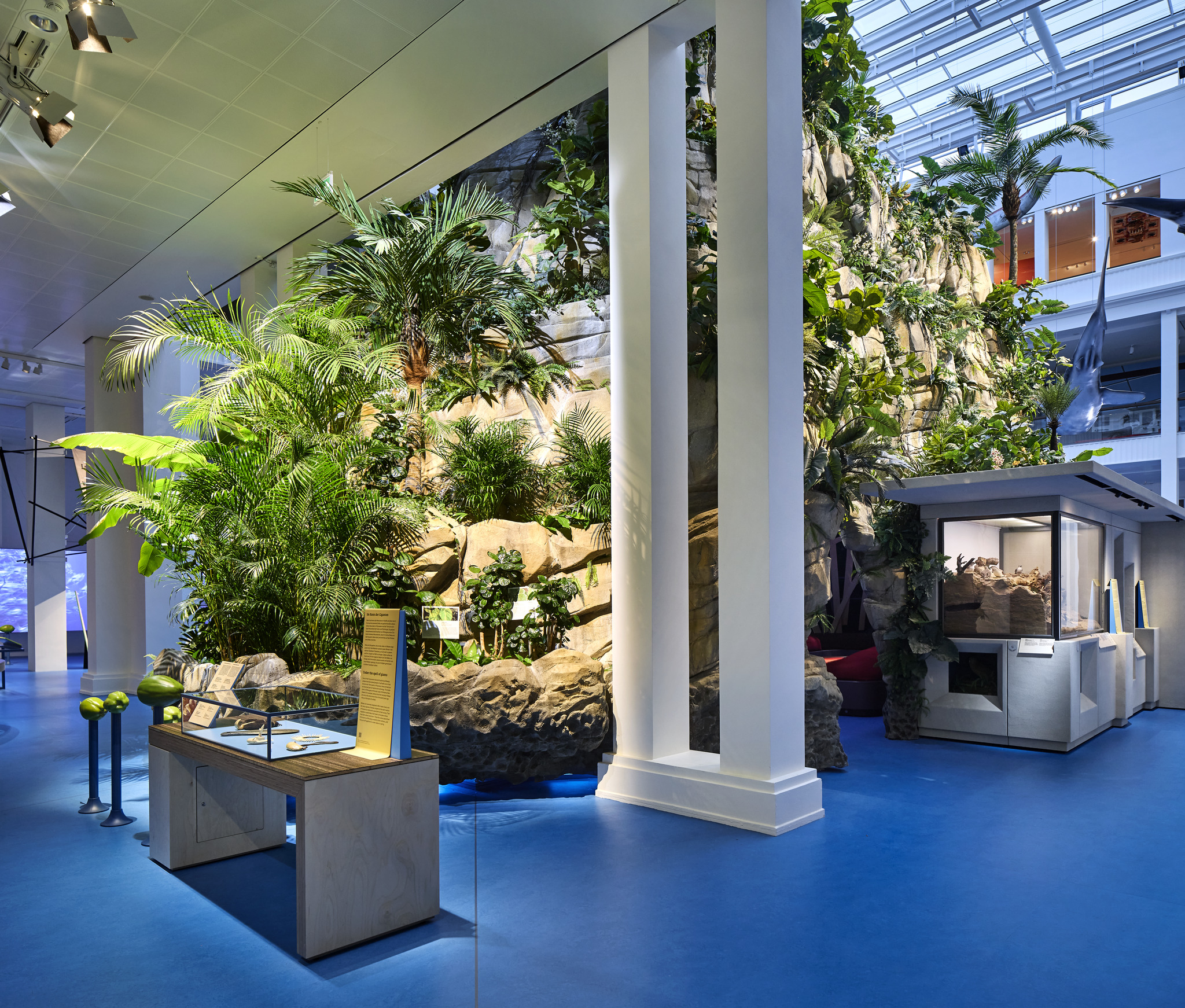
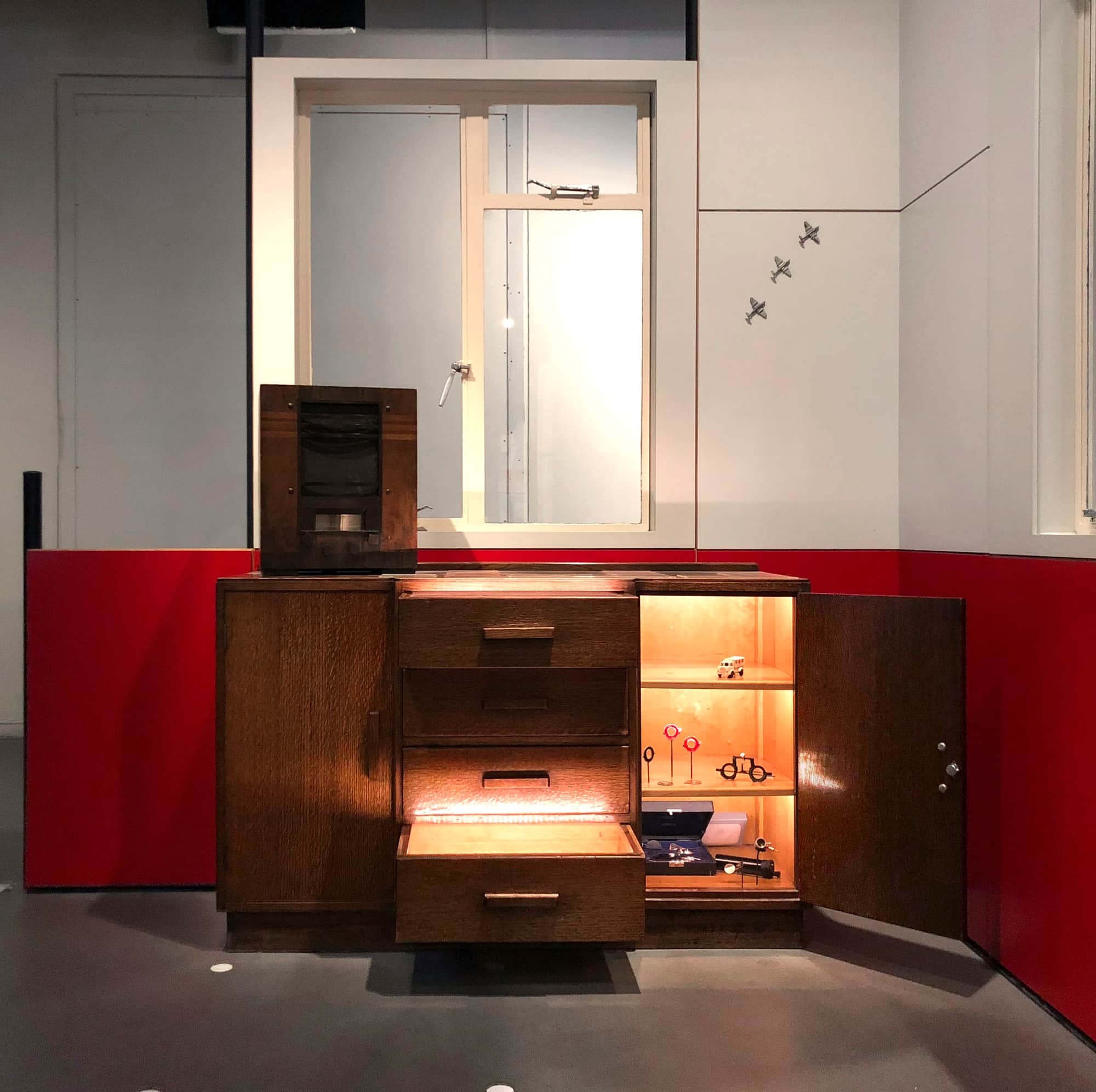
Seen in the displays above is the same sense of fun or awe that I’d love to bring a touch of to my work, the levity is not just there in an obvious way but in more serious displays there is still a palatable light tone.
MB Studios:
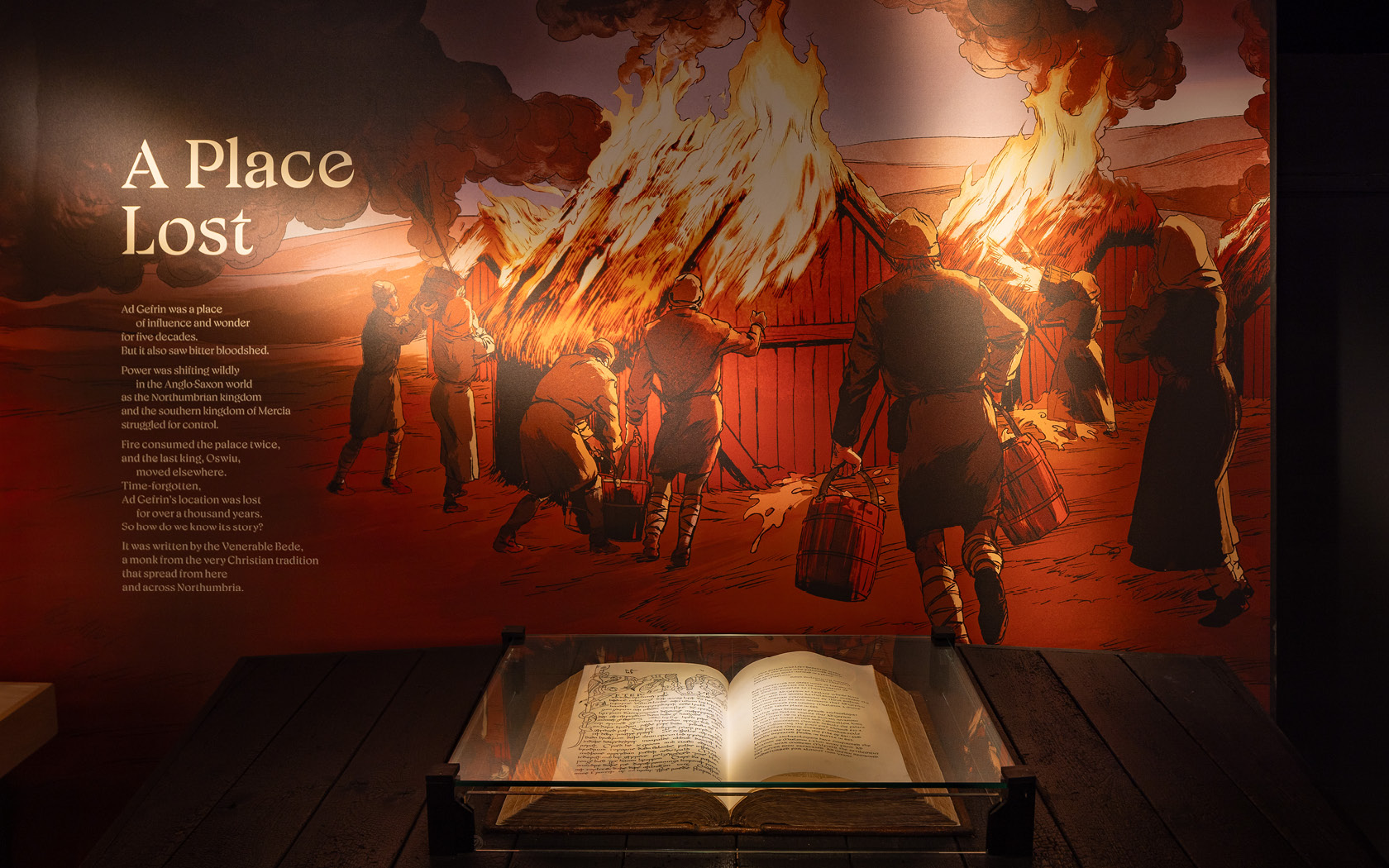
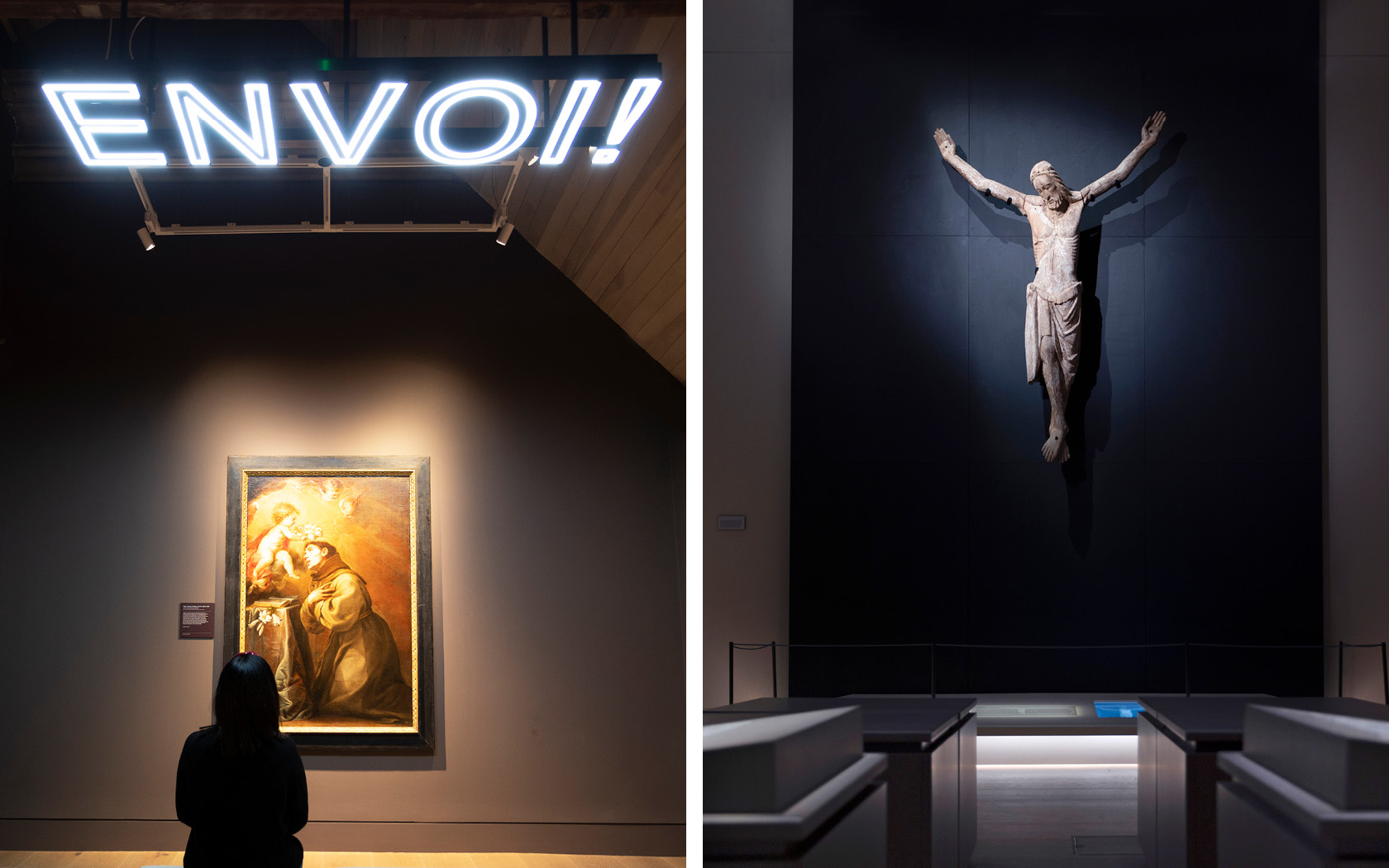
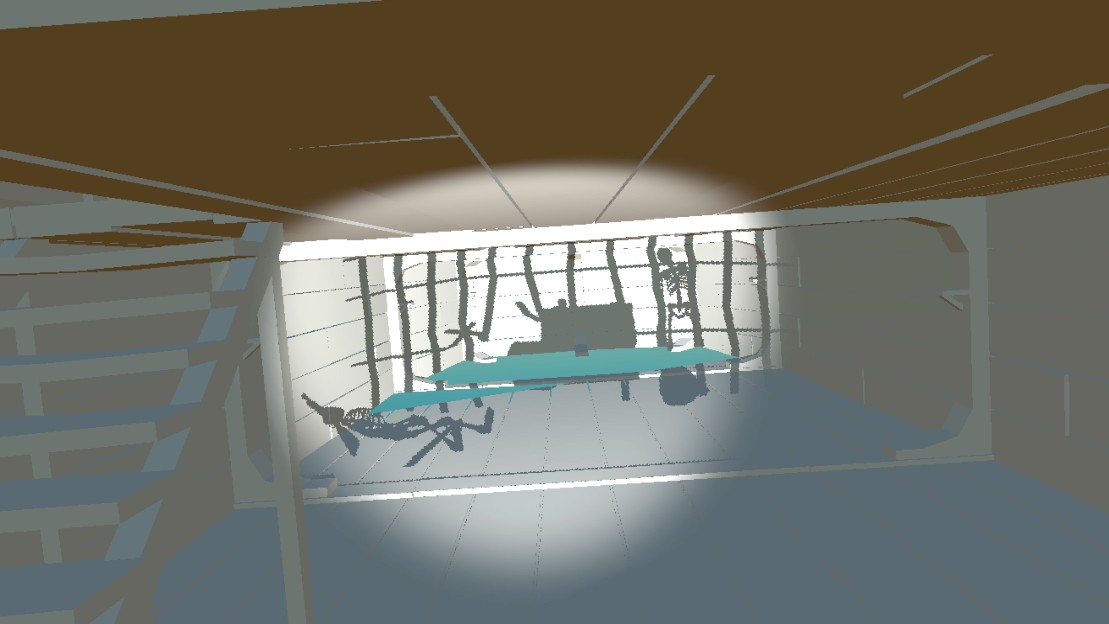
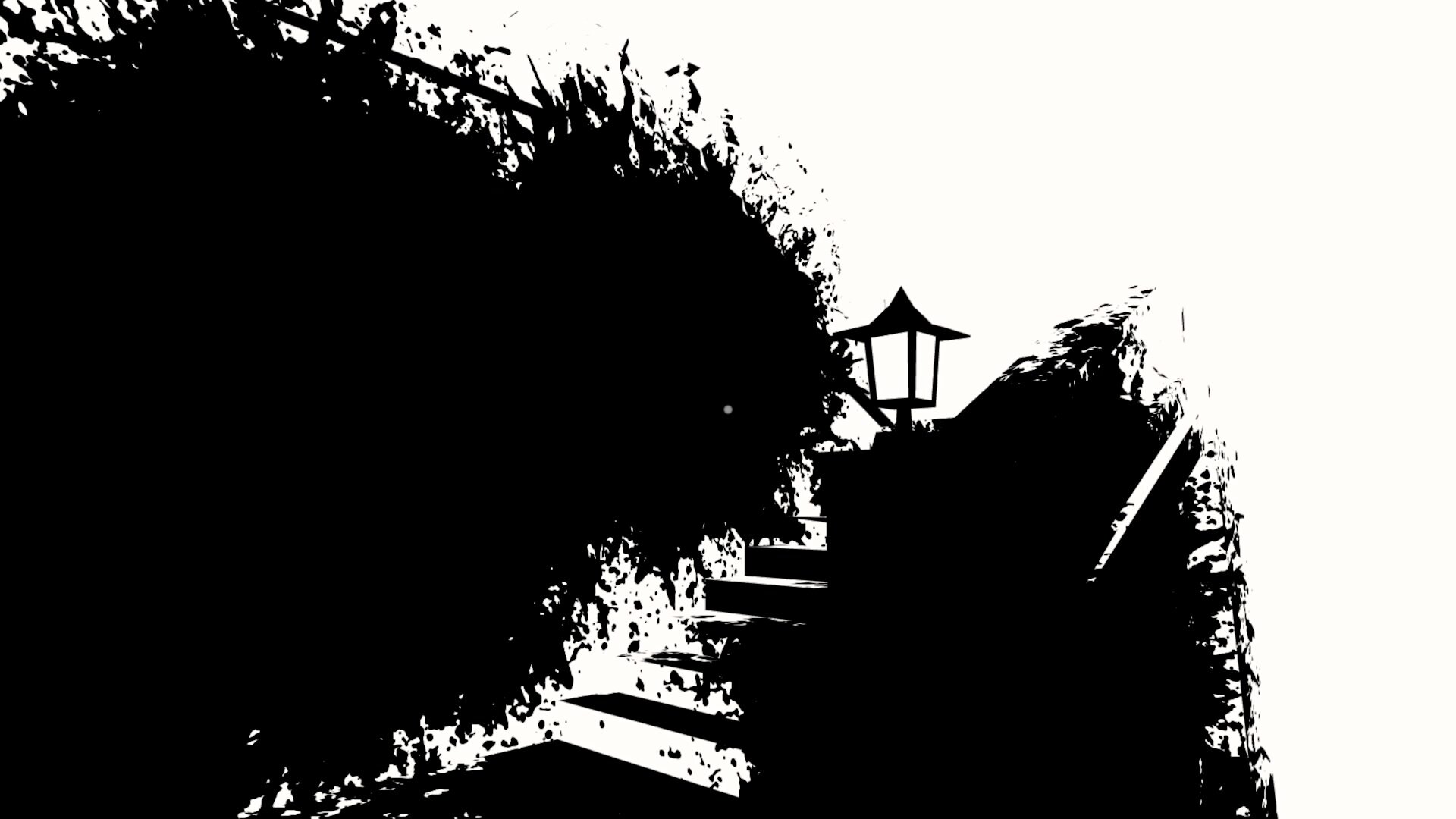
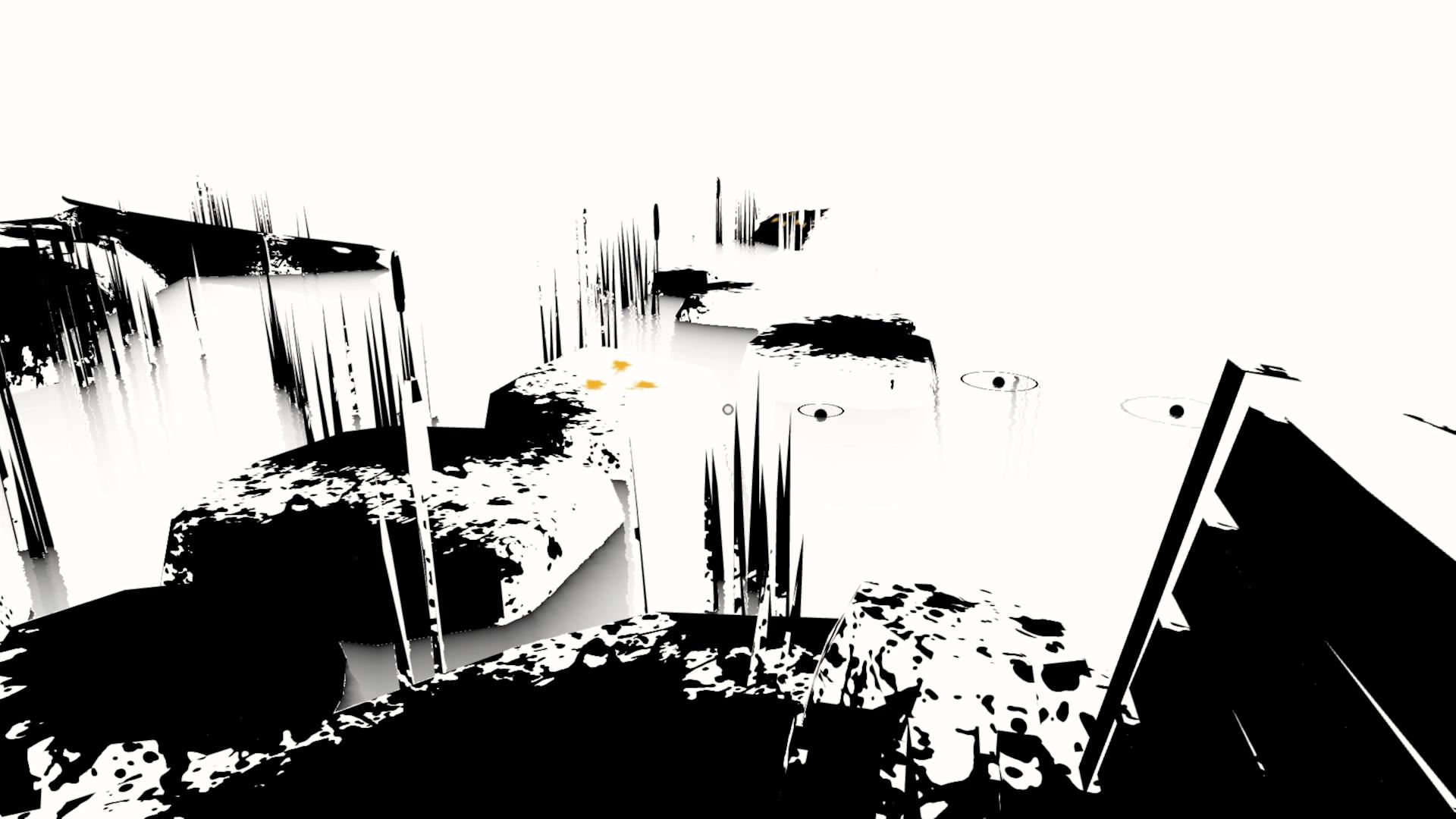
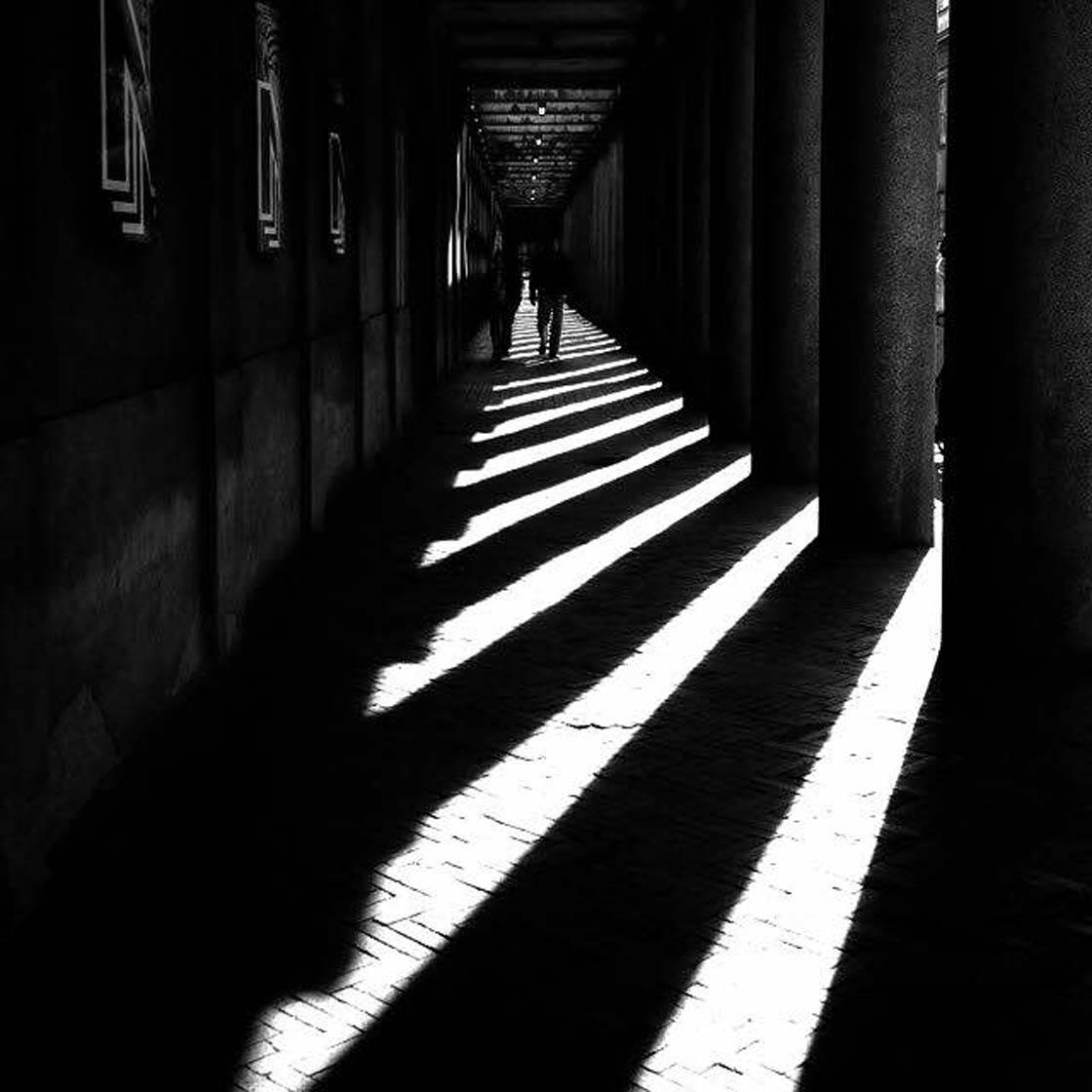
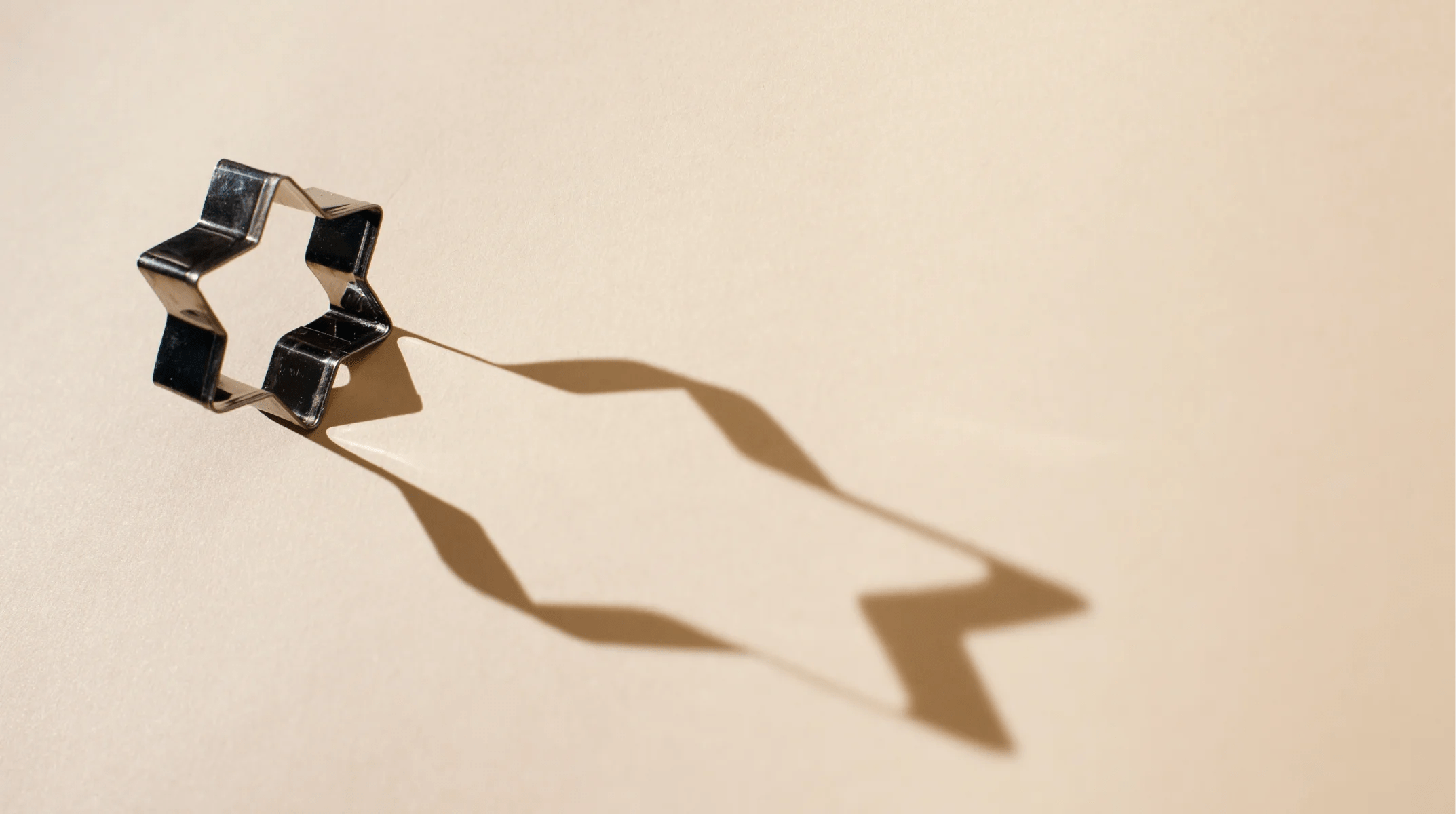
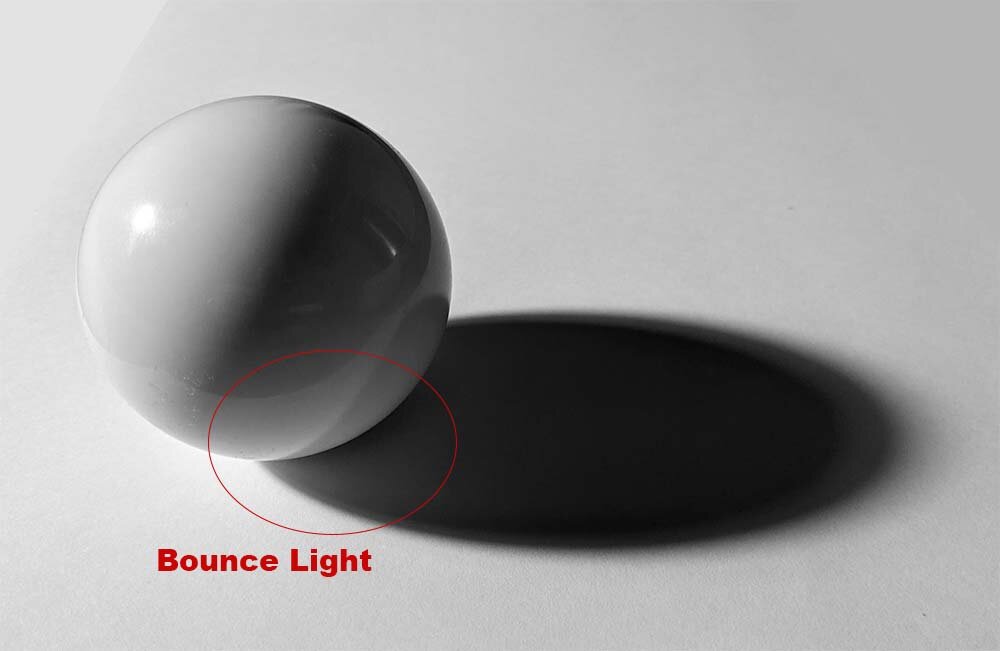
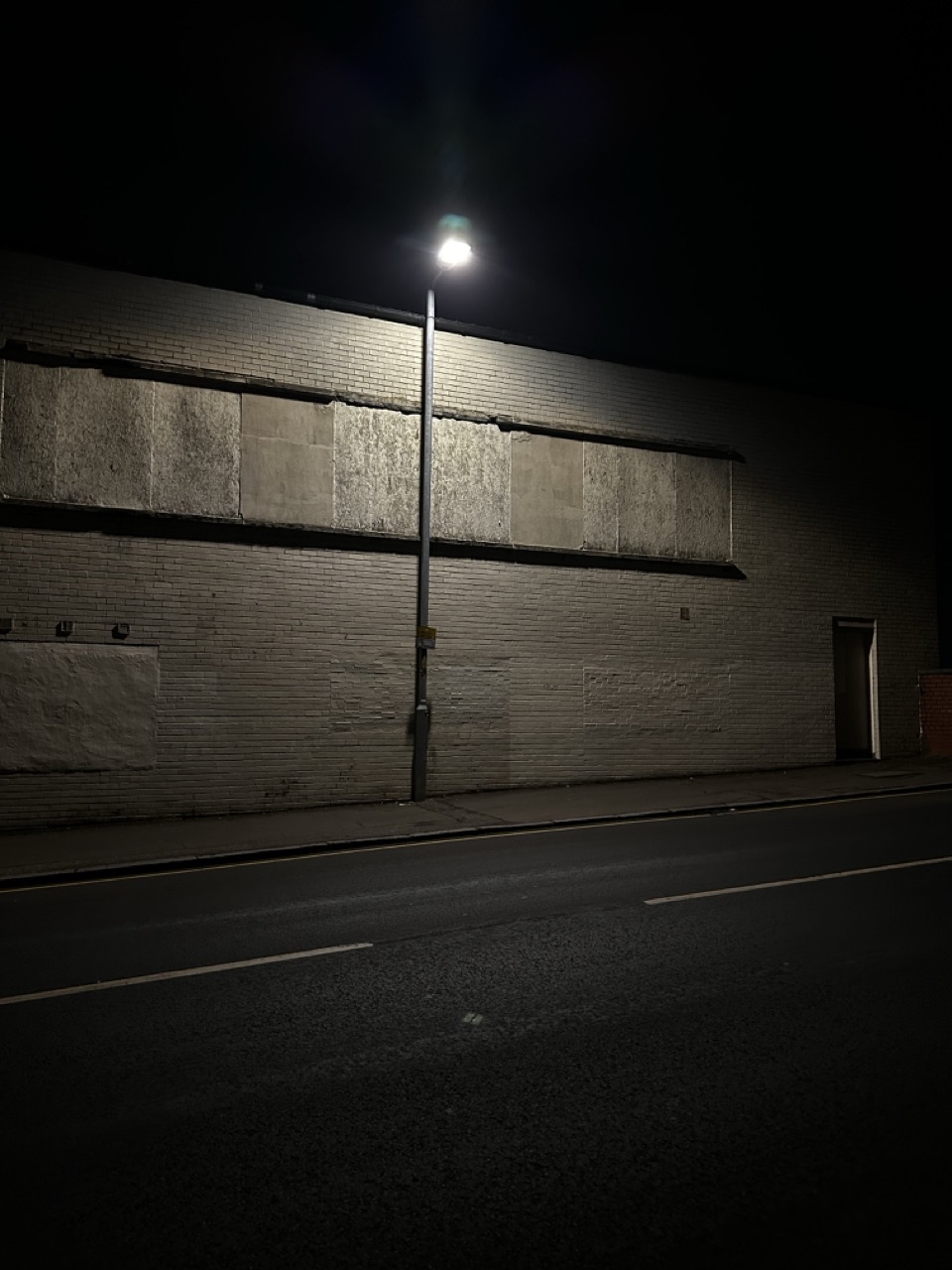
The screen shots shown above show the power of lighting and highlighting with that intentionality to light and darkness, and I’d love to capture that same attention in my own work.
Personal Note/Reminder:
- ISO – Consider the displays and how people are to interact.
- Ammonite – Small Spaces | The small spaces that you have to work with, use them wisely and efficiently.
- Squint/Opera – Large Spaces | Use the space properly, do not be afraid to take up the space, use the hight, use the space.
- Event – Screens and displays are not just to be thrown in, use them sparingly and focused, highlight, inform, subvert how people always see screens.
- CassonMann – Light, levity and yet still meaningful and deep, palatable.
- MB Studios – The power of light and darkness, how the tone changes with the light used and how the eye follows that light.
























































































































































 Nicholas McLaughlin Blog
