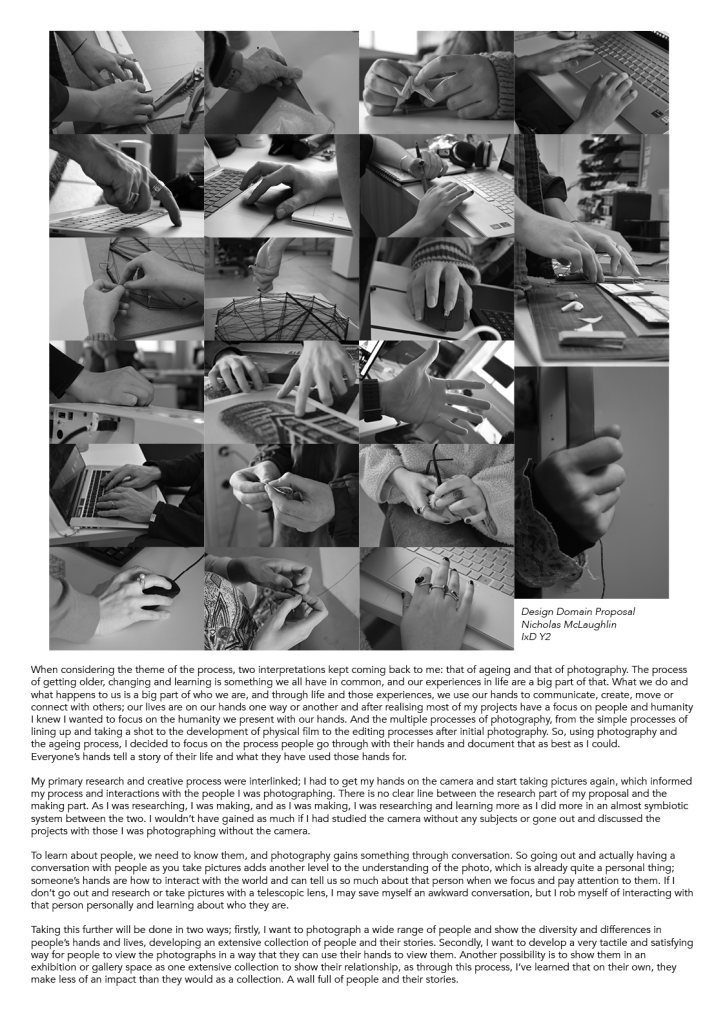
Proposal from Part One :
Reminding myself :


Feedback :
- Q : What worked well about these photographs?
- A : They did a good job of showing the identifying factors of peoples hands as they work or go about their lifes
- Q : What didn’t work so well?
- A: I felt that the images weren’t dynamic enough, when displayed they almost melded together. I want them to be similiar enought but not enough that they get lost within each other.
- Q : Why did you choose to move to black and white rather than colour?
- A : I decided on black and white photography as to focus on the detail of the hands and finding a way to link the photographs together.
- Q : Looking to Part 2, you need to bring your attention to how you curate and display these images.
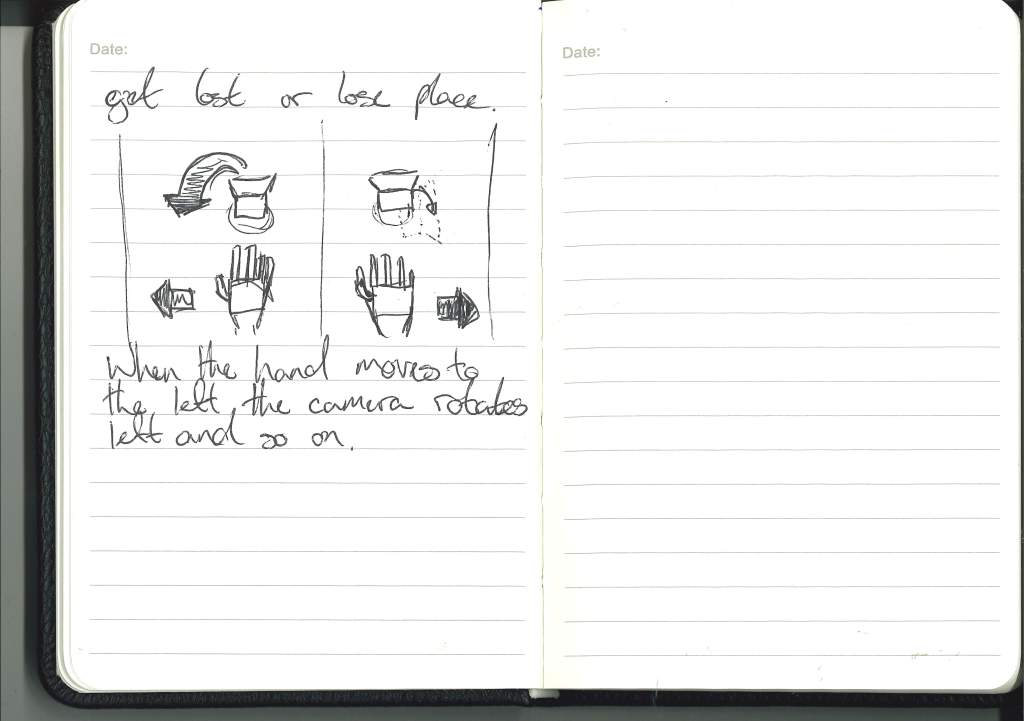
- A : I want people to be able to interact with the images using their hands, a tactile method of going through the images. Using their hands to explore.
- Q : Do you intend to stage some of your photographs (similar to some of the photographs of hands in your Learning Journal), or are you planning to pursue a more documentary approach?
- A : At this moment I’m not sure to go for staged photographs as to have more control or go for a documentary approach and for the outcome to be more ‘athentic’.
- Q : With regards to display, we discussed various options, such as using the Magic Leap to create a gestural interface or projecting the images as a slide show, but you need to make a decision as to how to develop this. You also need start thinking about developing an interactive digital prototype, e.g. in Processing.
- A : At this moment I’m not sure how I want to display the photography other than wanting it to be a interactive hand focused interface.
Talking this further :
Key points :
- The process of aging shown through your hands and what we do with them.
- Photography as the medium in tandem with visual regocnition software to embody the relationship.
- How can the technology be used in a tactile way to interact with the photography and create a relationship between the art and the viewer.
- Using Magic Leap to create a hand interface that will then relate to the images of the other hands building a relationship within the artwork.
Refined focus on photography :
Henri Cartier Bresson
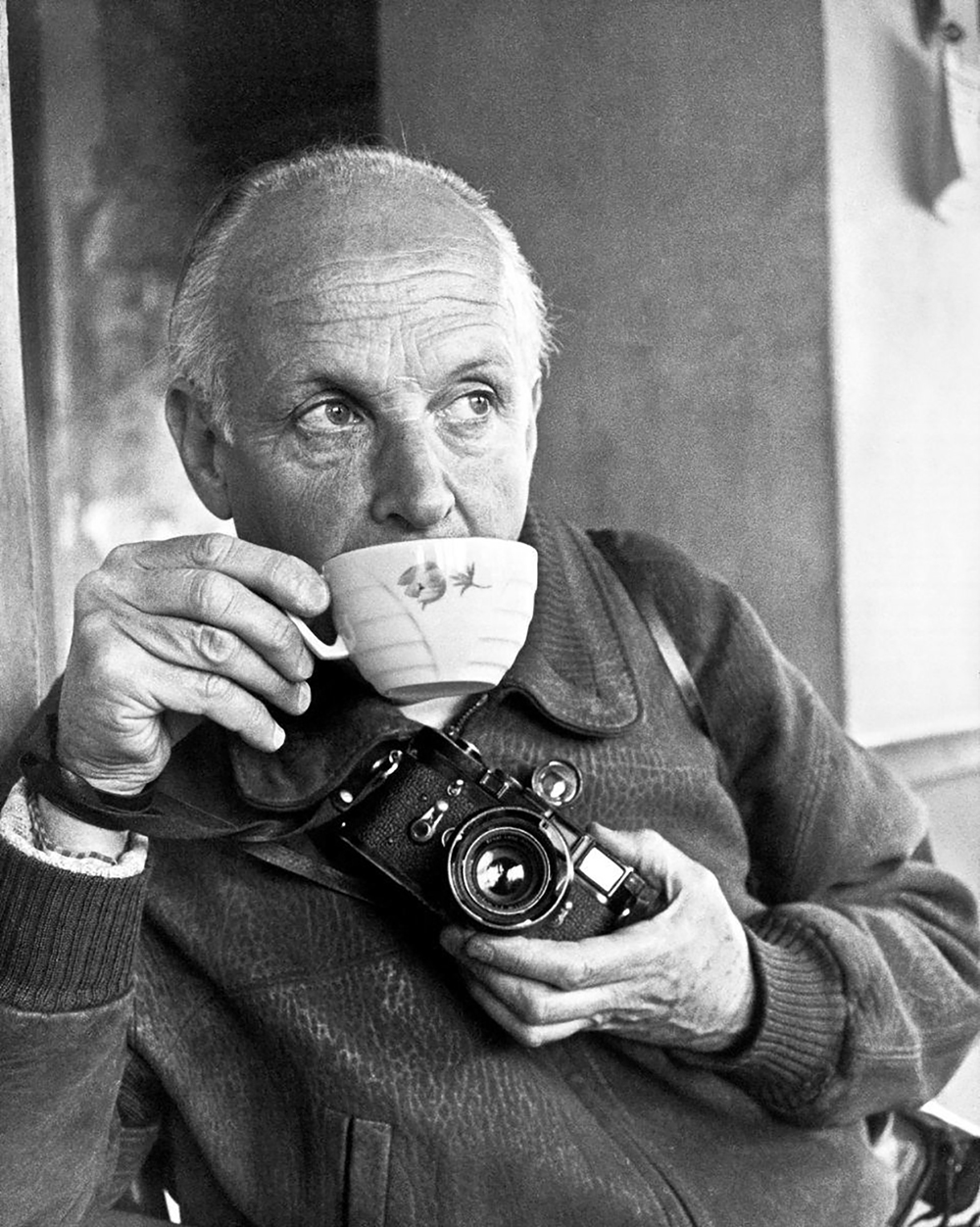
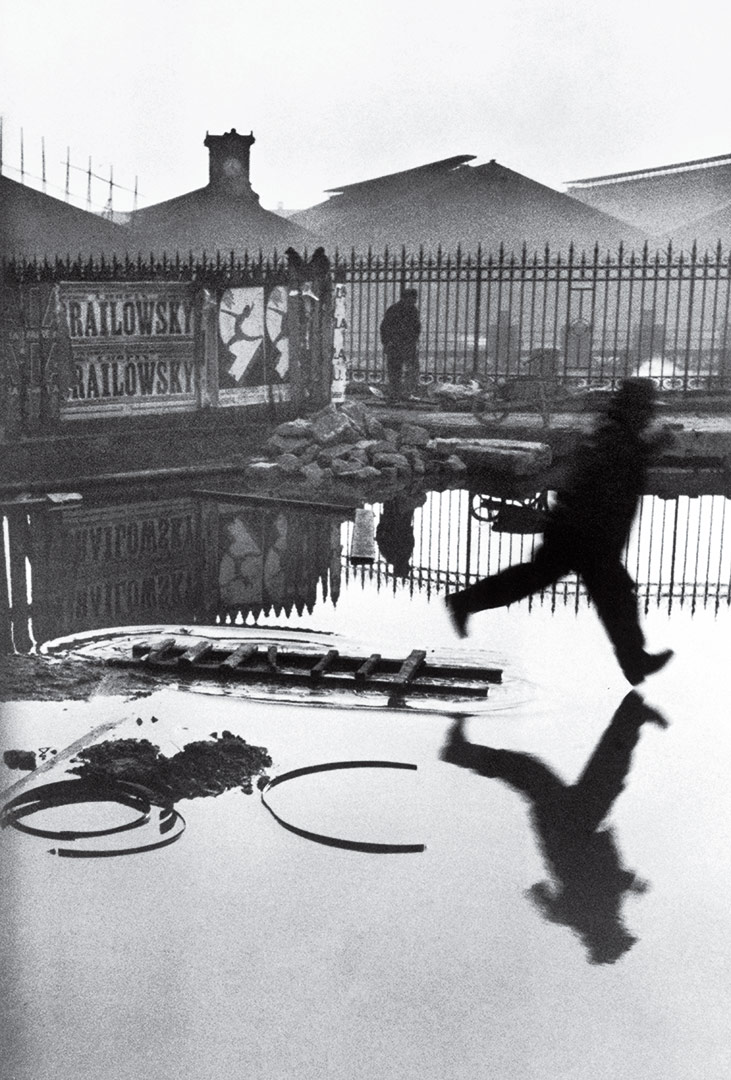

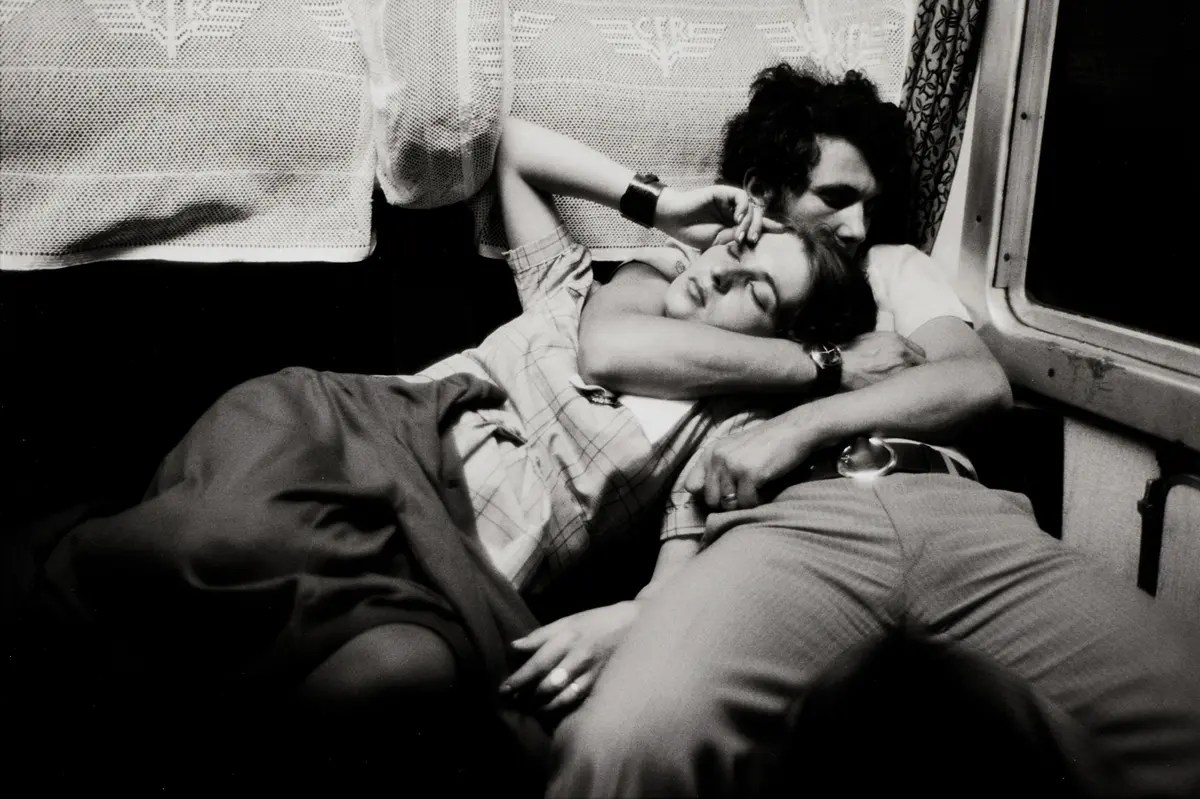
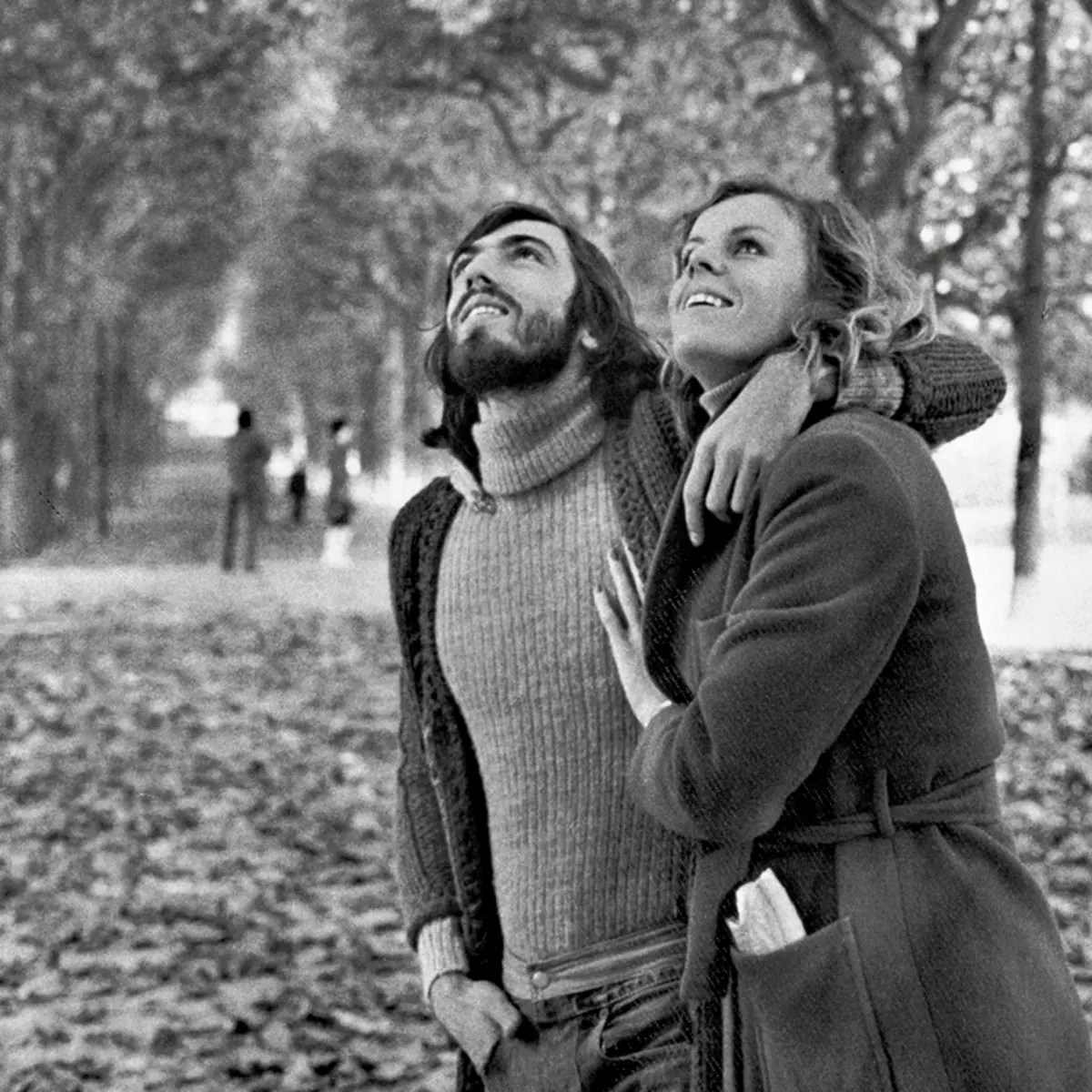

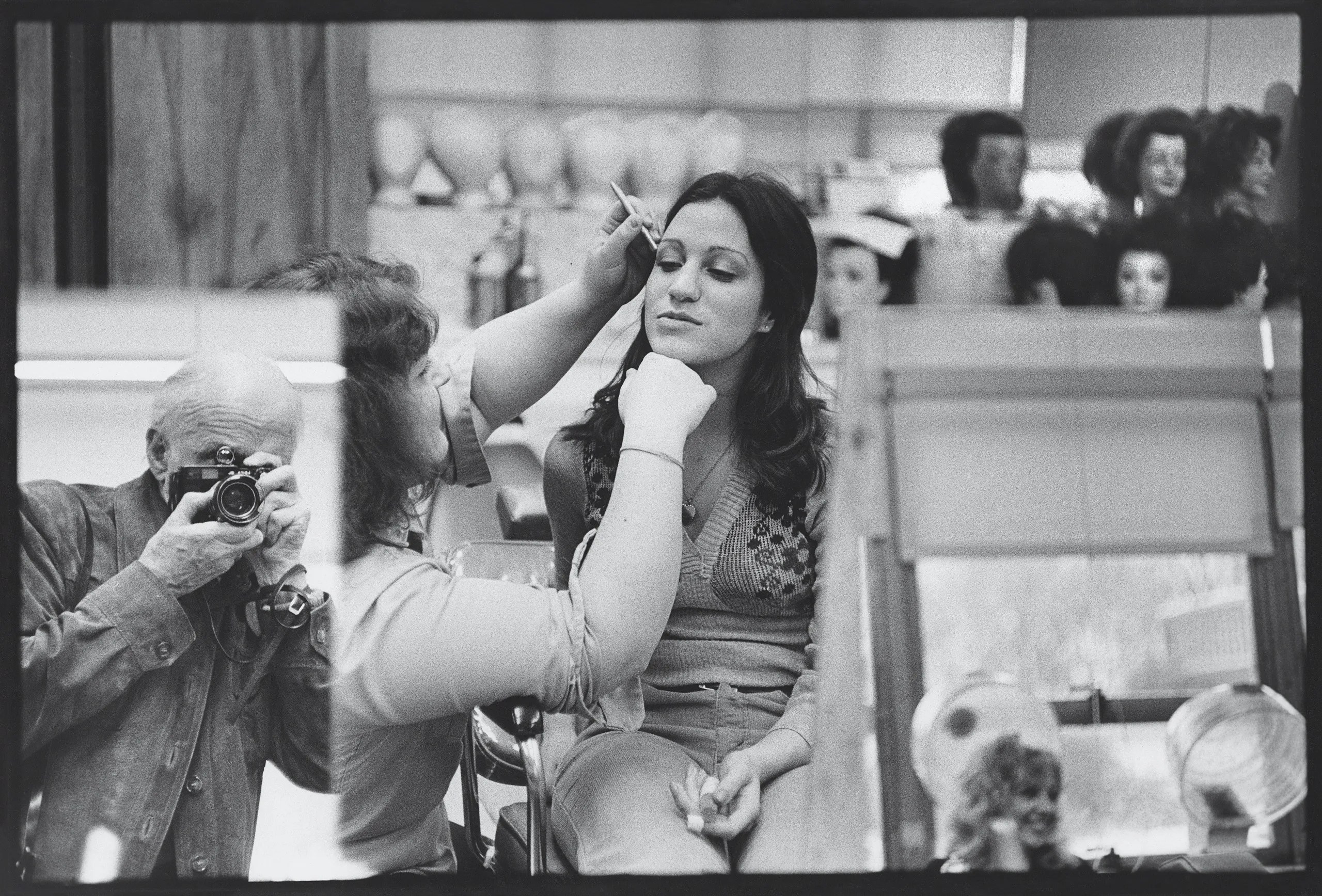
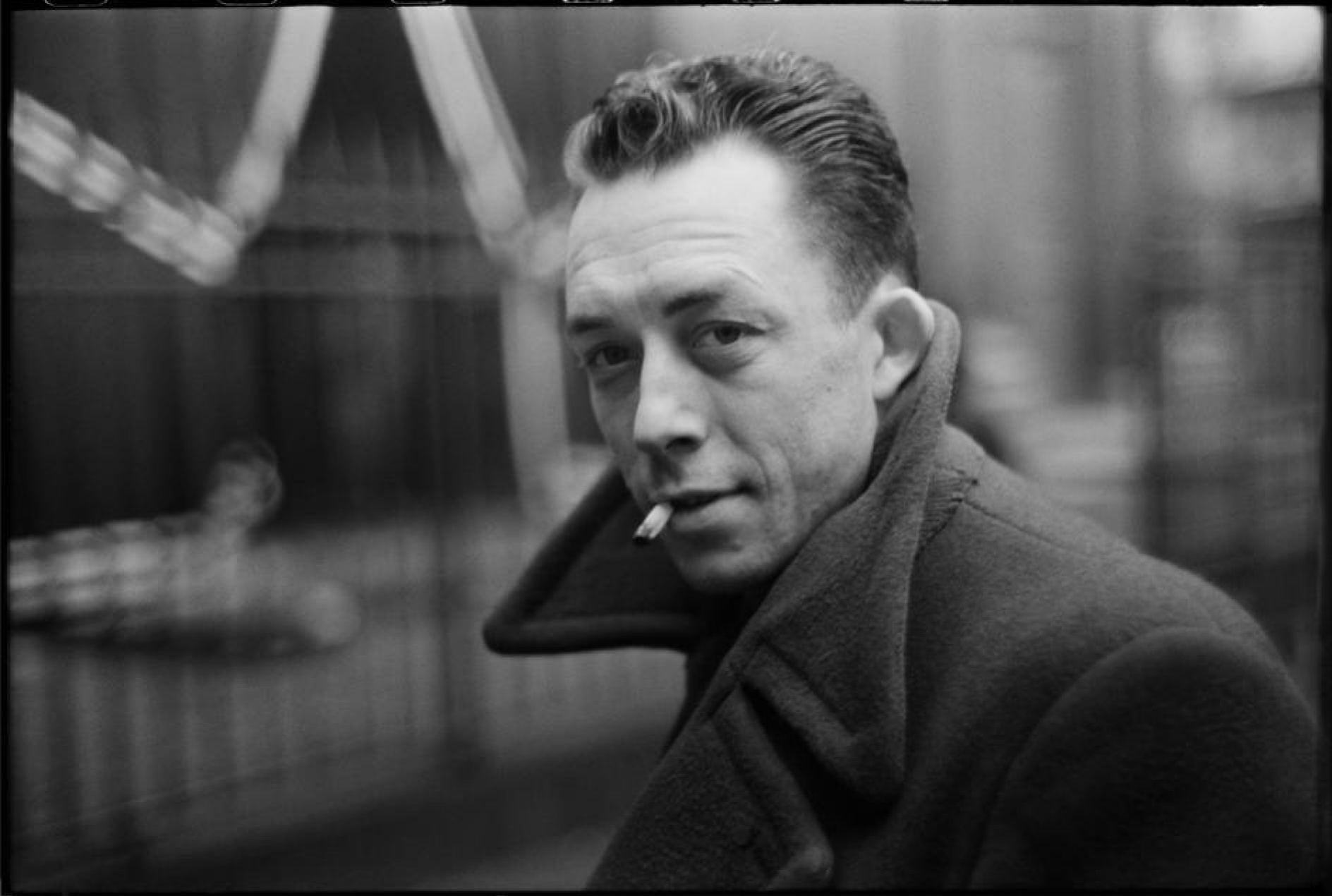
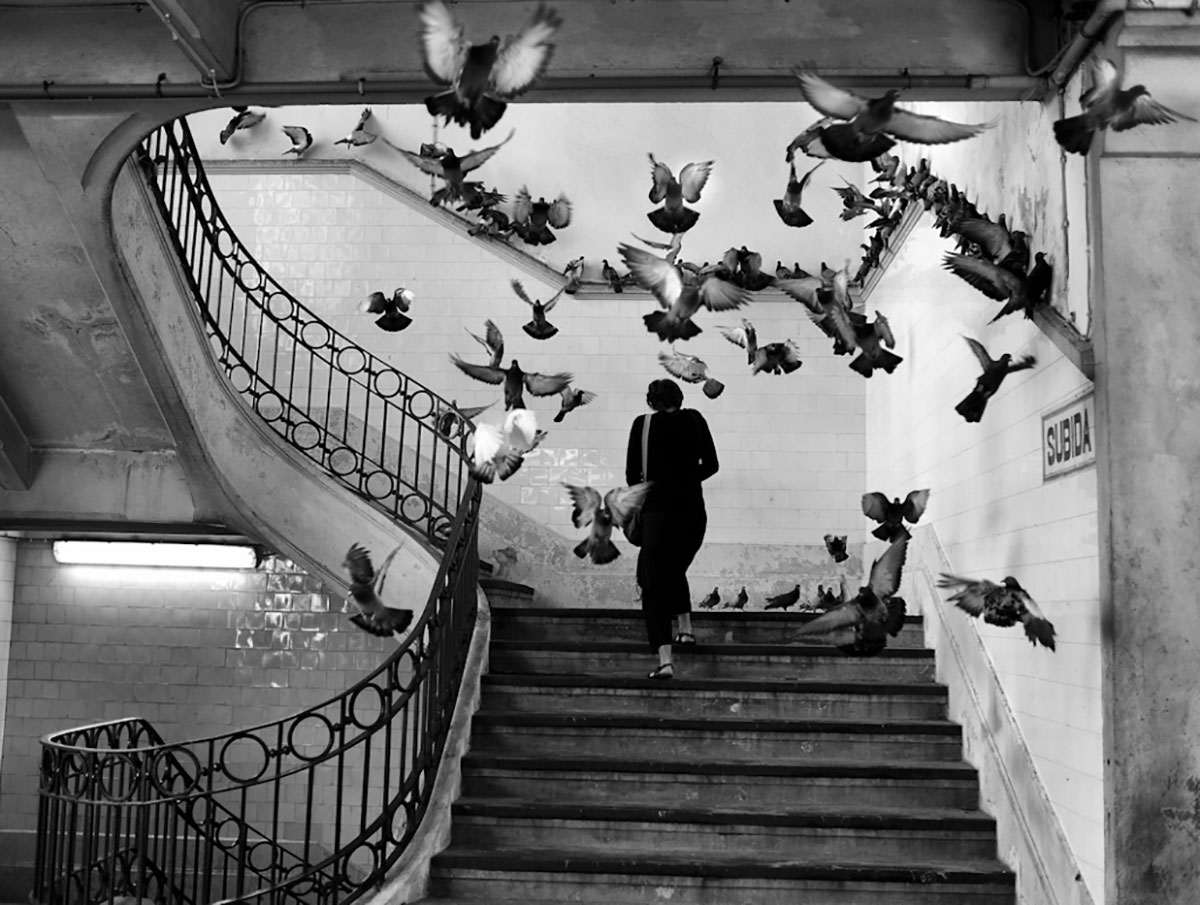
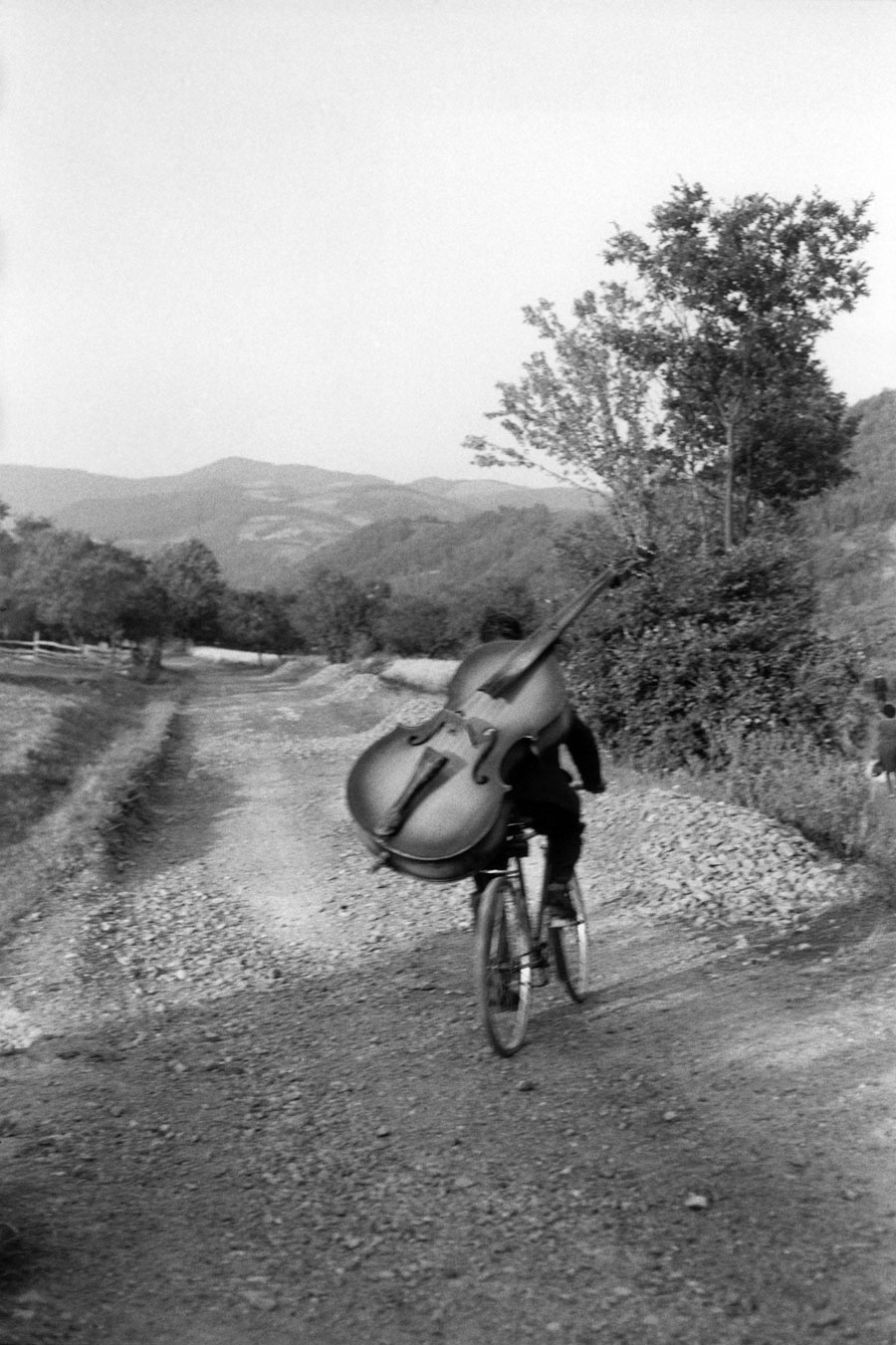
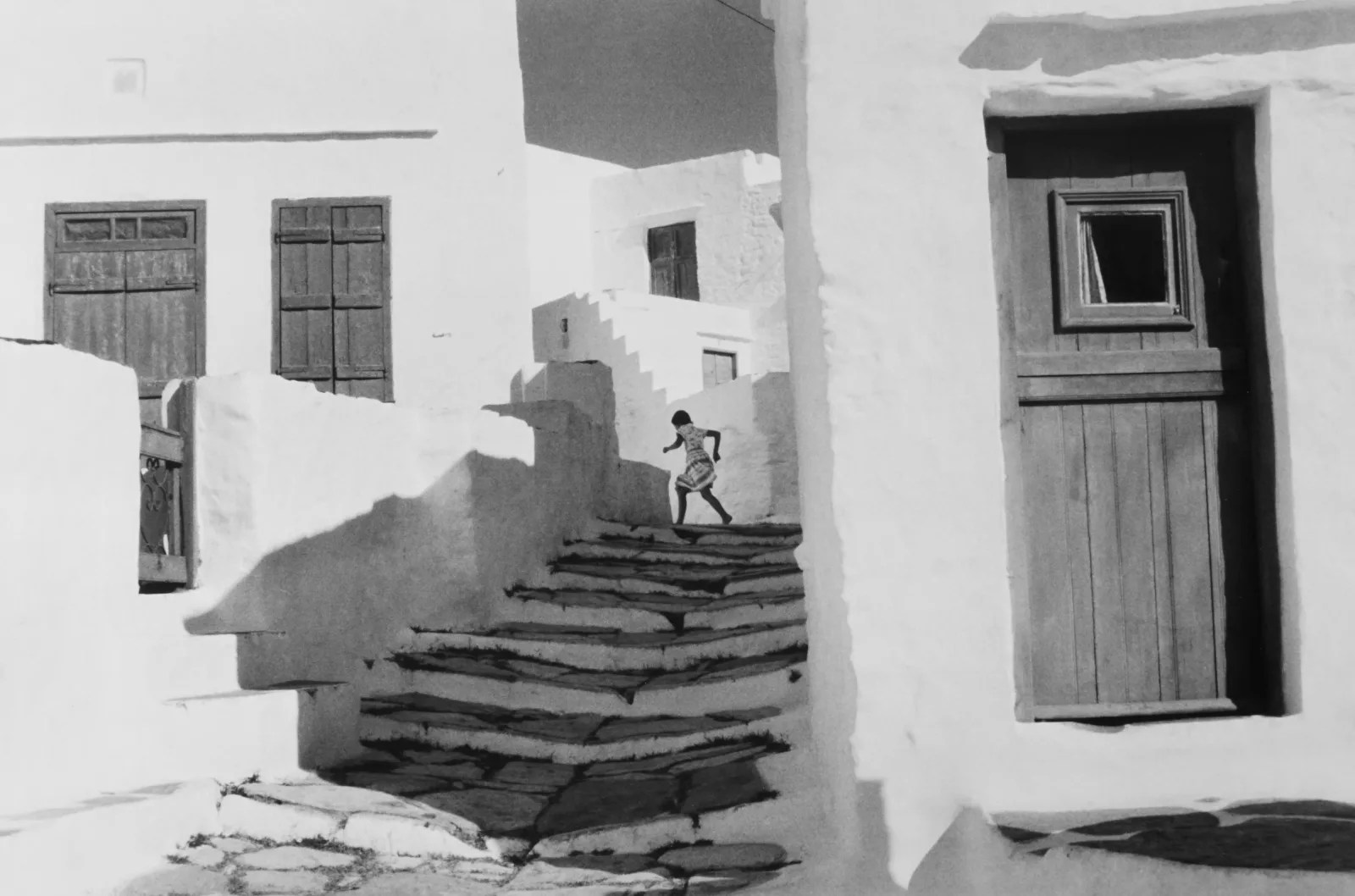
With a more focused attention to the photography I want to use, I’m looking at the work of Henri Cartier Bresson and how, in his black-and-white photography, he brings light and levity to his work. I aim to bring that same warmth and levity to my work.
Physical Idea :
I want to make hand identification a very tactile experience.
The throughline of the project is that our hands are moulded by the process of our lives, and how we use them as creators is how we mould our lives.
Key elements:
- Tacktile.
- The processes of aging.
- The processes of wear and tear.
- Hands and their identifiers.
- Photography.


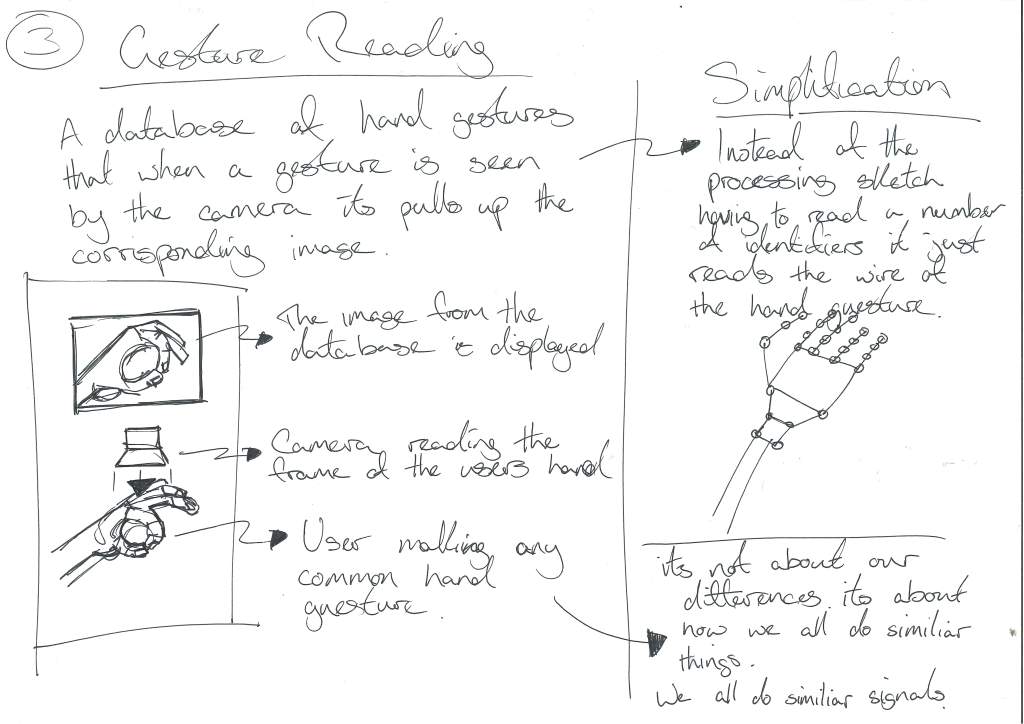
Conversation with Gillian :
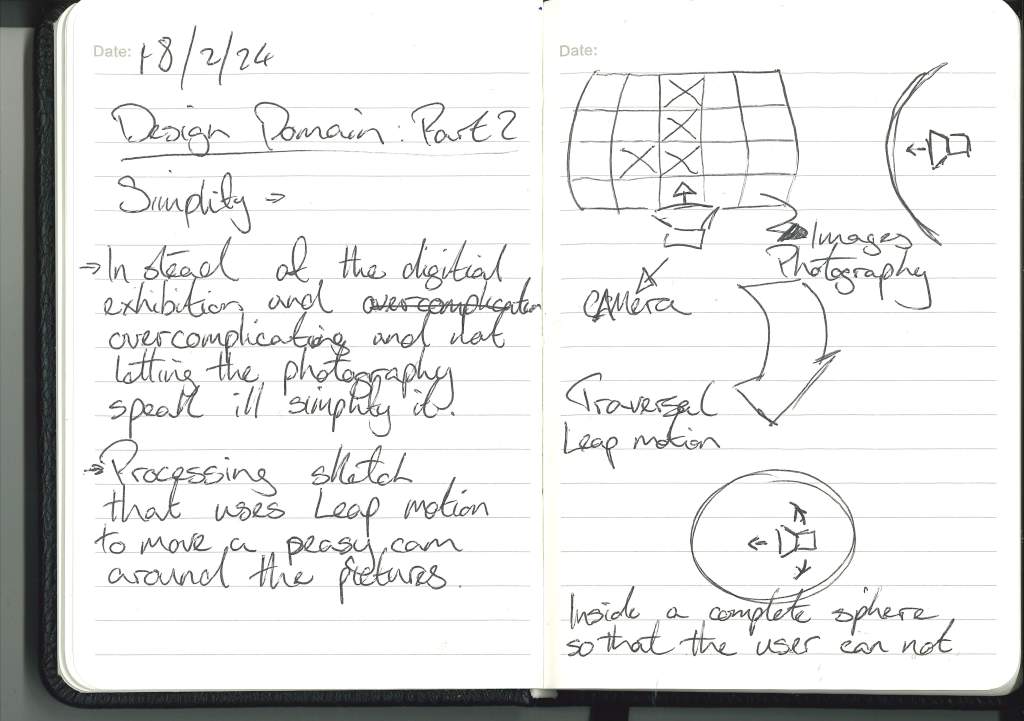
Simplify: Instead of overcomplicating the issue, just create a hand-focused interface that lets the user traverse the images and the stories.
Leap Motion :
Idea using Leap Motion :
If a leap motion is available, create a 3D virtual space in unity or something similar to the photography held within, and then use hand gestures to traverse this space and the photography within.
Looking at existing photography exhibitions :
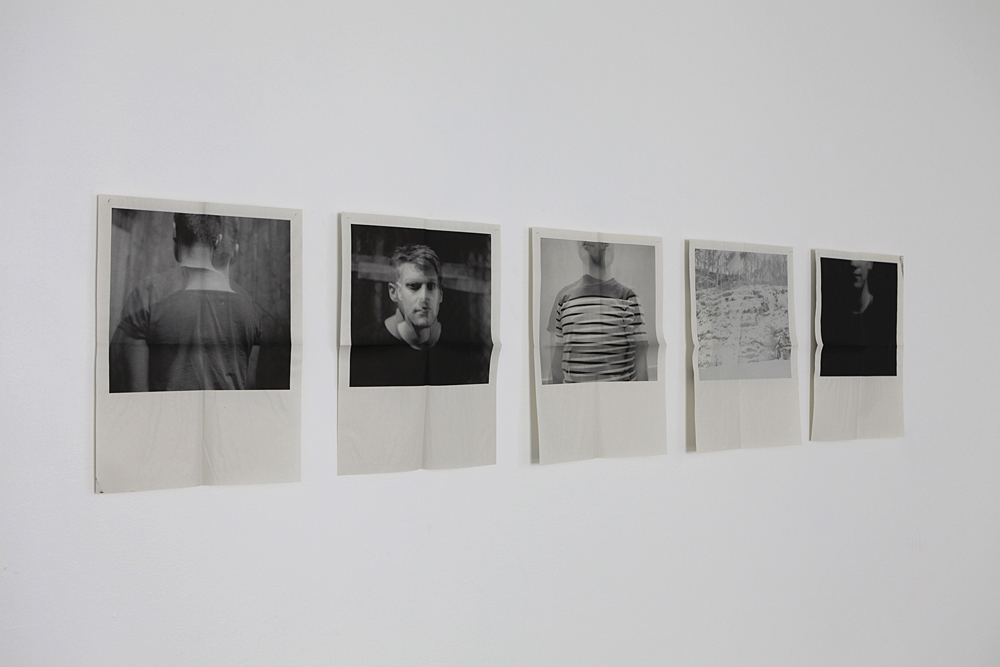
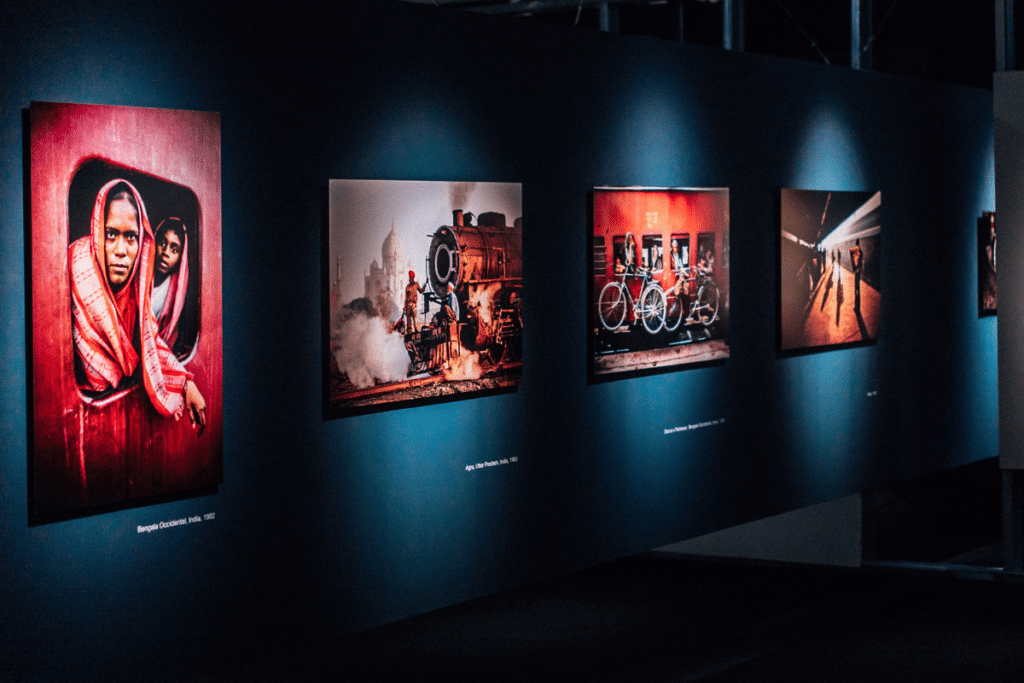
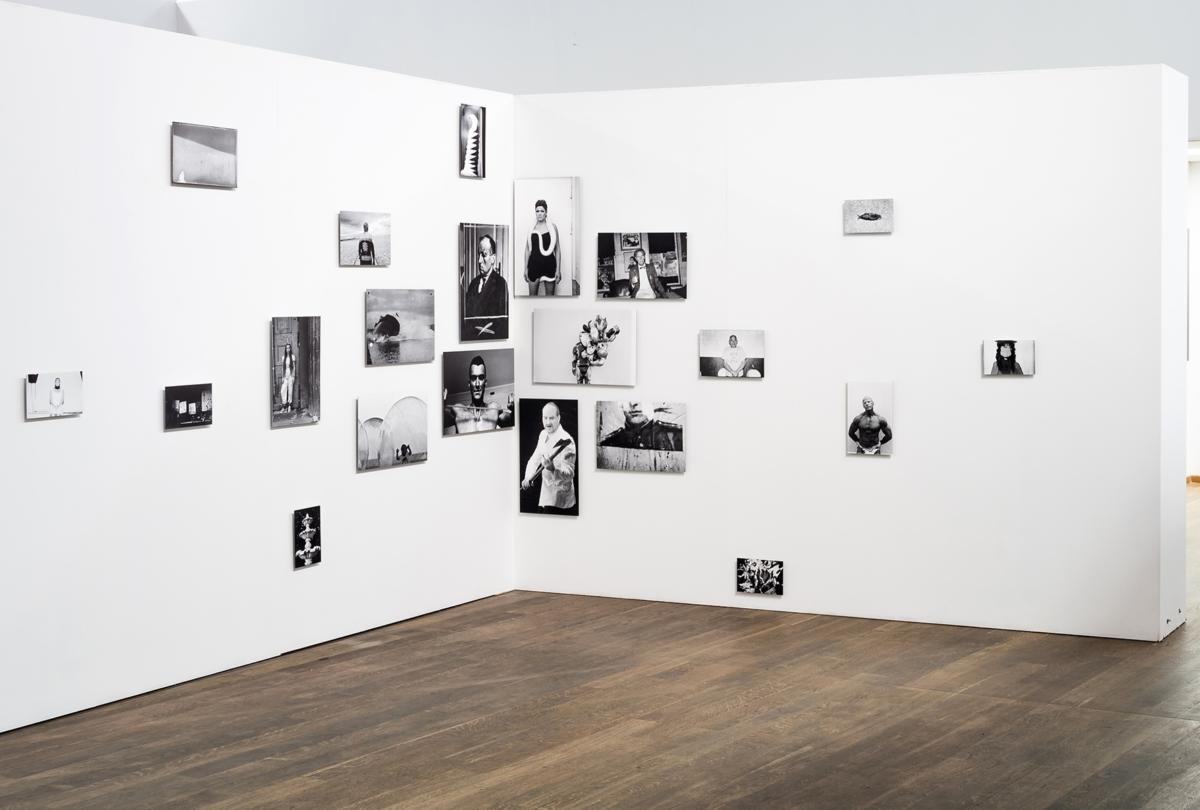
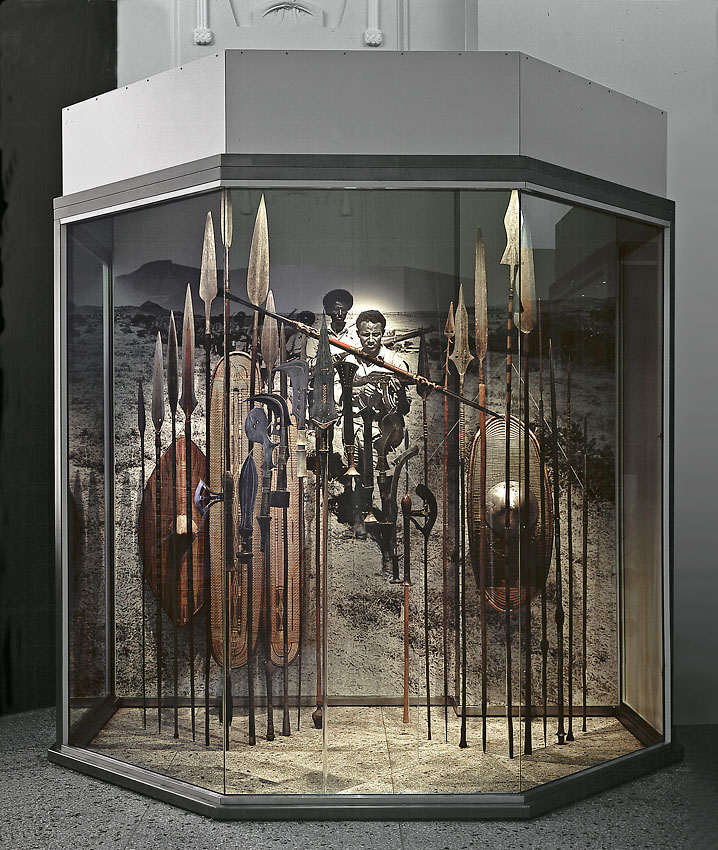
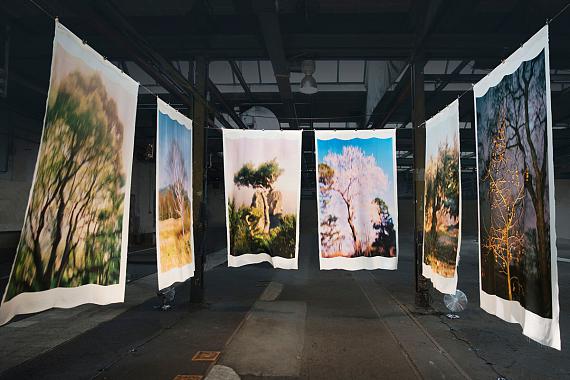
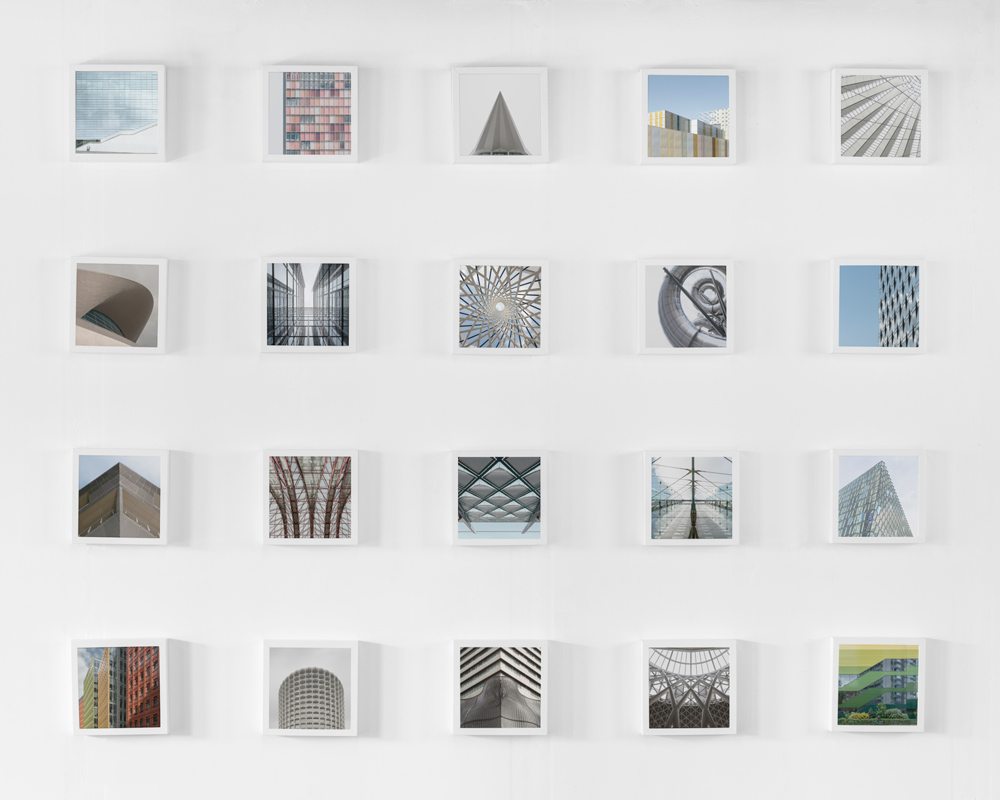
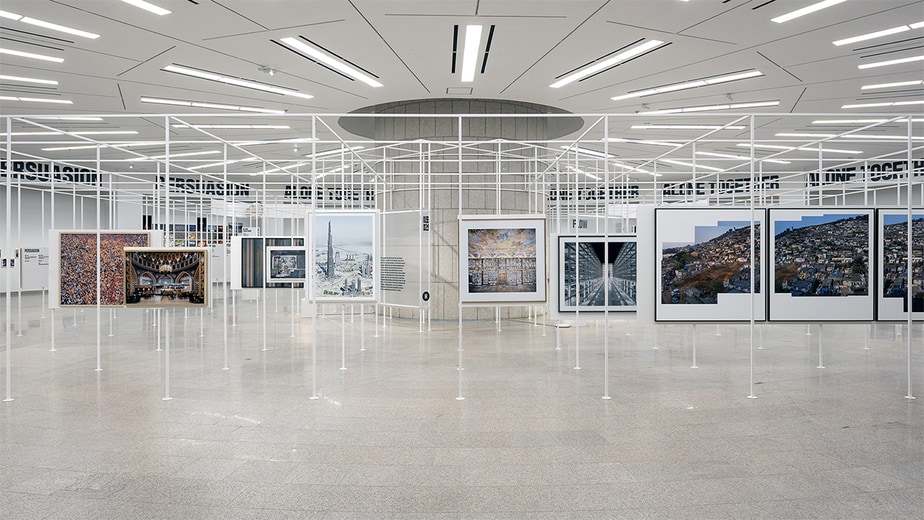
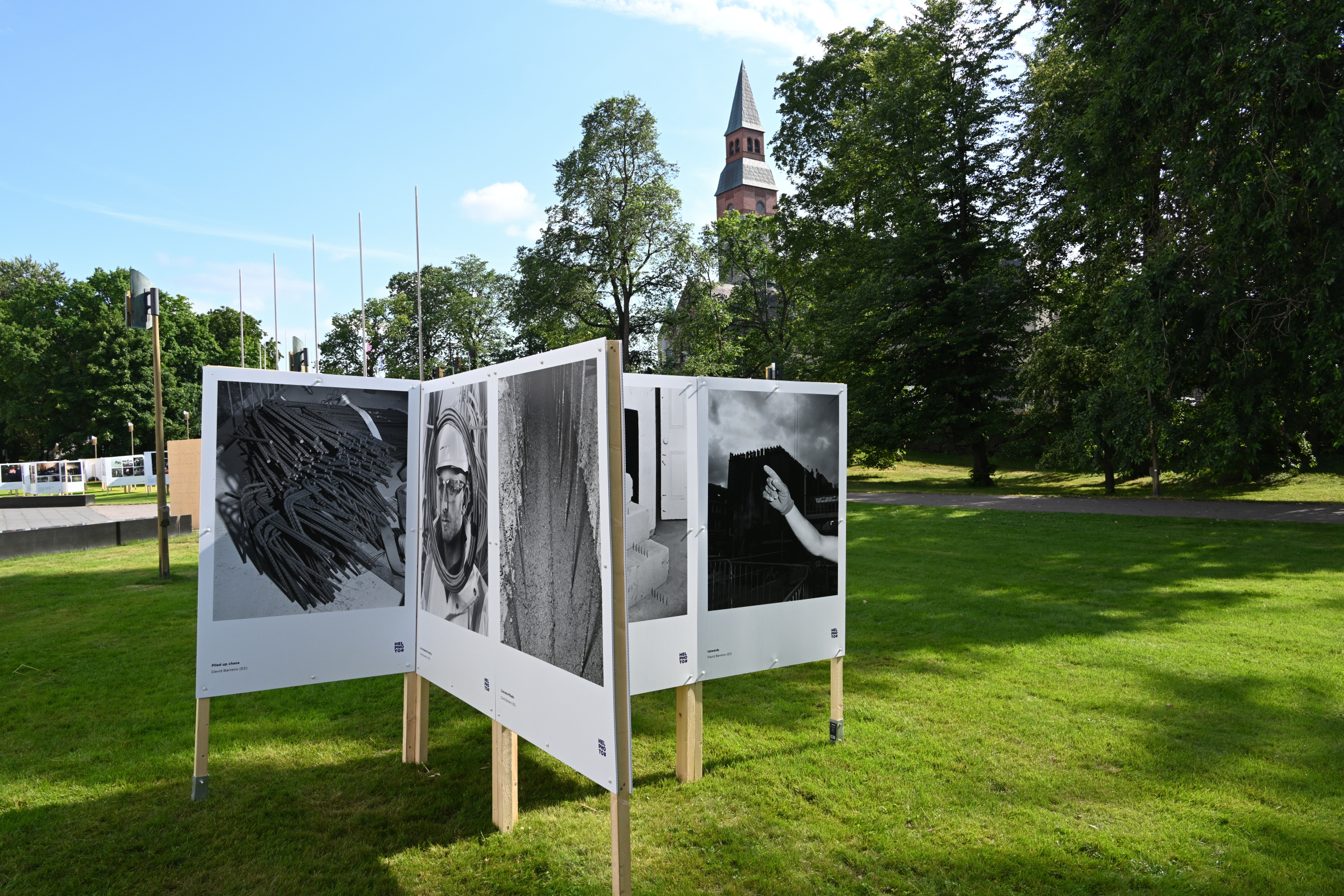
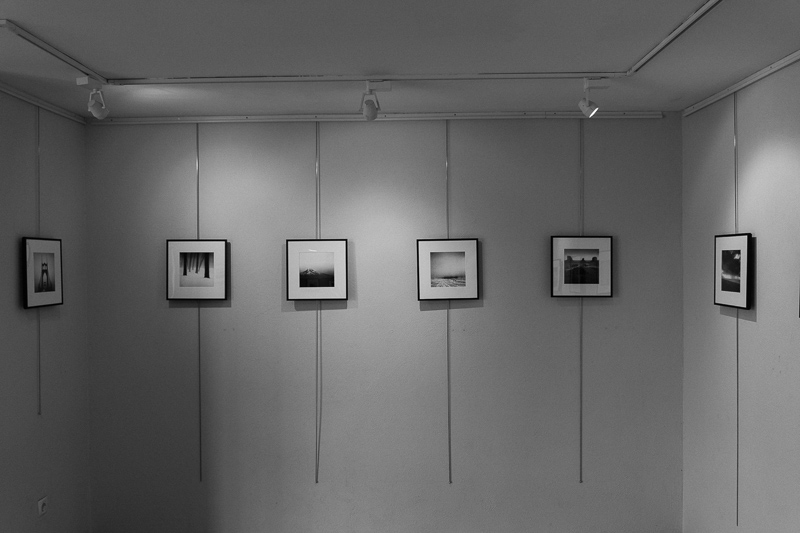
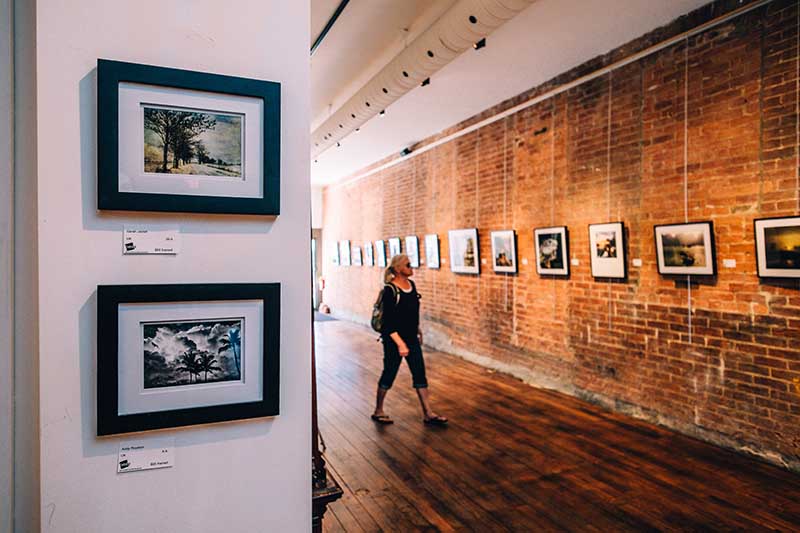
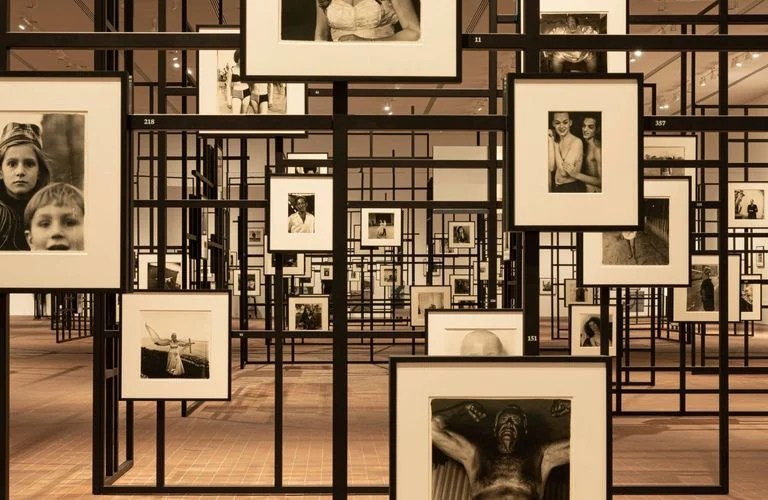
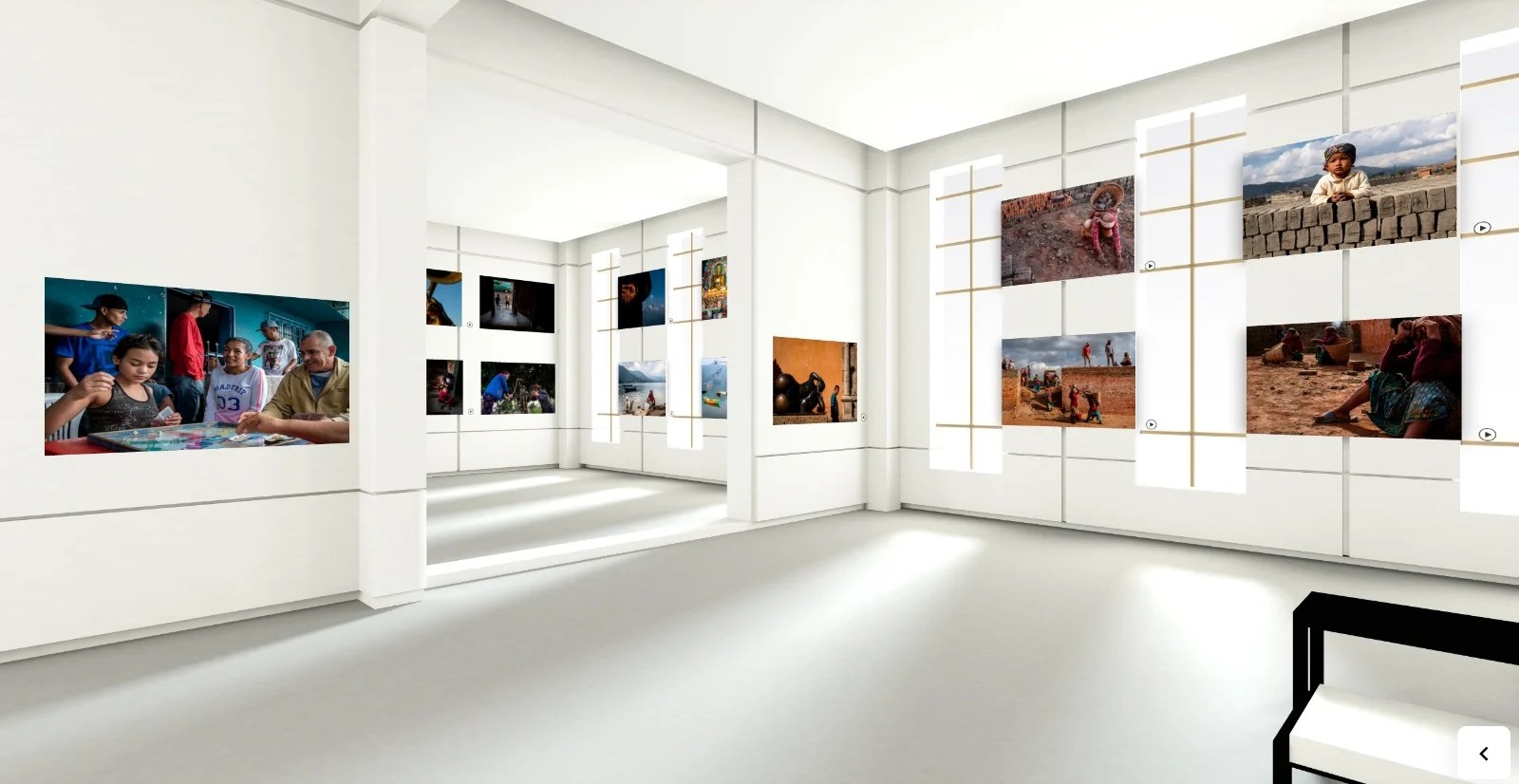
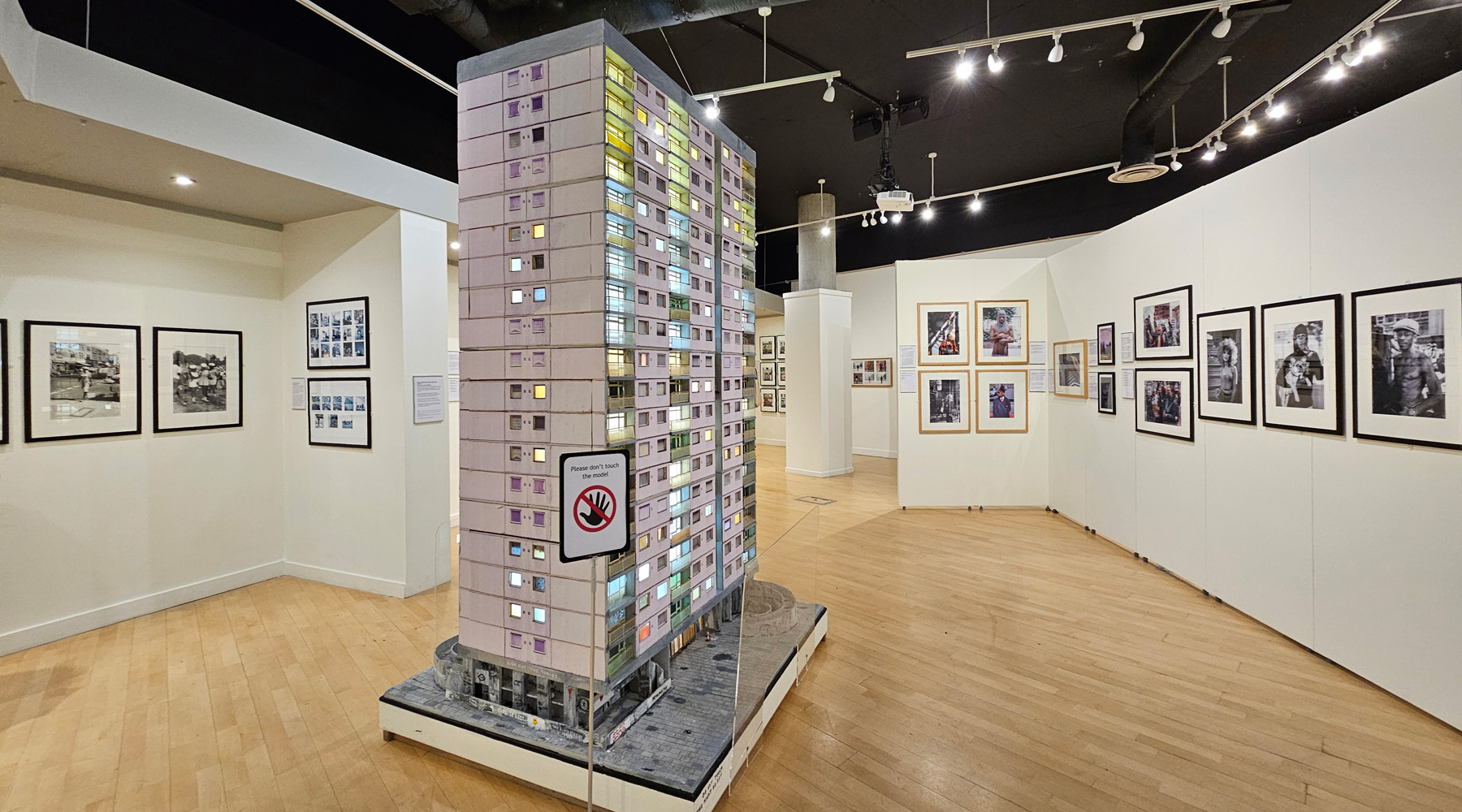
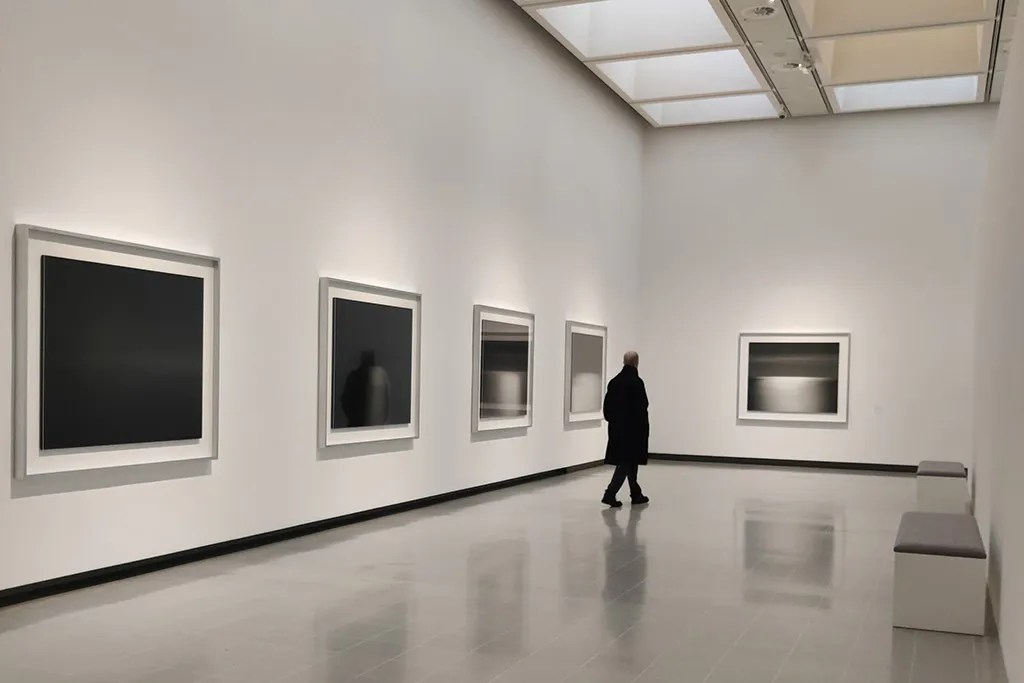
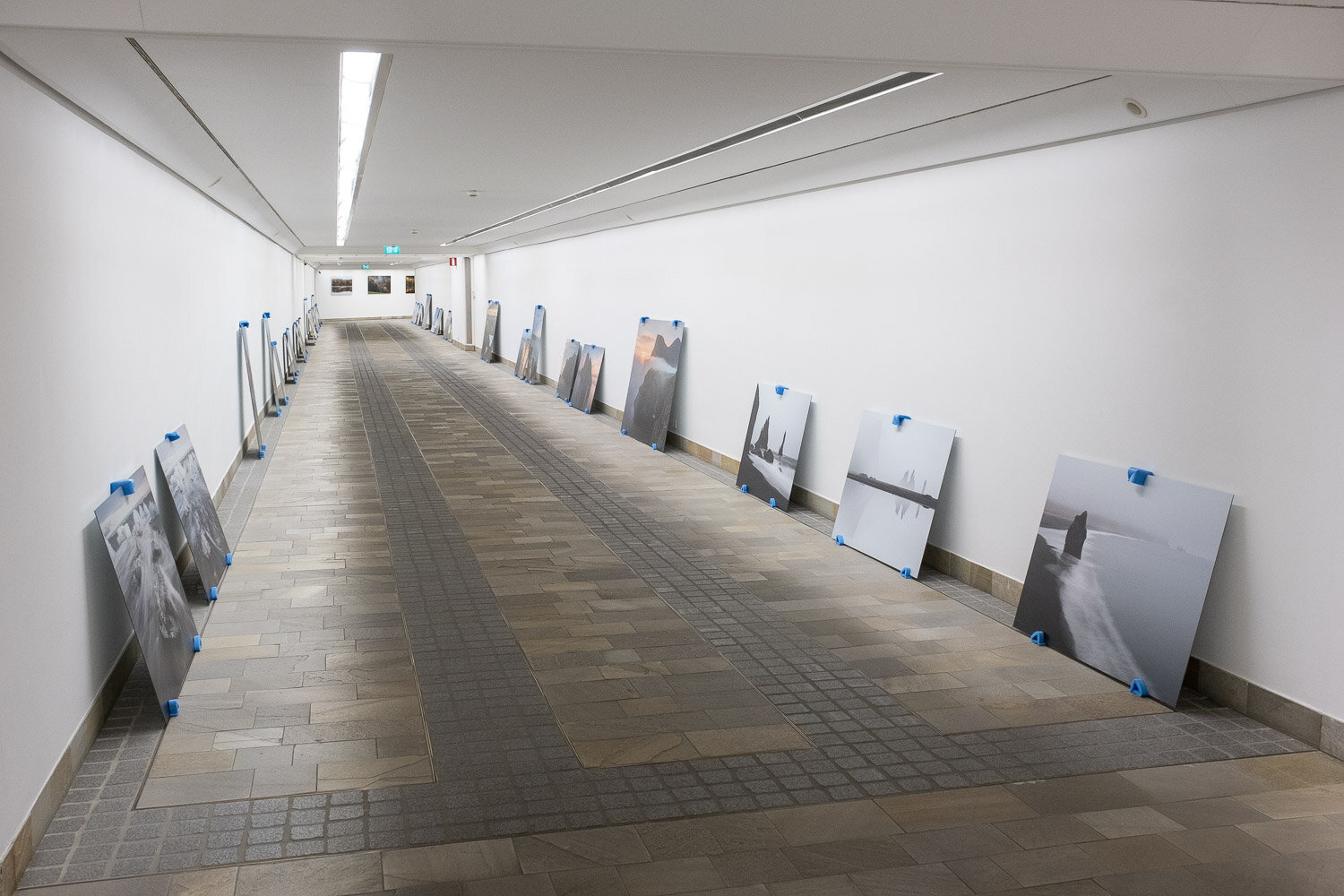
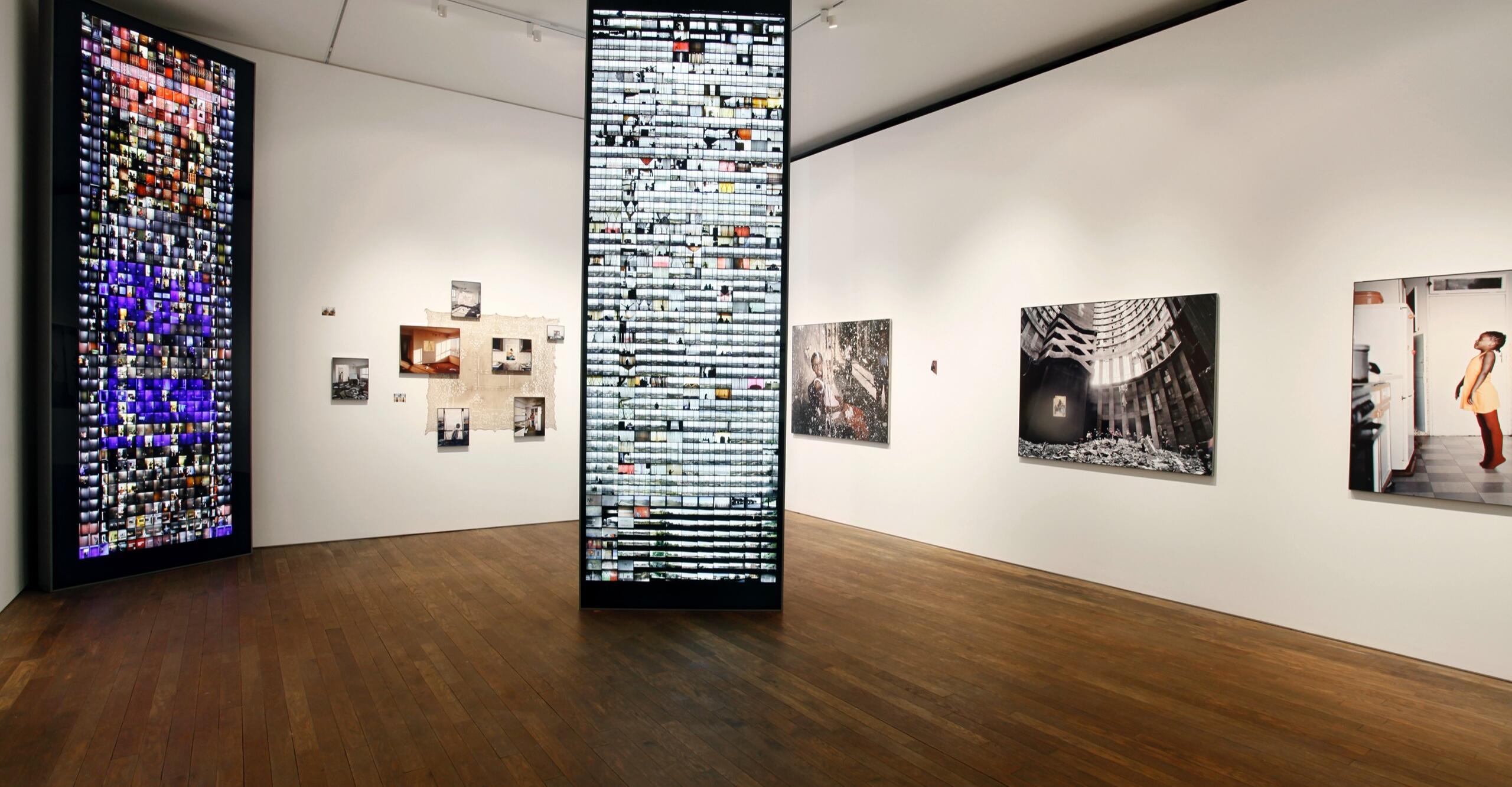
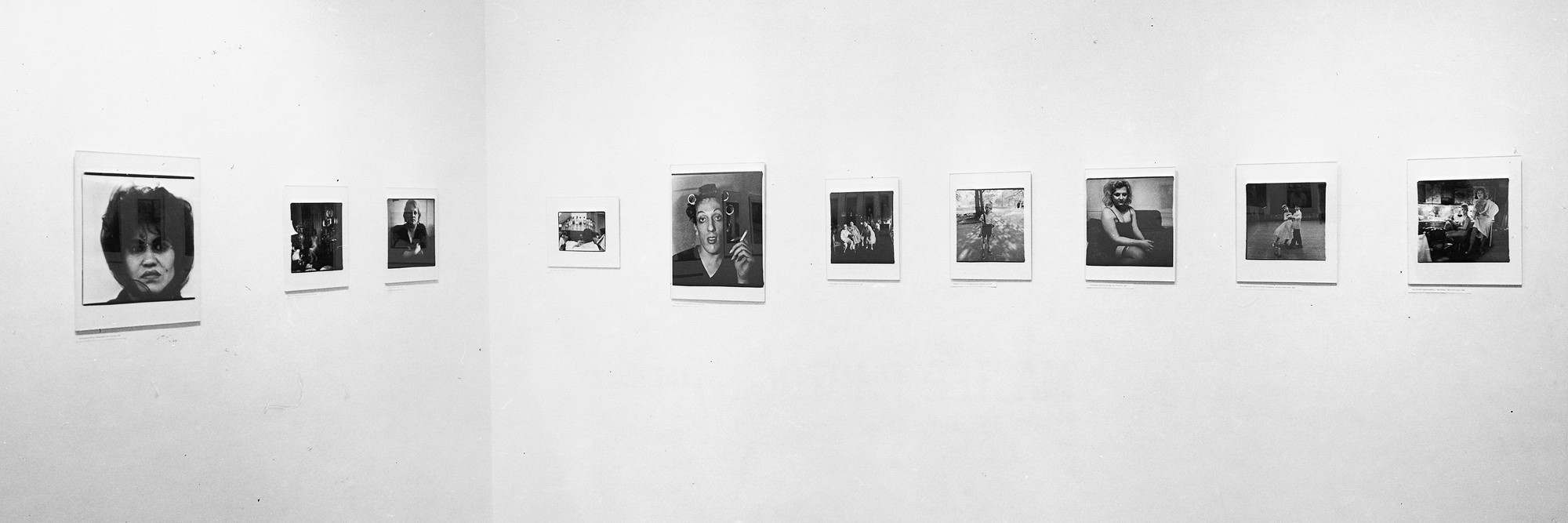
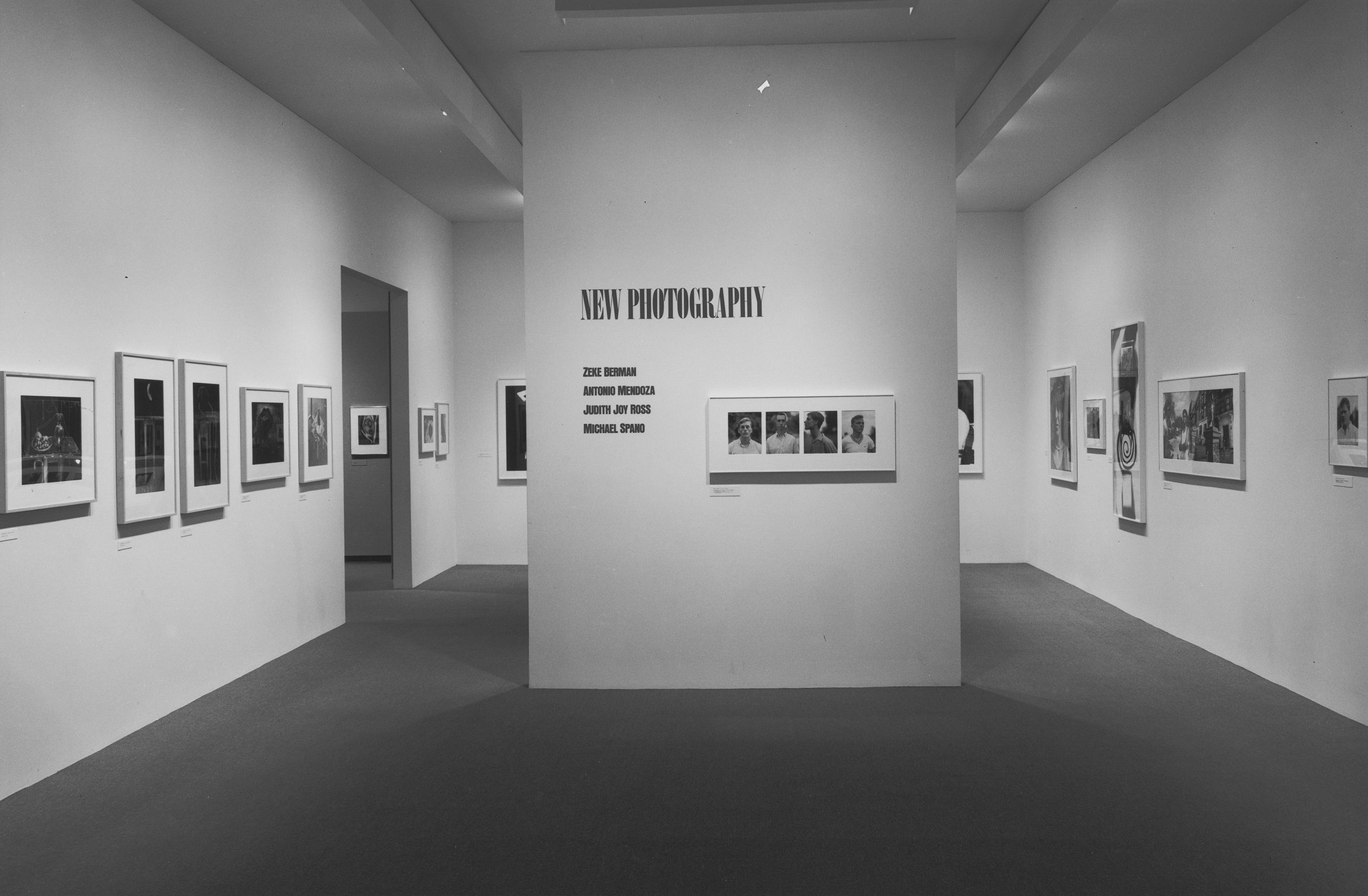
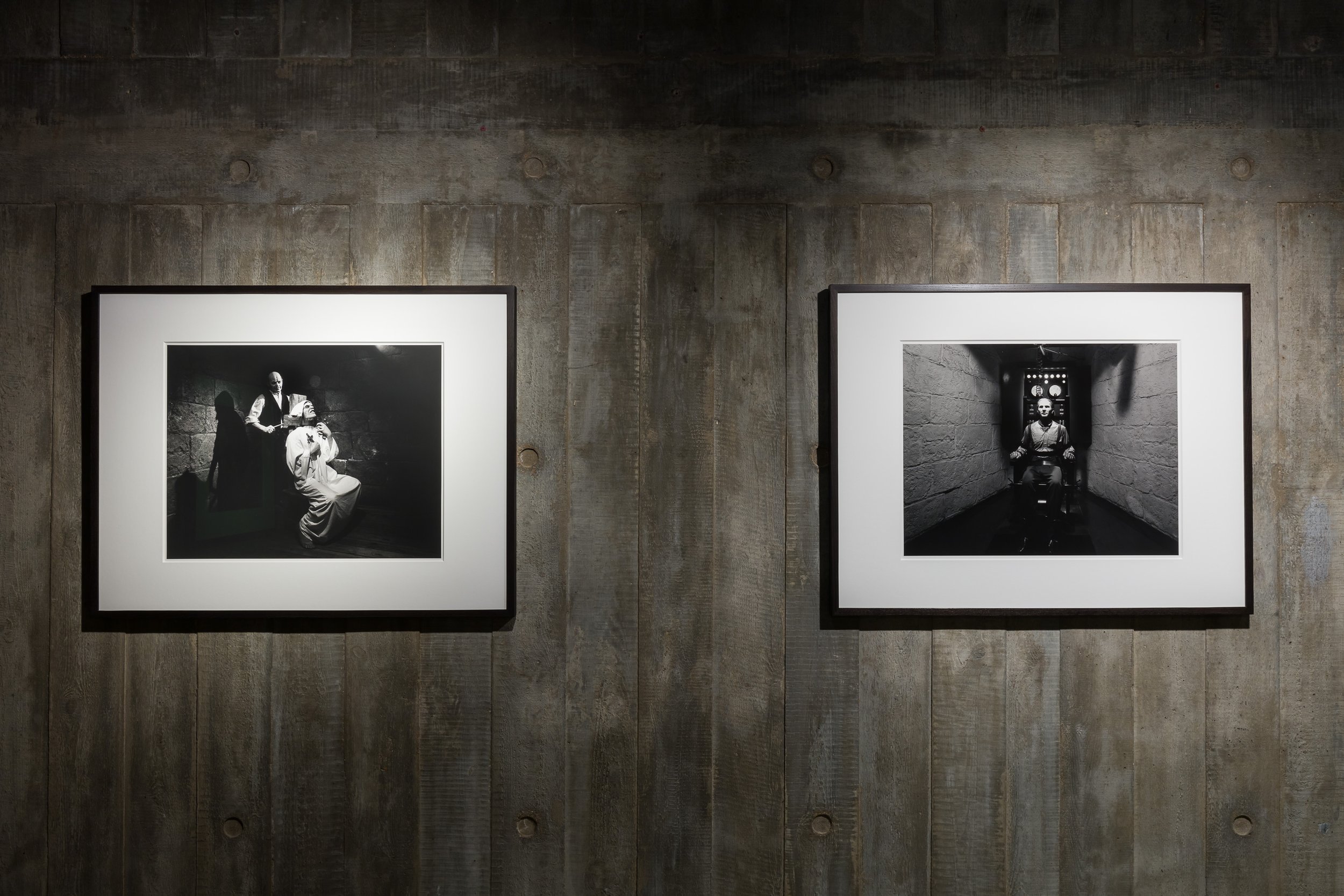
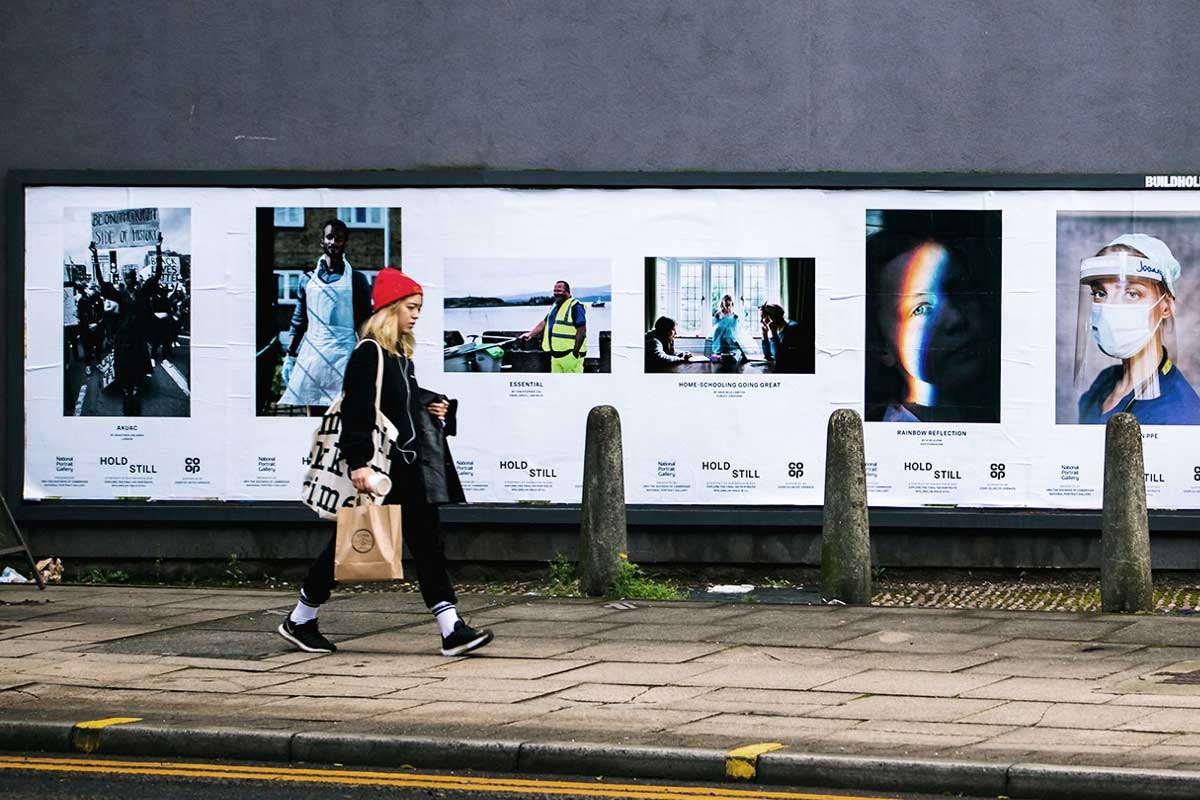
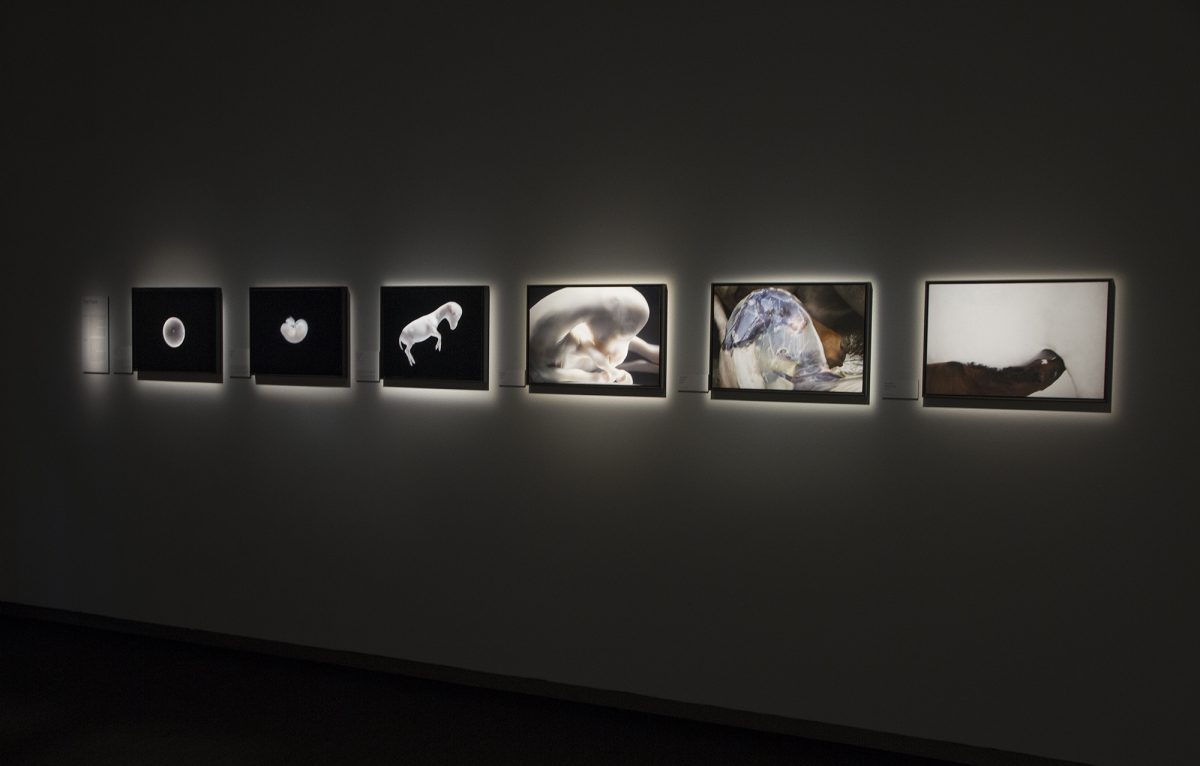
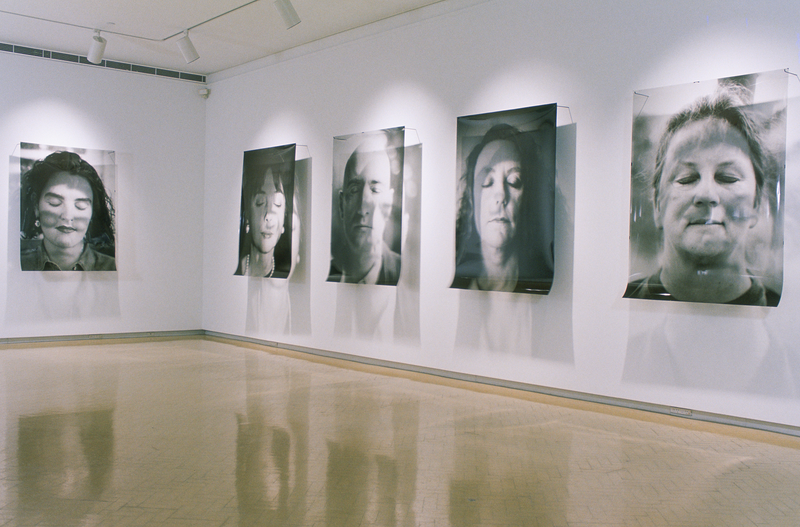
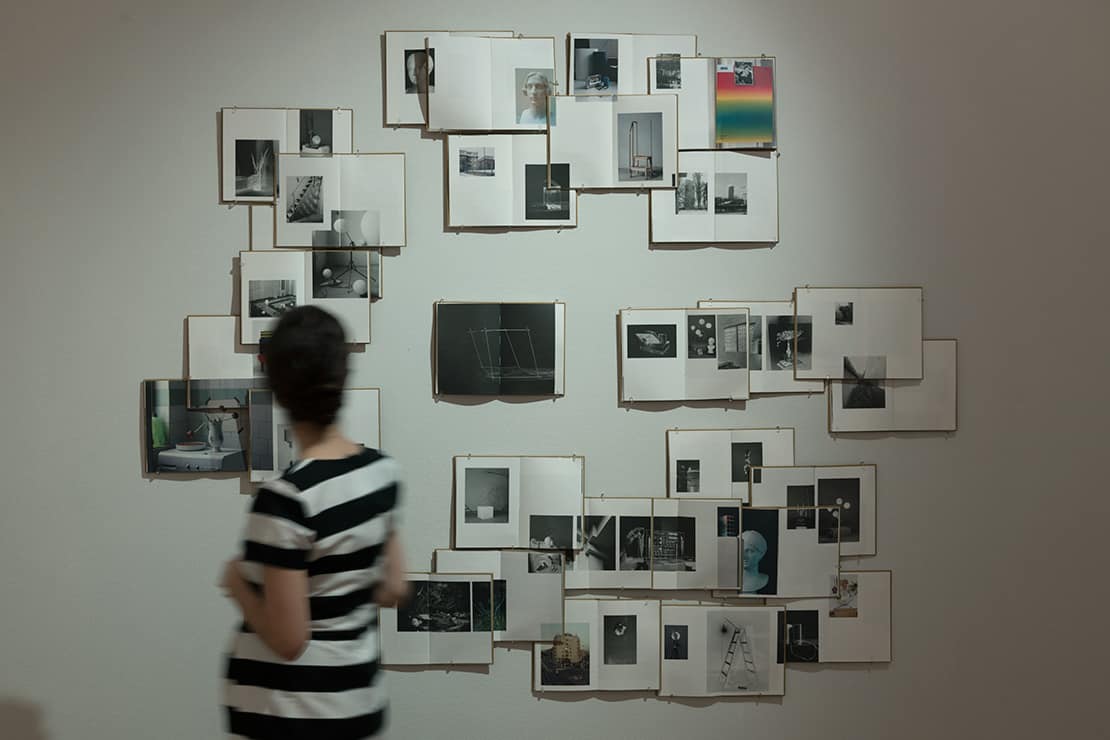
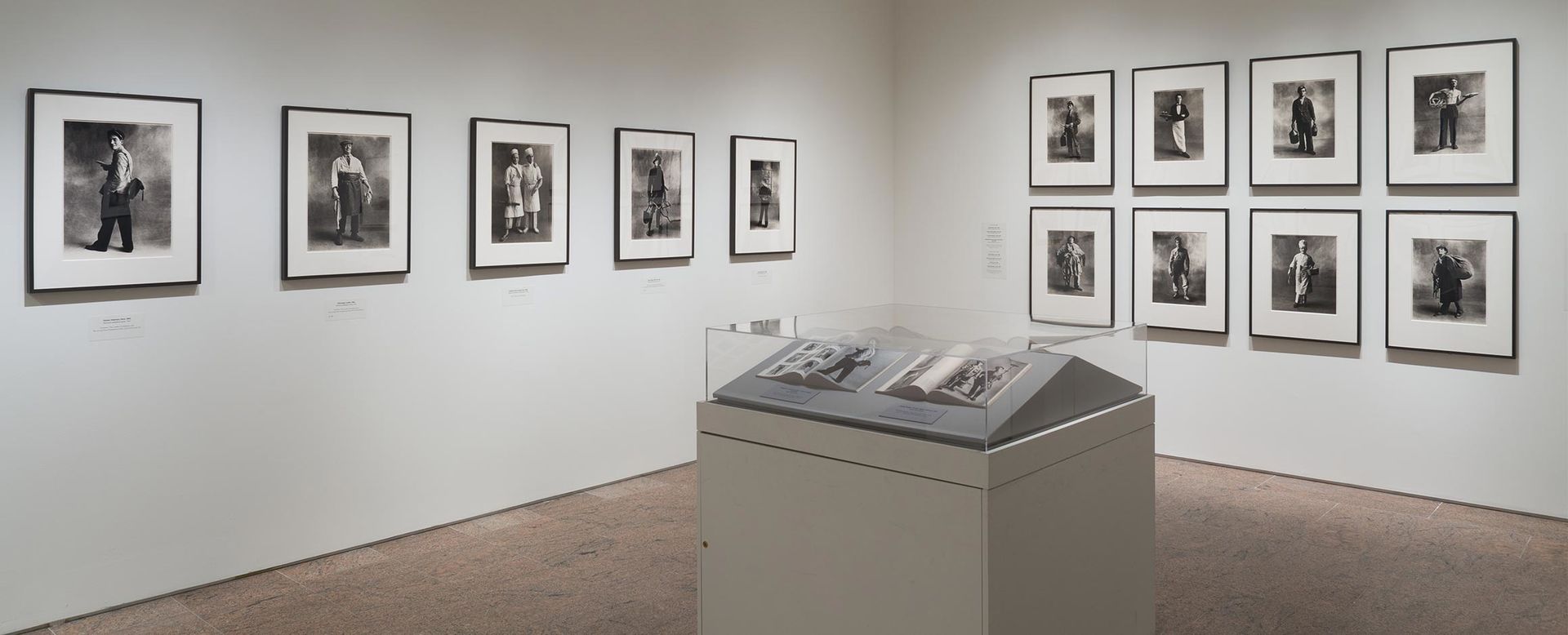
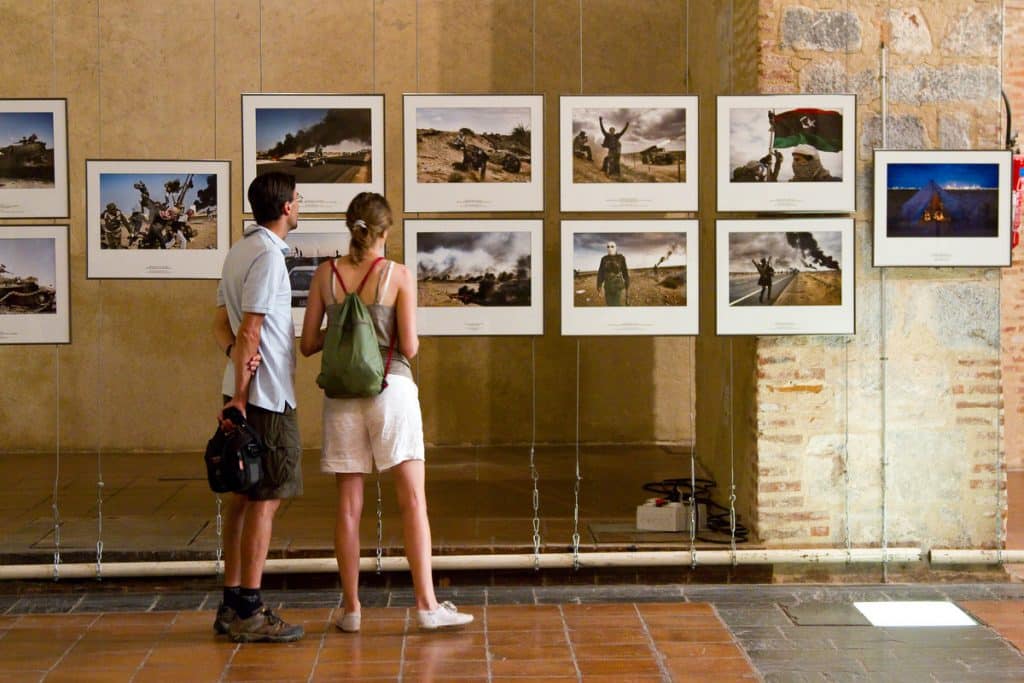

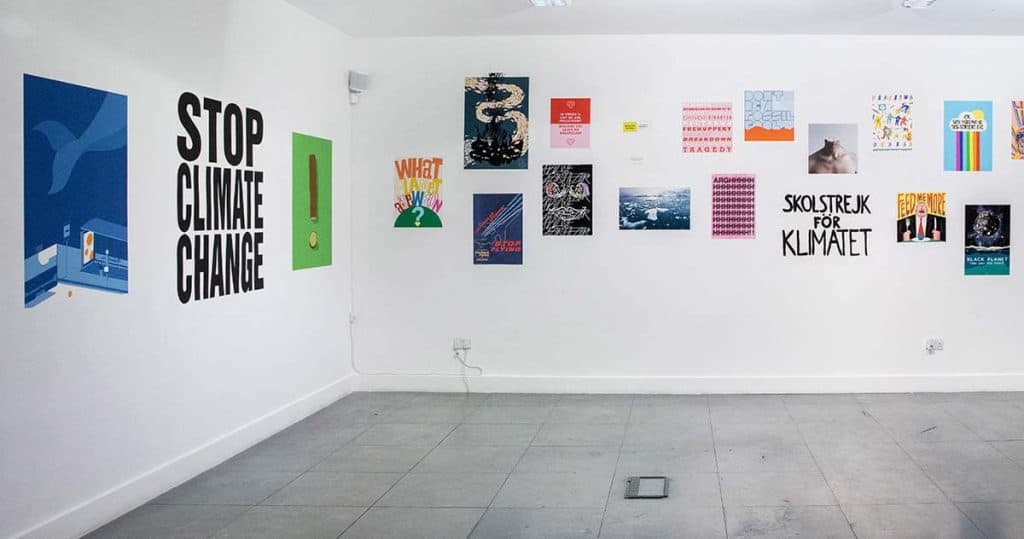
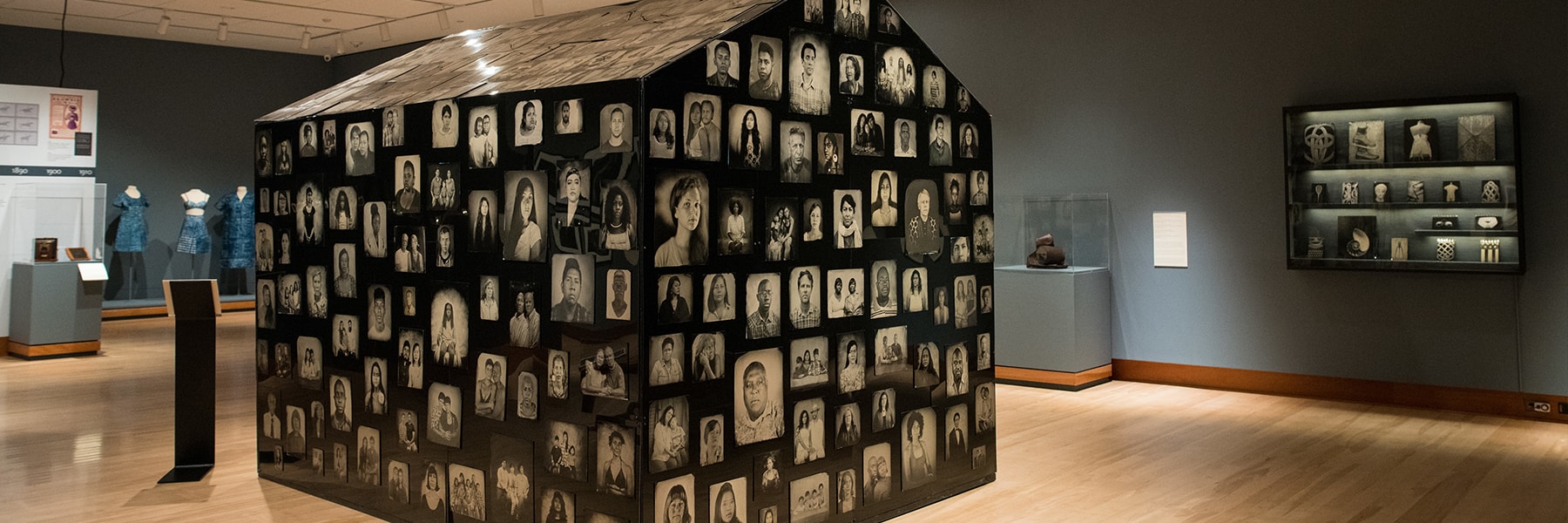
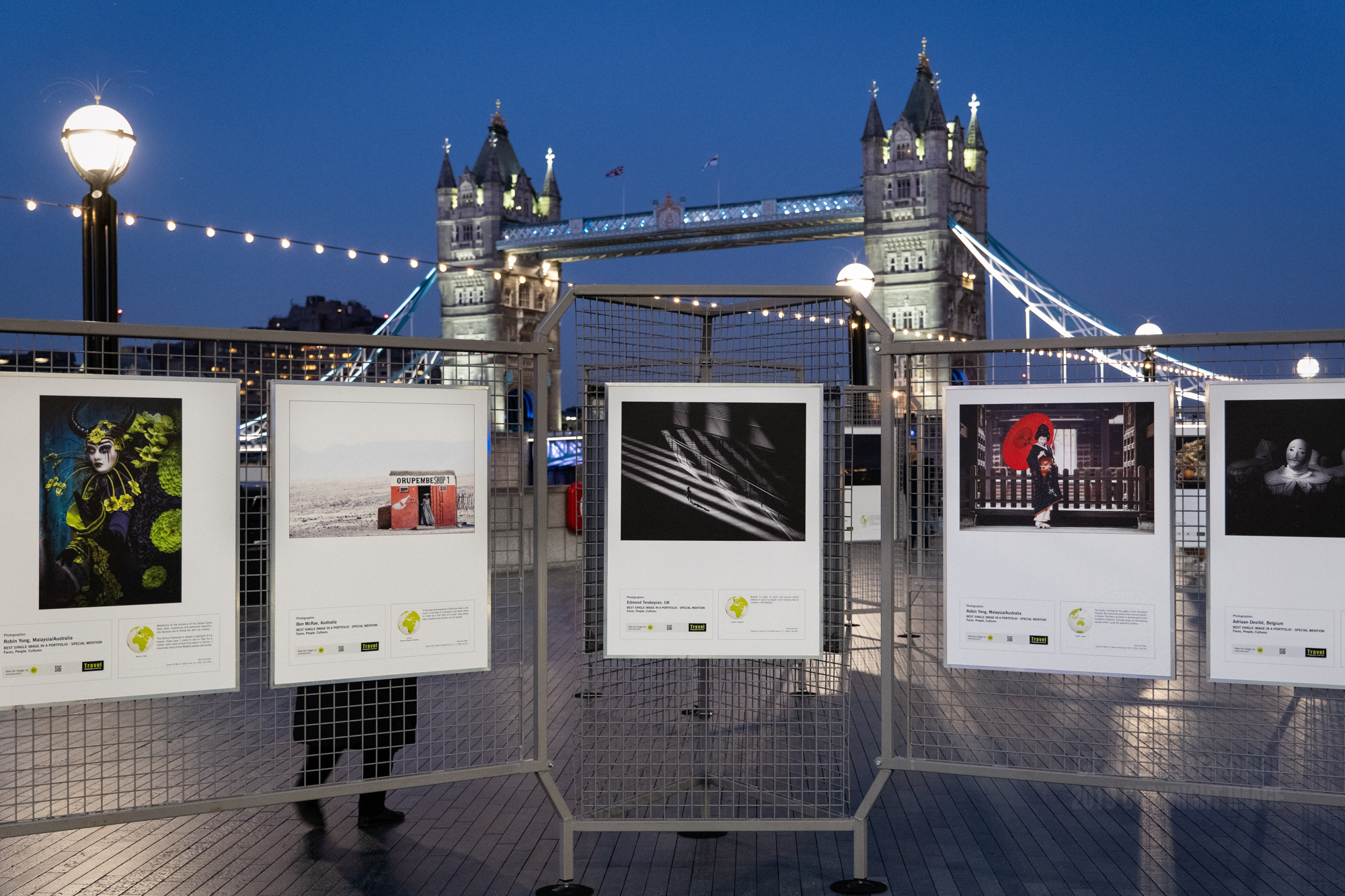
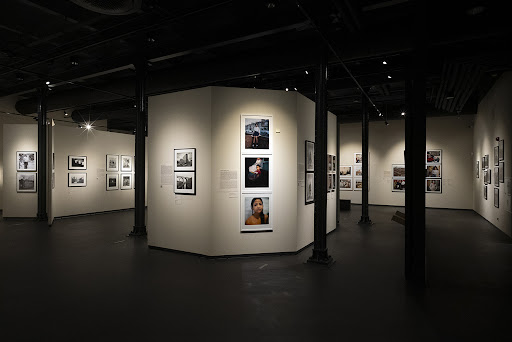

A key point I took away from looking at existing photography exhibitions was the use of location and lighting and how these are used to focus or inform the photography.
I wanted to look at existing exhibitions of what is to be considered nonconventional examples of photography exhibitions, remembering my research I did for exhibitions in CoLab2 in first year and how that informed me then.
A digital photography exhibition is informed by exhibitions of the physical world but not constrained by space limitations.
Testing Hand Tracker :

Digital Exhibitions :
Radioheads KID A MNESIA Exhibition :
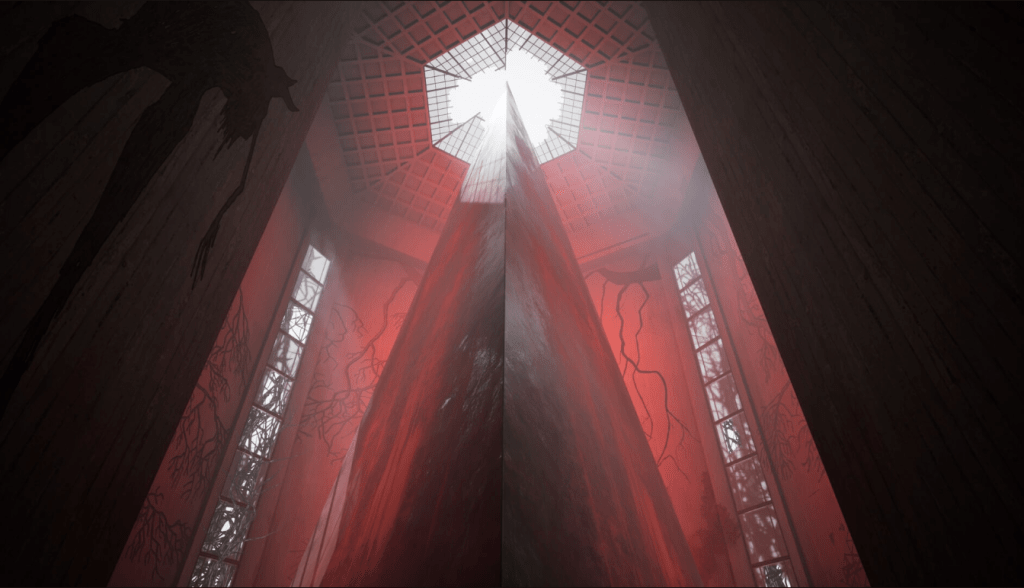
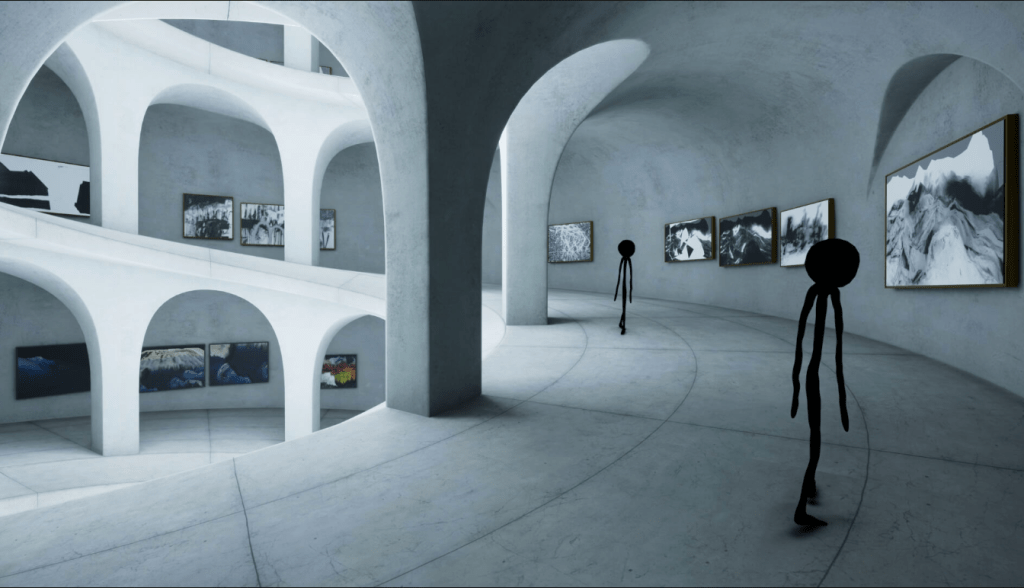


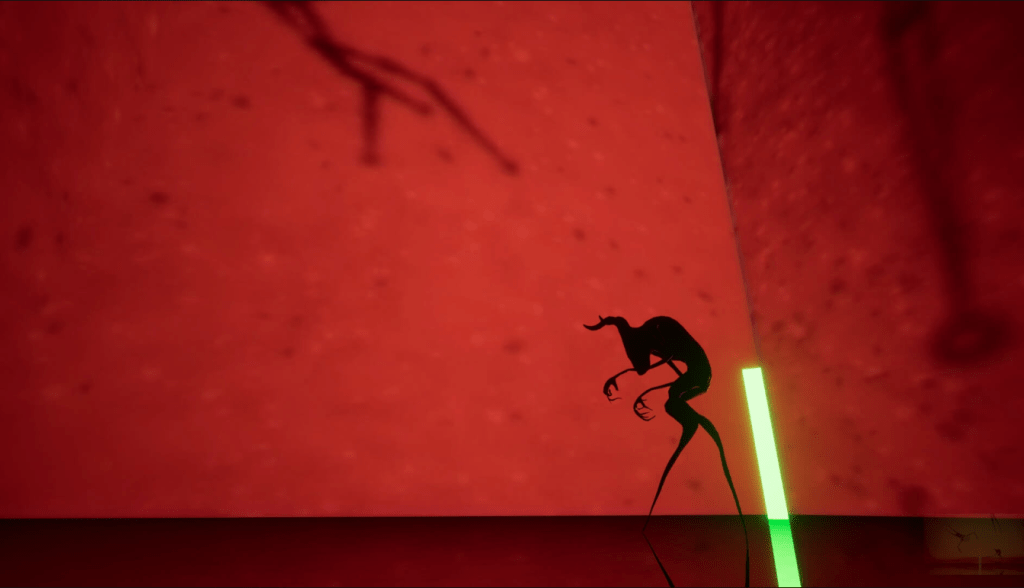
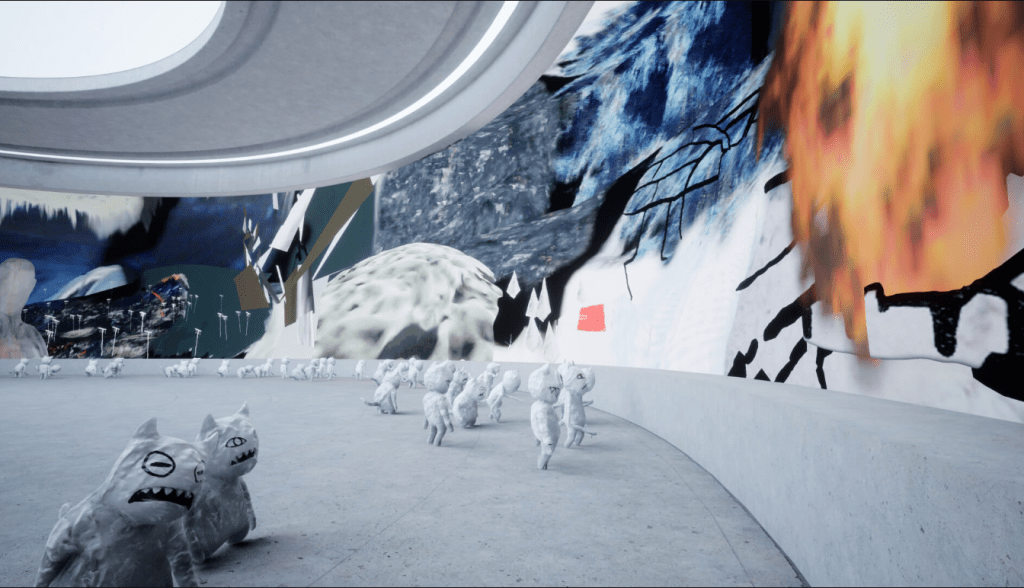

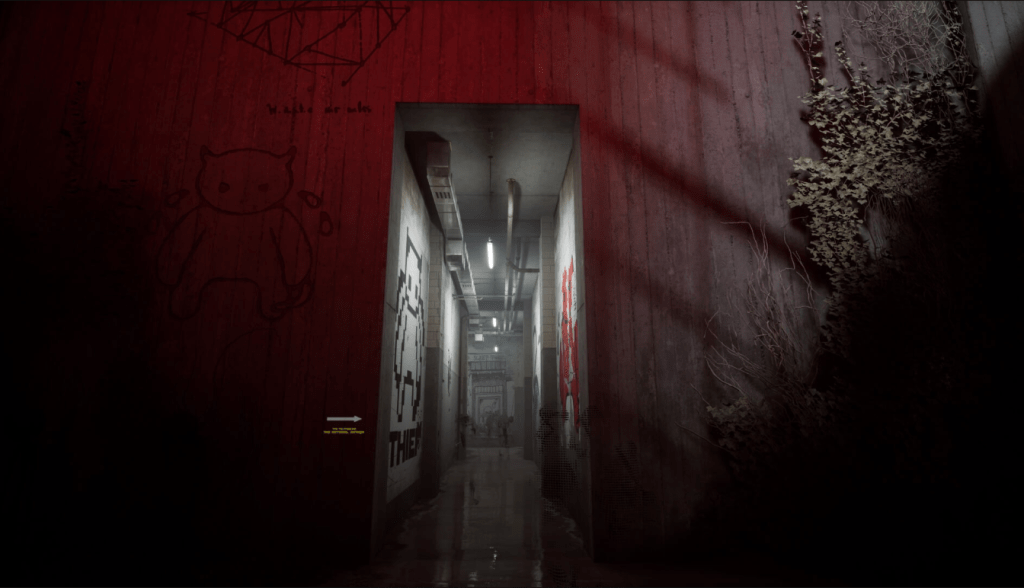

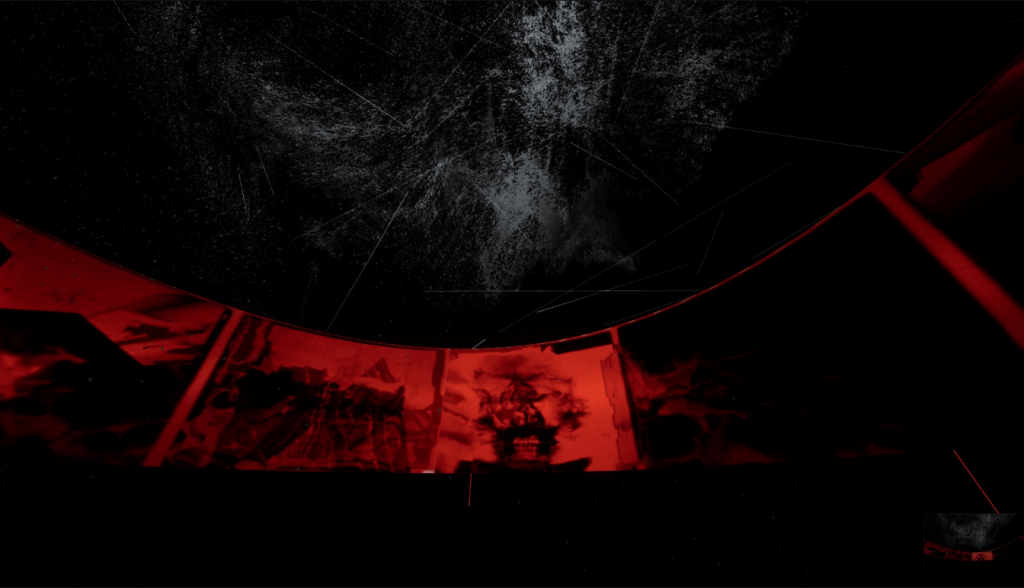
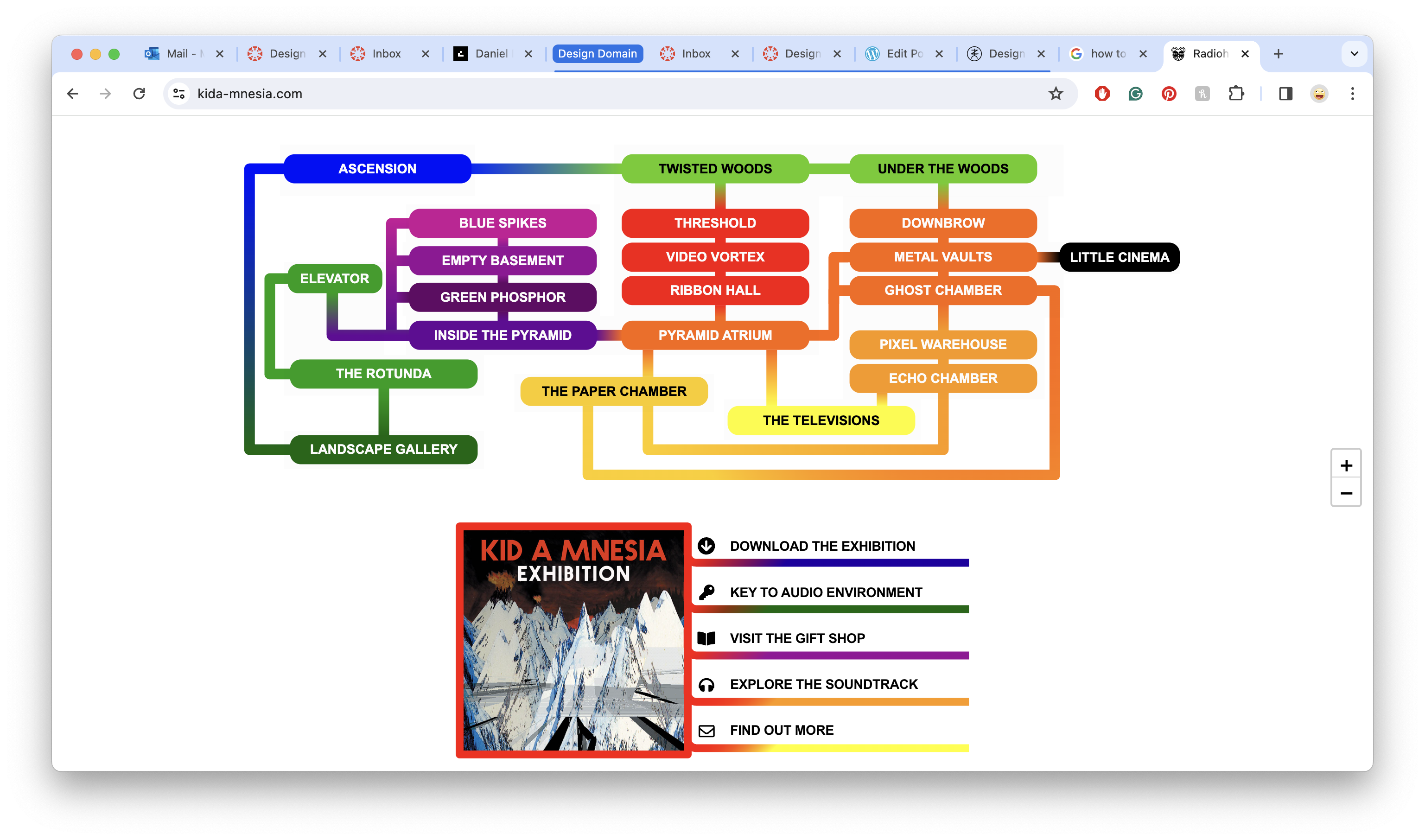

https://store.epicgames.com/en-US/p/kid-a-mnesia-exhibition
After a conversation with my father about music, Radiohead and my idea for this project, he reminded me of the KID A MNESIA Exhibition I showed him a couple of years ago and how they used a digital space to transport the viewer to space and display their multiple different works as well as their music.
Game Plan :
What I want to do for Design Domian submission:
- I want to create a 3D virtual exhibition in unity that will house the photography of different people and practitioners and highlight the process of aging and stories that we carry with us on our hands.
- Possible name for the exhibition : Tools of creation.
- I want the user to traverse the virtual exhibition using their hands and the Leap Motion to continue the theme of using our hands to move; create and process our lifes and surroundings.
- I want to collect more photography of peoples hands from a number of different people.
- Within time constraints I dont think its possible but I’d like to take this concept forward and develop a VR experience.
How I’m going to do it :
- Create a 3D space in Unity that will hold the photography of the hands.
- Name the exhibition
- Use the Leap Motion to Control the Unity Scene and allow the user to move through the space
- Continue to collect photos from throughout the Art school and throughout my life and the people I encounter
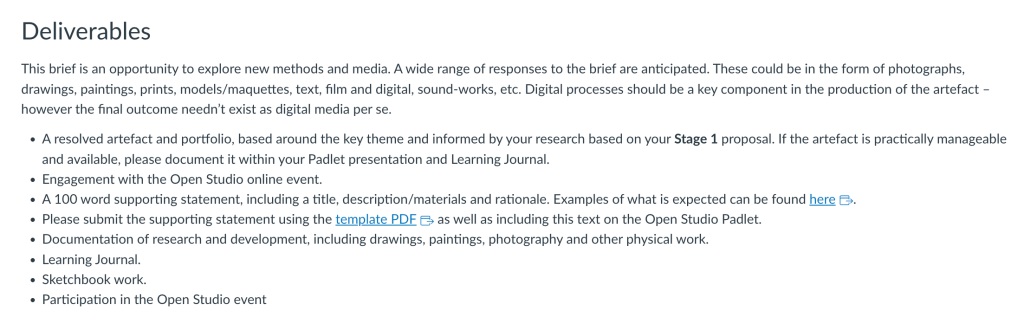
Design Domain Part Two : Brief

Building the Exhibition :
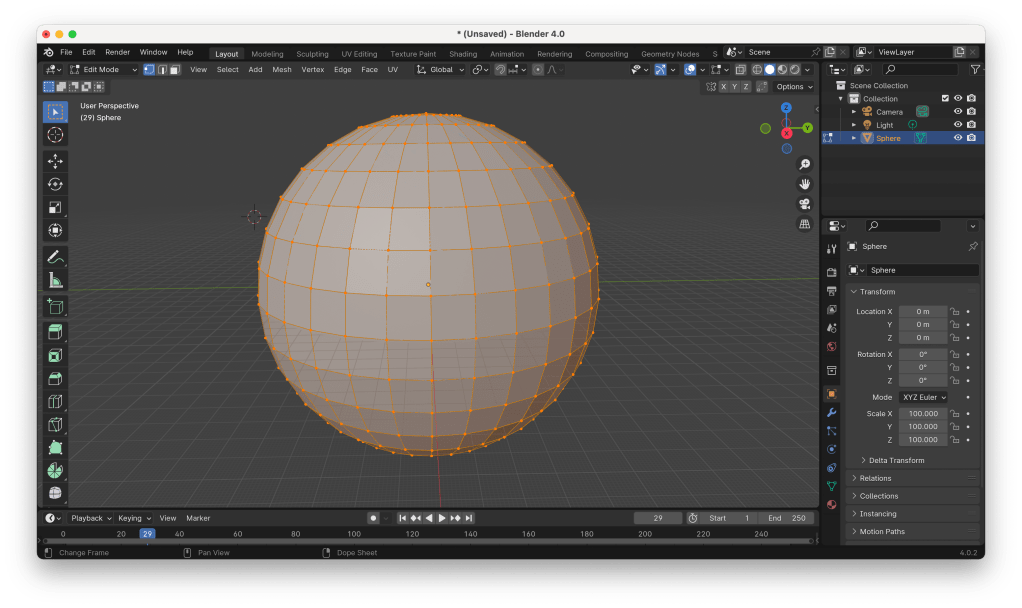
Using Blender for the first time, I created the sphere to hold the exhibition. The goal is to create a space for the exhibition that couldn’t be replicated or would be very hard to replicate in real life without being too much to take away from the photography.
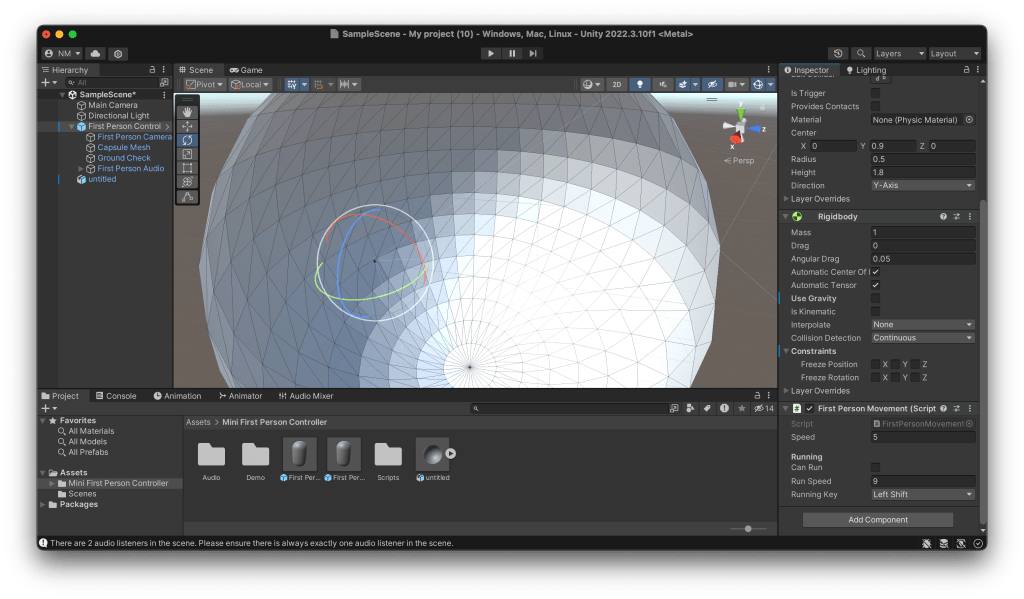
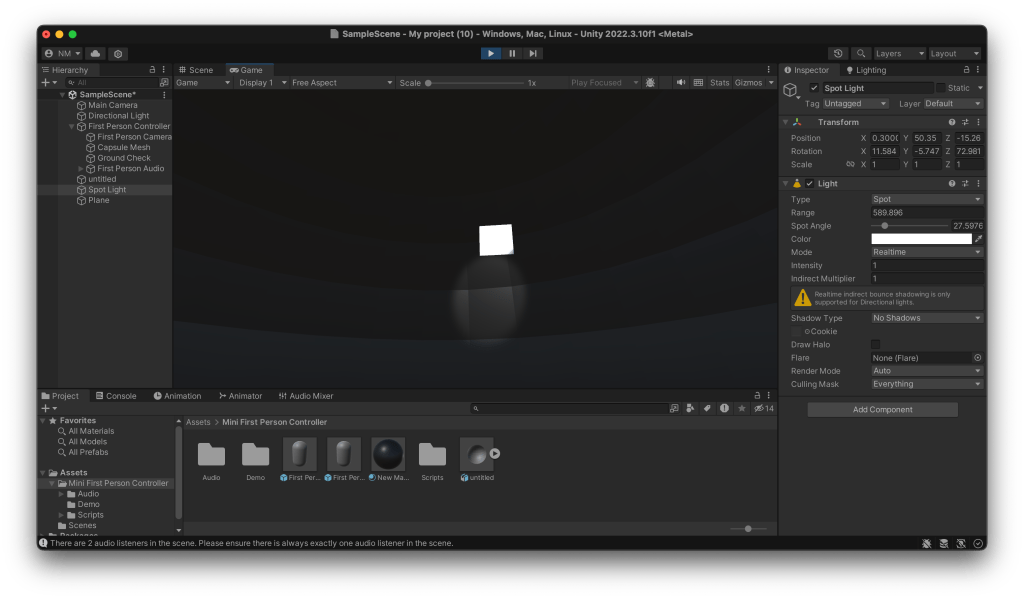
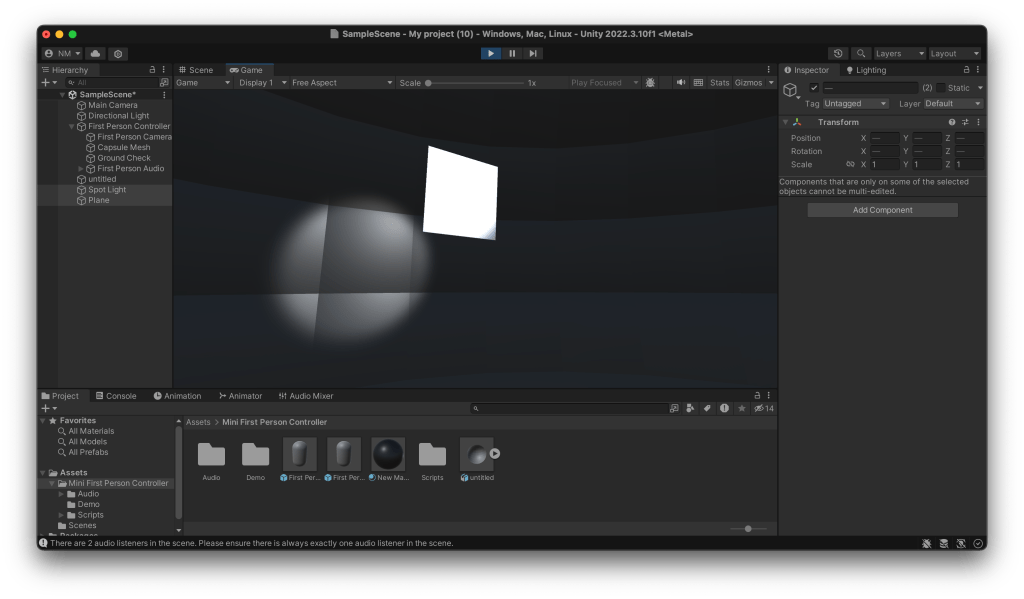
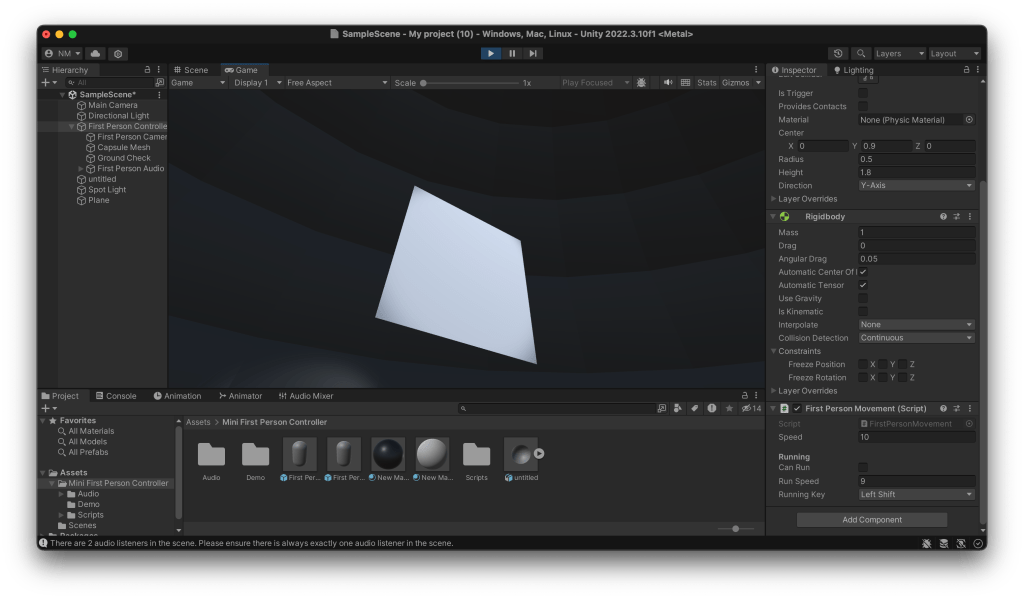

With floating massless planes holding the photography, again adding to the wonder of the environment but not drawing from the photography.
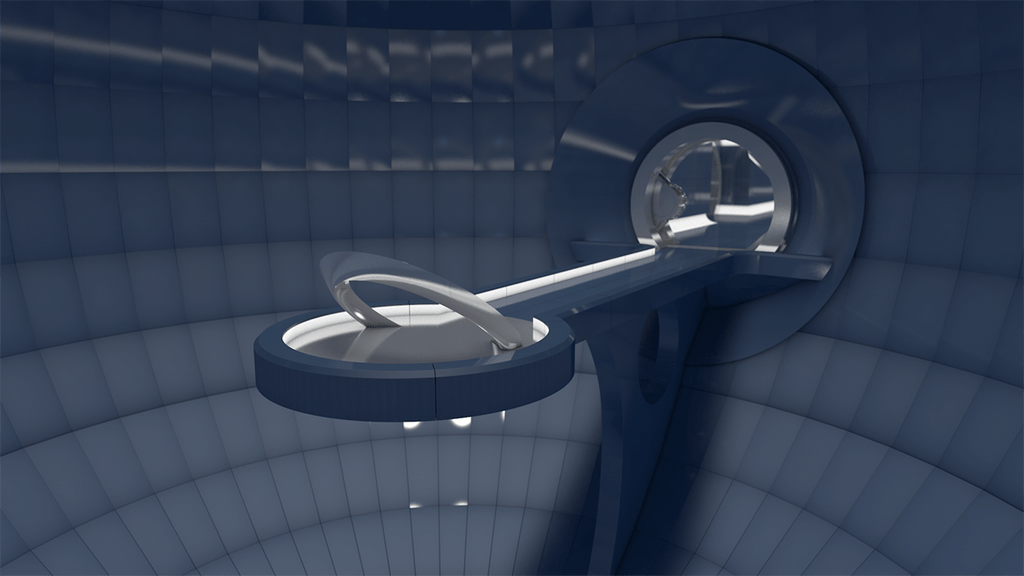
And just now I’m realising that I’ve created Cerebro from the X-Men comics.
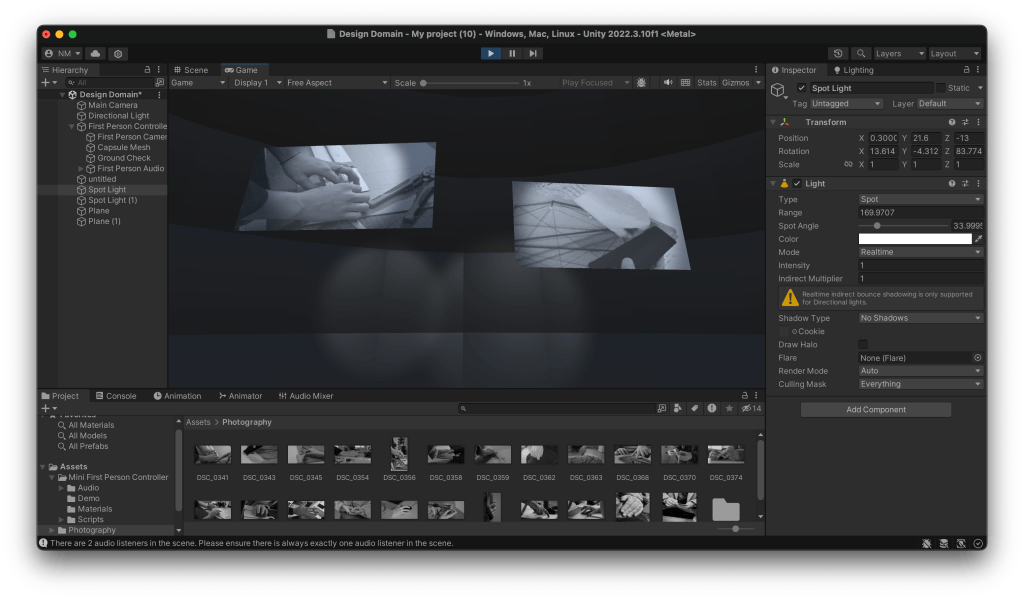
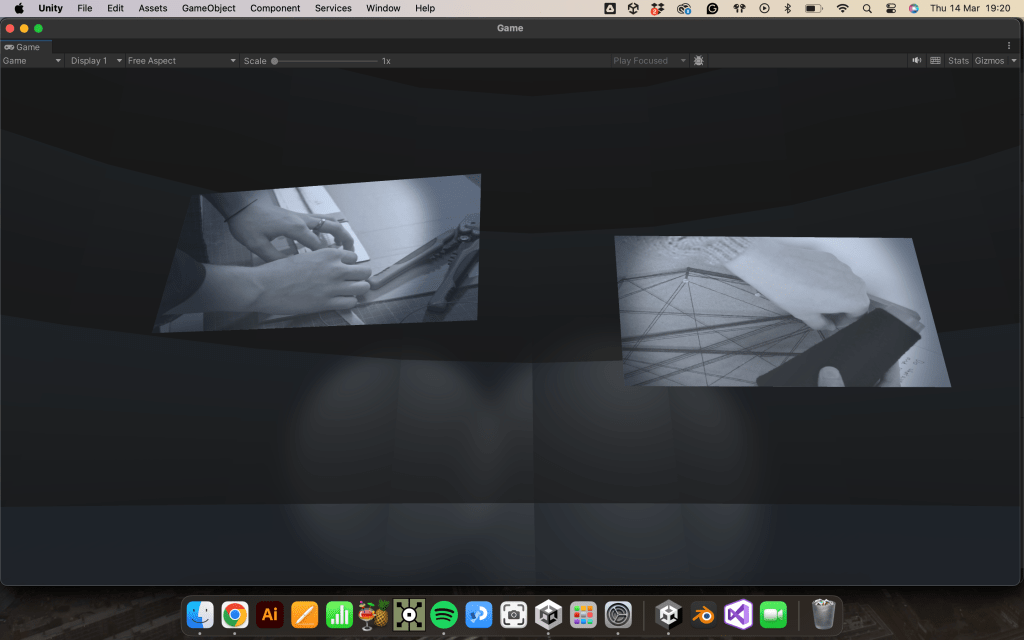
In building this exhibition for my photography I want to create a space with a relationship to the physical world of photography and the digital world.
What I’d like to explore further if I have time is :
- Better photography, really taking time to get shots I’m proud of, the subjects being a range of different creators and their hands
- Develop this exhibition for VR to make the experience more encapsulating.
- I still aim to implement the hand movement for the traversal.
Conversation with Neil :
Neil – “Hand based interaction in Leap Motion has a nice parallel with the photographs themselves but again, I’m not sure first-person movement controlled that way would be the most effective use of it… virtual galleries are interesting but maybe it’s not the right approach (just a thought)… wouldn’t a transition between the photographs triggered by hand movement be a bit more elegant? The simplest outcomes are often the most impactful! Have a think yourself and we can talk it over during the week.”
Me – “Yeah well to be honest I had that idea initially but was worried it wouldn’t be enough, but yeah you’re probably right, just a simple slideshow that is triggered by the hands would be elegant, what would I be using that in though ? Still Unity or use the leap motion in processing ?”
Neil – “Yes processing might be simpler / lower overhead if you were only working in 2D and without undergoing lighting effects etc. that might colour the original photographs.
That would definitely be enough so don’t worry about that – there’s power in the minimal!”
Something to remember :
“there is power in the minimal!”
After starting part two of this project, I want to complicate my work and make it bigger and better rather than simplify and work on its nuances.
This is because I can do better with my photography.
After the reading week :
Honestly, during the reading week, I wasn’t as productive as I would have liked, and if I had come into the studio, I would have gotten more done. However, I’d also like to note in this part of the process that I did enjoy spending time with my family and gained some valuable ideas and insight just by spending time with them and allowing the balance of work and personal life.
Building Something Simpler :
Trouble with the Leap Motion, I’ve stumbled into using the touch display for my work because the Leap Motion seems to be having some trouble; I could use the touch screen or something like a trackball, as Paul suggested.

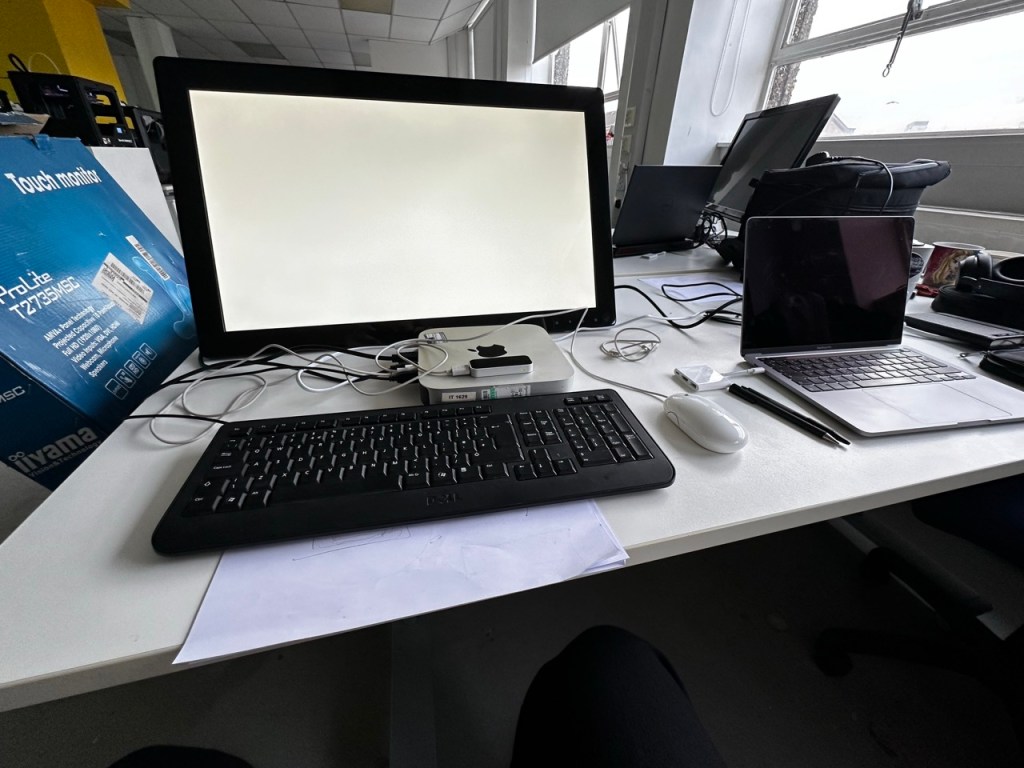
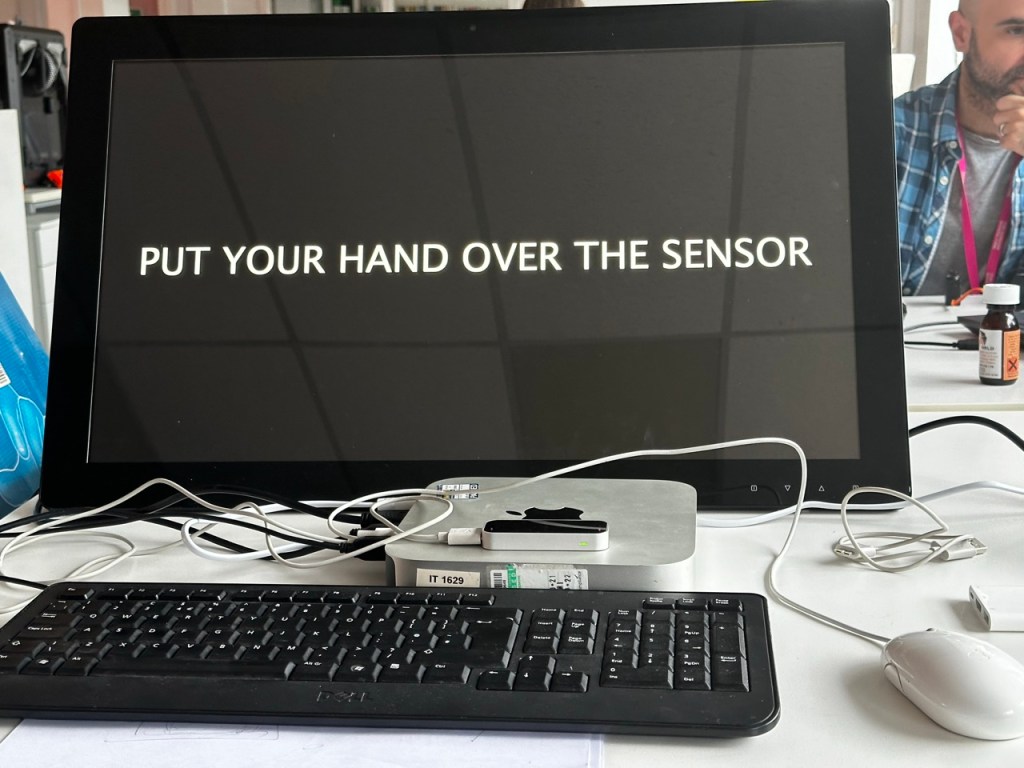

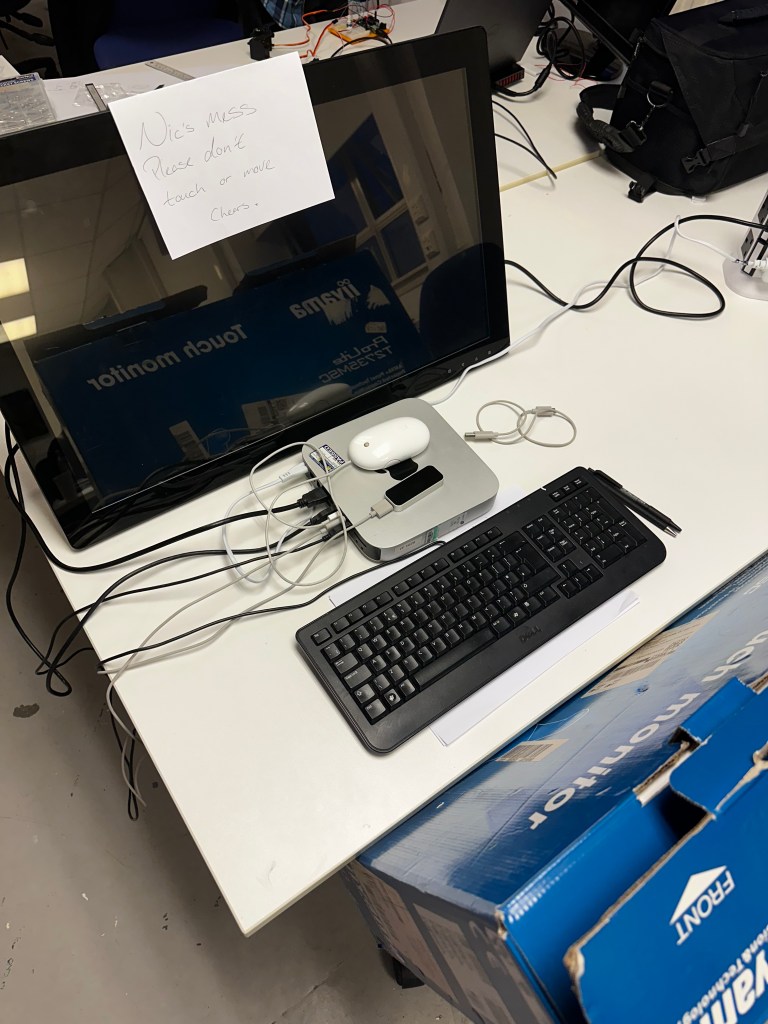
Paul and his technical wizardry have got the leap motion to work. It seems to draw people to it when they see it working, and I’m getting positive feedback from its responsiveness. However, it will need some tweaking for the feel to be a pleasant experience.
Also, the image sizes are hilariously massive (6000 x 3500 px) for what I’m using them for. The sketch will run a lot smoother and load a lot quicker once I’ve made them a more reasonable file size and resolution.
The Code :
PImage attractorImg;
PImage[] images1, images2, images3;
float mx, my, lmx, lmy;
float ease = 0.01;

boolean debug = false;
int state = 0;
float alpha = 0;

void setup() {
  //size(960, 540, P3D);
  fullScreen(P3D);
  noCursor();
  setupLeap();
  attractorImg = loadImage("AttImage.png");
  images1 = new PImage[8];
  for (int i = 0; i < 8; i++) {
    String f = "DSC_"+nf(341+i,4)+".jpg";
    images1[i] = loadImage(f);
    images1[i].resize(1920, 0);
  }
  println("LOADED SET 1!");
  if (!debug) {
    images2 = new PImage[8];
    for (int i = 0; i < 8; i++) {
      String f = "DSC_"+nf(349+i,4)+".jpg";
      images2[i] = loadImage(f);
      images2[i].resize(1920, 0);
    }
    println("LOADED SET 2!");
    images3 = new PImage[8];
    for (int i = 0; i < 8; i++) {
      String f = "DSC_"+nf(357+i,4)+".jpg";
      //println(f);
      images3[i] = loadImage(f);
      images3[i].resize(1920, 0);
    }
    println("LOADED SET 3!");
  }
}

void draw() {
  switch (state) {
  case 0:
    doAttractor();
    break;
  case 1:
    doMain();
    break;
  }
}

void doAttractor() {
  background(0);
  noLights();
  updateLeap();
  alpha = min(alpha+4, 255);
  tint(255, alpha);
  imageMode(CORNER);
  image(attractorImg, 0, 0, width, height);
}

void doMain() {
  background(0);
  noLights();  updateLeap();
  pushMatrix();
  translate(width/2, height/2, 0);
  lmx = lerp(lmx, mx, ease);
  rotateX(radians(lmx));
  lmy = lerp(lmy, my, ease*2);
  rotateY(radians(lmy));
  drawImages(images1);
  if (!debug) {
    float q = 1200;
    pushMatrix();
    translate(0, -q, 0);
    drawImages(images2);
    popMatrix();
    pushMatrix();
    translate(0, q, 0);
    drawImages(images3);
    popMatrix();
  }
  popMatrix();
  alpha = max(alpha-8, 0);
  if (alpha > 0) {
    tint(255, alpha);
    imageMode(CORNER);
    image(attractorImg, 0, 0,width,height);
  }
}

void drawImages(PImage[] _images) {
  noTint();
  float m = -2500;
  //println(int(m));
  for (int i = 0; i < _images.length; i++) {
    pushMatrix();
    imageMode(CENTER);
    rotateY(radians(45*i));
    translate(0, 0, m);
    image(_images[i], 0, 0);
    popMatrix();
  }
}
Attractor Image :
Something I honestly hadn’t considered until my conversation with Paul was an attractor image and how you might need to invite people to interact with your piece or inform them about it in an exhibition with a screen-based output.
After a conversation with a 4th-year student, he informed me of the brutal fact that the majority of people who will interact with your piece won’t actually read any description or prompts.
“People don’t read sh*t.”
Stewart Marshall (2024)
So with Paul’s suggestion and Stewart’s experience as a student of IxD I made an two possible attractor images :


Personally I preferred the look of the first attractor image I made but after asking others in the studio and considering how people would read this when first interacting with the piece, myself and others agreed that the second image was more informative and true to how the piece would actully be interacted with.
Displaying:

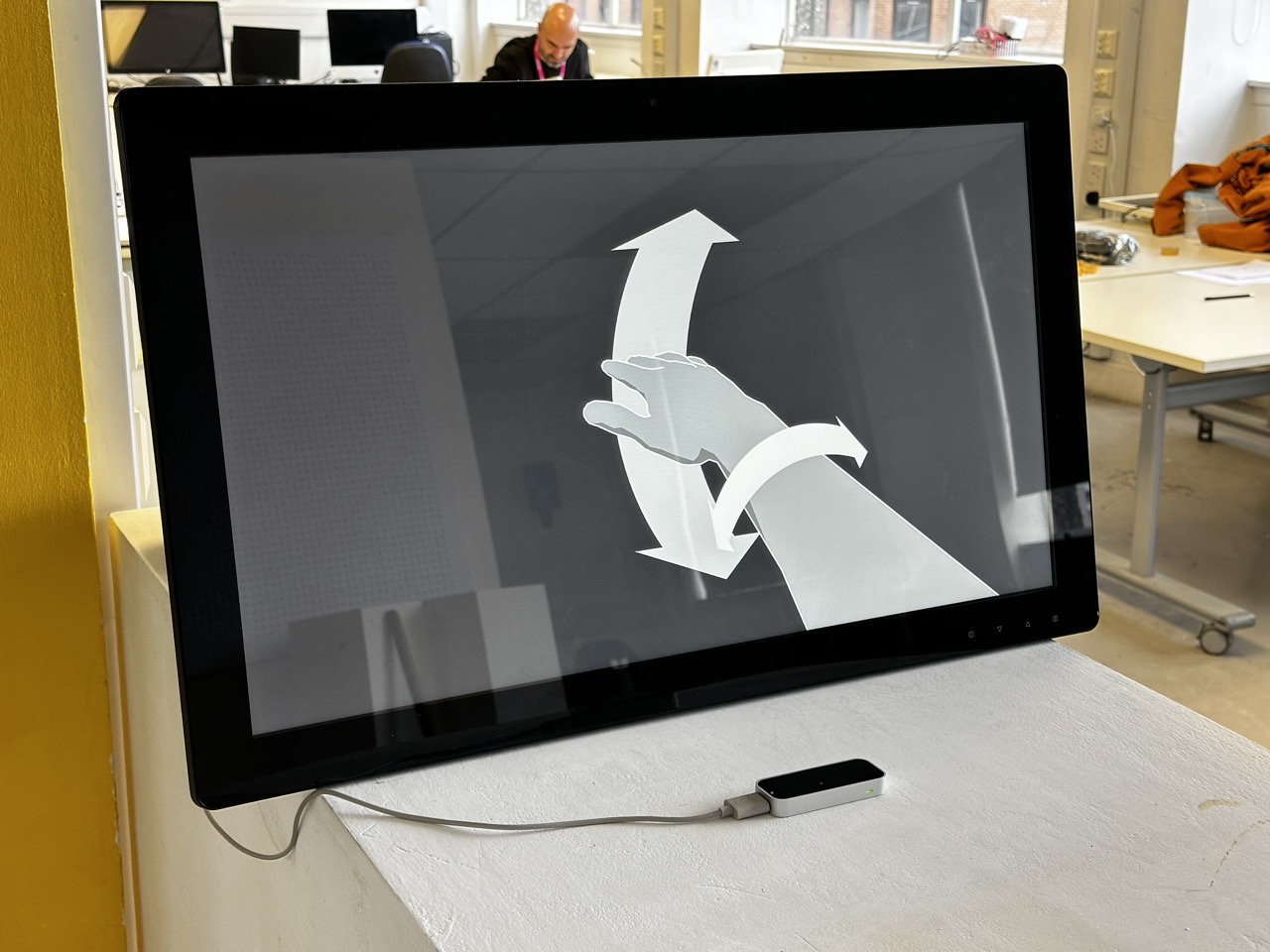


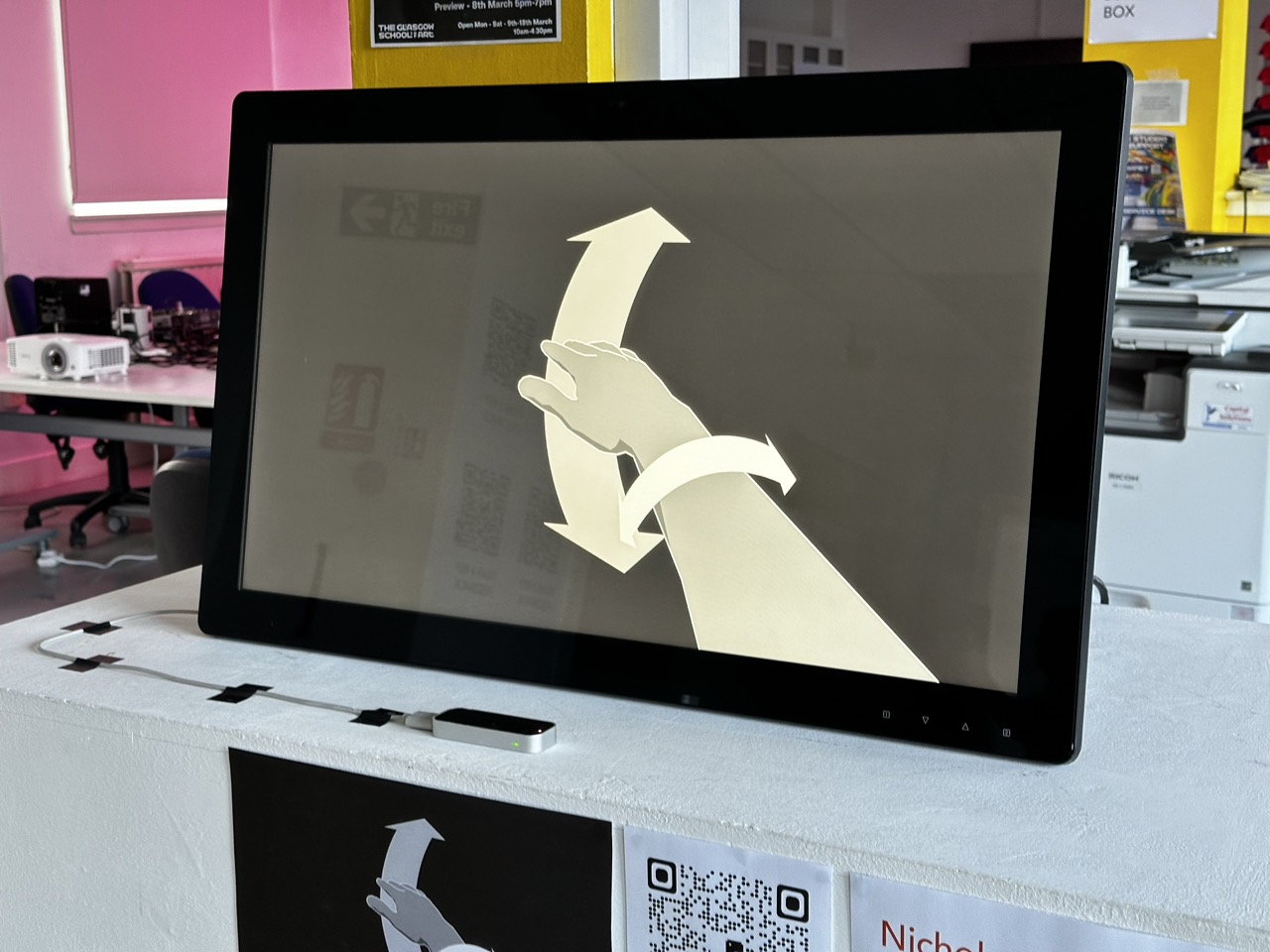
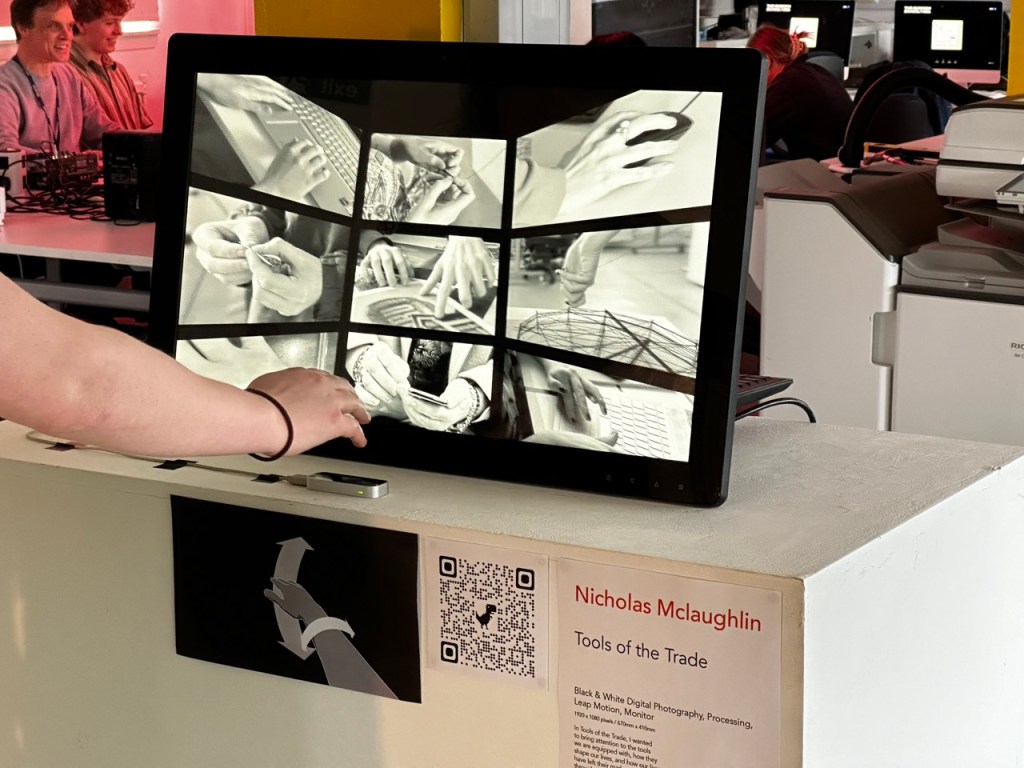
After some suggestions from my peers in the studio that it deserves to be elevated onto a plinth and more open to people rather than on a desk or hidden away somewhere in Open Studio, I displayed it somewhere so as not to obstruct the flow of traffic in the studio but very upfront and obvious.
Tools of the Trade :
Black & White Digital Photography, Processing, Leap Motion, Monitor
1920 x 1080 pixels / 670mm x 410mm
In Tools of the Trade, I wanted to bring attention to the tools we are equipped with, how they shape our lives, and how our lives have left their mark on us. And through the process of making our art, making mistakes, and making decisions in our lives, we wear it all on the very hands used to shape those lives and the lives of those around us.
Exploring the collection of digital photography, I ask that you use your hand to navigate the collection and try to imagine who you’re looking at, the life they’ve lived and the art they’ve created.
Reflection :
On reflection, if I had time to revisit this work, I’d want to redo the photography to a standard I’m happy with. I think more could have been said/ achieved if I maybe did physical photography over digital or spent more time coming to a more purposeful direction with the photography.
To take this further, I’d like to continue collecting photography and implement them into the same processing sketch so that it’s a large tunnel of photography with the ability to ladder between the levels and use a gesture such as a pinch to highlight and focus on a specific photograph within the collection.
 Nicholas McLaughlin Blog
Leave a comment